

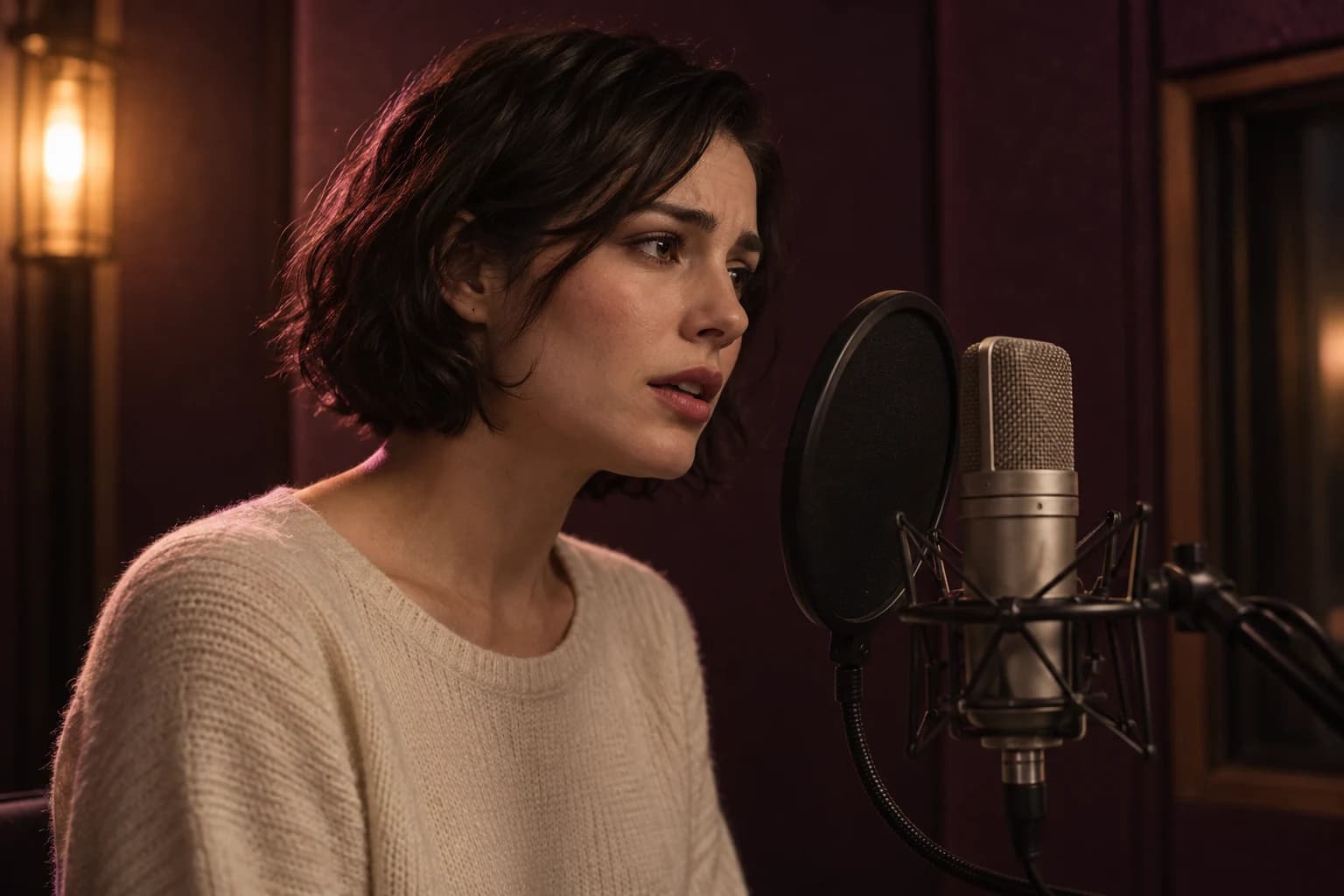
A warning that turns into a whisper
Give one character a clear change of delivery, then narrow the quietest moment to a few words.
View prompt detailsFish Audio · Directed text-to-speech
Direct AI voices with the words you would give an actor. Shape a character's delivery, control a single phrase, or build a multi-speaker scene. Choose Fish Audio Drama 3 on the Astorie canvas to start with your own script.
Watch the full Fish Audio Drama 3 demo. Play with sound to hear the changes in delivery.
Try a character turn, a two-person exchange or a short voiceover. Each brief includes what to listen for and one change to test.
Give one character a clear change of delivery, then narrow the quietest moment to a few words.
View prompt details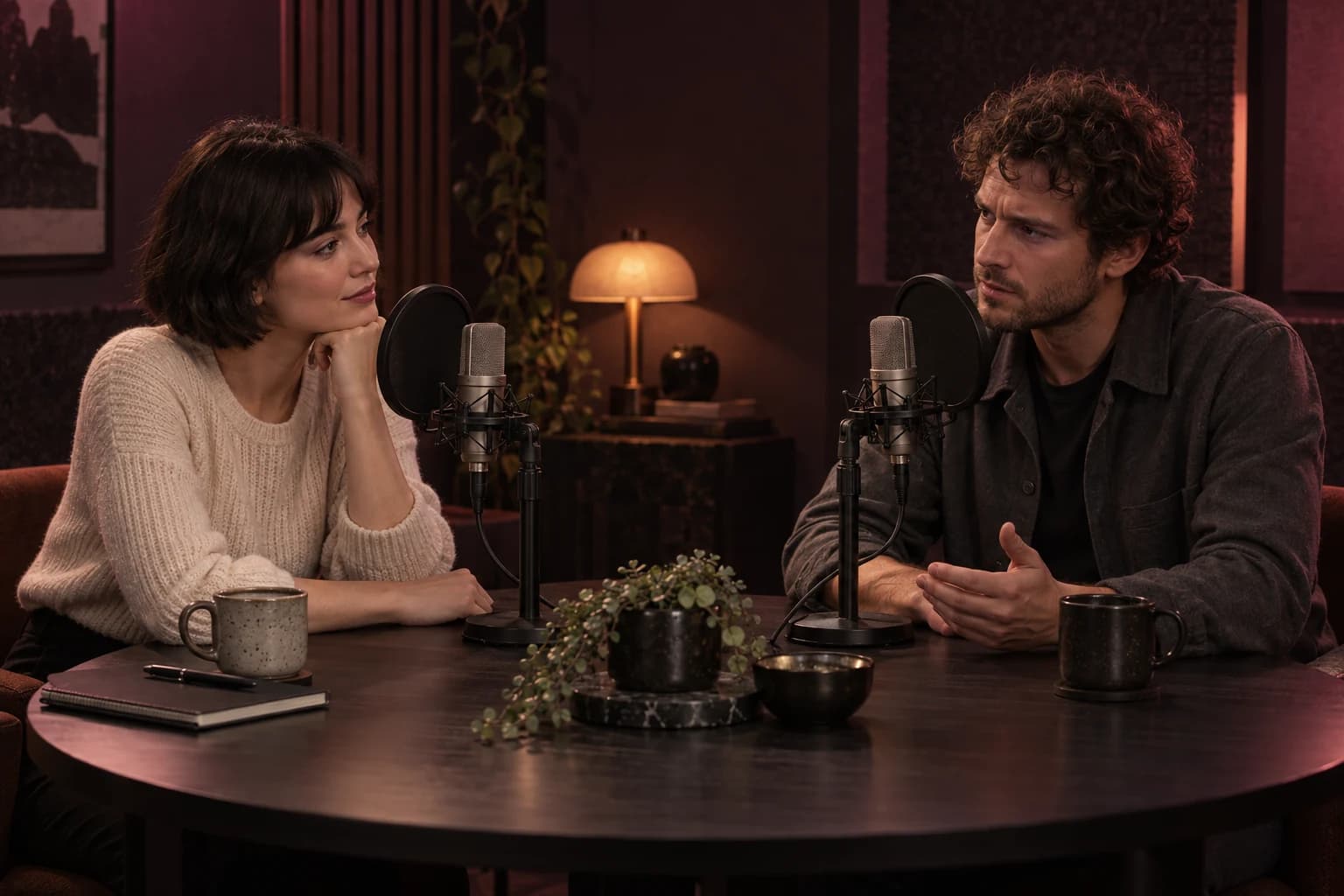
Alternate the speakers in script order and let the response change the tone of the next line.
View prompt details
Set a conversational opening and give the closing invitation more space without changing every word.
View prompt detailsFor character dialogue and video narration, write the performance into the script instead of leaving every choice to the first take.
Place a short direction where the delivery should change. Start composed, become alarmed, then use paired tags to soften only the final words. The script stays readable while the performance has a clear turning point.
Build the scene in the order it is spoken and assign a voice to each character. Drama 3 can produce multiple speakers in one generation, so you can hear the exchange as a scene instead of a folder of separate lines.
Add a sigh, a breath or a pause at the moment it matters. Wrap a phrase in a paired tag when only those words need a different pace or emphasis. For multilingual scripts, you can write the direction in your own language.
Write a short script, choose Drama 3 on the Astorie canvas, then listen before building the full scene.
Draft the spoken line or alternating character turns. Add a cue where the delivery changes; reserve paired tags for the exact words that need emphasis, a whisper or a different pace.
Open the canvas, select Fish Audio Drama 3 and paste your script. Choose the voice settings available in the workspace. For dialogue, keep each character on the same voice throughout the exchange.
Check pronunciation, speaker changes, pauses and the emotional turn. Change one direction and compare another take. Measure the actual duration before placing the audio against a video.
These are Fish Audio's model and API capabilities. An application may expose a smaller set of controls.
| Provider | Fish AudioSource ↗ · 2026-10-13 |
|---|---|
| Model family | Drama 3; the official model page currently labels the release Preview.Source ↗ · 2026-10-13 |
| Main task | Directed text-to-speech, narration and multi-speaker dialogue.Source ↗ · 2026-10-13 |
| Direction | Natural-language cues in square brackets; direction can change within a line.Source ↗ · 2026-10-13 |
| Word-level controls | Paired tags for whisper, emphasis, soft, faster, slower, stress and forceful delivery.Source ↗ · 2026-10-13 |
| Voice input | A Fish Audio voice ID, or a reference clip for zero-shot voice cloning.Source ↗ · 2026-10-13 |
| Languages | 80+ languages, including multilingual scenes; quality should be checked in each target language. · 2026-10-13 |
| Pronunciation | English CMU Arpabet, Chinese pinyin and Japanese romaji phoneme control.Source ↗ · 2026-10-13 |
| Provider API output | MP3, WAV/PCM or Opus; availability in another application depends on its export controls. · 2026-10-13 |
| Provider API | POST /v1/tts with model header drama-3. Existing preview integrations should confirm their migration settings.Source ↗ · 2026-10-13 |
| Streaming | Provider WebSocket streaming and timestamped streaming options for production workflows. · 2026-10-13 |
Drama 3, S2 Pro and Eleven v3 Dialogue offer different control paths. Use the same words and intended performance to compare them; this is a workflow comparison, not a quality ranking.
| Dimension | Fish Audio Drama 3 | Fish Audio S2 Pro | Eleven v3 Dialogue |
|---|---|---|---|
| An input worth testing · 2026-10-13 | One line with a mid-line change and paired word tags. | A bracket-directed narration or dialogue script in an S2 workflow. | A conversation with a voice assigned to each turn. |
| Direction format · 2026-10-13 | Square-bracket cues, vocal reactions and paired word-level tags. | Inline natural-language bracket cues. | Delivery cues and audio tags inside each turn's text. |
| Multiple speakers · 2026-10-13 | Speaker tags map to an ordered voice array. | Speaker-tag control is documented for S2 Pro. | Text to Dialogue accepts separate text and voice inputs for each turn. |
| A reason to evaluate it · 2026-10-13 | You want explicit control over where an acting choice begins and ends. | You already use S2 or want to evaluate its released weights and serving stack. | You want a hosted dialogue workflow around the ElevenLabs voice ecosystem. |
| How to judge the result · 2026-10-13 | Check the transition, selected phrase and speaker continuity. | Check whether the cues fit your S2 version and voices. | Check turn order, the voice for each turn and audible delivery. |
A useful script is a starting point. The final decision comes from the audio.
使用最先进的 AI 模型开始创作。免费计划无需信用卡。
用 3 天体验 Pro 的全部功能
Learn how to organize dialogue, refine narration and combine a voice with other audio layers. These guides cover wider workflows and may use other models.

Generate AI dialogue by building the conversation turn by turn, keeping each character on the same voice, and adding delivery directions only where the spoken line needs extra control. This workflow shows how to separate script emotion from vocal delivery and test difficult lines without rebuilding the full scene.
Read guide
Create an AI voiceover by starting with a script written for speech, choosing a voice that fits your content, and testing short samples before generating the final audio. This workflow shows how to improve pronunciation, pacing, tone, and expression using different text-to-speech models.
Read guide
Create an AI podcast intro by generating the voice, music, and transition as separate assets, evaluating each one independently, and mixing them together only after they work on their own. This modular workflow makes it easier to replace, reuse, and refine individual parts without rebuilding the entire intro.
Read guideDirection, voices, costs and the next step.
Drama 3 is Fish Audio's text-to-speech model for directed voice performances. Use it for a character line, a narration take or a scene with more than one speaker. Your script can include delivery cues, vocal reactions and controls that apply to a selected phrase.
Put a brief delivery cue in square brackets where the change should begin, such as [quietly, worried]. Add [pause] or [sigh] at the intended moment. Use a paired tag such as <whisper>...</whisper> when the change should apply only to the words inside it.
Choose a voice for each character and keep the turns in conversation order. In Fish Audio's API, reference_id can be an ordered array and <|speaker:0|>, <|speaker:1|> and other speaker tags refer to that order. Check that each returning character uses the same voice.
Fish Audio lists support for more than 80 languages, and directions can be written in your own language. Translate the spoken words for each audience and review pronunciation and delivery in the resulting audio. Support for a language is not a guarantee that every phrase sounds correct.
No. Takes can vary, especially while the release is labeled Preview. Keep a useful take, change one cue when you need an adjustment, and compare the new performance before committing it to a scene.
Watch the full demo above or the shorter excerpts in the feature sections. The prompt briefs provide separate scripts you can adapt for your own scenes.
Drama 3 is available on the Astorie canvas. This model page provides information and script briefs; open the canvas and select Fish Audio Drama 3 to generate. The button opens the workspace and does not transfer the script or choose the model automatically.
Check the Drama 3 generation cost shown in the Astorie workspace before submitting your script. This page does not quote a per-generation credit amount. Fish Audio API pricing and partner offers are separate from Astorie subscription plans and user credits.
Fish Audio supports a voice ID or a reference clip. Use a voice you are entitled to use, and check the provider's terms for your intended project. An Astorie plan does not by itself grant rights to a third-party voice or cover separate Fish Audio API charges.
Start with a short script, decide how it should sound, and listen before building the rest of the scene.