Step-by-step guides for creating images, videos, audio, and more with the best AI models. Each guide includes prompt examples, parameter settings, and expert tips.
Create AI furniture product photos by starting with the real furniture photograph and verified dimensions, producing a clean catalog view and a separate room scene, then checking structure, perspective, floor contact and material appearance. Treat a generated room as a visual candidate; it does not measure the product or prove that it fits a real space.
Create AI handbag product photography by defining the real bag’s silhouette, texture, hardware and strap arrangement before generating a scene. Compare every candidate with the original unit, and use a protected real product layer when the bag itself must remain unchanged.
Create AI shoe product photography with separate real references for the side, rear and outsole, then generate and inspect each view against its own source. Keep the shoe shape, lacing, sole construction and visible branding on a review checklist before exporting a coordinated gallery.
Create AI makeup product photos by photographing the real packaging and formula first, generating a clearly defined catalog or editorial scene, and checking shade appearance, surface finish and label text against the originals. Keep real swatches and application photographs for claims about color or performance on skin.
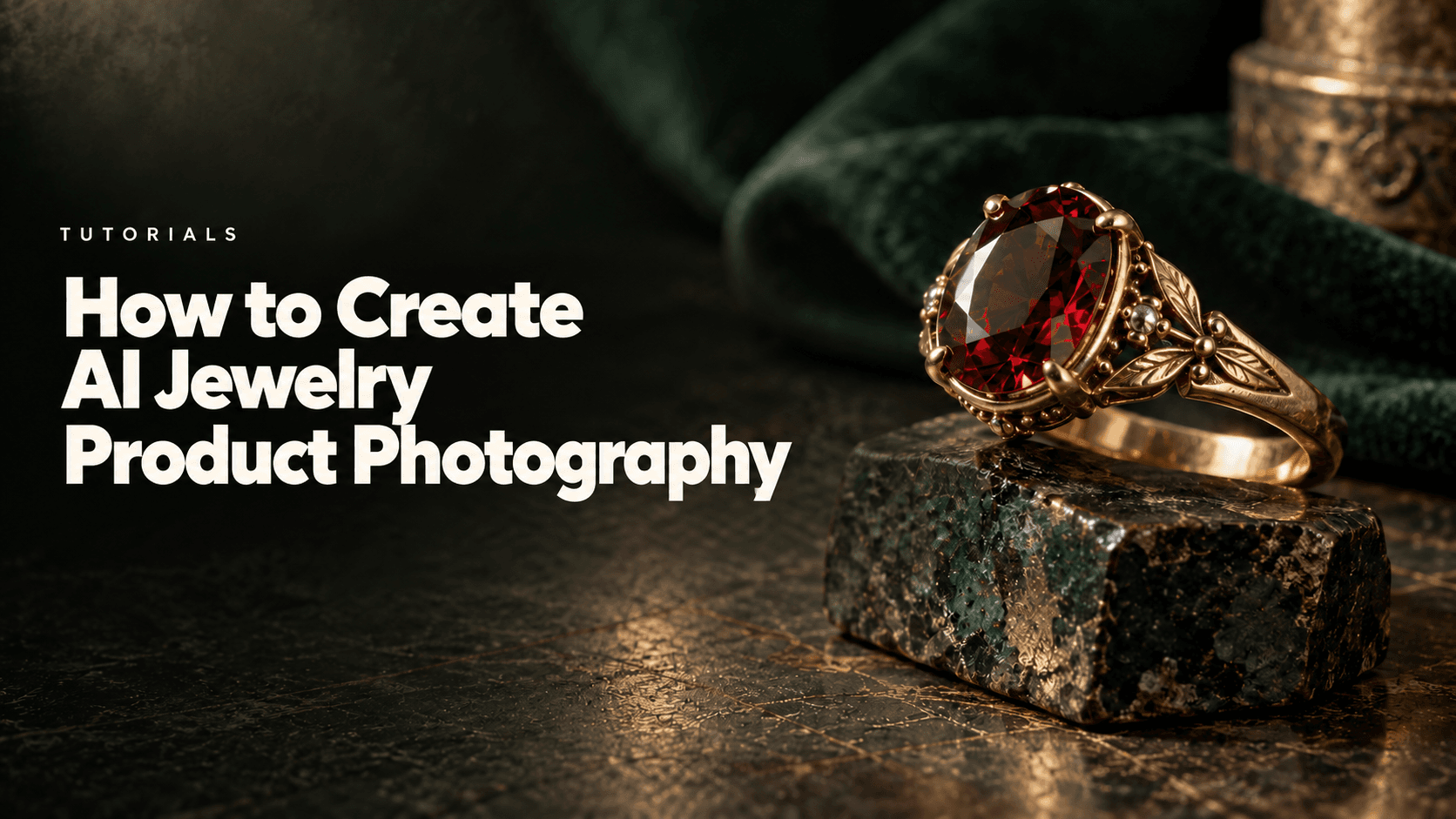
Create AI jewelry product photography by starting with a clear photograph of the real piece, changing one scene brief at a time, and checking the metal, stone and setting against the original before publishing. Use AI to explore presentation; retain real close-ups wherever a buyer needs exact construction or gemstone detail.
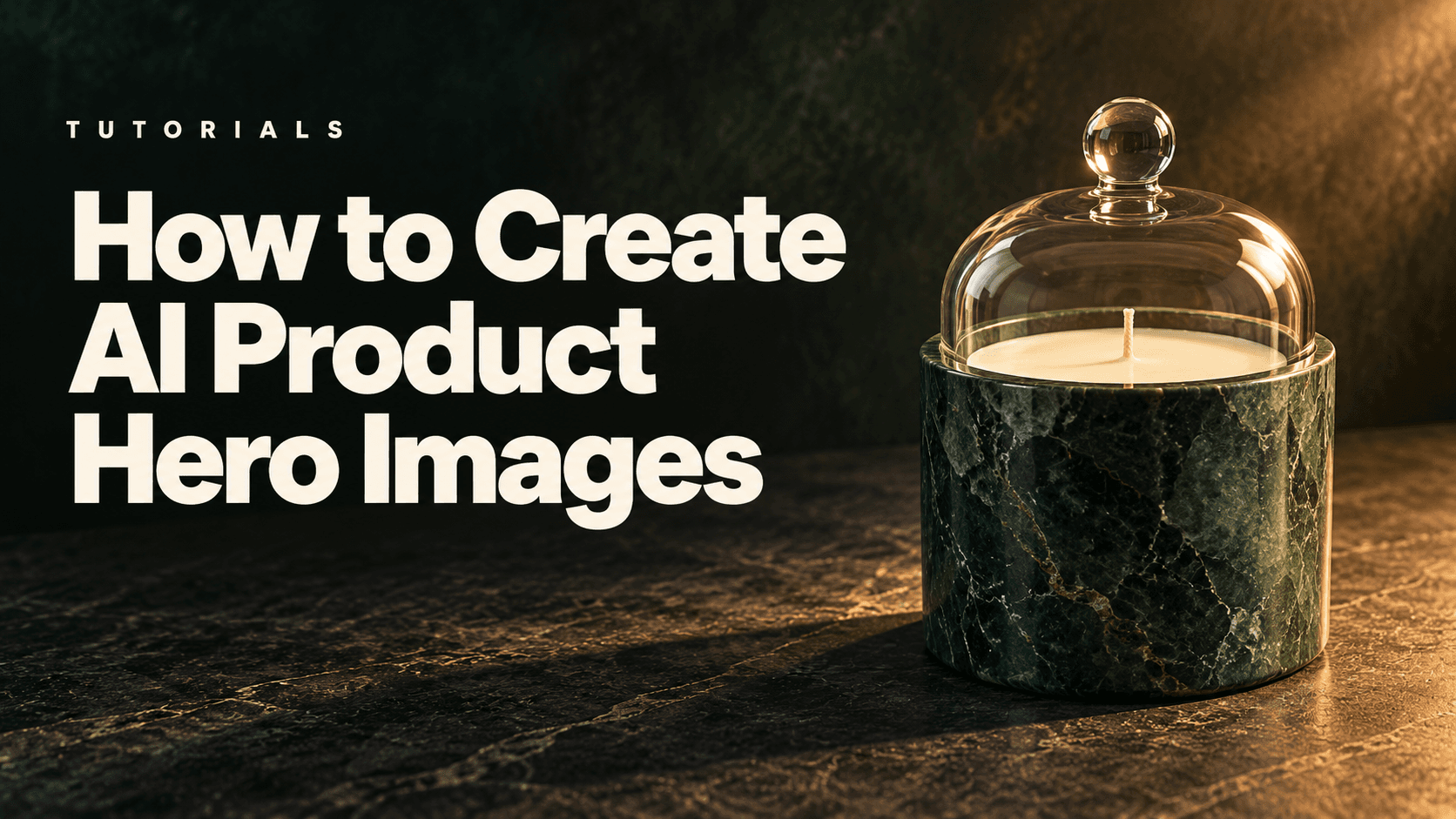
Create AI product hero images by defining the website layout first, placing an accurate product reference inside that composition and directing the lighting around it. Generate desktop and mobile candidates for their actual placements, then check the product, text space and responsive crop before publishing.
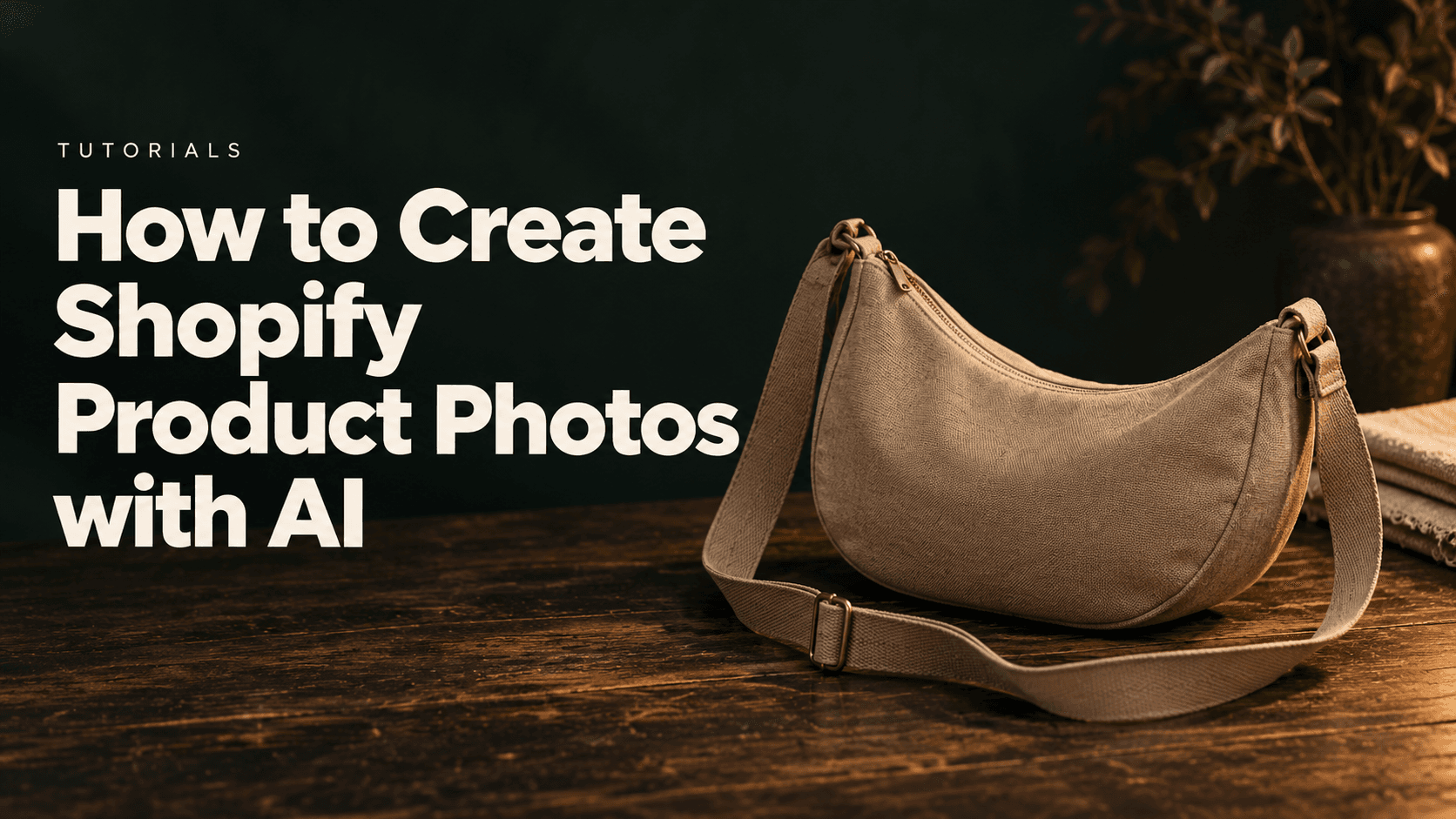
Create Shopify product photos with AI by planning a consistent gallery, using an accurate reference for each SKU and assigning every image a clear role on the product page. Generate the presentation you need, check the item against real photographs, then upload, order and preview the approved assets in your theme.
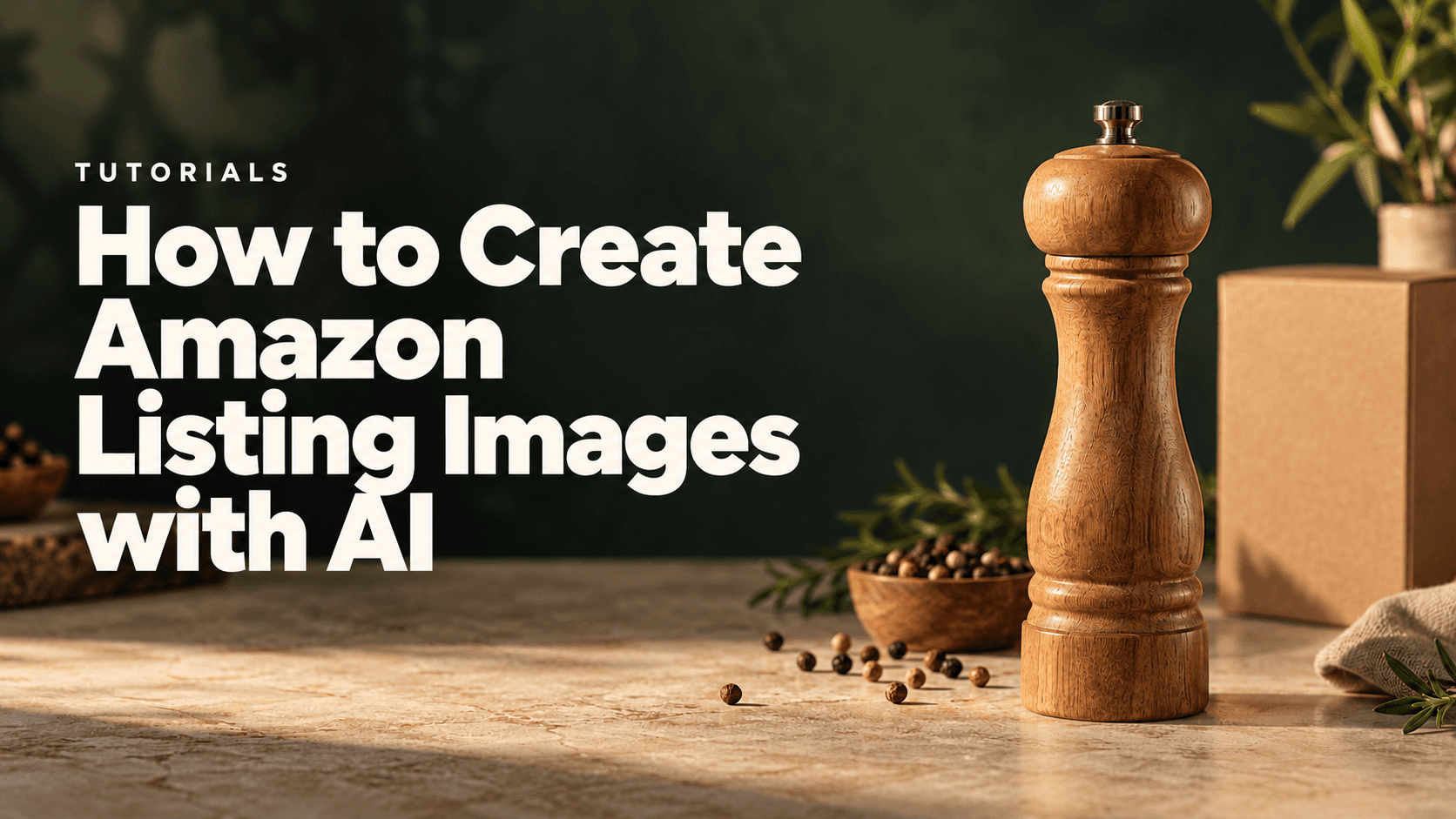
Create Amazon listing images with AI by separating the main product photograph from supporting gallery images, anchoring every asset to the real item and checking each export before upload. Keep the main image tied to a photograph of the actual product; use generated scenes as candidates for secondary images, with their own accuracy review.
Create AI lifestyle product photos by starting with an accurate product photograph, planning believable situations in which the product belongs, and generating each scene from the same reference. Check the product against that original before accepting a result, then export a coordinated set for the placements you actually need.
An AI unboxing video needs references for the closed package and actual contents. Prepare both states, assign their roles and test one opening action before expanding the sequence.
An AI product demo video should show one verified action with a visible endpoint. Prepare the reference, generate a short draft and inspect the mechanism throughout the clip.
A product photo to video workflow connects an approved still to a video node and adds a short motion brief. This guide follows two supplied Seedance 2.5 bottle drafts.
AI food product photography needs real references for the food and its packaging. Generate the scene, then compare shape, color, texture and printed details before exporting.