


Cinematic Dual-Tone Portrait from Uploaded Photo
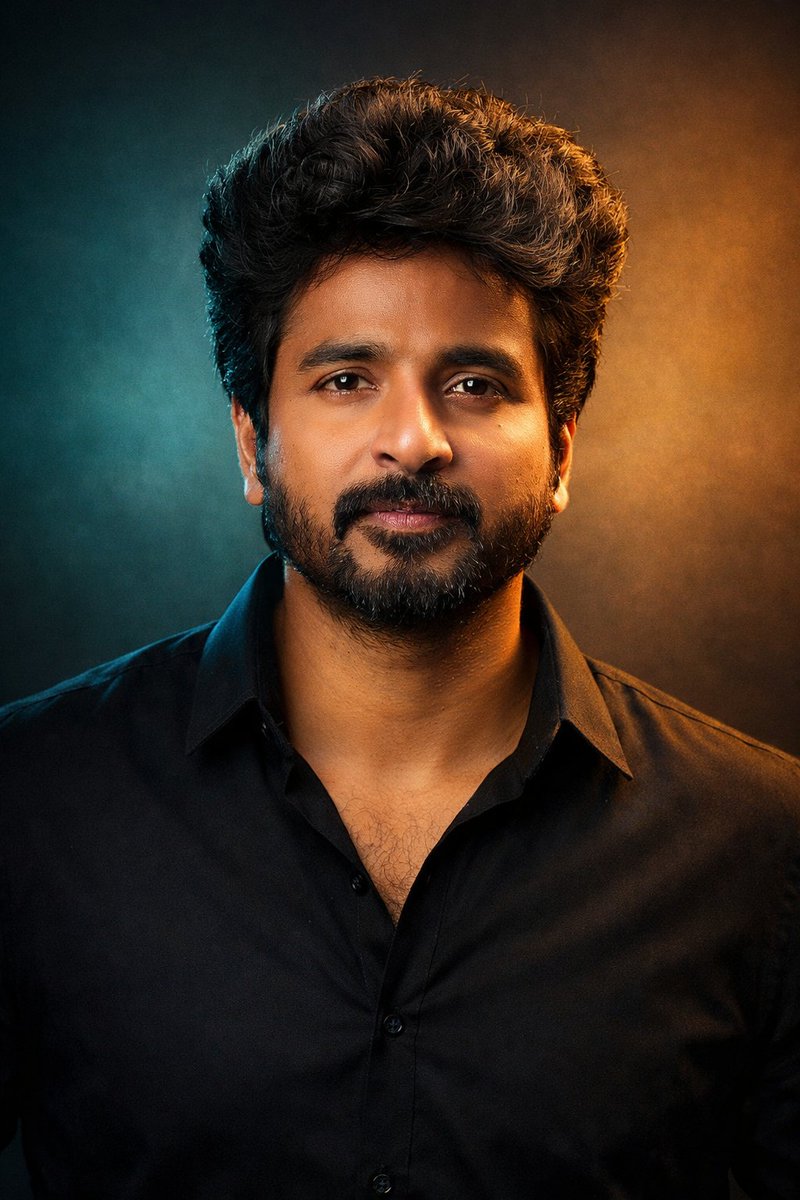
Generated output: Cinematic Dual-Tone Portrait from Uploaded Photo — output 1
A step-by-step prompt for transforming an uploaded photo into an ultra-realistic, high-detail cinematic studio portrait using dramatic dual-tone lighting (teal and golden) while maintaining the subject's calm and confident presence.
"A cinematic studio portrait of the person in the uploaded photo, framed from the chest up, facing the camera with a calm, confident presence.

Dramatic dual-tone lighting with cool teal and warm golden tones creating a modern, cinematic mood.

Natural skin texture, sharp focus on the eyes, soft shadows, and smooth color transitions.

Hair styled naturally, wearing a minimal dark outfit with a contemporary aesthetic.

Clean studio background with subtle gradients.

Professional photography, shallow depth of field, cinematic color grading, ultra-realistic, high detail, 4K quality.

Aspect ratio: 3:4 "
From sourceView source ↗
More to explore
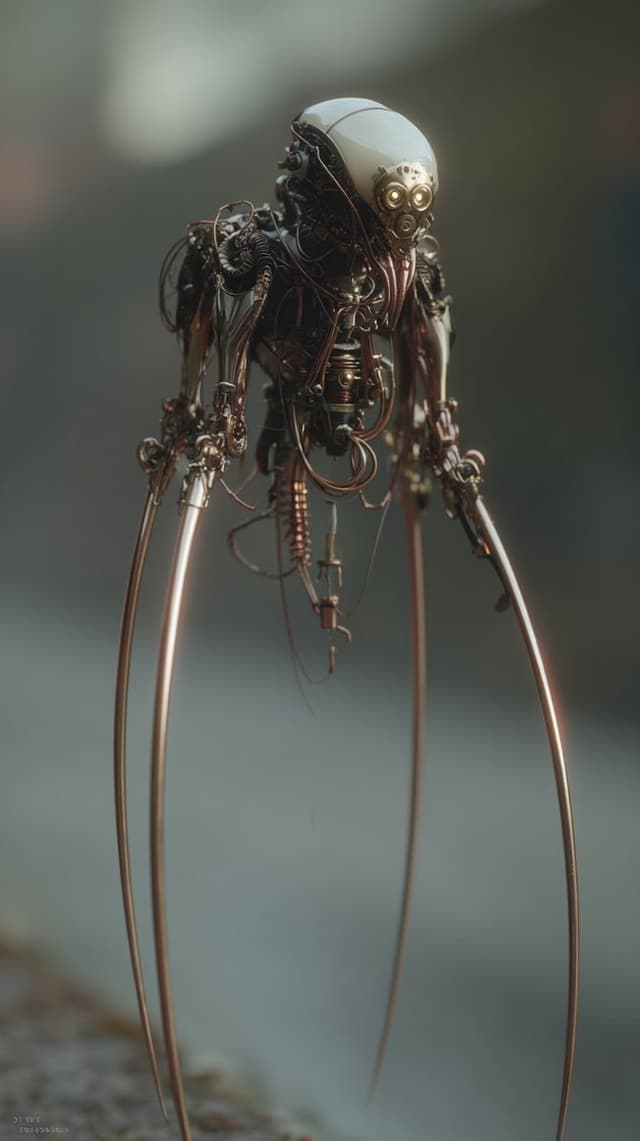
Image Editing Prompt: Adding Creatures to Background
Kyle SalazarGPT Image 1.5
using the first image and its style and size, add the creature from the second image into the first at varying distances in the background, ensure the focus and size of the creatures is appropriate for its distance, there should be a total of {argument name="number of creatures" default="7"} of them, their look and style may vary slightly from one another
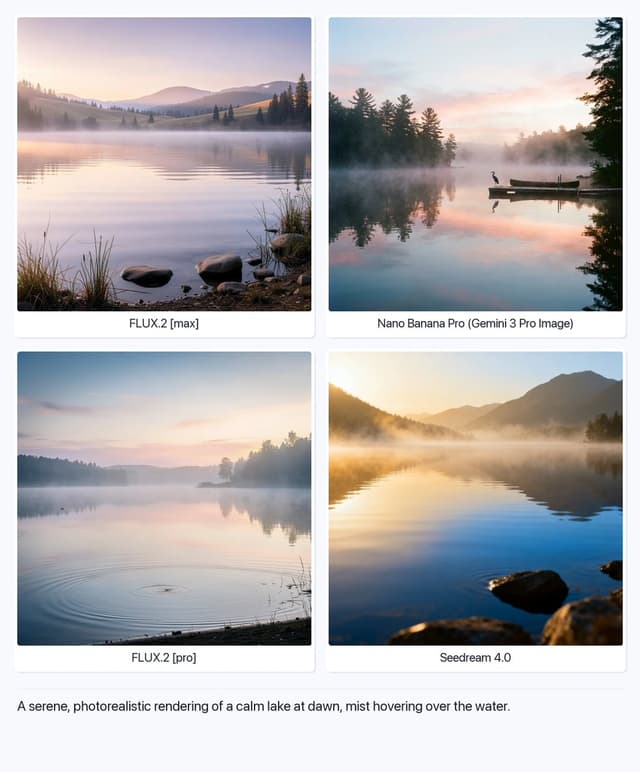
Serene Lake at Dawn
Artificial AnalysisGPT Image 1.5
A serene, photorealistic rendering of a calm lake at dawn, mist hovering over the water.

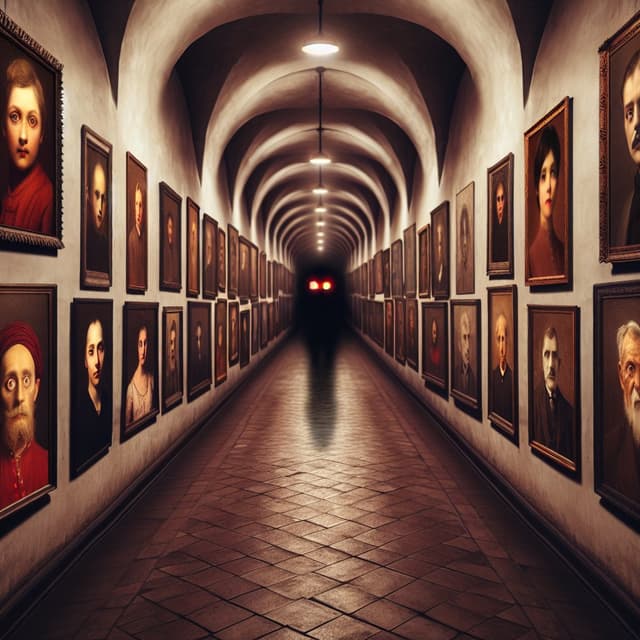
Structured Selfie Portrait Prompt
KeorUnrealGPT Image 1.5
{
  "scene": {
    "type": "bedroom_interior",
    "lighting": "natural_daylight",
    "atmosphere": "casual, cozy, domestic"
  },
  "subject": {
    "pose": {
      "position": "lying_prone_on_bed",
      "orientation": "facing_camera",
      "legs": "knees_bent_upwards, ankles_crossed",
      "arms": "left_arm_extended_for_selfie",
      "head": "resting_on_pillow"
    },
    "appearance": {
      "hair": "long, straight, {argument name="hair color" default="pink"}",
      "expression": "gentle_smile, direct_eye_contact",
      "complexion": "fair, rosy_cheeks"
    },
    "attire": {
      "top": {
        "item": "tank_top",
        "color": "light_green",
        "texture": "ribbed",
        "style": "spaghetti_straps"
      },
      "bottom": {
        "item": "gym shorts",
        "color": "light_green",
        "details": "ruffled_hem, scrunched_texture"
      },
      "accessories": {
        "feet": "white_crew_socks"
      }
    }
  },
  "environment": {
    "bedding": {
      "sheets": "white, rumpled",
      "pillows": "white_with_floral_pattern",
      "duvet": "white, puffy"
    },
    "background_elements": {
      "windows": {
        "quantity": 2,
        "features": "white_frames, horizontal_blinds"
      },
      "furniture": {
        "side_furniture": {
        "side_table": {
          "location": "left_side",
          "visible_items": [
            "skincare_products",
            "pink_mug",
            "small_potted_plant",
            "tissues"
          ]
        }
      }
    }
  },
  "composition": {
    "angle": "high_angle_selfie",
    "framing": "medium_shot",
    "focus": "sharp_subject, soft_background"
  }
}
Find your next direction
By use case
App / Web Design →Comics and storyboards →E-commerce images →Game assets →Educational graphics →Posters and flyers →Product marketing →Profiles and avatars →Social media posts →YouTube thumbnails →By style
3D renders →Anime and manga images →Chibi characters →Film stills →Cyberpunk images →Illustration →Chinese ink images →Isometric →Minimalism →Photography →Vintage images →Sketch and line art →Watercolor →Take the idea further.
Bring your prompts, references and results together in one creative space.
Open your canvas ↗