

An open-ended idea
What to decide
- A role with no chosen silhouette
- Clothing details that compete for attention
- No specific design question to review
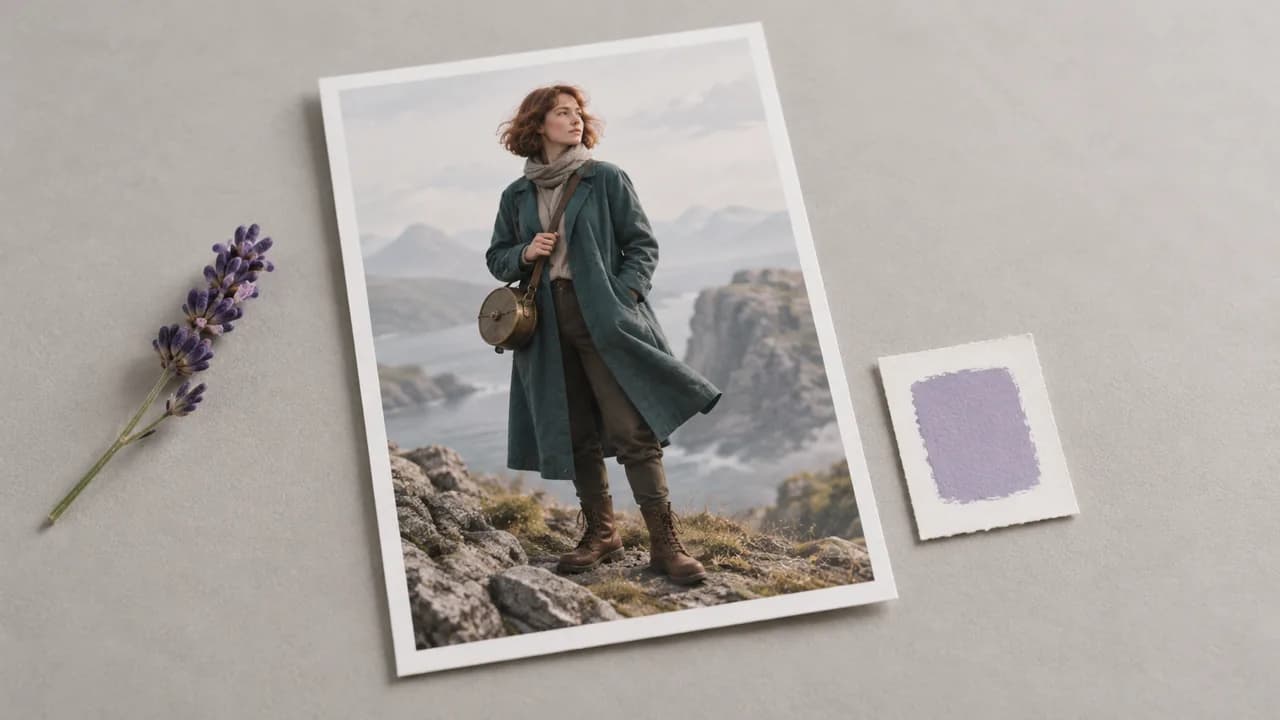
Choose a starting idea or write your own brief. Use the optional image input when you have a visual reference, then select Generate character. Preset examples use the Character sketch input.
A list of adjectives leaves important design choices open. A focused brief names the role and the visual details you want to judge.
What to decide
What to describe
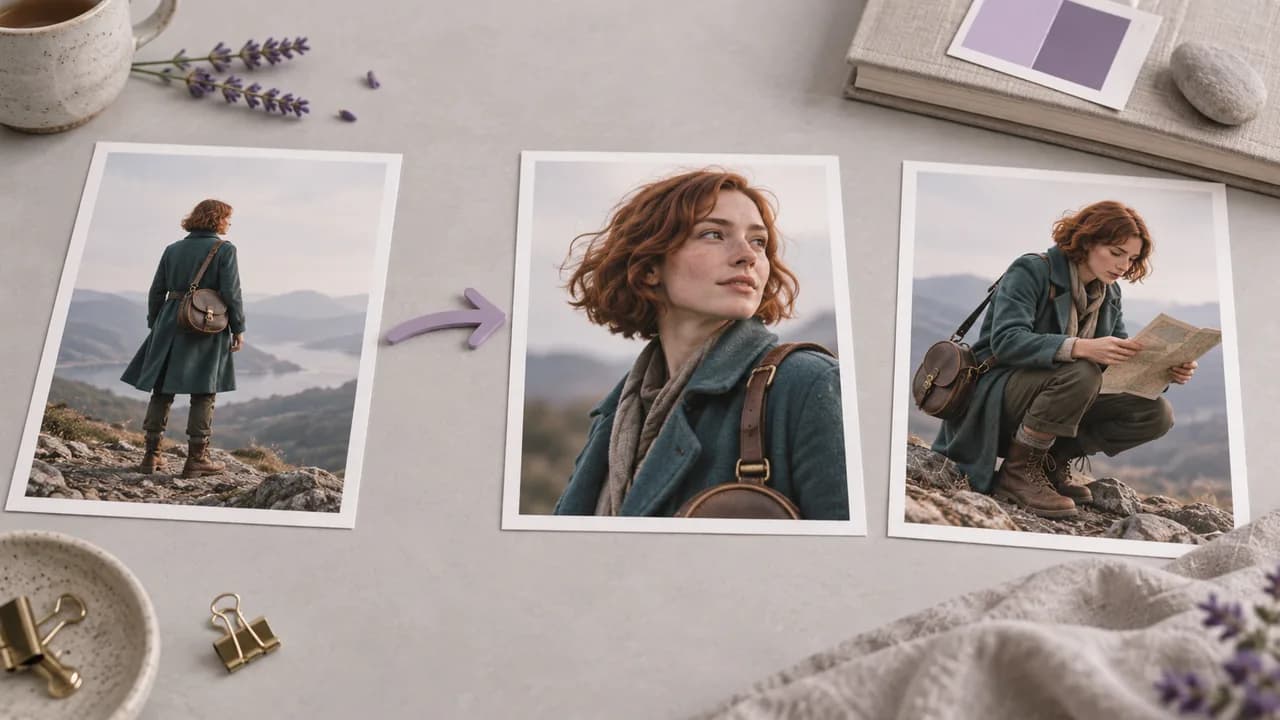
Use the generator above to turn a short description into a first concept, then develop the details that matter to the character's role.
Select a character preset or begin with your own idea. Name the role the figure plays and the visual question you want the first image to answer.

Edit the prompt with the silhouette, clothing and expression you have in mind. Add an optional reference image when it helps explain the direction.
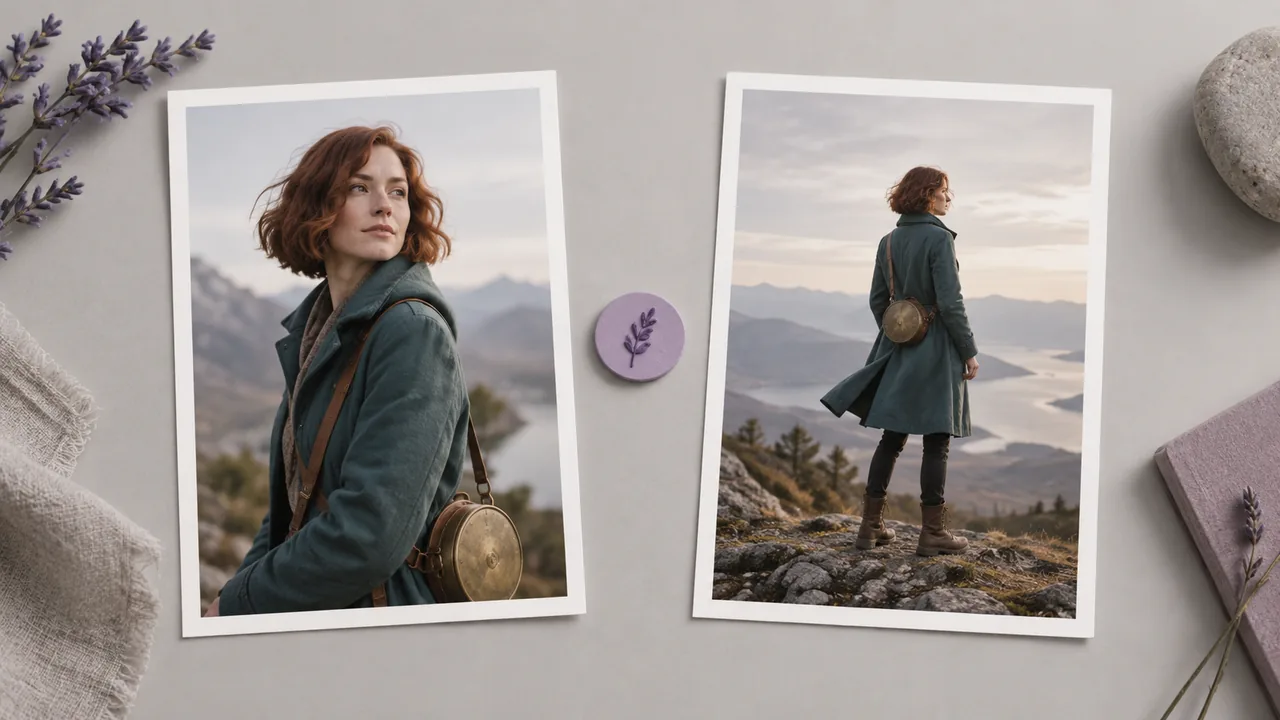
Select Generate character. Check the face, proportions and costume against the brief, then revise one unresolved detail before requesting another concept.
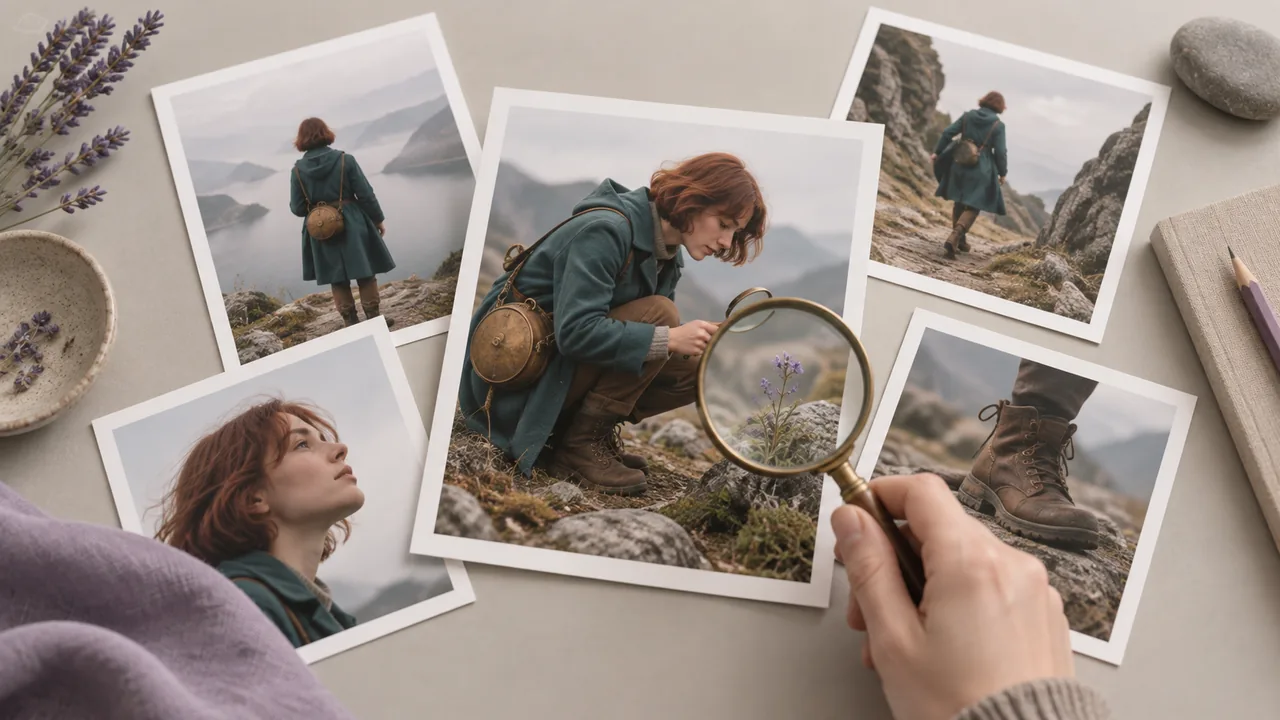
Use the brief to separate identity, visual treatment and the question each new concept should answer.
Describe who the character is before adding decoration. A courier, gardener or explorer suggests different clothing and objects, giving the request a purpose beyond an attractive face.
Design a characterAdd an existing image through the optional reference input. Use it to communicate the silhouette, outfit or visual treatment you want to develop.
Design a characterSpecify a useful view or action for the current design question. A full-body standing pose helps you judge a costume differently from a close portrait focused on expression.
Design a characterThe character ideas above provide editable starting prompts. Read the chosen brief before changing it so that old details do not conflict with the figure you want.
Design a characterDescribe the material or drawing technique you want, such as a clay figure or an illustrated portrait. Keep the treatment distinct from the traits that identify the character.
Design a characterChoose a small set of features to check in the result, such as the hair shape or a particular accessory. Assess each new concept against those decisions.
Design a characterAdapt these briefs in the generator. All illustrations on this page show design concepts; they are not screenshots or verified outputs from the current tool.
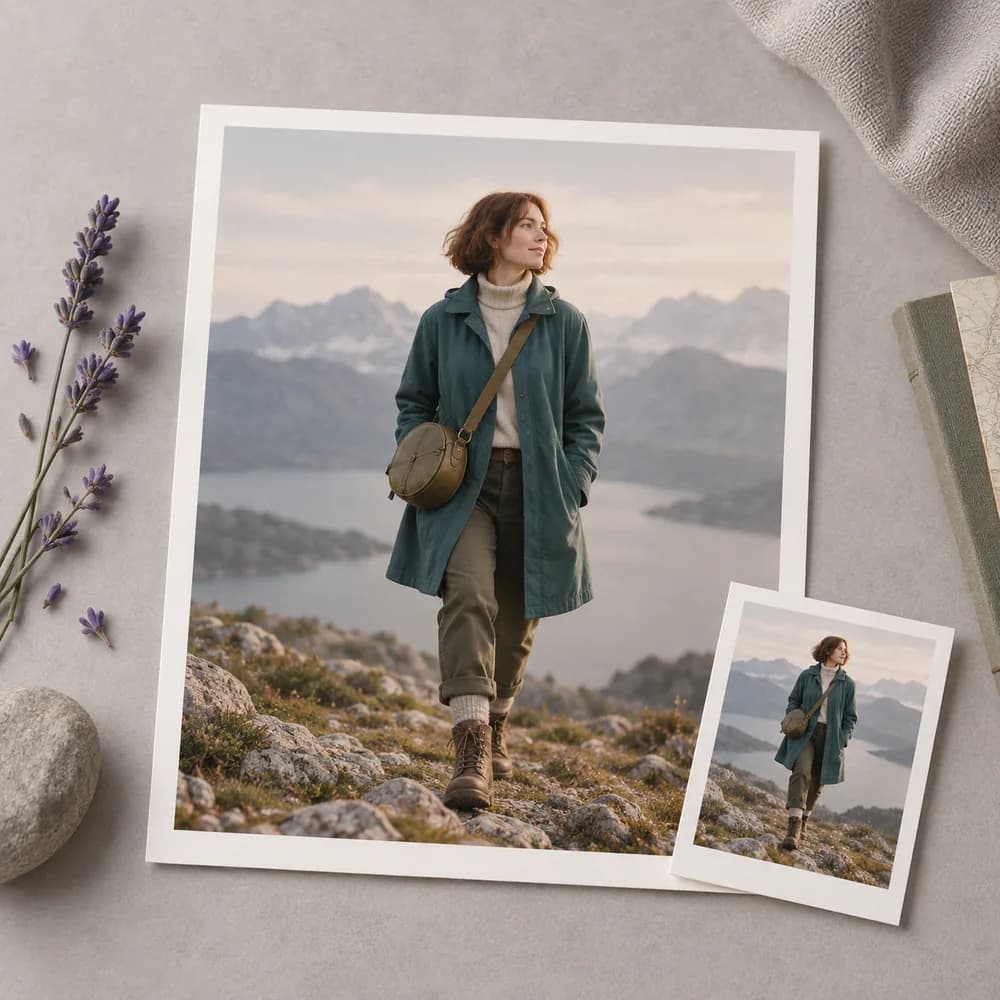
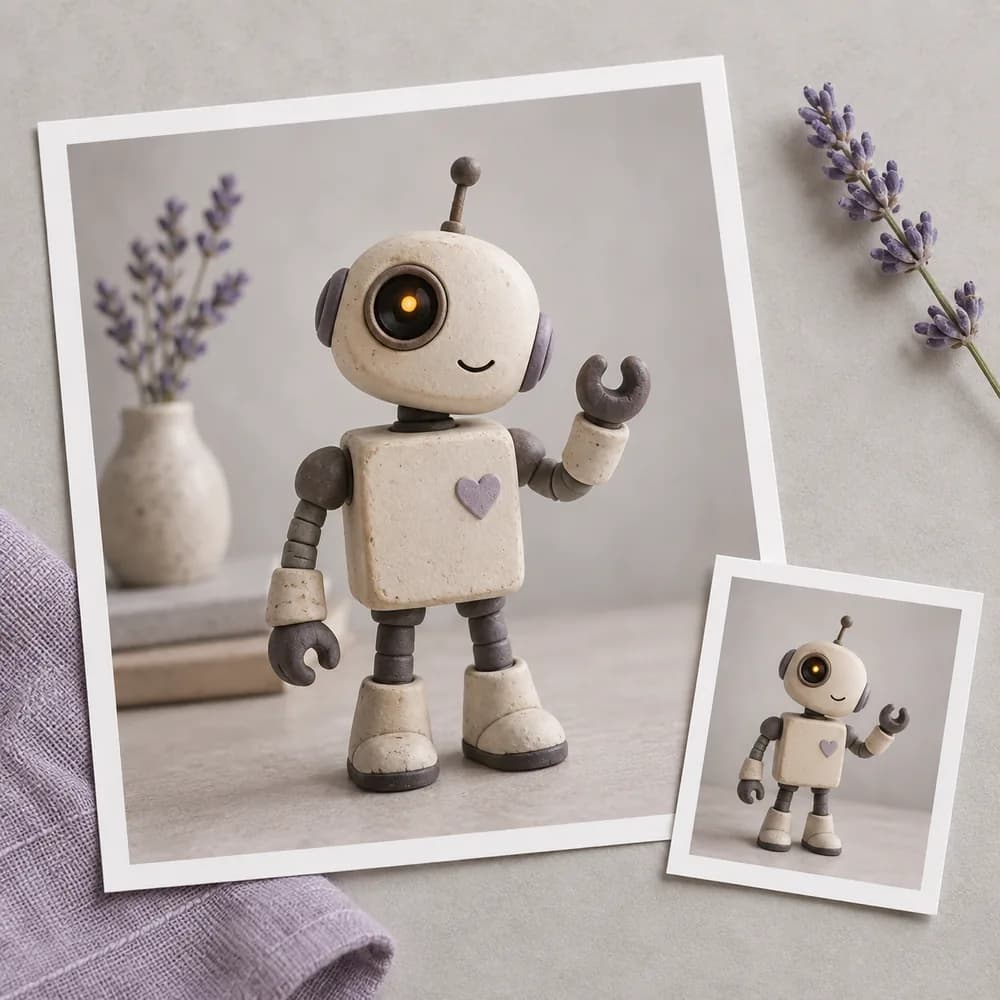
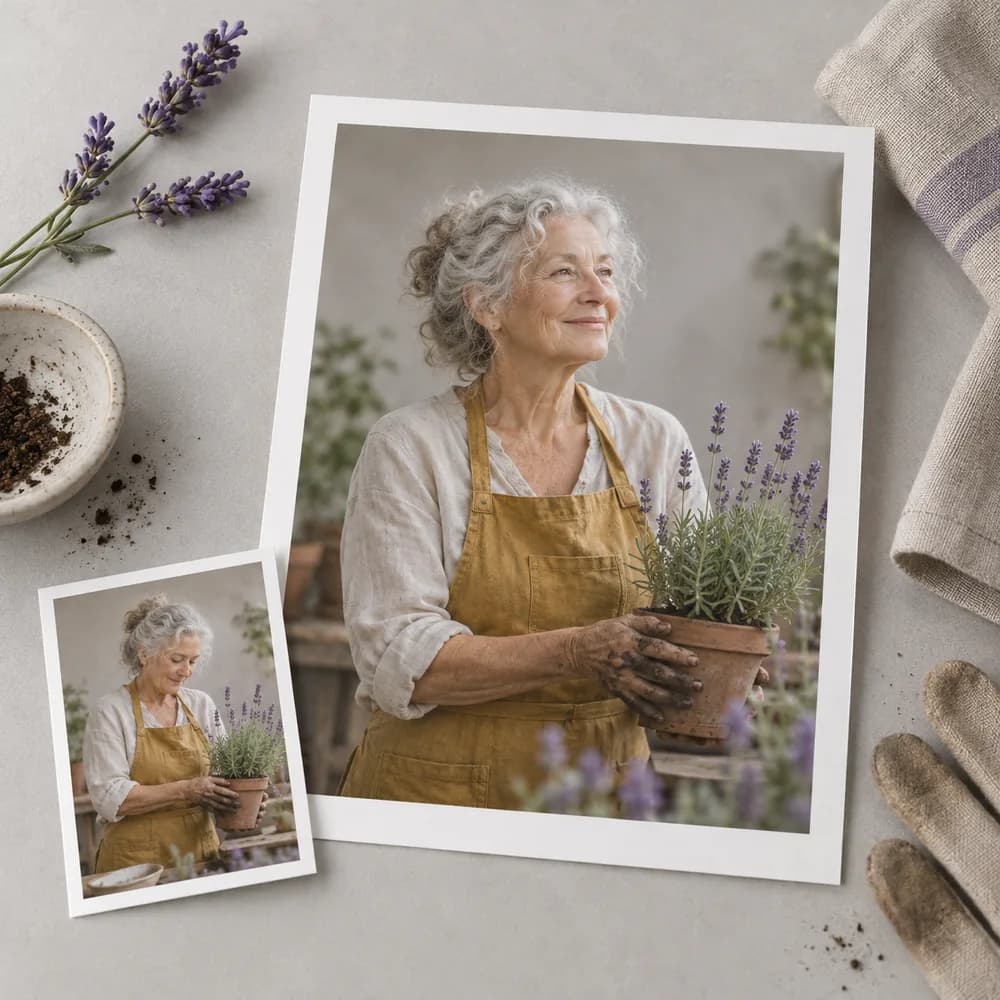
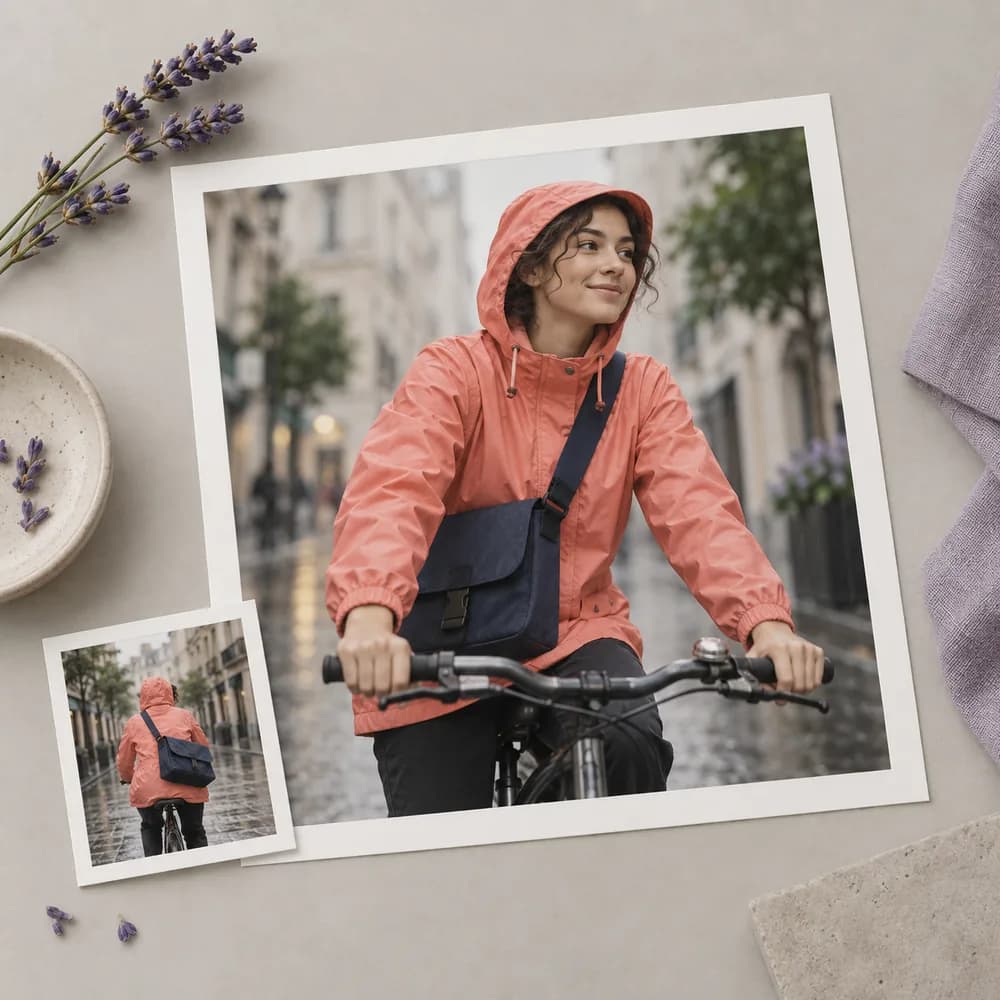
A writer knows the role a character plays but has not settled its visual identity. Develop a first concept from the written description, then compare the result with the personality and setting of the story.
Design a character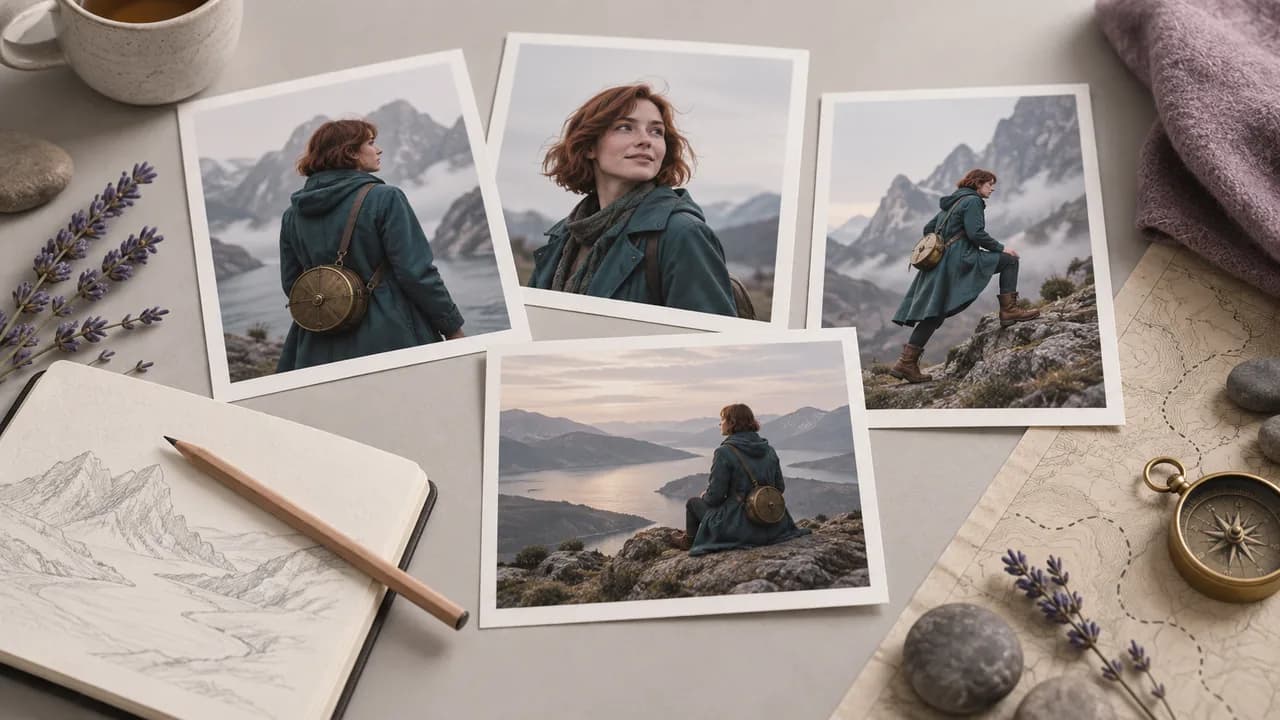
A costume designer needs to compare outfit directions before drawing a finished sheet. Use a chosen reference when helpful, then judge the clothing and silhouette against the role the character will play.
Design a character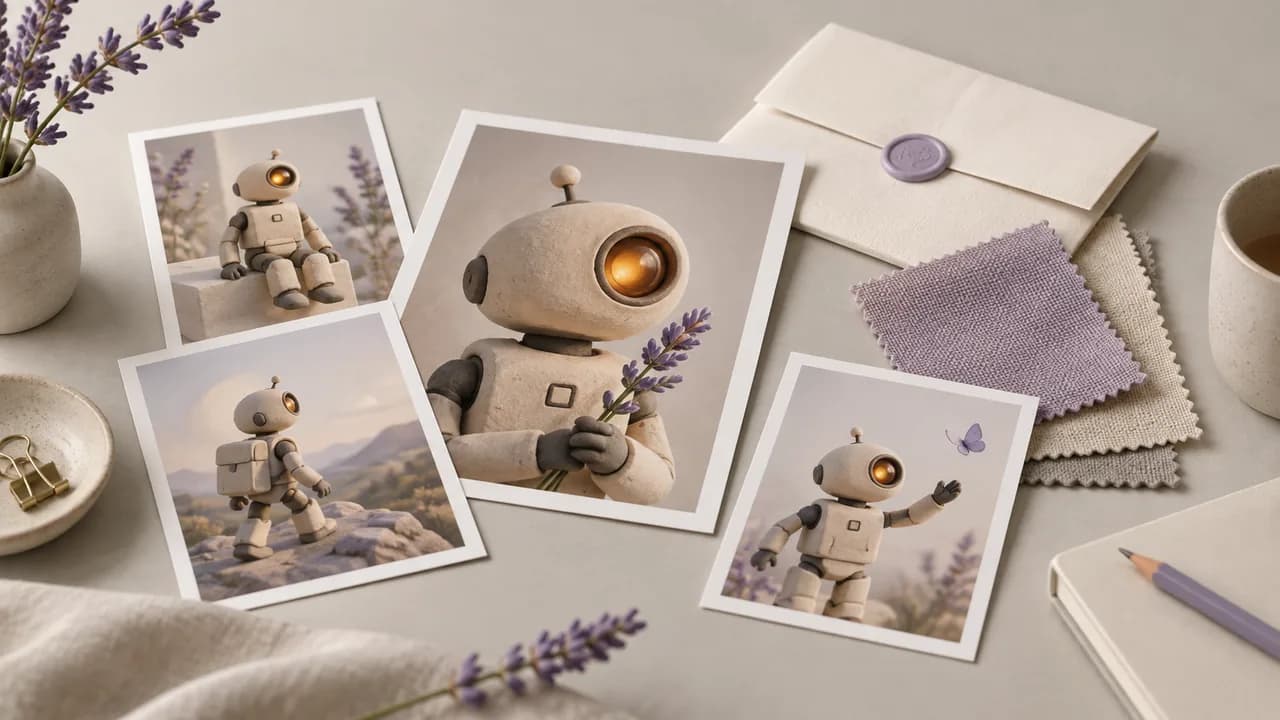
A small game team needs an original character concept to communicate tone in a pitch. Explore a silhouette and a few defining props, then present the selected image clearly as concept artwork rather than a production-ready asset.
Design a character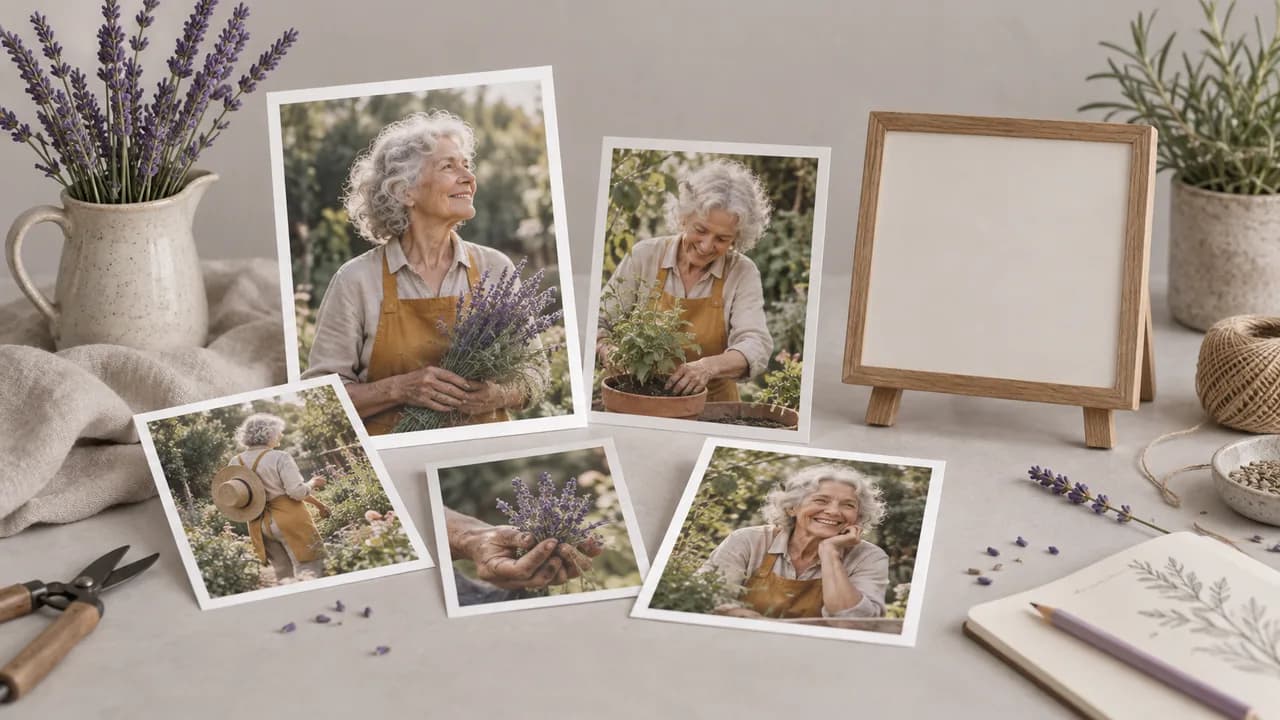
An animator is collecting visual references for a proposed scene. Develop the character's initial appearance, choose a useful view, and review any later variation before adding it to the reference collection for the project.
Design a character
An art team wants to discuss a recurring character before commissioning the finished pages. Use concept images to agree on the broad appearance and costume, while checking each new image against the chosen visual direction.
Design a character
A creative director needs a memorable figure to explain a new campaign idea. Develop an original concept around its role and silhouette, then use the image to guide discussion without implying rights to existing characters.
Design a character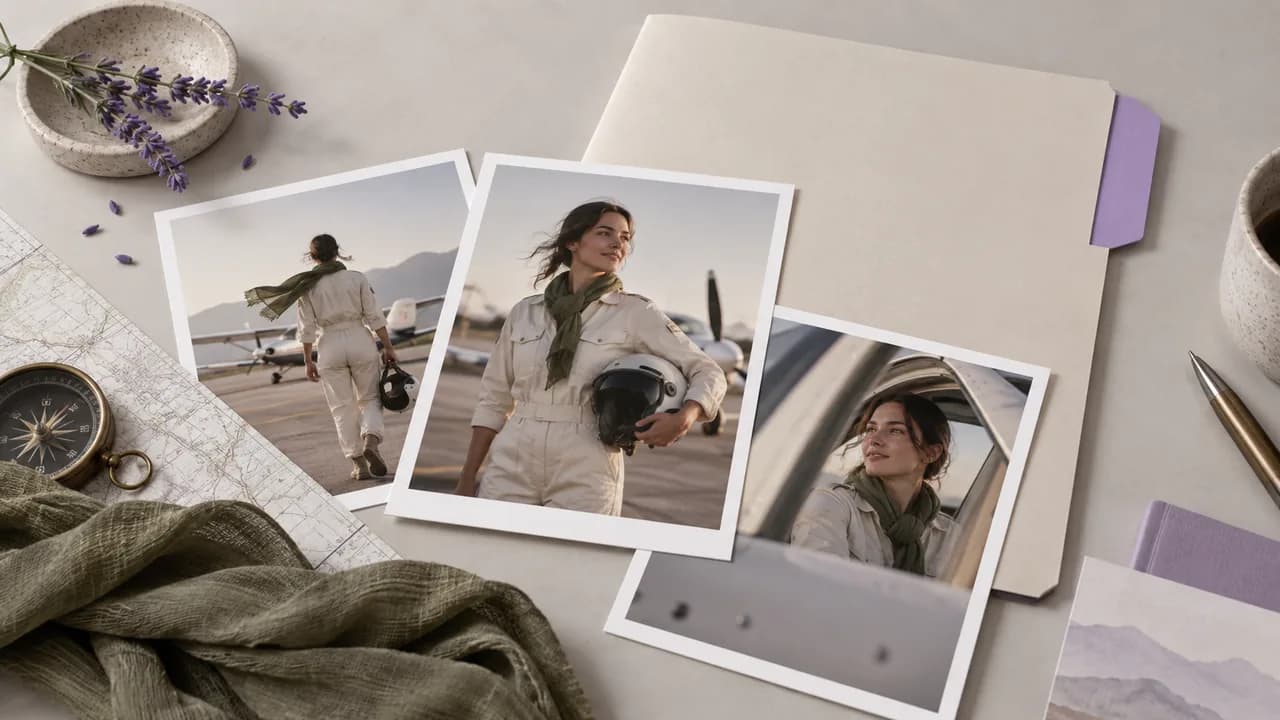
| Design brief | Describe the character's role and the design question you want to answer. | |
|---|---|---|
| Where to start | Use the character generator at the top of this page. An image reference is optional. | |
| Output scope | A square 1K PNG concept image. Prepare the final crop and layout separately; the output is not a character rig or a verified production asset. | |
| Character sheets | A prompt can request several views, but review each view for differences in anatomy, clothing and proportions. | |
| Consistency | Reference images guide the request; faces and proportions can still vary between generated versions. | |
| Request cost | Check the requirement shown for your account before you start a generation. Current plan details are on the pricing page. | Verified 2026-10-12 |
| Plan options | Astorie lists a free plan with no credit card required. Check current access and allowances for the request you want to make. | Verified 2026-10-12 |
| Commercial use | Paid-plan outputs may be used commercially under the applicable provider terms and input rights. Free-plan generations are for non-commercial evaluation. | Verified 2026-10-12 |
| Uploads and privacy | On standard plans, uploads, prompts and outputs may be used for training. Provider data policies also apply; enterprise opt-out requires a written agreement. Previously learned or aggregated data may persist after source deletion. | Verified 2026-10-12 |
Explore these image models in separate canvas workflows. Open a guide to compare the inputs and controls available for your next character concept.
An AI character generator creates a still concept from a description and an optional reference image. Use the artwork to discuss a role, silhouette or costume before committing to a design.
Yes. Astorie lists a free plan that does not require a credit card. Check your account's current generation requirements before starting. The pricing page has the latest plans and included allowances.
Paid-plan outputs can be used commercially under Astorie's policy, subject to provider terms and the rights in your inputs. Free-plan generation is for non-commercial evaluation. Review permissions for recognizable people and existing characters before using a concept in a commercial project.
Compare the face shape, hairline, costume details and body proportions in every proposed version. Decide which traits define the character before accepting changes. A similar color palette alone does not establish continuity; assess the features that viewers would use to recognize the same figure.
Choose one role and a few identifying details, then return to the generator to begin.