
A standalone file workflow
- Stop at one isolated concept image
- Rebuild the project context for another direction
- Assess each version without the selected source
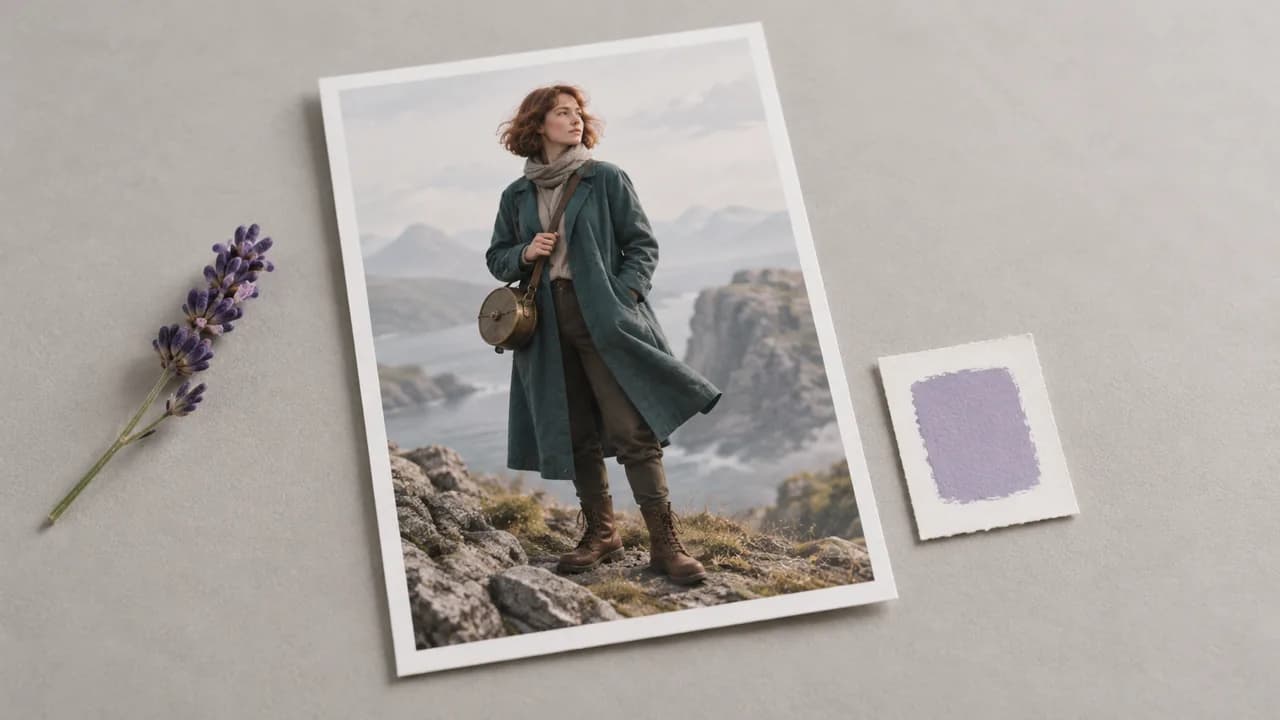
An AI character generator gives a visual direction to someone you have described in words. Develop the design on the canvas, then choose the features that should carry into the next version.
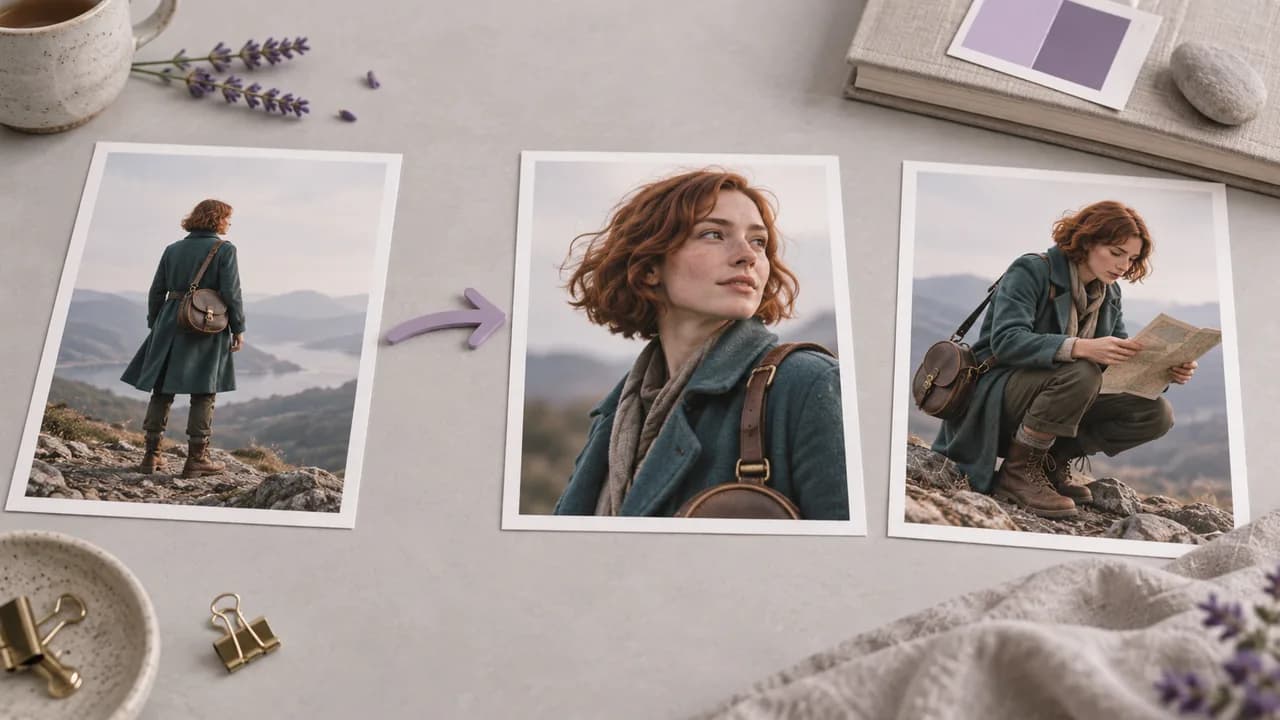
One appealing image can leave the next design question unanswered. Develop further views in the project where you discuss the appearance; illustrations show workflow concepts, not tested tool results.
Begin with the character's role and a short list of defining traits, rather than a long collection of unrelated details.
Open a canvas project and add an Image node for the first character concept. Choose a visual role for the character before listing the details that define it.

Write the silhouette, clothing, face and intended view in the prompt. Name the trait that makes this character recognizable and decide which design question the first image should answer.
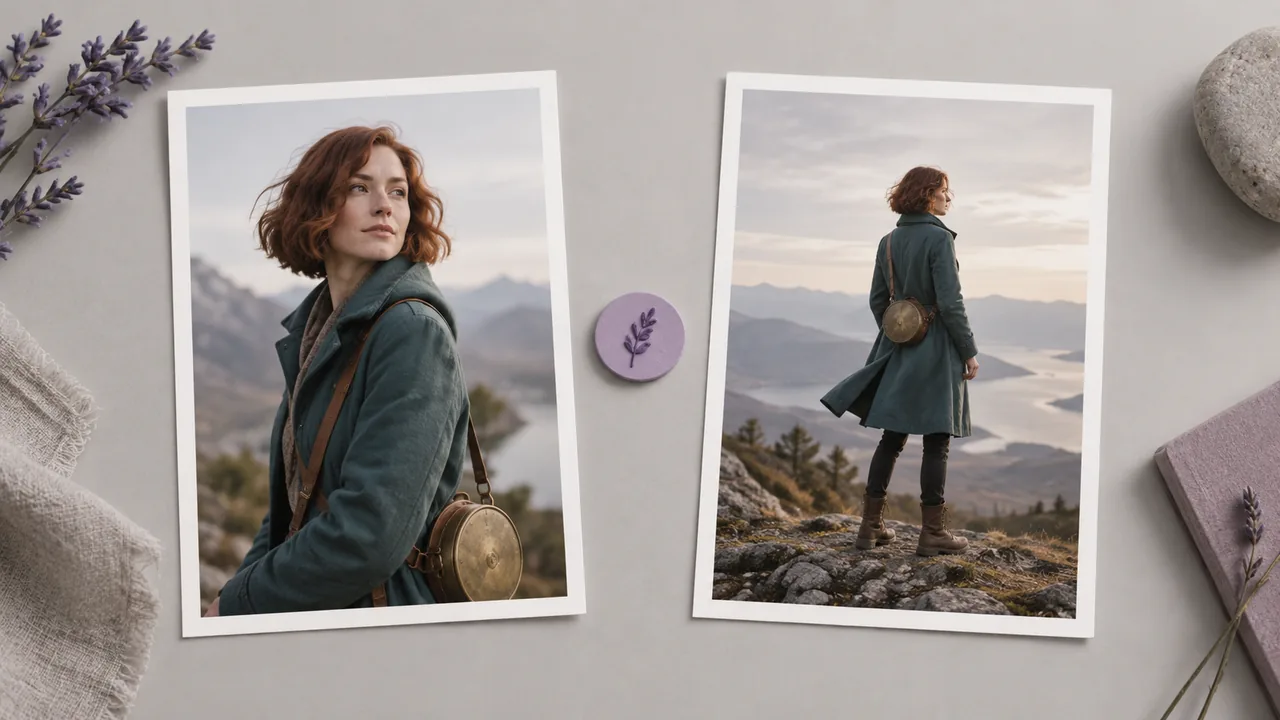
Inspect the generated face, proportions and costume. Select the direction that best fits the role, then identify one unresolved design question before requesting another expression, outfit or view.
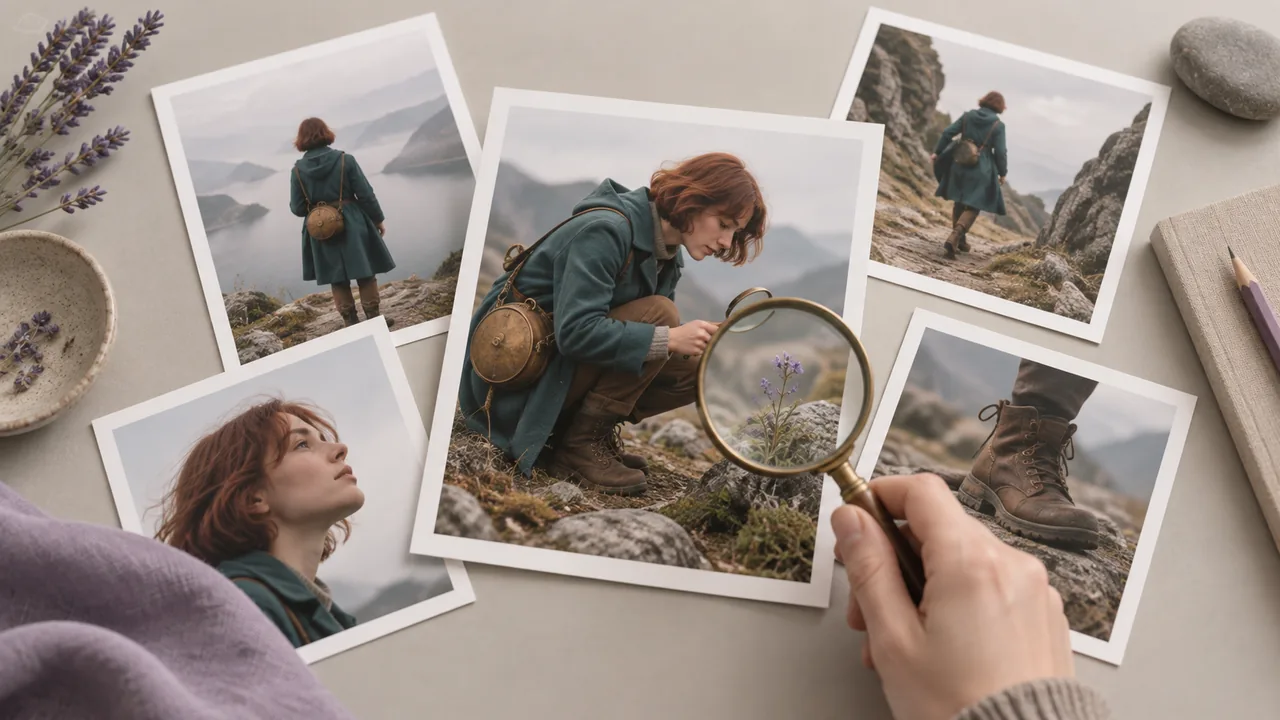
Give each request a design purpose, from the first concept to the decisions that follow it.
Define the character's appearance, clothing, expression, and setting in a prompt. Create an initial visual direction without needing a finished character drawing first.
Open the canvasConnect an existing character image to a compatible image node. Use the reference to guide new versions while checking which design details carry through.
Open the canvasRequest an outfit, expression, pose, or view in a separate generation. Focus each request on the particular question your character design needs to answer.
Open the canvasSelect an image model in the canvas node before generating the character. Inspect its available controls to decide whether it fits the treatment you want to develop.
Open the canvasDescribe an illustration, sculpted character or photographic treatment in the image brief. The selected model interprets that direction, so review the result before making it the project's reference style.
Open the canvasA selected character image can become a reference for a compatible video workflow. Motion is a separate generation task with its own inputs and controls, not an automatic part of the still-image request.
Open the canvasAdapt these briefs in a canvas Image node. The illustrations communicate design directions and are not evidence of exact prompt reproduction or locked identity.
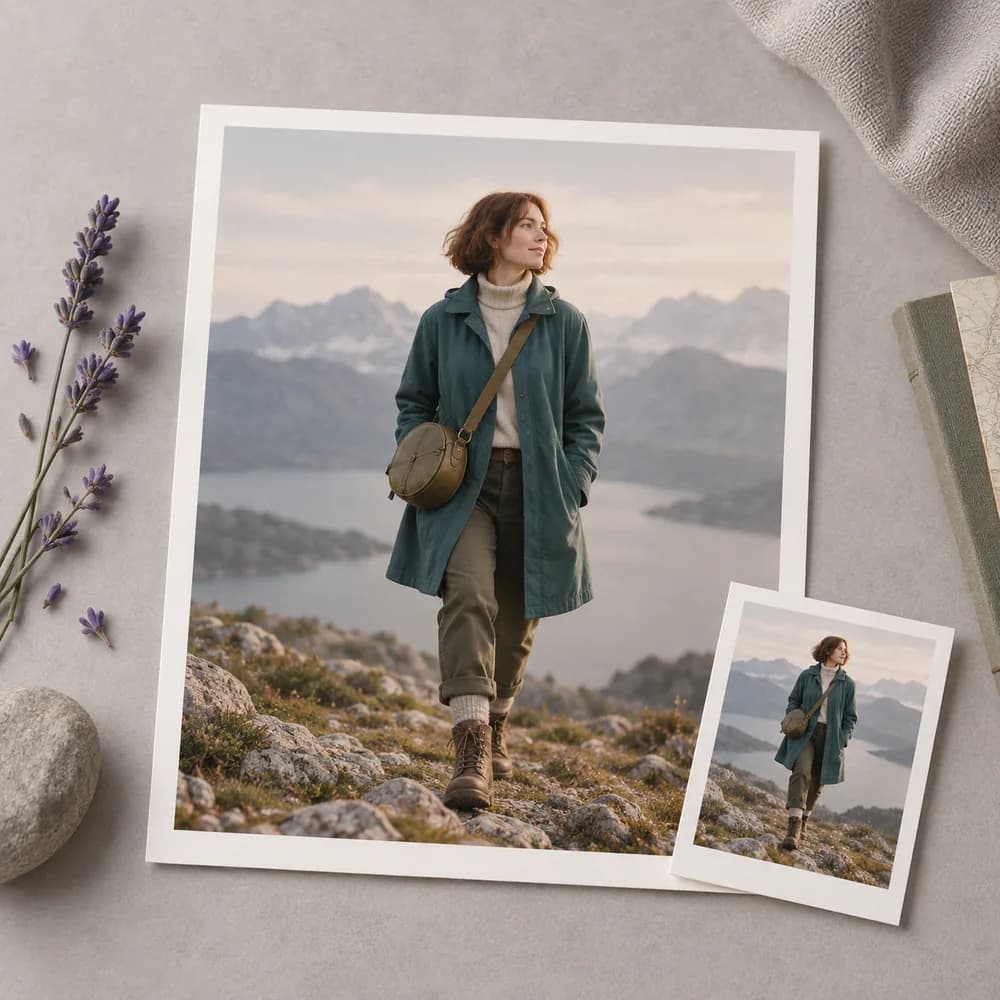
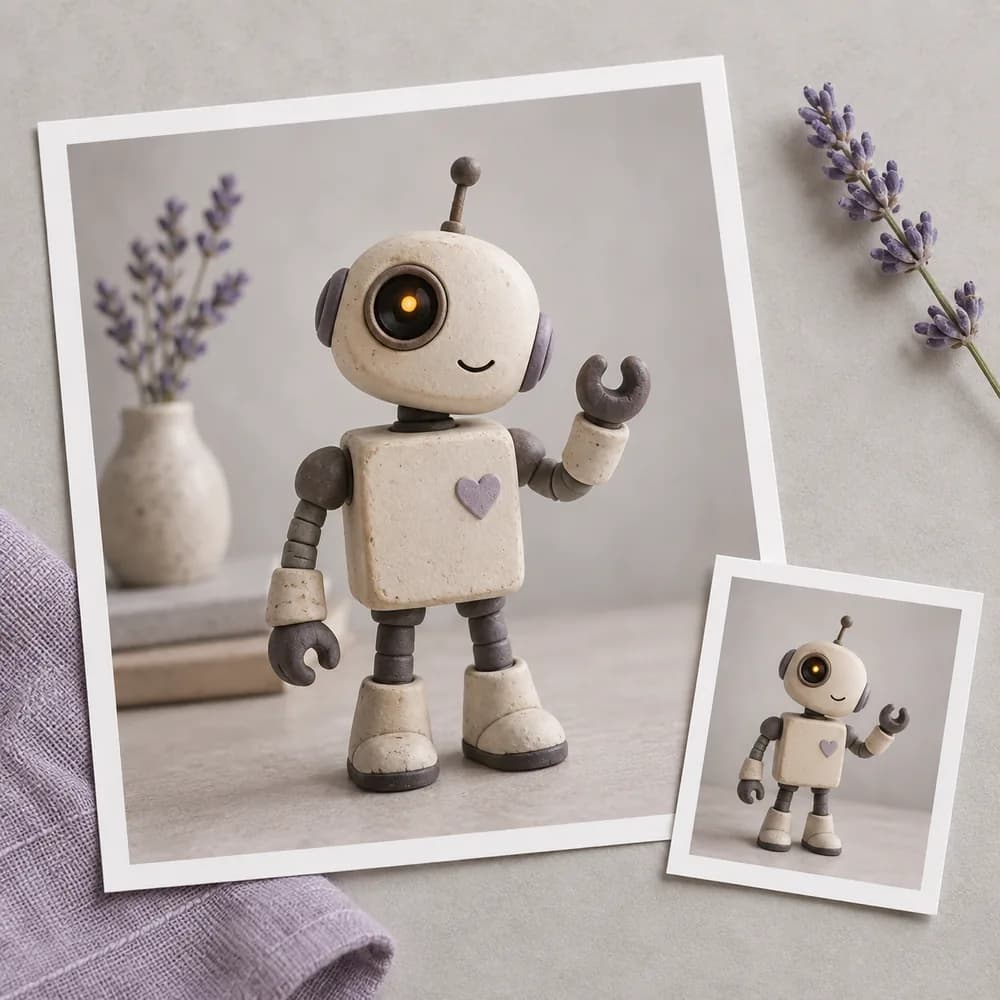
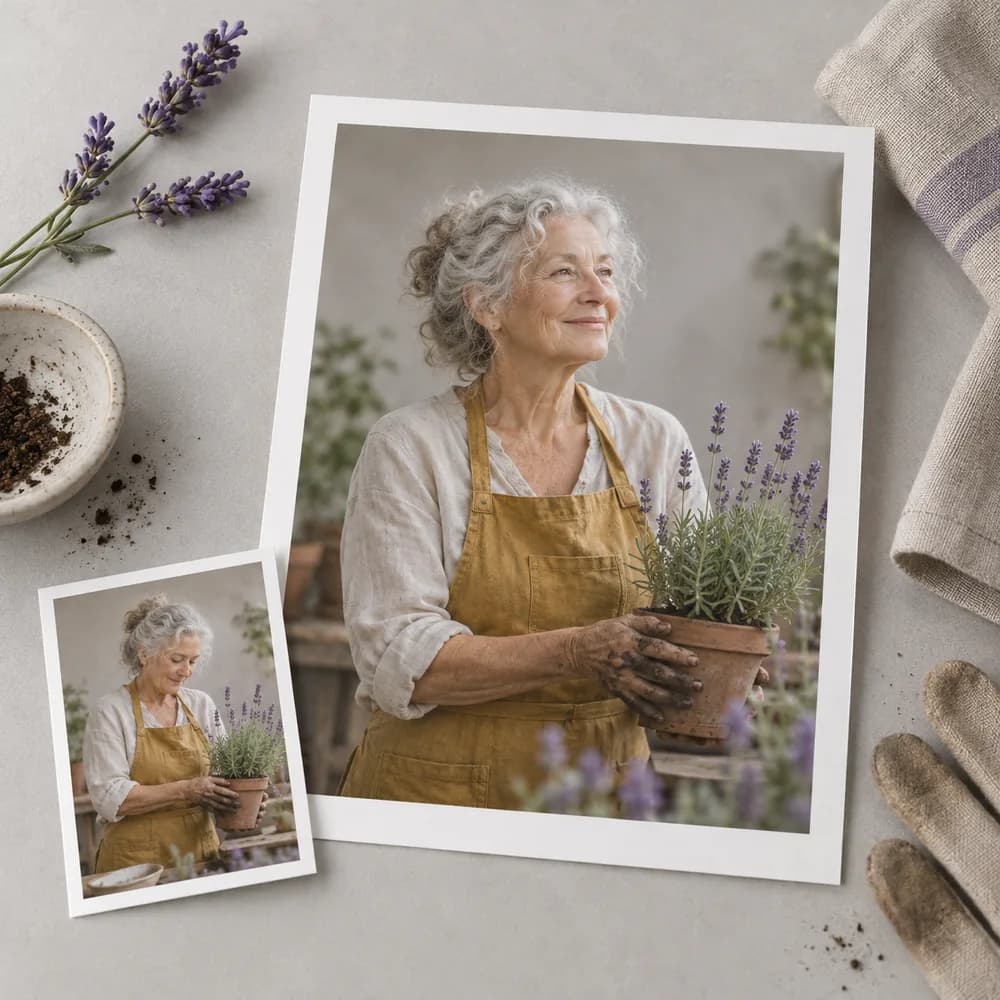
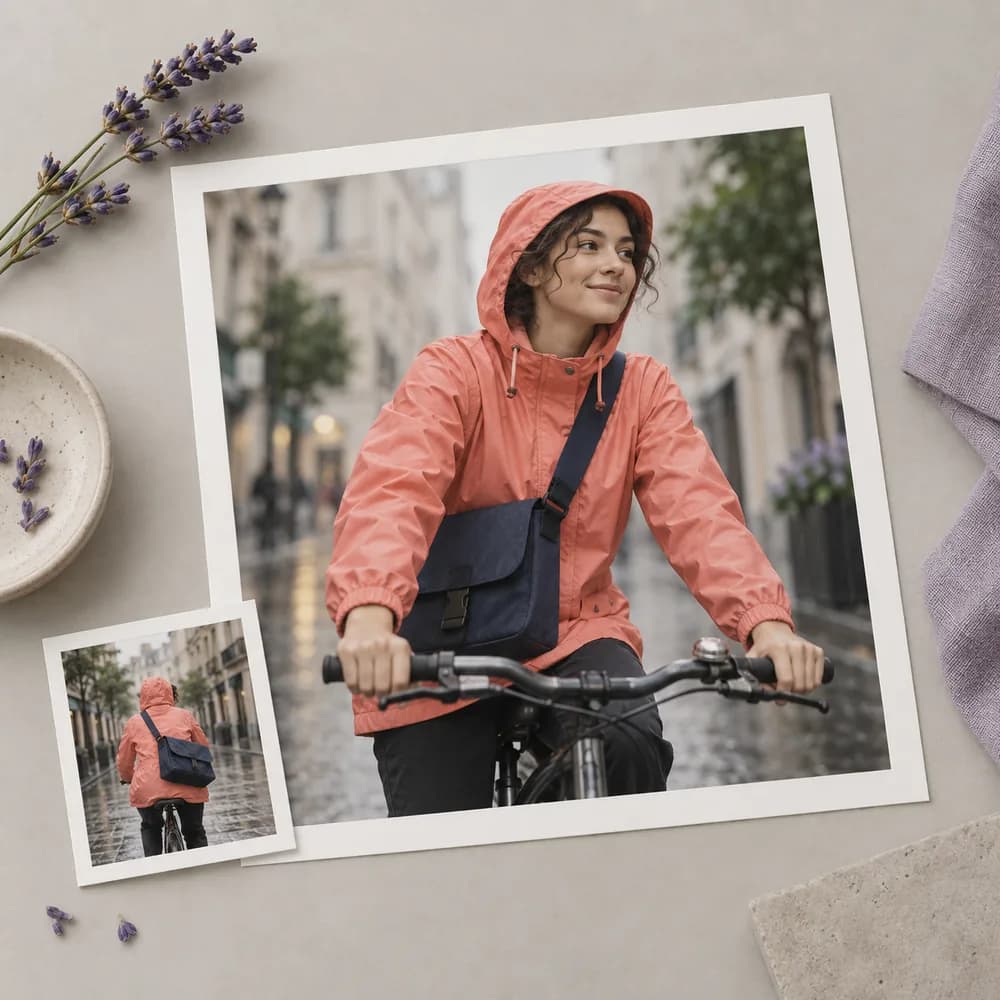
A writer knows the role a character plays but has not settled its visual identity. Develop a first concept from the written description, then compare the result with the personality and setting of the story.
Open the canvas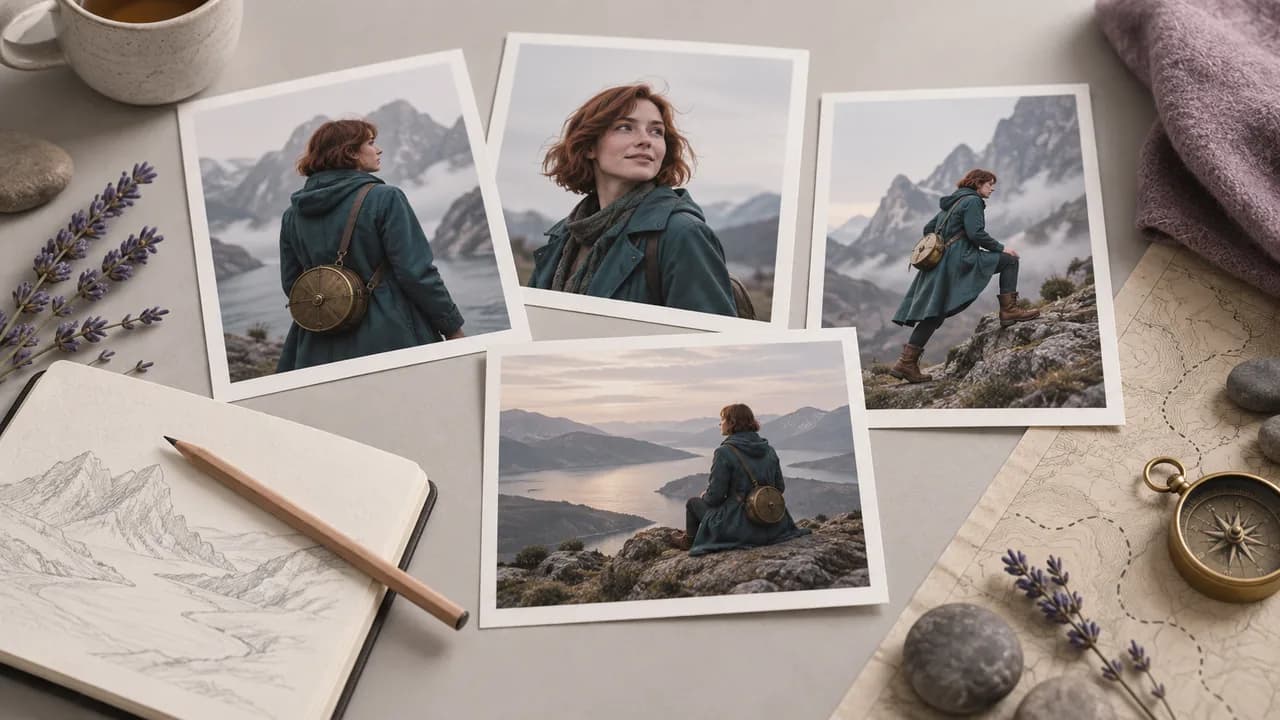
A designer needs to compare practical outfit directions before drawing a finished costume sheet. Request separate variations from a chosen reference, and assess the clothing decisions rather than assuming every facial detail will remain fixed.
Open the canvas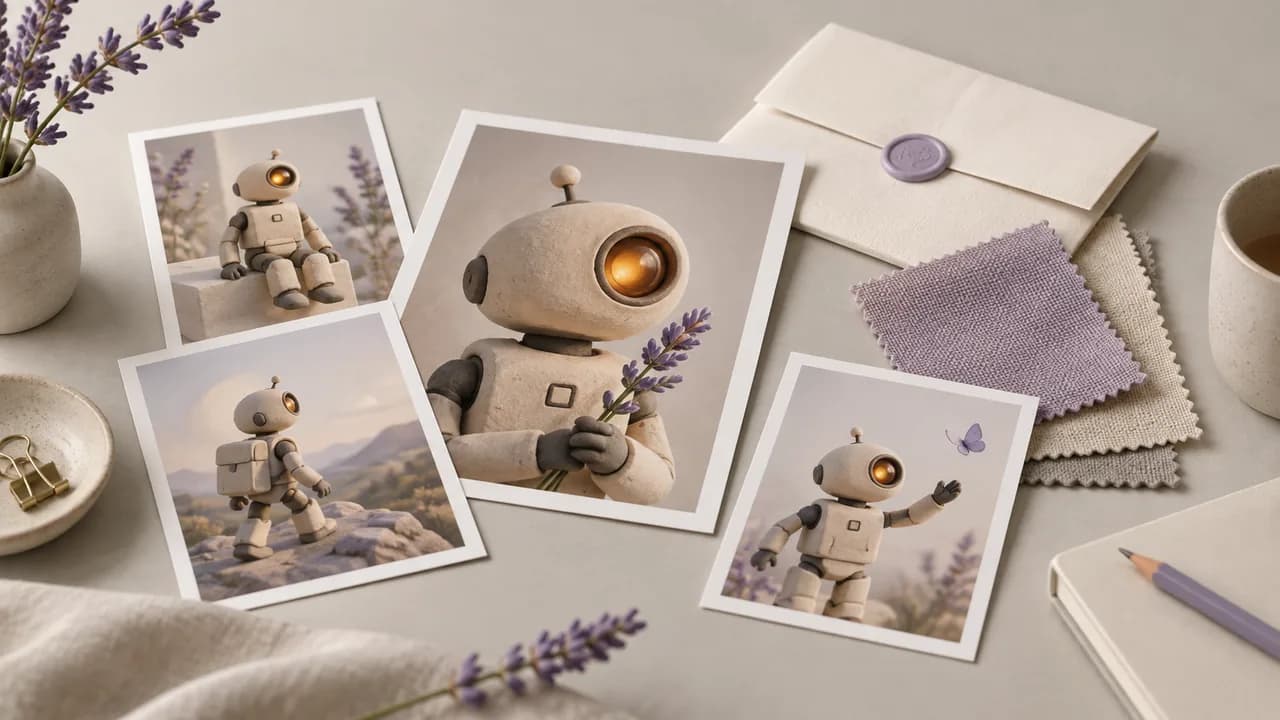
A small game team needs an original character concept to communicate tone in a pitch. Explore a silhouette and a few defining props, then present the selected image clearly as concept artwork rather than a production-ready asset.
Open the canvas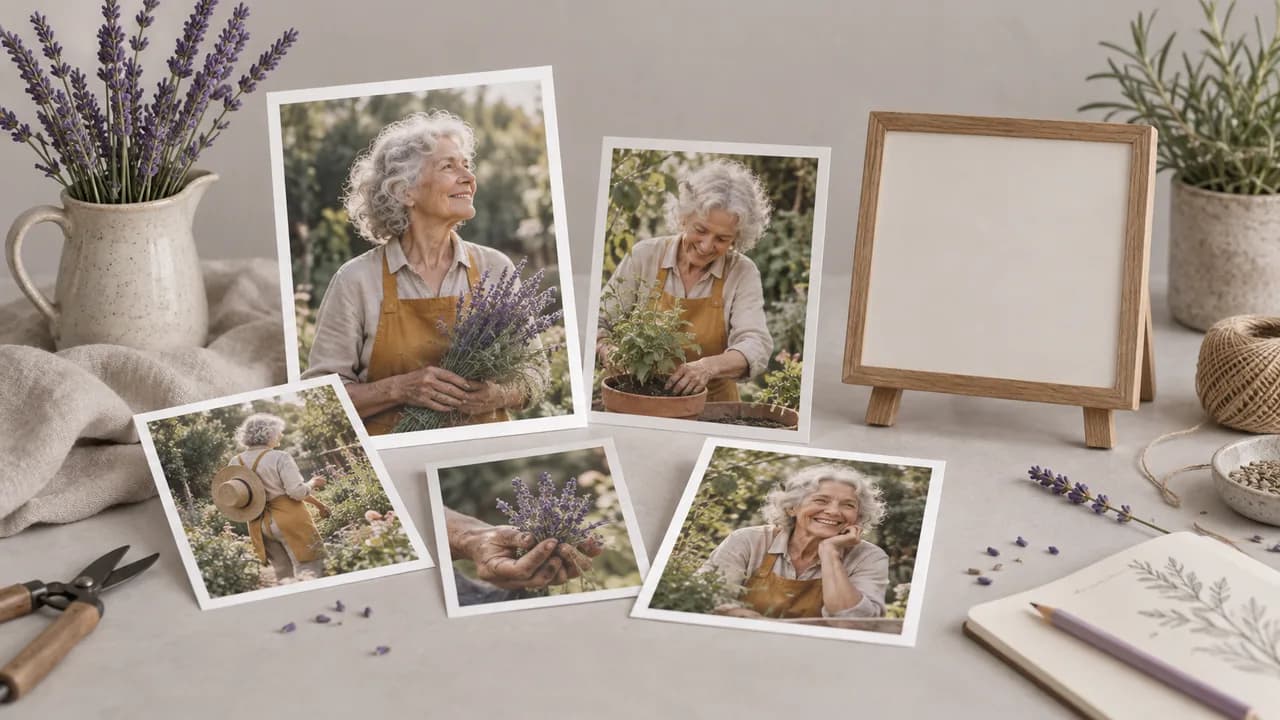
An animator is collecting visual references for a proposed scene. Develop the character's initial appearance, choose a useful view, and review any later variation before adding it to the reference collection for the project.
Open the canvas
An art team wants to discuss a recurring character before commissioning the finished pages. Use concept images to agree on the broad appearance and costume, while checking each new image against the chosen visual direction.
Open the canvas
A creative director needs a memorable figure to explain a new campaign idea. Develop an original concept around its role and silhouette, then use the image to guide discussion without implying rights to existing characters.
Open the canvas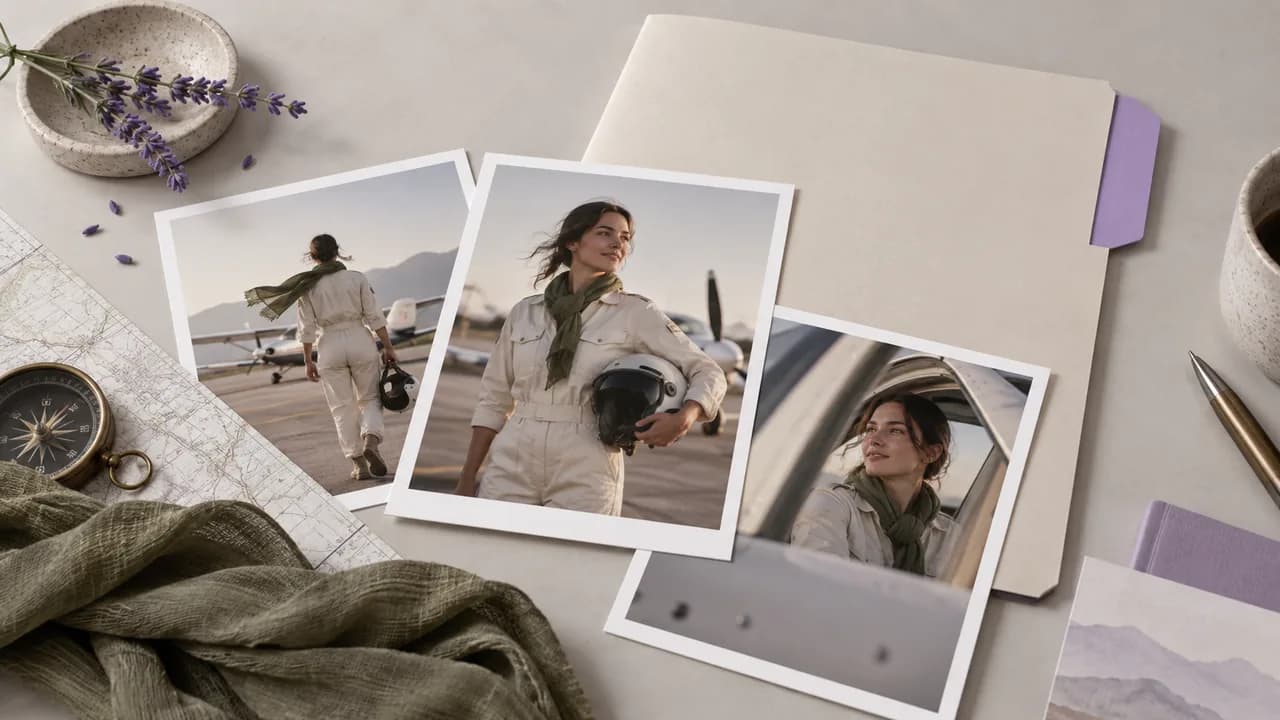
| Project brief | Establish the character's role and audience before describing the appearance. | |
|---|---|---|
| Workspace | Image nodes on the Astorie canvas. This page does not contain a dedicated generator form. | |
| Delivery scope | The result is concept artwork, not a production-ready character rig. | |
| Character sheets | A multi-view image can be requested in a prompt, but the workflow does not automatically assemble or verify a complete sheet. | |
| Consistency | Reference images guide the design; faces and proportions can vary between generated versions. | |
| Access and request cost | Check your account access and the displayed requirement for the configured operation. | Verified 2026-09-28 |
| Free account | A free plan is listed on the pricing page; no credit card is required to start. Specific task access is separate. | Verified 2026-09-28 |
| Commercial use | Paid-plan generated outputs have commercial rights subject to provider terms and input rights. Free-plan generation is for non-commercial evaluation. | Verified 2026-09-28 |
| Upload data use | Default-plan uploads, prompts and outputs may be used for training. Provider policies also apply. Enterprise opt-out needs an agreement; learned or aggregated data may persist after source deletion. | Verified 2026-09-28 |
These catalog image models offer different ways to develop original character artwork. Check reference support and the available controls in the selected node before planning a series of variations.
An AI character generator develops concept artwork for an original role. The chosen design gives a creative discussion something concrete to examine: a silhouette, costume and face that can be assessed against the story. Treat the artwork as a proposal to review, rather than a substitute for deciding who the character is.
Yes, you can start with the free plan described on Astorie's pricing page, which does not require a credit card. Check the selected model's request cost before developing character variations. Plan availability and the rights attached to generated artwork should be reviewed before using a design outside evaluation.
Paid-plan generated character artwork can be used commercially under Astorie's terms and the model provider's conditions. Free-plan generation is intended for non-commercial evaluation. You remain responsible for likeness and intellectual-property clearance, so an existing fictional character or brand does not become yours merely because a model depicts it.
Compare the face shape, hairline, costume details and body proportions in every proposed version. Decide which traits define the character before accepting changes. A similar color palette alone does not establish continuity; assess the features that viewers would use to recognize the same figure.
Bring a role, a silhouette and a few defining details to an Image node.