Sketch reference
Start with a readable composition
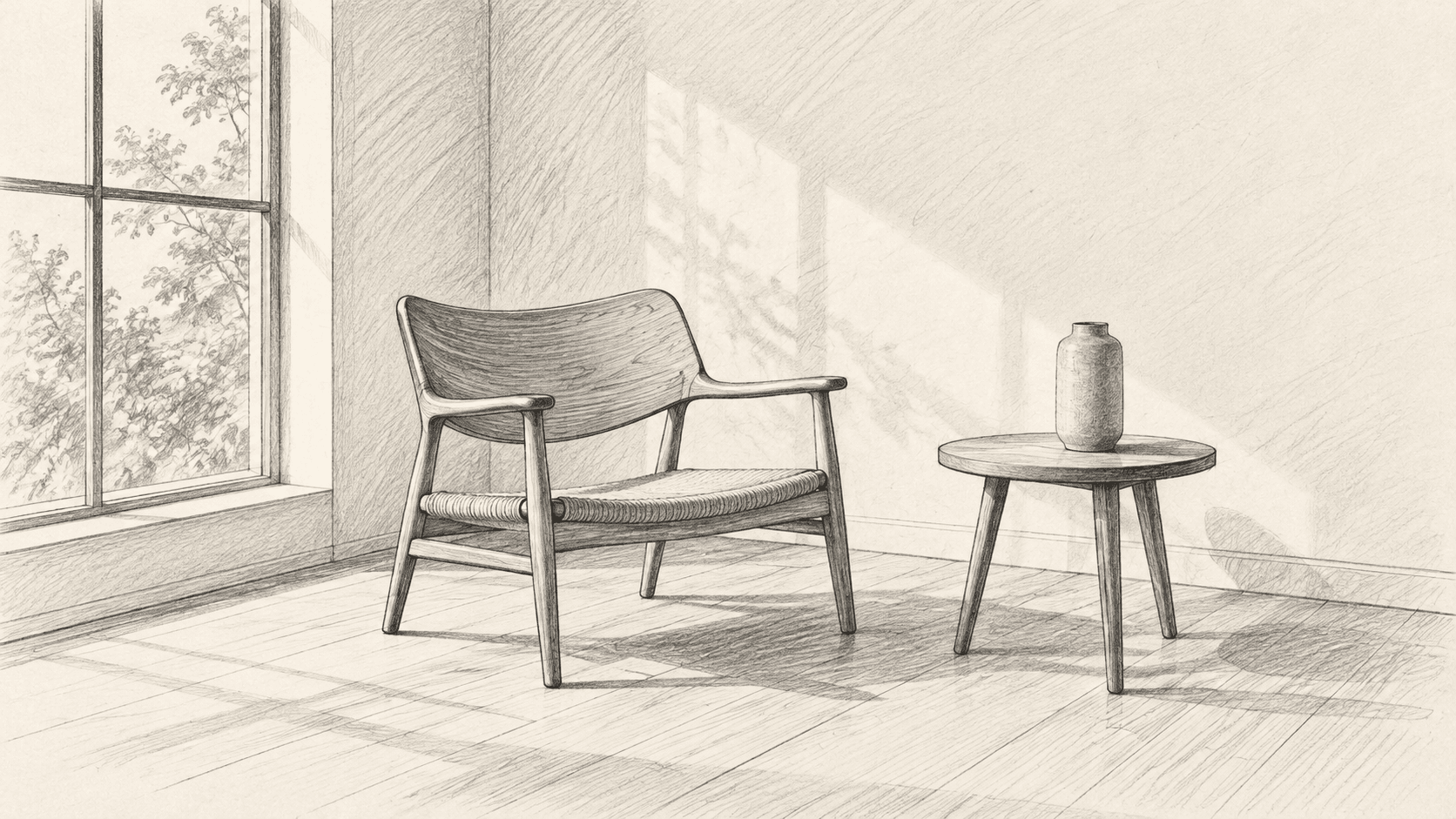
- The chair silhouette and table position define the scene.
- Perspective lines suggest the viewing angle.
- Unfinished surfaces leave room for a material brief.
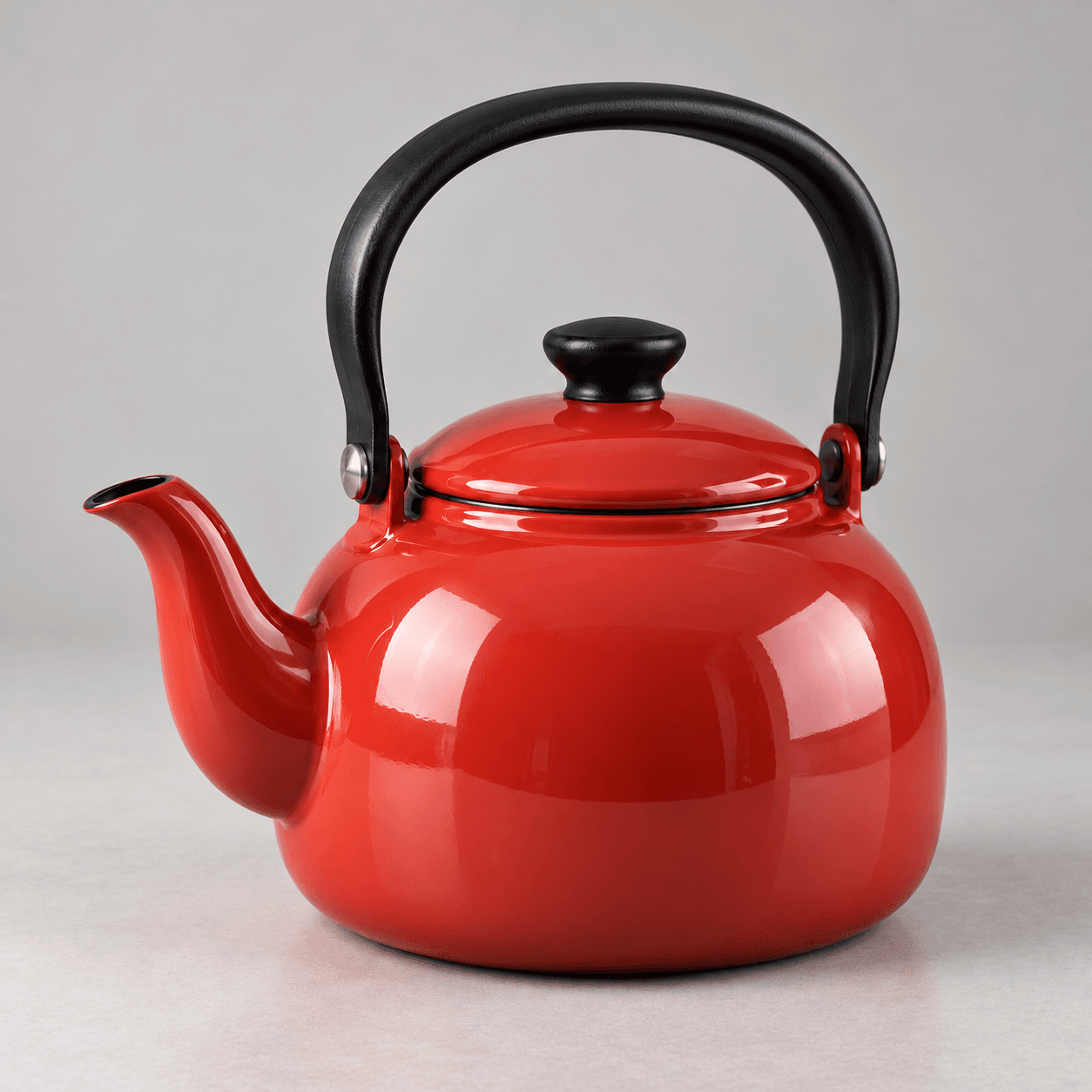
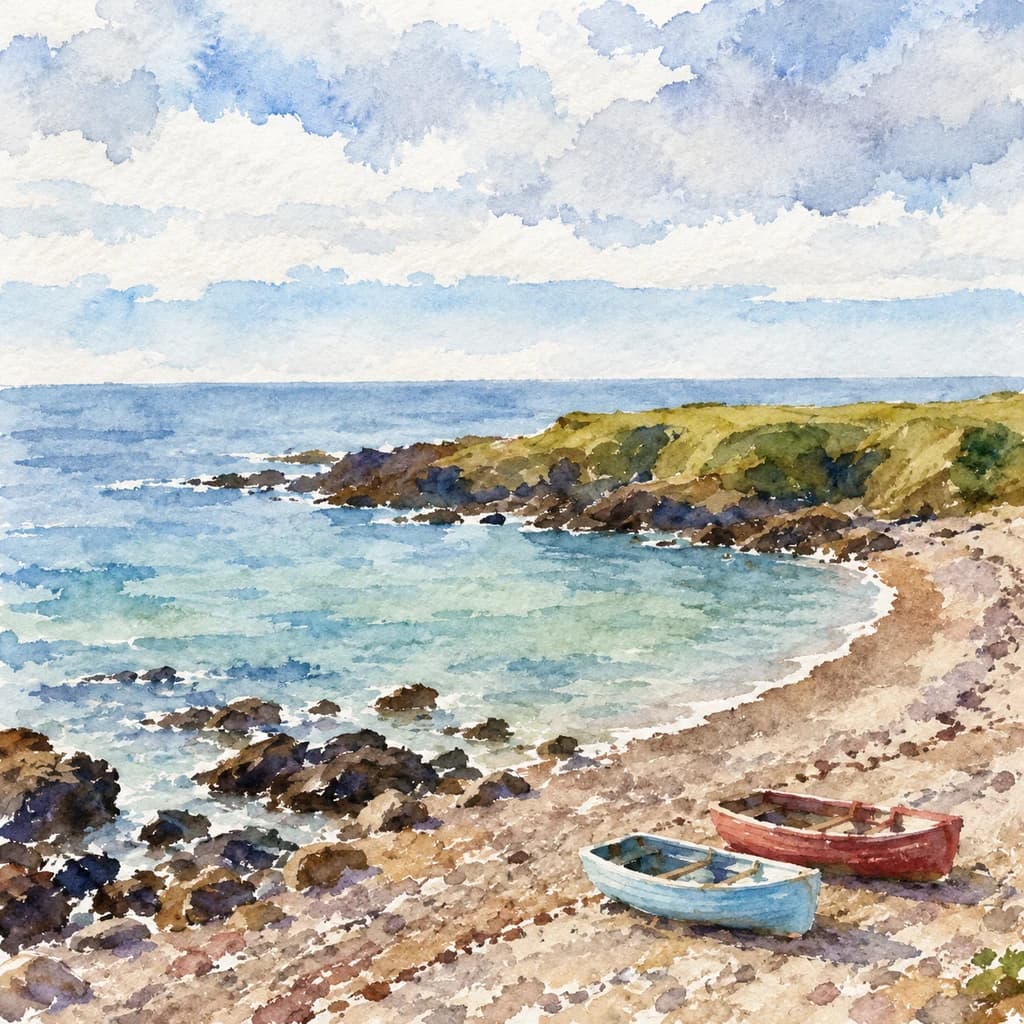
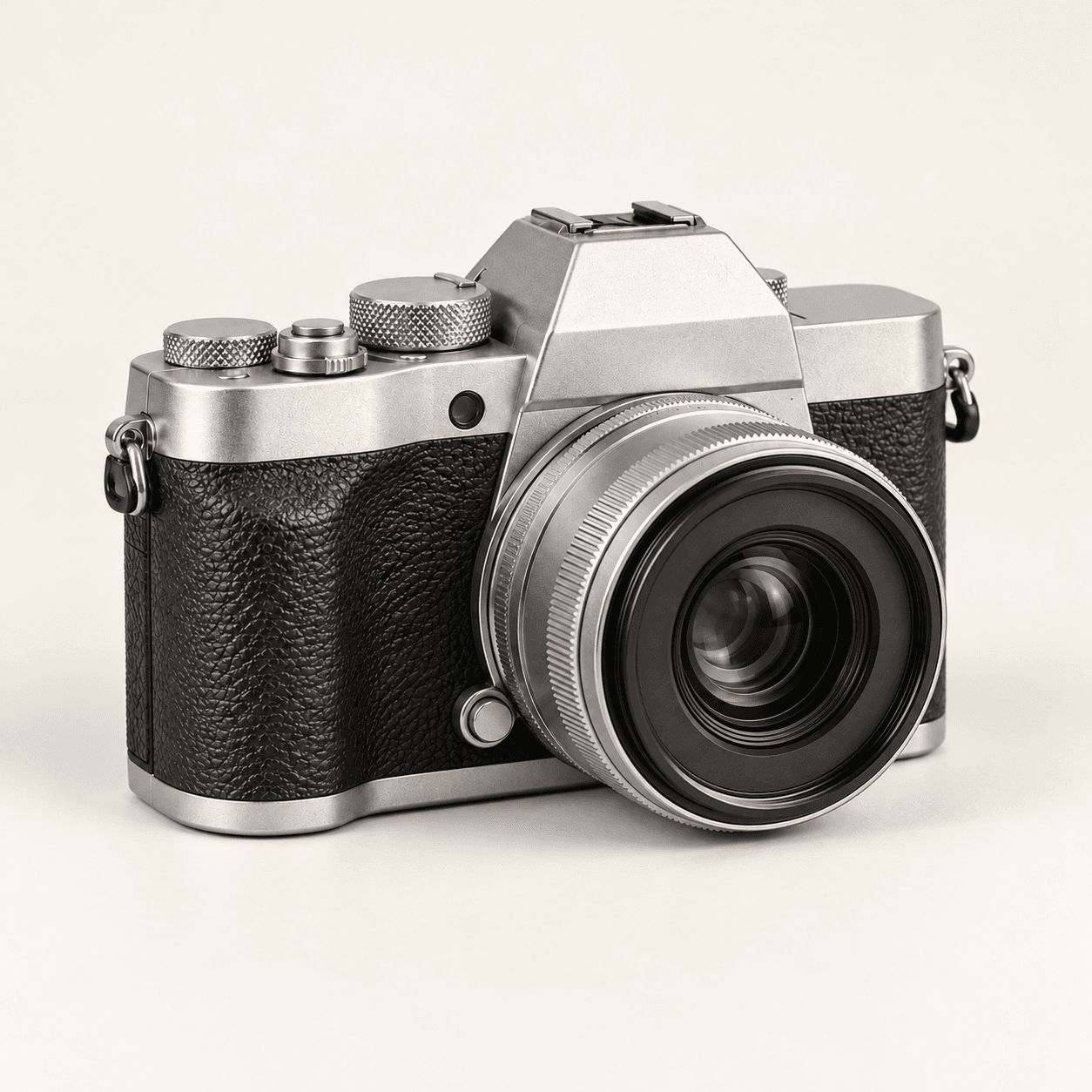
Choose a sketch, select a direction and describe the materials, colors and light. Preset thumbnails illustrate three treatments of a cabin concept.
A sketch supplies visual anchors; your brief supplies the finish. Page images are Image Gen concept illustrations, not verified outputs from this Astorie tool.
Start with a readable composition
Inspect the interpretation
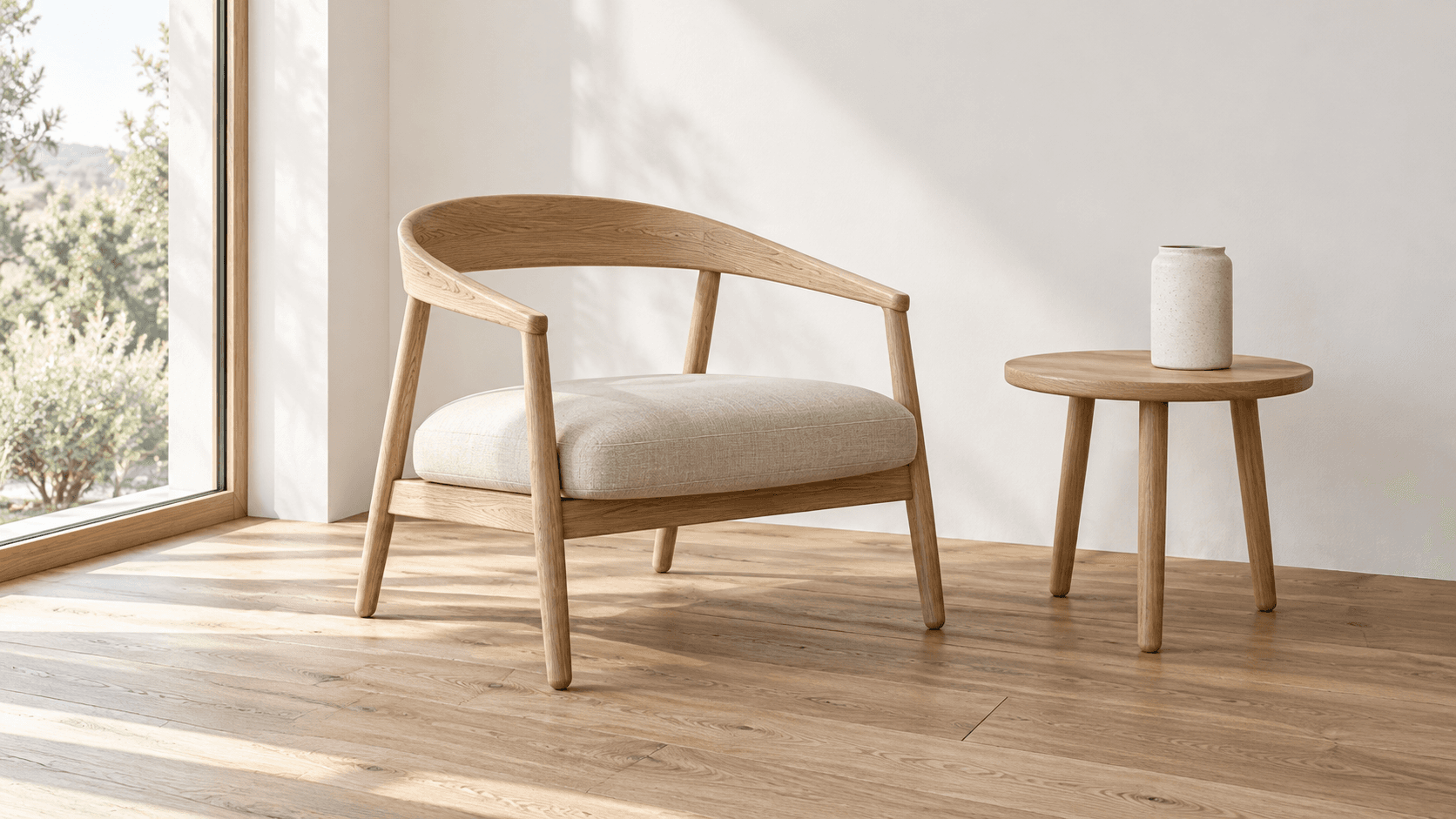
Use a clear reference and one focused visual direction for your first candidate.
Select Cabin sketch or upload your own drawing. Use readable outlines and a clear main subject; a clean scan or evenly lit photo makes the reference easier to interpret.
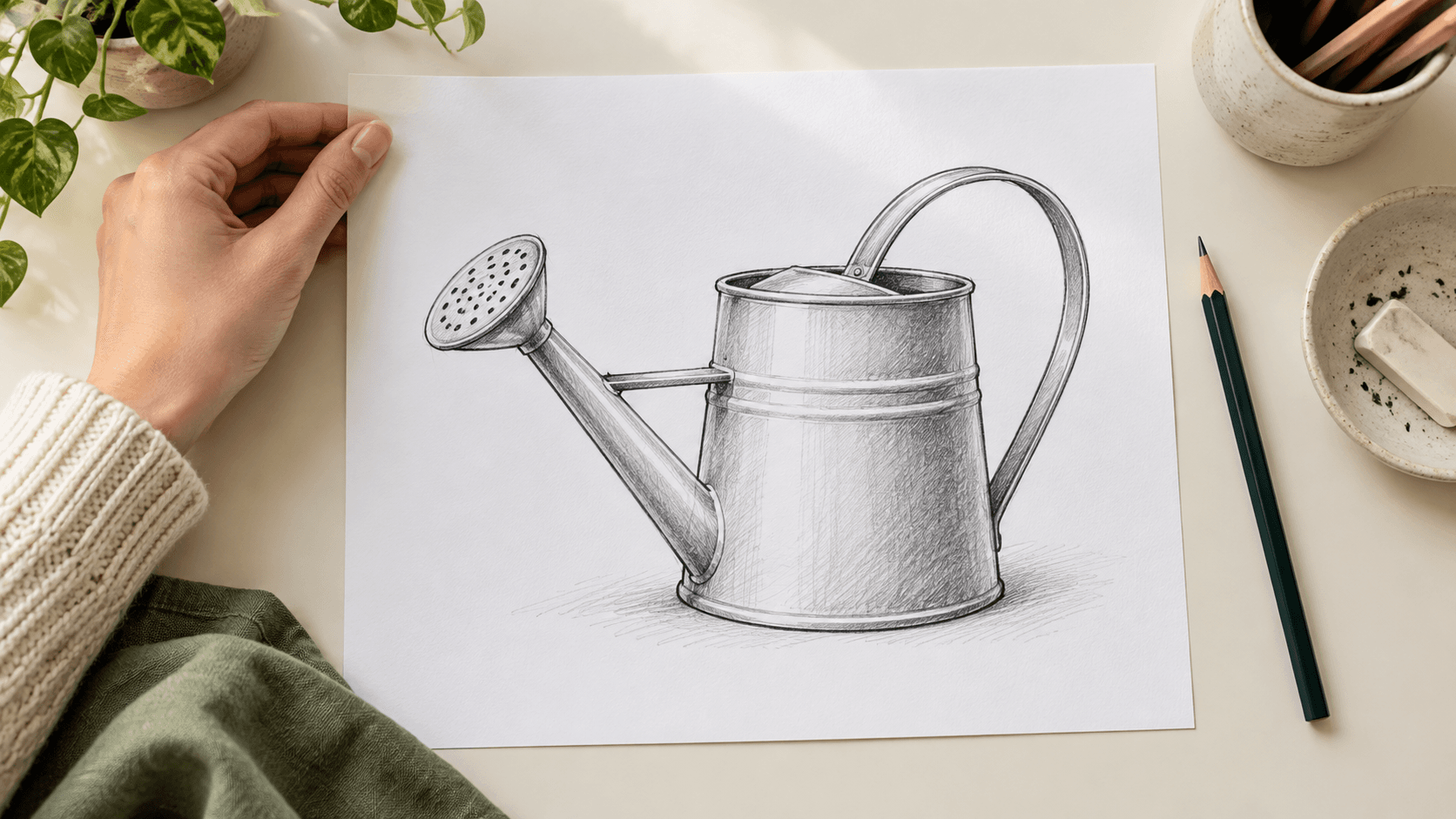
Choose Realistic photo, Painted illustration or 3D concept render. Edit Describe the finished image to specify materials, palette, lighting and details that matter.
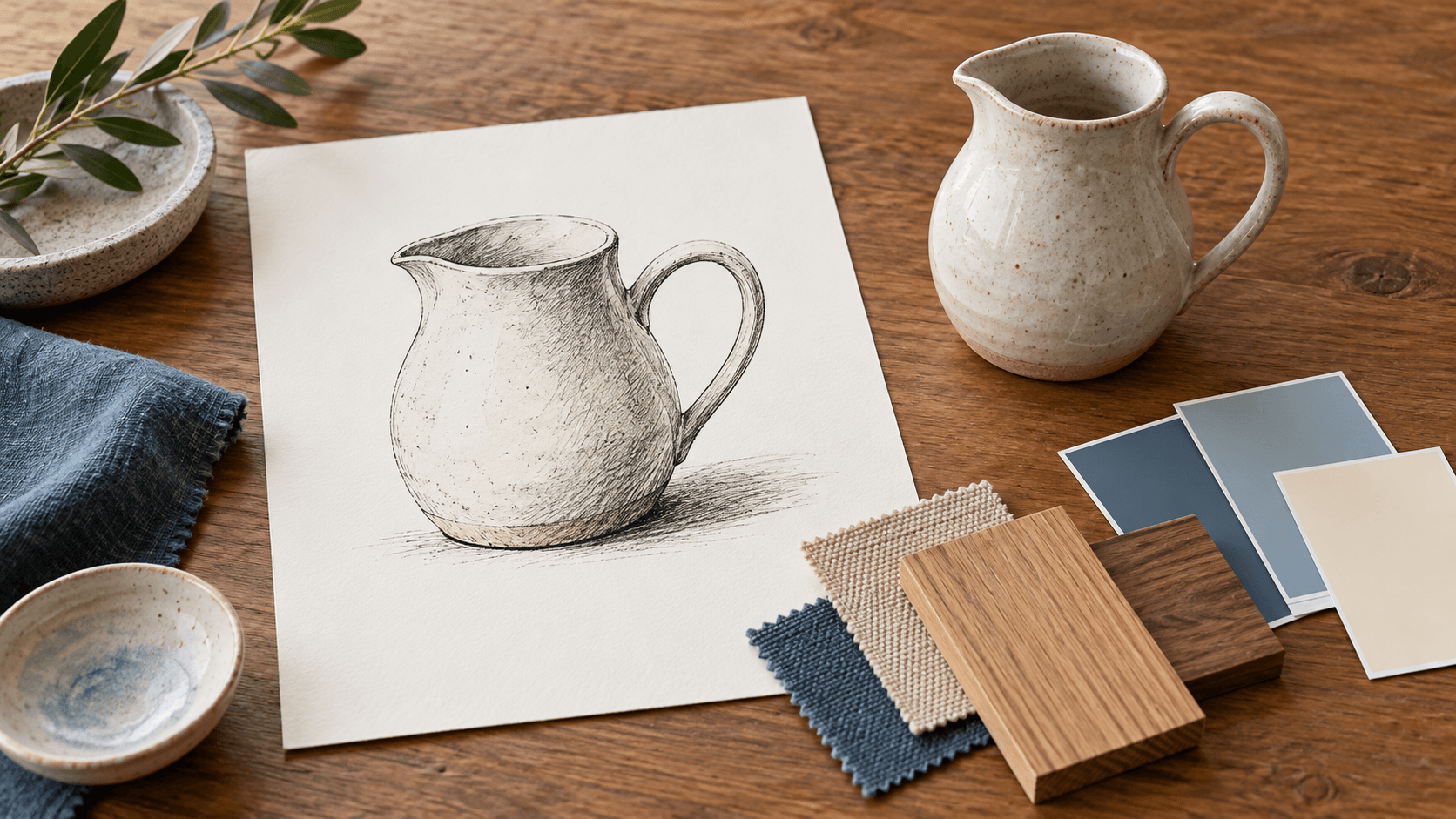
Select Generate image and sign in if prompted. Compare the candidate with your drawing for silhouette, object placement and invented details before using it.
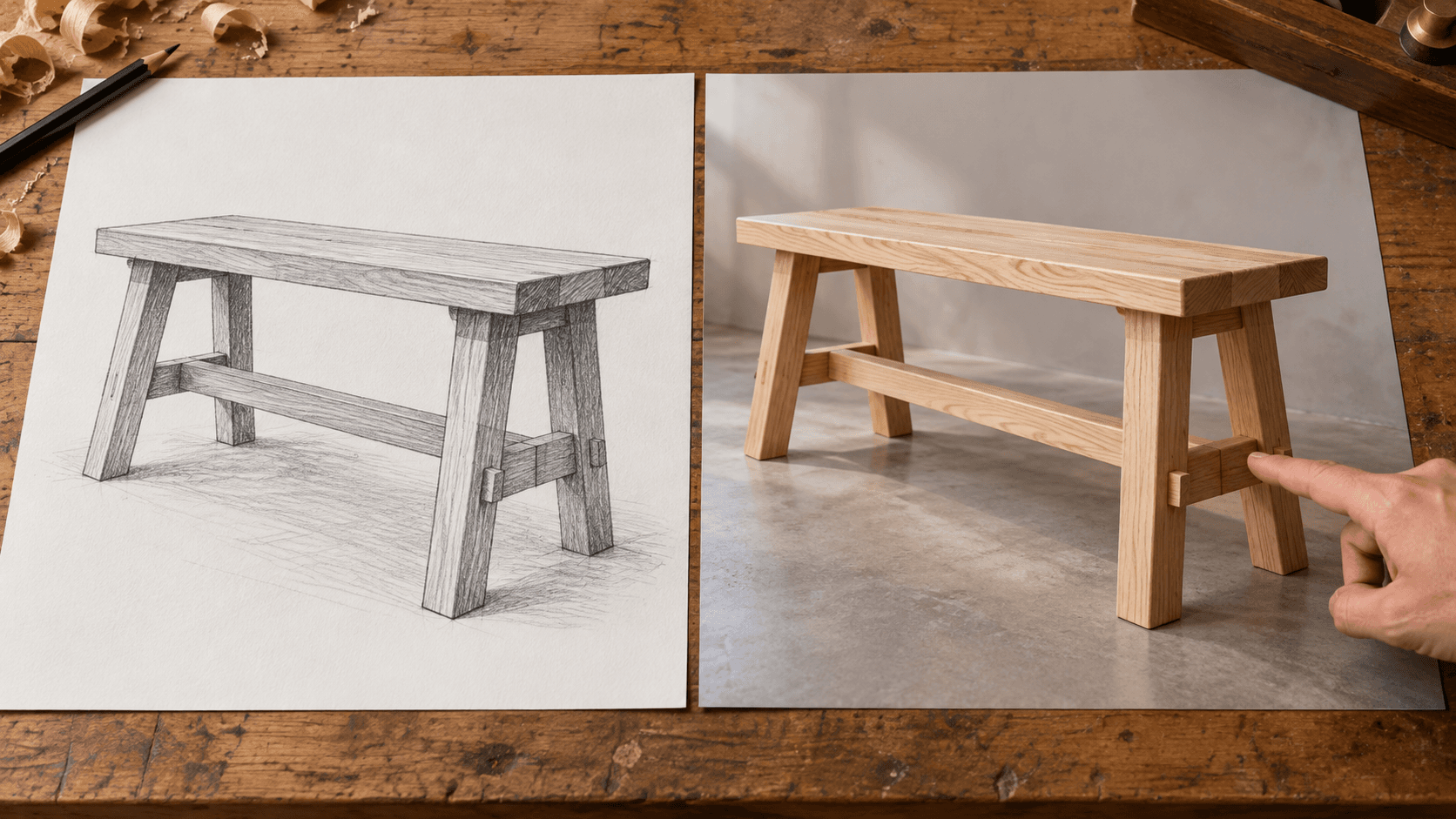
Ask for the qualities you need, then assess how the generated image interprets them.
Name the subject and its important silhouette. A clear outline gives you a reference for judging the new image.
Try your sketchDescribe wood, ceramic, fabric or metal instead of asking only for more detail. Inspect textures and joins for a plausible finish.
Try your sketchSpecify a few colors and where they belong. Check that the palette supports the hierarchy in your drawing.
Try your sketchRequest soft daylight, a studio setup or an evening mood. Assess whether shadows and reflections fit the scene.
Try your sketchUse a photographic, painted or rendered direction to compare visual treatments of the same idea.
Try your sketchChange one part of the brief at a time and compare each candidate with the original sketch.
Try your sketchAdapt these briefs to the subject and proportions in your own drawing.


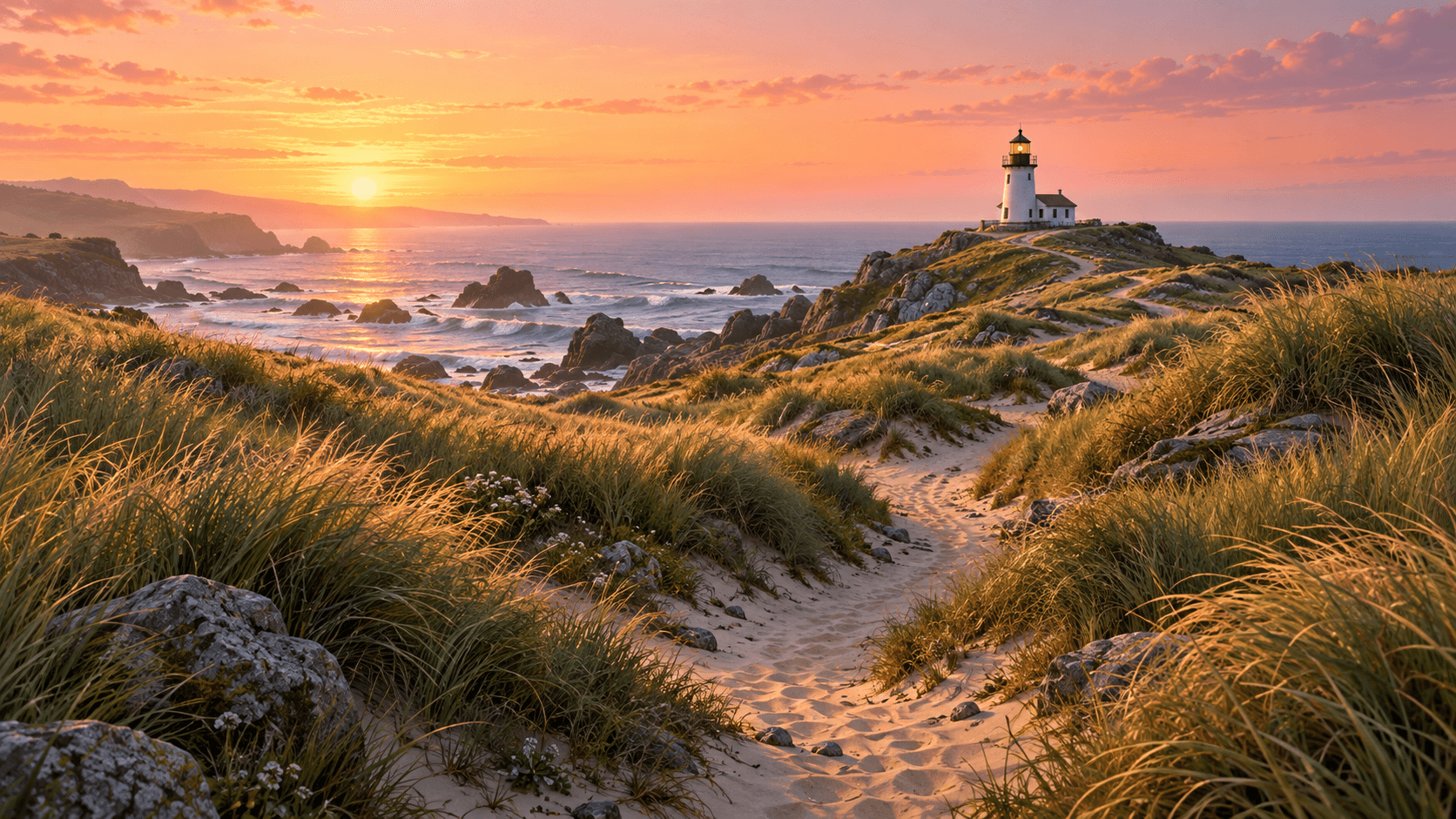
Use an interpreted sketch as a discussion image for a specific creative task.
Explore upholstery, timber and daylight from a room drawing. Review furniture placement and proportions before using the image in a presentation.
Explore a direction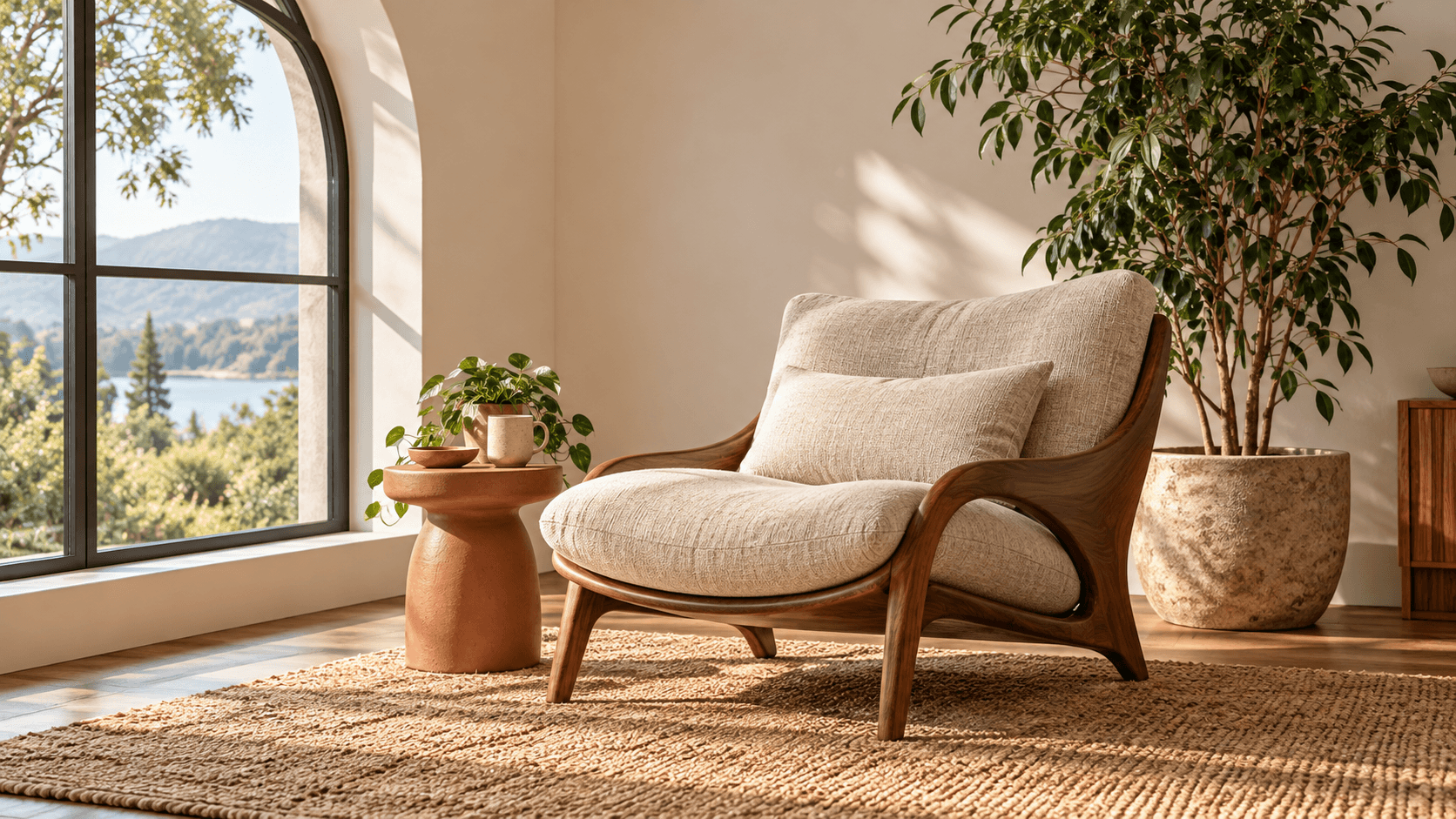
Try a color and material treatment for an early object sketch. Check the form and construction details with your design team.
Explore a direction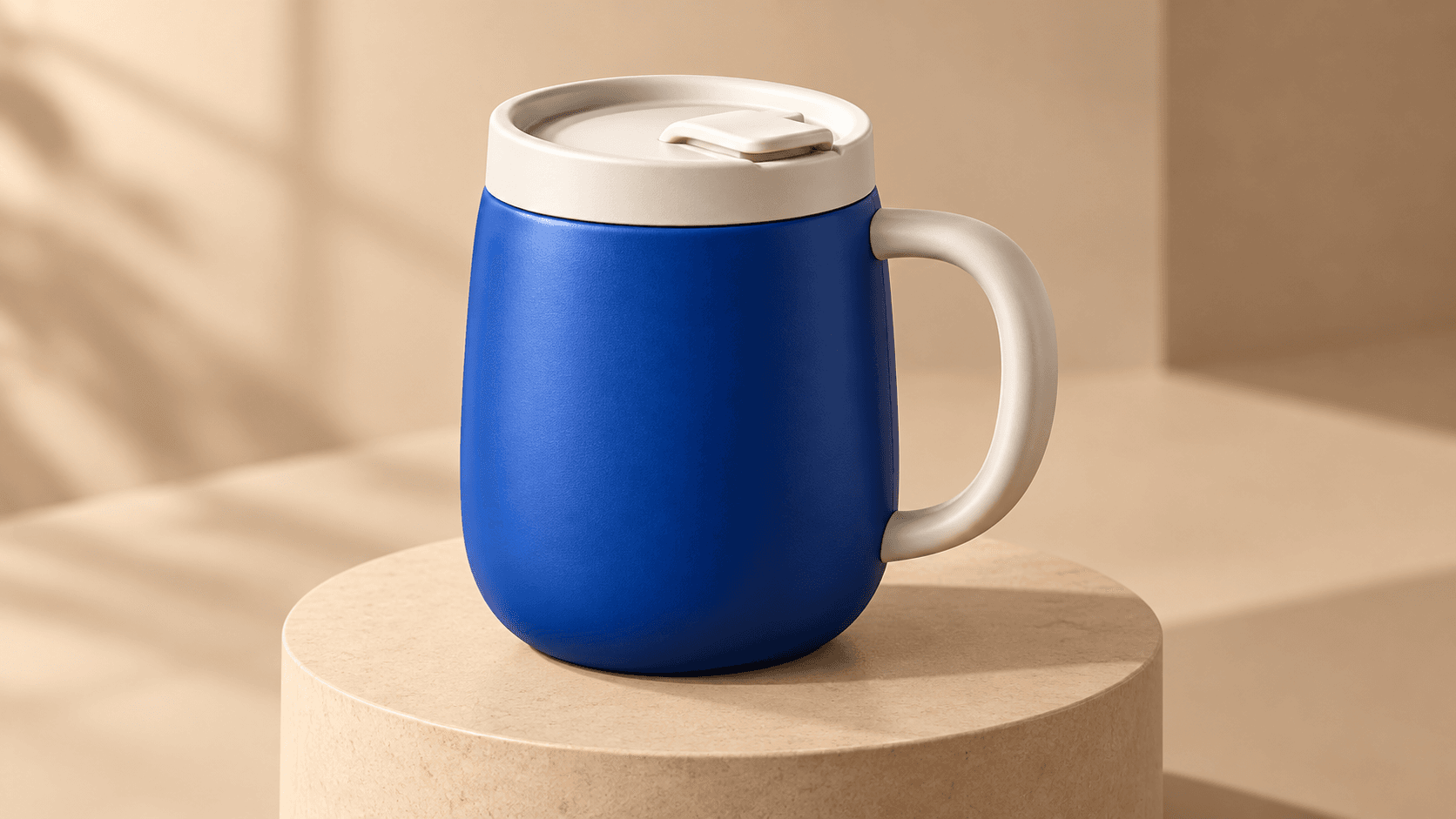
Develop lighting and atmosphere around a drawn scene. Review the subject placement and narrative action before planning the next frame.
Explore a direction
Turn a still-life drawing into a painted visual direction. Judge the colors and crop at the intended page size.
Explore a direction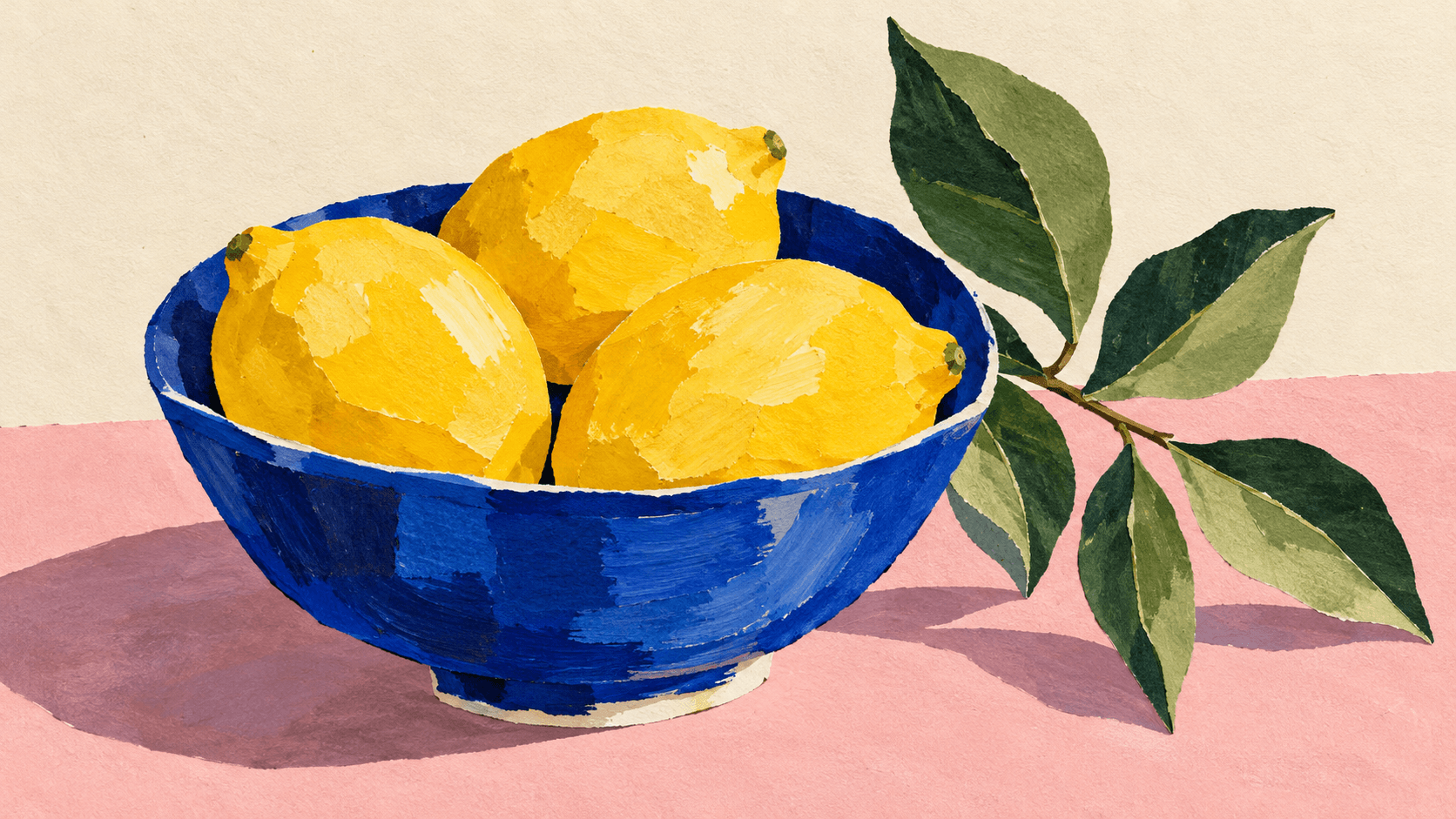
Plan the reference, the brief and the checks your use case requires.
| Input | One selected sample or uploaded sketch. A reference image is required. | |
|---|---|---|
| Controls | Choose a visual-direction preset and edit the prompt. | |
| Output | A generated still image saved to a personal canvas project. | |
| Detail fidelity | Generation may change lines, proportions, lettering or small objects. Compare important details with the original sketch. | |
| Technical drawings | A generated image is a visual concept, not a measured plan, CAD model or construction document. | |
| Credits | Check the credit requirement displayed before generating. | |
| Free plan | A free plan is listed with no credit card required. Check the allowance in your account. | Verified 2026-10-14 |
| Commercial use | Paid-plan outputs have commercial rights subject to provider terms and input rights. Free-plan outputs are for personal, non-commercial evaluation. Upgrading applies to new generations. | Verified 2026-10-14 |
| Upload data use | Default terms permit uploads, prompts and outputs to be used for training and improvement. Provider policies also apply. Enterprise training opt-out requires a written agreement; derived information may persist after source deletion. | Verified 2026-10-14 |
Use these catalog links to research separate canvas workflows. Compare each model’s reference inputs and controls before choosing it.
Catalog checked 2026-10-14. These cards do not identify the model behind this form or document a tested sketch conversion.
Browse image models
Compare model capabilities for the wider visual workflow.
Review commercial rights and source-material conditions.
Read the current upload and training policy.
It means generating a new image from a drawing and a written brief. The sketch guides the subject and arrangement, while the prompt describes the visual finish.
You can request a photographic interpretation with Realistic photo. Describe materials, color and lighting, then inspect the result against your drawing.
No. A rough sketch can communicate the idea if the main subject, outlines and object positions are readable. Crop distracting paper edges and photograph the drawing in even light.
No. Generation may reinterpret geometry, small details and lettering. Review the result carefully when those features matter, and keep the original drawing for comparison.
You can use it to explore a visual concept. The output does not verify dimensions or engineering requirements and should not be treated as a measured plan or CAD file.
Name the subject, key silhouette and object positions, then specify a medium, materials and light. Avoid unrelated additions and revise one part of the brief at a time.
Paid-plan generations have commercial rights subject to provider terms and your rights to the input. Free-plan outputs are for personal, non-commercial evaluation. Check the current commercial-rights policy before paid work.
Start with one readable drawing, choose a direction and describe the look you want to explore.