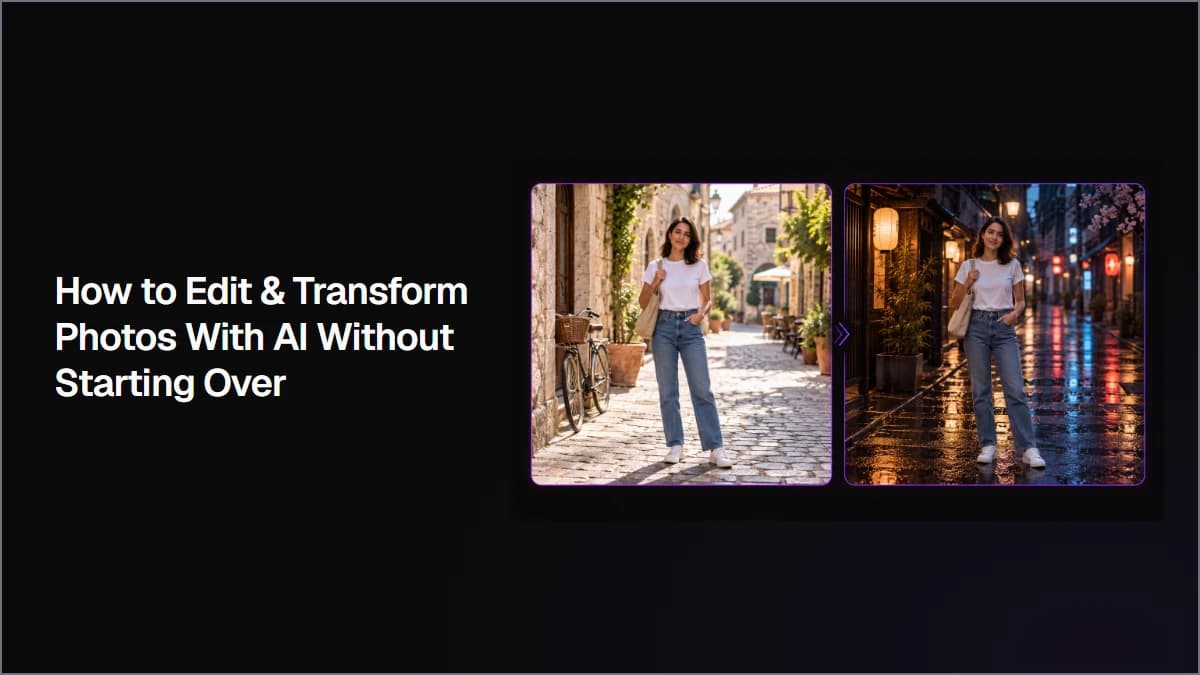
Upscale images to 4K by starting from the original source, comparing faithful and more reconstructive enhancement methods, and checking the exported file at full size. This workflow shows how to evaluate resolution, facial details, textures, small text, and source fidelity before choosing the final upscale.
Remove image backgrounds by choosing between direct extraction and prompt-based editing based on what you need to preserve. This workflow compares both methods, shows how to define complex foreground subjects, and explains how to check hair, edges, small objects, and source fidelity before approving a cutout.
Design social media graphics with AI by starting with one reusable product reference and a clear campaign system. Keep the same visual DNA across the series while changing composition, camera angle, format, and creative purpose so each graphic feels distinct but still belongs to the same campaign.
Create AI storyboard frames by defining reusable character and scene references, breaking the story into clear visual beats, and generating the full sequence as one storyboard grid. You can then split the grid into individual frames and refine only the shots that need more control.
Create AI product photography by defining the product details that must stay consistent, choosing and correcting one master image, then using that approved product as a reference for new shots. This workflow shows how to change camera angle, orientation, lighting, composition, and environment without changing the product itself.
Create AI App Store screenshots by starting with real app UI, adding a clear benefit-focused marketing layer, and using an approved design as the reference for the rest of the set. This workflow shows how to create consistent screenshots, update copy, localize designs, and resize assets without letting AI redesign the product underneath.
To animate an image with AI, upload a photo or illustration, connect it to an image-to-video model, describe the motion you want, and generate a short clip. In Astorie, the source image, prompt, settings, and result stay on one canvas, so you can compare model runs without rebuilding the setup.
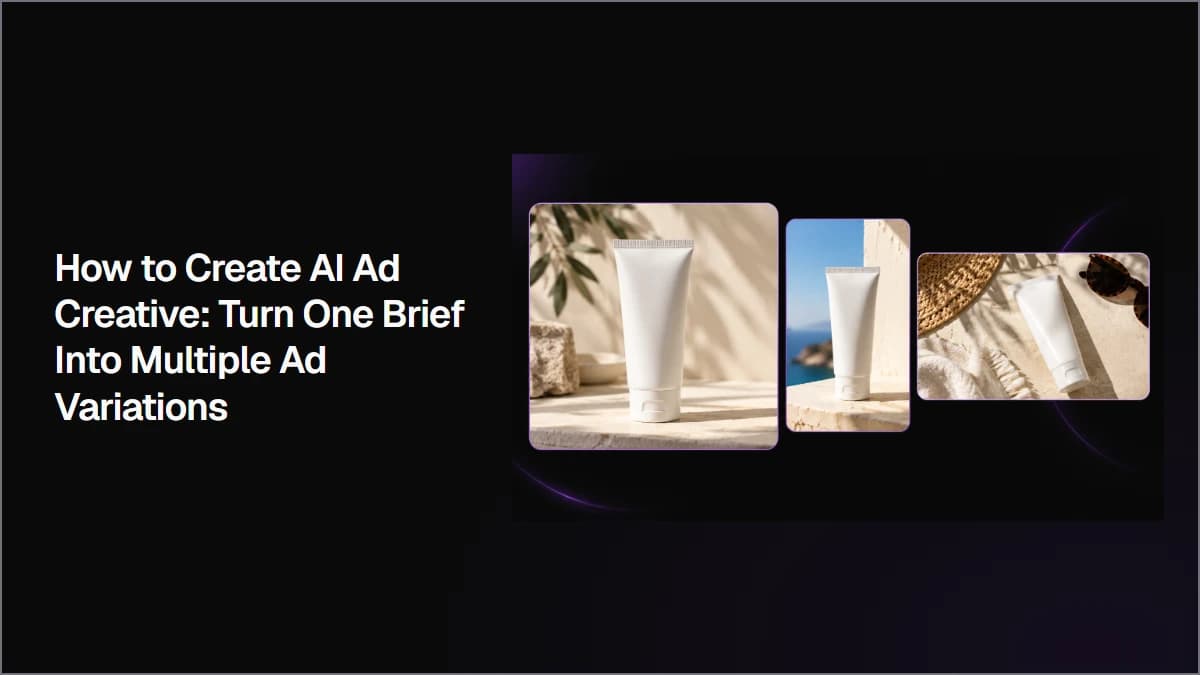
Create AI ad creative by starting with one clear campaign brief, generating multiple visual directions, selecting the strongest concept, and creating controlled variations for different formats and tests. This workflow shows how to keep product details, copy, and visual identity consistent while turning one idea into multiple ad assets.
Build a Repeatable AI Advertising Workflow From One Campaign Brief
최고의 이미지 생성 모델로 전문가급 AI 아트와 일러스트를 만들어 보세요. 아래에서 모델을 선택하면 최적화된 프롬프트와 함께 단계별 튜토리얼을 확인할 수 있습니다.
Astorie Editorial·모델 가이드 5개
촬영 없이도 스튜디오 품질의 제품 사진을 생성하세요. 아래에서 모델을 선택하면 맞춤 프롬프트와 파라미터 설정을 확인할 수 있습니다.
Astorie Editorial·모델 가이드 3개
몇 초 만에 시선을 사로잡는 소셜 미디어 비주얼을 디자인하세요. 각 가이드는 플랫폼별 규격, 스타일, 그리고 모델마다 다른 프롬프트 기법을 다룹니다.
Astorie Editorial·모델 가이드 3개