A simple studio reference
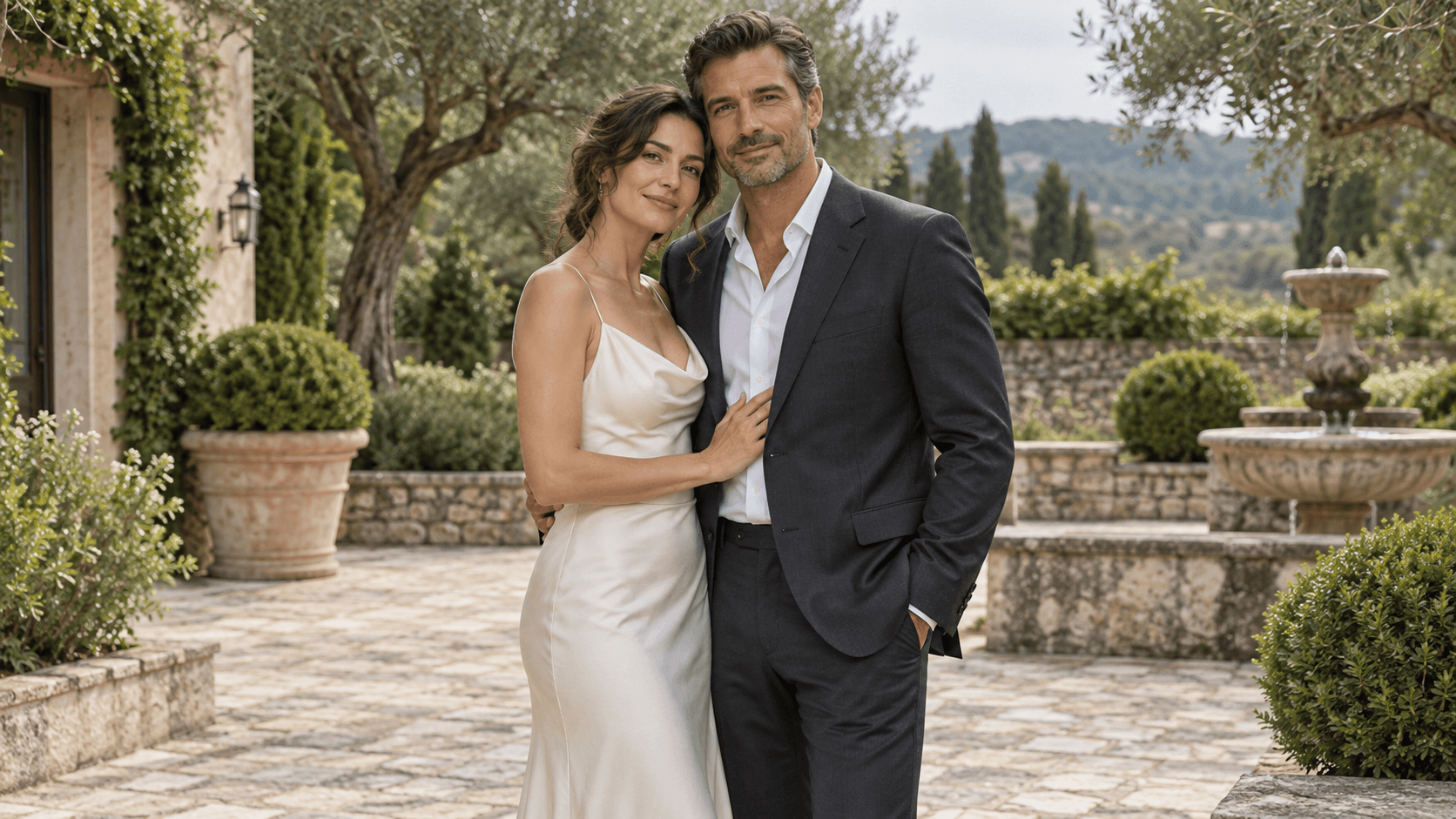
Start with both people clearly visible
- One photo shows both adults together.
- Faces are distinct and not covered by props.
- Simple clothing and light make details easy to compare.

Use the sample, upload one photo showing both adults, or remove the image to start from a description. Choose a direction and make the brief your own.
These Image Gen illustrations show creative directions, not verified outputs from this Astorie form. Each preset thumbnail uses the same fictional adult couple reference.
Start with both people clearly visible
Compare the scene and each person
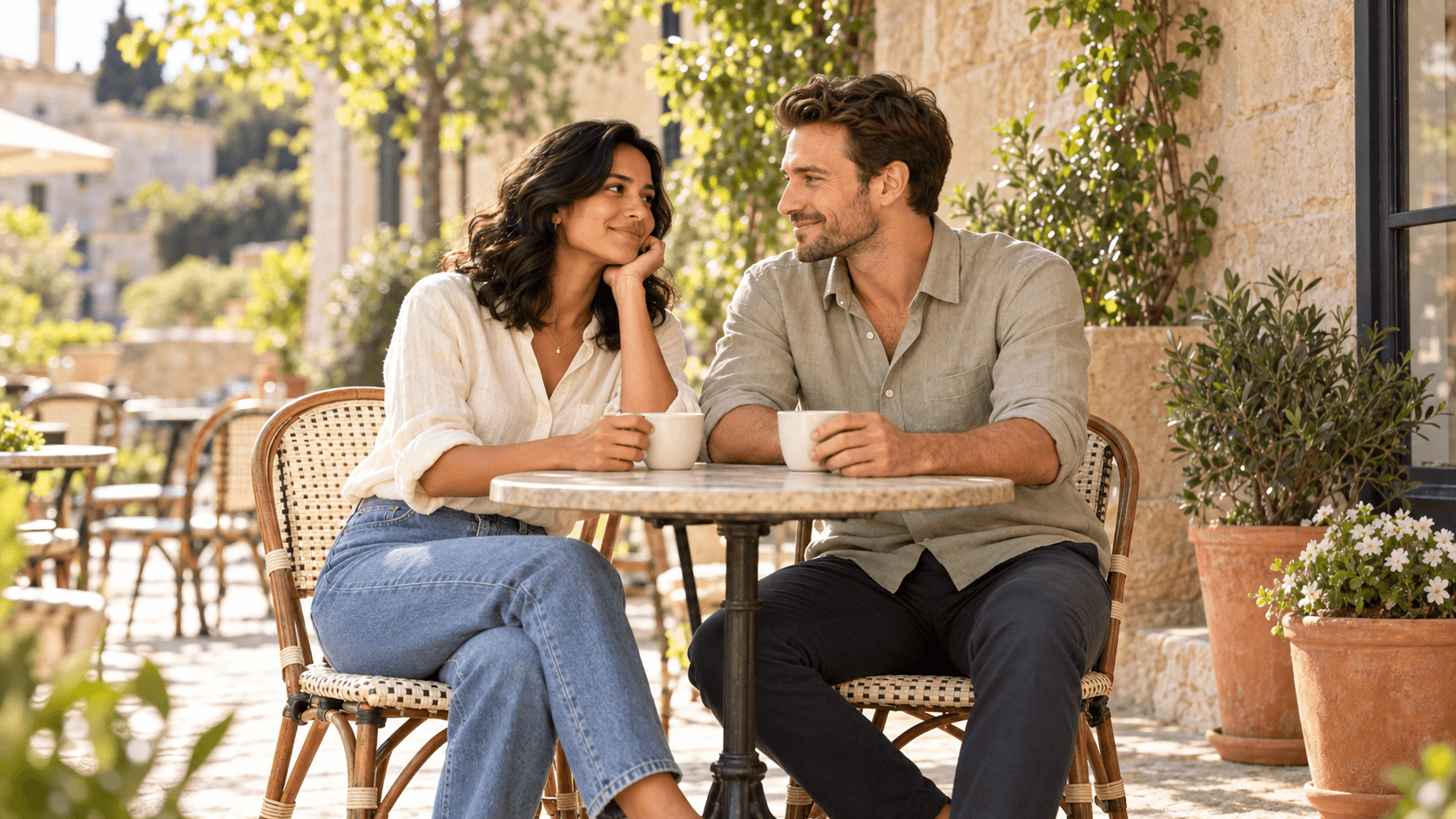
A clear description gives the portrait a setting, a pose and a visual mood.
Select Studio couple reference, upload one photo showing both adults, or select Remove image for a fictional couple from text. Choose a portrait direction and edit Describe your couple image.
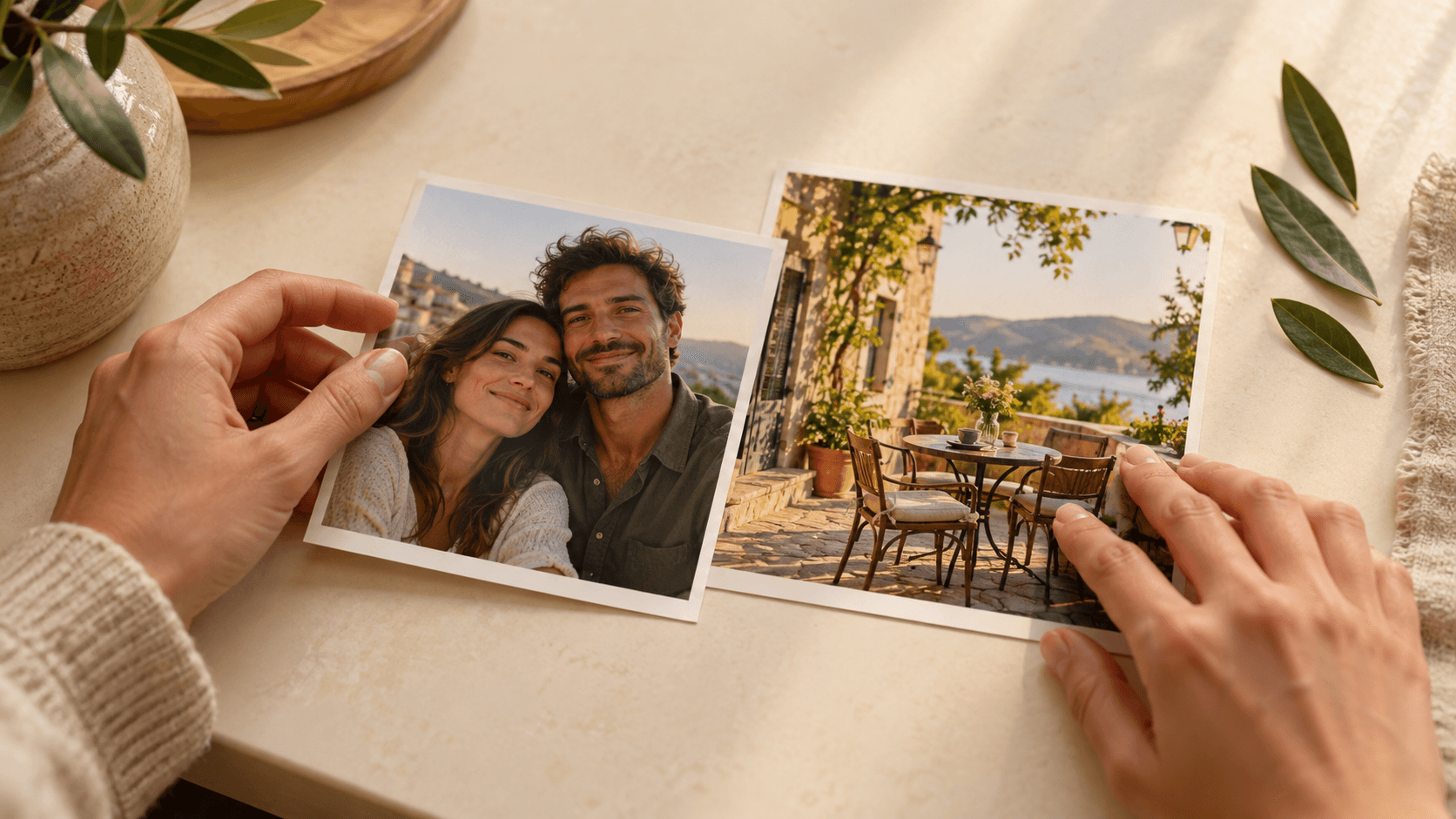
Select Generate couple image and sign in if prompted. Inspect both faces, hands and proportions, then compare the lighting, setting and overall mood with your brief.
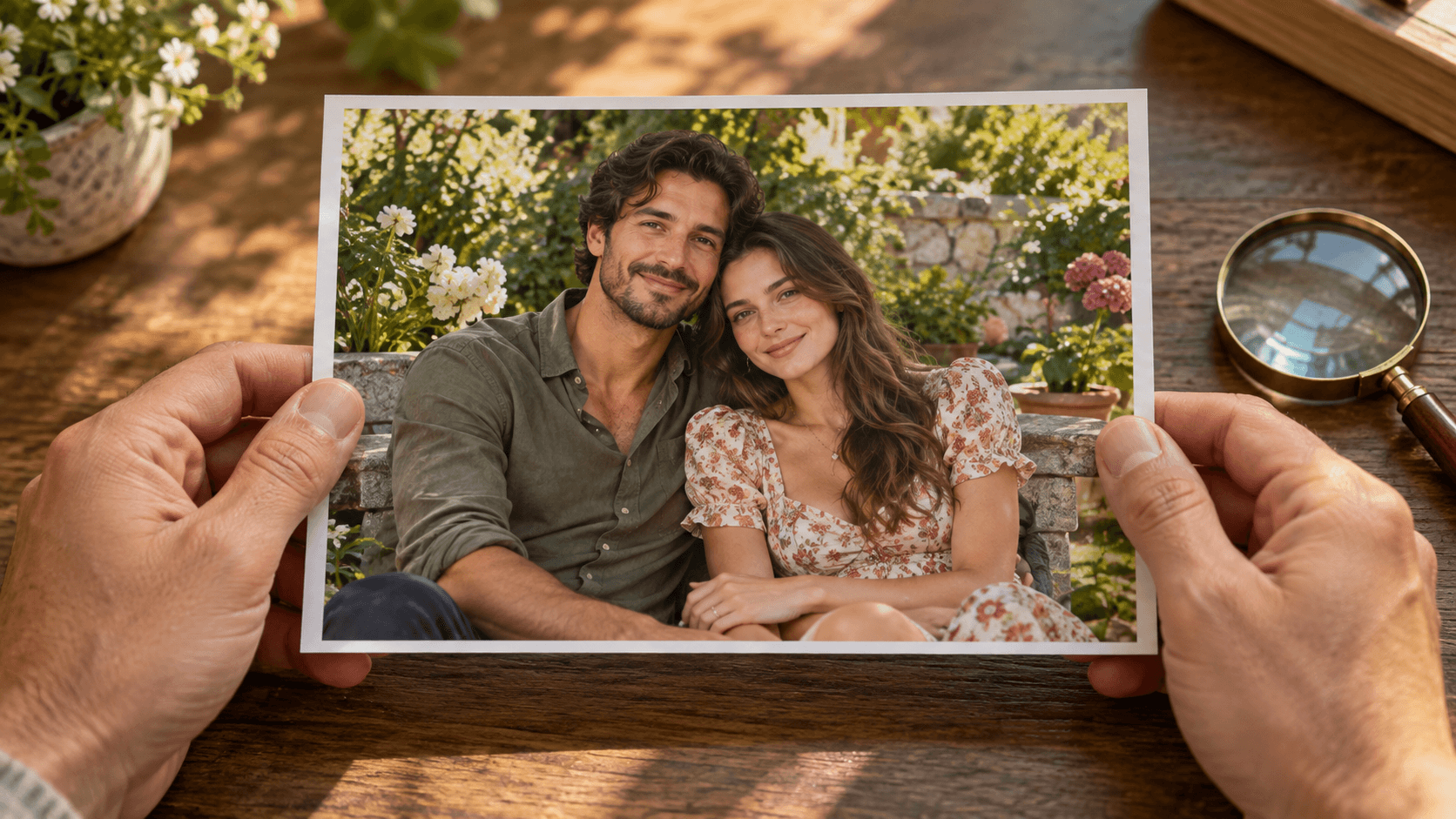
Describe the relationship between the two subjects and the scene around them, without making the brief harder to follow.
Ask for a relaxed side-by-side pose, a shared glance or a quiet walk. Keep faces distinct in the brief and review hands, shoulders and overlapping limbs afterward.
Shape your portrait brief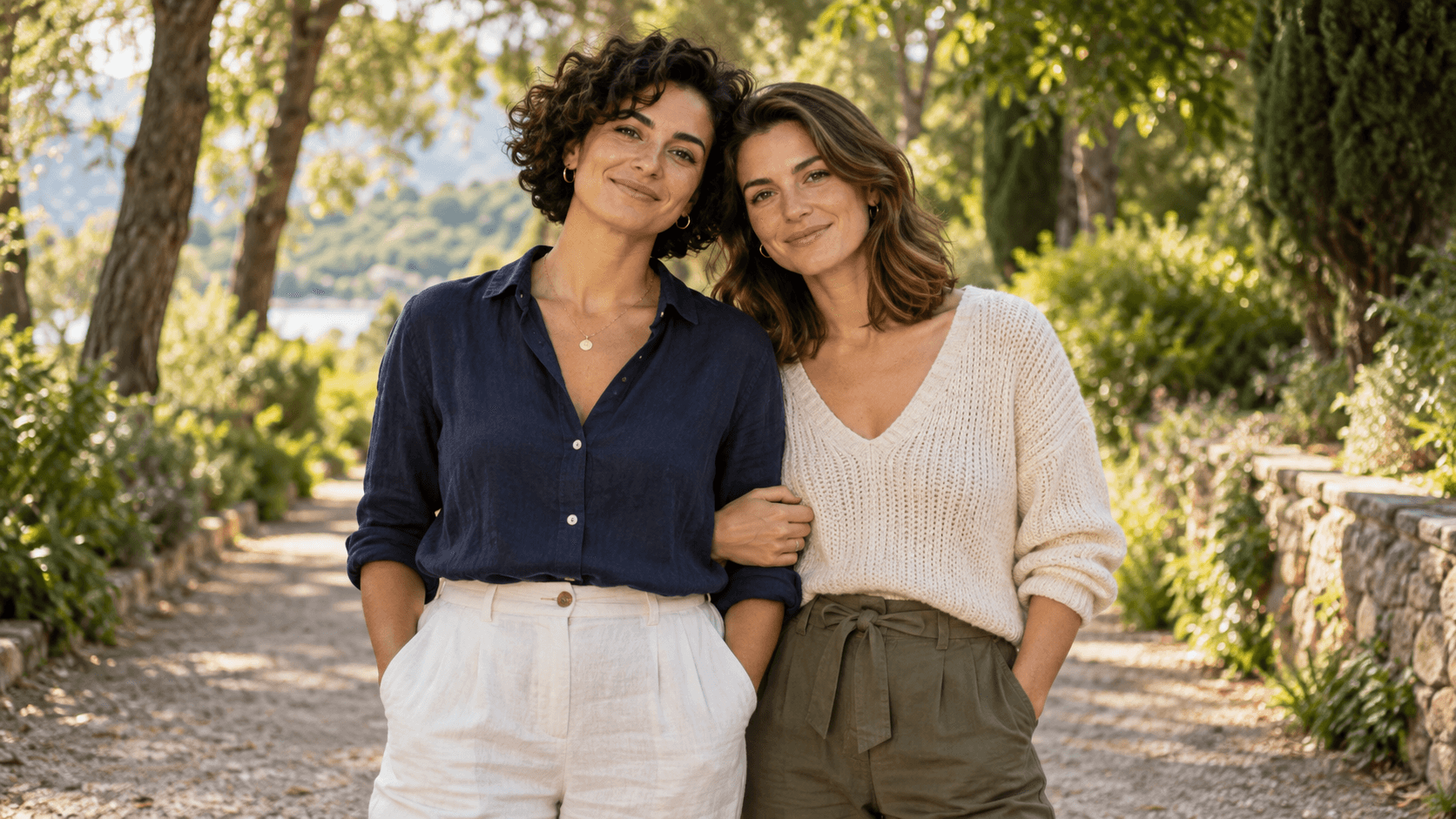
Name a place, time of day and treatment: warm window light, a quiet blue-hour street or soft painted colors. Add only the details that support the mood you want.
Shape your portrait brief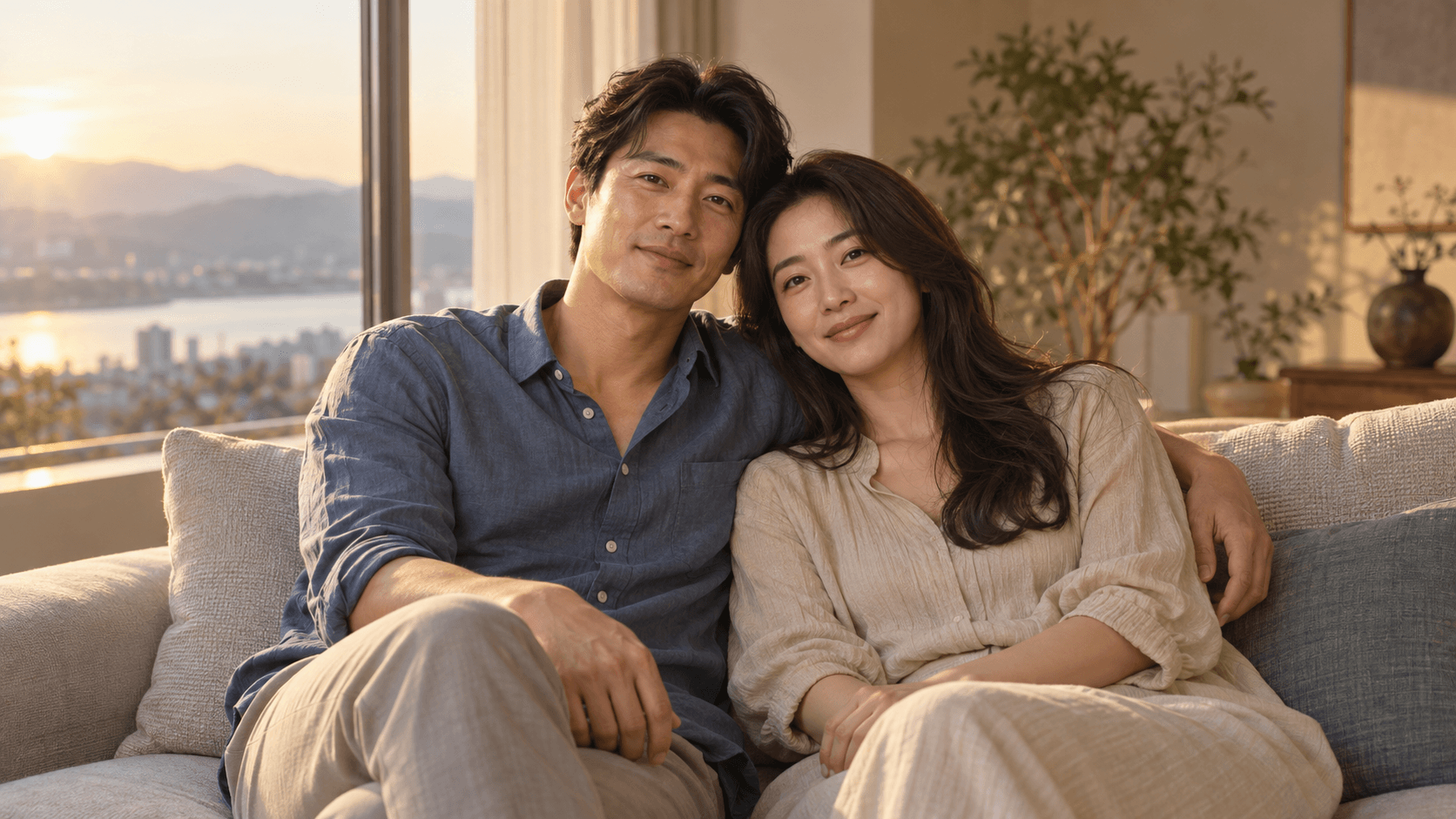
Change the people, place, clothing and mood to suit your idea. These illustrations show separate creative possibilities.
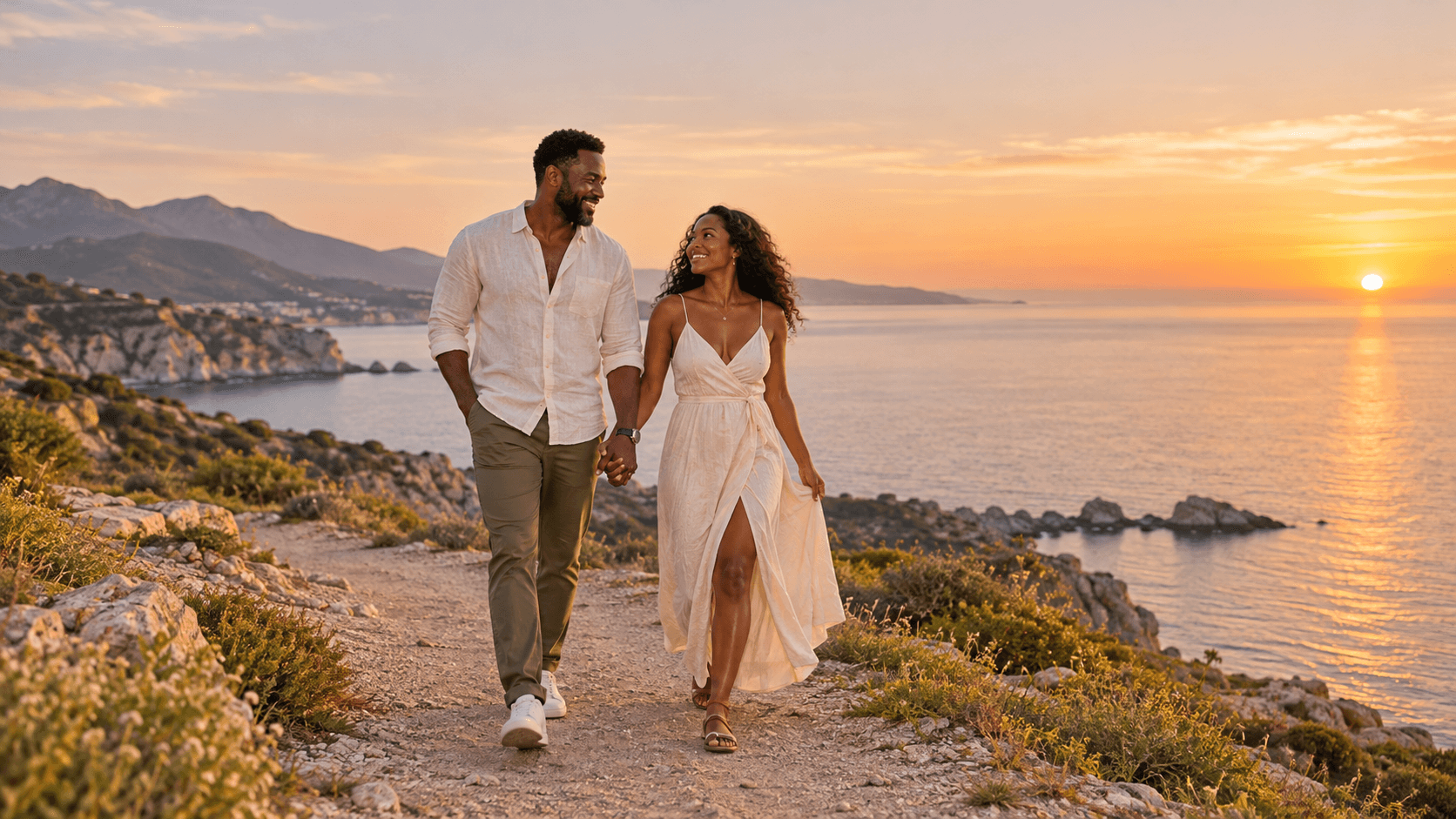
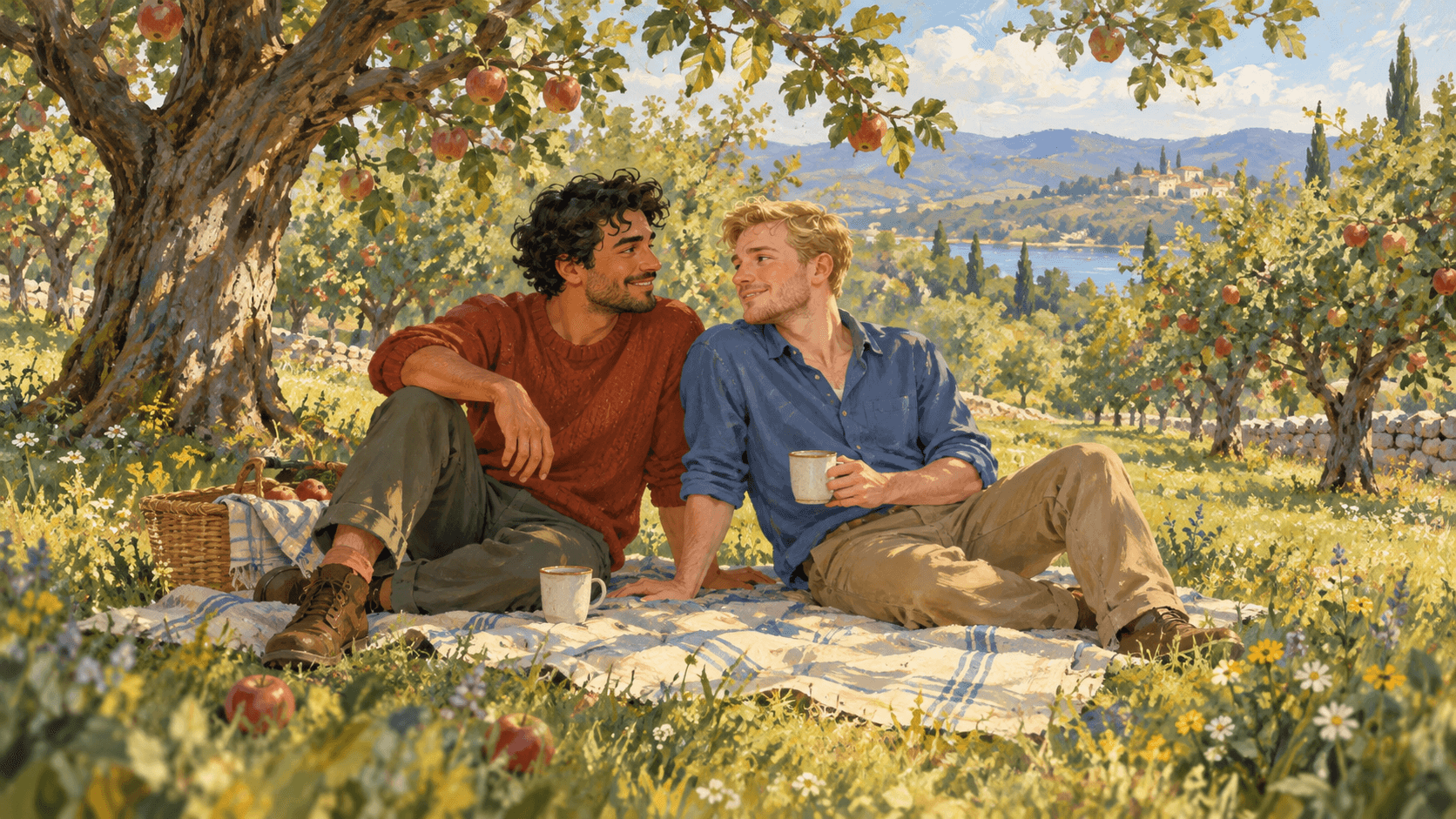
Choose the style and purpose first, then refine the portrait around that idea.
Explore a painted portrait for an anniversary idea or a shared memory. Review the final image and any intended print requirements before ordering a physical keepsake.
Explore a couple portrait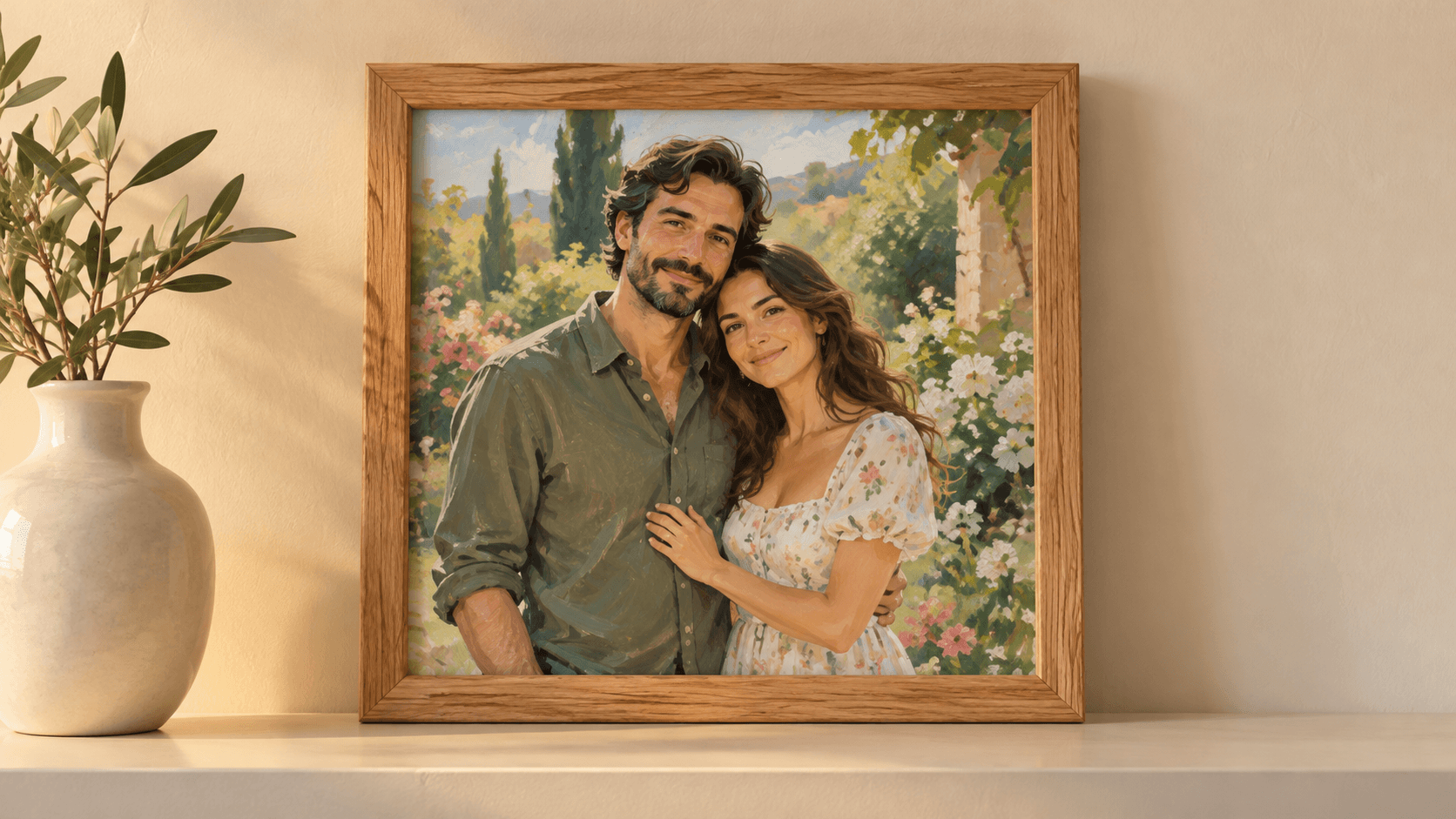
Try a setting, outfit direction or lighting mood before discussing a photo session. Use a generated candidate to explain the idea, then plan the real shoot around your preferences.
Explore a couple portrait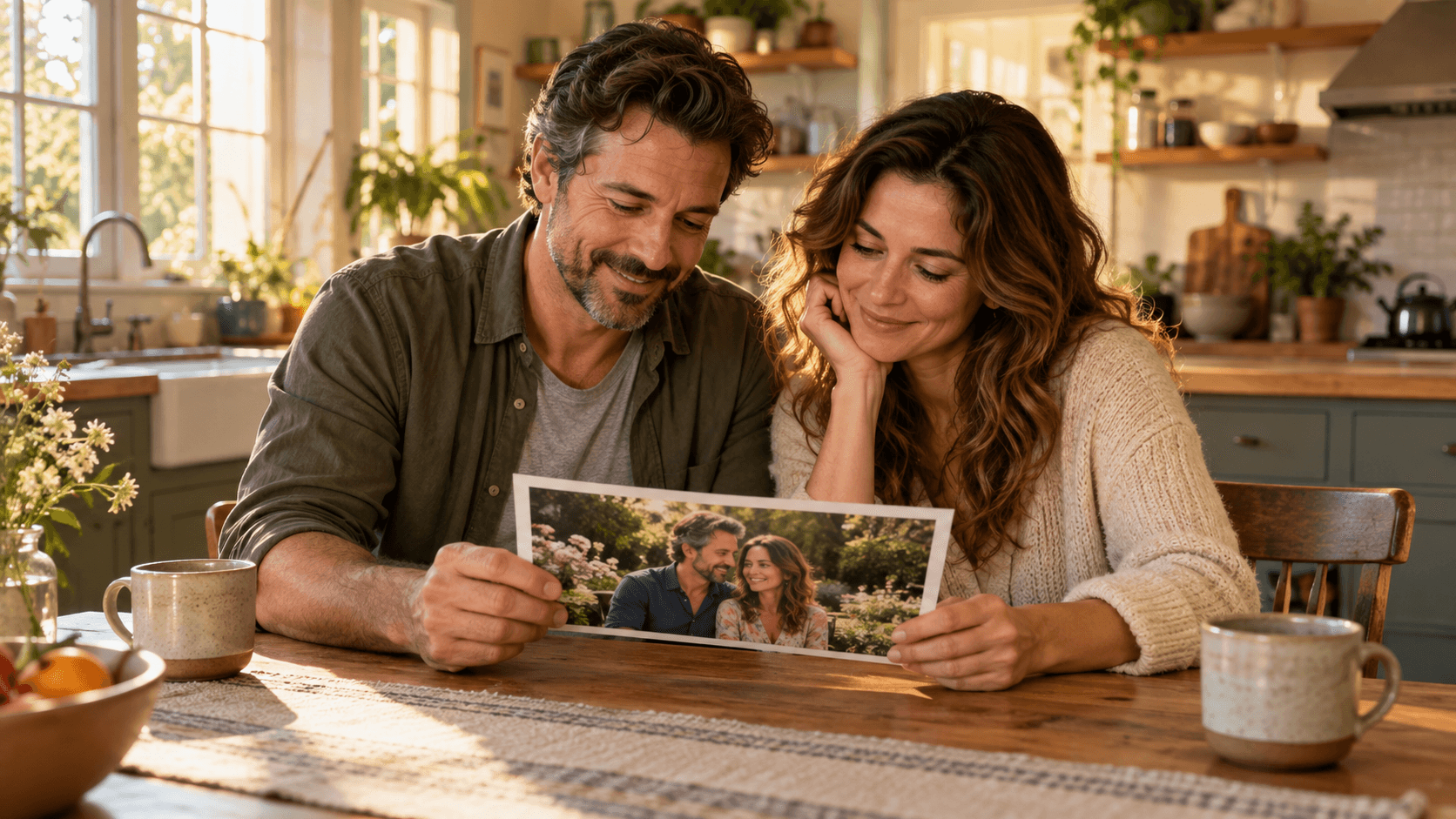
Use the form to generate a still image from a written brief, with an optional reference.
| Input | A written prompt, optionally guided by one selected sample or uploaded image showing both adults. | |
|---|---|---|
| Controls | Three portrait-direction presets and an editable prompt. The form does not provide separate uploads for each person or a face-lock control. | |
| Output | A generated still image. Photographic and illustrated treatments can be requested in the brief. | |
| Likeness | A reference can guide appearance, but exact identity, pose and clothing preservation are not guaranteed. Compare both people with your source. | |
| Review | Inspect facial features, hands, limb overlap, clothing, lighting and background details. Use photos of people you have permission to depict. | |
| Cost | Check the current credit requirement before generating and review your account allowance. | Verified 2026-10-15 |
| Commercial use | Paid-plan outputs have commercial rights subject to provider terms and source rights. Free-plan generations are for personal, non-commercial evaluation; upgrading applies to new generations. | Verified 2026-10-15 |
| Upload data use | Default terms permit using uploads, prompts and outputs for training and improvement. Provider policies also apply. Enterprise opt-out requires a written agreement; learned or derived information may persist after source deletion. | Verified 2026-10-15 |
These catalog links support separate canvas workflows. They do not identify this form’s active model or prove a specific couple-portrait result.
Catalog checked 2026-10-15. Compare reference inputs, available controls and provider terms in the separate workflow.
Browse image modelsYes. Select Remove image and describe two fictional adults, their pose, the setting and the style you want. The form can start from a text brief without a reference.
Use one image showing both adults with clear, distinct faces. Choose a photo you have permission to use, and describe which appearance details matter to your portrait.
This form accepts one selected reference image. It does not provide two separate person-upload slots. The Image Node guide explains separate multi-image canvas workflows and their model-specific controls.
Exact likeness is not guaranteed. A reference can guide appearance, but you should compare each face, hairstyle, body proportions and clothing with the source before sharing a result.
Yes. Describe the two adults and the visual direction in your prompt. You can request a natural photograph, a cinematic scene or an illustration, then review the actual result.
Yes. You can explore a keepsake concept, an occasion portrait or inspiration for a real photo session. Check the generated details and any print requirements before using it in a finished item.
Paid-plan outputs have commercial rights subject to provider terms and your rights to the source material and likenesses. Free-plan generations are for personal, non-commercial evaluation. Review the current commercial-rights policy.
Not by default. Uploads, prompts and outputs may be used for training and improvement, and provider policies apply. Enterprise opt-out requires a written agreement. Read the upload-data policy before supplying personal photos.
Choose a starting image or describe a fictional couple, then set the place, pose and mood.