DocsFeaturesAssets

Assets

Assets are used to accumulate characters, scenes, props, and other materials, achieving save once, reuse many times, accumulate long-term.


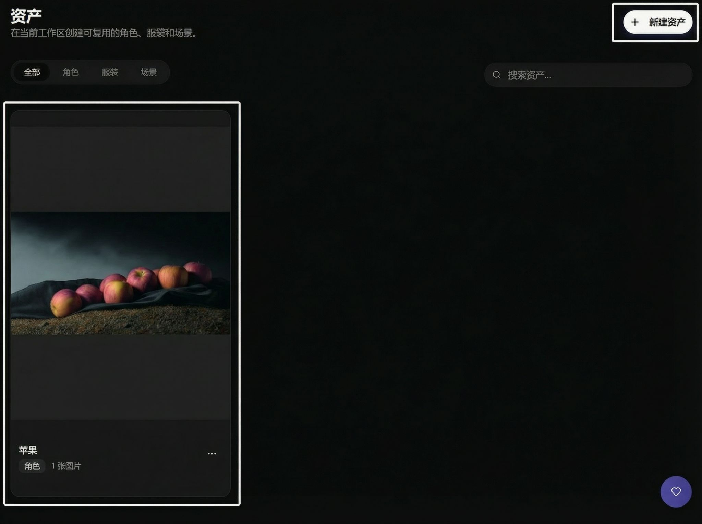
Create New Asset

The entry is in the left menu 2nd item, click New Asset to upload:
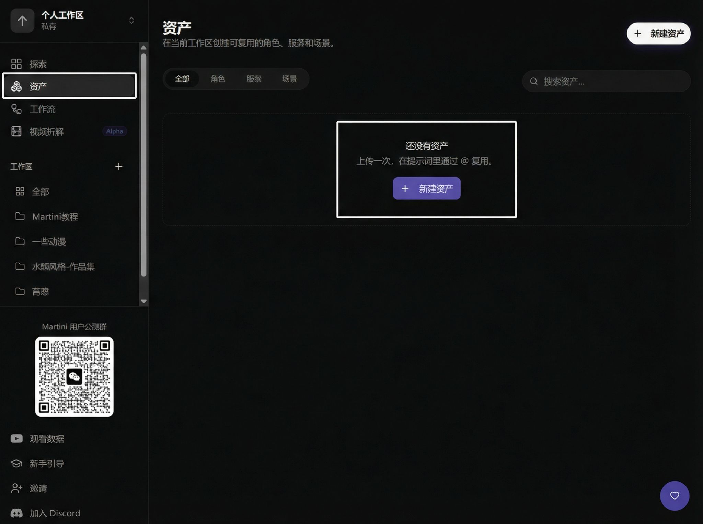
New asset entry and upload button screenshot

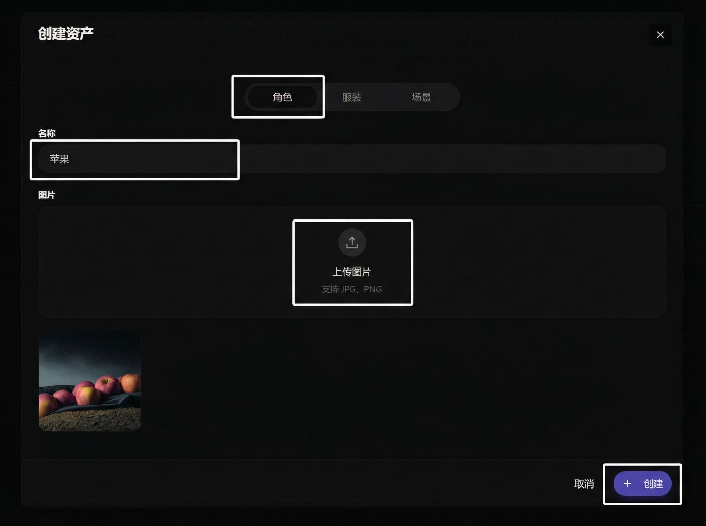
Upload and name it, then create:

Interface for uploading material and filling in name before creating

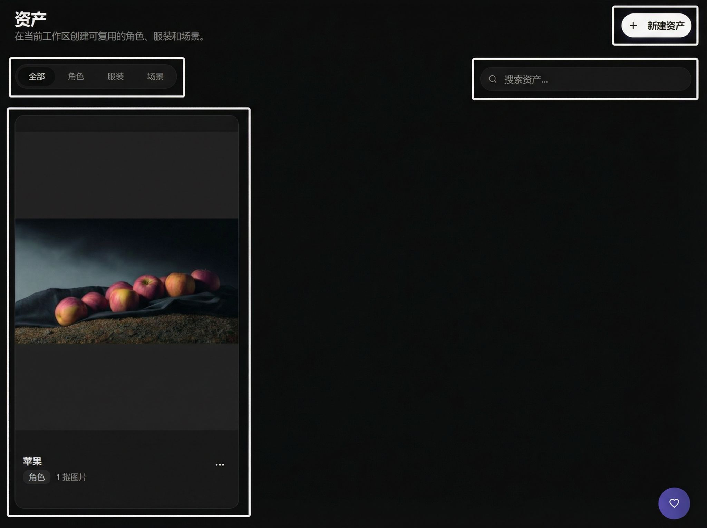
After creation, it will appear in the asset list:
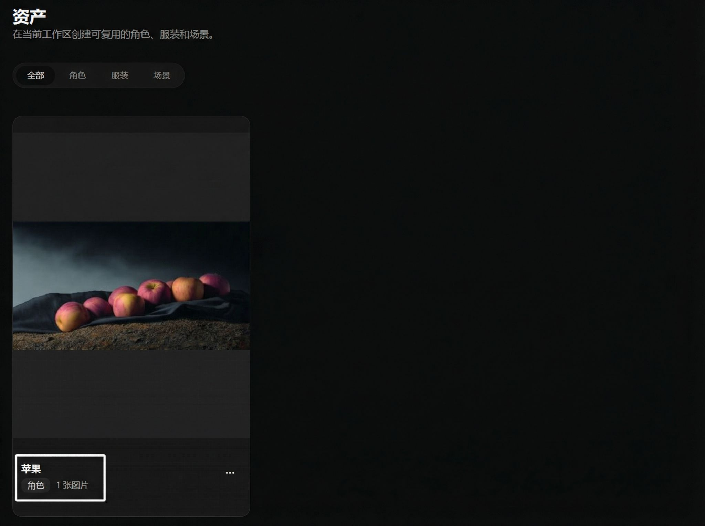
Style of asset after creation shown in asset list

Supports searching asset names for quick location:

Search box position on asset list page


Edit Asset

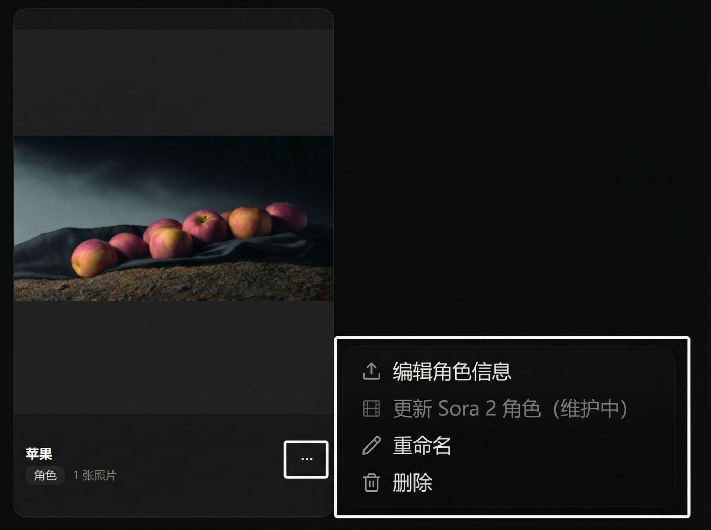
In the More Options on the right side of the asset card, you can rename, delete, or update:
Asset card more options menu showing rename, delete, and update

After entering the edit page, you can upload a new image and save:
Area for uploading new image and saving on edit page

If you need multi-parameter generation, you can enable Subject Function (supported by some models):
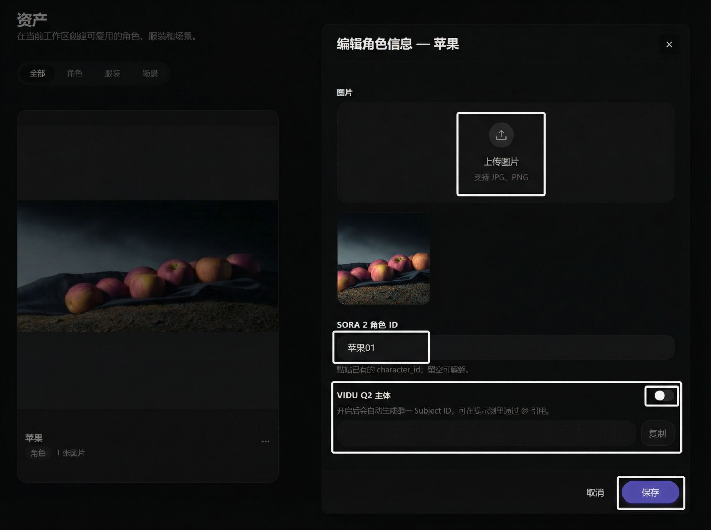
Subject function toggle and multi-parameter generation entry demonstration

Model description demonstration:

Model description interface demonstration screenshot

This website uses cookies

We use basic cookies and product analytics to keep Astorie secure, remember preferences, and plan long-term improvements. You can also allow full marketing tags.

Read more