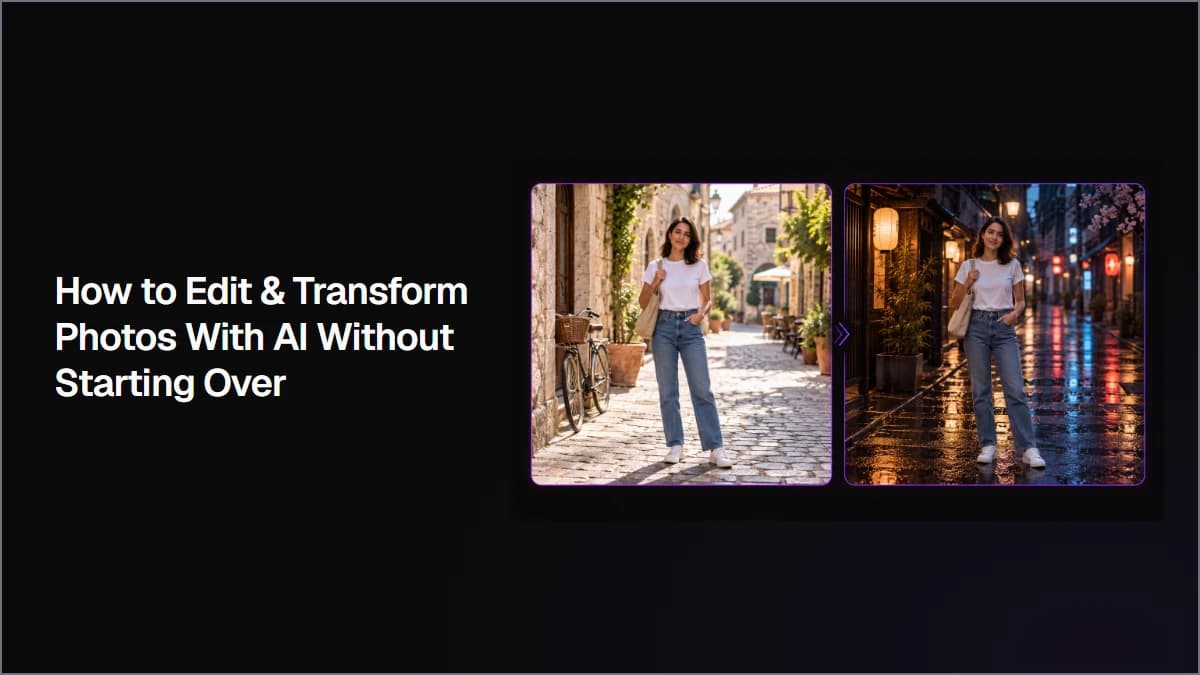
Upscale images to 4K by starting from the original source, comparing faithful and more reconstructive enhancement methods, and checking the exported file at full size. This workflow shows how to evaluate resolution, facial details, textures, small text, and source fidelity before choosing the final upscale.
Remove image backgrounds by choosing between direct extraction and prompt-based editing based on what you need to preserve. This workflow compares both methods, shows how to define complex foreground subjects, and explains how to check hair, edges, small objects, and source fidelity before approving a cutout.
Design social media graphics with AI by starting with one reusable product reference and a clear campaign system. Keep the same visual DNA across the series while changing composition, camera angle, format, and creative purpose so each graphic feels distinct but still belongs to the same campaign.
Create AI storyboard frames by defining reusable character and scene references, breaking the story into clear visual beats, and generating the full sequence as one storyboard grid. You can then split the grid into individual frames and refine only the shots that need more control.
Create AI product photography by defining the product details that must stay consistent, choosing and correcting one master image, then using that approved product as a reference for new shots. This workflow shows how to change camera angle, orientation, lighting, composition, and environment without changing the product itself.
Create AI App Store screenshots by starting with real app UI, adding a clear benefit-focused marketing layer, and using an approved design as the reference for the rest of the set. This workflow shows how to create consistent screenshots, update copy, localize designs, and resize assets without letting AI redesign the product underneath.
To animate an image with AI, upload a photo or illustration, connect it to an image-to-video model, describe the motion you want, and generate a short clip. In Astorie, the source image, prompt, settings, and result stay on one canvas, so you can compare model runs without rebuilding the setup.
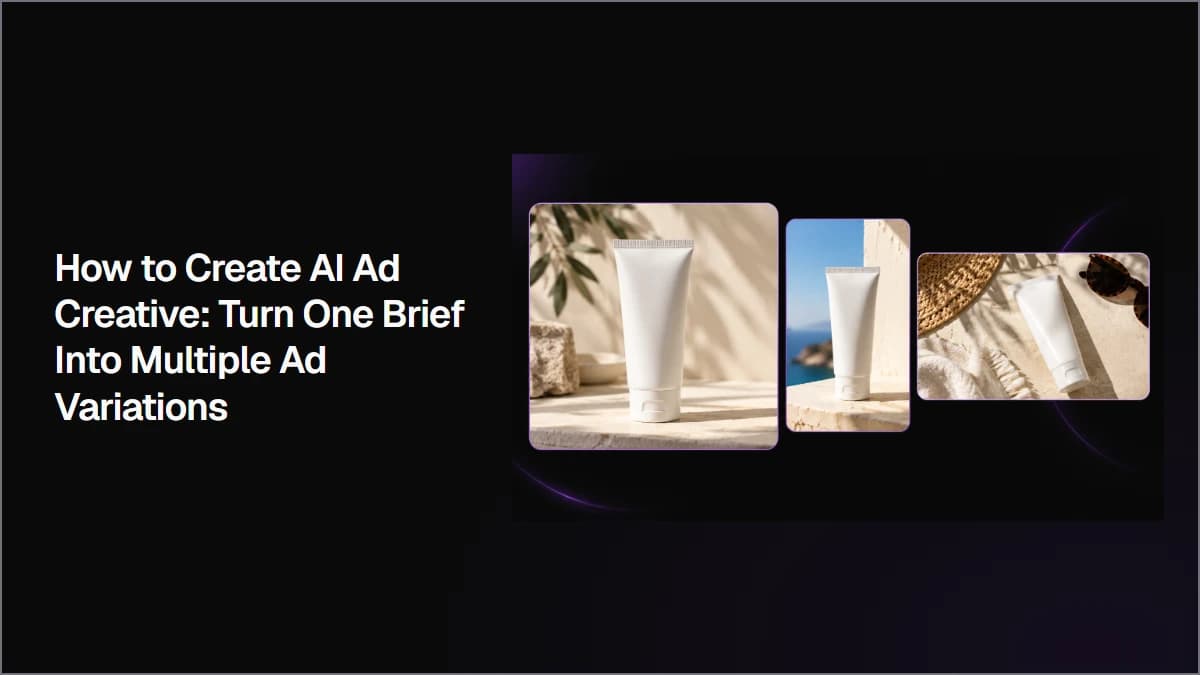
Create AI ad creative by starting with one clear campaign brief, generating multiple visual directions, selecting the strongest concept, and creating controlled variations for different formats and tests. This workflow shows how to keep product details, copy, and visual identity consistent while turning one idea into multiple ad assets.
Build a Repeatable AI Advertising Workflow From One Campaign Brief
使用最佳图像生成模型创建专业品质的 AI 艺术插画。选择下方的模型获取分步教程和优化提示词。
Astorie Editorial·5 个模型教程
无需拍摄即可生成工作室品质的产品照片。选择下方模型获取定制提示词和参数设置。
Astorie Editorial·3 个模型教程
几秒钟内设计出引人注目的社交媒体视觉素材。每个指南都涵盖平台专用尺寸、风格和不同 AI 模型的提示词技巧。
Astorie Editorial·3 个模型教程