Step-by-step guides for creating images, videos, audio, and more with the best AI models. Each guide includes prompt examples, parameter settings, and expert tips.
Create AI App Store screenshots by starting with real app UI, adding a clear benefit-focused marketing layer, and using an approved design as the reference for the rest of the set. This workflow shows how to create consistent screenshots, update copy, localize designs, and resize assets without letting AI redesign the product underneath.
Learn how to sync lips to audio using a face video and speech track. Includes the current Astorie workflow, exact test settings, timing, credits, and limitations.
To create an AI video ad, define one audience and one action, prepare a clear source image, generate a short visual hook, then add readable brand copy and a call to action in editing.
To create an AI short film, write a compact script, convert it into a storyboard and shot list, lock the character and visual rules, generate each scene, add sound, then edit and export the approved shots as one film.
To animate an image with AI, upload a photo or illustration, connect it to an image-to-video model, describe the motion you want, and generate a short clip. In Astorie, the source image, prompt, settings, and result stay on one canvas, so you can compare model runs without rebuilding the setup.
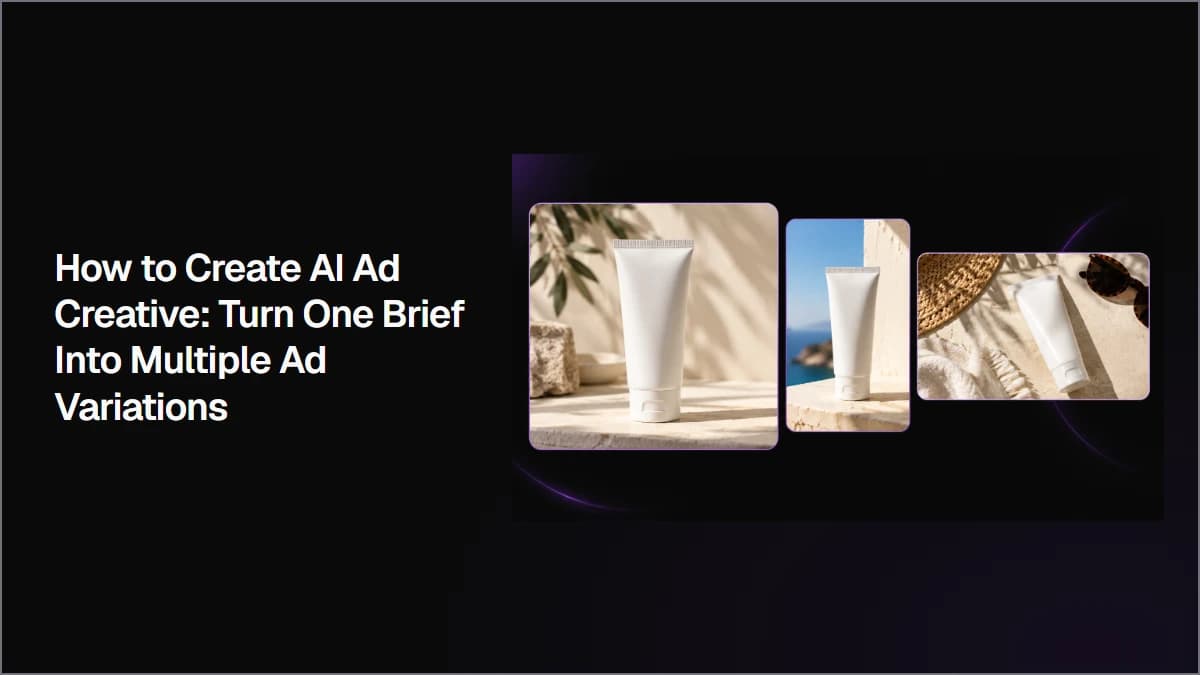
Create AI ad creative by starting with one clear campaign brief, generating multiple visual directions, selecting the strongest concept, and creating controlled variations for different formats and tests. This workflow shows how to keep product details, copy, and visual identity consistent while turning one idea into multiple ad assets.
Create an AI voiceover by starting with a script written for speech, choosing a voice that fits your content, and testing short samples before generating the final audio. This workflow shows how to improve pronunciation, pacing, tone, and expression using different text-to-speech models.