

Peach soap texture
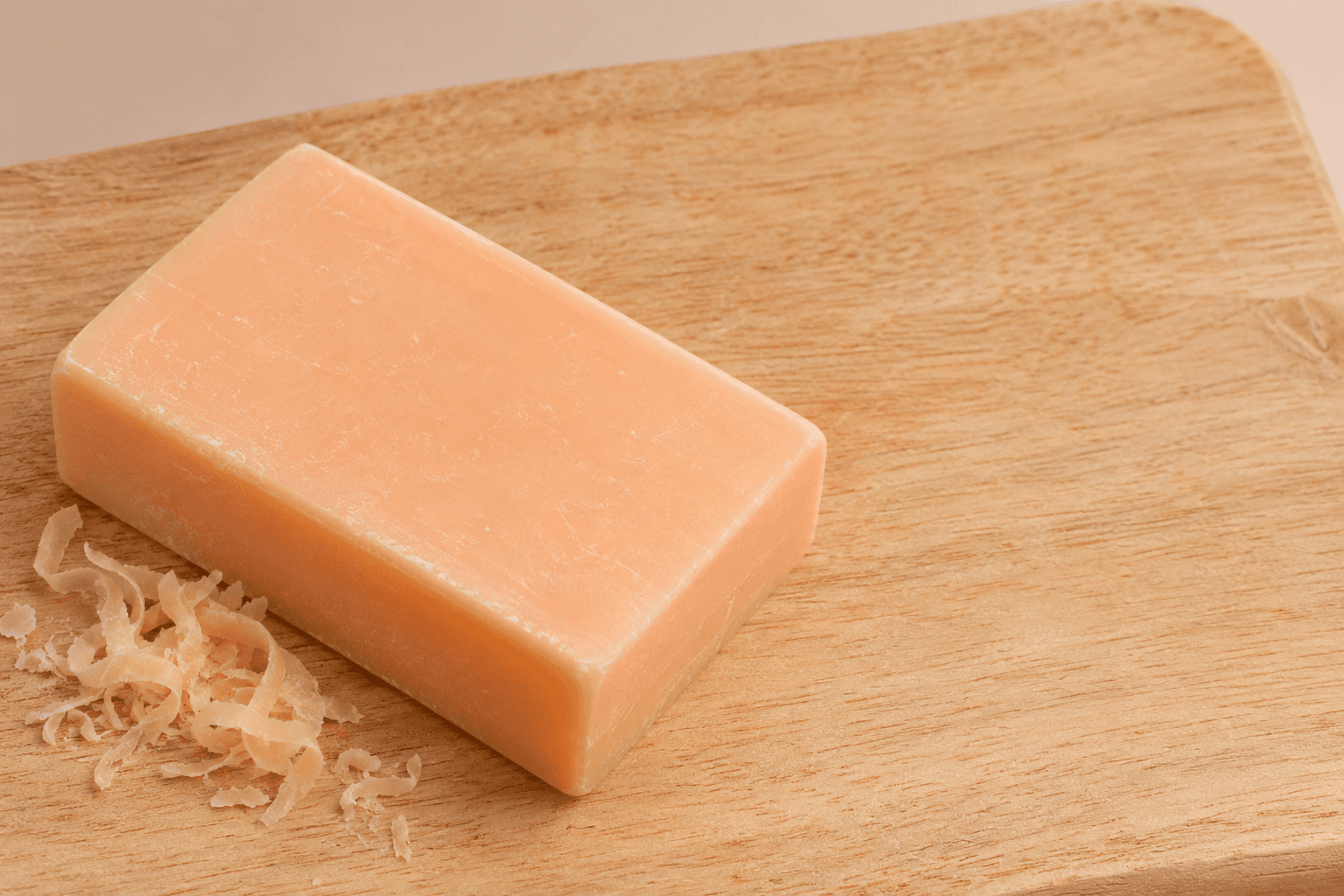
The selected starting reference
- A peach soap bar and thin shavings on a wooden board.
- A quiet still composition provides the material reference.
CLOSE-UP SENSORY IDEAS
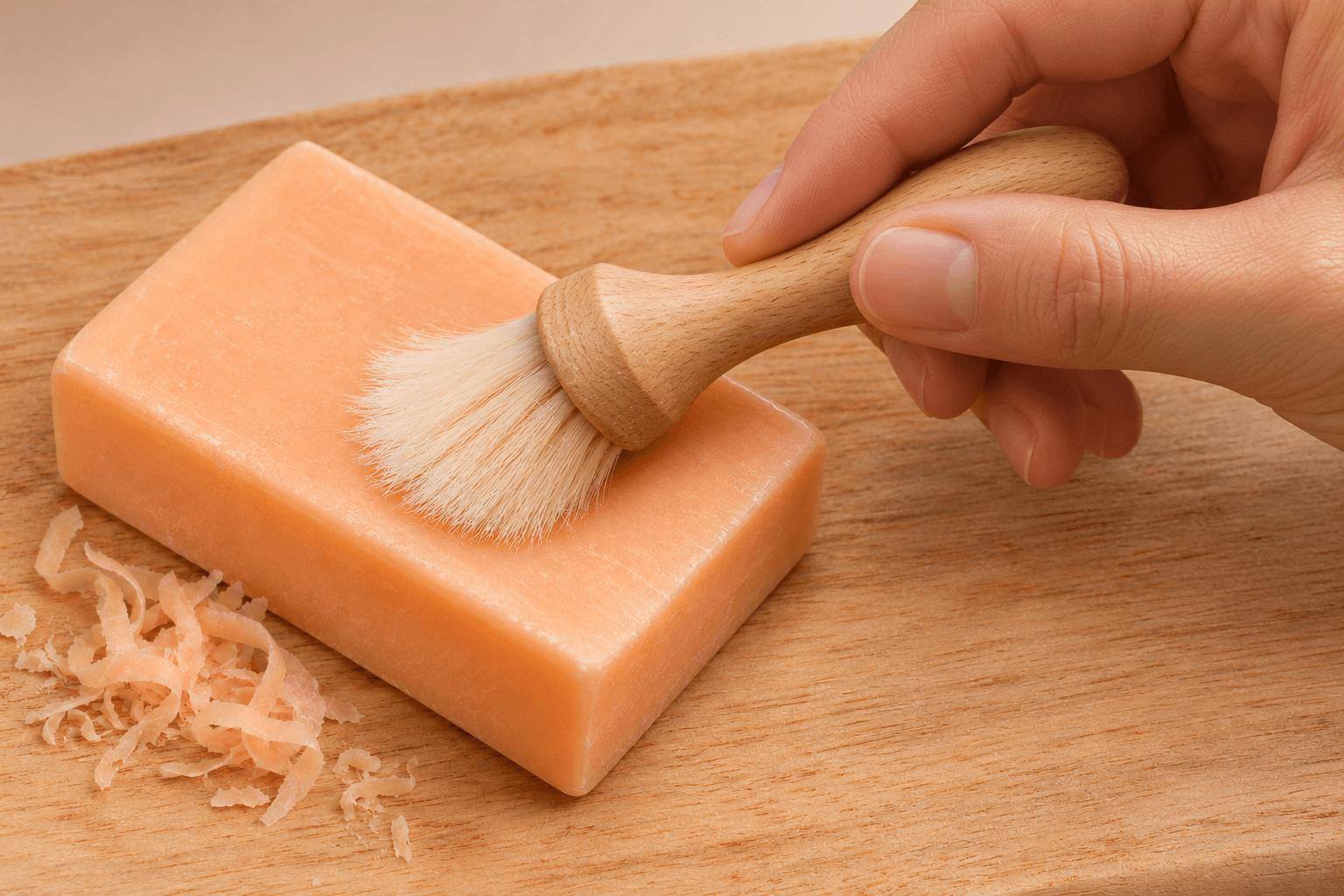
Create close-up texture images for an ASMR-inspired visual concept. Explore soap, brushes and small material details as still compositions.
Try the soap sample or upload a clear texture reference. Choose a scene direction and describe the material, contact and light.
These AI-created concept illustrations explore close-up texture and visible contact as still images. Compare the material, crop and light to find a visual direction.
The selected starting reference
An illustrative still-image direction
Choose a clear reference, write a focused brief and compare the result with the source.
Try the soap reference or upload an authorized material photo. Pick a texture direction and describe the close-up composition you want.
Select Generate texture image. Check surface detail, scale, contact and any visible hands or tools. Refine the brief when the image needs a clearer focal point.
Use a focused brief to make the proposed image easier to assess.
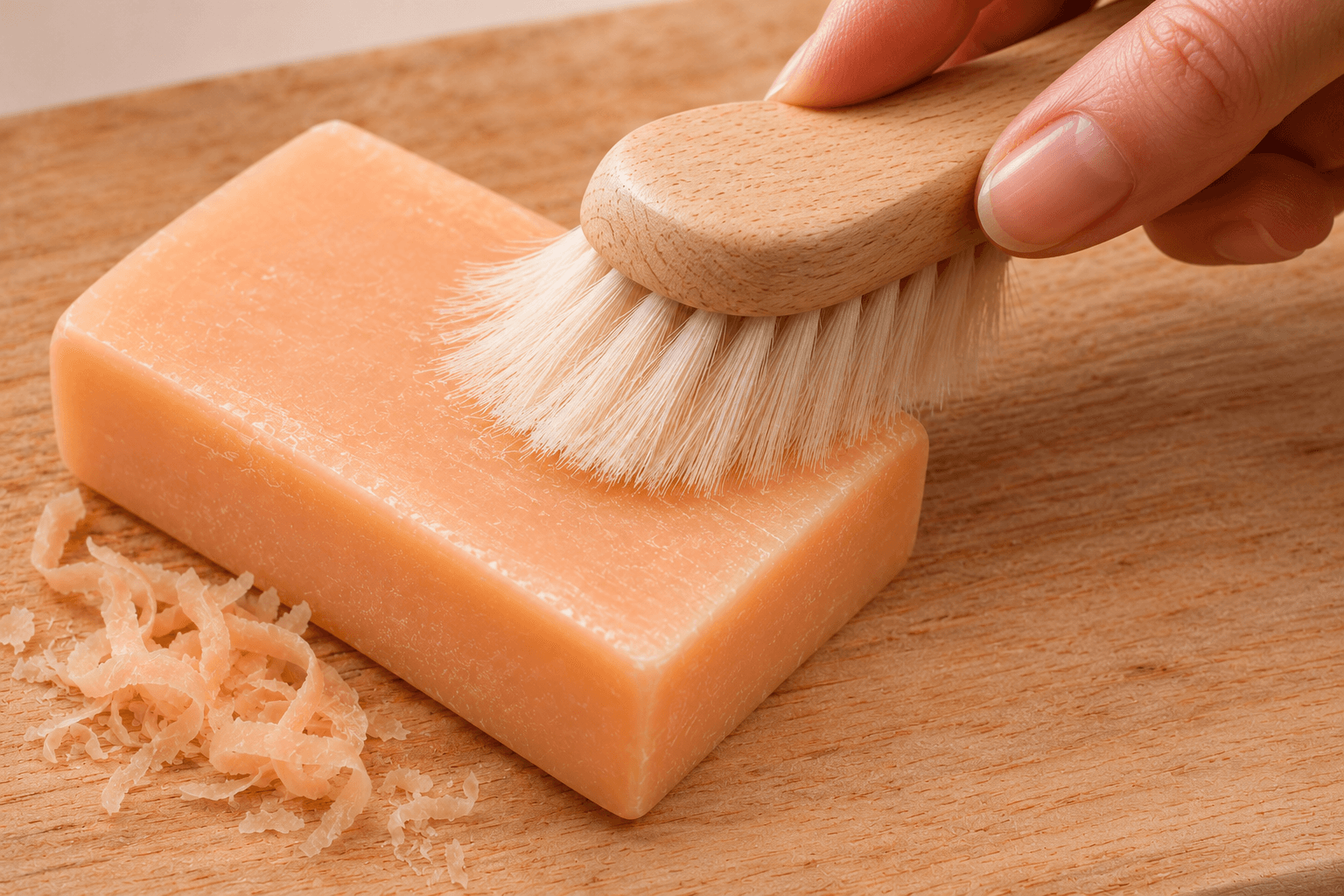
For a brush image, describe where the bristles meet the material and keep the gesture small. Inspect fingers, tool shape and contact so the composition is easy to understand without relying on a sound description.
Create an image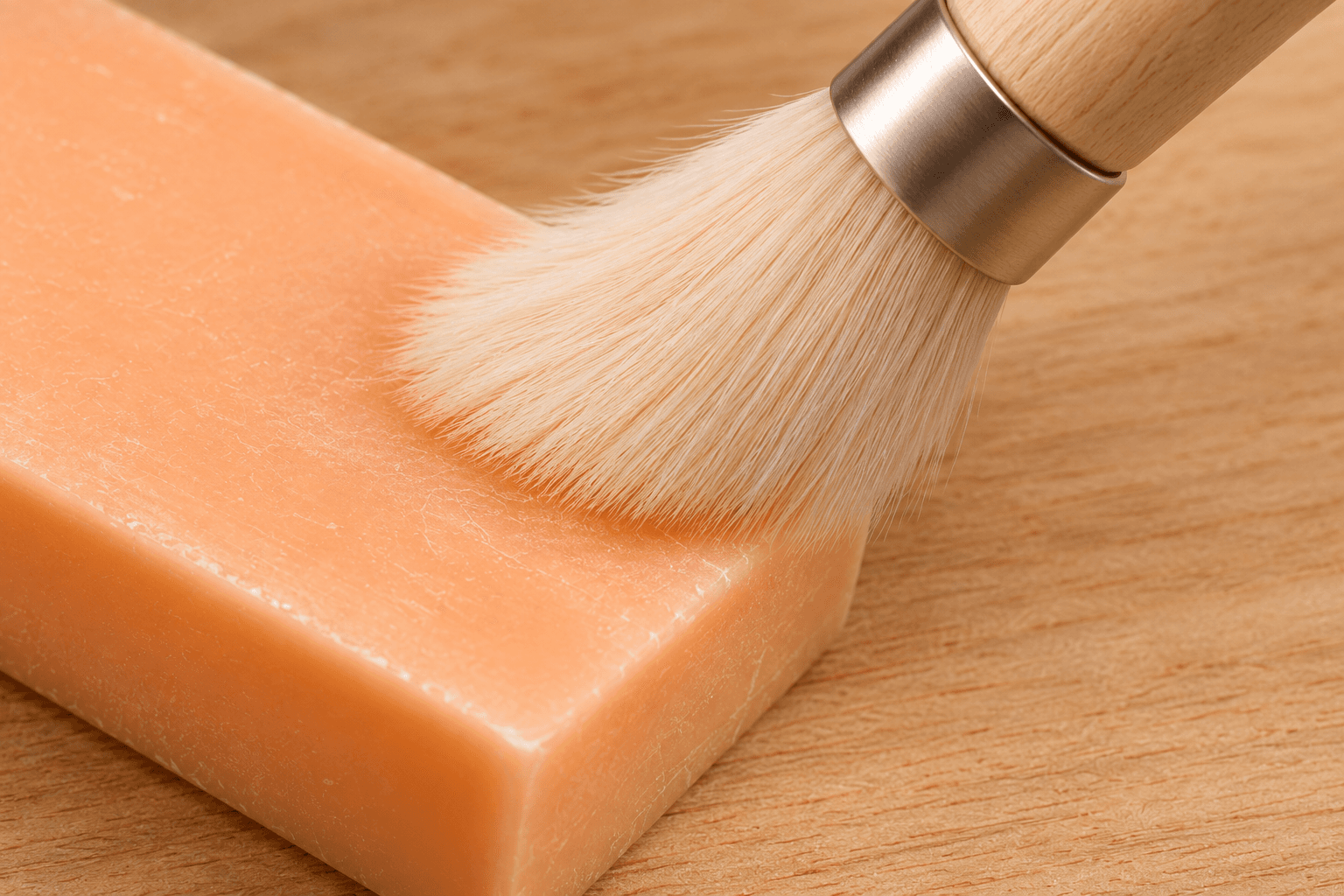
A close crop can make soap flakes, fabric or droplets the main subject. Specify the material and light rather than filling the scene with props. Review edges, repetition and surface detail for an image that remains tactile at full size.
Create an image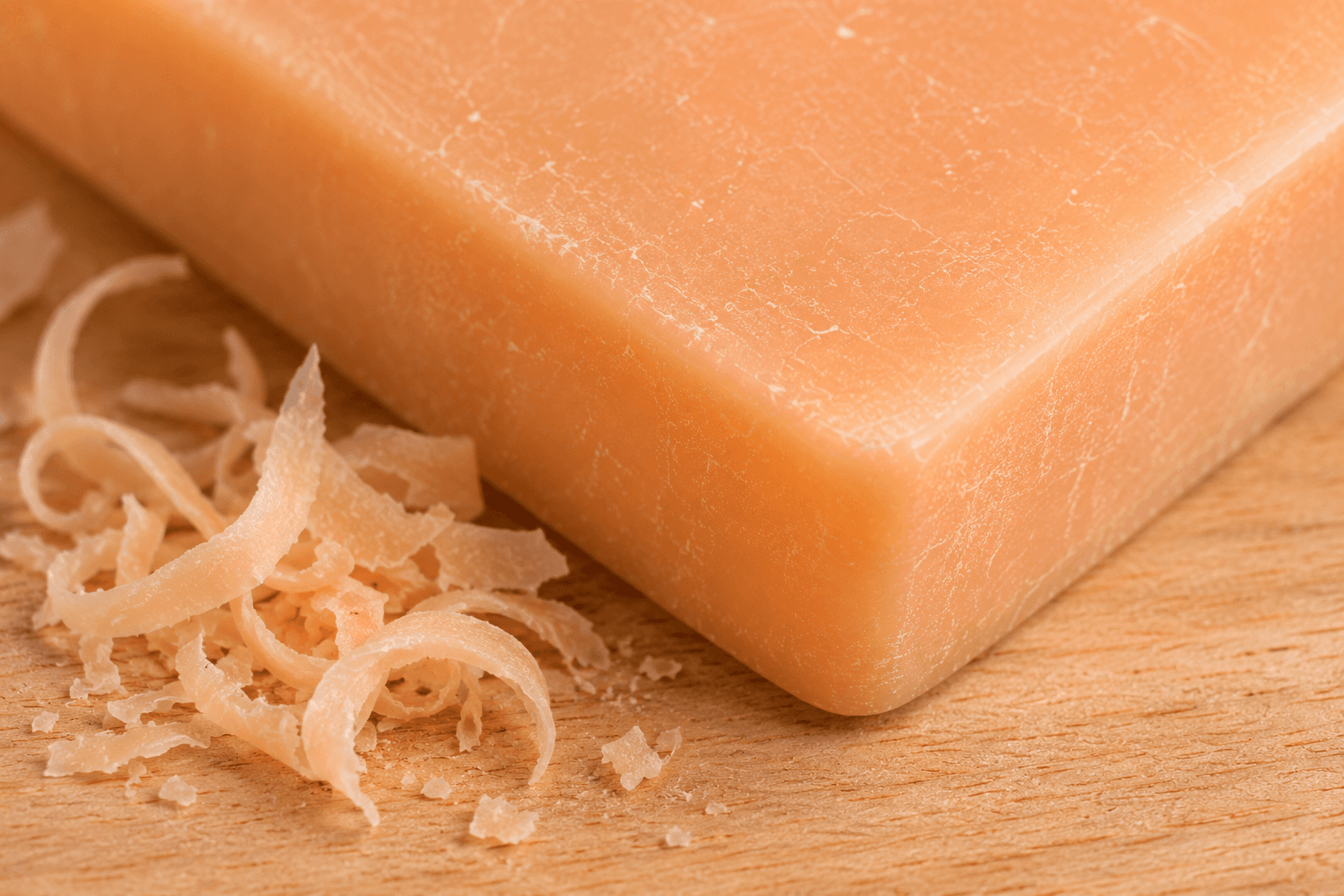
Use a matching reference for each idea and adapt the prompt to the image you supply.
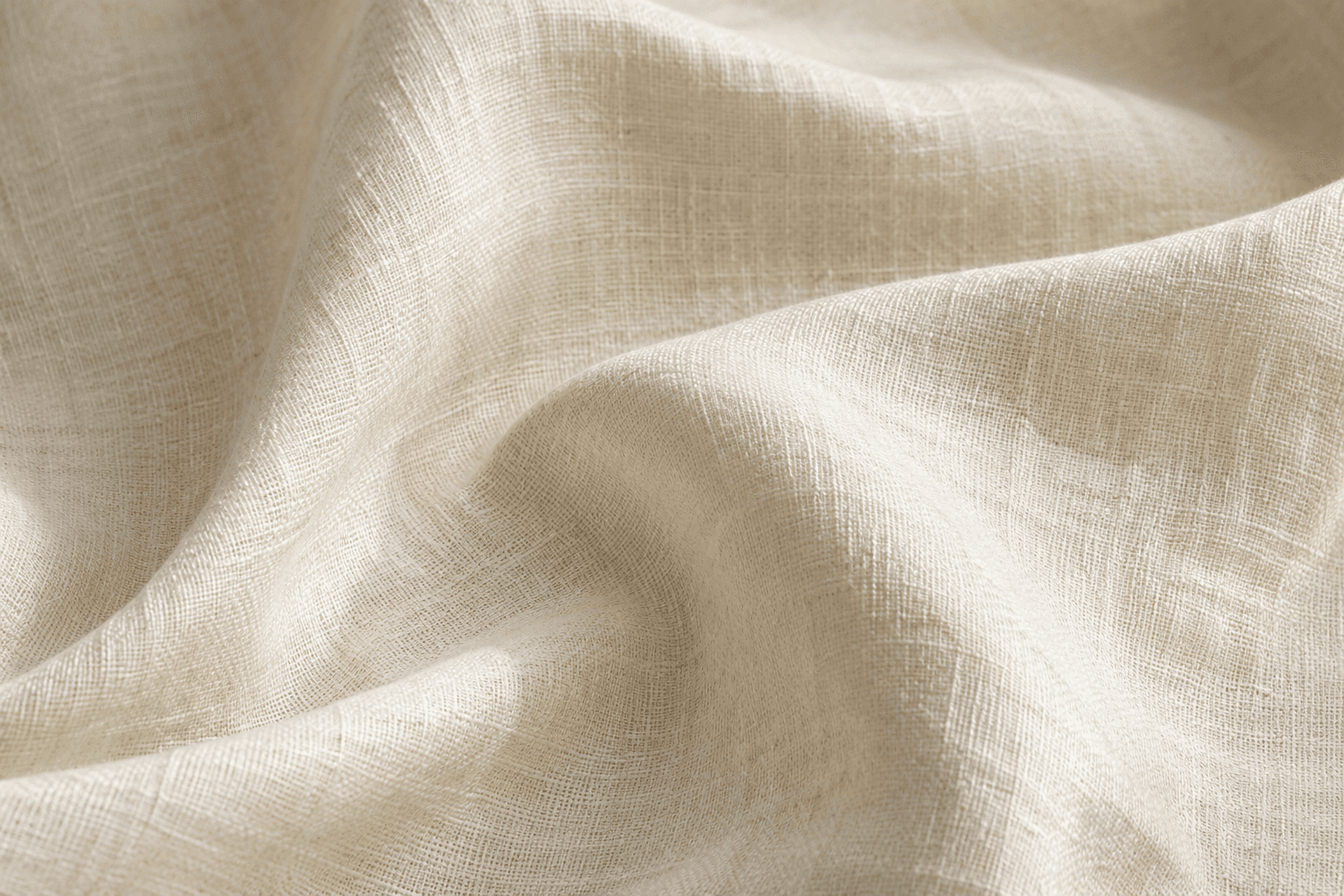

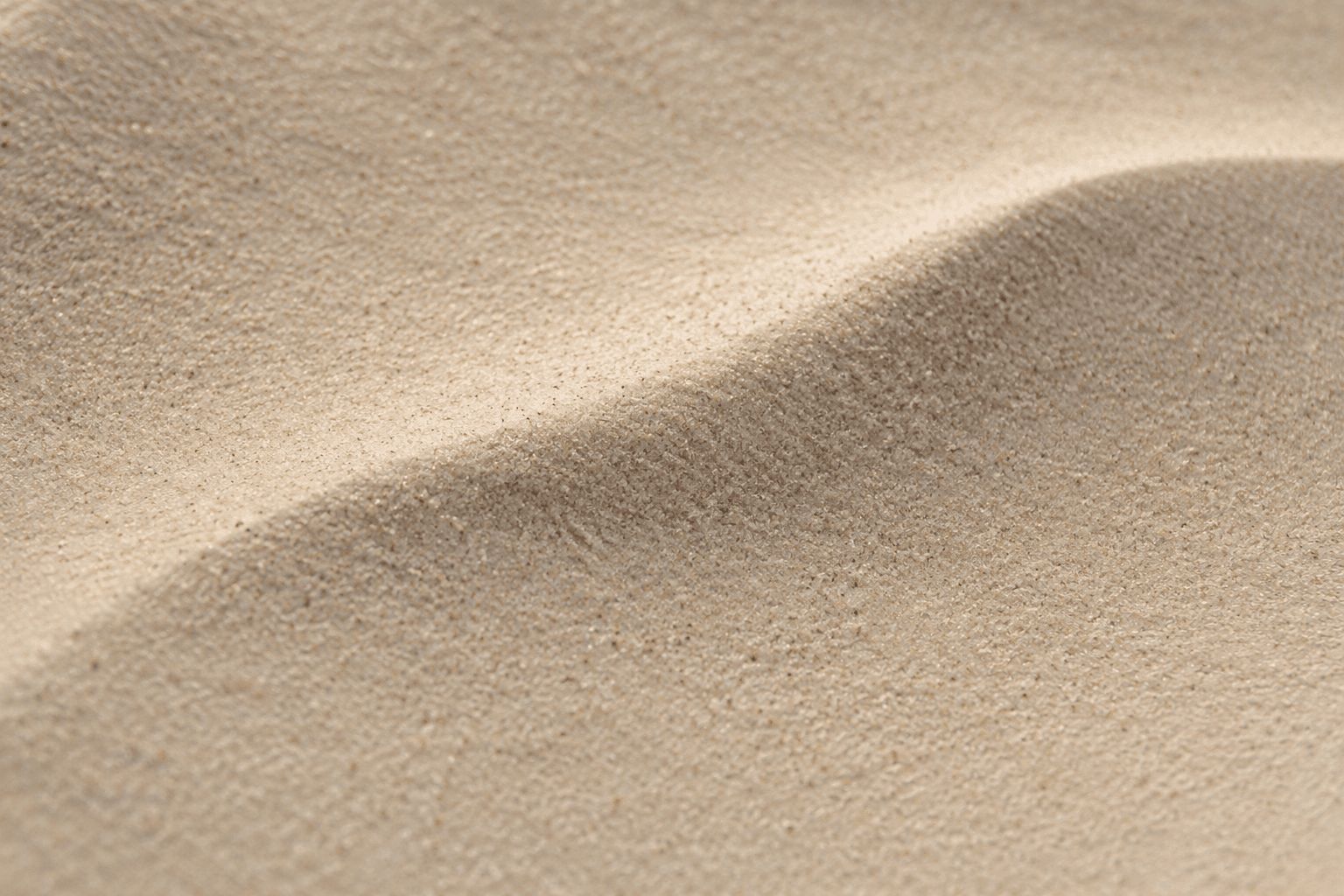
Match the reference and composition to the visual decision you are exploring.
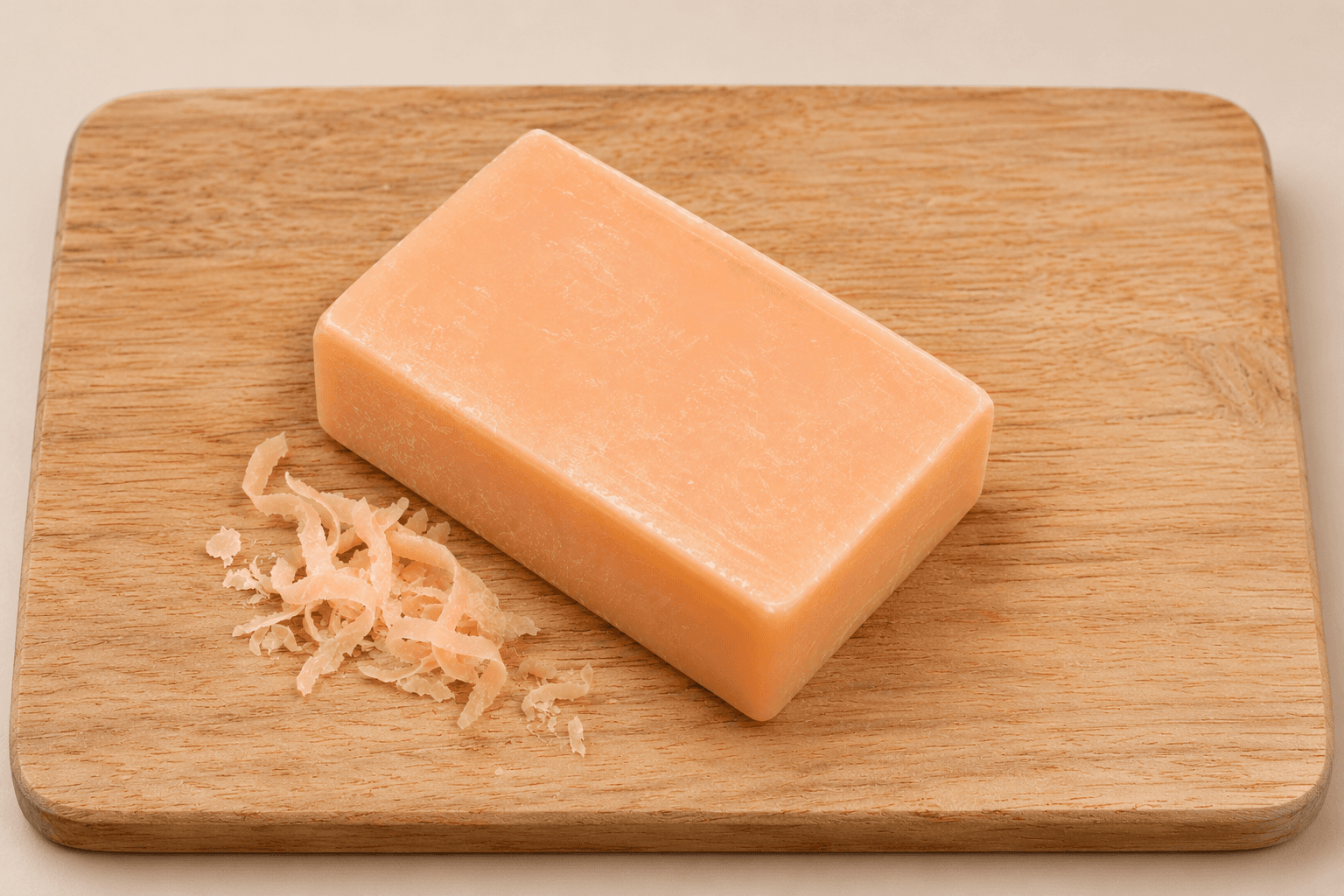
For a texture mood board, use the soap reference and describe a coherent still life with a soft brush and pale linen. Compare material contrast and lighting, then check that each object remains easy to distinguish.
Create an image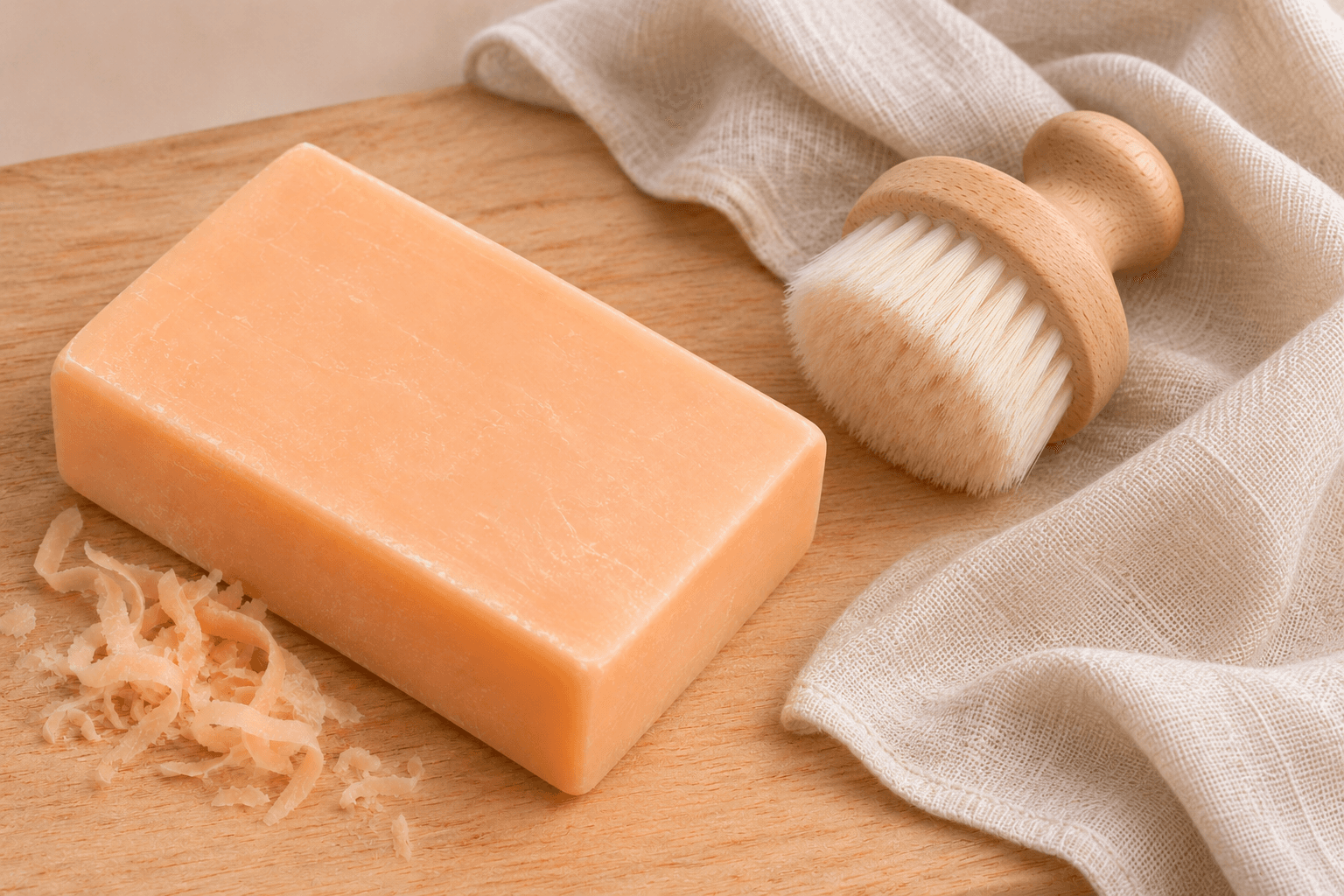
For a close-up visual brief, request the soap shavings and dry brush as one focused still composition. Name the crop and warm side light, then inspect bristles, flake edges and the visible contact area.
Create an image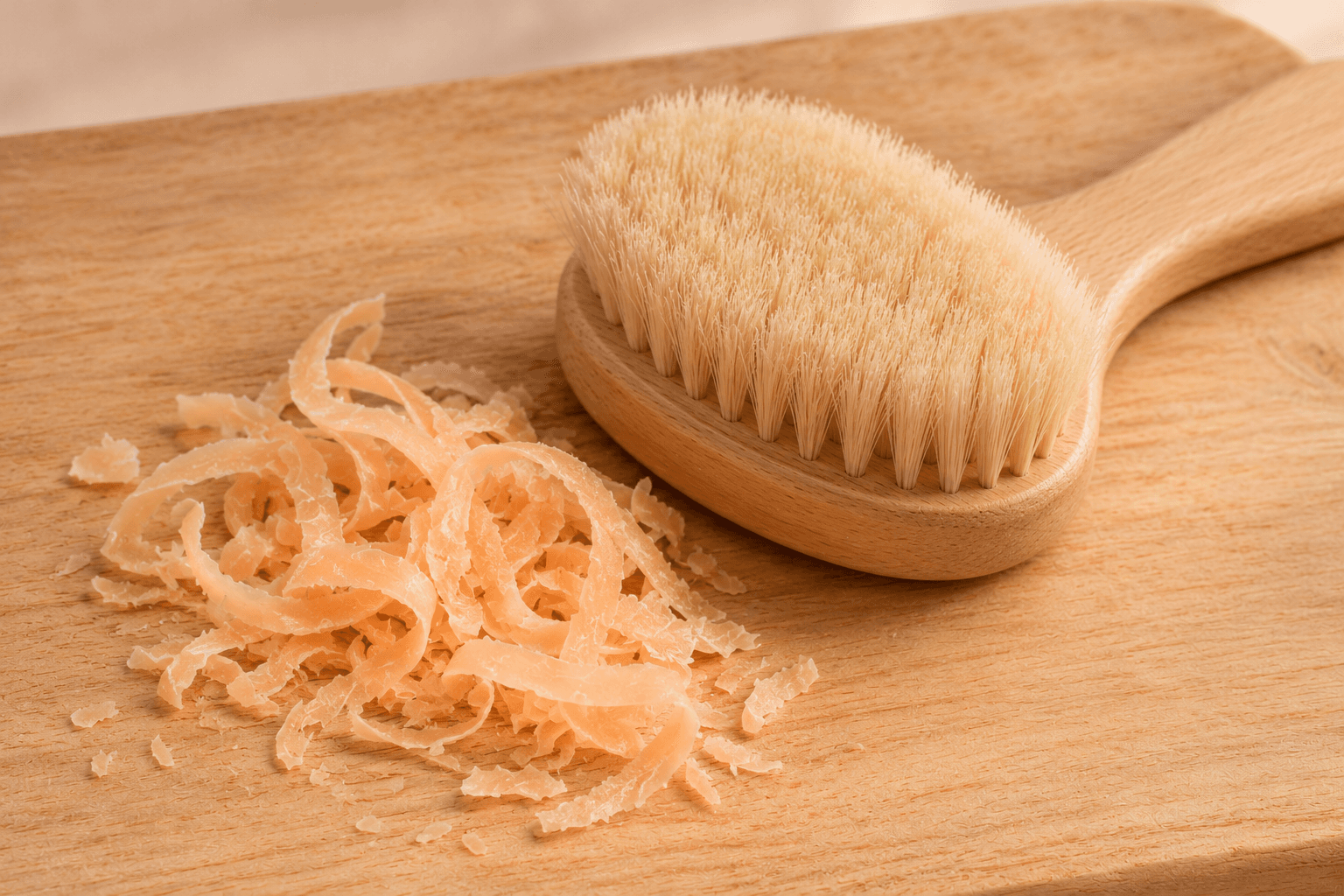
This form uses a reference image and an editable brief to generate a still image.
| Reference | Choose the sample or upload one clear authorized reference image. A reference is required. | |
|---|---|---|
| Controls | Three pictured starting directions and an editable prompt. Adapt the brief to your own reference. | |
| Result | A generated still image for a close-up material or ASMR-inspired visual concept. | |
| Sound and motion | This image form does not generate sound or video. Its controls describe the appearance of a single image. | |
| Visual quality | Hands, bristles, surface detail and material contact can be reinterpreted. Inspect the image before using it in a finished visual project. | |
| Cost | Check the current credit quote and your account allowance before generating. | |
| Commercial use | Paid-plan generations have commercial rights subject to provider terms and input rights. Free-plan generations are for personal, non-commercial evaluation; upgrading applies to new generations. | |
| Upload data use | Default terms permit using uploads, prompts and outputs for training and improvement. Provider policies also apply. Enterprise opt-out requires a written agreement; learned or derived information may persist after source deletion. |
Explore another reference-image direction.
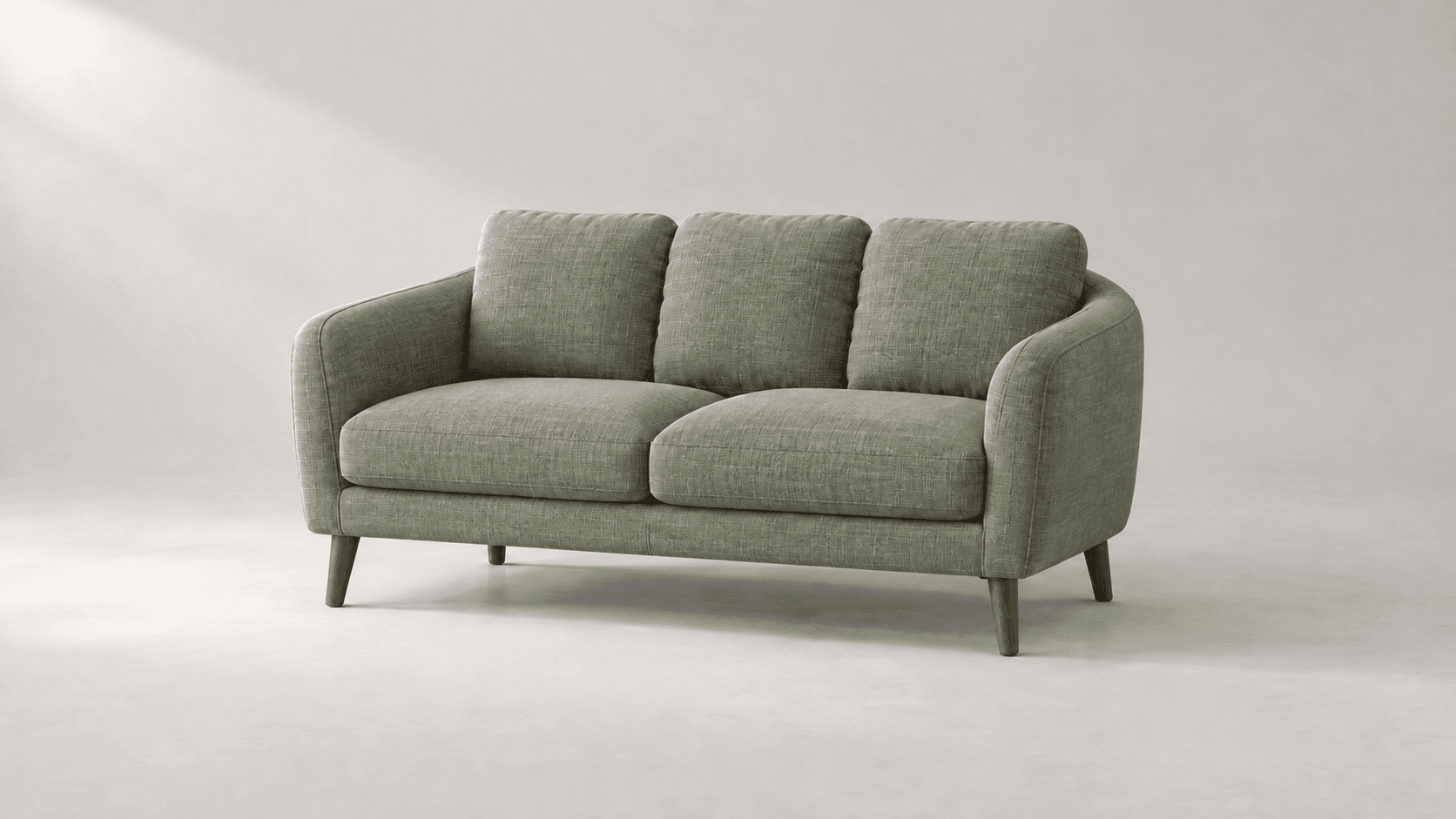
AI tool
Explore new colors for a product, outfit or room with a reference-led image edit. Describe the surface to change, then compare the color and material detail.

AI tool
Create a brighter interpretation of a dim image with a reference and a lighting prompt. Explore lifted shadows, balanced light or soft daylight, then inspect the result.
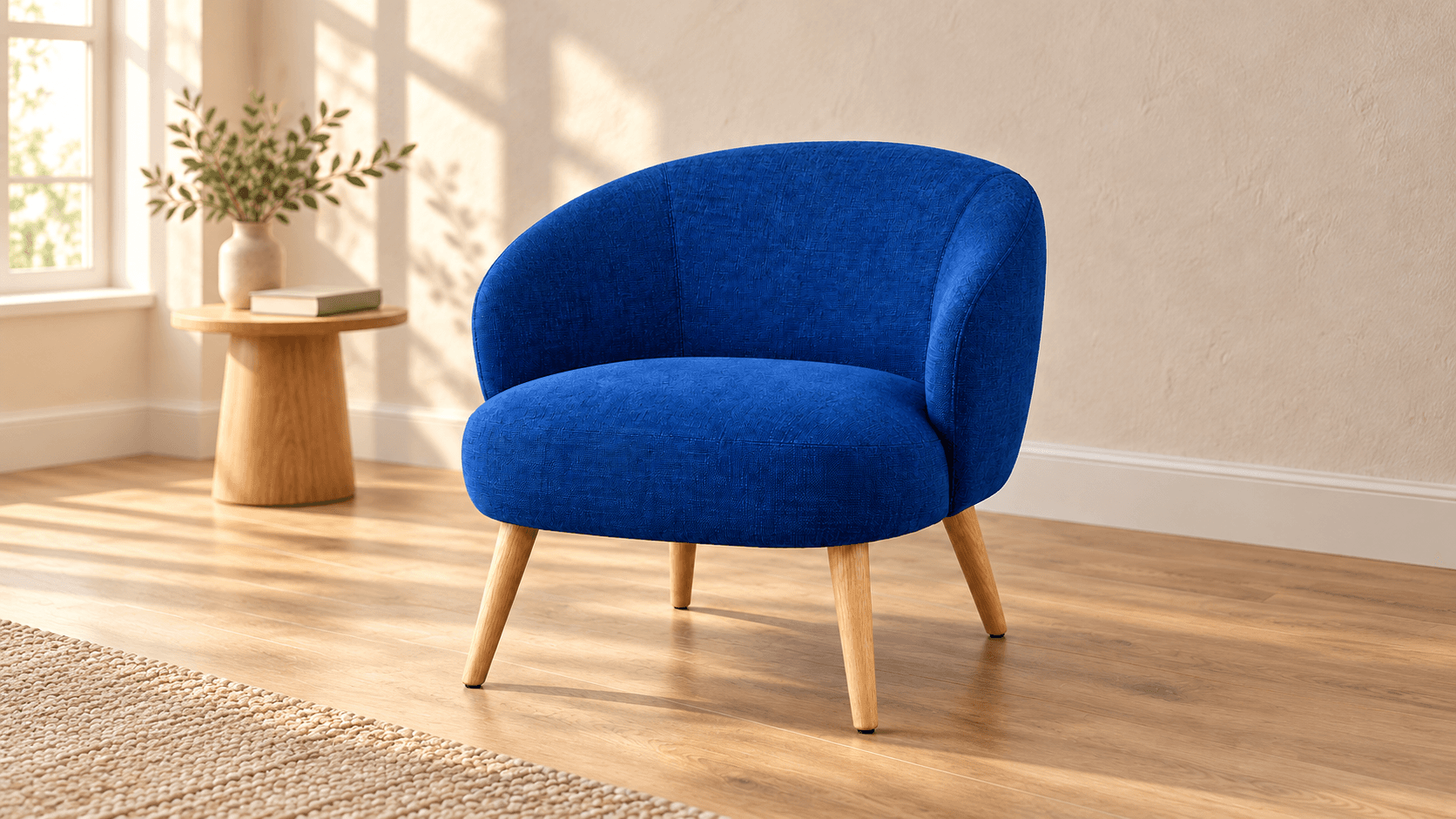
AI tool
Use this AI image variation generator to explore a new background, lighting or visual style from one reference. Compare each candidate with the source. For a rendering closer to the original composition, try the AI image recreator.
No. It generates still texture images for ASMR-inspired visual concepts.
Describe the material, crop, light and visible contact. Keep the focal point clear and the scene simple.
Yes. Upload a clear reference and name the material you want to explore, such as fabric, glass, soap or sand.
That is not guaranteed. Inspect anatomy, contact points, bristles and surface details before using the image.
Paid-plan generations have commercial rights subject to provider terms and your rights to the inputs.
Choose a reference, name the material and describe a focused still-image composition.