

Course introductions
Open a lesson with a clear explanation before switching to slides or demonstrations.
PRESENTER VIDEO
Separate the script, portrait and voice decisions so each can be reviewed. The three presenter frames are illustrative concepts of a fictional person, not a playable video or verified output.
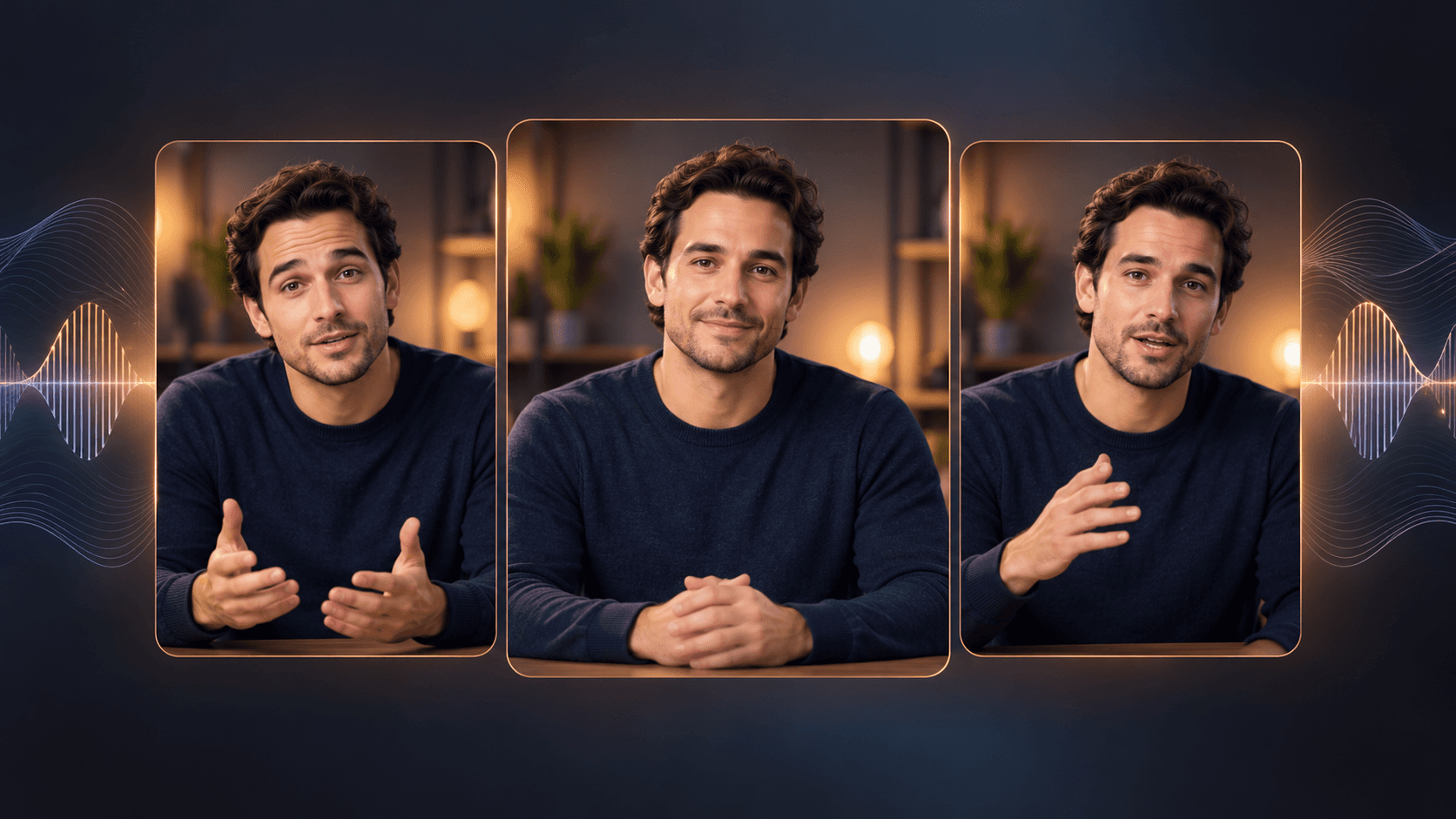
Use a fictional character or a real person whose likeness and voice you are permitted to use.
Keep the spoken passage focused; listen to the voice track for wording, pacing and pronunciation.
Use an appropriate portrait-to-video or lip-sync workflow, then review mouth movement, expression and timing before editing.
Open a lesson with a clear explanation before switching to slides or demonstrations.
Use a short spoken setup and cut to the product or interface when detail matters.
Prepare a separate script and audio pass for each language, then review pronunciation and visual timing.
| Input | A script, permitted portrait and voice track or voice brief. | |
|---|---|---|
| Output | A presenter-led video draft made in a suitable canvas workflow; the page preview is a still illustration. | |
| Review | Check consent, pronunciation, lip sync, expression and any required disclosure before sharing. |
No. Open the Astorie canvas to choose a suitable video workflow. This page provides an illustrative preview and planning guidance.
Use a real person’s likeness or voice only when you have the required permission and rights.
Do not assume so. Watch and listen to the finished clip, especially names, pauses and fast speech.
Start with a short approved script and portrait, then review the produced clip before expanding the edit.