Generator

AI Product Photo Generator on Astorie

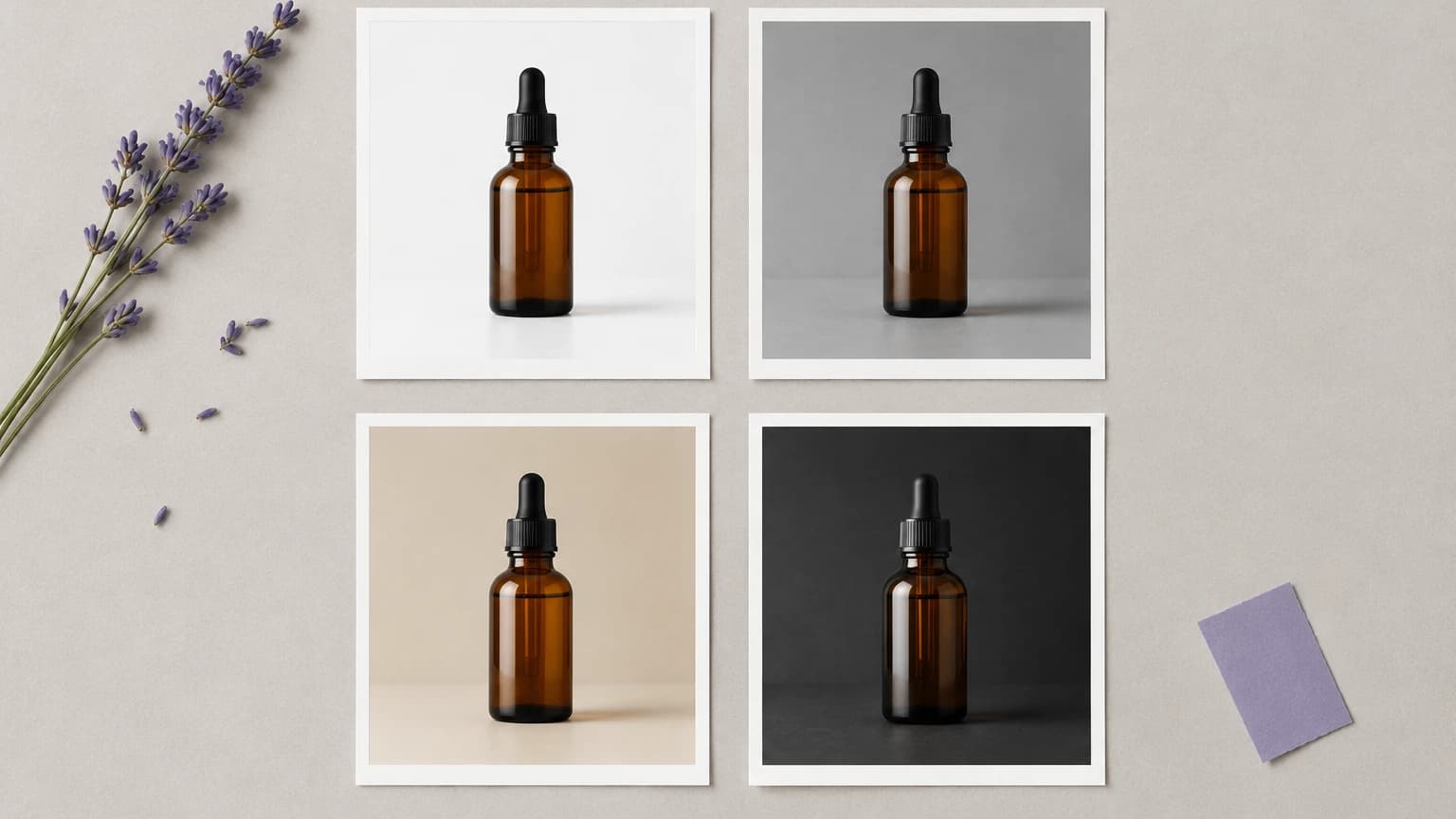
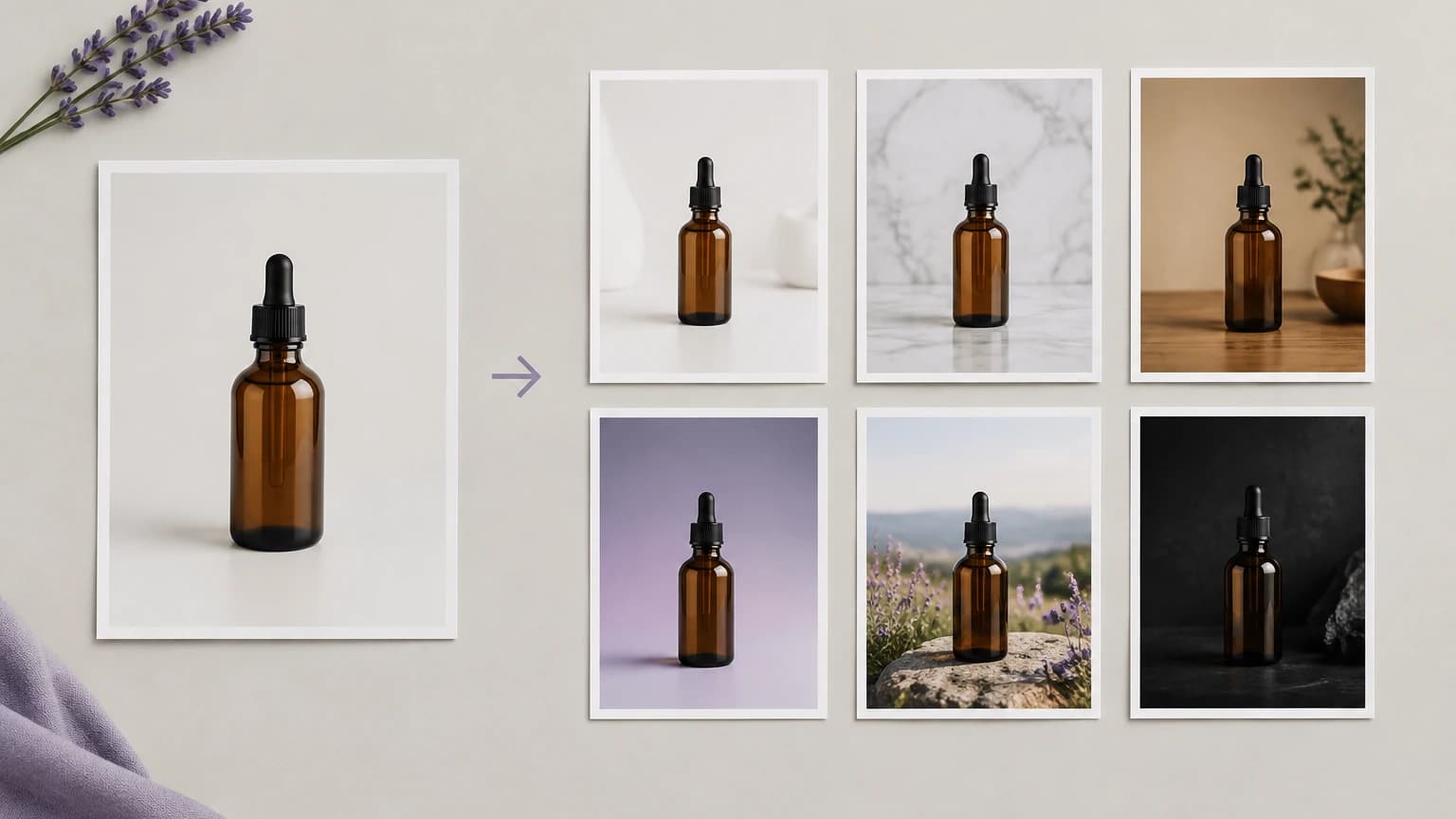
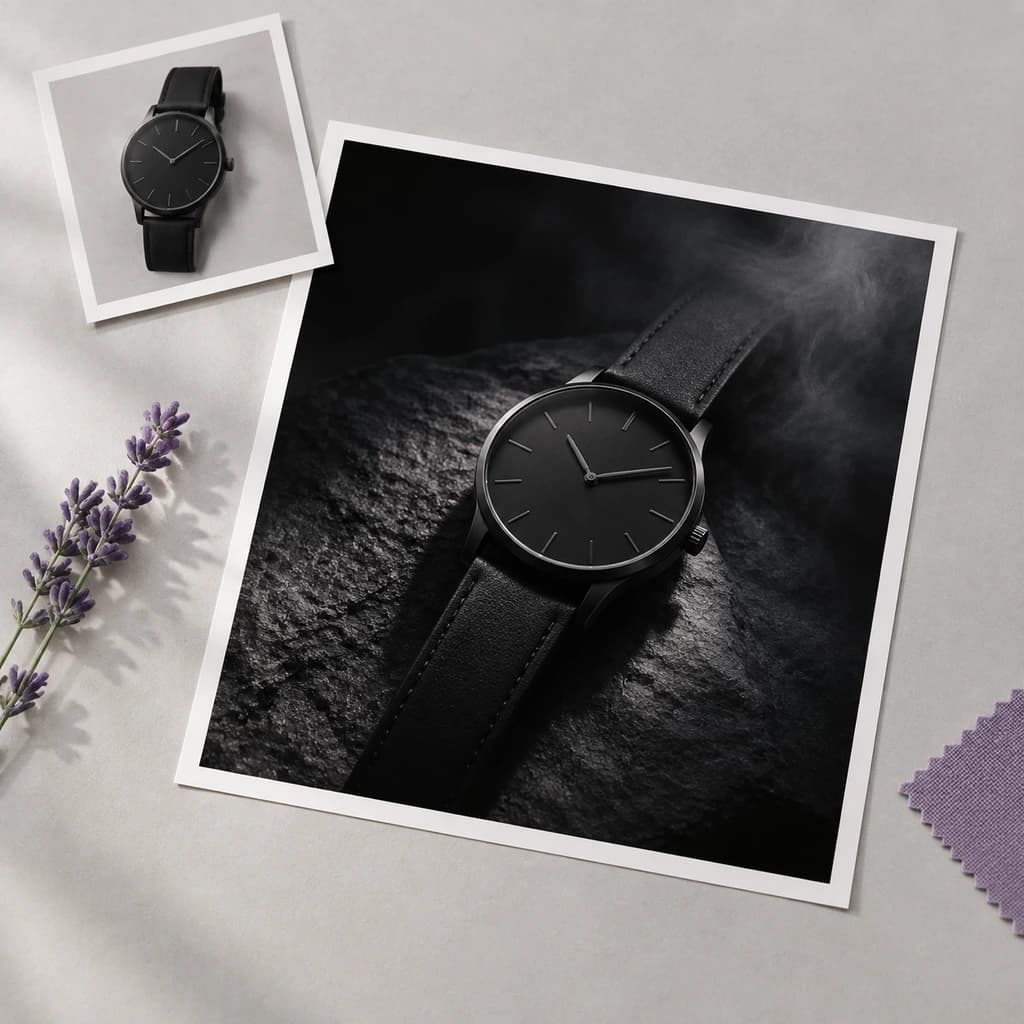
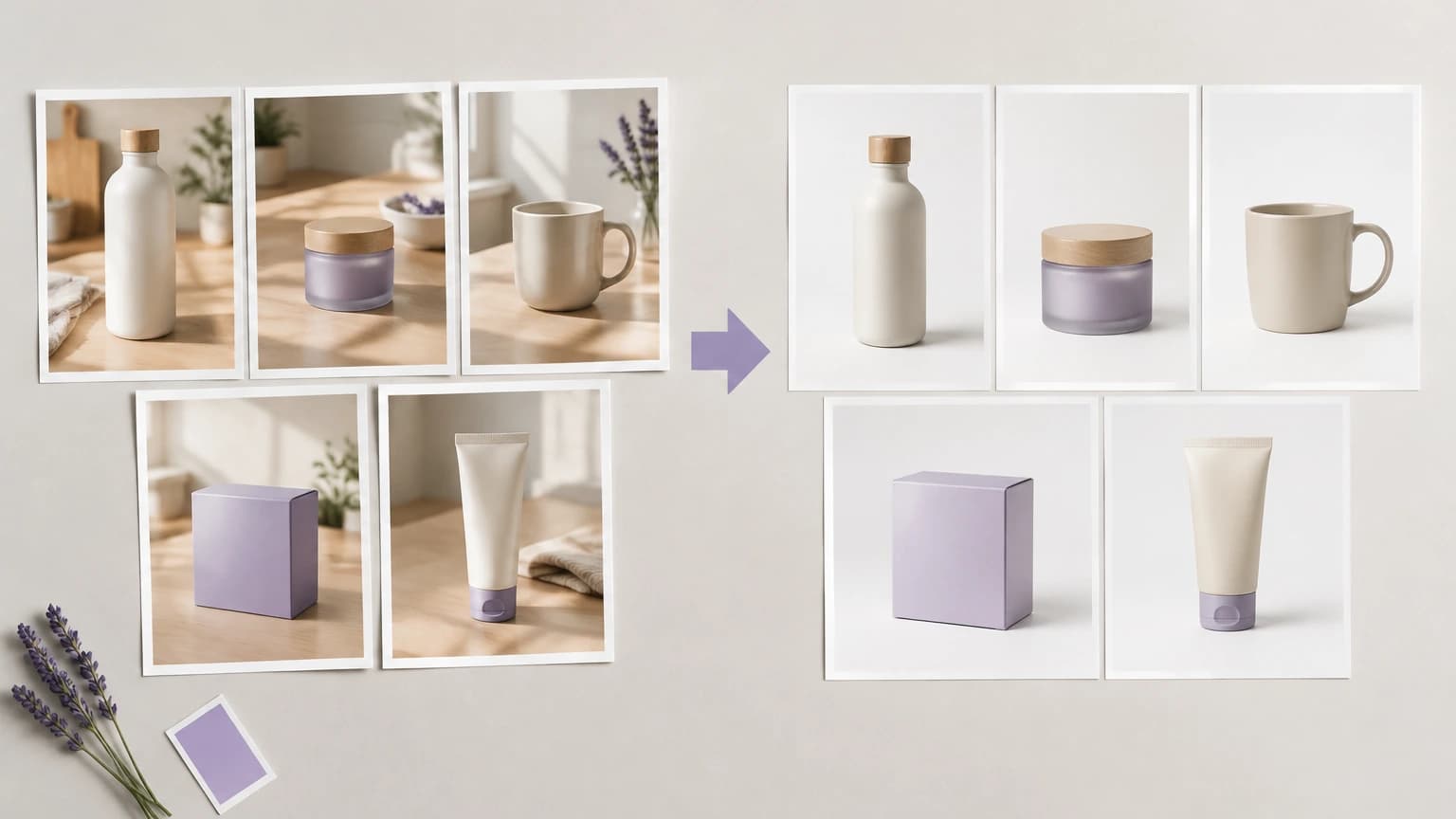
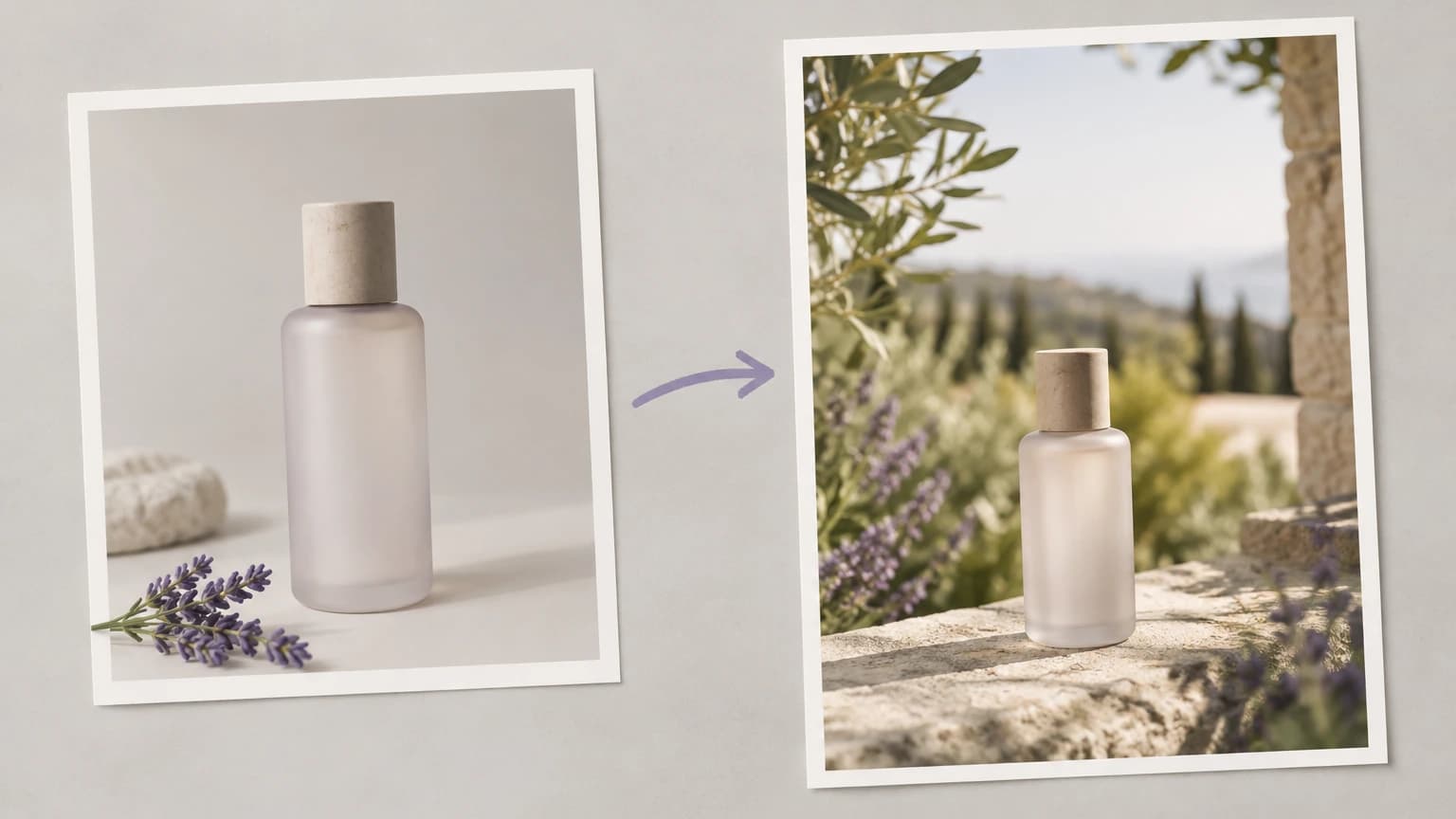
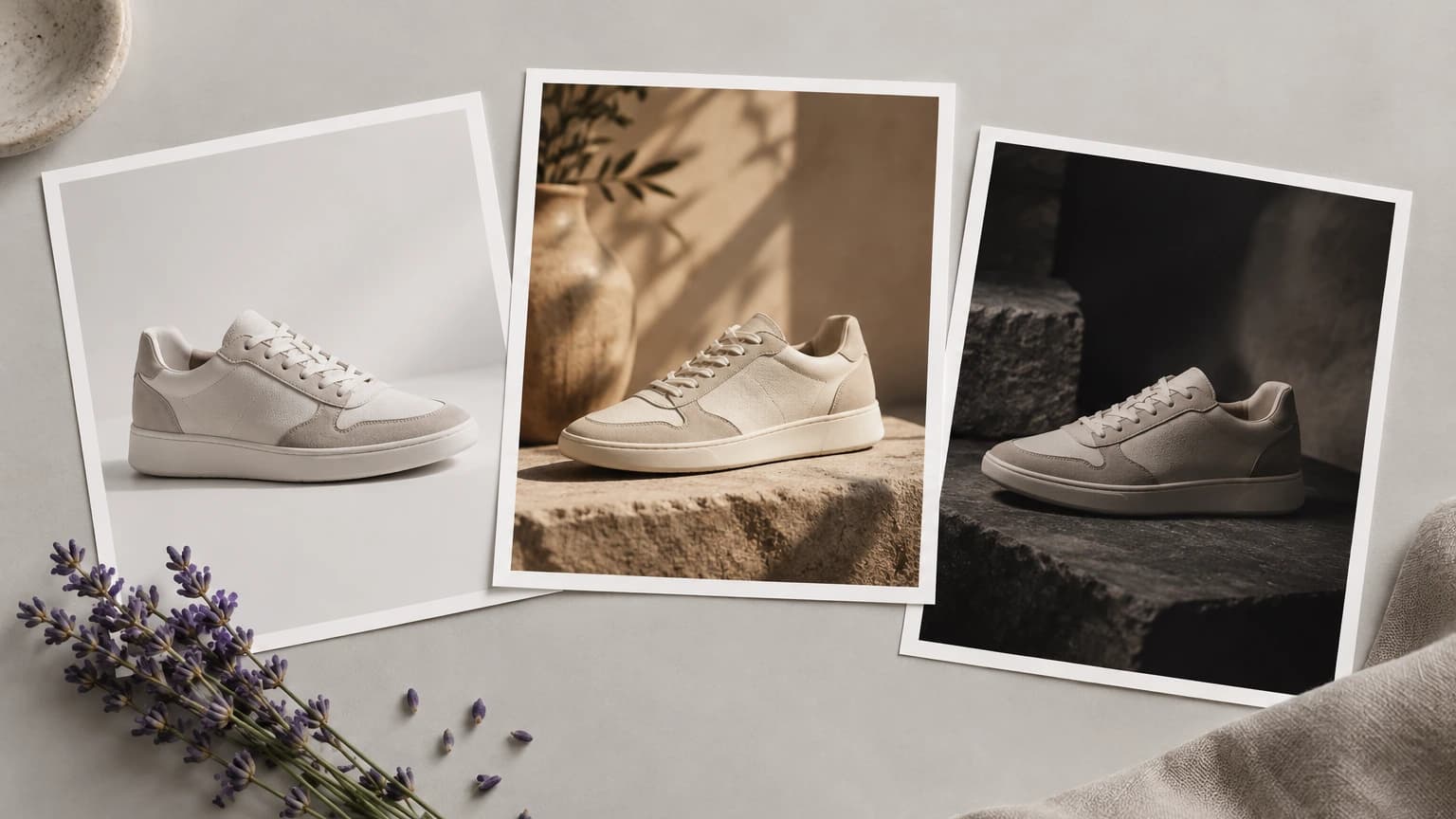
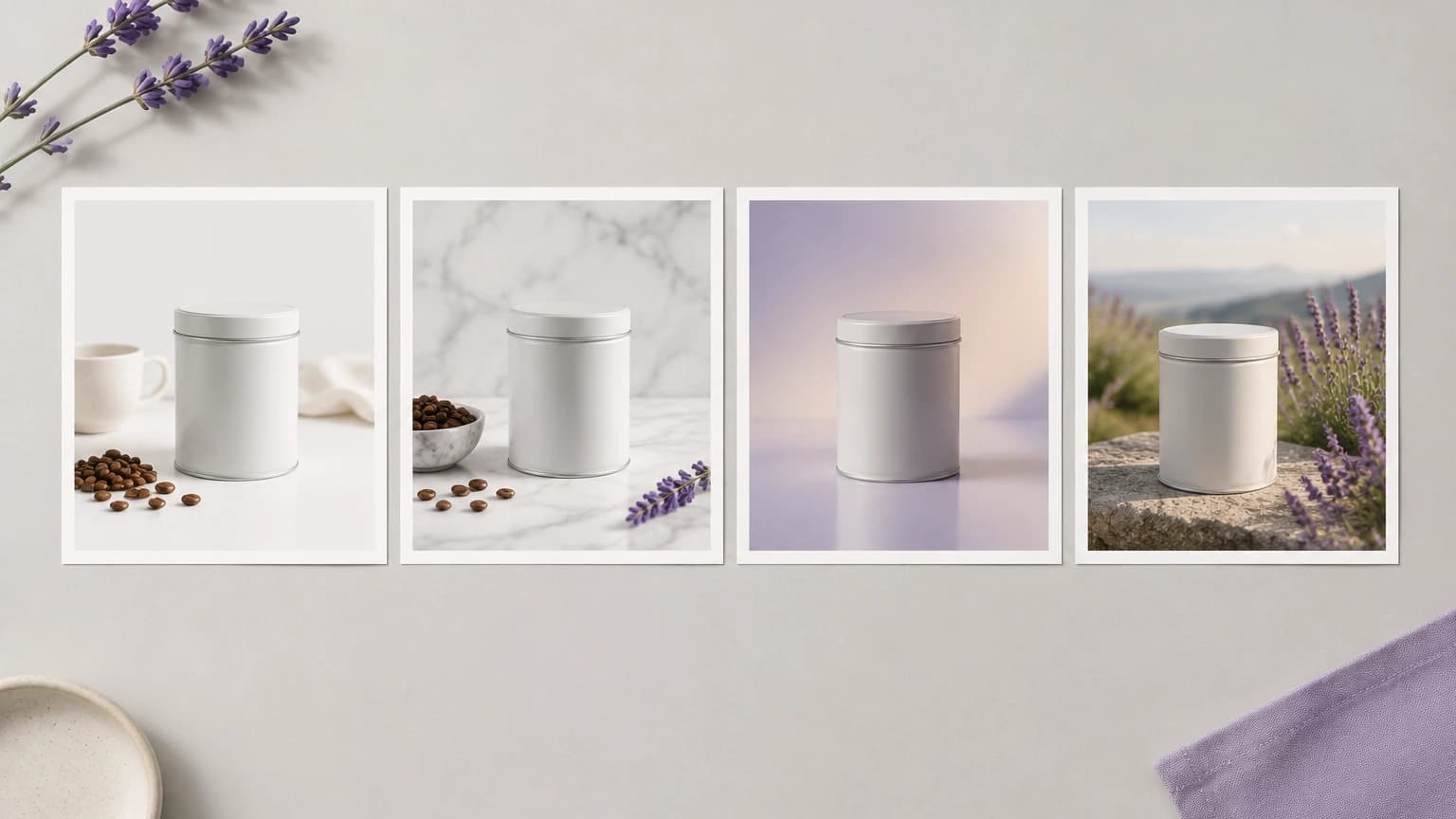
Generate a product photo on the canvas and keep going — the same image is the upstream of your next video ad. Drop the brand-approved still, pick a backdrop, fan out white-seamless / lifestyle / flat-lay variants in one pass, then wire the chosen frame straight into a Seedance 2 hero spin or a Runway Gen-4 lifestyle cutaway. Built for Shopify owners shipping the next SKU drop, Amazon FBA sellers automating PDP photography, and agencies that have stopped re-booking studio days.

What you can generate

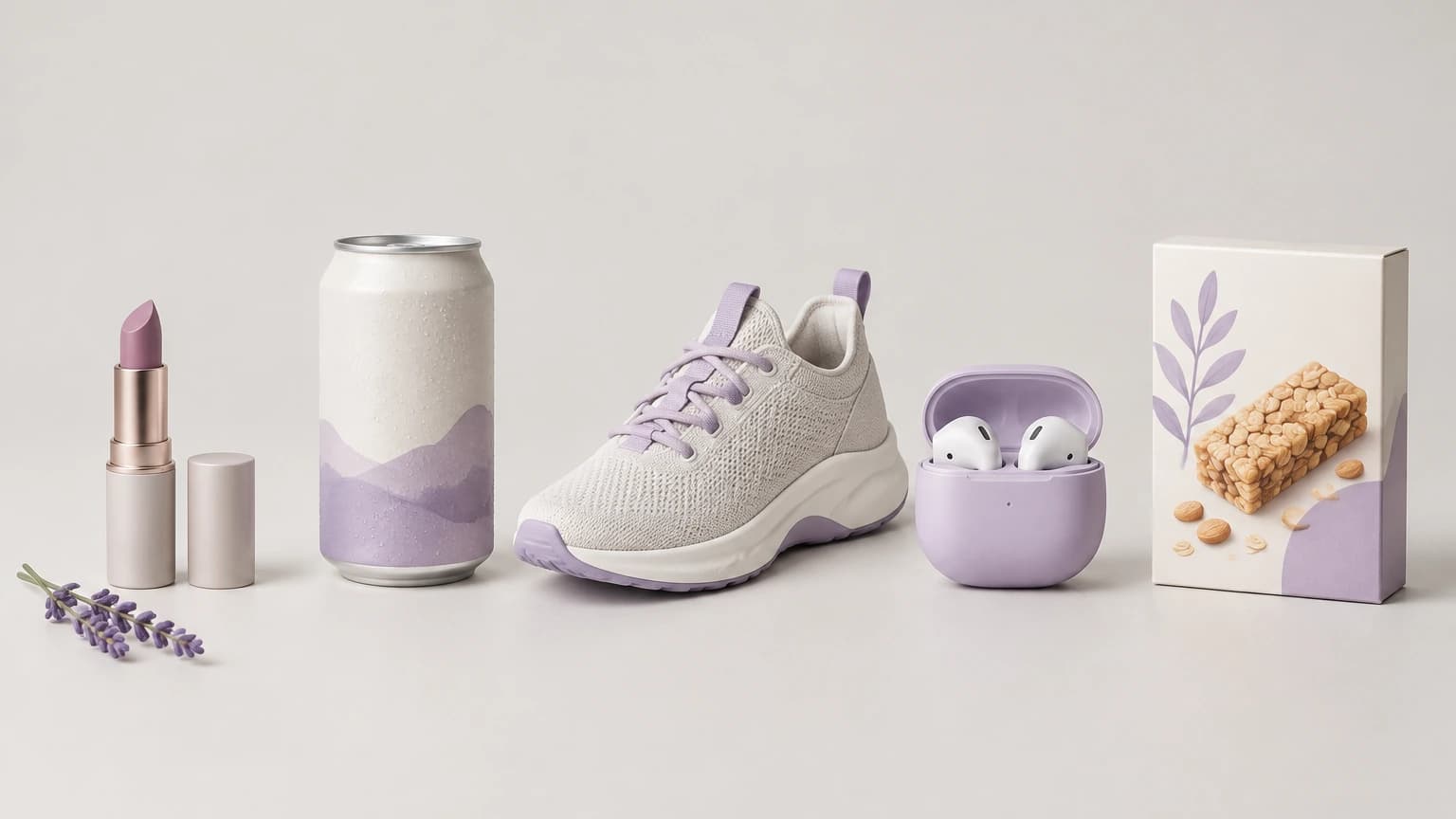
  • E-commerce hero shots on white seamless or brand-color backdrops
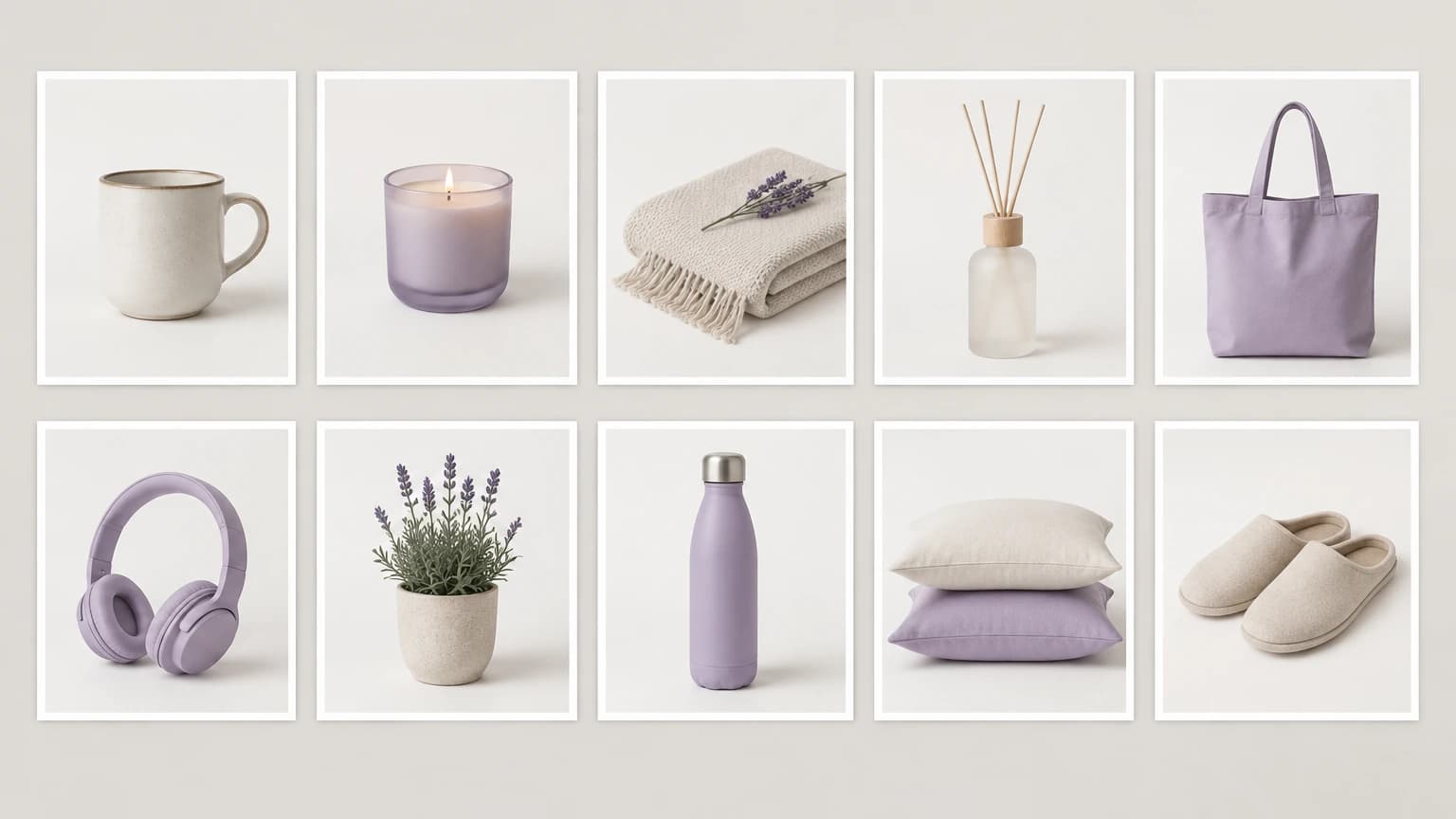
  • Lifestyle scenes in kitchen, bathroom, vanity, or desk environments
  • Packaging mockups before the print run is committed
  • Brand-color hero compositions with matching backdrop and rim light
  • Top-down flat-lay arrangements for skincare, food, and accessories
  • Macro detail and texture close-ups for material storytelling
  • Amazon listing packshots aligned to marketplace size specs
  • PDP hero frames already framed for pan-and-zoom motion
  • App store screenshots and product UI shots aligned to the brand style

Best Astorie workflow

Why this is more than a one-shot generator on Astorie.

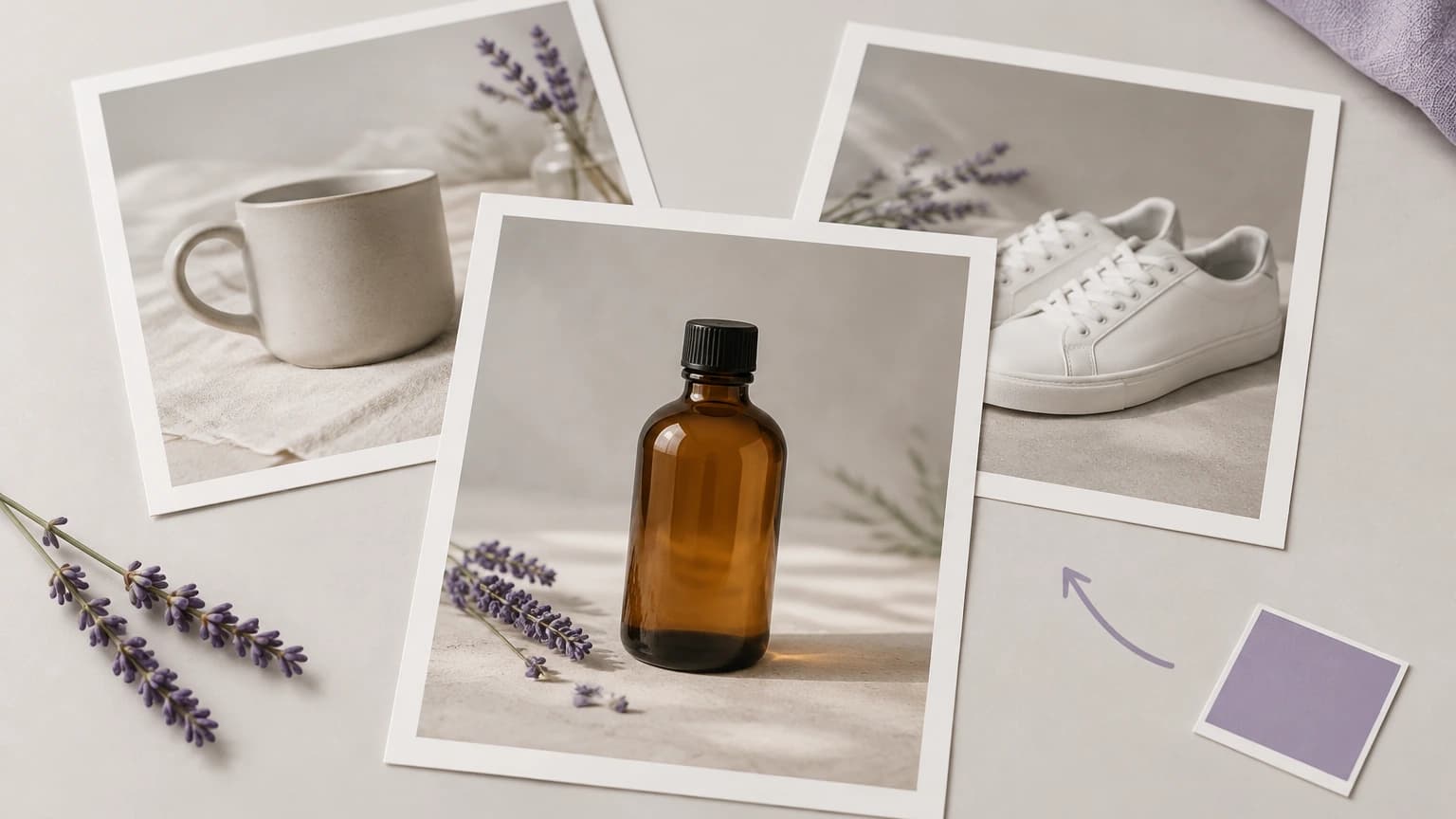
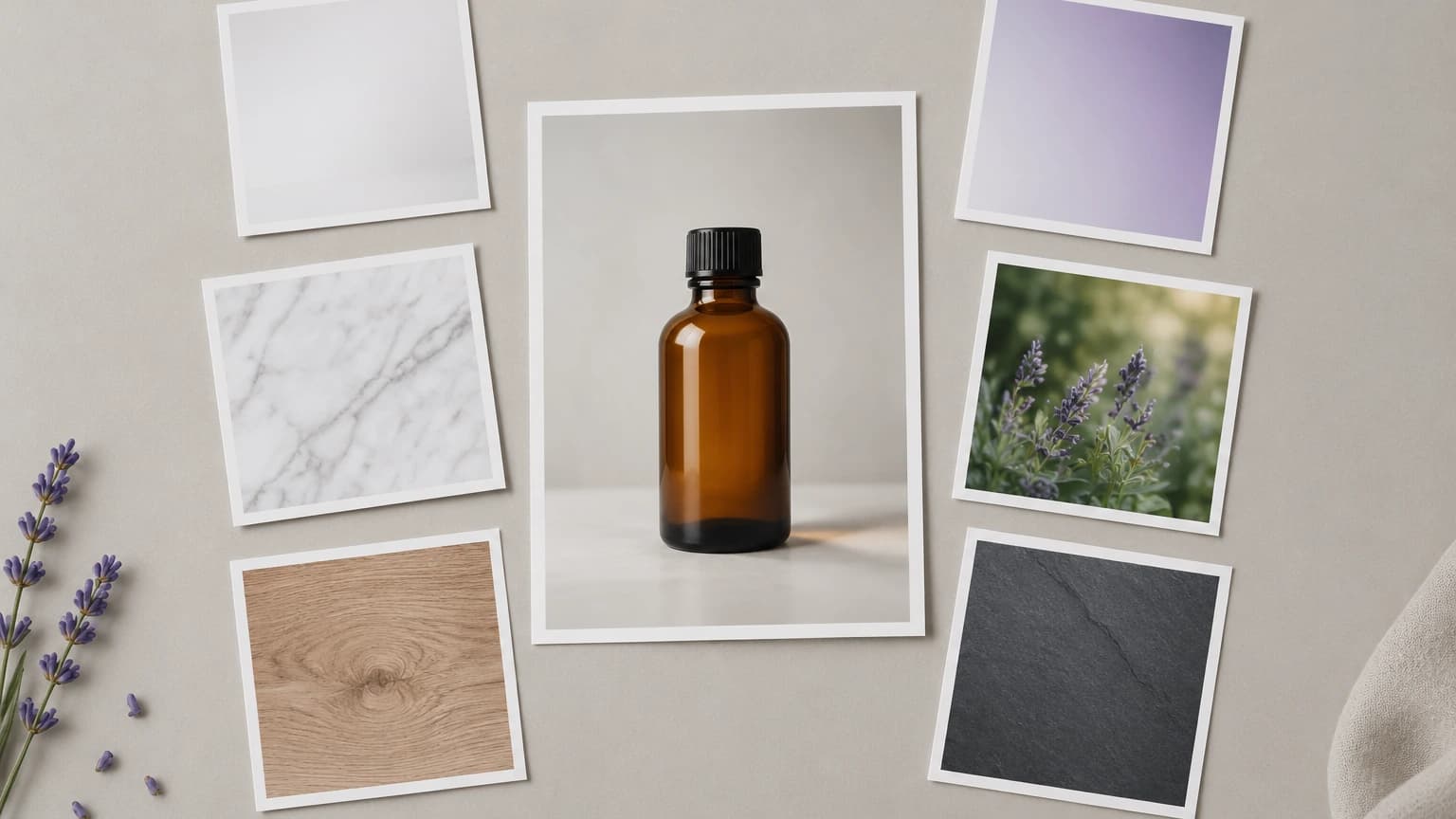
  • Multi-anchor reference is the differentiator — drop the product still, the brand-color script, and the scene reference as separate canvas nodes instead of stuffing them into one prompt.
  • The same image node feeds Seedance 2 for the hero spin and Runway Gen-4 for the lifestyle cutaway, so one approved photo becomes the entire ad cut without re-uploading.
  • Fan hero placements across Imagen 4, Nano Banana 2, Flux Kontext, and Seedream in parallel and pick the winner per placement; run the catalog sweep on the locked template — the expensive iteration happens on the heroes, the catalog scales on the chain.
  • Chain through the ai-product-video-generator feature for the full motion pipeline, then hand off to NLE export for 1:1 / 9:16 / 16:9 cutdowns.
  • Save the canvas as a SKU template once the chain works — the next launch reuses every node, and only the product still changes.
  • Run the cleanup pass on gpt-image-2 or upscale before the video step; raw artifacts amplify across 24fps. Chain chosen masters through image upscale before export — catalog and ecommerce delivery typically needs 4K masters or higher.

Recommended models

Prompt examples

Beverage can on white seamless, soft front key plus rim light from camera right, brand-orange backdrop fade, deep contact shadow, 4:5 PDP framing.

White-seamless hero for marketplace listings — keeps the can label crisp and centers the product for pan-and-zoom motion.

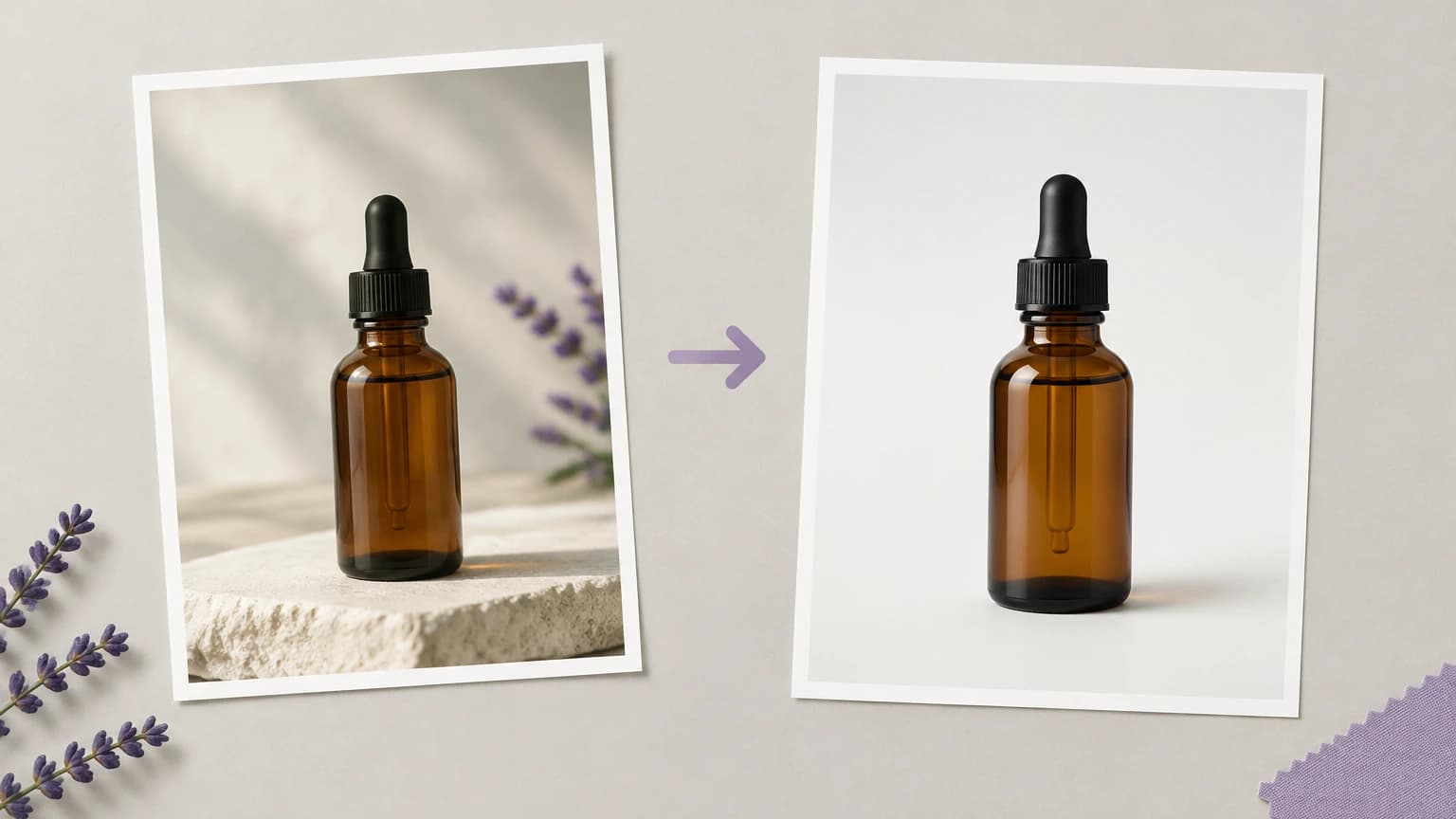
Beauty serum dropper bottle on marble vanity, morning daylight from camera left, soft linen draped behind, condensation droplets, 4:5 lifestyle framing.

Lifestyle vanity scene that doubles as the establishing frame for a Seedance 2 macro reveal.

Sneaker on minimal concrete plinth, deep cool shadow, brand-blue accent gel from above, low camera angle, 16:9 hero framing.

Editorial sneaker packshot — the plinth gives the orbit motion in the next step a clean foreground.

Top-down flat-lay of a skincare set on warm linen, soft north-facing window light, gold leaf accents, even spacing, 1:1 social framing.

Flat-lay composition for IG carousel — the symmetry survives lifestyle resequencing without looking generated.

Smartphone retail packaging unboxing scene on walnut desk, sunset key from camera right, ambient fill, focus on packaging seam, 9:16 framing.

Vertical unboxing setup — pre-built for an image-to-video Reels cut.

Candle on wooden side table next to open hardback book, warm tungsten side light, soft bokeh blanket in background, 4:5 framing, deep negative space top-right for headline overlay.

Cozy lifestyle frame that keeps headline space free for ad-creative iteration.

Macro material detail of leather wallet stitching, hard rim light, neutral grey backdrop, shallow depth of field, 1:1 framing for detail card.

Texture-led close-up for the detail-loop step in a multi-shot product cut.

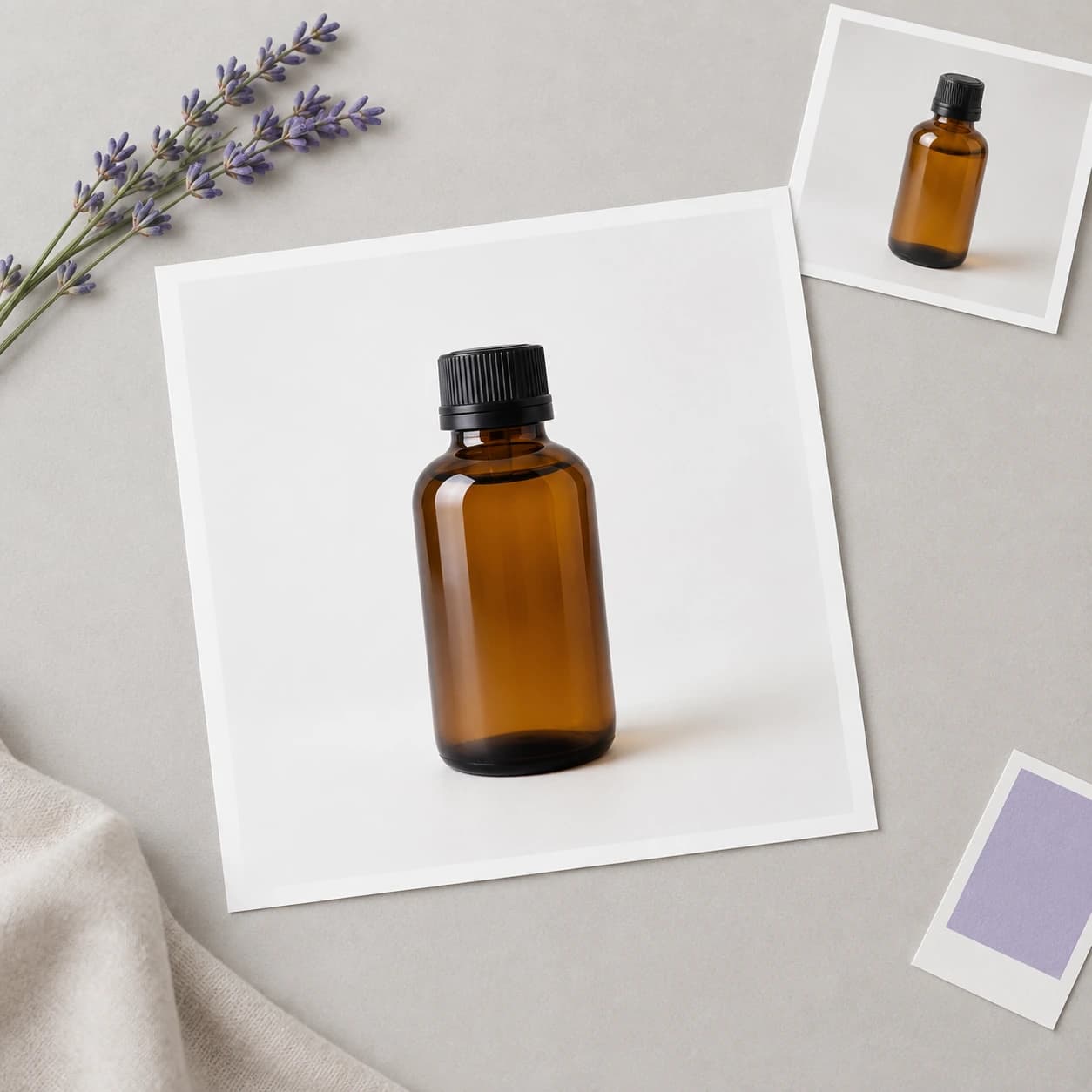
Packaging mockup of a 500ml glass bottle with custom label, studio softbox lighting from front-left, neutral seamless, 1:1 framing for label proof.

Pre-print mockup — surface label drift before the print run, then approve into the video pipeline.

Turn this output into a workflow

Generation is the first node — here's where to take it next.

Related features

Related how-to guides

Related prompts

Related workflows

Related reading

Frequently asked questions

Why generate a product photo on Astorie instead of a single-prompt tool?

Single-prompt tools end at the JPEG. Astorie lands the photo on a canvas where the same image node feeds Seedance 2 for the hero spin, Runway Gen-4 for the lifestyle insert, and the NLE export for shipping. The product photo is the upstream of the campaign, not the deliverable.

How do I prevent label and packaging text from drifting?

Use nano-banana-2 as the upstream model, feed the brand-approved still as a reference node, and run a cleanup pass on gpt-image-2 before exporting. Re-describing the label in the prompt fights the reference and is the most common cause of drift. For tightly brand-controlled SKUs, review every output against the source reference before locking — watch label, packaging copy, and material highlight accuracy.

Can I generate Amazon-spec packshots?

Yes — generate at the marketplace size, then check the cleanup pass for white-seamless RGB compliance and product-frame ratio. Save the canvas as a template for the next ASIN so the spec re-applies automatically.

Can AI replace a real product photo shoot?

For catalog volume, lifestyle variants, and rapid iteration, AI product photography is highly effective and dramatically faster than studio booking. For top-tier ad campaign hero shots, a real shoot still wins on shadow, material, and skin detail. Frame AI as augmentation: catalog and lifestyle on AI, hero ad on traditional, with overlap depending on the brand.

How do I keep brand colors consistent?

Drop the brand color script as a separate canvas anchor. The model receives it as a brand-color reference, and the chain holds the palette across multiple generations. Pair with template reuse so color stays consistent across the entire campaign.

Do I need a separate tool for the video version?

No. The product photo node on Astorie already wires into Seedance 2 / Runway Gen-4 / Kling 3 video nodes on the same canvas — see /workflows/ai-product-video for the end-to-end pipeline.

Can I reuse the canvas for the next SKU?

Yes. Save the chain as a SKU template after the first launch — only the product still and brand-color anchor change for the next product. The lighting, framing, and motion nodes stay locked. Run the template on every SKU in batch — the catalog scales on template reuse rather than per-SKU rebuild.

Generate it on the canvas

Open Astorie, drop this generator on the canvas, and wire it into the workflow you actually need. Free to start — no card required.