
A standalone file workflow
- Save a still outside the creative project
- Re-import the image for another operation
- Find the original clip again for context
Video frame extraction keeps a useful moment from your footage available as a still. Capture it on the canvas, then use that image to communicate a composition or prepare the next visual task.
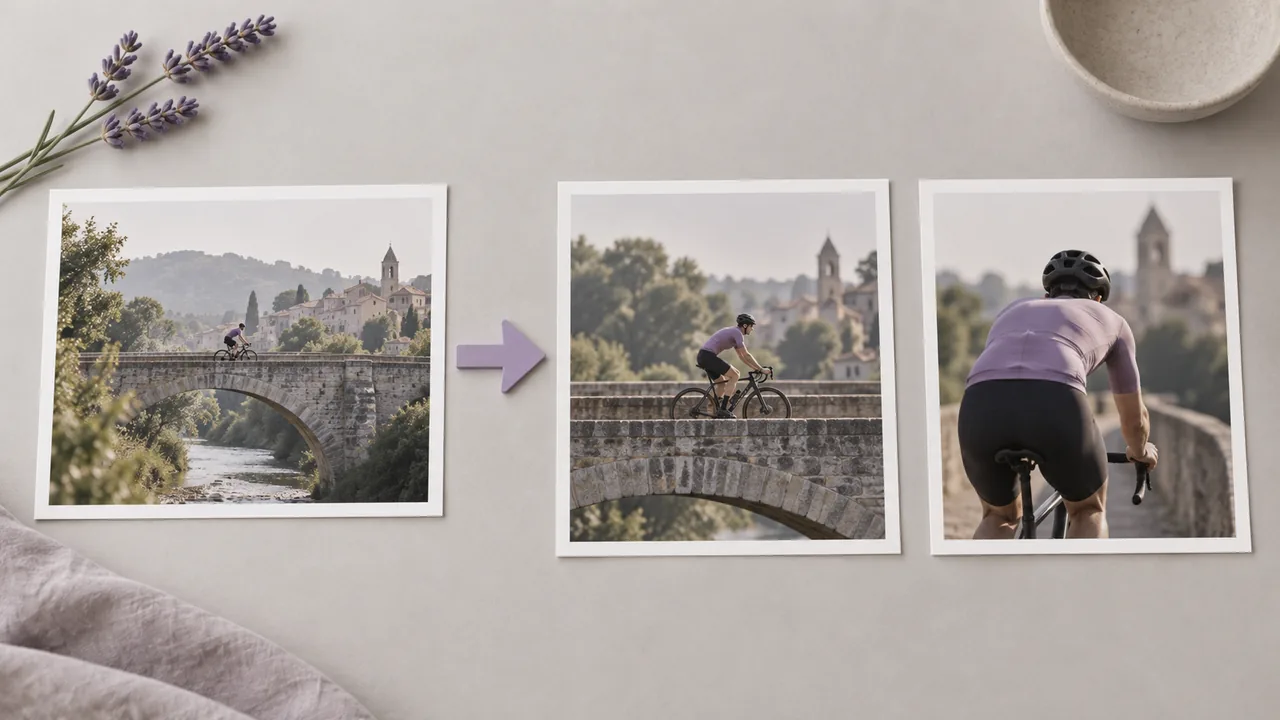
A useful moment can disappear into a folder of screenshots. Bring the selected view into the visual discussion while its source is still clear; illustrations show workflow concepts, not tested tool results.
Choose the source clip before opening the capture tool; the preview determines which moment becomes your still.
Open a canvas containing your video. Use the video node menu to create a connected Frame Extraction tool, so the capture operation has the right clip as its source.
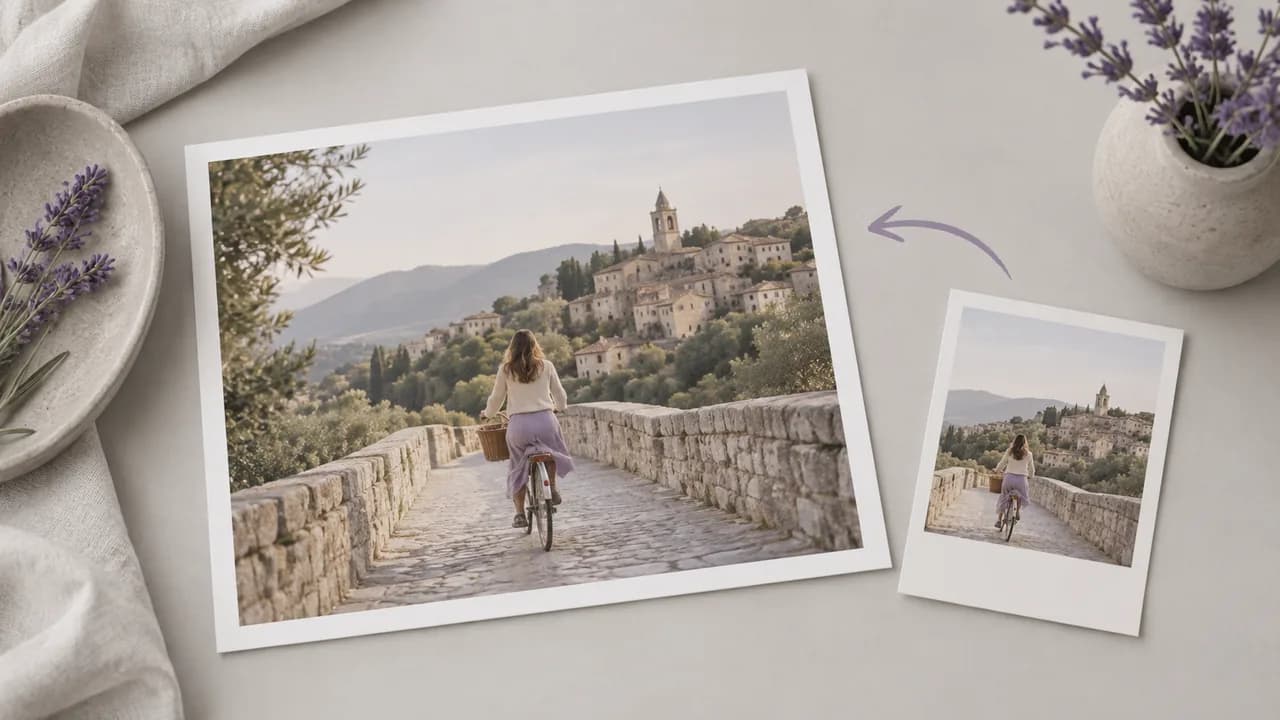
Locate the moment you want in the video preview and capture the current frame. Use the last-frame action when the ending composition is the reference you need.
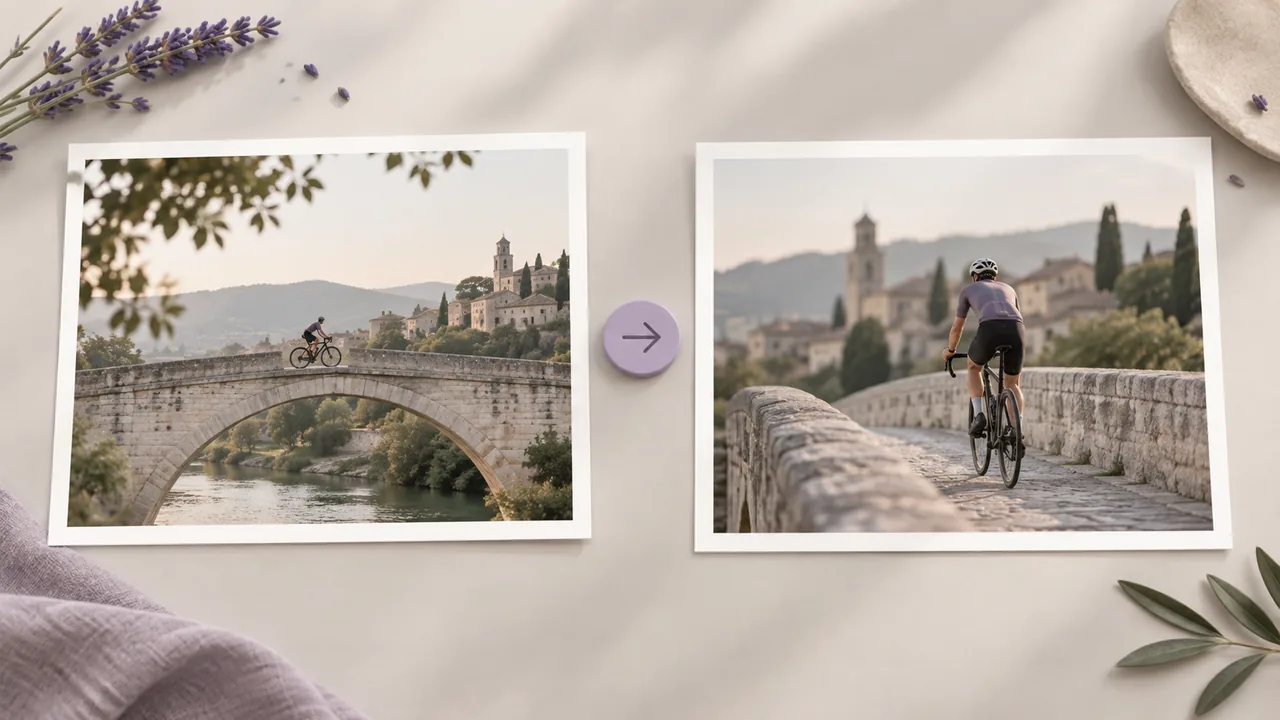
Look at the resulting image for blur, closed eyes or an unwanted transition. Select another moment if needed, then connect the chosen still to your next compatible image operation.
Select a moment that remains useful when the surrounding motion is no longer visible.
Use the connected video preview to choose the moment that matters. The selection follows the footage, so a useful expression or pose can guide your decision.
Open the canvasExtract the image currently shown in the preview. This gives you a selected still from the clip without asking a generative model to reinterpret the scene.
Open the canvasA dedicated last-frame action captures the end of the connected video. Inspect the ending first when the clip may close on a fade or a dark frame.
Open the canvasCapture uses the dimensions supplied by the video player. It does not add pixels through enlargement; choose a separate image-upscaling task when a larger still is needed.
Open the canvasThe capture operation returns a JPEG still to the canvas. It represents the selected video frame rather than a layered edit document or a sequence of every frame.
Open the canvasUse the extracted still as an input to a compatible image workflow. Keep it connected to the project context while deciding how the next creative operation should use it.
Open the canvasThese cases describe moments worth selecting from your own clip. Each picture is a concept illustration, not a still captured by the Astorie tool.




An editor wants to discuss a framing choice with someone who has not watched the whole clip. Capture the relevant moment and bring that still into the conversation alongside the source video and its context.
Open the canvas
A director needs to remember the pose at the end of a take while planning the next one. Keep a selected ending frame in the project, then compare the new setup against that visual reference.
Open the canvas
A reviewer notices an object that distracts from the action but struggles to explain where it appears. Capture the moment so the discussion can focus on a visible composition instead of a vague description.
Open the canvas
A designer needs a cover that reflects footage already filmed. Start from a meaningful extracted moment, and decide how its framing will work with the final title before moving into the cover design.
Open the canvas
An artist finds a useful pose inside a moving reference. Choose a sharp frame and keep it as a still for a later image task, while respecting the rights attached to the original footage.
Open the canvas
A filmmaker is documenting the visual sequence of an existing scene. Capture selected moments that explain its coverage, then arrange those stills in a separate storyboard discussion rather than exporting every frame indiscriminately.
Open the canvas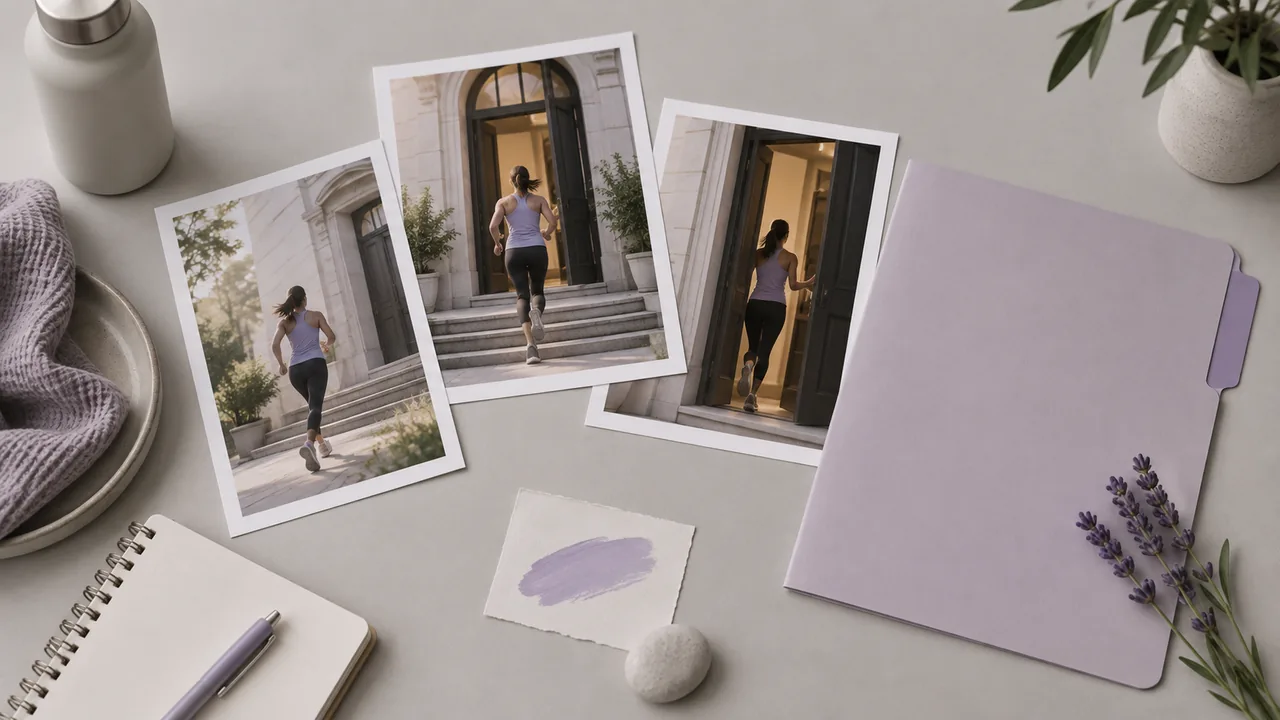
| Input | A connected video in your canvas project. | |
|---|---|---|
| Selection review | Check for blinked eyes, motion blur and transitions before accepting a still. | |
| Output format | JPEG image. Capture uses the video dimensions available to the player. | |
| Source permission | Use footage you are permitted to inspect and repurpose. | |
| Scope | Individual still selection, rather than an export of every frame in a video. | |
| Access and request cost | Check your account access and the displayed requirement for the configured operation. | Verified 2026-09-28 |
| Free account | A free plan is listed on the pricing page; no credit card is required to start. Specific task access is separate. | Verified 2026-09-28 |
| Commercial use | Extracting a frame does not change rights in the source video. Commercial reuse requires the necessary source permissions; separate generated work is subject to Astorie's plan and provider terms. | Verified 2026-09-28 |
| Upload data use | Default-plan uploads, prompts and outputs may be used for training. Provider policies also apply. Enterprise opt-out needs an agreement; learned or aggregated data may persist after source deletion. | Verified 2026-09-28 |
Frame capture itself does not use these generation models. Consider them for a separate image creation or editing task after you have selected the still you want to work from.
Extraction separates a single captured moment from the moving sequence around it. In Astorie, you select that moment from a connected video on the canvas. The operation is useful when one composition needs to be discussed or reused independently of the motion around it.
Yes, the pricing page lists a free Astorie plan and says no credit card is required. Sign in to check the canvas access available to your account. If you send an extracted frame into a separate generation task, inspect that task's displayed credit requirement before running it.
Capturing a frame does not change the rights in the original video. Use footage you may capture and reuse for the intended purpose. If the still later becomes input to generation, review Astorie's paid-plan commercial conditions and provider terms; free-plan generations are intended for non-commercial evaluation.
Choose a moment with little visible motion blur and inspect it before capture. A frame from a compressed or blurred source will retain those limitations. If the last frame is a fade, choose an earlier current frame instead. Enlargement is a separate task and should be checked against the original.
Open your video on the canvas and choose a moment that serves the next task.