AI Ad Generator

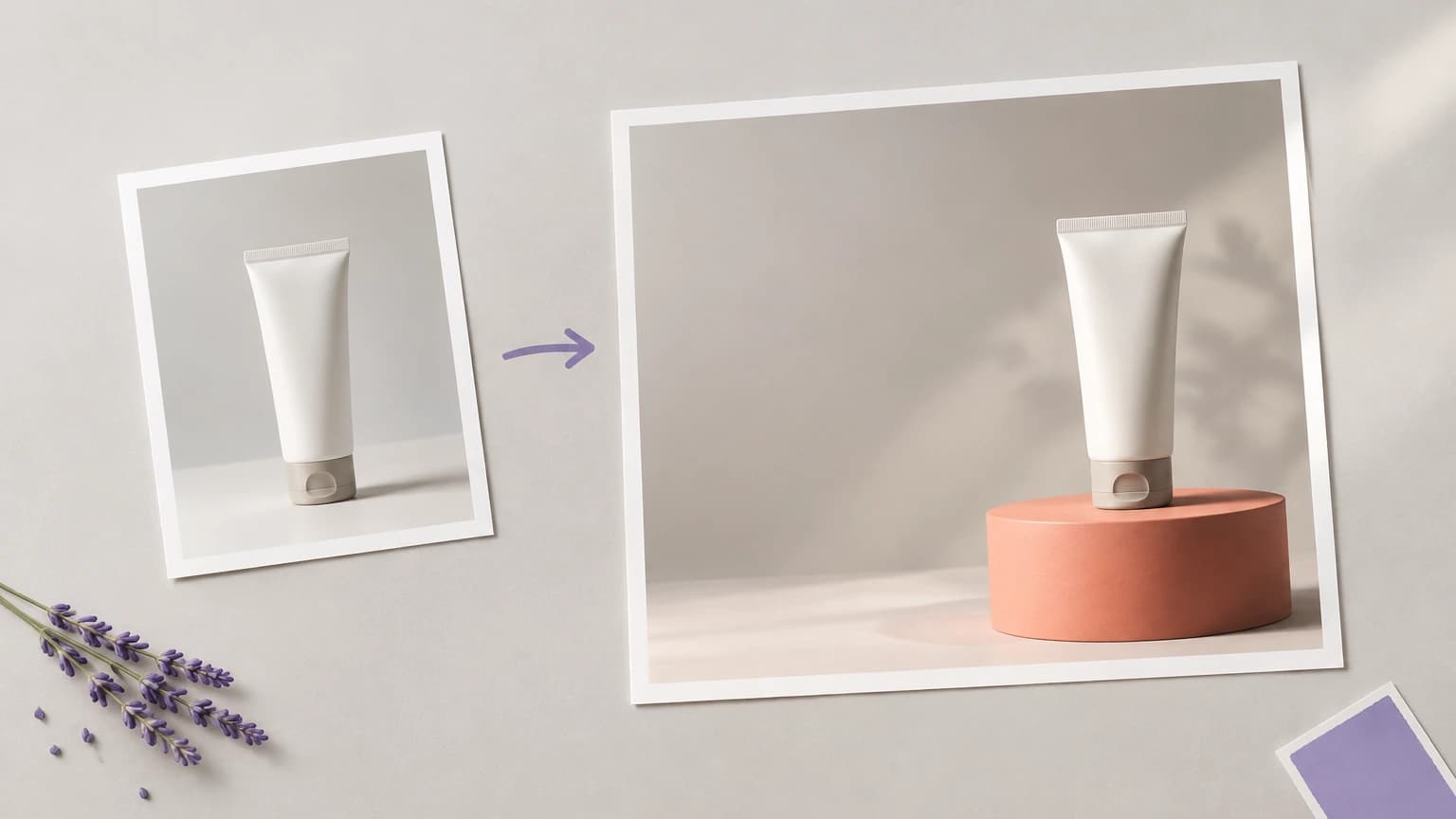
This AI ad generator puts your product photo into a scene built for an ad. The backdrop, light and props change around the product you photographed. Choose a ready-made set or type the scene you want, then press Reshoot it.

AI Ad Generator

This AI ad generator puts your product photo into a scene built for an ad. The backdrop, light and props change around the product you photographed. Choose a ready-made set or type the scene you want, then press Reshoot it.

An ad generator that leaves room for your message

An ad image with no space for the headline gets rebuilt before it runs. Template tools tend to hand back a finished layout that is hard to change.

A template ad maker

  • A fixed layout decides where the product and the text go, whatever the campaign needs
  • The product is dropped into a stock layout rather than a scene built around your own photo
  • Headline and price slots come pre-styled, so changing the message means fighting the template
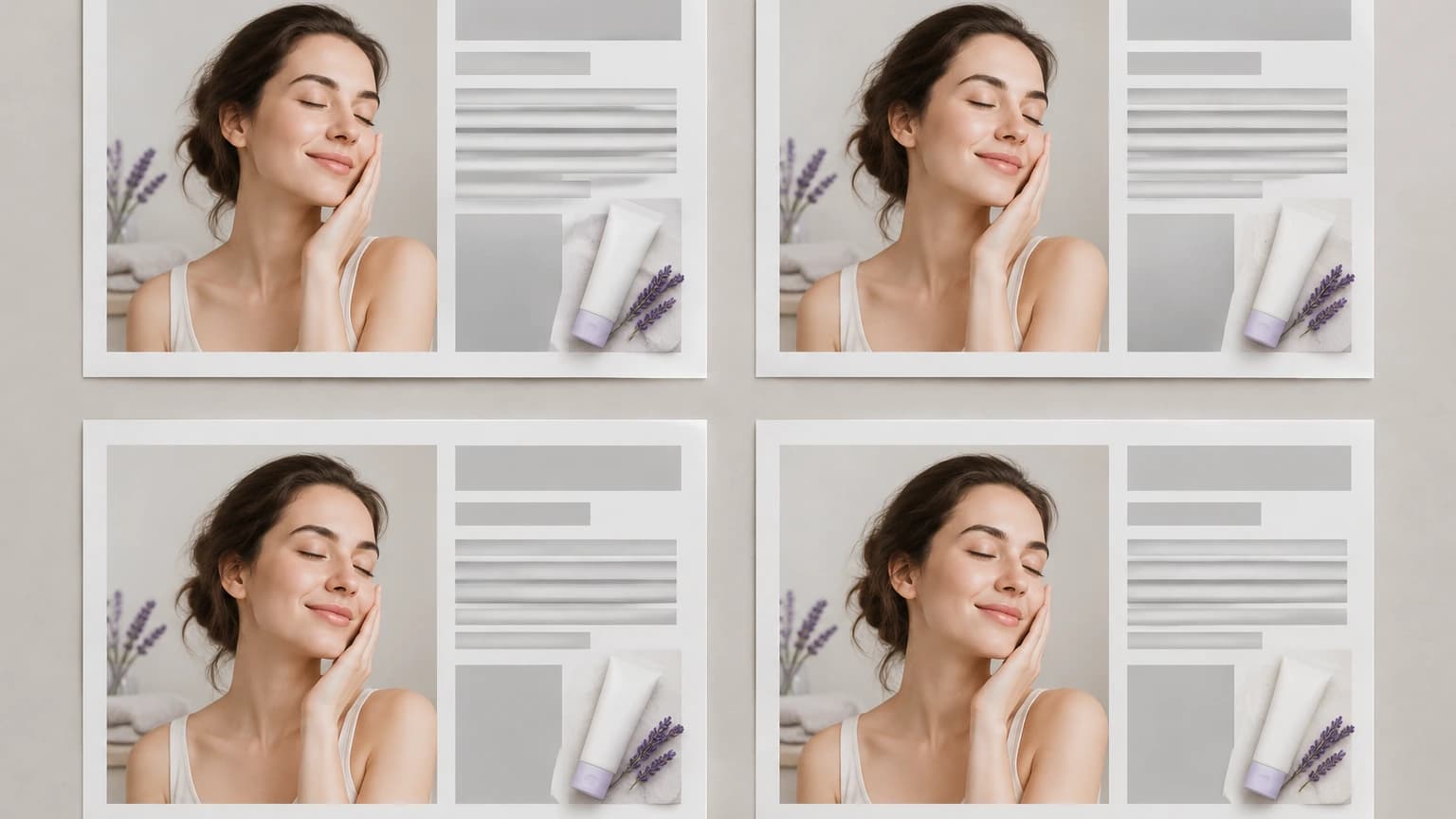
Four template ad layouts with the same fixed arrangement and stock scene

The same job on Astorie

  • Your own product photo, not a stock model, sits at the centre of every version
  • The composition can hold a clear area wherever you ask for it in the scene description
  • Offers, prices and reviews stay yours to add, so the only thing to check in the image is the product itself
A product photo turned into an ad scene with open space left for a headline

How to make product ads with AI in 3 steps

All three steps run in the widget at the top of this page, one image per run.

  1. 1

    Step 1 · Pick a product photo

    Use one of the samples or upload a clear photo of your own product. A shot where the outline, packaging and label are easy to see gives the scene the least to guess.

    Choosing a clear product photo as the starting point for an ad
  2. 2

    Step 2 · Pick a set

    Choose Studio white, Marble surface, Warm wood, Color gradient, Outdoor daylight or Dark and moody, or type the scene yourself, including where the empty space for copy should go.

    Six ready-made ad scene sets to pick from
  3. 3

    Step 3 · Reshoot it

    Press Reshoot it, then compare the result with your photo, checking the label and the shape, and run it again with a different set if it misses.

    Comparing the reshot ad image with the original product photo

What the ad generator does

Four of these work right now in the widget above. The last two belong on the canvas, once you have a scene worth building an ad around.

Six ready-made scenes

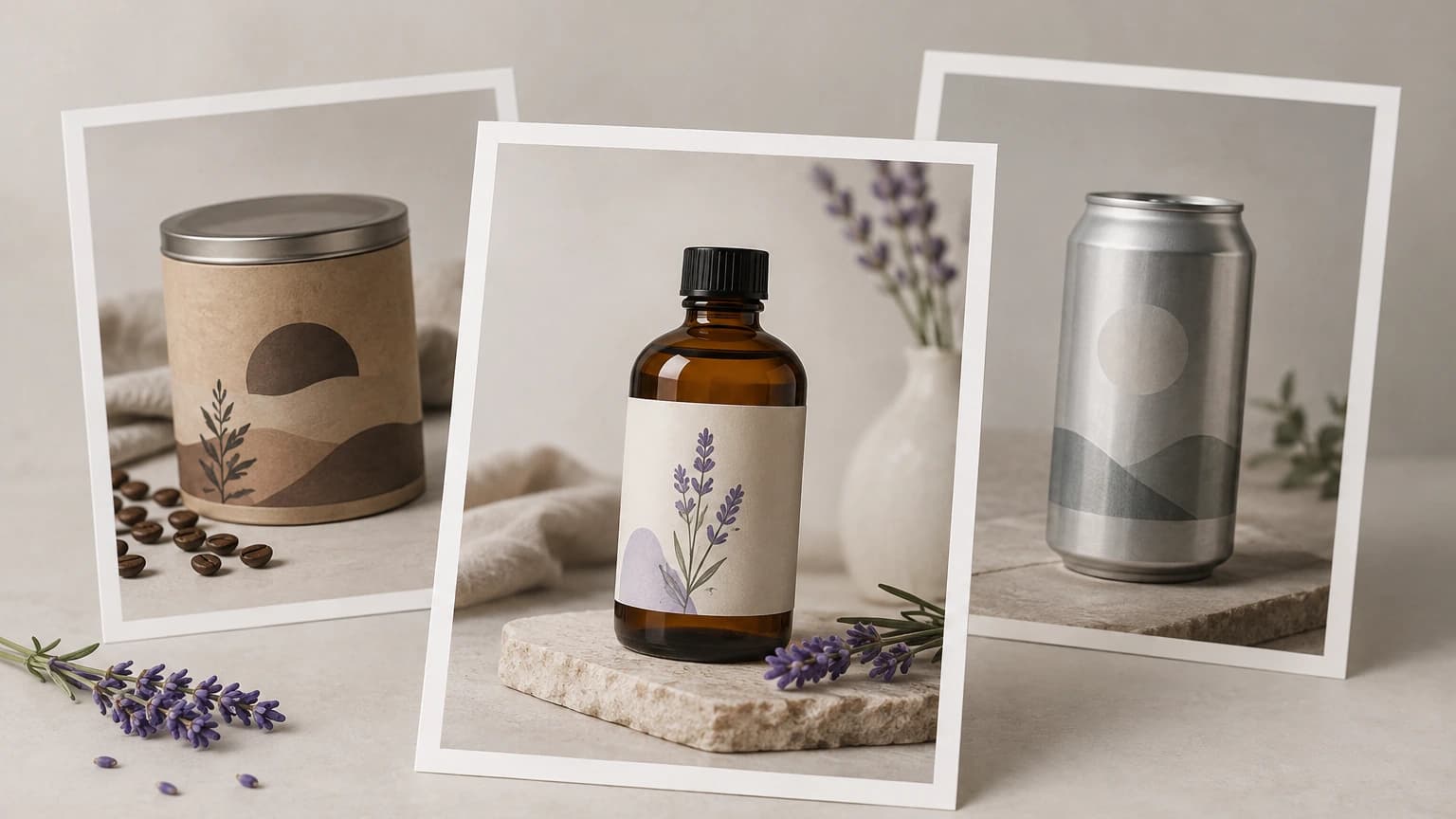
One click applies a finished set, so a campaign can compare backdrops side by side before anyone writes a prompt.

Generate an ad visual

Start from a sample

No product photo ready? The Labelled bottle, Coffee tin and Plain can samples show how a set changes the scene before you upload your own.

Generate an ad visual

Your own scene

Skip the presets and type the scene in your own words, from the surface and the light to the empty area your headline will need.

Generate an ad visual

Saved as a project

Each result opens in a project in your own account, so the image can be picked up again instead of living only in a downloads folder.

Generate an ad visual

Copy space and ratios

On the canvas, describe where the product sits and which area stays empty, and choose among the ratios the selected image model supports.

Generate an ad visual

Text-ready models

When a version needs lettering inside the picture, try it on the canvas with one of the models below and check every letter before it runs.

Generate an ad visual

AI ad generator prompt examples

Type one of these into the describe-the-shot box in place of a preset. Three of them name the empty area outright; the last relies on a flat field with nothing else in it.

Who uses an ad generator

A launch with no shoot booked

A brand announcing a new product has approved packshots but no budget for a campaign shoot. A launch scene built from the packshot gives the announcement a hero image without booking a campaign shoot.

Make an ad for your product
A packshot turned into a product launch ad visual

A promotion that is already decided

A shop has fixed a weekend discount and needs the visual to carry it. The scene is written with a clear band along the bottom, so the real price and dates have somewhere to go once the offer is final.

Make an ad for your product
Promotion ad visual with a clear band reserved for the price and dates

A review worth quoting

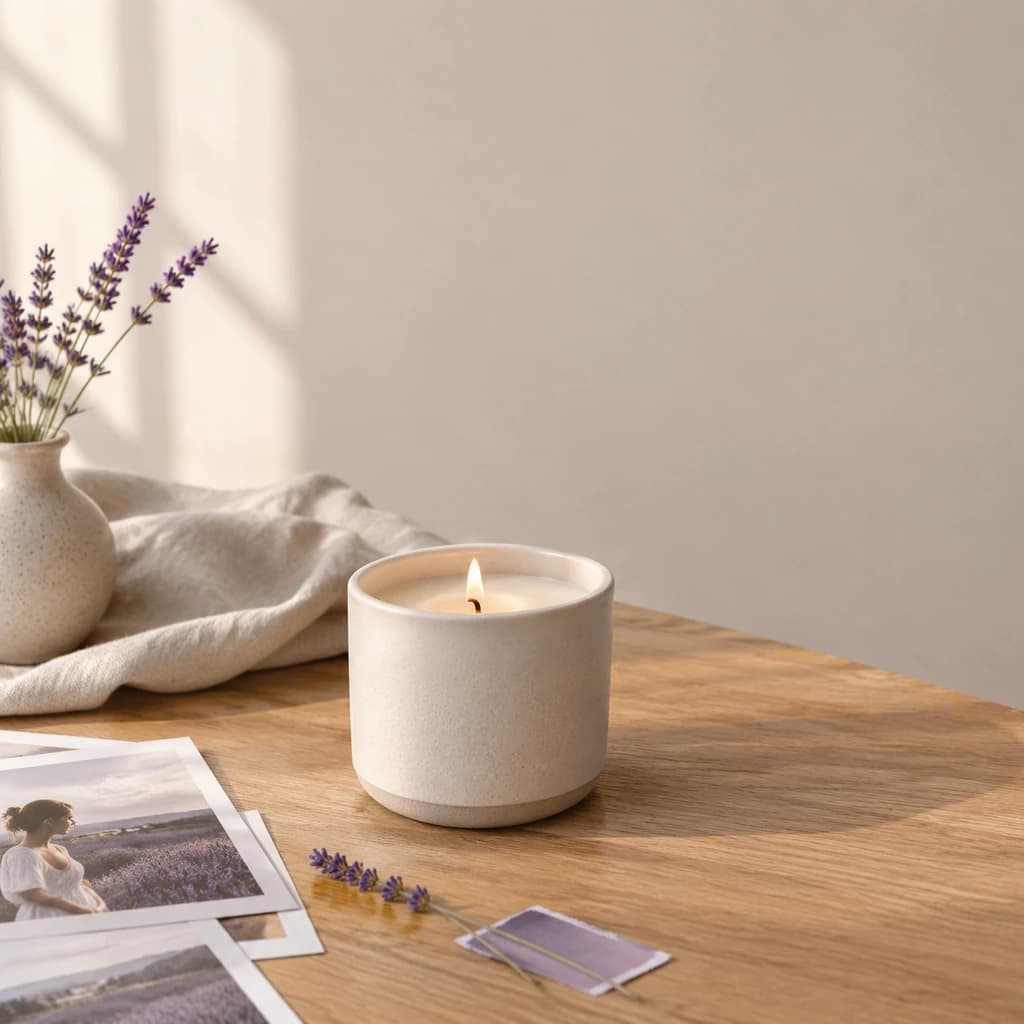
A marketer has permission to use a customer's review and wants it beside the product. The scene leaves a quiet area next to the item where the approved quote can sit without fighting the background.

Make an ad for your product
Ad scene leaving a quiet area beside the product for a customer quote

A seasonal refresh

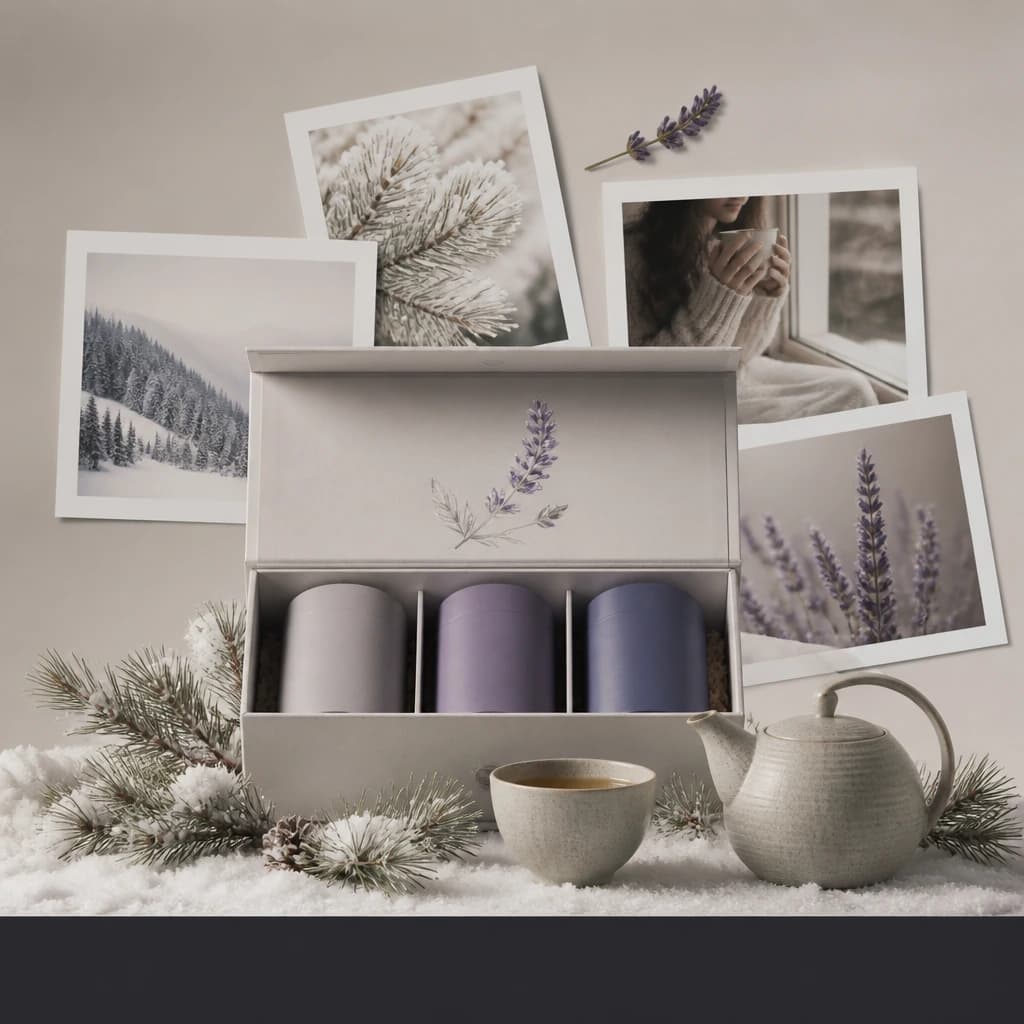
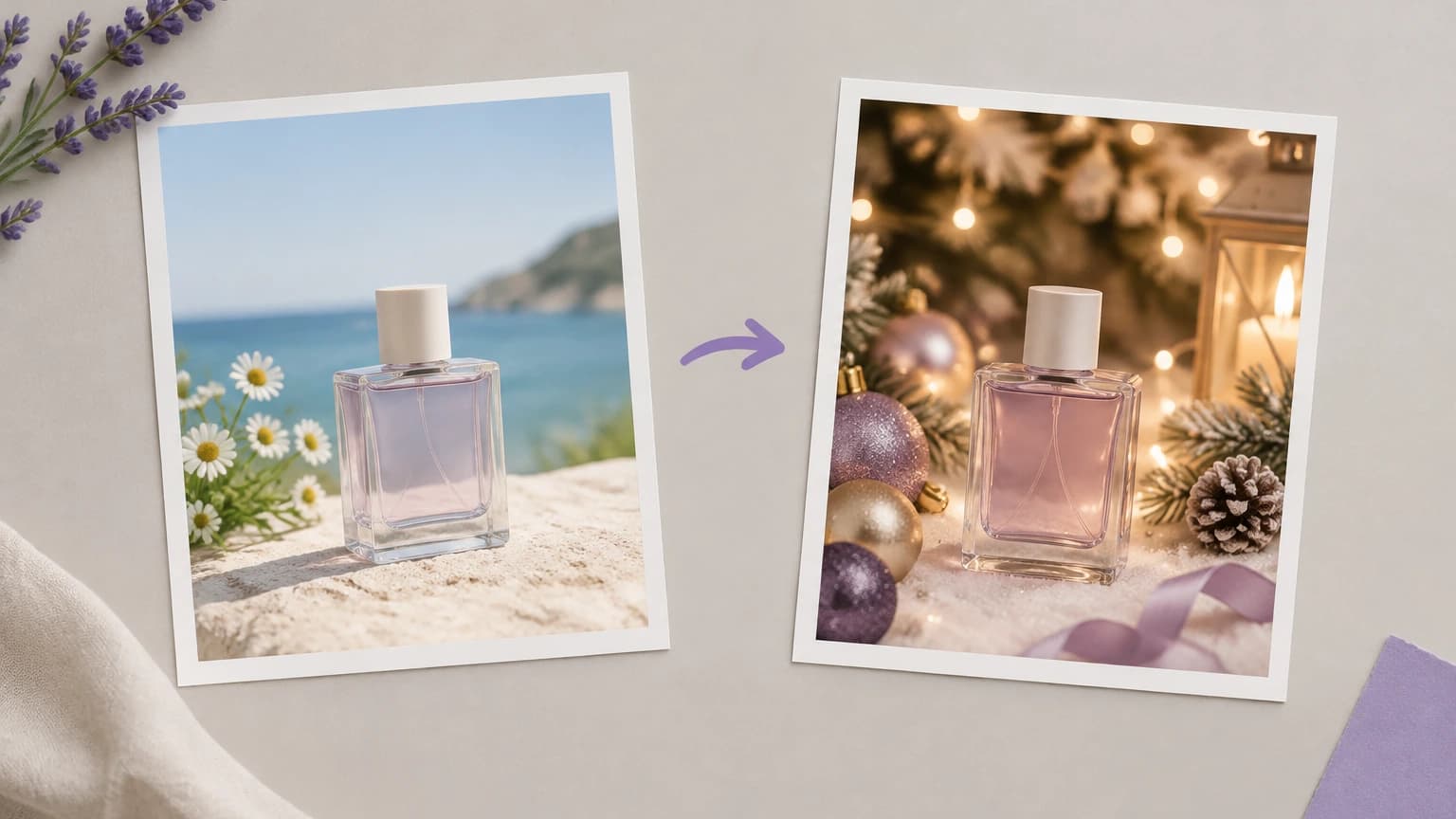
A seller wants last year's best-selling product to look current for the holidays without a reshoot. A seasonal scene around the existing photo updates the campaign without booking a reshoot.

Make an ad for your product
Refreshing a best-selling product photo with a holiday ad scene

Marketplace ad placements

An ecommerce team runs sponsored listings that need the product large and legible. A clean studio or gradient scene keeps the item dominant, and the team checks each marketplace's own image rules before uploading.

Make an ad for your product
Clean marketplace ad images with the product large and legible

AI ad generator for social media ads

A social media manager needs a new product visual for this week's paid posts. Generating the scene from the product photo gives the week's posts a new visual, and each extra ratio is a fresh run on a canvas model that supports it.

Make an ad for your product
AI ad generator for social media ads: square and vertical versions of one scene

Formats, limits and licensing

InputOne product photo per run, from the samples or your own upload, plus a preset or a written scene
OutputOne PNG per run at 1K in a 1:1 frame; other ratios come from image models on the canvas
ModelThe tool above always uses Nano Banana Pro; other models are chosen on the canvas
Text in the imageGenerated lettering is part of the picture and cannot be edited afterward
Sizes and publishingNo automatic resizing for ad platforms and no campaign publishing
Uploaded imagesKept to run the product and, unless your plan carries an enterprise agreement, to help train and check its own and partner models
Credit costUp to 20 credits per image; plan discounts and included allowances may lower this
Free plan40 credits a month, no card needed; results are for personal exploration only and are not licensed for commercial use
Commercial usePaid plans, within any limits a model sets. Details at /help/commercial-rights/can-i-use-generated-content-commercially

Best AI models for ad creative

The widget runs on a single fixed model. On the canvas you choose, and these six suit ad images, from placing a product reference in a scene to rendering lettering inside the picture.

FLUX.2

Provider
Black Forest Labs
Type
image

Ad generator FAQ

What is an AI ad generator?

An AI ad generator builds the image part of an ad from a prompt or a product photo. This one starts from your product photo and generates the scene around it, so the product stays recognisable while the setting, light and props suit the campaign.

Is there a free plan?

Yes, and it needs no card. A new account gets 40 credits a month and one image here uses up to 20, so the free plan covers about two runs. Results made on it are for personal exploration only, not live campaigns. Prices are on /pricing.

Can I use the results commercially?

On a paid plan, yes: the image is yours once it is generated. A model marked non-commercial stays that way on every plan, and you still need the rights to any logo, person or character in the ad. See /help/commercial-rights/can-i-use-generated-content-commercially.

How do I leave space for a headline?

Say where it goes. Write the empty area into the scene, such as open space on the left or a clear band at the bottom, and keep props out of it. On the canvas you can also pick a wider ratio first, so the copy area is part of the frame from the start.

Generate your first ad visual

Start from one product photo and write the empty area for your headline into the scene.