

Composition
Compare wide, medium and close views before committing to production.
SHOT PLANNING
Break a scene into frames that show the setting, action and changing point of view. The lighthouse sequence is an illustrative concept board, not a generated Astorie sequence.
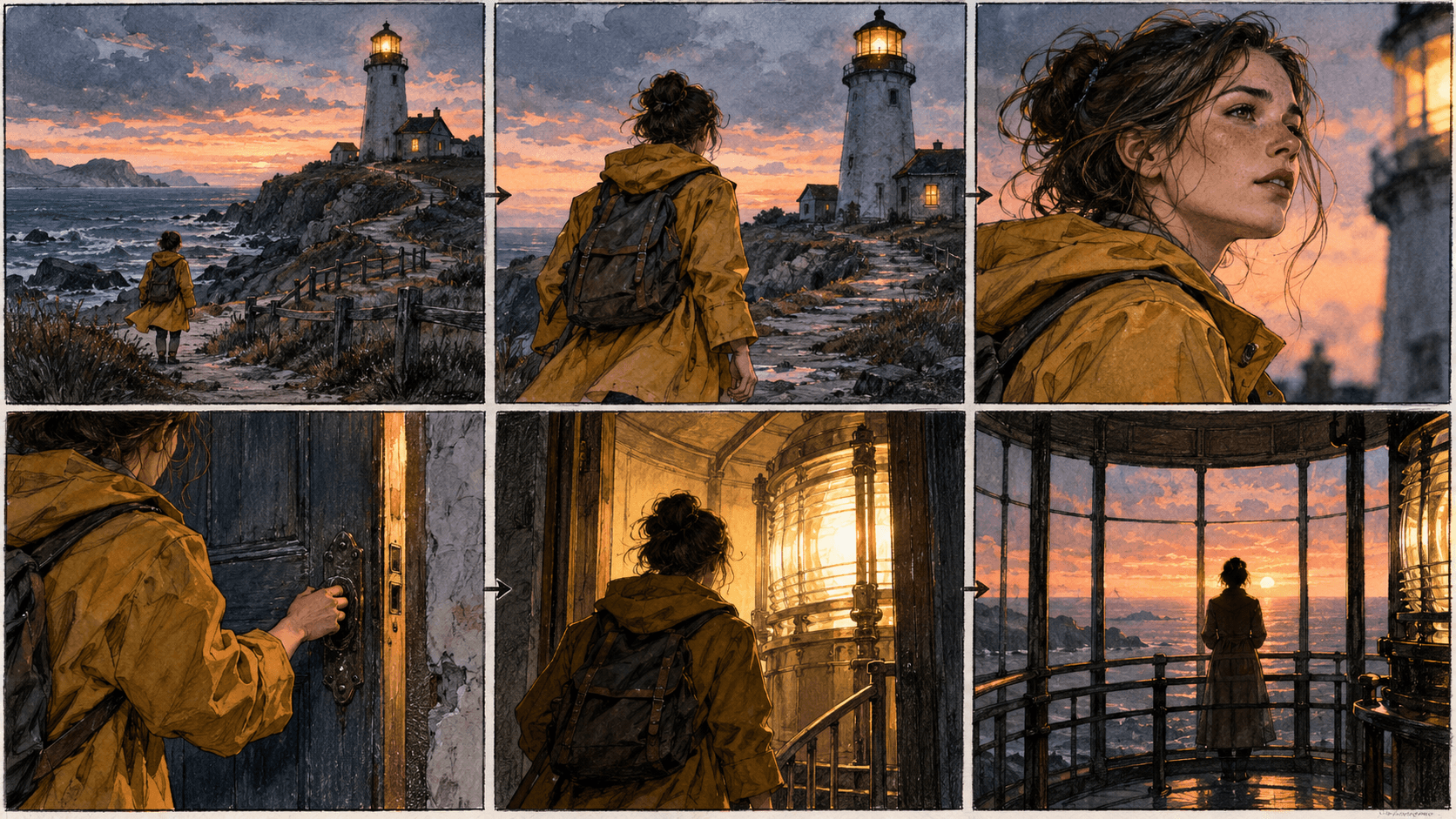
Write the action, camera framing, subject and setting for a single frame. Use a permitted visual reference if helpful, then assemble approved frames into your board.
List the action and the purpose of each shot before making images.
Describe framing, subject and continuity for one shot at a time, reusing approved references where useful.
Put selected frames in sequence and check geography, character details, pacing and missing transitions.
Compare wide, medium and close views before committing to production.
Spot changes in wardrobe, props, setting and screen direction between frames.
Replace an individual weak shot without rebuilding the entire sequence.
| Input | A scene brief or script excerpt, plus optional permitted references. | |
|---|---|---|
| Output | Individual visual shot concepts; board layout and animation are separate steps. | |
| Review | Check story clarity, continuity and whether each frame serves the planned action. |
This page generates one image at a time. Break the script into shots and arrange the results into a board.
An approved image can be used as a reference in a separate image-to-video workflow, subject to that workflow’s current controls.
No. Reuse references and review every frame for changes in faces, clothing and props.
Visualize one frame, refine it, and build the sequence shot by shot.