

Start from your space
A room photo gives the visual brief a concrete starting point. Review each result for changes to architecture and perspective.
ROOM CONCEPTS
Use a photo of your room to explore furniture, color, and lighting ideas. The before-and-after image is an illustrative concept, not a measured renovation plan or a verified Astorie result.
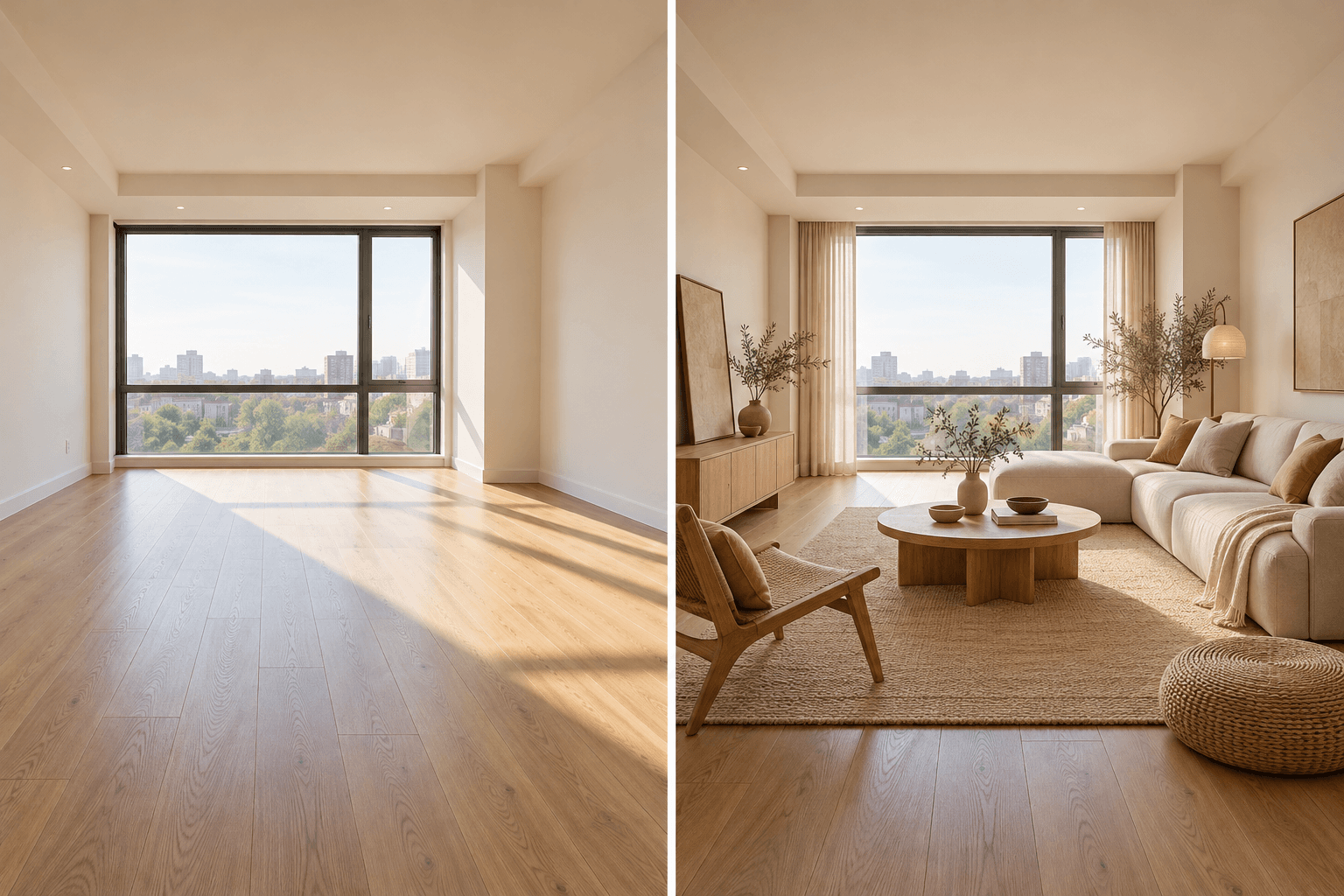
Upload a clear room photo, then describe the furnishing and mood you want to try. Check the result against the original space.
Upload a well-lit photo that shows the windows, doors, and floor area you want to keep in view.
Name the style, furniture, palette, and lighting you want to explore. Make a separate run for each alternative.
Check the generated image against the source room. Measure furniture and confirm materials with real samples and a qualified professional.
A room photo gives the visual brief a concrete starting point. Review each result for changes to architecture and perspective.
Try distinct directions such as Japandi or mid-century in separate runs, then compare them side by side.
Use the image for a mood board or conversation. Confirm sizes, materials, costs, and construction details outside the generated image.
| Input | One room photograph and a written style direction. | |
|---|---|---|
| Output | An image concept for review, not a measured floor plan or construction specification. | |
| Review | Check openings, furniture scale, lighting, and material choices against the actual room. |
For the tool on this page, yes. Upload a clear room photo so the image request has a visible starting space.
No. Use it to explore a visual direction. Verify measurements, materials, safety, and cost with real sources before ordering or building.
No exact match is guaranteed. Compare doors, windows, proportions, and furniture placement with the source photo in every result.
Start from a photo, test one style, and review the concept against the space you actually have.