

Likeness and facial accuracy
AI models can subtly alter eye shape, dental details, glasses frames, or hairlines. Always inspect full-resolution details against the source photo so the portrait remains recognizable.
PORTRAIT WORKFLOW
Explore a polished head-and-shoulders portrait with controlled studio lighting, clean backdrop, and natural framing. Always use a photo you have permission to edit, check likeness carefully, and get approval from the person depicted before publishing. The portrait shown is an illustrative fictional example.
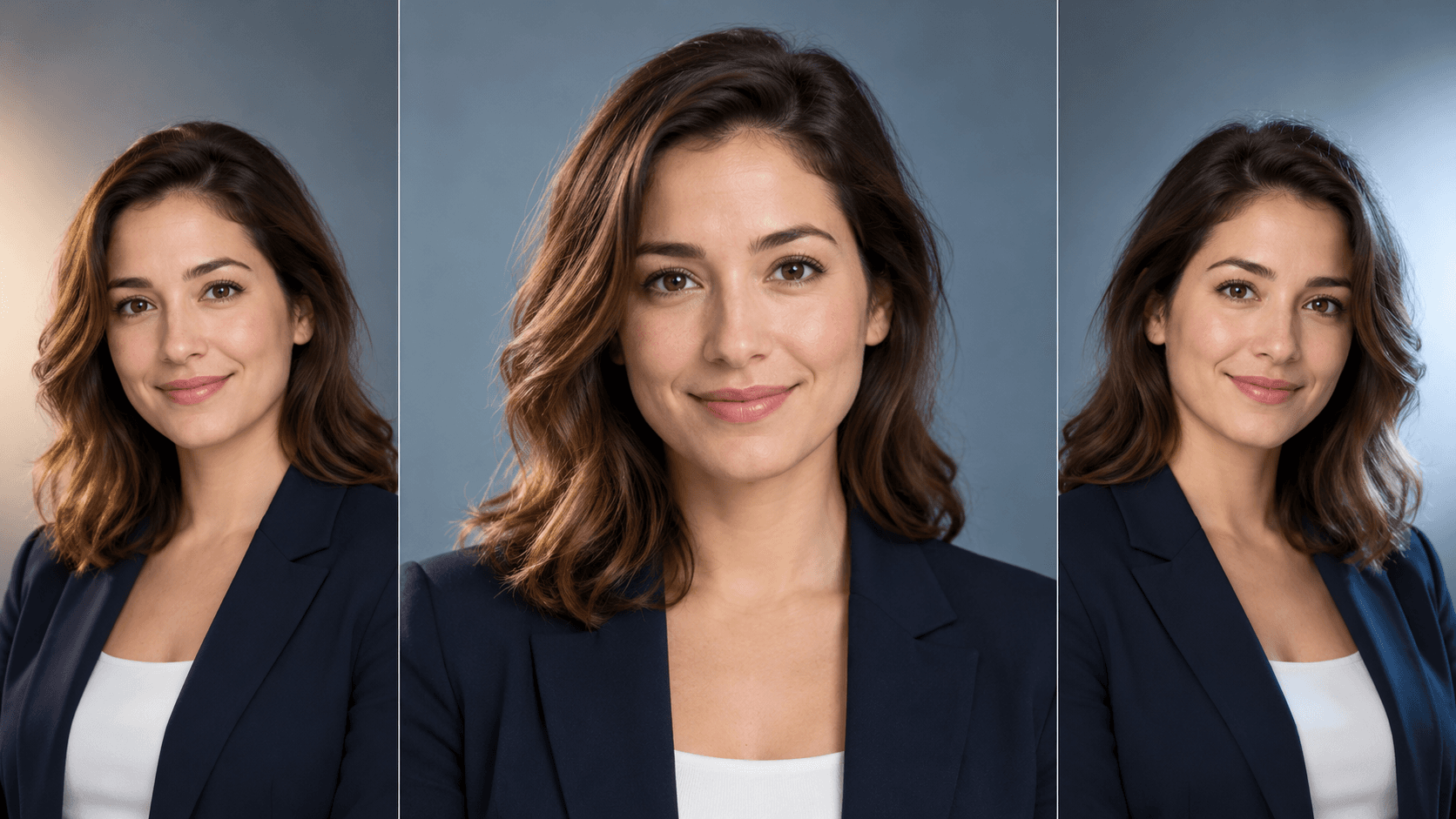
Upload your own or an approved subject photo, then describe the backdrop, crop, and lighting you want to explore.
Choose a well-lit front or three-quarter photo of yourself or a consenting team member where eyes, jawline, and hair are clearly visible without heavy filters or obstructions.
Describe the portrait setup you want to test, such as soft key light against a warm gray studio backdrop or natural window light in a modern office, along with head-and-shoulders framing.
Compare the generated portrait side by side with the original reference. Confirm that facial features, skin tone, glasses, and expression look natural and accurate before using the image.
AI models can subtly alter eye shape, dental details, glasses frames, or hairlines. Always inspect full-resolution details against the source photo so the portrait remains recognizable.
When testing concepts for a company directory or speaker lineup, keep the same lighting and background prompt across runs so individual portraits share a cohesive visual tone.
Only upload photos of people who have explicitly agreed to AI editing, and check your organization or platform rules regarding AI-assisted profile photos before posting.
| Input | An approved subject reference photo (optional for fictional portrait concepts) and a written lighting and backdrop prompt. | |
|---|---|---|
| Output | A portrait concept image for review; not a substitute for identity verification or official credential photography. | |
| Review | Verify facial likeness, glasses, hands, clothing edges, and subject approval before publishing on a profile or team page. | |
| Free plan | 40 credits a month, no card needed; results are for personal exploration only and are not licensed for commercial use. |
Yes. Only upload photos of yourself or individuals who have given explicit consent for their likeness to be edited with AI, and let the person approve the final image before publication.
No. Government IDs, passports, visas, and regulated credentials require unretouched photographs taken under strict official guidelines. Use AI portrait concepts only for creative exploration or permitted profile contexts.
A sharp, eye-level photo taken in even daylight or indoor lighting without sunglasses, heavy shadows, or wide-angle lens distortion gives the model the clearest facial reference.
Ask for specific photographic lighting such as soft diffused studio key light and natural skin texture in your prompt, and avoid vague beauty-filter terms that flatten facial detail.
Start with a clear reference image, describe your preferred lighting and backdrop, and review likeness carefully before sharing.