

Context for a design
A mockup places an artwork idea in a scene so you can discuss direction before production.
PRODUCT PRESENTATION
Explore how an approved design might sit on a device, package, or object. The laptop, tote, and mug image is an illustrative concept, not an Astorie output or a production proof.
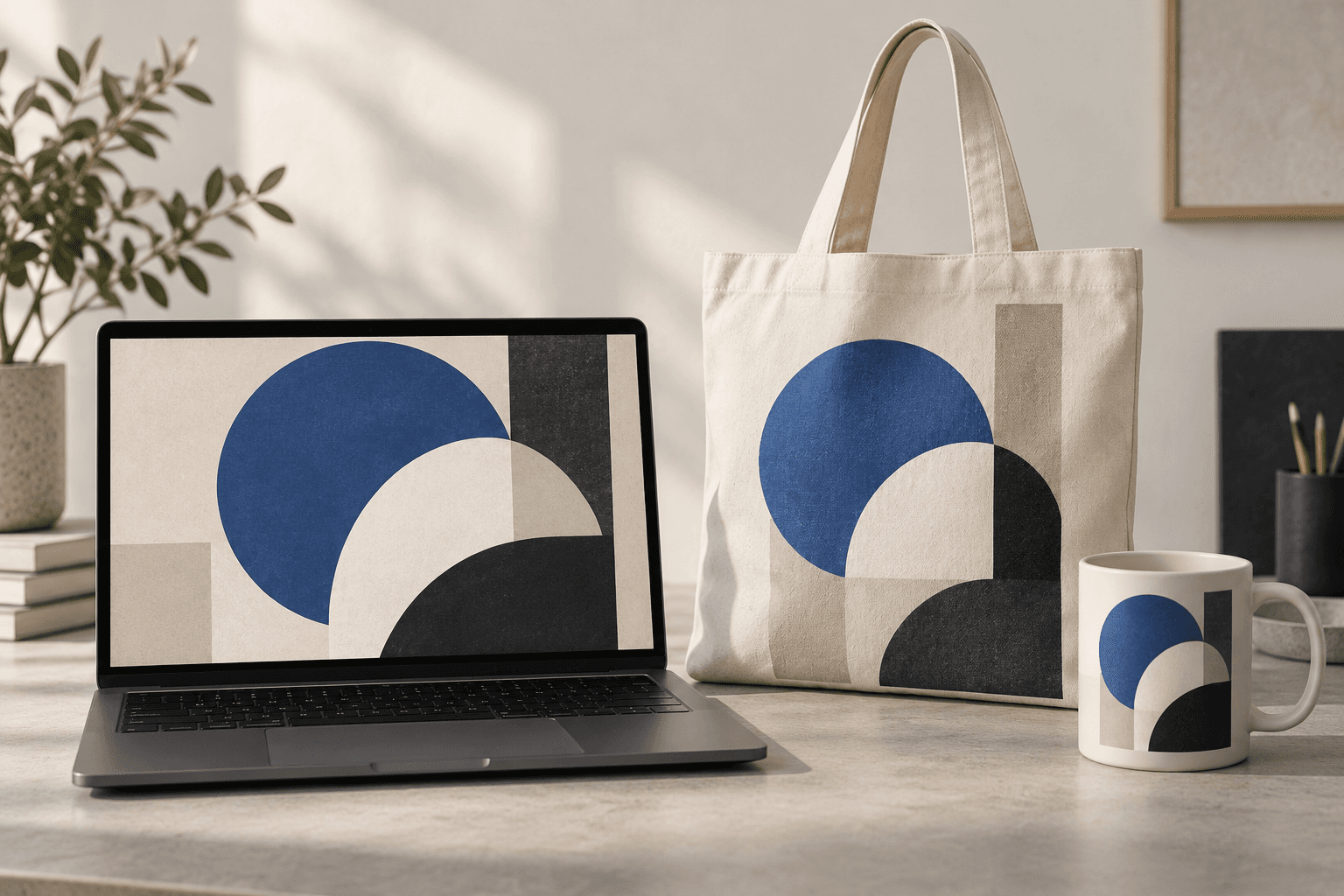
Upload the design or product image you want to place, then describe one surface and viewing angle. Check small text and proportions afterward.
Use a clear design or product image with the elements you need to recognize in the result.
Describe the device, package, garment, or object, plus viewing angle, material, and lighting.
Compare the result with your source for changed lettering, logos, scale, folds, and physical construction.
A mockup places an artwork idea in a scene so you can discuss direction before production.
Use separate runs for each object or material to inspect how the design behaves.
Check text, logos, dimensions, and materials against the real specifications before publishing or manufacturing.
| Input | A design or product reference image plus a surface description. | |
|---|---|---|
| Output | An image concept for review, not a manufacturing proof or a physical sample. | |
| Review | Inspect lettering, placement, scale, materials, and product structure. |
Yes. Keep the same source design and make a separate concept for each surface, then compare the results.
Do not assume so. Compare every visible label and logo against the approved source before using the image.
No. Confirm dimensions, print areas, materials, and construction with the actual supplier or product files.
Start with approved artwork, test one surface, and review the result against the source.