

One clear metaphor per icon
Icons fail at small sizes when they pack multiple objects or text labels into a tiny frame. Keep the prompt centered on a single bold shape with strong figure-ground contrast.
ICON DESIGN WORKFLOW
Turn a concise visual brief into icon concepts for mobile apps, desktop tools, and interface navigation. Judge each option at the small pixel sizes where it will actually appear, then redraw or refine geometry in your vector workflow. The icon family shown here is an illustrative concept, not a finished SVG pack.
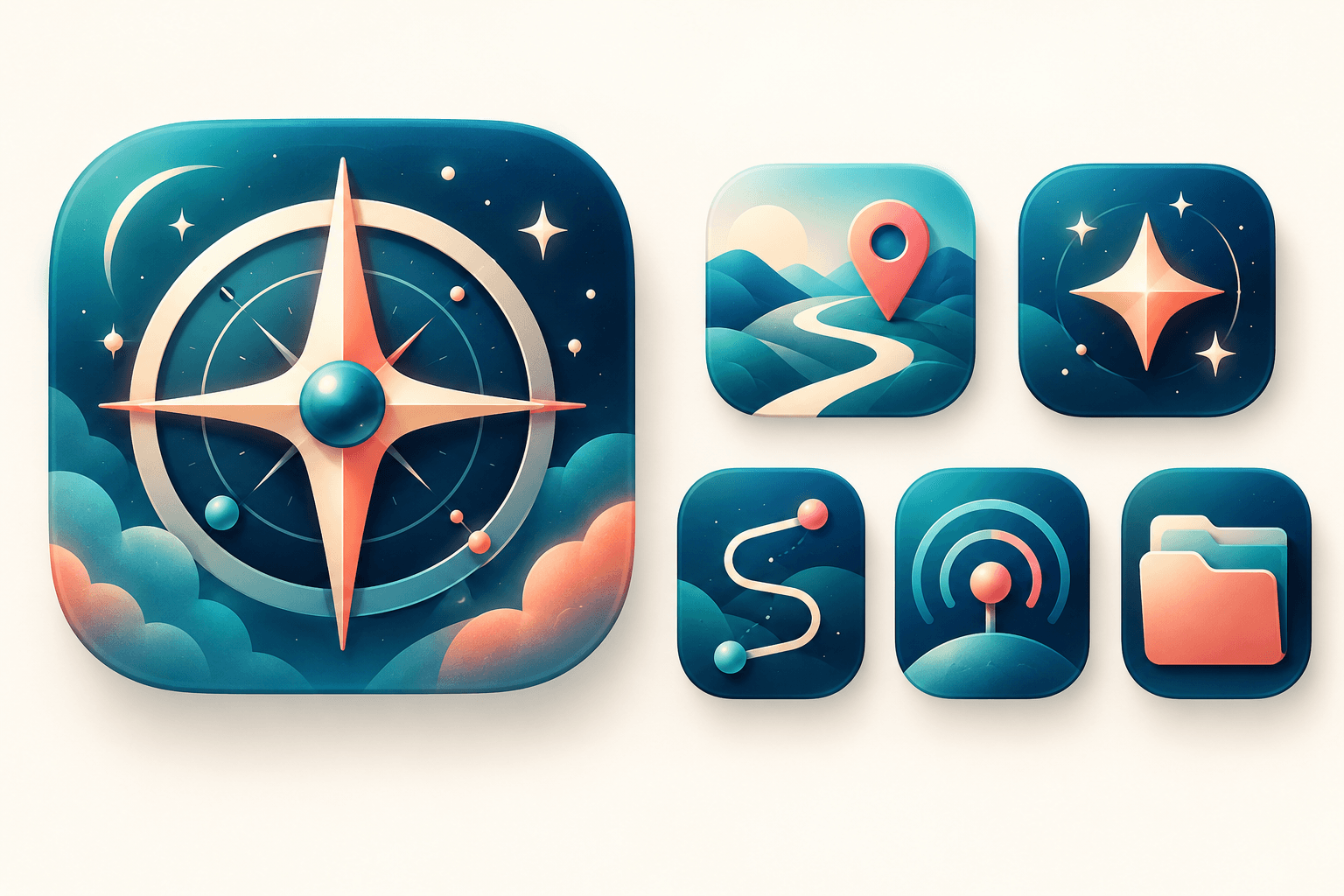
Describe the shape, purpose, style, palette, and contrast you need.
Name one concrete metaphor or object, the geometric style (flat vector look, 3D tactile badge, or line art), the two-to-three color palette, and a clean background.
Compare generated options by shrinking them down to typical launcher and toolbar sizes (such as 64px or 24px) to verify that the central silhouette stays recognizable.
Use the winning concept as a design reference in Figma or Illustrator to snap strokes to the pixel grid, match platform safe zones, and export clean SVG or PNG assets.
Icons fail at small sizes when they pack multiple objects or text labels into a tiny frame. Keep the prompt centered on a single bold shape with strong figure-ground contrast.
When exploring multiple icons for the same product, repeat the corner radius, lighting angle, and color tokens in every prompt so the concepts feel cohesive.
Raster AI generations help you explore metaphors and color directions quickly, while final app builds rely on pixel-aligned vector paths and platform-specific masks.
| Input | A text prompt describing the symbol, style, and color palette, plus an optional reference image. | |
|---|---|---|
| Output | A raster concept image for icon exploration; does not output layered SVG files or platform app-bundle manifests. | |
| Review | Check small-size silhouette clarity, contrast against light and dark backgrounds, and originality before vector production. | |
| Free plan | 40 credits a month, no card needed; results are for personal exploration only and are not licensed for commercial use. |
No. This page generates raster concept images so you can explore visual metaphors, lighting, and color palettes quickly. For production UI icons, trace or redraw the selected concept on a pixel grid in Figma or Illustrator.
An app or UI icon must read instantly inside a tight square or squircle mask at small pixel dimensions, so prompts work best when they ask for one centered symbol, minimal fine detail, and high contrast without text.
Keep the style and palette portion of your prompt identical across runs, such as rounded isometric badge, matte clay finish, teal and coral palette, and swap only the central object noun.
Usually no. Small text inside an icon becomes illegible on phone screens and toolbars, and AI image models often distort lettering. Focus on a distinctive graphic symbol instead.
Describe a single bold symbol and palette, compare concepts at small scale, and refine the strongest mark for your design system.