
A standalone file workflow
- Start with an isolated cover concept
- Reassemble the brief for another direction
- Judge the image apart from its source
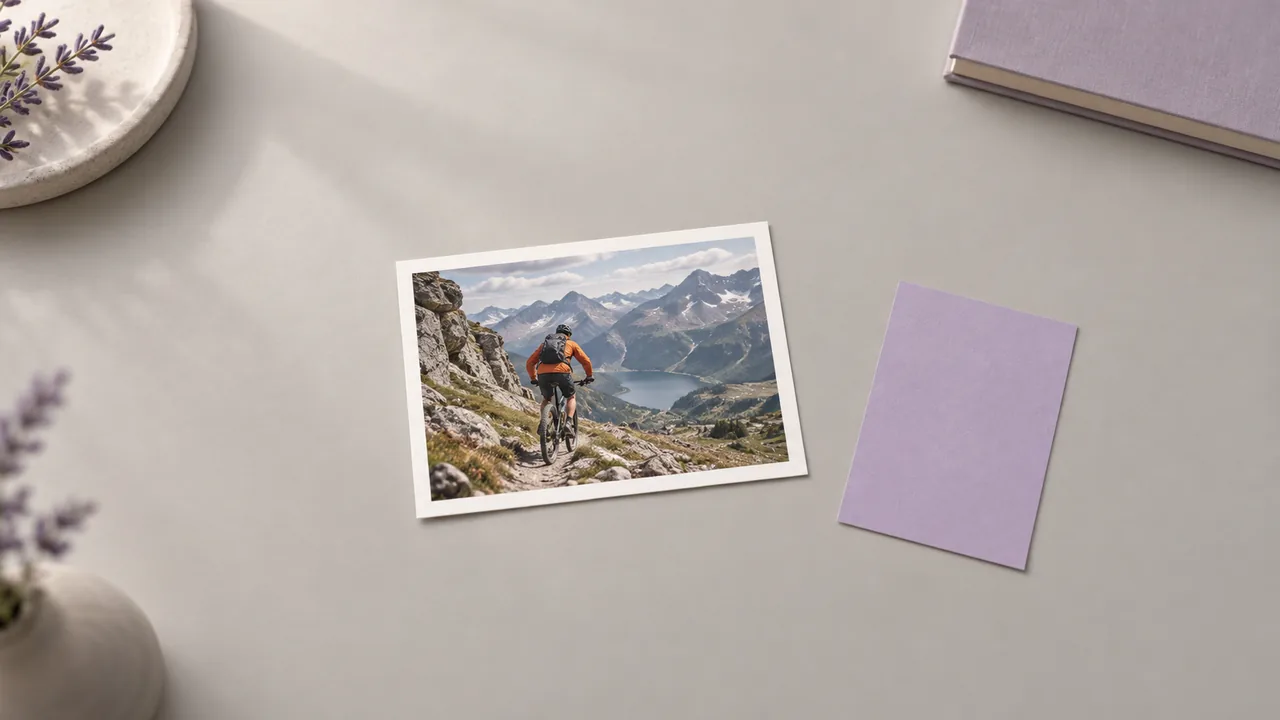
Use an AI thumbnail generator workflow to give the next episode a readable visual hook. Develop the cover on the canvas, then judge its focal point before committing to the final design.
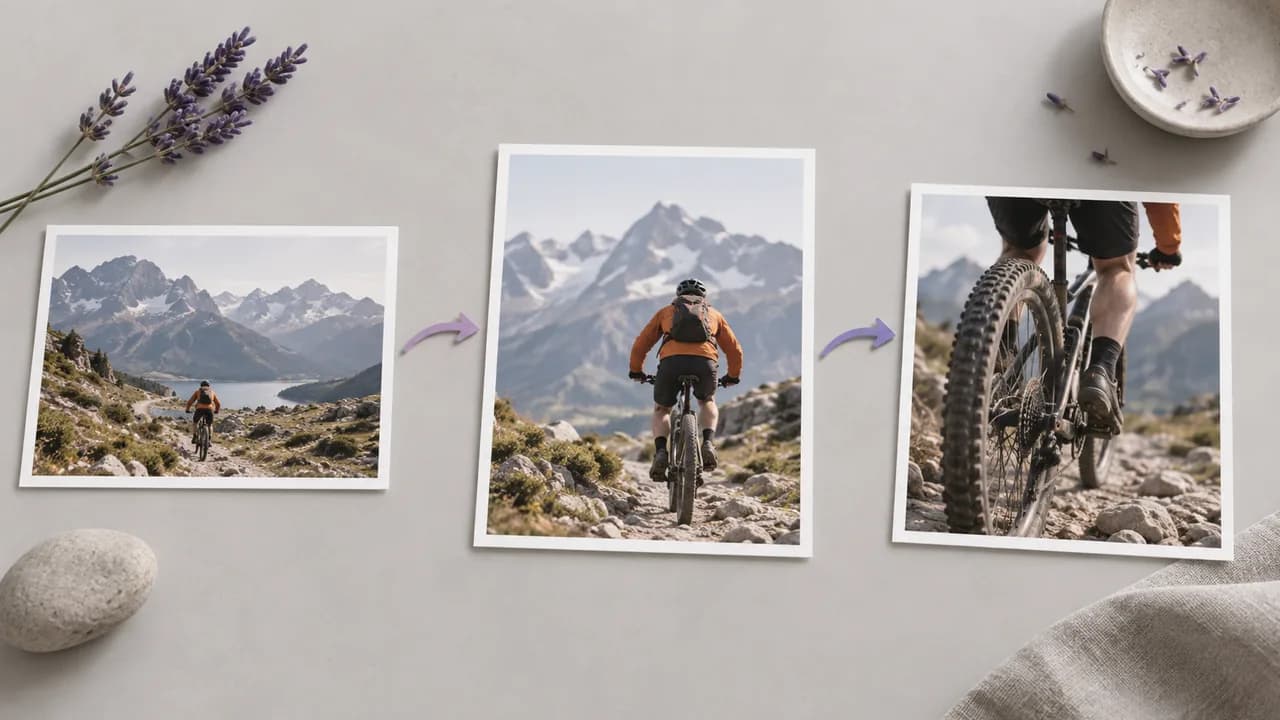
A folder of isolated cover ideas can hide the decisions behind each version. Keep the source and the developing image together while you decide which direction fits the episode; illustrations show workflow concepts, not tested tool results.
Gather the episode brief and decide which visual question the first cover concept should answer.
Add an Image node to the project where you are developing the episode cover. Choose one moment, person or object that accurately represents the video you are about to publish.
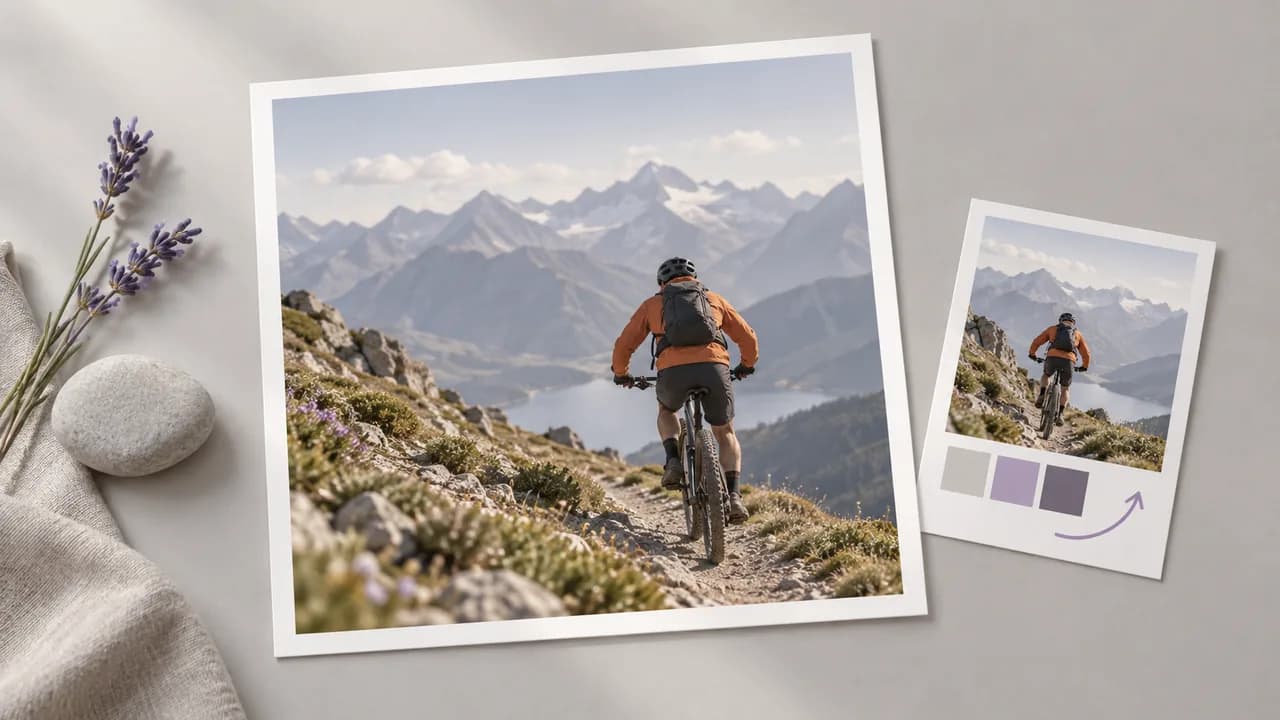
Enter a brief for the main topic and the visual hook. Choose a supported aspect ratio for the destination, then consider what the cover must communicate at a small display size.
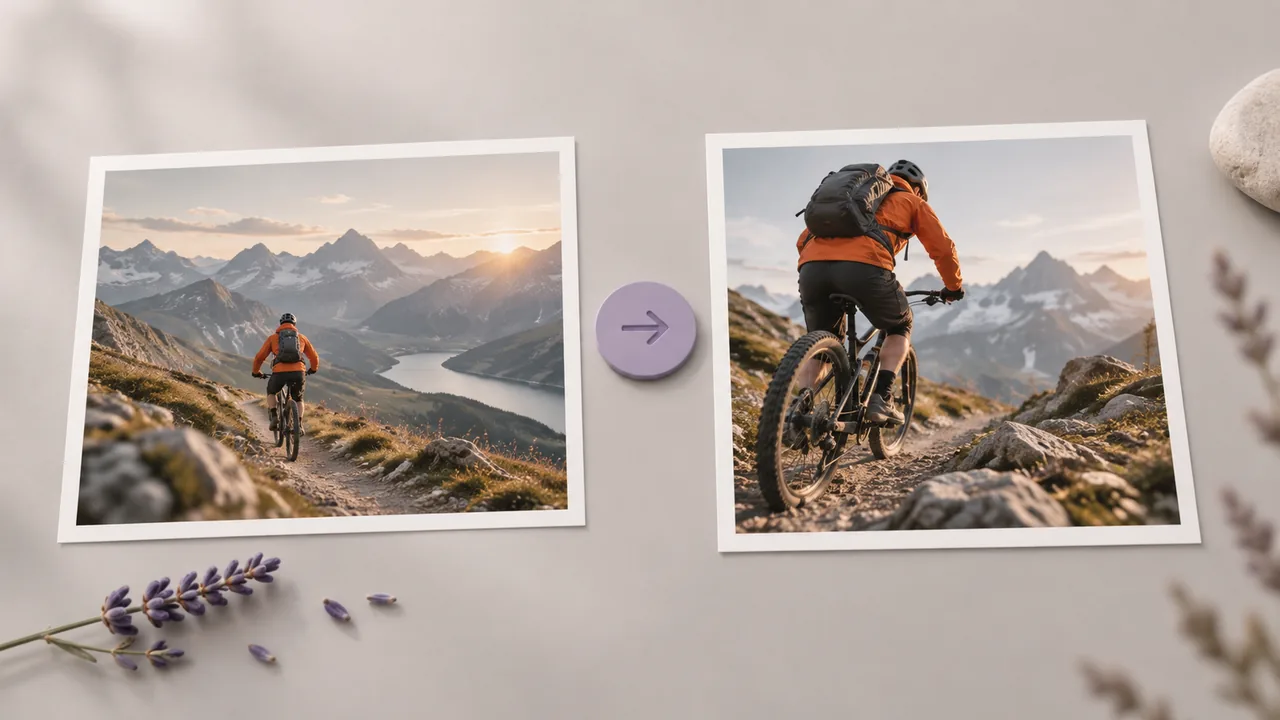
Run the node, then look at the result at a small display size. Revise the brief if the subject is unclear and prepare any final headline in your design workflow.
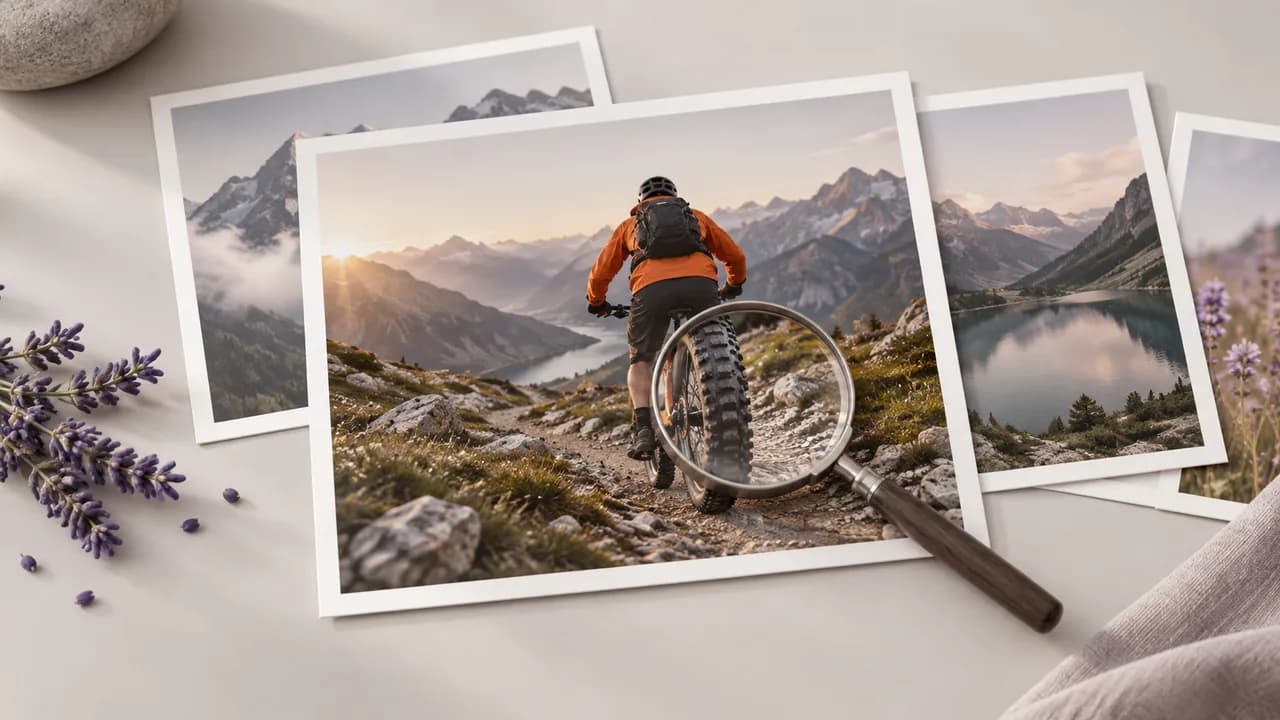
Build the cover around its subject first, then decide how it should occupy the image.
Describe the video's topic, main subject, and visual hook in an image node. Generate a cover concept that gives your design process a concrete starting point.
Open the canvasConnect a presenter or product image to a model that accepts references. Use it to guide the main subject while checking the resulting appearance.
Open the canvasDescribe where the subject should sit and what the background should contain. Request space for later text placement when that matters to your cover layout.
Open the canvasAdjust the prompt to compare different framing, backgrounds, or visual emphasis. Review the versions before choosing a direction for your final video cover.
Open the canvasUse the image node model selector to choose how the concept is generated. Compare the available controls before deciding which model suits the illustration or photographic direction.
Open the canvasA selected cover image can feed another compatible canvas operation. For example, carry the chosen composition into a separate enlargement step after the creative direction is settled.
Open the canvasPaste these briefs into an Image node and adapt the subject to your episode. The pictures are concept illustrations, not generated results from these exact prompts.
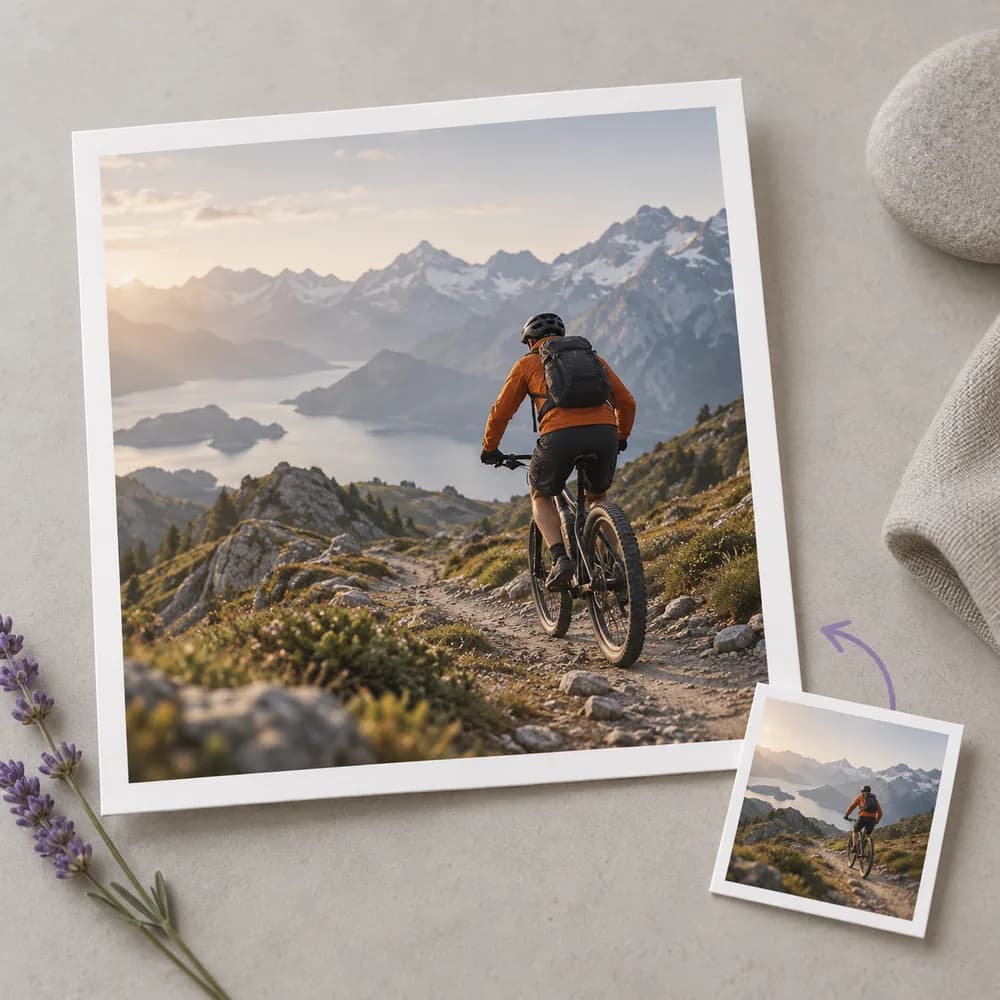
An outdoor creator has a long trail video but only a small cover to explain it. Develop a concept around the rider and terrain, then choose a focal point that matches the actual route.
Open the canvas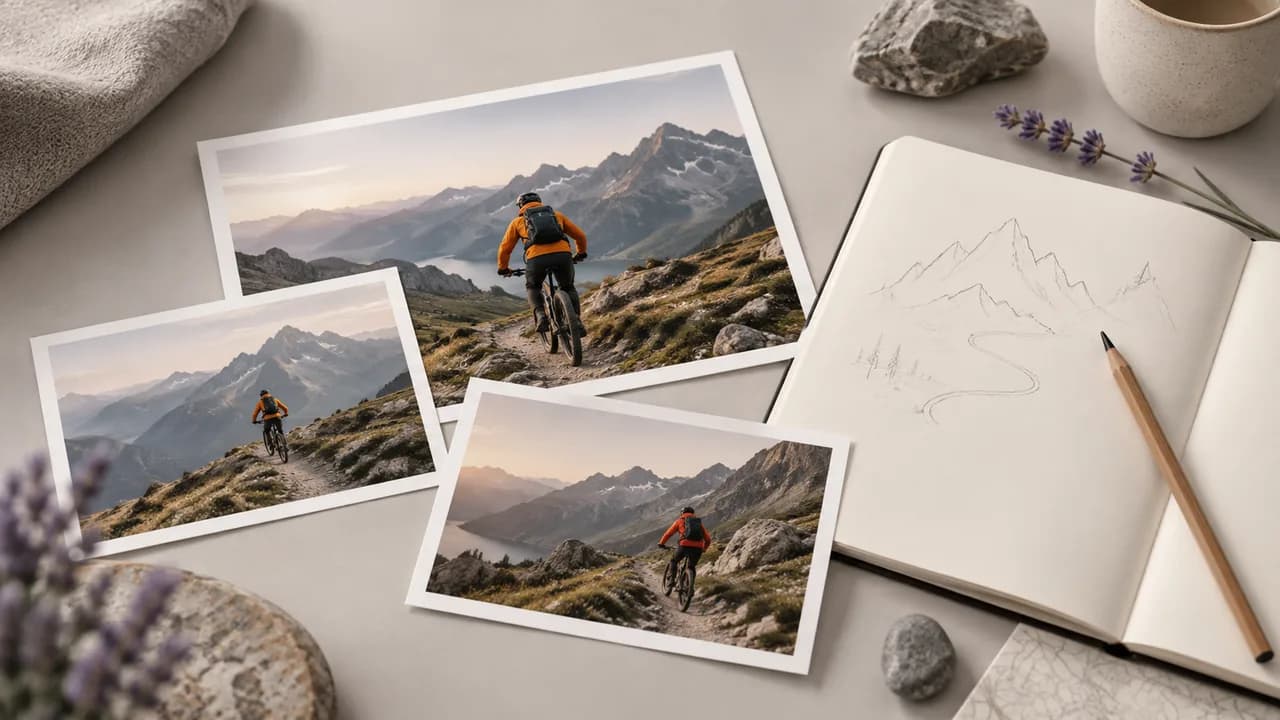
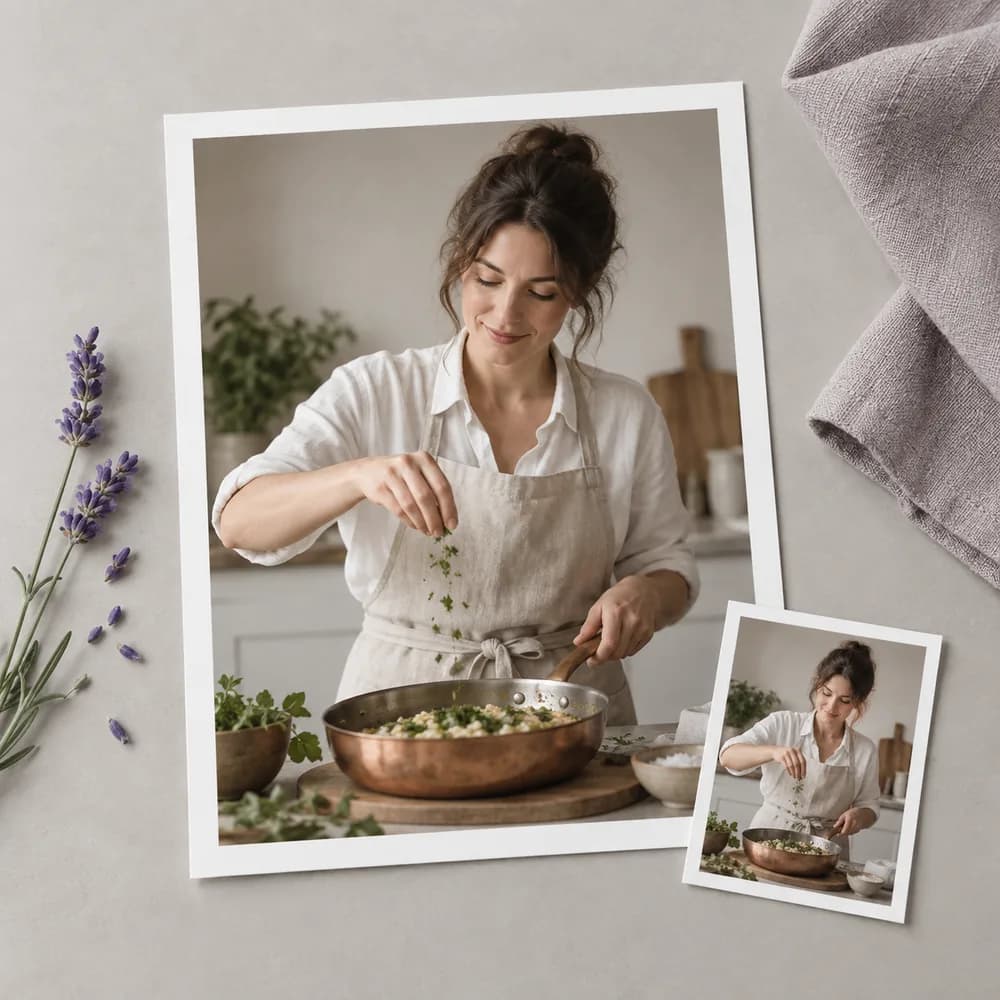
A cooking instructor needs the cover to distinguish this lesson from last week's upload. Show the specific utensil or dish at the center of the episode, and leave recipe details for the title and video.
Open the canvas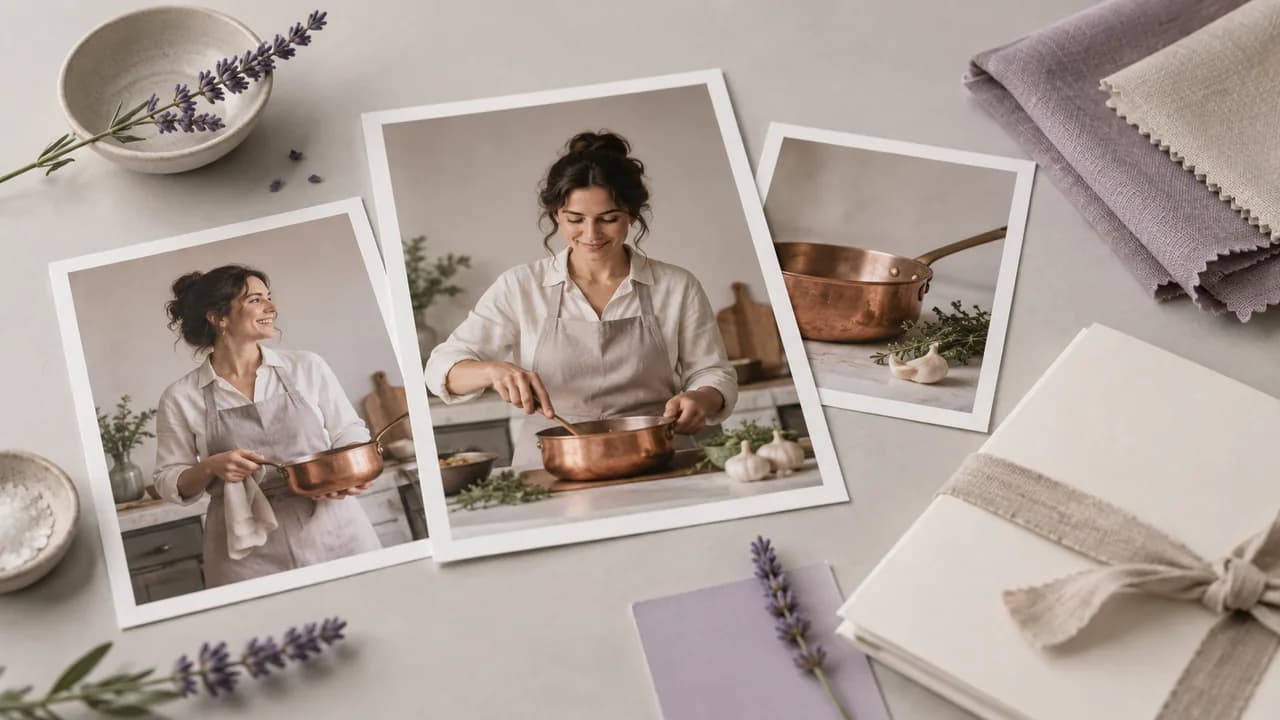
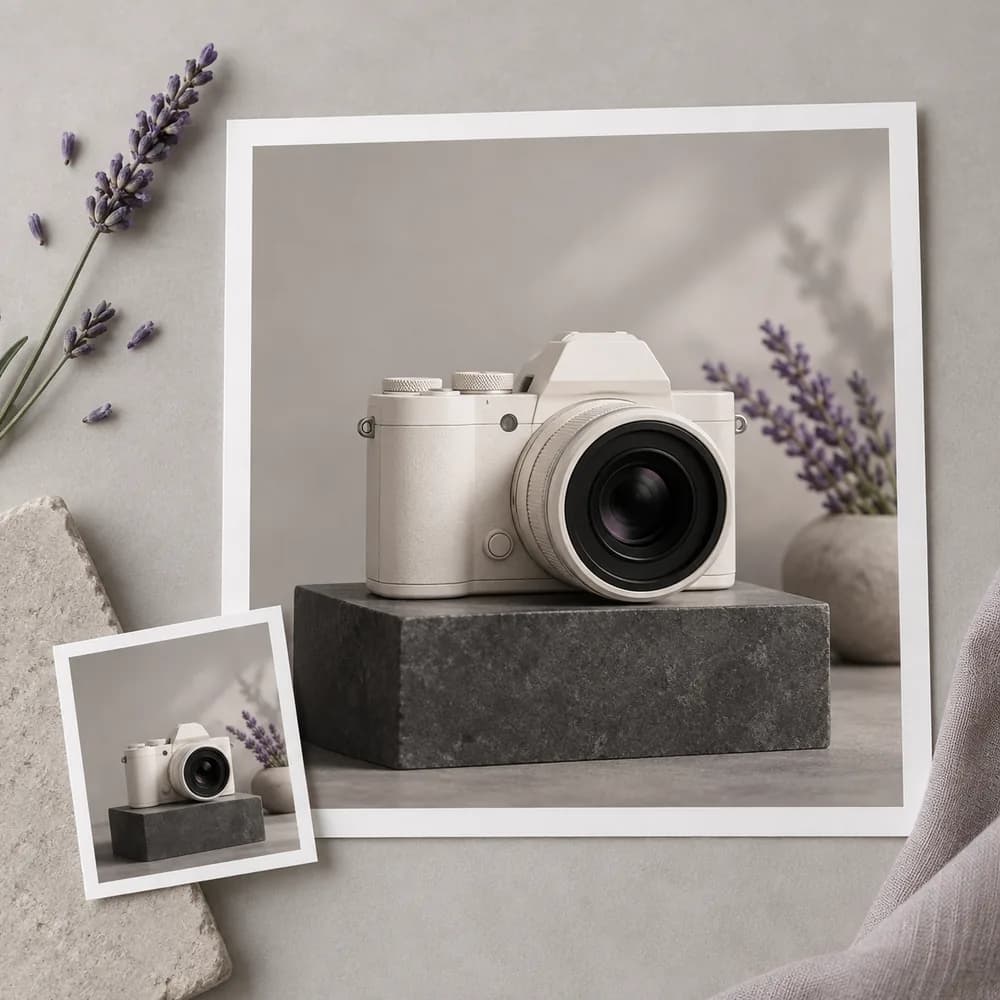
A reviewer wants viewers to recognize the item before they read the headline. Build the visual around a product reference you may use, then check the generated body shape against the actual object.
Open the canvas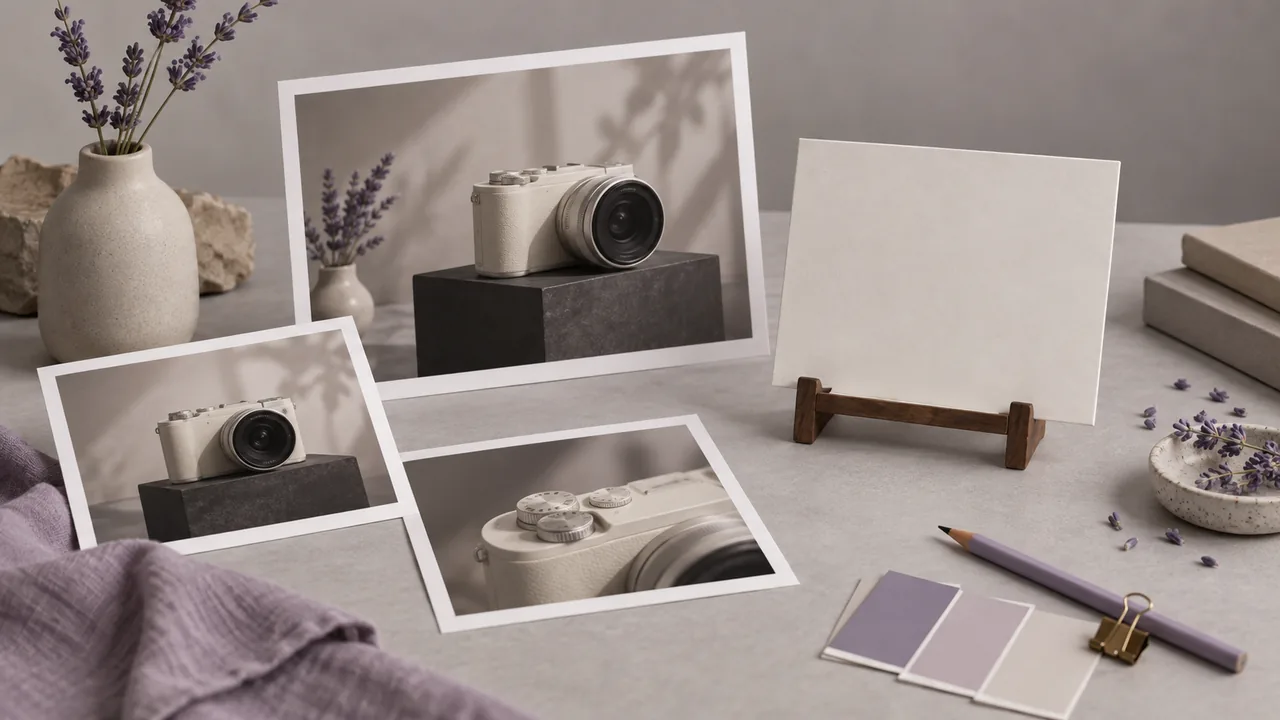
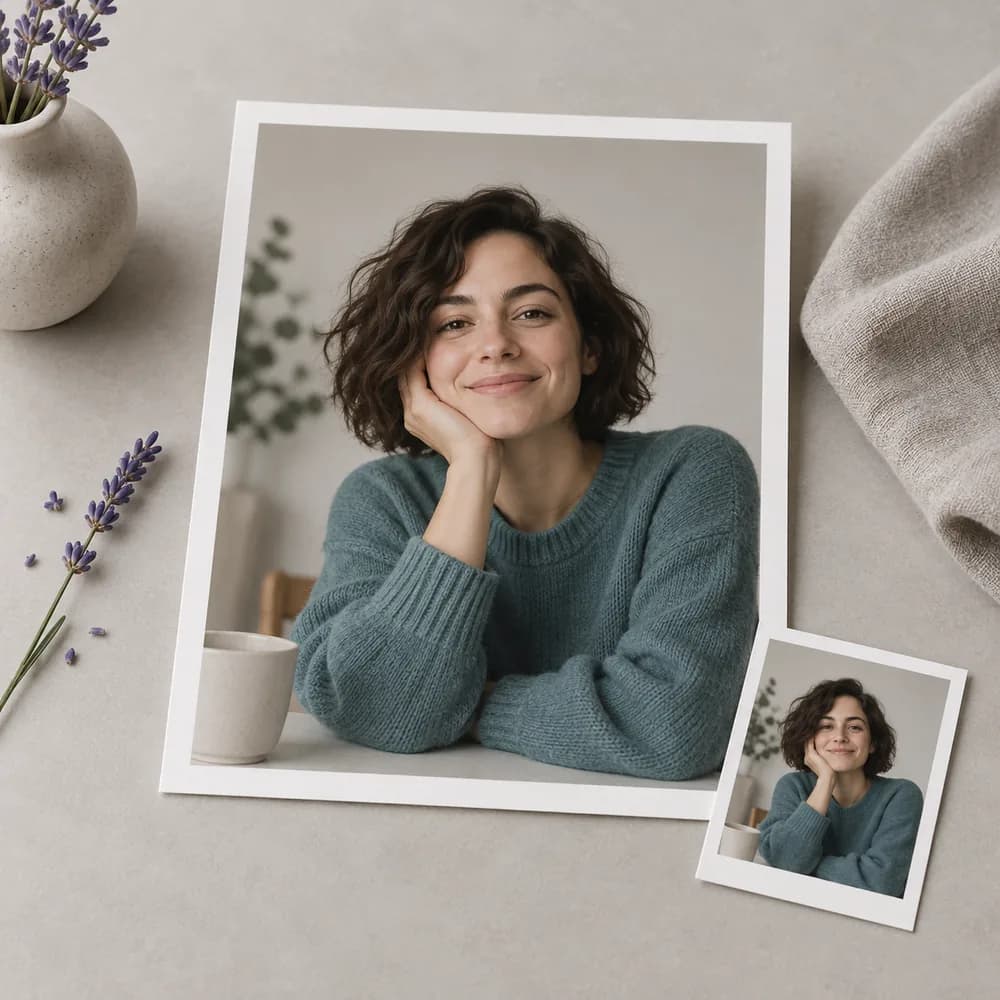
An editor is preparing several conversations with different guests. Use the guest's permitted portrait as a starting point for each cover, and make the episode topic visible without implying an endorsement that never happened.
Open the canvas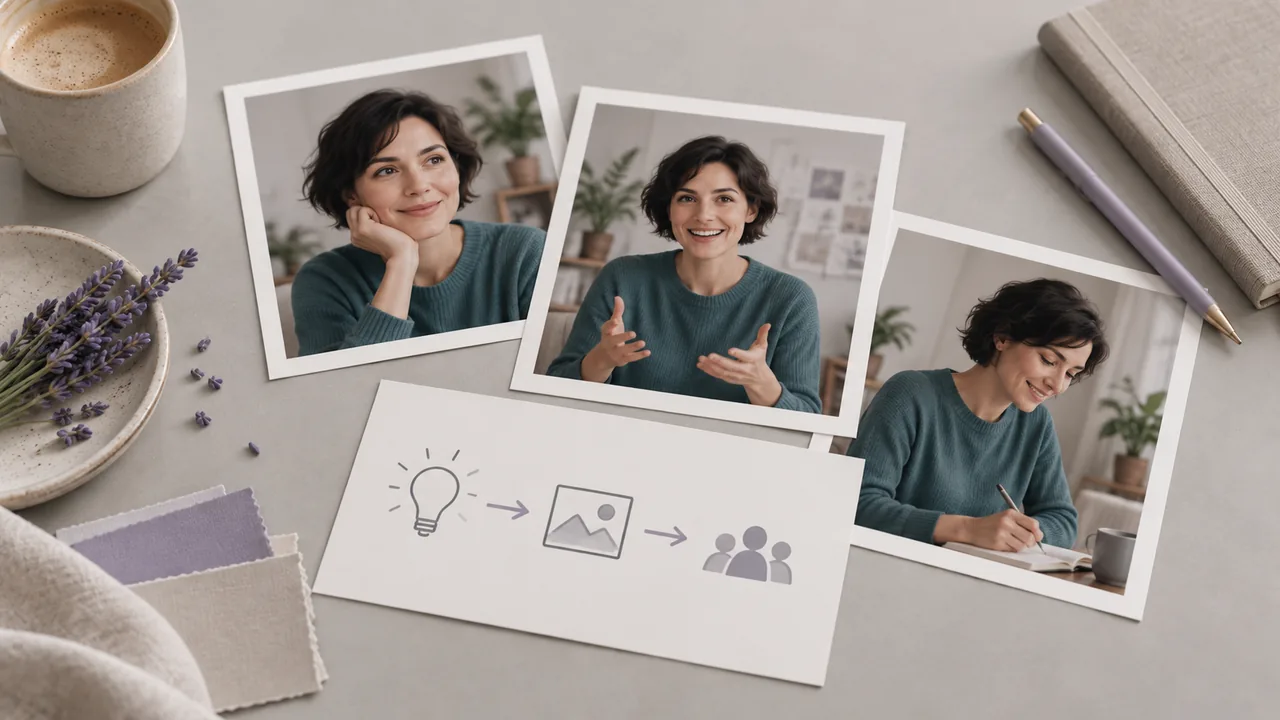
A narrator needs one image to suggest a story without revealing its ending. Explore the central character or setting as a cover concept, then keep the selected image aligned with what the episode actually contains.
Open the canvas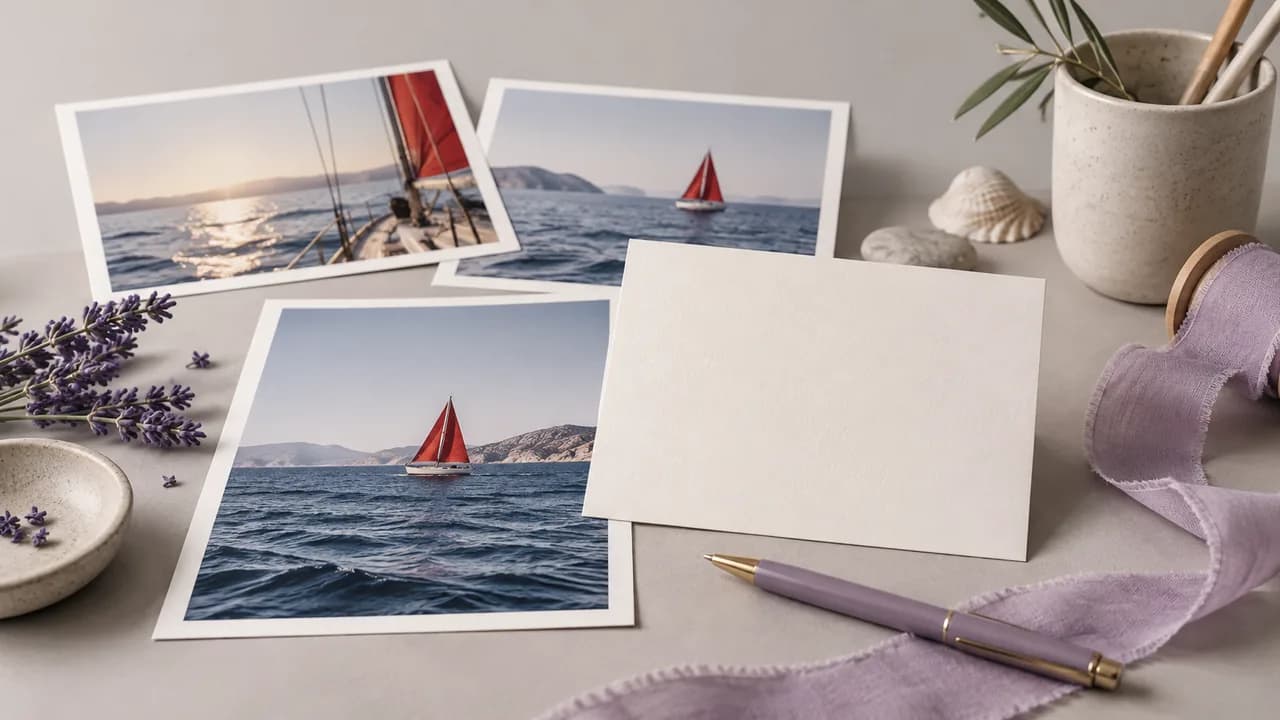
A course author is arranging a lesson library where covers appear beside each other. Develop a distinct visual cue for each topic, and review the set at its final display size before adding the lesson titles.
Open the canvas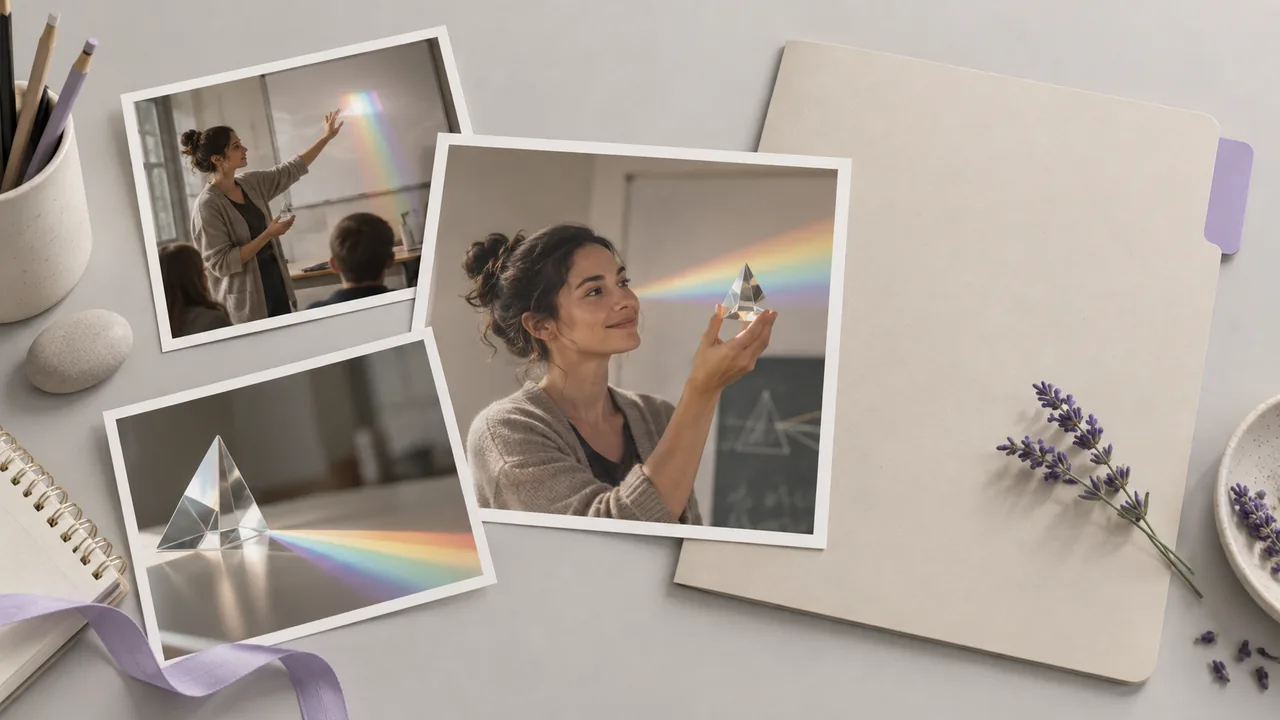
| Where to create | Open an image node on the canvas. This page does not provide a dedicated thumbnail upload form. | |
|---|---|---|
| Inputs | A written brief; an optional presenter or product reference with a compatible model. | |
| Output | A generated image, rather than a layered thumbnail document. | |
| Framing | Choose a supported aspect ratio for your destination, then review its final crop. | |
| Text | Check generated lettering. Keep important editable headlines in your design workflow. | |
| Access and request cost | Check your account access and the displayed requirement for the configured operation. | Verified 2026-09-28 |
| Free account | A free plan is listed on the pricing page; no credit card is required to start. Specific task access is separate. | Verified 2026-09-28 |
| Commercial use | Paid-plan generated outputs have commercial rights subject to provider terms and input rights. Free-plan generation is for non-commercial evaluation. | Verified 2026-09-28 |
| Upload data use | Default-plan uploads, prompts and outputs may be used for training. Provider policies also apply. Enterprise opt-out needs an agreement; learned or aggregated data may persist after source deletion. | Verified 2026-09-28 |
These image models are available in the public catalog for developing cover artwork. Reference inputs and composition controls differ; inspect the selected Image node before setting up a request.
This canvas workflow turns a visual brief into artwork for a video cover. On Astorie, this work happens in a canvas Image node. The output gives a video-cover design a visual starting point; final typography, platform formatting and the choice of an honest visual hook remain editorial decisions.
Yes, Astorie lists a free plan with no credit card required. Check the current pricing page and the cost shown for your selected image request before generating a cover. A free account does not mean that every model, output setting or intended use is available without a limit.
Paid-plan generations may be used commercially under Astorie's terms, subject to the selected provider's conditions and your rights in the material. Free-plan generation is for non-commercial evaluation. For a monetized cover, check permissions for presenter or product references and consult the commercial-rights guide before publication.
Choose one main subject, give it space, and inspect the cover at the size viewers will see. If important details disappear, simplify the brief and try another composition. Keep the final title short enough for your design, and make sure the picture still represents the video accurately.
Bring one video topic to the canvas and develop its first cover direction.