

Start from the scene
A cue brief links mood and pace to the actual visual moment rather than a generic genre label.
MUSIC FOR VIDEO
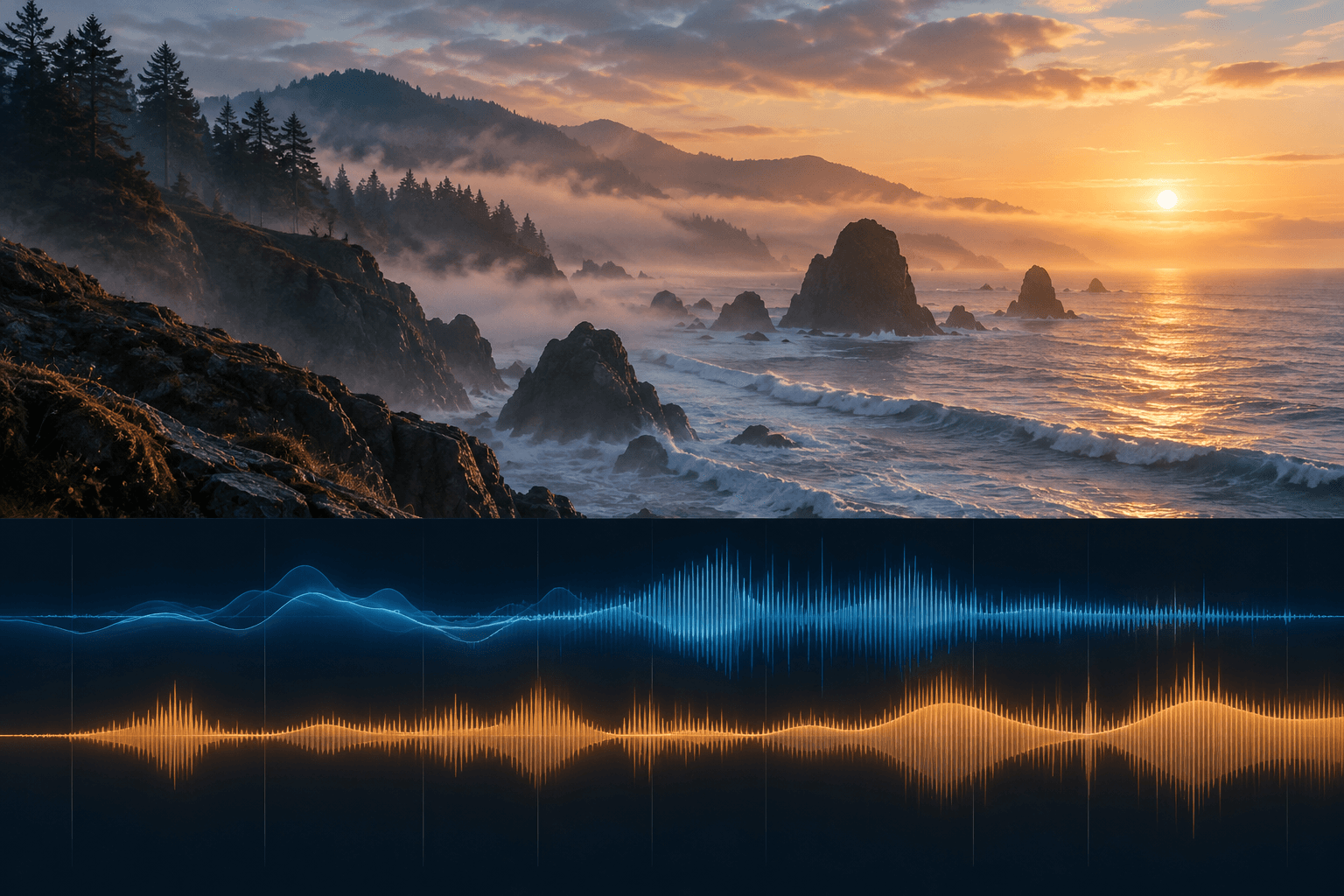
Brief the sound you need, generate on the canvas, and listen in the context of your video. The coastline and waveform image is an illustration, not an audible or verified music result.
Describe the scene, mood, tempo, instrumentation, and where the music should rise or recede.
Use a music-capable audio node in Astorie and compare the available output against your brief.
Place the cue beside the video, check pacing and transitions, and revise the brief or edit as needed.
A cue brief links mood and pace to the actual visual moment rather than a generic genre label.
The waveform is a visual aid only. Judge melody, rhythm, structure, and mix by listening.
Review duration, transitions, dialogue balance, and the selected model’s usage terms before publishing.
| Input | A written music brief in an Astorie canvas audio workflow. | |
|---|---|---|
| Output | An audio cue to listen to and edit on the canvas; this page shows an illustrative image only. | |
| Review | Check pacing, endings, dialogue balance, and commercial terms for the selected model. |
Use the Astorie canvas for the audio workflow. This page does not include a music-generation widget or playable output.
Describe the scene and timing in the brief, then listen with the picture and revise the cue or edit until transitions work.
Astorie grants commercial rights to new generations on paid plans, subject to the selected model provider’s terms and your rights to the inputs. Check the current policy before release.
Create on the canvas, listen in context, and check the chosen model’s terms before release.