

Camel trench coat
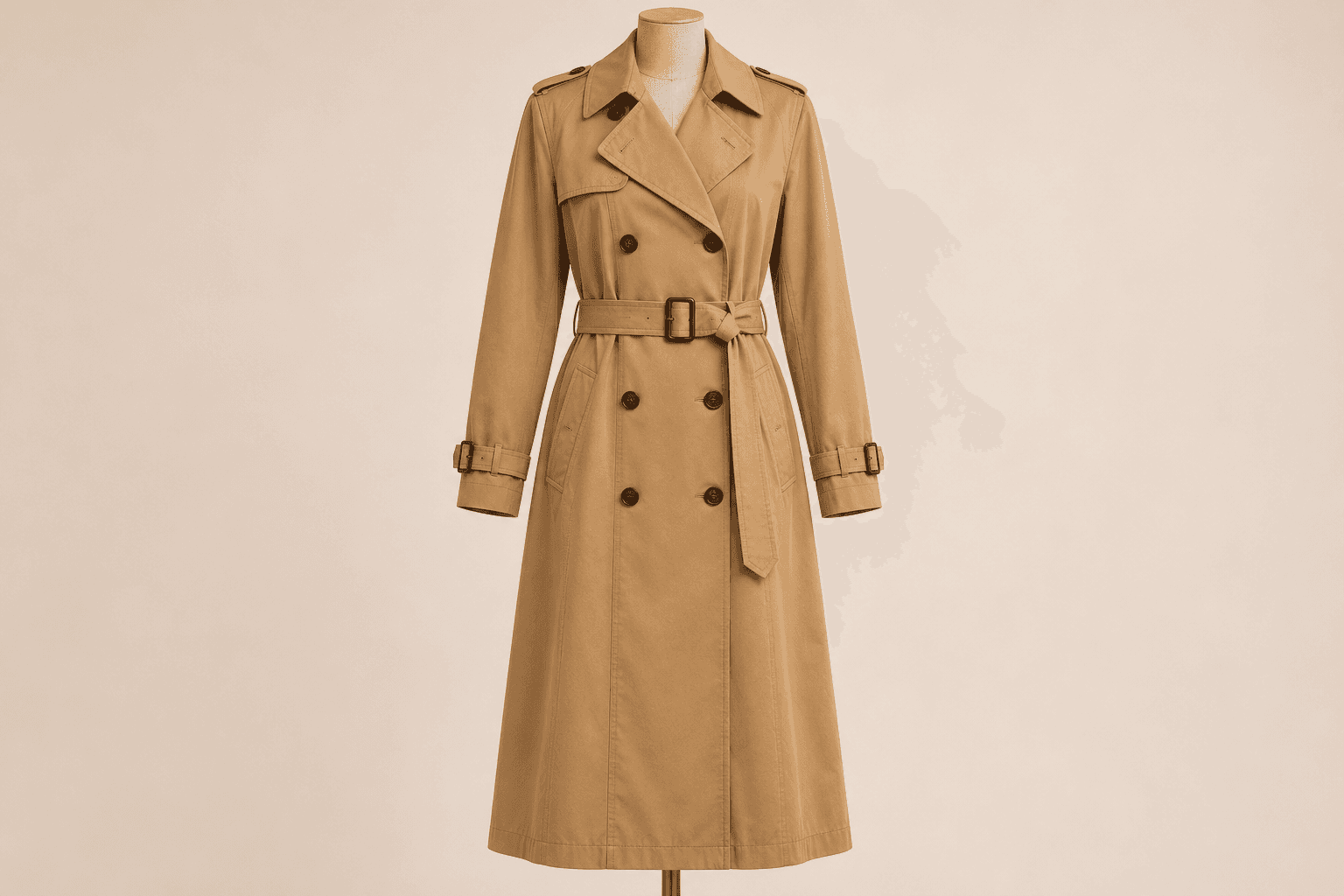
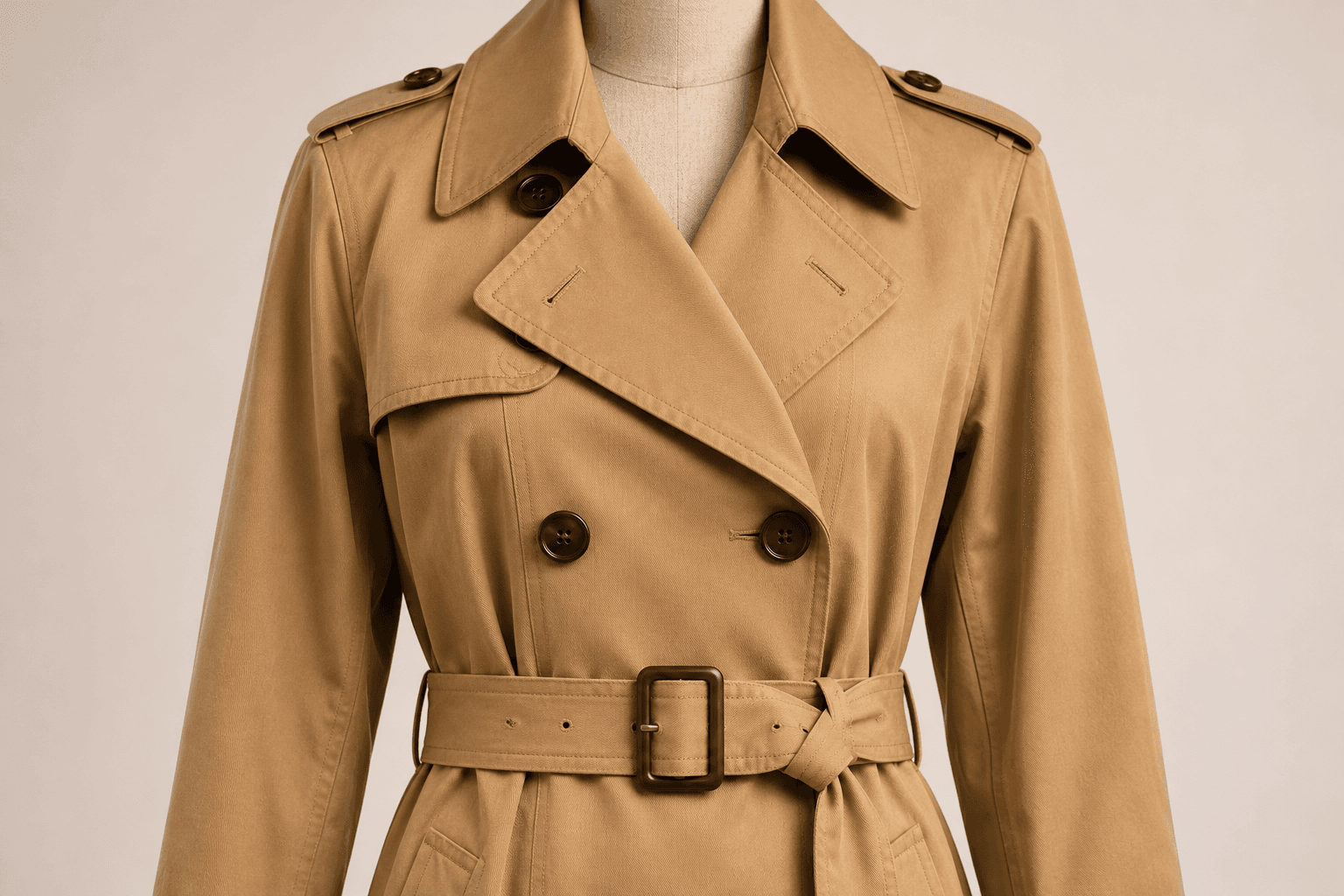
The selected starting reference
- A camel double-breasted trench coat on a neutral dress form.
- The collar, belt, buttons and hem provide visible construction cues.
FASHION PHOTO CONCEPTS
Turn a garment reference into a fashion photo concept. Explore a studio lookbook, an outdoor editorial scene or a garment-detail study, then inspect the construction before using the image.
Try the camel trench coat or upload a clear garment reference. Choose Studio lookbook, Outdoor editorial or Garment detail, then describe the setting, framing and details to emphasize.
These AI-created concept illustrations explore photo directions for the same garment reference. Compare setting and framing, then inspect the collar, buttons, belt and hem against the source.
The selected starting reference
An illustrative still-image direction
Choose a clear reference, write a focused brief and compare the result with the source.
Use the trench-coat sample or an authorized reference with visible collar, closures and hem. Choose Studio lookbook, Outdoor editorial or Garment detail, then edit Describe your fashion photo.
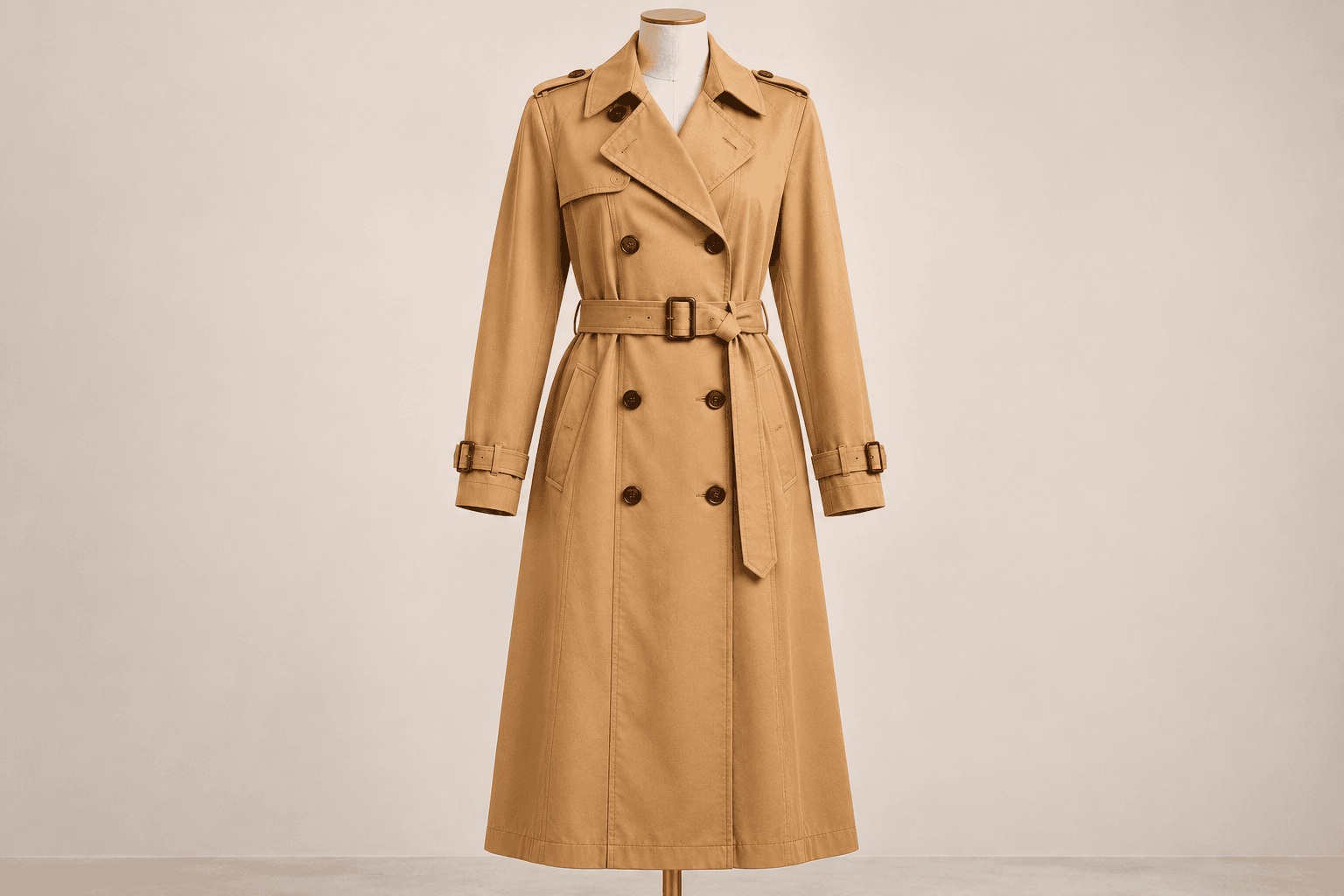
Select Generate fashion photo. Compare buttons, belt, seams, hem and fabric with the reference, and review any hands or body proportions. Treat generated fit and drape as interpretations, not verified product measurements.
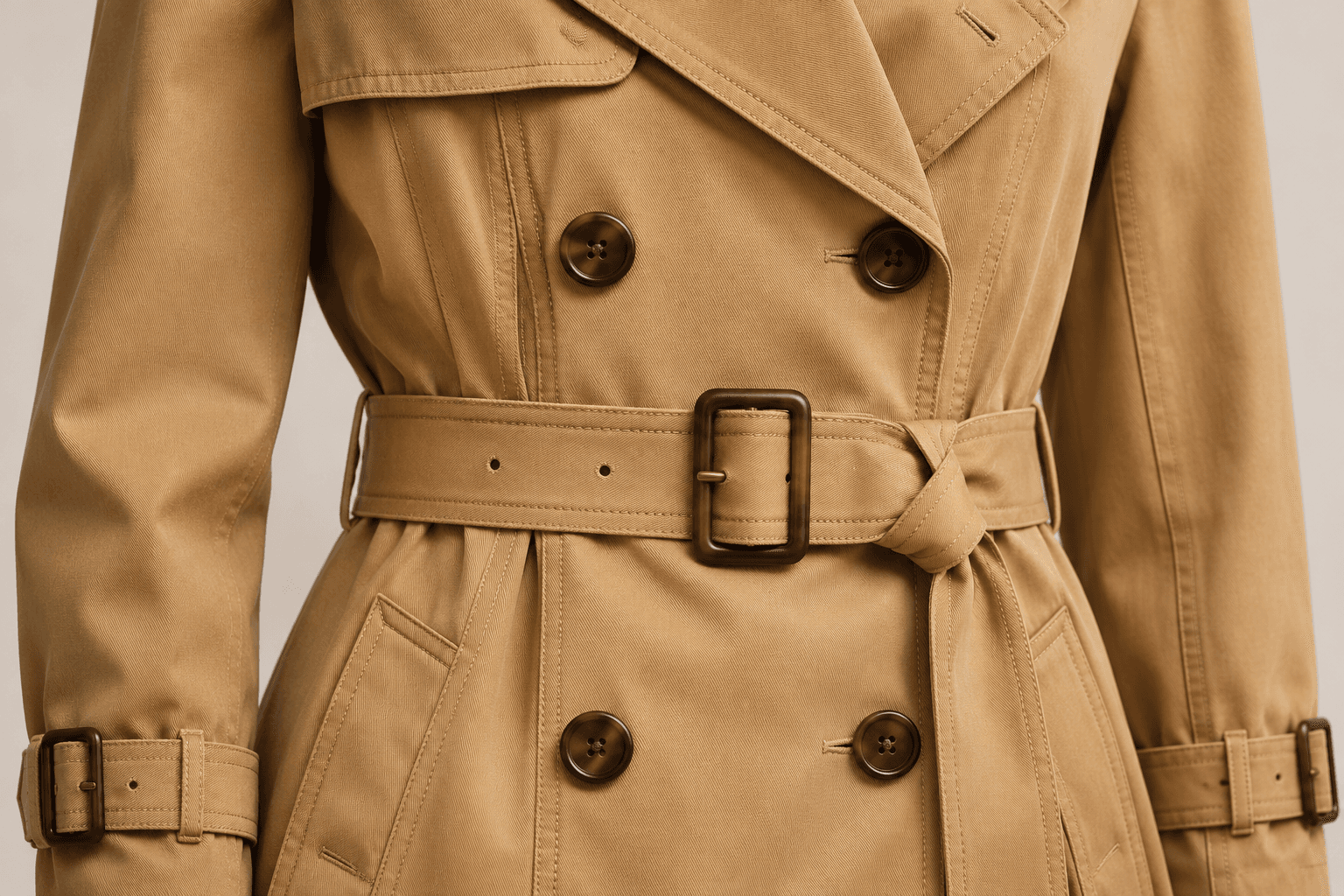
Use a focused brief to make the proposed image easier to assess.
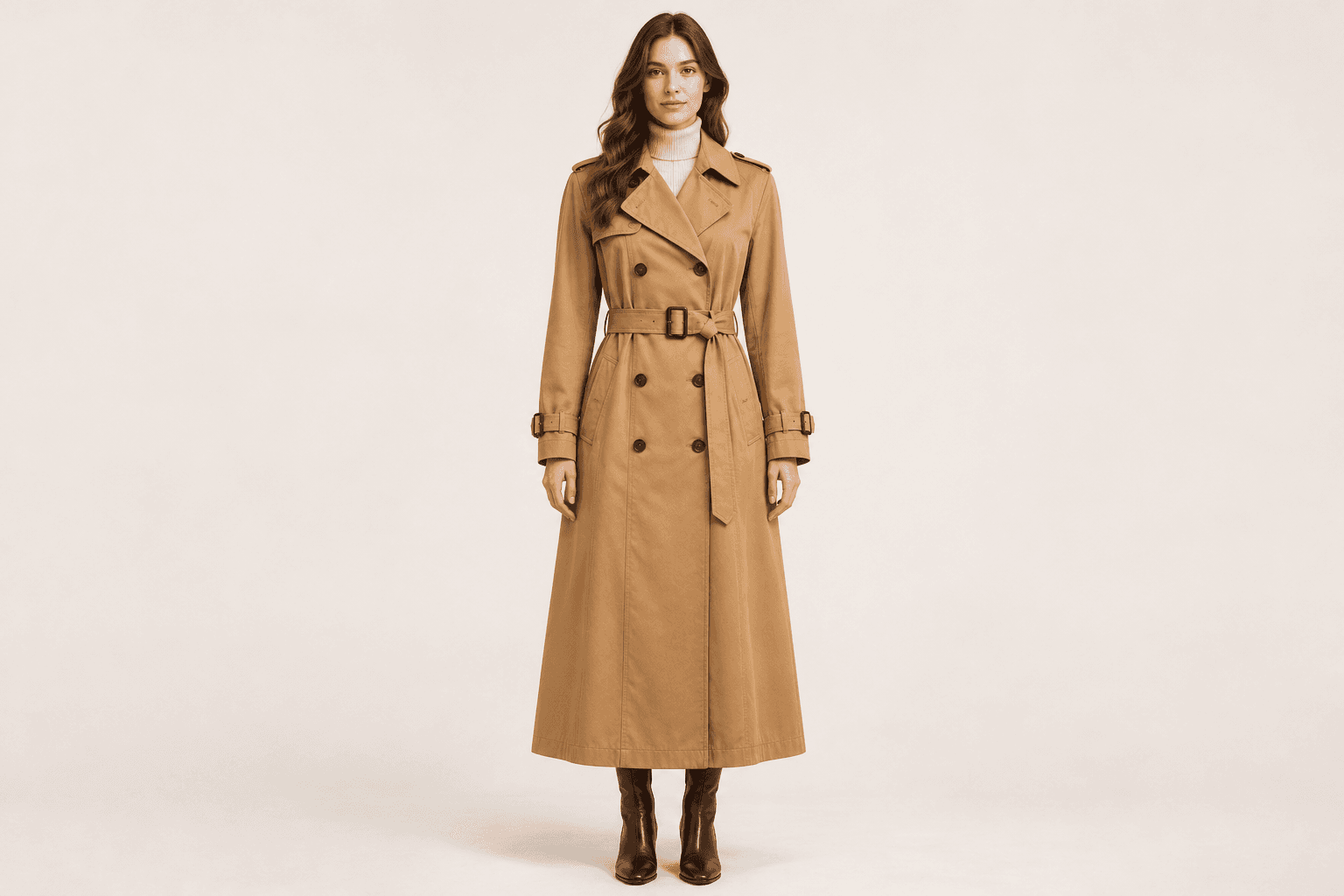
A quiet studio setting makes silhouette and styling easier to discuss. Specify a full-length view, a neutral pose and the garment details that matter. Inspect closures, seams and fabric appearance before using the concept as a production brief.
Create an image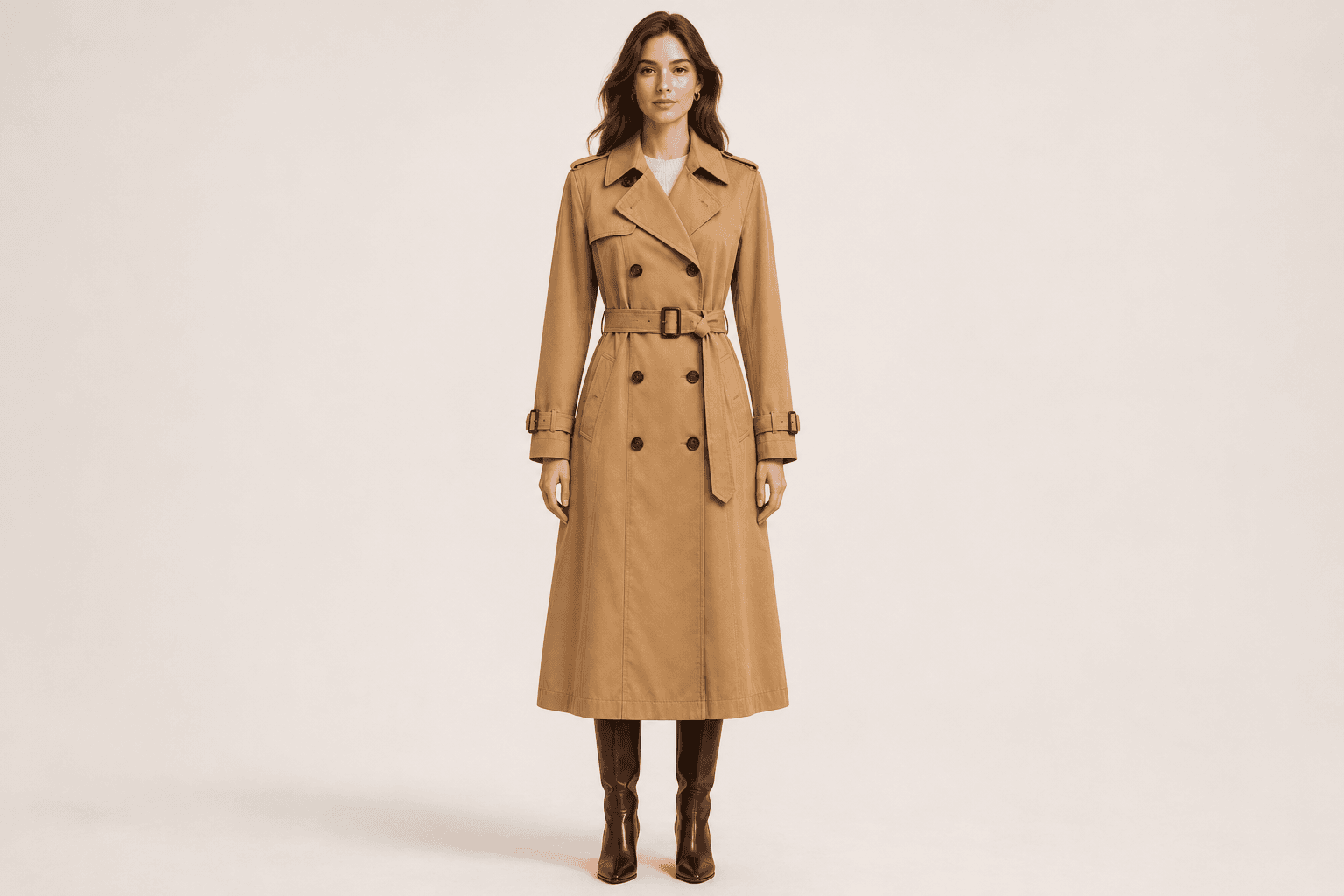
A courtyard or other restrained location can suggest a mood without overwhelming the clothing. Keep the reference garment central and name the light and pose. Check that the background, model anatomy and garment construction all remain useful.
Create an image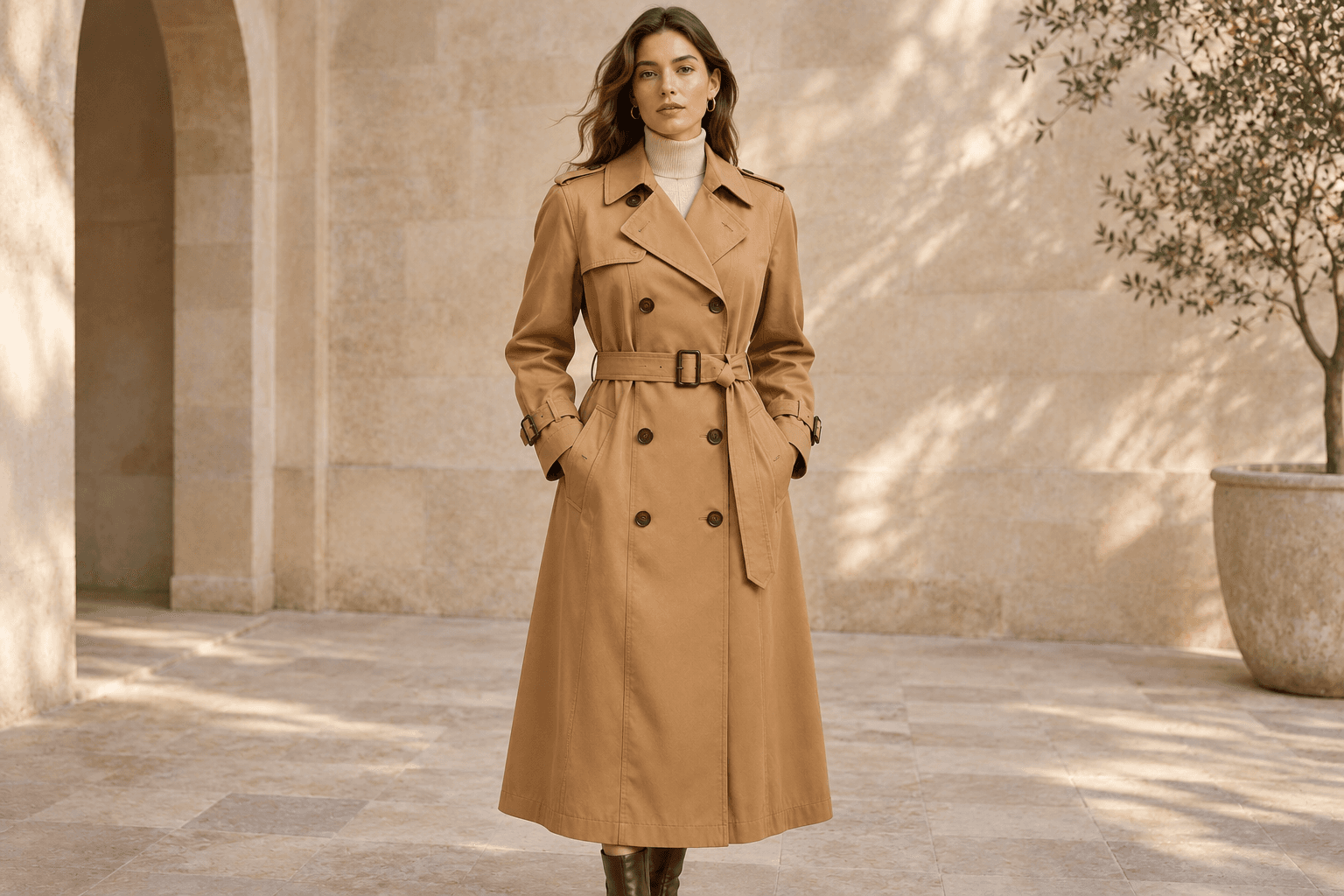
Use a matching reference for each idea and adapt the prompt to the image you supply.
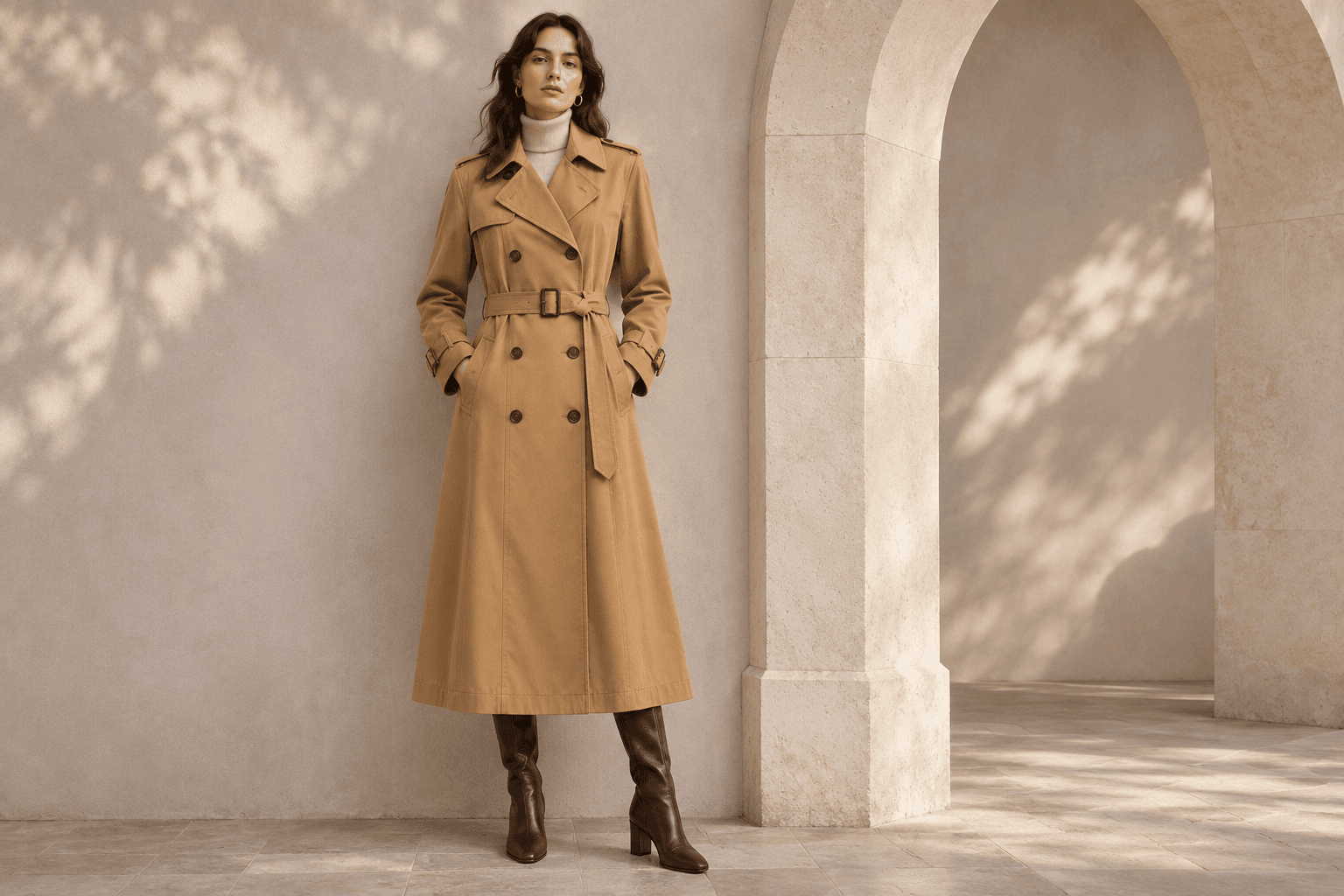
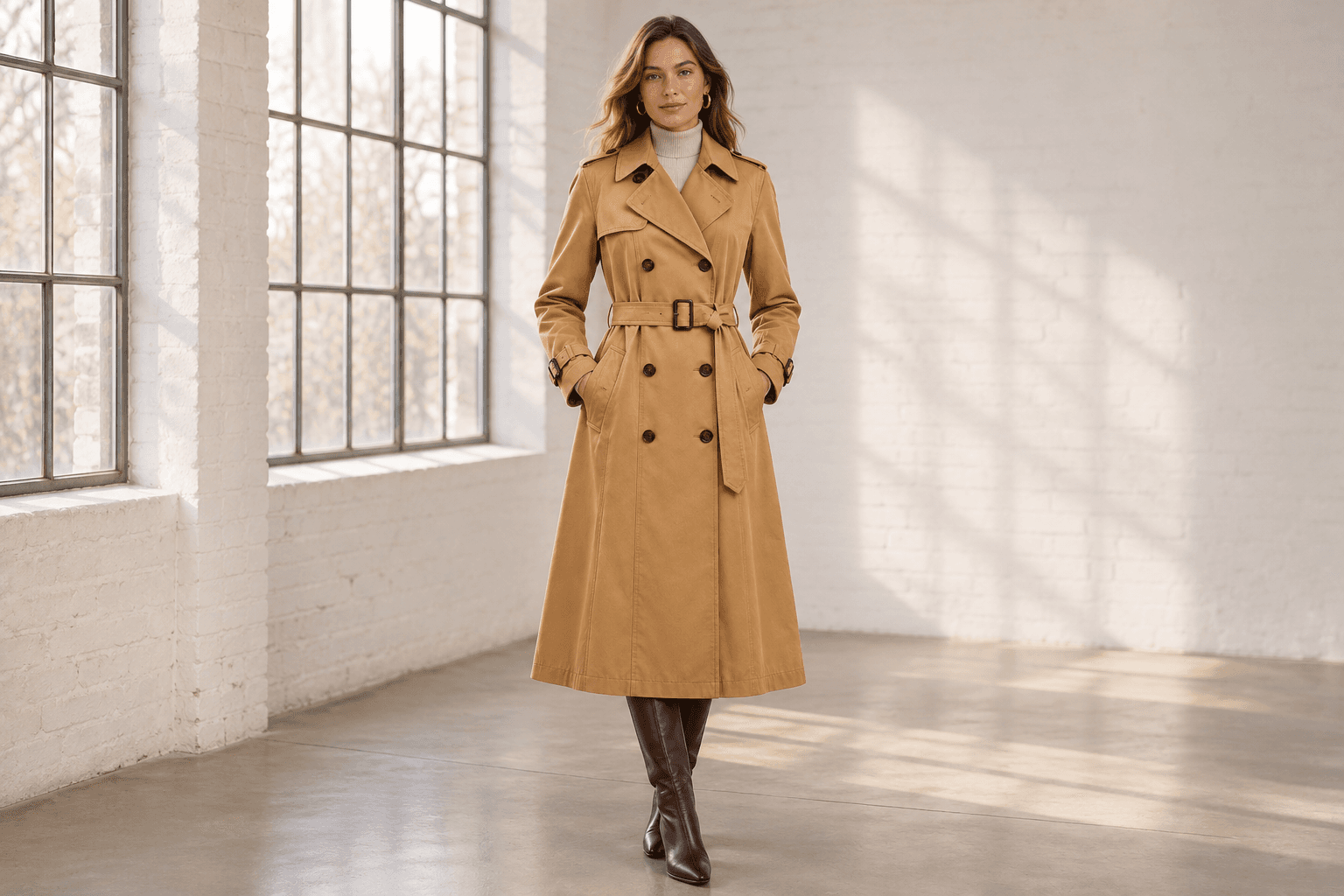
Match the reference and composition to the visual decision you are exploring.
For a lookbook brief, choose Studio lookbook and request a full-length coat view with generous off-white space. Keep the garment readable for later layout, then compare hem length, belt placement and closures with the reference.
Create an image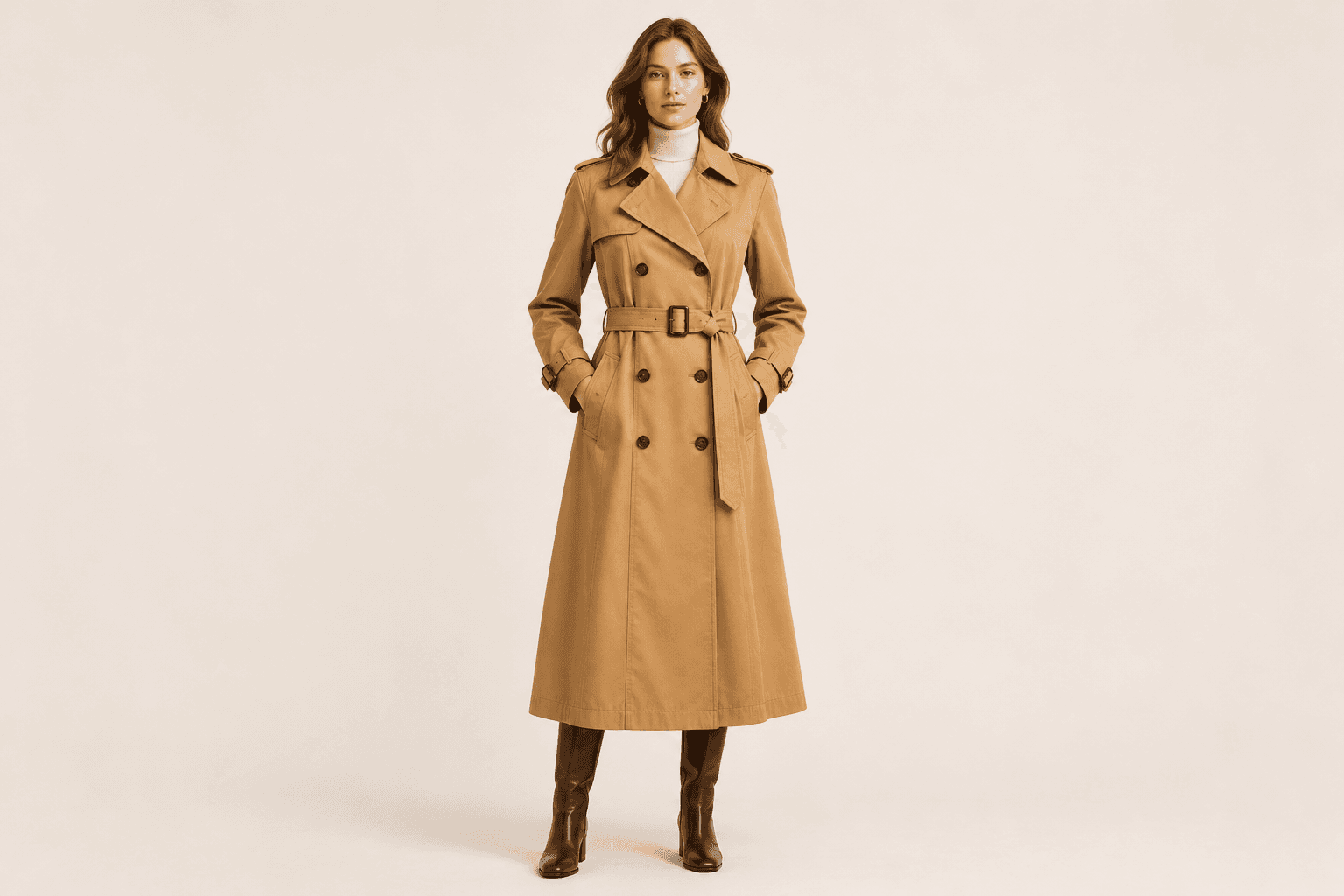
For an editorial campaign direction, describe a quiet courtyard, muted light and minimal styling around the referenced coat. Use the still to discuss mood and setting, while reviewing garment details and any generated model proportions.
Create an image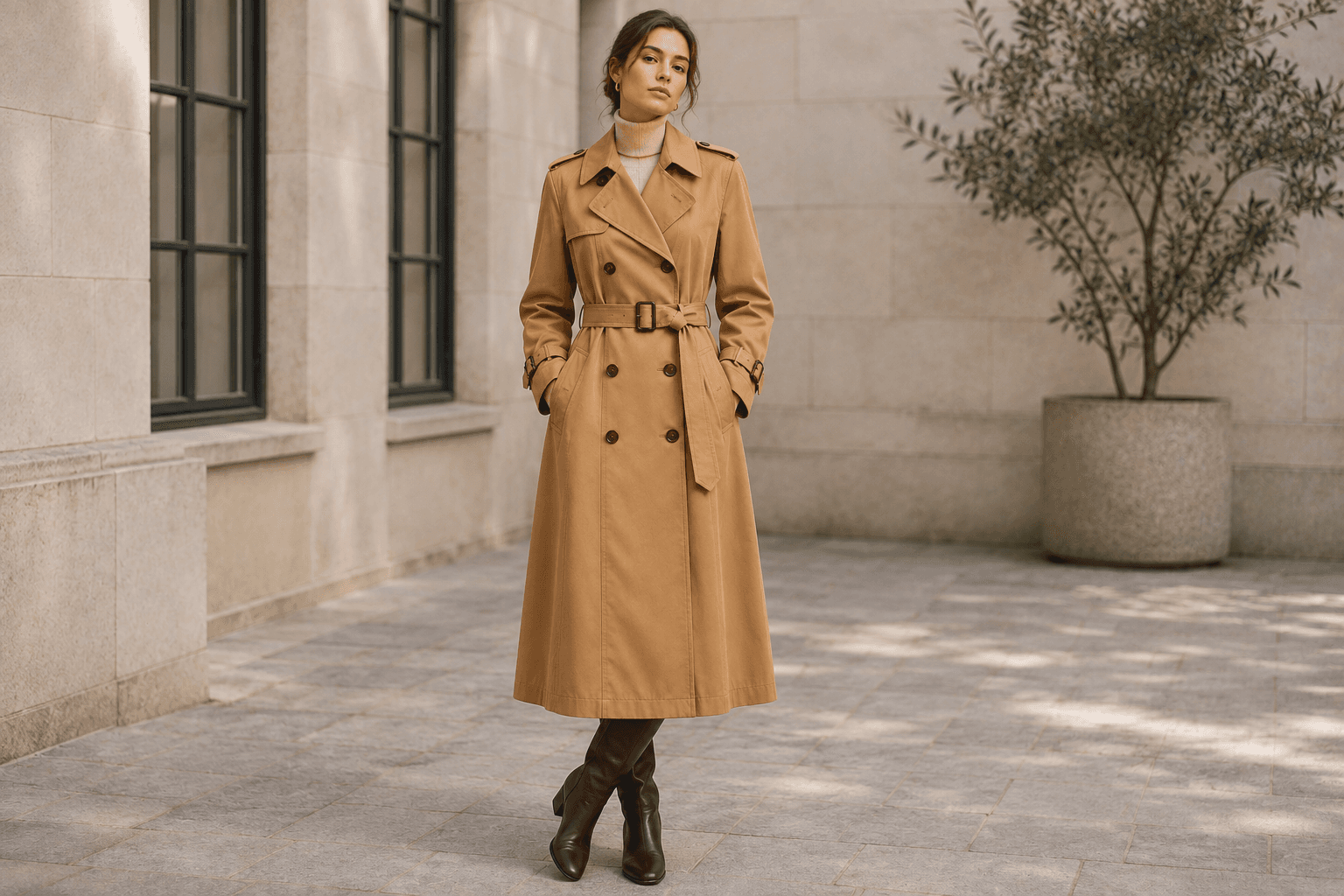
This form uses a reference image and an editable brief to generate a still image.
| Reference | Choose the sample or upload one clear authorized reference image. A reference is required. | |
|---|---|---|
| Controls | Three pictured starting directions and an editable prompt. Adapt the brief to your own reference. | |
| Result | A generated fashion still based on a garment image and written photography brief. | |
| Garment fidelity | Construction, colors, texture and fit can be reinterpreted. Check every detail before using an image to represent an actual item. | |
| Fit and identity | This is a photo-concept form, not a sizing, body-measurement or exact-person virtual try-on tool. | |
| Cost | Check the current credit quote and your account allowance before generating. | |
| Commercial use | Paid-plan generations have commercial rights subject to provider terms and input rights. Free-plan generations are for personal, non-commercial evaluation; upgrading applies to new generations. | |
| Upload data use | Default terms permit using uploads, prompts and outputs for training and improvement. Provider policies also apply. Enterprise opt-out requires a written agreement; learned or derived information may persist after source deletion. |
Explore another reference-image direction.
AI tool
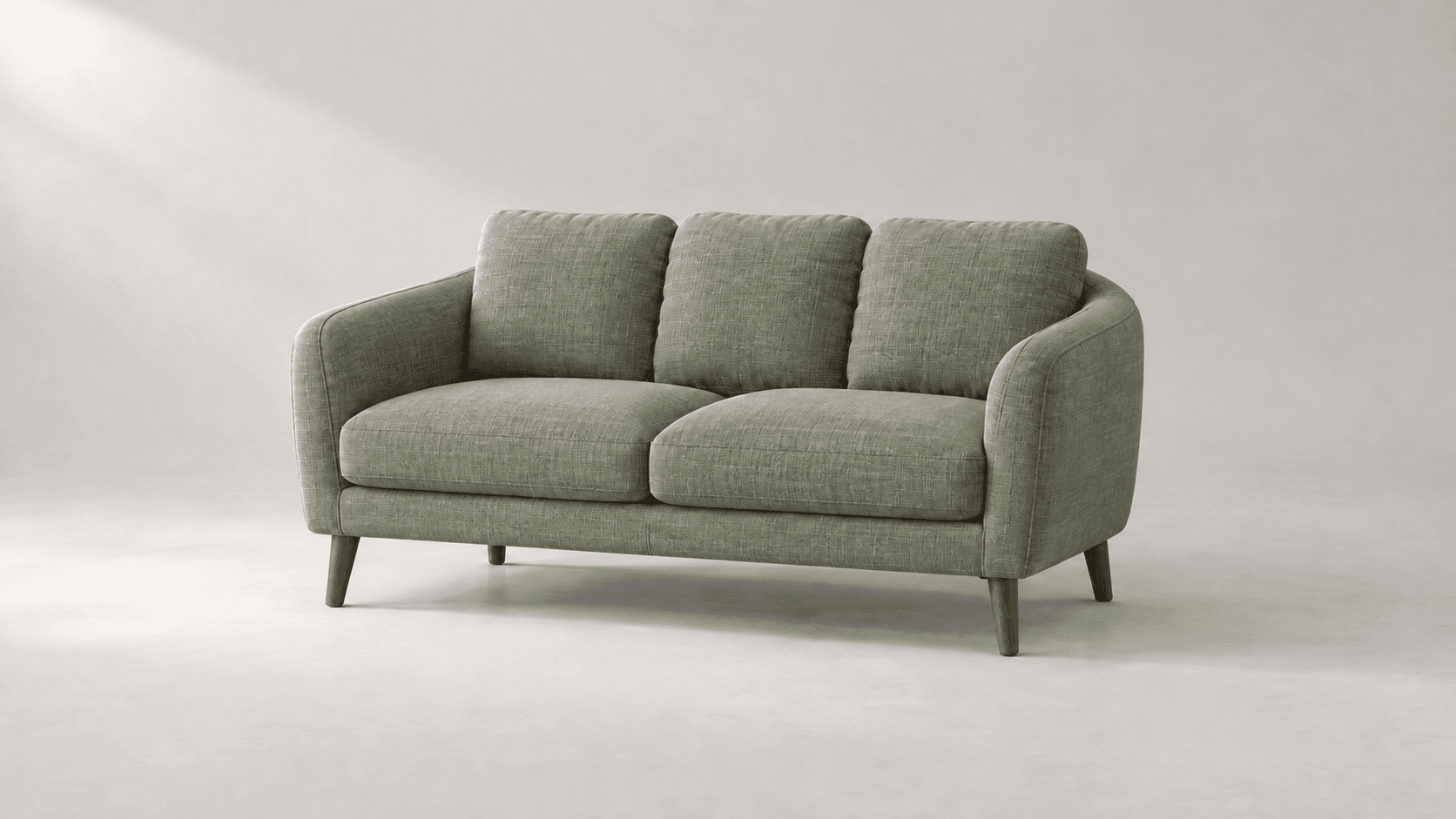
Explore new colors for a product, outfit or room with a reference-led image edit. Describe the surface to change, then compare the color and material detail.
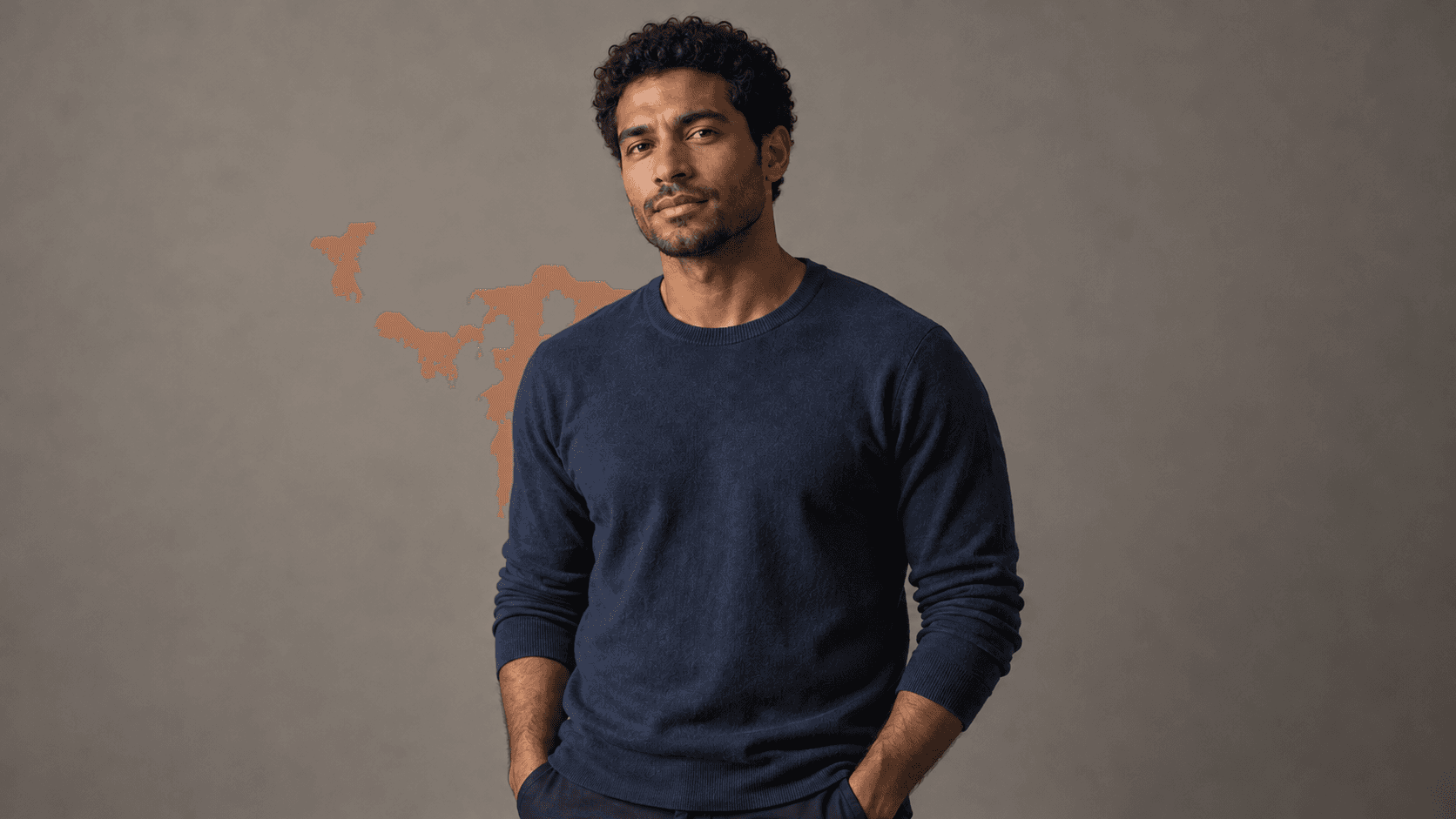
AI tool
Create a brighter interpretation of a dim image with a reference and a lighting prompt. Explore lifted shadows, balanced light or soft daylight, then inspect the result.
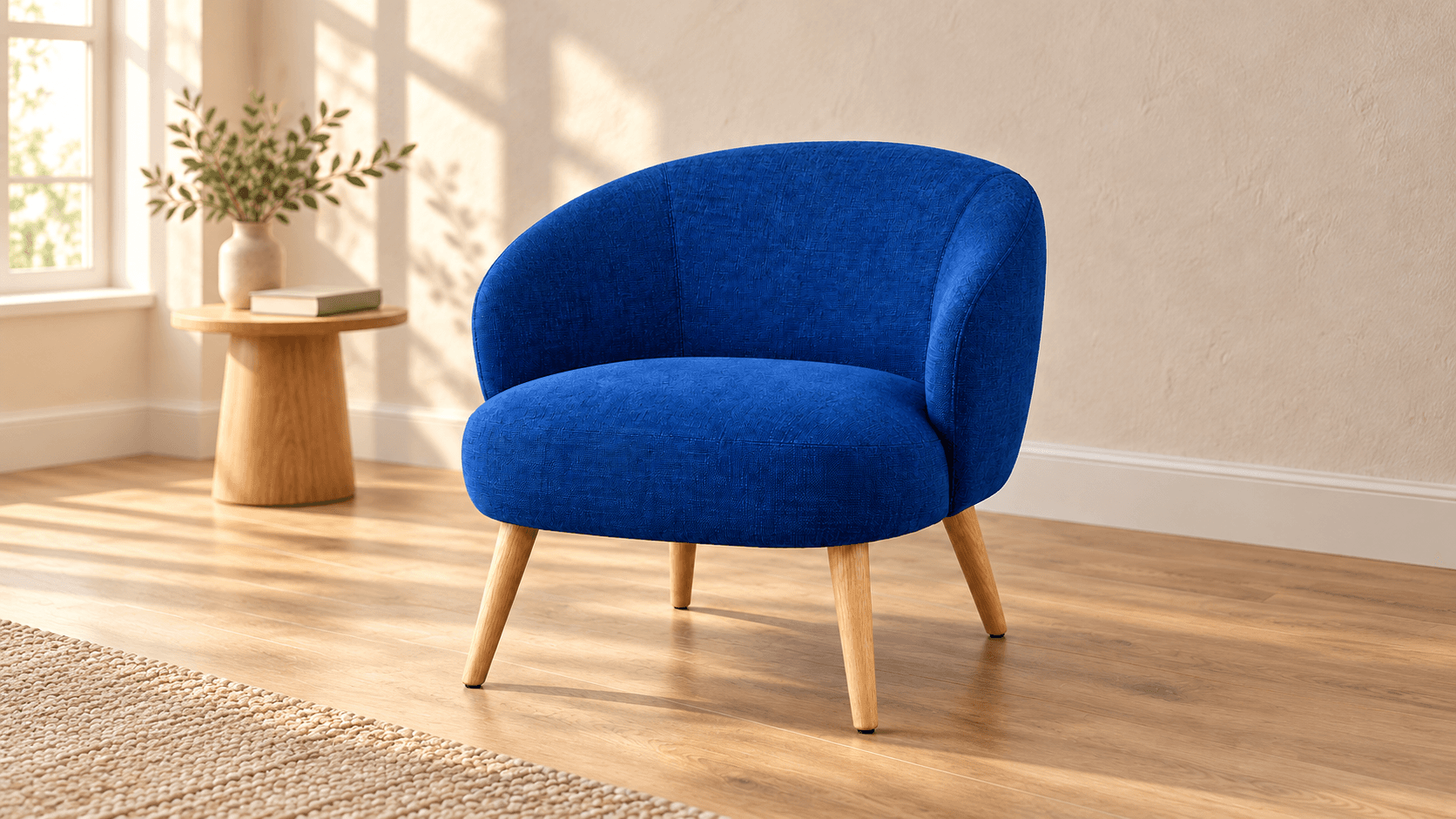
AI tool
Use this AI image variation generator to explore a new background, lighting or visual style from one reference. Compare each candidate with the source. For a rendering closer to the original composition, try the AI image recreator.
Yes. The sample is a garment on a dress form. Describe the fictional adult model and scene you want, then inspect how the garment has been interpreted.
No. AI can change closures, seams, colors and proportions. Use a clear reference and compare the output with the actual item.
No. Generated drape and fit do not validate sizing or measurements. Use real product fitting and photography when those details need to be documented.
Only use images and likenesses you are authorized to use. This page does not promise exact identity preservation, and the sample prompts use fictional adults.
Paid-plan generations have commercial rights subject to provider terms and input rights. Approve the garment representation and any model or brand permissions before publishing.
Choose the reference, setting and framing, then inspect the generated concept against the actual garment.