
Comparison
Astorie vs Midjourney
Midjourney is the gold standard for AI stills — V7, the Niji anime model, style references (--sref), character references (--cref), and a culture of taste that no other image generator has matched. Astorie is not trying to replace Midjourney; Midjourney is integrated as a model inside Astorie's canvas. The honest pitch: use Midjourney's web app when you want the cleanest possible path from prompt to a beautiful image, and use Astorie when those Midjourney stills are step one of a longer pipeline — image to video to audio to multi-shot story to Premiere Pro. For pure image work, Midjourney's standalone web app is still excellent. For multi-modal production, Astorie wraps Midjourney (and 80+ other models) in a workflow.
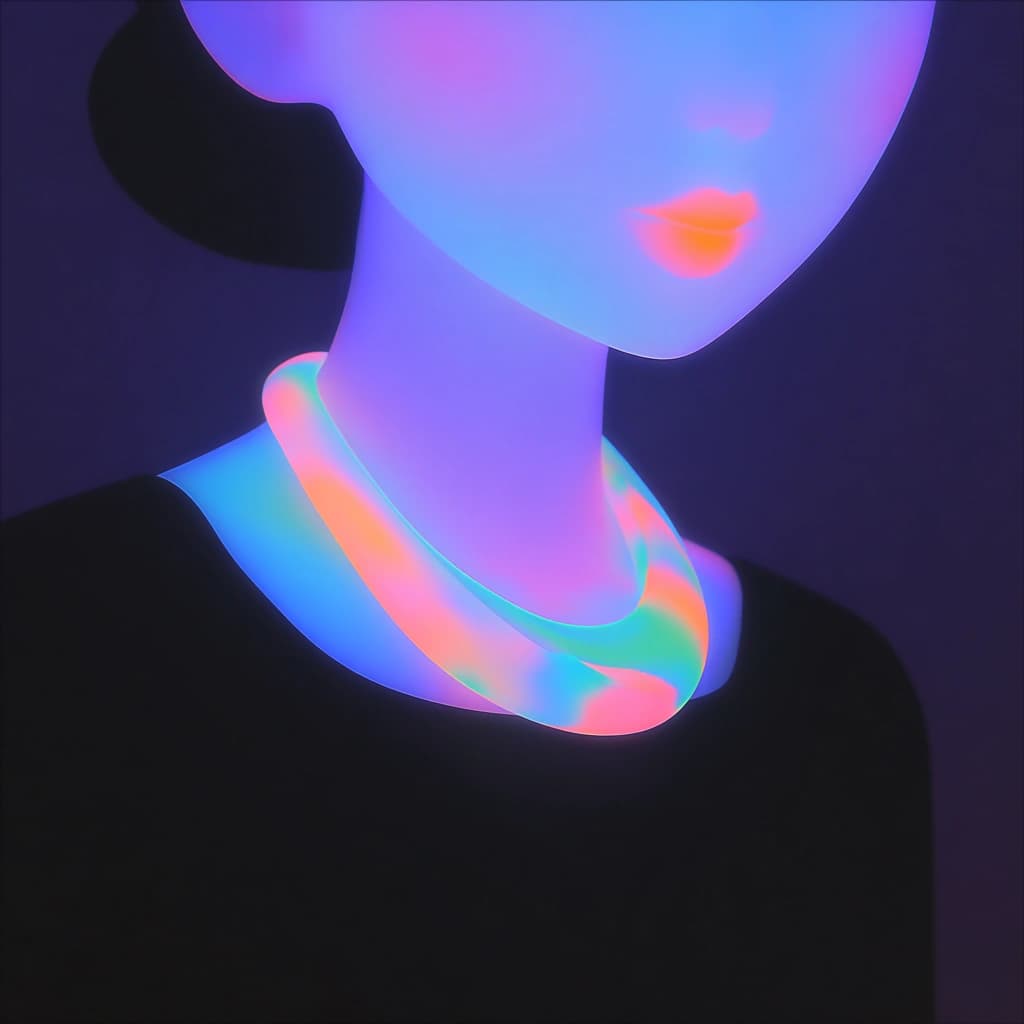
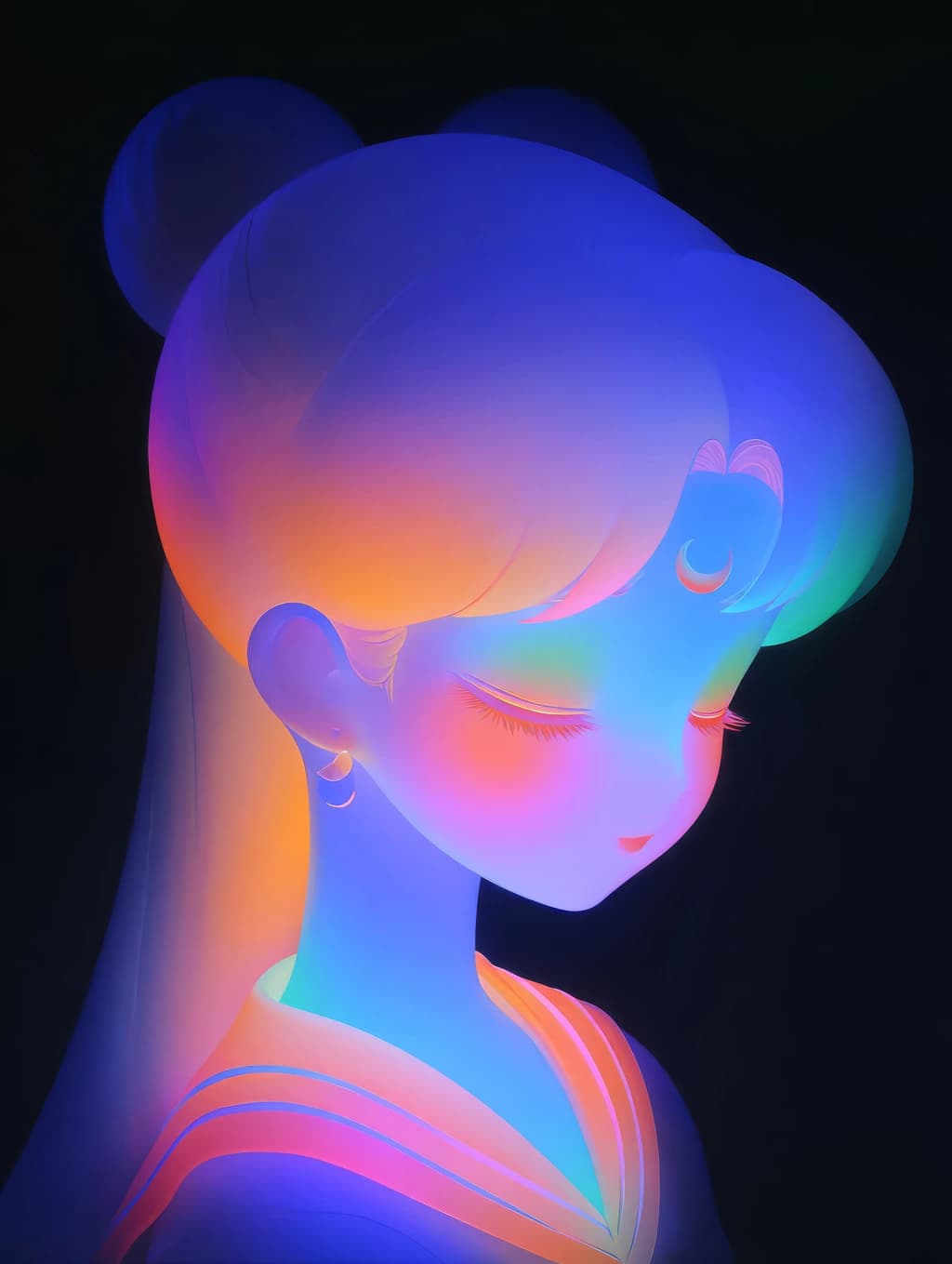
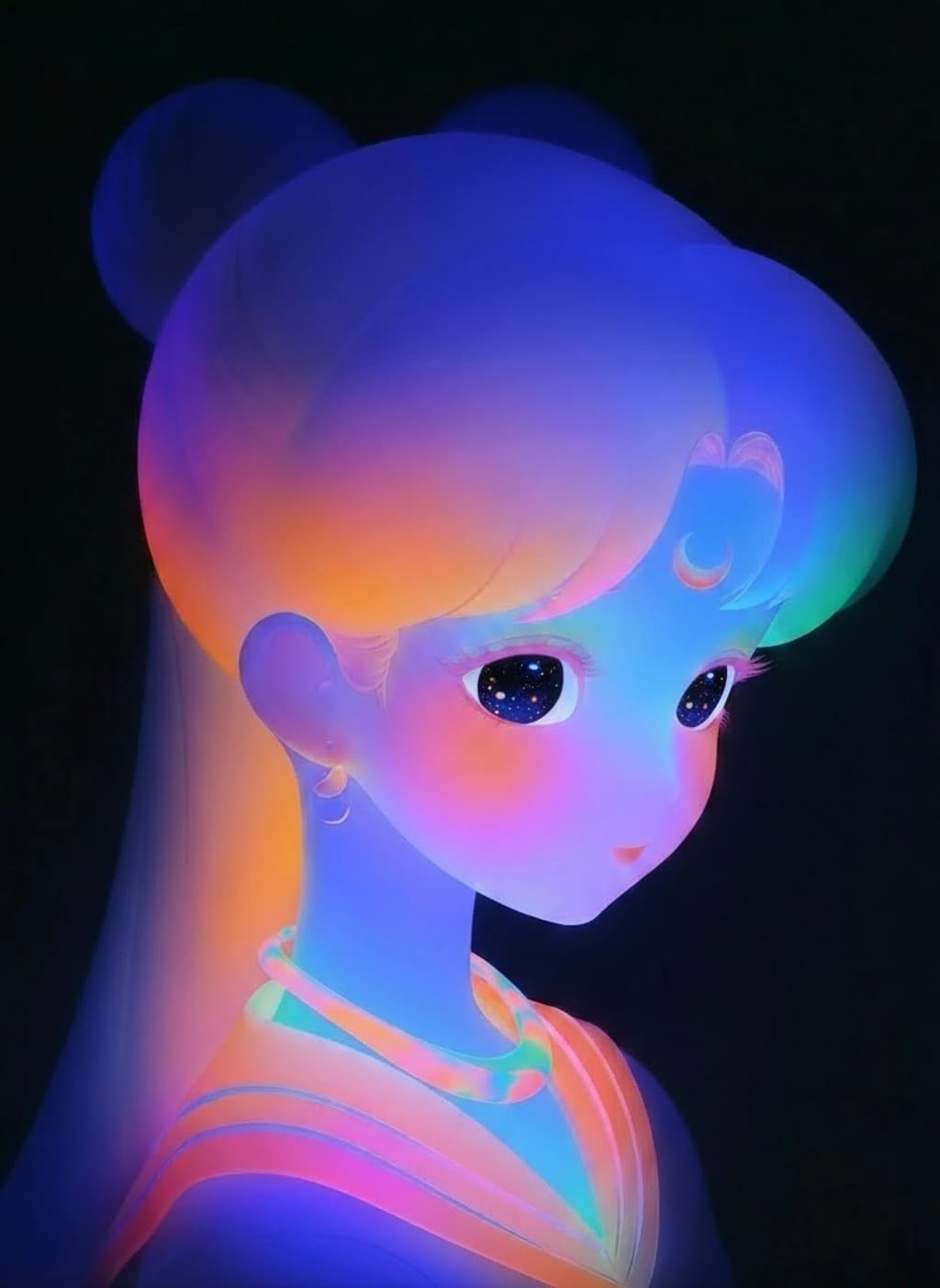
See them side by side
When to choose Astorie
- You want Midjourney as one model among many — image to video to audio to lipsync to NLE export in a single project rather than a folder of downloaded PNGs.
- You hand off finished cuts to Premiere Pro, DaVinci Resolve, or Final Cut Pro and need XML or EDL export with clip timing intact.
- You collaborate with editors, designers, and producers on the same canvas in real time, with workspace billing and per-member credit limits.
- You build multi-shot narratives with storyboard mode and script nodes, where the same character or product needs to look consistent across many shots.
- You want Midjourney stills feeding directly into Sora 2, Veo 3.1, Kling 3, Runway Gen-4, Hailuo, Seedance 2, ElevenLabs, and Suno without switching tabs.
When to choose Midjourney
- Pure aesthetic quality of a single still is the goal — Midjourney V7 and Niji 7 still set the bar for how beautiful AI images can look, and the default taste of the model is hard to beat.
- You prefer minimal prompting — Midjourney rewards short, vibe-led prompts more than any other image tool, which is a real productivity win for fast ideation.
- You want a strong creative culture — the Midjourney Explore feed, community challenges, and prompt-sharing culture are part of the product, not an afterthought.
- Anime, manga, and stylized illustration are your main output — Niji mode is purpose-built and the standalone web app makes it one click.
- Discord-native workflow still matters to you — Midjourney pioneered prompting in Discord and the bot remains available alongside the web app.
- Stealth Mode is required (Pro and Mega tiers) so that your generations don't appear in the public gallery.
Side-by-side comparison
| Attribute | Astorie | Midjourney |
|---|---|---|
| Primary surface | Infinite node canvas with multi-step workflows and live multiplayer. | Polished web app (and Discord bot) focused on single-image generation and an Explore feed. |
| Modality coverage | Image, video, audio, music, 3D, and LLM nodes in one project. | Image-first (V7 and Niji 7), with V1 video for image-to-video animation. |
| Image model lineup | Midjourney plus FLUX, FLUX Kontext, Imagen 4, Nano Banana 2, Seedream, GPT Image 2, Ideogram, and more. | Midjourney V7 and Niji 7 only — best-in-class on aesthetic, single family. |
| Aesthetic ceiling on stills | When you call Midjourney on Astorie you get native Midjourney output; aesthetic ceiling is the same. | The reference for AI image aesthetic; V7 and Niji 7 are the bar most other tools chase. |
| Character and style consistency | Element system pins reference images to nodes for consistency across image and video models. | --cref (character reference) and --sref (style reference) are flagship features tuned for stills. |
| Video pipeline | Image-to-video, lipsync, multi-shot, extend, upscale across Sora 2, Veo 3.1, Kling 3, Runway Gen-4, Hailuo, Seedance 2. | V1 image-to-video with low/high motion and Extend; single-model, single-clip. |
| Multi-model chaining | Visual graph wires Midjourney into FLUX Kontext edits, Seedance 2 animation, ElevenLabs voiceover without exporting. | Chaining beyond Midjourney itself means downloading and uploading into other tools. |
| Multi-shot and storyboard | Storyboard mode and script nodes maintain continuity across shots. | Shot-by-shot generation; continuity is the prompter's responsibility. |
| NLE export | XML and EDL out to Premiere Pro, DaVinci Resolve, Final Cut Pro. | Direct download of images and clips; no timeline export. |
| Team collaboration | Multiplayer canvas, workspace billing, per-member credit limits, shared model presets. | Individual subscriptions; Discord servers and the Explore feed are community-level, not workspace-level. |
| Privacy controls | Workspace projects are private by default. | Stealth Mode (private generations) gated to Pro and Mega tiers; Basic and Standard generations are public. |
| Pricing posture | Free tier with 40 credits per month; paid tiers escalate by credits and team seats. | Subscription ladder from Basic to Mega, priced by fast GPU hours plus relax mode access. |
| Learning curve | Node graph has a small ramp; templates and storyboard mode soften it. | Lowest ramp in AI image — short prompts get beautiful output on the first try. |
Workflow comparison
| Step | Astorie | Midjourney |
|---|---|---|
| Brief: a 30-second product film with a hero still, three lifestyle shots, voiceover, and music | Open one canvas project; place a script node, Midjourney image nodes for the hero look, image-to-video nodes for each shot, voiceover and music nodes, and a storyboard track. | Open the web app; plan to generate stills, then move to V1 for animation, then assemble in a separate editor with separately sourced audio. |
| Generate stills | Call Midjourney for the hero look; use --sref and --cref or pin an Astorie Element reference image so the brand stays consistent across shots. | Prompt Midjourney with --sref for style consistency and --cref for character consistency; refine via variations and remix. |
| Animate | Wire each Midjourney still into a Seedance 2, Kling 3, or Runway Gen-4 image-to-video node; mix models per shot to get the motion you want. | Send each chosen still into V1 image-to-video; pick low or high motion; extend if you need more than five seconds. |
| Add voice and music | ElevenLabs voiceover node + a Suno music node feed into the timeline, durations aware of clip lengths. | Generate audio outside Midjourney (Suno, ElevenLabs, library music); mix in your editor. |
| Edit and export | Drop clips on the storyboard track; export XML or EDL into Premiere Pro for the final cut. | Download all stills and clips; assemble in Premiere Pro, DaVinci Resolve, Final Cut Pro, or CapCut from scratch. |
Pricing compared
| Plan | Astorie | Midjourney |
|---|---|---|
| Free | Free · 40 credits/mo · no card | No free tier (free trial historically paused) |
| Entry paid | Standard · $19/mo · 1,600 credits | Basic · $10/mo · ~3.3 fast GPU hours |
| Mid tier | Pro · $49/mo · 4,800 credits | Standard · $30/mo · 15 fast hours + unlimited relax |
| High tier | Ultimate · from $99/mo · 10,000 credits | Pro · $60/mo · 30 fast hours + Stealth Mode |
| Top tier | Ultimate (workspace add-ons available) | Mega · $120/mo · 60 fast hours + Stealth Mode |
Pricing and operational tradeoffs
- Astorie: free tier with 40 credits per month and no card required; Standard $19/mo (1,600 credits), Pro $49/mo (4,800 credits), Ultimate from $99/mo (10,000 credits).
- Midjourney: Basic $10/mo (about 3.3 fast GPU hours), Standard $30/mo (15 fast hours + unlimited relax), Pro $60/mo (30 fast hours + relax + Stealth Mode), Mega $120/mo (60 fast hours + relax + Stealth Mode); annual billing typically saves ~20%.
- Midjourney bills by GPU time on a single model family; Astorie bills by credits that span 80+ models across image, video, audio, music, and 3D.
- Stealth Mode (private generations) on Midjourney is gated to Pro and Mega; Astorie projects are private by default at every tier including the free tier.
- If your work is pure stills, Midjourney's per-image cost on Standard is hard to beat; if your work mixes stills with video and audio, Astorie credits stretch further across modalities.
Which to choose by use case
Concept artist or illustrator perfecting single stills
Recommendation: Midjourney
V7 and Niji 7 are still the aesthetic reference; short prompts go further than on any other tool.
Anime, manga, or stylized illustration creator
Recommendation: Midjourney
Niji 7 is purpose-built for anime aesthetics and is one click in the web app.
Brand designer building a moodboard library
Recommendation: Midjourney
--sref and --cref make brand-consistent stills fast; Stealth Mode on Pro keeps moodboards private.
Product or brand video producer
Recommendation: Astorie
Midjourney stills flow directly into Seedance 2, Kling 3, Runway Gen-4, with voiceover and music in one project.
Indie filmmaker building a short
Recommendation: Astorie
Storyboard mode, script nodes, and multi-shot consistency are purpose-built for narrative work that Midjourney alone cannot deliver.
Agency team collaborating on a campaign
Recommendation: Astorie
Multiplayer canvas, workspace billing, and per-member credit limits replace shared Midjourney logins.
Solo creator who lives in stills and wants the simplest workflow
Recommendation: Midjourney
The standalone web app and Discord bot keep the loop tight; Astorie is heavier than you need.
Related Astorie workflows
Related models
Related how-to guides
Compare with other tools
Related reading
Frequently asked questions
- Is Astorie trying to replace Midjourney?
No. Midjourney is integrated as a model inside Astorie's canvas, alongside FLUX, Nano Banana 2, Imagen 4, Seedream, GPT Image 2, and Ideogram. If you want pure Midjourney stills with nothing else attached, Midjourney's own web app is the cleanest experience. Astorie is the canvas you choose when Midjourney stills are one step in a longer pipeline that includes video, audio, multi-shot continuity, and NLE export.
- Are Midjourney V7 results the same quality on Astorie?
Yes. When you call Midjourney on Astorie you get native Midjourney output — the aesthetic ceiling is the same. What Astorie adds is what happens before and after the image: reference-image conditioning, image-to-video chaining, voiceover and music, storyboard assembly, and timeline export.
- Does Astorie support --sref and --cref?
Midjourney's --sref (style reference) and --cref (character reference) flags are part of Midjourney's prompt syntax and pass through when you call Midjourney on Astorie. For cross-model consistency, Astorie also has the Element system — you pin reference images to nodes that support reference conditioning, like FLUX Kontext, Nano Banana 2, Vidu, and Kling O3, so the same character or product stays consistent across image and video models.
- Can I generate video on Midjourney?
Yes — Midjourney V1 is an image-to-video model with low and high motion settings and an Extend feature for adding seconds to a clip. It's a strong first generation, single-model and single-clip. For multi-model video (Sora 2, Veo 3.1, Kling 3, Runway Gen-4, Hailuo, Seedance 2) on the same canvas, Astorie is the workflow surface.
- What about Niji mode for anime?
Niji 7 is a Midjourney-only model and one of the strongest reasons to use Midjourney directly if anime or manga aesthetics are your main output. Astorie exposes Midjourney as a model option, so you can call it from an Astorie node, but Niji's purest experience is the standalone Midjourney web app where the model is the headline.
- How does pricing compare for image-only work?
For pure stills, Midjourney is hard to beat on cost per image — Standard at $30/mo with unlimited relax-mode generations is the best deal in AI image if all you generate is images. Astorie bills credits that span image, video, audio, music, and 3D, so credits stretch further when your work is multi-modal but Midjourney wins on raw per-image economics.
- Does Midjourney offer private generations?
Yes — Stealth Mode keeps your generations off the public gallery, and it is included on the Pro ($60/mo) and Mega ($120/mo) tiers. On Basic and Standard your generations appear in the community feed. Astorie projects are private by default on every tier including the free tier, with workspace-level access controls for teams.
- Can I export Astorie work to Premiere Pro, DaVinci Resolve, or Final Cut Pro?
Yes. Astorie exports XML and EDL with clip timing intact, so a multi-shot canvas opens directly in Premiere Pro, Resolve, or FCP and you finish in your NLE. Midjourney does not have a comparable timeline-export step today — assets are downloaded individually.
- Can my team work on the same project at once?
Yes on Astorie — multiplayer is built in, like Figma, with workspace billing, per-member credit limits, and shared model presets. Midjourney subscriptions are individual; teams typically share a login or run parallel accounts, with Discord servers acting as community spaces rather than collaborative editing surfaces.
- Does Astorie have a free tier?
40 credits per month, no credit card required. The canvas, node library, Midjourney model access (paid generations), and team-collaboration features are all available so you can wire a real workflow before deciding to upgrade. Midjourney does not currently offer an open free tier — the free trial has been paused at various points due to demand.
Try Astorie for your next project
Open Astorie and wire up your workflow on the canvas. Free to start — no card required.