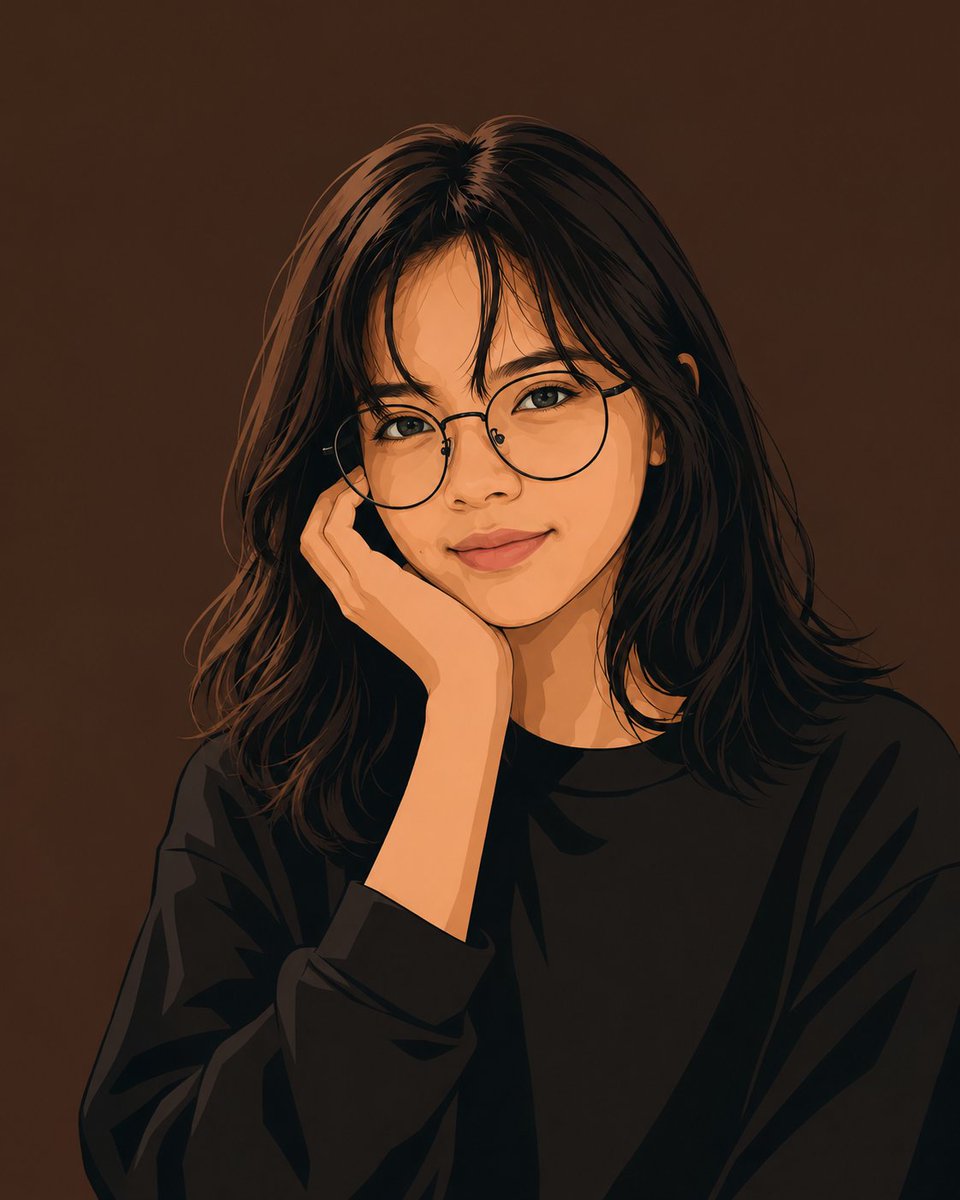
Profile / Avatar - Clean Vector Portrait of Woman with Glasses

Generates a square minimalist vector-style portrait of a calm young woman with round glasses, ideal for profile pictures or stylized avatar art.

提示词

1,281 字符打开 Astorie 创作台 ↗
Create a minimalist clean flat vector portrait of {argument name="character description" default="a young woman"} shown from the chest up, centered on a square canvas. She has {argument name="hair color and style" default="long straight dark brown-black hair with soft wispy bangs and loose shoulder-length layers"}, warm light-medium skin, delicate facial features, almond-shaped open eyes looking calmly forward, subtle eyeliner, natural lips, and a soft closed-mouth smile. She wears {argument name="glasses style" default="thin black-rimmed round glasses"} and {argument name="outfit" default="an oversized plain black crewneck sweatshirt"}. Pose her with one hand gently resting against her cheek near the glasses frame, elbow implied below the crop, relaxed and thoughtful. Use a modern digital vector illustration style with smooth simplified shapes, crisp dark outlines, painterly cel-shaded shadows, warm orange highlights on skin and hair, detailed but stylized hair strands, and no visible texture or text. Set the portrait against a solid {argument name="background color" default="dark warm brown"} background, with soft frontal lighting, high contrast between the black clothing and warm face, clean edges, no accessories besides the glasses, no watermark, no border.
来自原帖查看来源 ↗

更多灵感

Game Asset - Anime Adventurer Character Sheet
YouTube Thumbnail - Abandoned Road Under Bridge
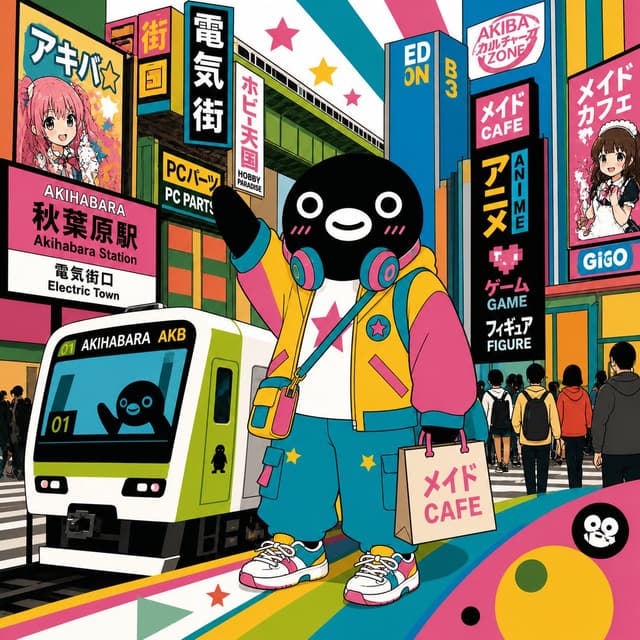
Social Media Post - Suica Penguin in Akihabara
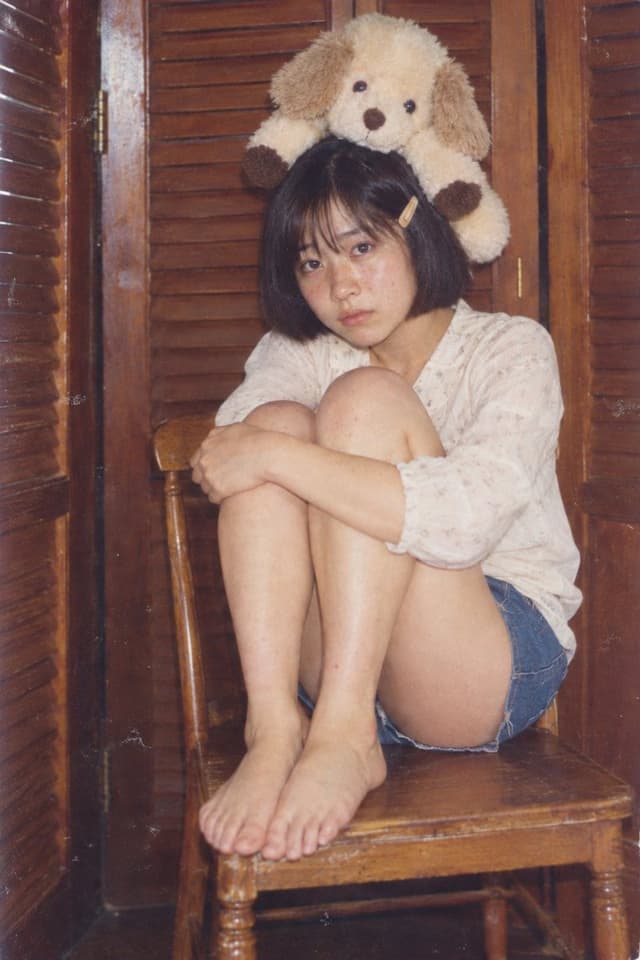
Profile / Avatar - Retro Portrait: Girl with Plush Dog
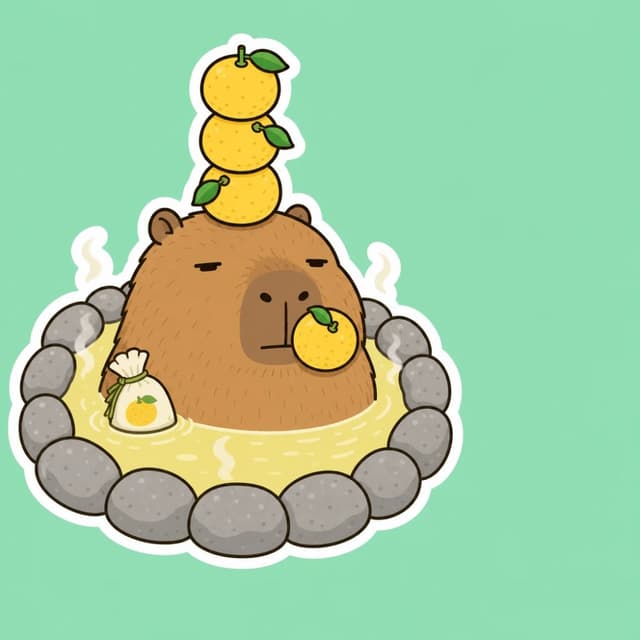
Profile / Avatar - Capybara Yuzu Hot Spring Sticker
Profile / Avatar - GPT Image 2 Miniature Forced Perspective Prompt

Profile / Avatar - GPT Image 2 Miniature Forced Perspective Prompt

SairahGPT Image 2
Create a 1:1 square, ultra-realistic overhead photograph based on the uploaded selfie. The selfie is the sole reference for the person's identity. Preserve the same recognizable adult face, natural facial proportions, skin tone, hairstyle, original expression, visible clothing (including existing prints), and accessories. Naturally complete any unseen trousers and shoes to match the original outfit.

CAMERA & ENVIRONMENT
Position the camera almost directly above the person, looking vertically downward. The setting is a clean, spacious, light-colored indoor stone floor or outdoor paved surface that matches the aesthetic of the original selfie. Use large paving slabs with only 2–3 thin, widely spaced seams across the entire frame. Each slab should be approximately twice the height of the miniature full-body figure. Keep the stone texture subtle and refined, with no props, plants, or clutter. A distant wall base may appear along the top edge.

COMPOSITION & PROPORTIONS
Only one person stands slightly below the center of the frame, fully visible from head to toe. The entire figure occupies just 40% of the image height, leaving extensive empty floor space above the head and on both sides.

Use extreme wide-angle forced perspective to create an enormous, realistic head and a miniature body. The head, from crown to chin, occupies 75% of the figure's total silhouette height. The shoulder width is only 50% of the head width. Below the head, create an extremely short, narrow torso, miniature arms, perspective-compressed short legs, and two tiny shoes placed close together.

The head and body must connect seamlessly. Both arms hang naturally close to the sides. The person tilts their head upward and looks directly toward the elevated camera. Preserve realistic facial anatomy, natural skin texture, and lifelike eyes. Absolutely no cartoon styling or collage effects.

LIGHTING & REALISM
Use natural lighting, realistic individual hair strands, authentic fabric textures, finely detailed stone surfaces, physically accurate contact shadows, and subtle film grain. The final image must look like a genuine photograph captured with a real camera.
使用此提示词 ↗

寻找下一个方向

ASTORIE CANVAS

让灵感,继续生长。

在同一个创作空间,连接提示词、参考素材和生成结果。

打开创作画布 ↗