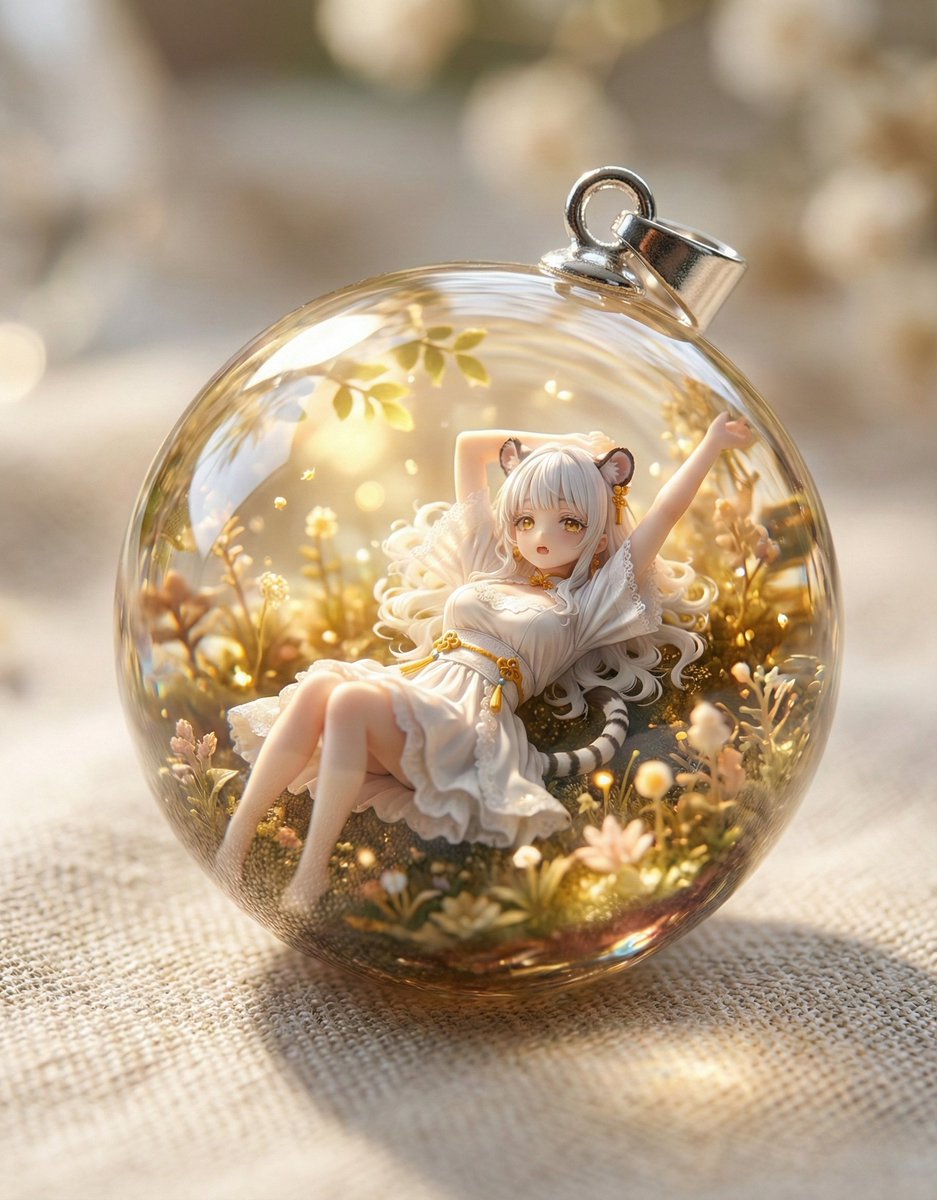
Resin Charm Illustration Prompt

A prompt designed to generate illustrations suitable for creating resin charms, focusing on isolating the main subject and handling backgrounds based on whether a reference image is provided with or without a background.

提示词

1,143 字符打开 Astorie 创作台 ↗
You are a professional illustrator. Based on the image attached by the user, please generate an illustration that can be used as material for a resin charm.

**Illustration Requirements:**
1.  **Emphasis on Subject:** Extract the main subject (character, animal, object, etc.) from the attached image and draw it to maximize its appeal.
2.  **Background Processing:**
    *   If the attached image has no background (transparent or solid color), automatically add a simple and cute background that matches the subject's atmosphere (e.g., pale gradient, small star or heart patterns, watercolor-style bleed).
    *   If the attached image has a background, use that background as is and integrate it into the illustration.
3.  **Style:** Draw in a cute, deformed illustration style with vibrant, clear colors and distinct outlines. Be mindful of gloss and three-dimensionality so that it looks good when enclosed in resin.
4.  **Output Format:** Output as a square image.

**Notes:**
*   Do not run in High-Speed mode; always run in PRO mode or Thinking mode.
*   The generated illustration is intended to be used as material for a resin charm.
来自原帖查看来源 ↗

使用说明

The source requires reference images. Confirm input files before use.

更多灵感

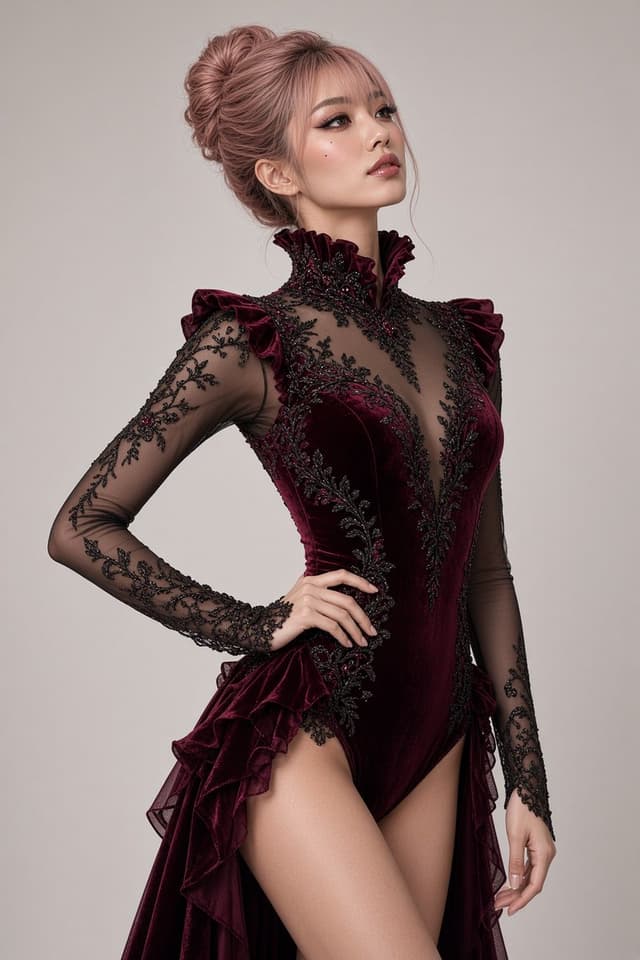
Social Media Post - Red Velvet Leotard Portrait Comparison
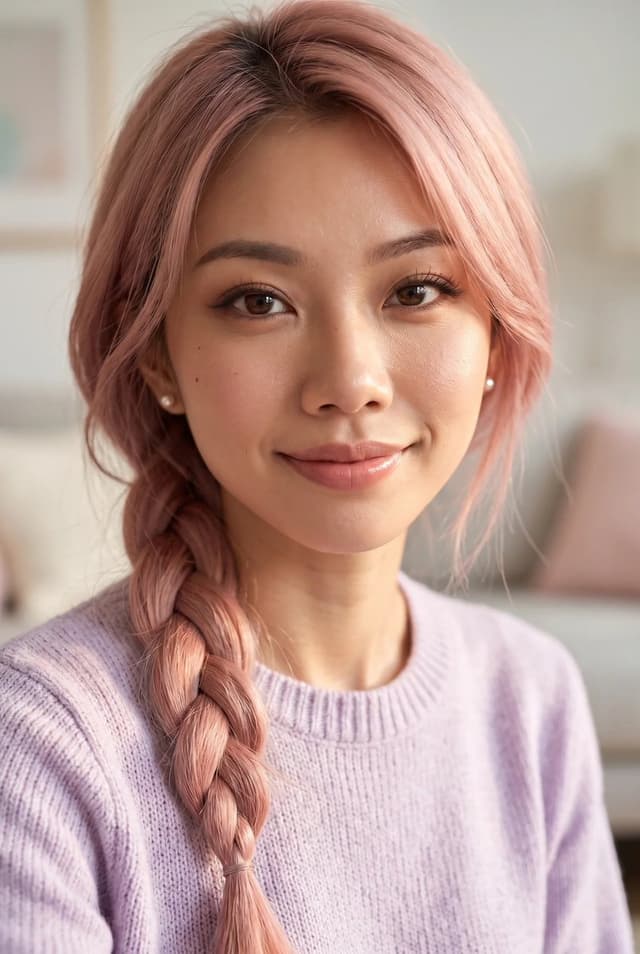
Profile / Avatar - Purple Sweater Portrait Comparison
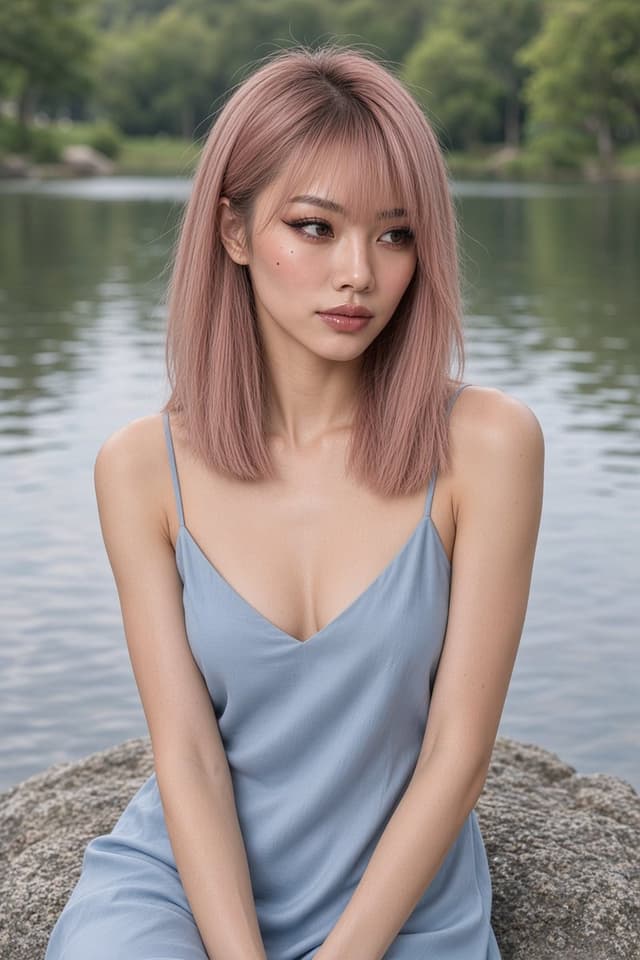
Profile / Avatar - Nano Banana Pro Lake Portrait Comparison
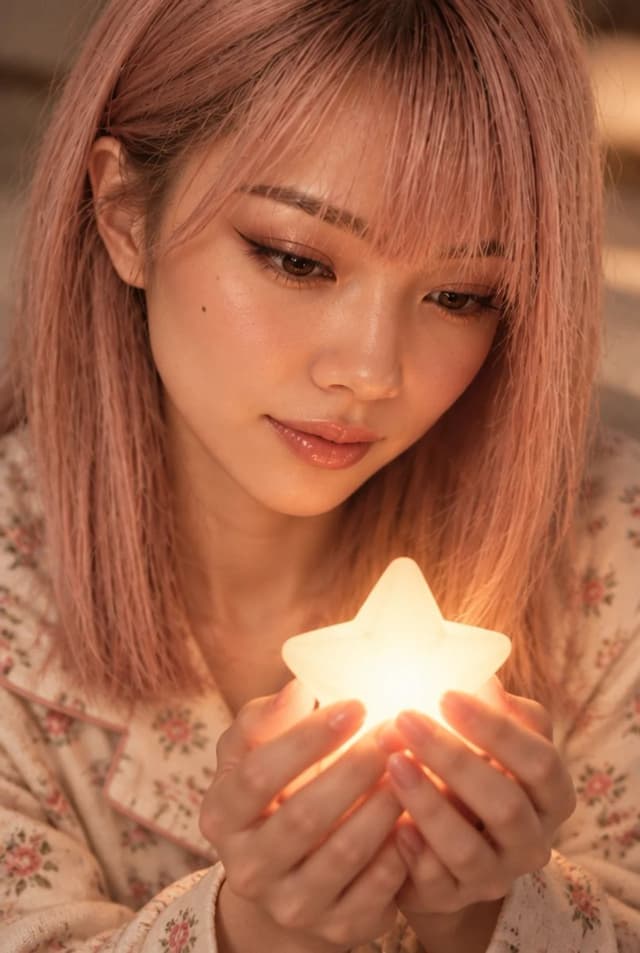
Profile / Avatar - Cute Star Night Light Portrait Comparison
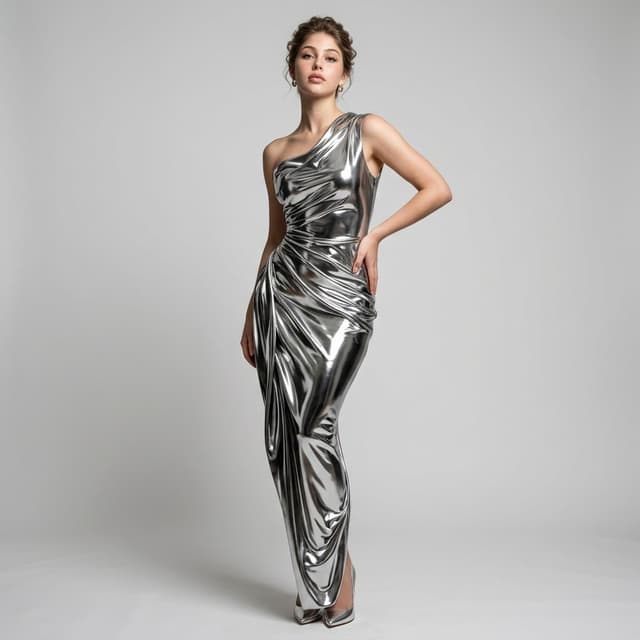
Social Media Post - Nano Banana Pro Silver Metallic Gown Portrait
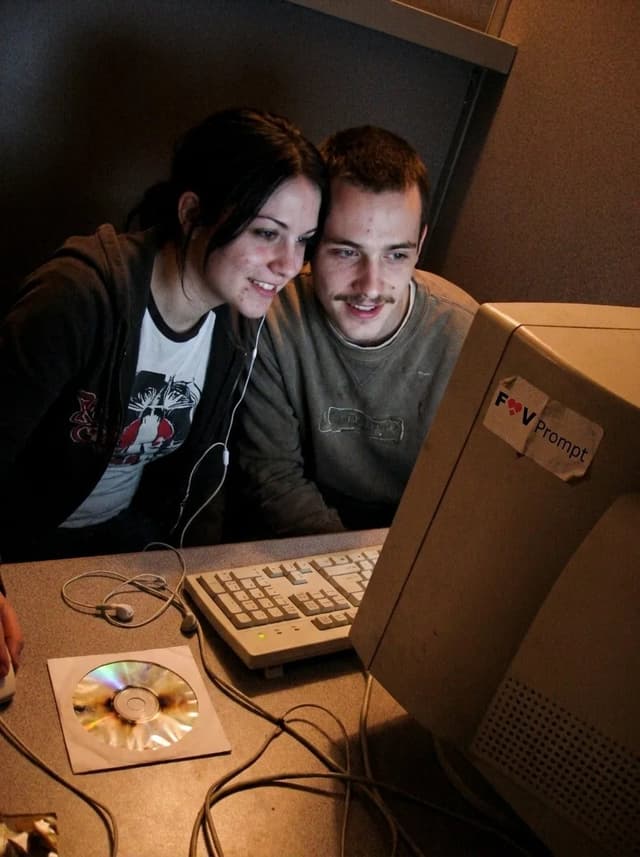
Profile / Avatar - Early 2000s Internet Cafe Webcam Couple

Profile / Avatar - Early 2000s Internet Cafe Webcam Couple

Fav PromptNano Banana Pro
A candid couple photo of the Woman's Look and Man's Look in the Setting, engaged in the Activity. Render it as the Camera Type, with soft focus, smeared facial detail, color noise, dim uneven indoor light and low-resolution compression. Use awkward webcam framing from a desk-level angle, with a slight tilt and casually cropped shoulders or arms. Include the Era Props naturally in the booth. The couple should look genuinely close and relaxed, with real skin, messy everyday hair and no heavy retouching. Use Face Reference for the matching faces when applicable. Make it feel like an unedited early-2000s personal photo from an old Facebook album or MSN chat, not a modern image with a retro filter. No date stamp, text, watermark, modern electronics or current fashion. Output in the Format.

Use these details:
Woman's Look: "{argument name="woman's look" default="Young woman in her early 20s with straight black hair, a casual graphic T-shirt and a loose zip hoodie"}"
Man's Look: "{argument name="man's look" default="Young man in his early 20s with a thin mustache, tousled hair and a worn casual sweatshirt"}"
Setting: "{argument name="setting" default="A cramped internet cafe booth with a laminate desk, worn carpet, beige walls and bulky CRT monitors"}"
Activity: "{argument name="activity" default="Leaning close together and looking into the webcam during an online chat"}"
Camera Type: "{argument name="camera type" default="Low-resolution built-in webcam capture from a chunky desktop computer"}"
Era Props: [{argument name="era props" default="Wired earphones, A burned CD in a paper sleeve, A chunky desktop keyboard"}]
Face Reference: "{argument name="face reference" default="Use attached photos for the matching person's face when provided; if none are attached, invent both faces"}"
Format: "{argument name="format" default="4:3 landscape"}"
使用此提示词 ↗

寻找下一个方向

ASTORIE CANVAS

让灵感,继续生长。

在同一个创作空间,连接提示词、参考素材和生成结果。

打开创作画布 ↗