
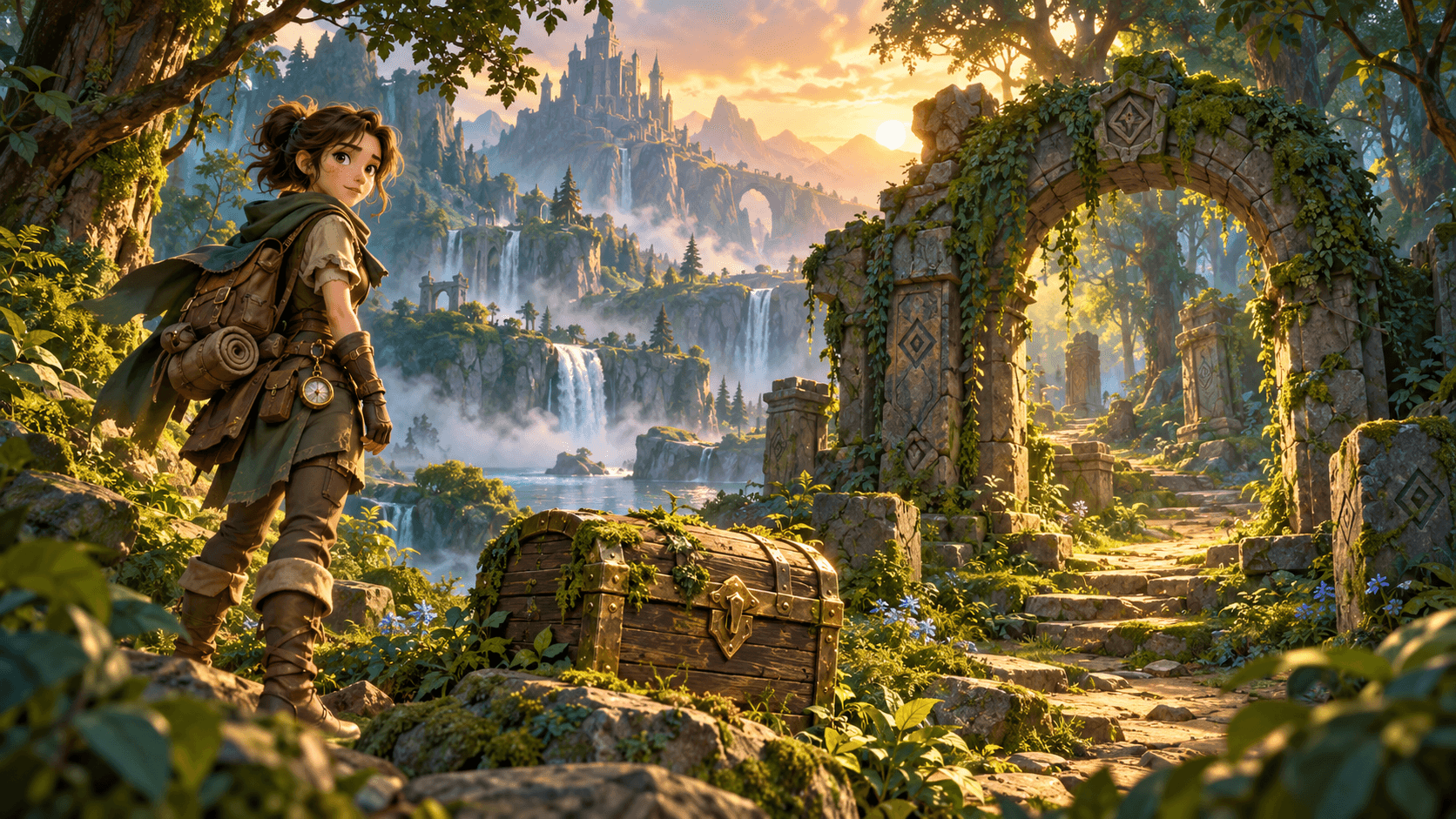
Image

AI Game Asset Generator on Astorie

Indie studio prototyping a 50-asset library for a 72-hour game jam — props, environments, UI, character sprites, splash art — all anchored to one consistent style. Drop the style reference once, fan across Midjourney, Flux, Nano Banana 2, GPT Image 2, and Seedream for the asset library. Concept art and reference packs only — never engine-ready sprite sheets, never normal-mapped or rigged.

What this feature solves

Game development at indie scale lives or dies on asset volume. A three-person studio building a 2D platformer prototype for a 72-hour game jam needs 50 assets — props (chests, lanterns, signposts, crates), environments (forest tiles, dungeon walls, cave floors), UI (health bars, menu icons, button states), characters (protagonist sprites, enemy variations), and splash art (title screen, game-over card) — all sharing one consistent style. Hiring an artist for 50 assets is impossible at jam scale; rolling your own 50 assets across separate AI image sessions guarantees style drift by asset 15.

The other half of the problem is style consistency at scale. A pixel-art game with painterly menu icons fights itself. A low-poly platformer with hand-painted UI breaks the world. The asset library has to share a style anchor — line weight, color palette, lighting direction, level of detail — across every prop, environment, and character. Tab-based AI image tools generate one asset per session and lose the style anchor between generations; the studio ends up with 50 disconnected pieces rather than a cohesive asset pack.

And there is the engine-ready false promise. AI image models do not produce engine-ready sprite sheets. There is no normal-map output, no UV unwrap, no rigged skeleton, no consistent pivot point across a walk cycle, no transparent-background alignment grid. A workflow that promises 'engine-ready game assets' is shipping false promises. The honest framing is concept art and reference packs — high-quality references for a real game artist on the team to clean, batch, and ship into Unity, Unreal, Godot, or Roblox. Concept acceleration, not artist replacement.

Why Astorie is different

Astorie anchors the game's style once on the canvas. Drop one style reference image as a labeled image node — the chosen visual language (pixel art, voxel, low-poly, hand-painted, stylized 3D, photoreal). Drop a color palette reference as a second anchor. Every per-asset prompt — 'wooden chest with iron bands,' 'forest tile with mossy ground,' 'enemy slime in three sizes' — wires into both anchors. The 50-asset library scales from two locked anchors; visual cohesion holds across props, environments, UI, and characters automatically.

Multi-model fanout for style direction, single-model for catalog scale-out. For the splash art and the protagonist hero — the assets that headline the game's visual identity — fan across Midjourney (editorial composition), Flux (high-fidelity rendering), Nano Banana 2 (reference fidelity), GPT Image 2 (refinement), and Seedream (stylistic range). Pick the strongest direction. For the 48 remaining assets — props, environments, UI, character variations — lock the winning model and run them all from the same style and palette anchors. The library scales on the chain rather than on per-asset re-prompting.

Downstream chaining hands off to the production pipeline. Once the asset pack lands, chain into image-upscale for high-resolution masters, into background-removal for transparent-background asset cutouts the artist drops into the engine, and into ai-image-to-video for short asset reveals on the studio's social. Save the canvas as a project template; future game-jam projects or sequels inherit the locked style anchor and the proven model chain. Frame the deliverable honestly — concept reference pack for the game artist to clean and ship, not engine-ready sprites.

Common use cases

72-hour game-jam asset library

Indie studio anchors the style once and generates 50 props, environments, UI, and character assets through the locked chain in a single jam weekend.

Tabletop campaign concept art for a Kickstarter book

Tabletop publisher generates concept art for monsters, locations, items, and characters across a campaign book — anchored to one art-direction.

Mood board and reference pack for a hired art team

Game art director generates reference packs that the contracted artist team uses as production guides — concept stage, not finished pieces.

UI and HUD concept exploration for a SaaS or game launch

Studio explores 24 UI and HUD concept variations — health bars, menu screens, inventory panels — anchored to the locked game style.

Environment tileset concept for a 2D platformer

Designer generates 30 environment tile concepts (forest, dungeon, cave, snow, fire) anchored to the locked style for the level designer to clean.

Splash art and key art for marketing the game

Studio generates the title-screen splash art, the Steam page key art, and the social-share imagery from the same style anchor as the in-game assets.

Recommended model stack

How the workflow works in Astorie

  1. 1

    1. Anchor the game style once

    Drop one style reference image as a labeled canvas node — pixel art, voxel, low-poly, hand-painted, stylized 3D. The style anchor stays locked across the entire asset library.

  2. 2

    2. Anchor the color palette

    Drop a color palette reference as a second labeled node. Every asset inherits the palette automatically.

  3. 3

    3. List the asset library as a prompt sheet

    Group by category — props (10), environments (15), UI (8), characters (10), splash art (5), enemies (12). Each asset gets a per-prompt description as a text node.

  4. 4

    4. Fan out the splash art and protagonist hero across multiple models

    For the splash art and the hero protagonist — the visual identity anchors — run Midjourney, Flux, Nano Banana 2, GPT Image 2, and Seedream in parallel from the locked style and palette anchors.

  5. 5

    5. Lock the winning model as the asset-library template

    Save the canvas as a template. Run the remaining 45-50 assets through the locked model from the same style and palette anchors. The library scales on the chain.

  6. 6

    6. Chain through background-removal for transparent-background props

    For props, characters, and UI elements that need to drop into the engine on transparent backgrounds, wire into the background-removal tool node.

  7. 7

    7. Hand off to the game artist for engine-ready cleanup

    Final assets ship to the artist for cleanup, batching, alignment, and integration. Frame the deliverable as concept reference, not engine-ready output.

Example workflow

Aria leads art direction at a three-person indie studio entering a 72-hour game jam with a 2D pixel-art platformer about a fox navigating a haunted forest. She opens a workspace canvas and drops the style reference (chunky 32x32 pixel art with limited palette, painterly highlights, soft outline) and a palette reference (deep navy night, warm orange torchlight, cool teal moonlight, blood-red enemy accent). For the splash art and the protagonist fox-hero, she fans across Midjourney, Flux, Nano Banana 2, GPT Image 2, and Seedream; Nano Banana 2 holds the chunky pixel-art style across multiple generations the strongest. She locks Nano Banana 2 and runs the remaining 48 assets — 10 forest tile variations, 8 dungeon prop variations (chests, lanterns, signs, doors), 12 enemy concepts (ghosts, wolves, witches at three sizes each), 8 UI elements (health bar, menu, inventory, dialogue box), 5 hero variants (fox idle, run, jump, attack, hurt), 5 splash art variations. Each asset chains through GPT Image 2 for style cleanup and through background-removal for transparent backgrounds where needed. The 50-asset pack lands at hour 32 of the jam. The two engineers spend the remaining 40 hours wiring assets into the engine, animating frame variations, and balancing gameplay. The studio ships a coherent jam build with one consistent visual identity across every asset. Aria saves the canvas as the studio template; the next jam project inherits the chain.

Tips and common mistakes

Tips

  • Anchor the art style and palette as separate canvas nodes. Visual cohesion across 50 assets comes from two locked anchors, not 50 individual prompts.
  • Fan out only on the splash art and the hero protagonist. Lock the winning model for the catalog scale-out across props, environments, UI, and enemy concepts.
  • Use Nano Banana 2 for reference-faithful asset generation across the library. The chunkier and more stylized the chosen art direction, the more the consistency anchor matters.
  • Save the canvas as a studio template. Sequel projects, game-jam follow-ups, and DLC asset packs inherit the locked style automatically.
  • Frame the AI output honestly to your team and your audience — concept reference pack, not engine-ready sprite sheet.

Common mistakes

  • Claiming AI output is engine-ready. AI image models do not produce sprite sheets with consistent pivot points, normal maps, UV unwraps, or rigged skeletons — the artist or rig artist still does that work.
  • Generating assets in the literal style of a known game IP — Hollow Knight, Stardew Valley, Studio Ghibli, Pokemon — for commercial release. Style mimicry of registered IP is legal-risk territory.
  • Skipping the style anchor. Without it, asset 30 looks like a different game than asset 1, and the library fragments visibly even with a great underlying art direction.
  • Letting the catalog scale-out drift into too many models. Lock one model for the catalog; fan-out belongs to the splash art and hero anchors only.
  • Treating the AI output as a substitute for a game artist on shipping commercial titles. For Steam, console, and mobile-store releases, expect a real game artist to clean, batch, and ship the AI concept assets through the engine pipeline.

Related how-to guides

Related models and tools

Related features

AI Character Design — Game and Story Characters on Astorie

Design original characters for games, stories, and animations on Astorie's canvas.

AI Character Reference — Reference-Image Workflows on Astorie

Use reference images to guide AI model outputs on Astorie's canvas.

AI Style Transfer — Apply Artistic Styles to Images on Astorie

Transfer artistic styles between images using AI on Astorie.

AI Architecture Rendering — Building and Space Visualization

Generate architectural renderings, exterior visualizations, and concept art on Astorie.

AI Character Consistency Across Images and Video

Keep a subject consistent across image and video generations on Astorie using reference workflows.

AI Photo Restoration — Restore Old Photos on Astorie

Restore old, damaged, or low-quality photos with AI on Astorie's canvas.

AI Product Photography — Studio-Quality Product Images on Astorie

Generate studio-quality product photos for e-commerce on Astorie's canvas.

AI Headshot Generator — Professional Headshots in Minutes

Generate professional headshots for LinkedIn, resumes, and team pages on Astorie's canvas.

AI Mockup Generator — Product, Device, and Brand Mockups

Generate product, device, and brand mockups for marketing on Astorie's canvas.

AI Thumbnail Generator — YouTube and Social Thumbnails

Generate scroll-stopping thumbnails for YouTube, podcasts, and social on Astorie.

AI Logo Generator — Brand Marks and Wordmarks on Astorie

Generate logo concepts, brand marks, and wordmarks on Astorie's canvas.

AI Emoji Generator — Custom Emoji on Astorie

Generate custom emoji and stickers for Slack, Discord, and brand on Astorie.

AI Sticker Generator — Telegram, WhatsApp, Discord Packs

Generate sticker packs for Telegram, WhatsApp, Discord, and iMessage on Astorie.

AI Comic Strip Generator — Multi-Panel Comics on Astorie

Generate multi-panel comic strips with consistent characters on Astorie's canvas.

AI Presentation Slides — Pitch Decks and Slide Visuals

Generate slide visuals, pitch deck imagery, and presentation graphics on Astorie.

AI Icon Generator — App and UI Icons on Astorie

Generate app icons, UI icons, and brand icon sets on Astorie's canvas.

AI Interior Design — Room and Space Visualization on Astorie

Visualize interior designs, room concepts, and decor schemes on Astorie's canvas.

Related docs

Related reading

Comparisons

Frequently asked questions

Is the AI output engine-ready for Unity, Unreal, or Godot?

No. AI image models do not produce engine-ready sprite sheets — there is no consistent pivot point across a walk cycle, no normal-map output, no UV unwrap, no rigged skeleton, no transparent-background alignment grid. The output is concept art and reference, suitable for a game artist to clean, batch, and integrate into the engine. For shipping commercial titles, expect a real game artist on the team to do the engine integration work.

How do I keep all 50 assets looking like the same game?

Anchor the art style and the color palette as separate canvas nodes. Every per-asset prompt wires into both anchors. After fan-out picks the strongest model on the splash art and the hero protagonist, lock that model as the asset-library template and scale the remaining 45+ assets through it. The library holds visual cohesion because the upstream anchors never moved.

Which model is best for game assets?

Different roles in the asset library favor different models. Midjourney leads on splash art and dramatic key art. Flux delivers high-fidelity rendering for detailed environment tiles and prop work. Nano Banana 2 holds reference-faithful style across the catalog scale-out. GPT Image 2 refines the strongest assets. Seedream offers stylistic range for stylized props, UI, and character variations.

Can I generate game assets in the style of Hollow Knight or Stardew Valley?

For personal study and reference, image models will produce in those styles, but for commercial release the answer is no. Generating assets in the literal style of a registered game IP — Hollow Knight, Stardew Valley, Pokemon, Studio Ghibli — is style-mimicry territory and creates real legal risk for shipping titles. Build an original art style from your own mood-board sources rather than naming a registered game property.

How do I get sprite sheets out of AI image generation?

You do not, directly. AI image models produce concept frames; the sprite-sheet assembly (consistent pivot points, frame alignment, batching, transparent backgrounds) still happens in the artist pipeline using tools like Aseprite, Photoshop, or a sprite-sheet packer. Treat AI output as the per-frame concept reference and let the artist build the sprite sheet from the cleaned and aligned frames.

Can I use this for a Kickstarter or commercial game launch?

Yes for the concept and reference layer. Use AI for the asset-library exploration, the mood-board pack for hired artists, the marketing splash art, and the Kickstarter campaign visuals. For the actual engine assets that ship in the game build, expect a real game artist to clean, batch, and integrate through the engine pipeline. Frame Astorie as concept acceleration; the game artist closes the loop on production-quality engine assets.

Build it on the canvas

Open Astorie and wire this workflow up in minutes. Free to start — no card required.

This website uses cookies

We use basic cookies and product analytics to keep Astorie secure, remember preferences, and plan long-term improvements. You can also allow full marketing tags.

Read more