

Runway
Runway Gen-4 Image
Runway Gen-4 Image is Runway's reference-driven AI image model that generates cinematic-quality stills at 720p or 1080p from a text prompt plus tagged reference images. It is the still-image counterpart to the Runway Gen-4 video model — not a video generator itself — and is built so its frames feed straight into Runway Gen-4 Turbo for image-to-video. On Astorie you run it on an infinite canvas and fan one prompt out to Gen-4 Image plus Imagen 4, FLUX, and Nano Banana 2 at once to compare takes side by side.
Runway Gen-4 Image (also written "Runway Gen4 Image" or "Gen-4 references") launched in 2025 as the image half of Runway's Gen-4 generation, and it is frequently confused with the Runway Gen-4 video model — they share a name and a release wave but do different jobs. Gen-4 Image produces a still picture; Runway Gen-4 (video) animates one. The image model's signature trick is reference tagging: you upload up to three reference images, give each a tag (for example @sarah or @loft), then write a prompt like "@sarah sitting in the @loft at golden hour" — the model keeps that character's face and that location's look consistent across every frame you generate. That consistency is why it is built for storyboard-to-production pipelines rather than one-off art. It outputs at 720p or 1080p across six aspect ratios (1:1, 16:9, 7:3, 4:3, 3:4, 9:16), covering widescreen cinematic plates and vertical mobile frames, with a film-grade aesthetic — natural depth of field, filmic color, and dramatic lighting — that matches Runway Gen-4 Turbo video so the look carries through from still to motion. As of 2026, Gen-4 Image caps at 1080p; for 4K finals you chain it into an upscale tool. On Astorie, Gen-4 Image is one node on a multi-model canvas: wire one prompt into Gen-4 Image, Imagen 4, FLUX, and Nano Banana 2 simultaneously, keep every take in the version tray, pick the winner, then feed it into a Runway Gen-4 Turbo video node — all without a Runway subscription, GPU, or local install.
Capabilities
Best For
- Storyboard and key frames that feed into Runway Gen-4 Turbo video generation
- Reference-consistent character and set across a scene sequence via tagged references
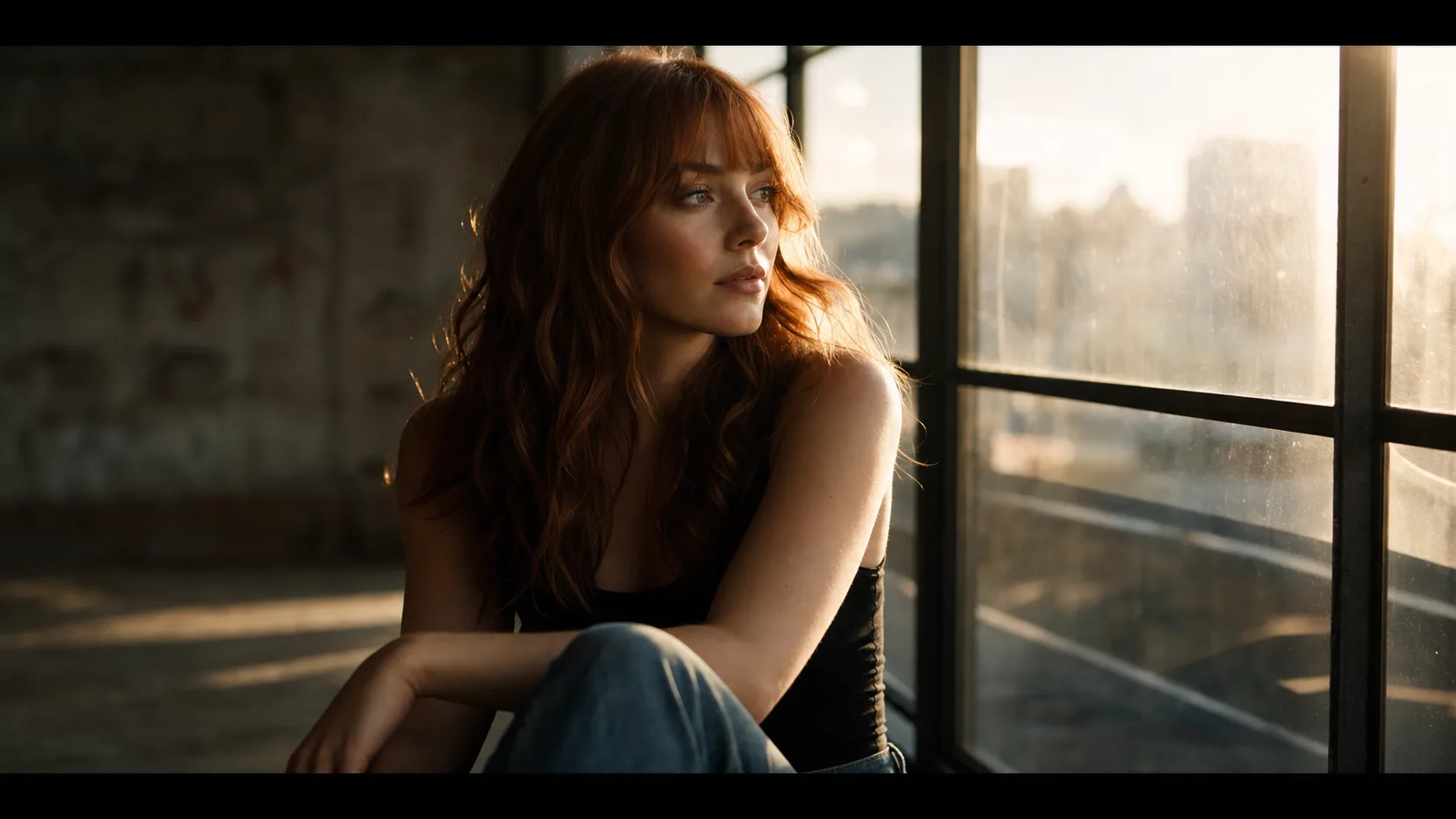
- Cinematic stills with natural depth of field and film-grade lighting
- Production pipelines that combine image and video AI on one canvas
- Widescreen (16:9, 7:3) cinematic plates and vertical (9:16) mobile frames
Strengths
- Reference tagging keeps character, wardrobe, and location identity consistent across every generated frame
- Cinematic aesthetic — natural depth of field, filmic color, and dramatic lighting out of the box
- 6 aspect ratios including ultrawide 7:3 for cinematic letterbox plates
- Same look as Runway Gen-4 Turbo video — aesthetic carries seamlessly from still to image-to-video
- On Astorie, fan one prompt out to Gen-4 Image, Imagen 4, FLUX, and Nano Banana 2 at once and compare takes in the version tray
- Browser-based on Astorie — no Runway subscription, no GPU, no local install
Limitations
- Max 1080p as of 2026 — for 4K output, chain into an upscale tool
- Single image per generation (no batch grid)
- It is an image model, not video — to animate a frame, pass it to the Runway Gen-4 video model or another image-to-video node
- Premium-tier model — for rapid exploration, draft with a lighter image model first
- Strong cinematic look limits flat, neutral, or stock-photo-style output
Tips & Best Practices
Use Runway Gen-4 Image on Astorie
Connect Runway Gen-4 Image with other AI models on Astorie's infinite canvas. No GPU required — start free.
Get Started FreeFrequently Asked Questions
What is Runway Gen-4 Image?
Runway Gen-4 Image is Runway's reference-driven AI image model that generates cinematic-quality stills at 720p or 1080p from a text prompt plus tagged reference images. It is the still-image member of Runway's Gen-4 generation, distinct from the Runway Gen-4 video model, and is designed so its frames feed directly into Runway Gen-4 Turbo for image-to-video.
What is the difference between Runway Gen-4 Image and the Runway Gen-4 video model?
Runway Gen-4 Image generates a still picture; the Runway Gen-4 video model animates a still into a clip. They share the "Gen-4" name and release wave but do different jobs. A common workflow is to create a reference-consistent frame in Gen-4 Image, then pass it to the Runway Gen-4 video node to bring it to life. On Astorie both live on the same canvas.
What resolution does Runway Gen-4 Image support?
Runway Gen-4 Image supports 720p and 1080p output. As of 2026 it caps at 1080p, so use 720p for fast storyboard drafts and 1080p for final frames; for 4K, chain it into an upscale tool like Recraft Crisp or Topaz.
What aspect ratios does Runway Gen-4 Image support?
Runway Gen-4 Image supports 6 aspect ratios: 1:1 (square), 16:9 (widescreen), 7:3 (ultrawide cinematic), 4:3 (standard), 3:4 (portrait), and 9:16 (vertical/mobile). The 7:3 letterbox is useful for cinematic plates that feed into widescreen video.
How do reference images work in Runway Gen-4 Image?
You upload reference images, tag each one with a name (for example @sarah or @loft), then mention those tags in your prompt. The model keeps the tagged character's face and the tagged location's look consistent across every frame, which is what makes Gen-4 Image suited to storyboards and scene sequences rather than one-off art.
Can I use Gen-4 Image output for video generation?
Yes — that is its primary use case. Generate cinematic key frames with Gen-4 Image, then feed them into a Runway Gen-4 Turbo video node. The cinematic aesthetic carries through consistently from still to motion, and on Astorie both steps happen on the same canvas.
Do I need a Runway subscription to use Gen-4 Image?
No. On Astorie you access Runway Gen-4 Image through your Astorie credits on a browser-based canvas — no separate Runway subscription, no GPU, and no local install. You can also run it alongside 50+ other image and video models in one workspace.
How does Runway Gen-4 Image compare to other image models on Astorie?
Gen-4 Image is the cinematic, reference-consistent option built to pair with Runway video. For photoreal product or text work consider Imagen 4 or Nano Banana 2; for stylized concept art consider Midjourney or FLUX. On Astorie you do not have to choose blindly — fan one prompt into several models at once and compare the takes in the version tray.
Related Features
How-To Guides
Related Reading
Related Image Models
Midjourney
Midjourney v7
Midjourney v7 is the most recognizable AI image generator, with the strongest aesthetic signature in the category. On Astorie you get V7 for photoreal and painterly work, Niji 7 for anime, Omni Reference for character lock-in, and Stylization, Variety, and Weirdness sliders for fine control — all from the canvas, no Discord required.
View detailsBlack Forest Labs
FLUX
FLUX by Black Forest Labs is a fast, high-quality image generation family known for photorealistic output and excellent prompt adherence. Variants span free-tier dev models to ultra-resolution Pro outputs.
View detailsBlack Forest Labs
FLUX Kontext
FLUX Kontext is a context-aware image generation and editing model that uses reference images to maintain character and style consistency across outputs. Available in Pro and Max tiers.
View details