

Anchor the Starting Composition
Your uploaded image sets the lighting, palette, and framing for the first frame. Subtle, physically plausible motion prompts hold subject identity far better than abrupt scene changes.
Image to Video Workflow
Start with a strong reference image and describe what should move, what should remain stable, and how the camera should behave. Inspect the generated clip frame by frame before cutting it into a sequence. The scene shown here is an illustrative storyboard, not a playable model output.
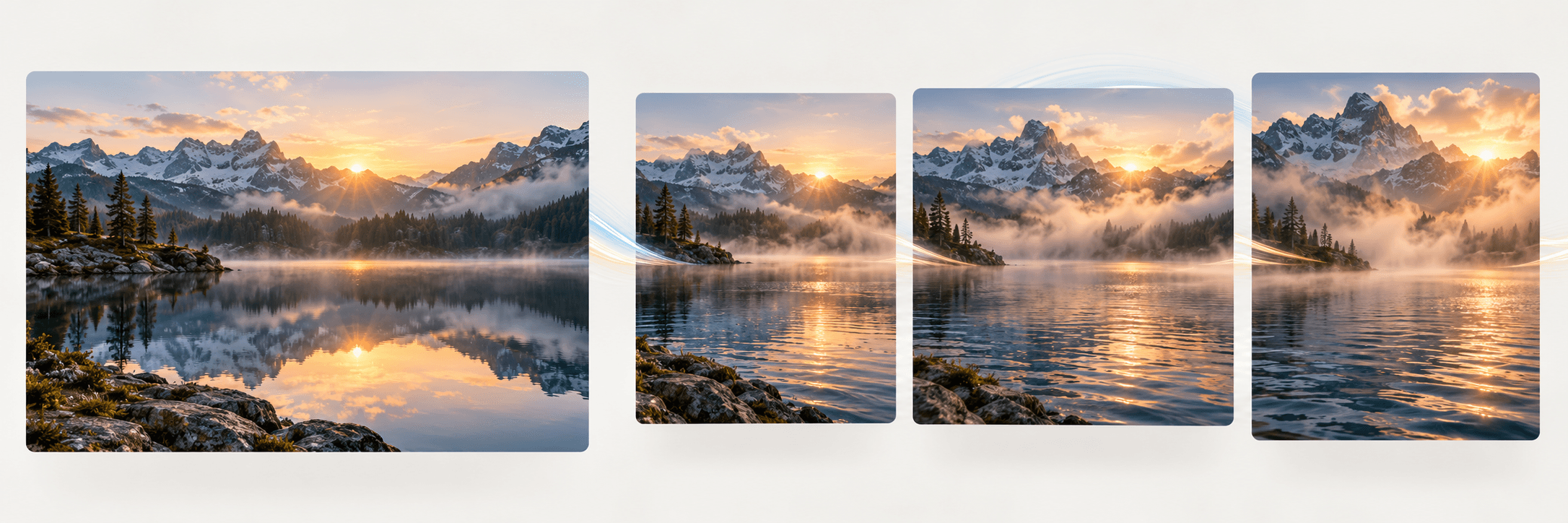
Upload a starting still and describe the motion, subject behavior, and camera movement you want.
Start with a sharp image where the main subject, edges, and depth separation are clear. Avoid heavy motion blur or cluttered foregrounds that make movement ambiguous.
Describe a single camera move (such as a slow push-in or gentle pan) and one primary subject action while stating which background elements should stay anchored.
Play the generated clip back and check for edge warping, facial drift, or unintended lighting shifts before exporting or chaining the shot into your video timeline.
Your uploaded image sets the lighting, palette, and framing for the first frame. Subtle, physically plausible motion prompts hold subject identity far better than abrupt scene changes.
Write camera direction and subject motion as distinct clauses, such as slow dolly forward while mist drifts across the water, so the generator does not conflate the two.
Hands, text labels, reflections, and thin architectural lines can drift over several seconds of motion. Always inspect the full duration before using a clip in a final cut.
| Input | One starting still image (required) and a written prompt describing subject motion and camera behavior. | |
|---|---|---|
| Output | A short generated video clip based on the source frame for review and timeline editing. | |
| Review | Inspect subject consistency, edge stability, pacing, and motion realism across all frames before publishing. | |
| Free plan | 40 credits a month, no card needed; results are for personal exploration only and are not licensed for commercial use. |
Yes. The image-to-video tool on this page requires a starting still frame so the generation is anchored to your composition, lighting, and subject.
When a prompt asks for fast rotation or complex choreography not visible in the source still, the model has to invent new angles. Keep motion restrained and test shorter camera moves for cleaner continuity.
Use simple, single-axis cinematography terms such as slow push-in, locked-off tripod shot, gentle pan right, or subtle handheld sway rather than stacking multiple competing camera moves in one clip.
No. Only upload photographs, artwork, or designs that you created or have explicit permission and rights to animate.
Upload a starting image, describe one clear camera and subject movement, and review the resulting clip for visual continuity.