

Shot Order
Give the editor a simple sequence or list showing how selected clips should play.
Editorial Handoff
Keep shot order, source files and sound references clear as you hand work to an editor. The timeline shown is an illustration, not an Astorie interface or proof of a native project export.
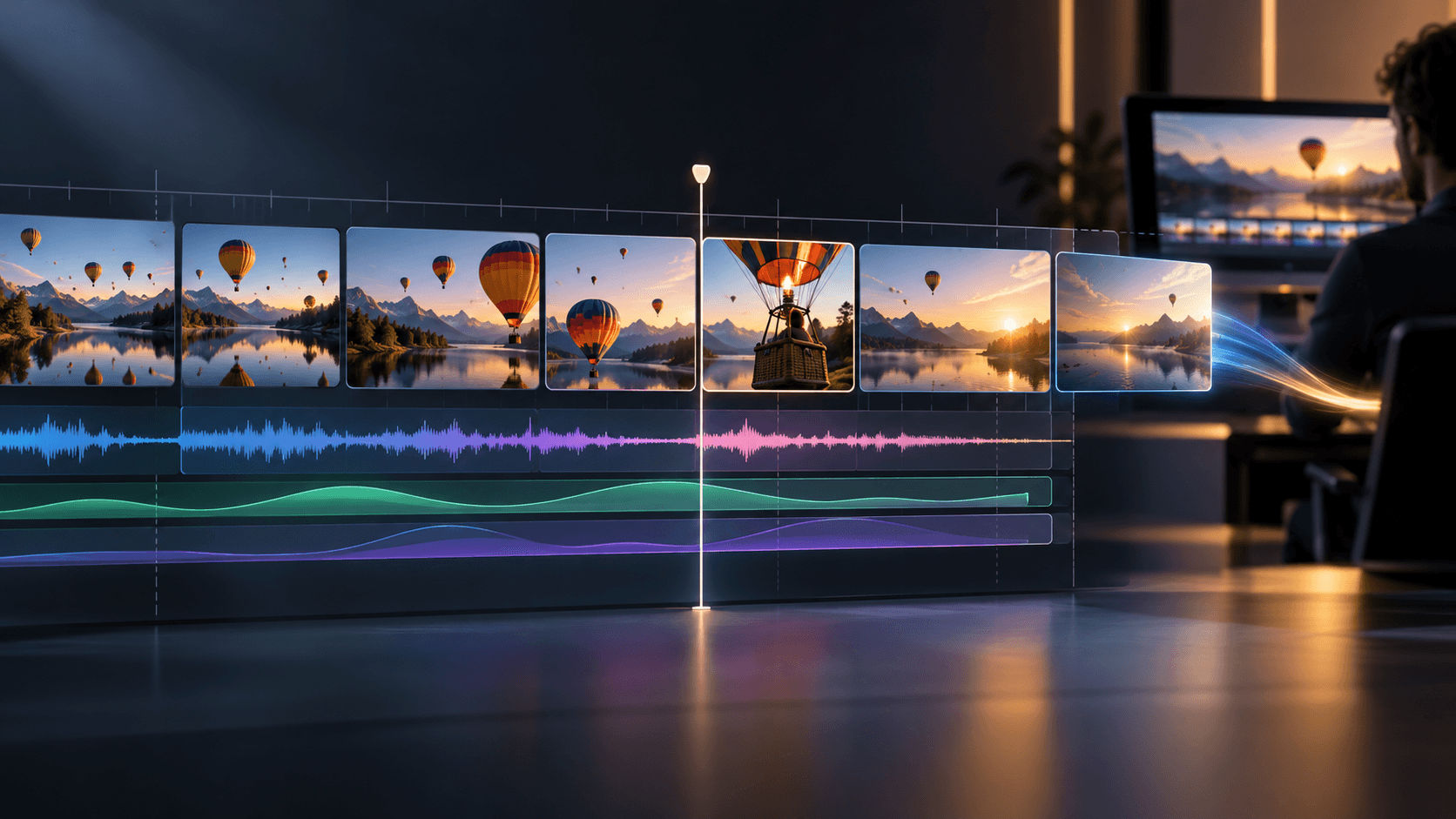
Keep the approved clip for each shot and name versions so the editor can identify them.
Inspect available file or sequence options in the canvas and confirm frame rate, dimensions and audio needs for the project.
Import the material into your NLE, verify links and timing, then handle trimming, grade, sound and delivery there.
Give the editor a simple sequence or list showing how selected clips should play.
Keep originals and approved revisions distinct so a later change does not replace the wrong file.
Record the properties shown by the actual export and the settings required by the finishing project.
| Input | Approved generated clips and an editorial shot order. | |
|---|---|---|
| Output | Files and sequence notes for an NLE handoff; exact interchange formats depend on current export controls. | |
| Review | Check file playback, image dimensions, frame rate, audio and relinking inside the target editor. |
This page does not promise a native project file. Check the current canvas export options and test the result in your editor.
Follow the requirements of your finishing project and confirm which settings are available in the current export interface.
Yes, keep the source and version history, then replace the approved clip in the edit after checking its timing and properties.
Gather approved clips, check the available export options and verify the material in the target editor.