

Blue hour study
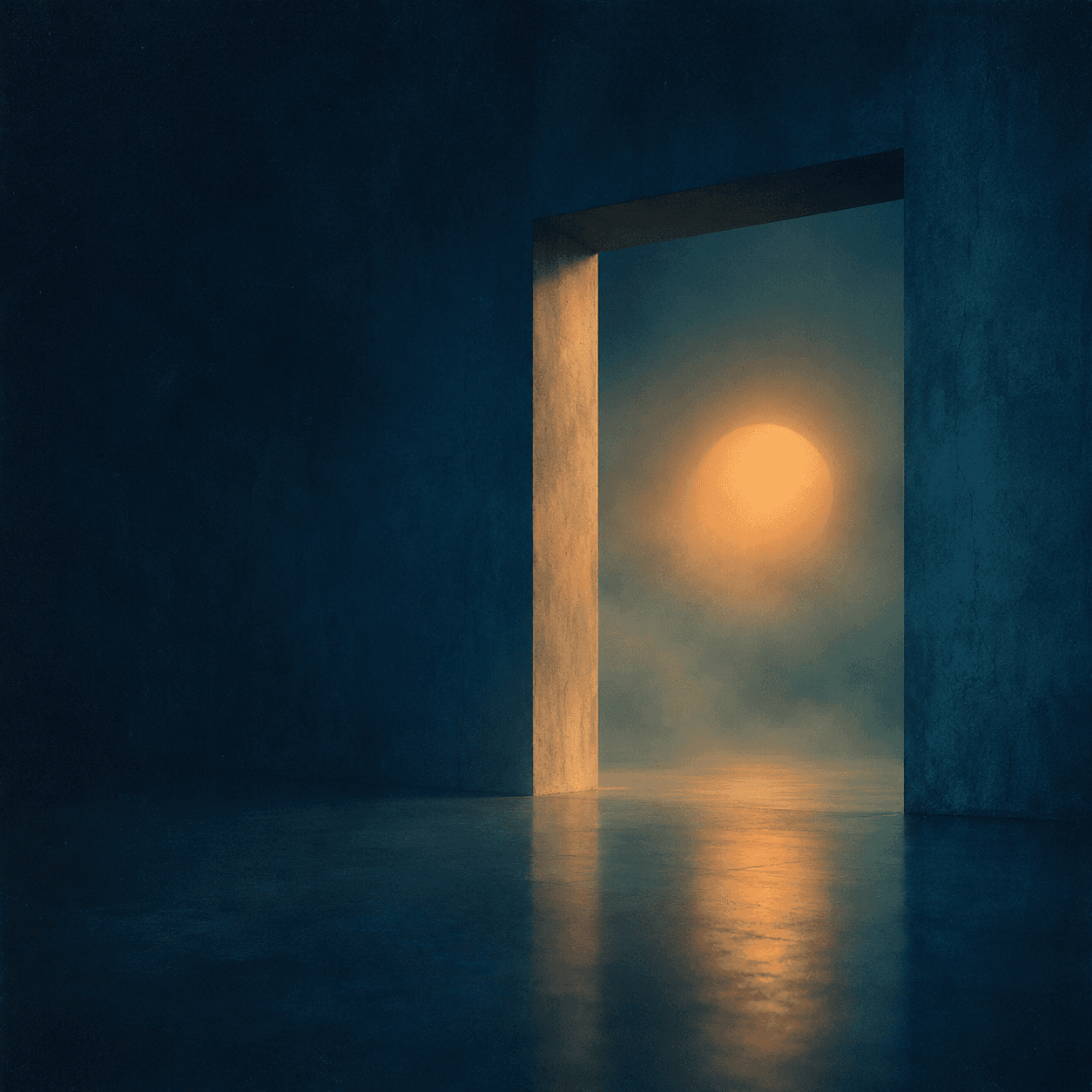
The selected starting reference
- Blue-hour doorway artwork with an amber circular glow.
- Simple geometry and dark space establish the reference mood.
ORIGINAL COVER DIRECTIONS
Create a visual direction for an album or single cover. Use the sample or your own image, describe the mood and composition, and explore artwork before adding final release text.
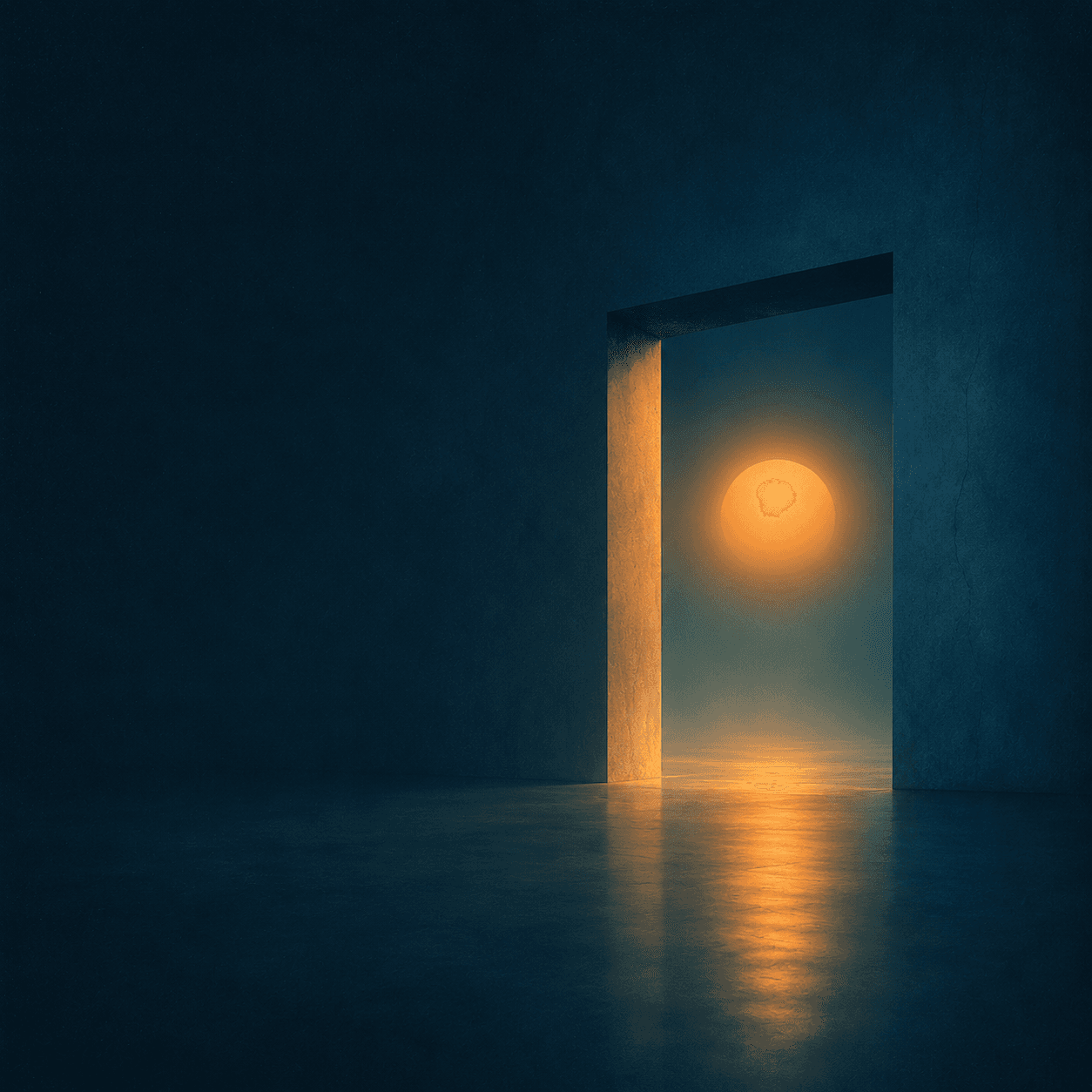
Try the blue-hour reference or upload an image you can use. Choose a direction, then describe the focal point, colors and space for any later typography.
These AI-created concept illustrations explore cover-art directions from the same visual reference. Compare mood, focal point and negative space before adding final release text separately.
The selected starting reference
An illustrative still-image direction
Choose a clear reference, write a focused brief and compare the result with the source.
Use the blue-hour sample or an authorized image. Choose Minimal geometry, Blue hour scene or Textured collage, then edit Describe your cover for mood, focal point and color.
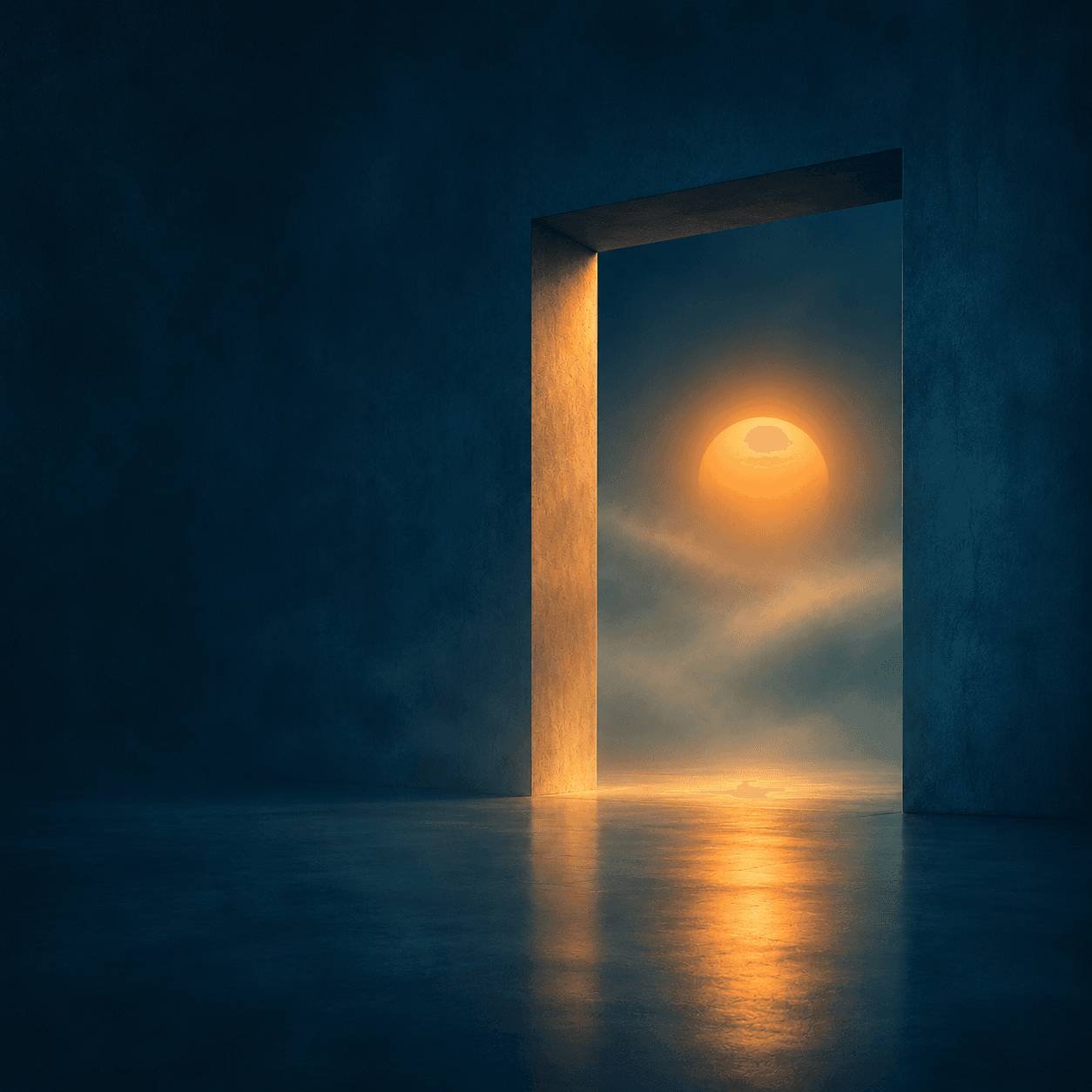
Select Generate cover artwork and inspect the image at thumbnail size and full size. Add accurate artist and release text separately, then check your distributor’s current file and content requirements.
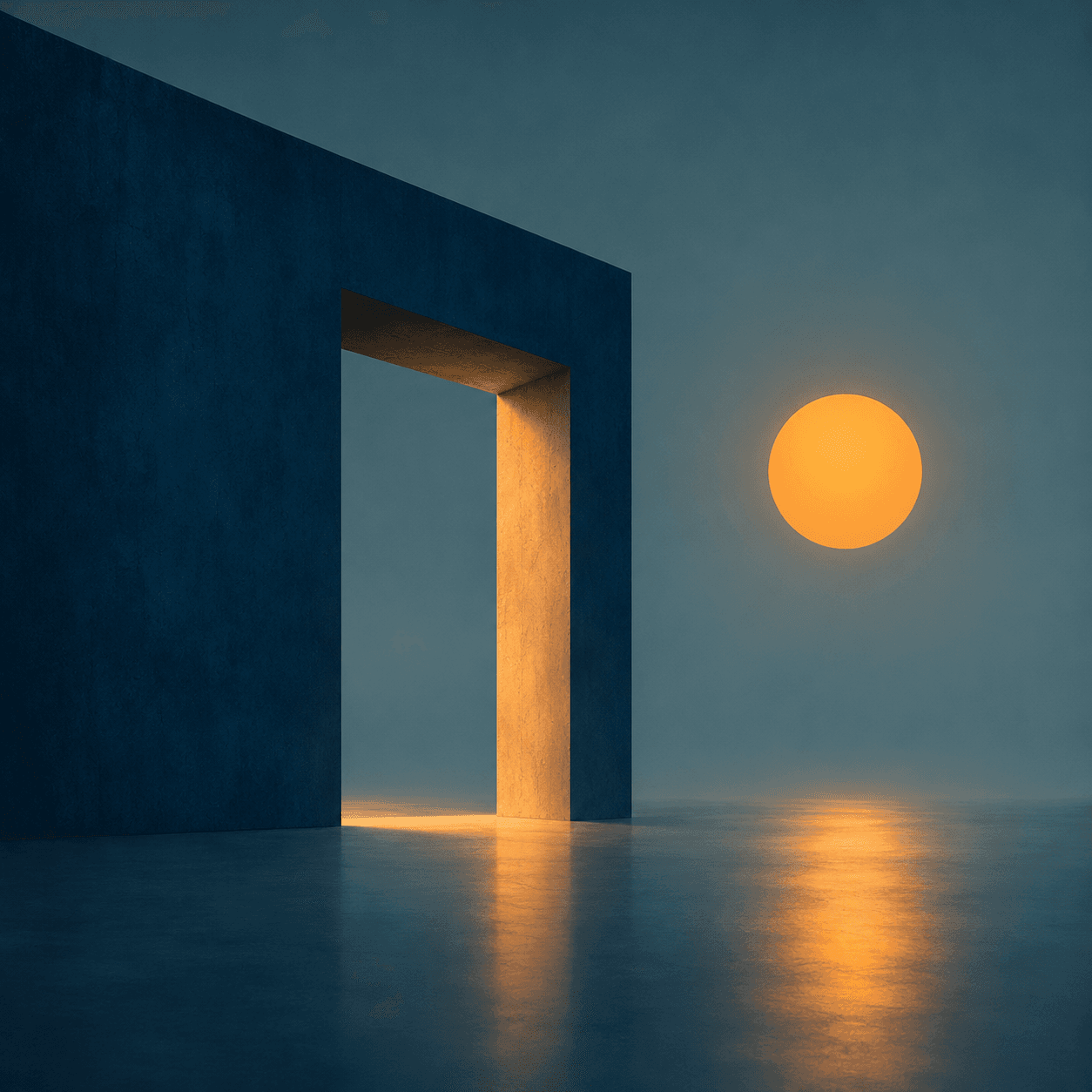
Use a focused brief to make the proposed image easier to assess.
Minimal geometry can help one shape remain legible in a small cover thumbnail. Describe a focal point and a limited palette rather than a crowded story. Inspect edges and small details at the size listeners will actually see.
Create an image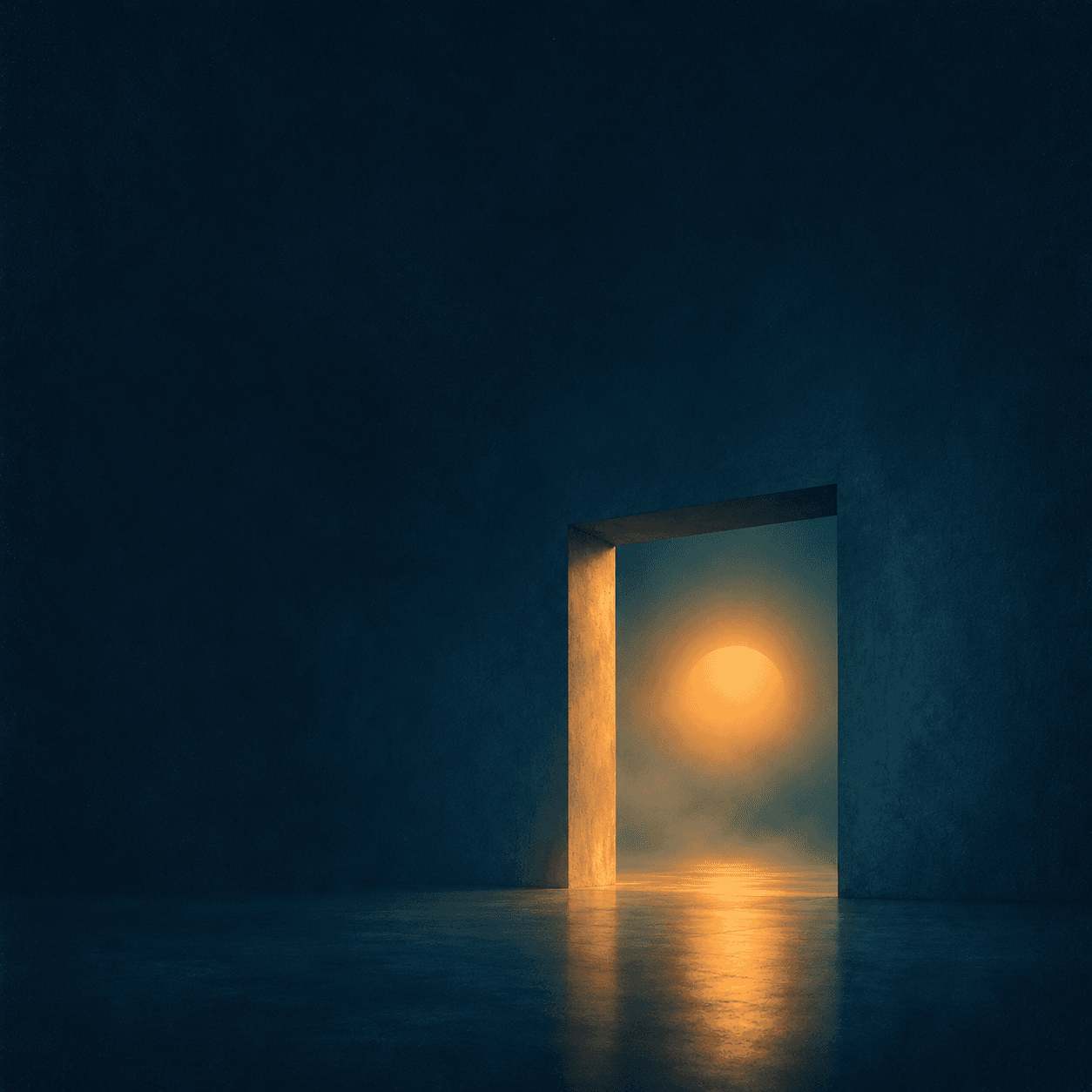
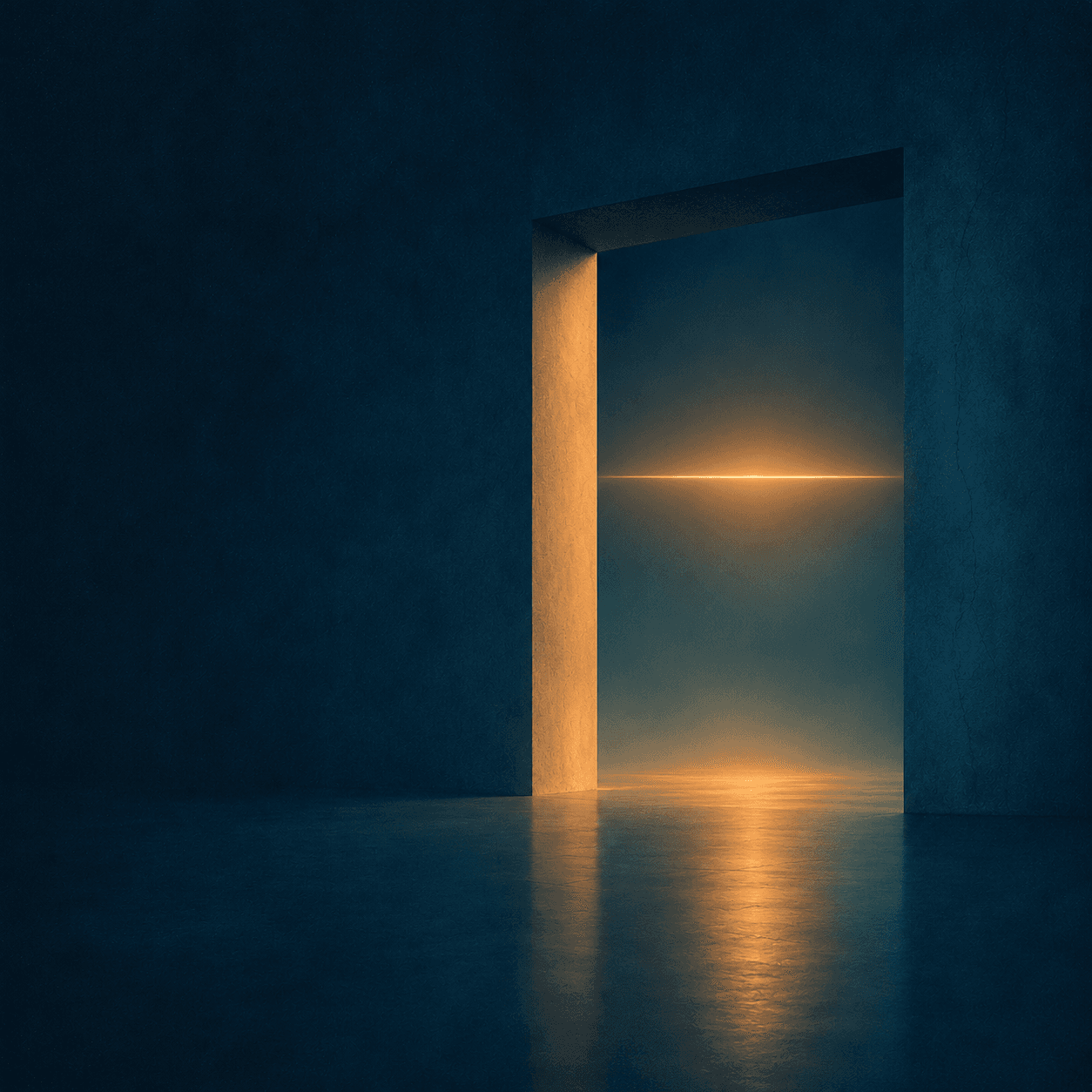
An atmospheric space can suggest quiet, distance or anticipation without adding a performer likeness. Describe the light and composition in your own words. Leave useful room for the final title, then add and proofread typography separately.
Create an image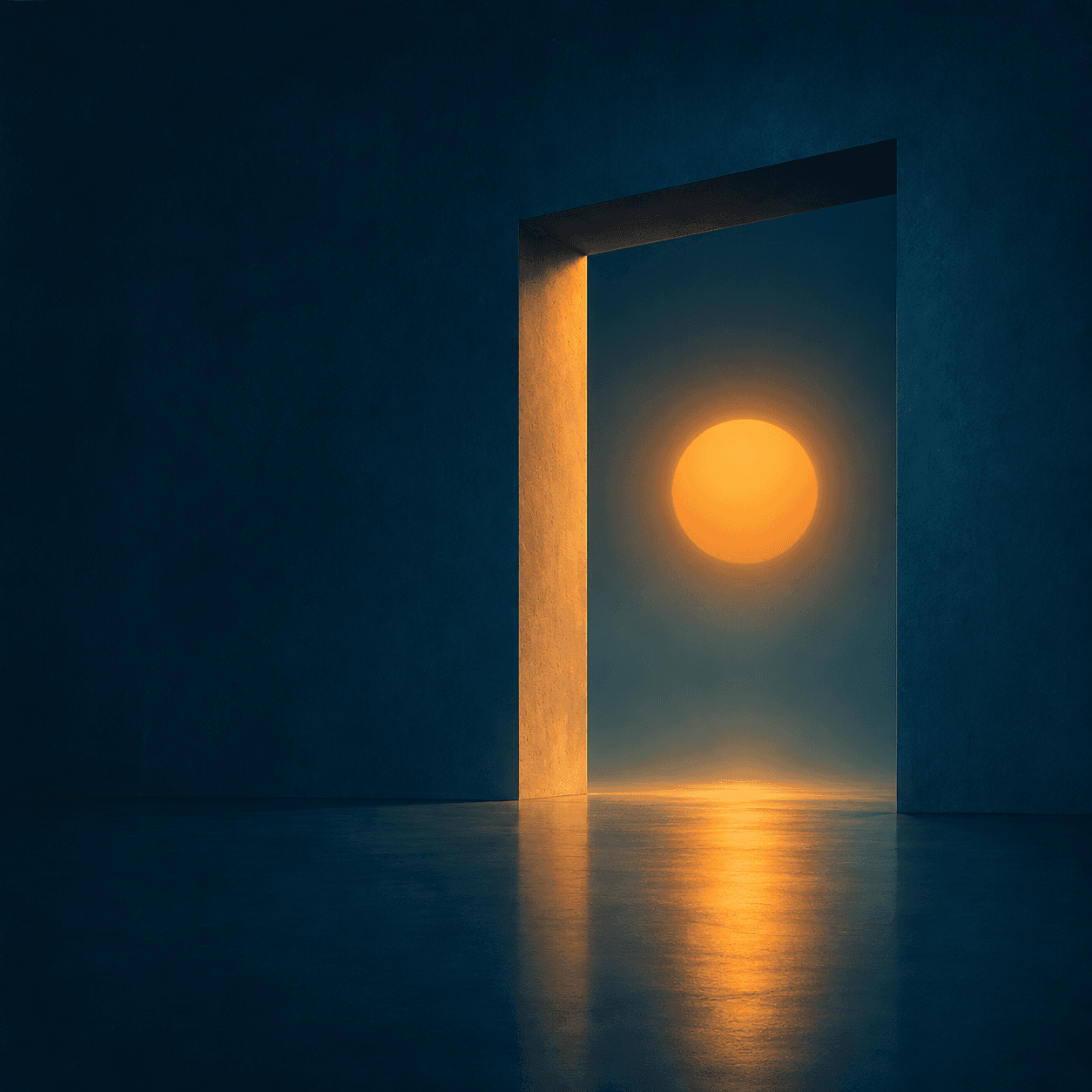
Use a matching reference for each idea and adapt the prompt to the image you supply.
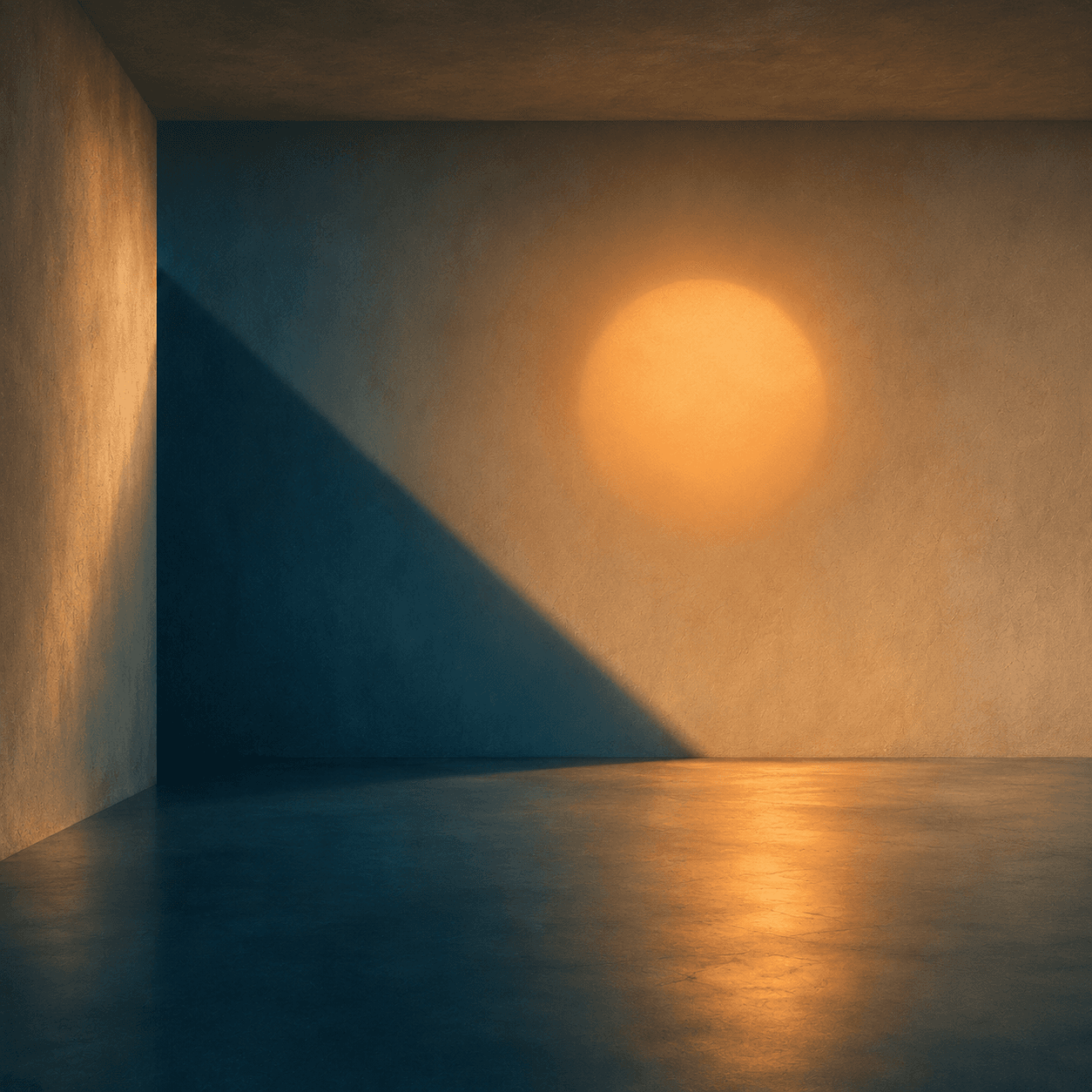
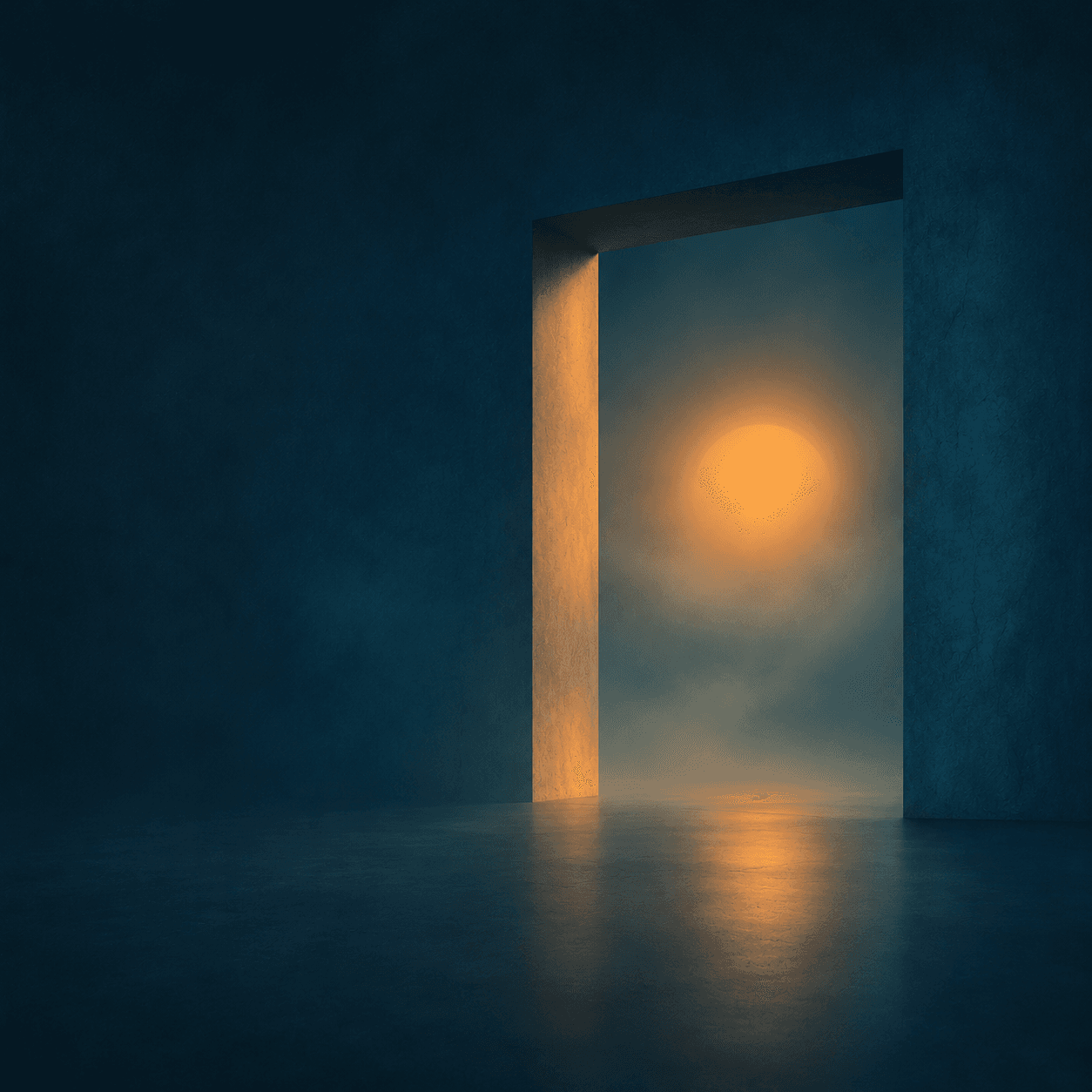
Match the reference and composition to the visual decision you are exploring.
For a single-cover direction, describe one doorway shape, one amber focal light and room for later release text. Inspect both thumbnail readability and full-size detail before adding and proofreading typography separately.
Create an image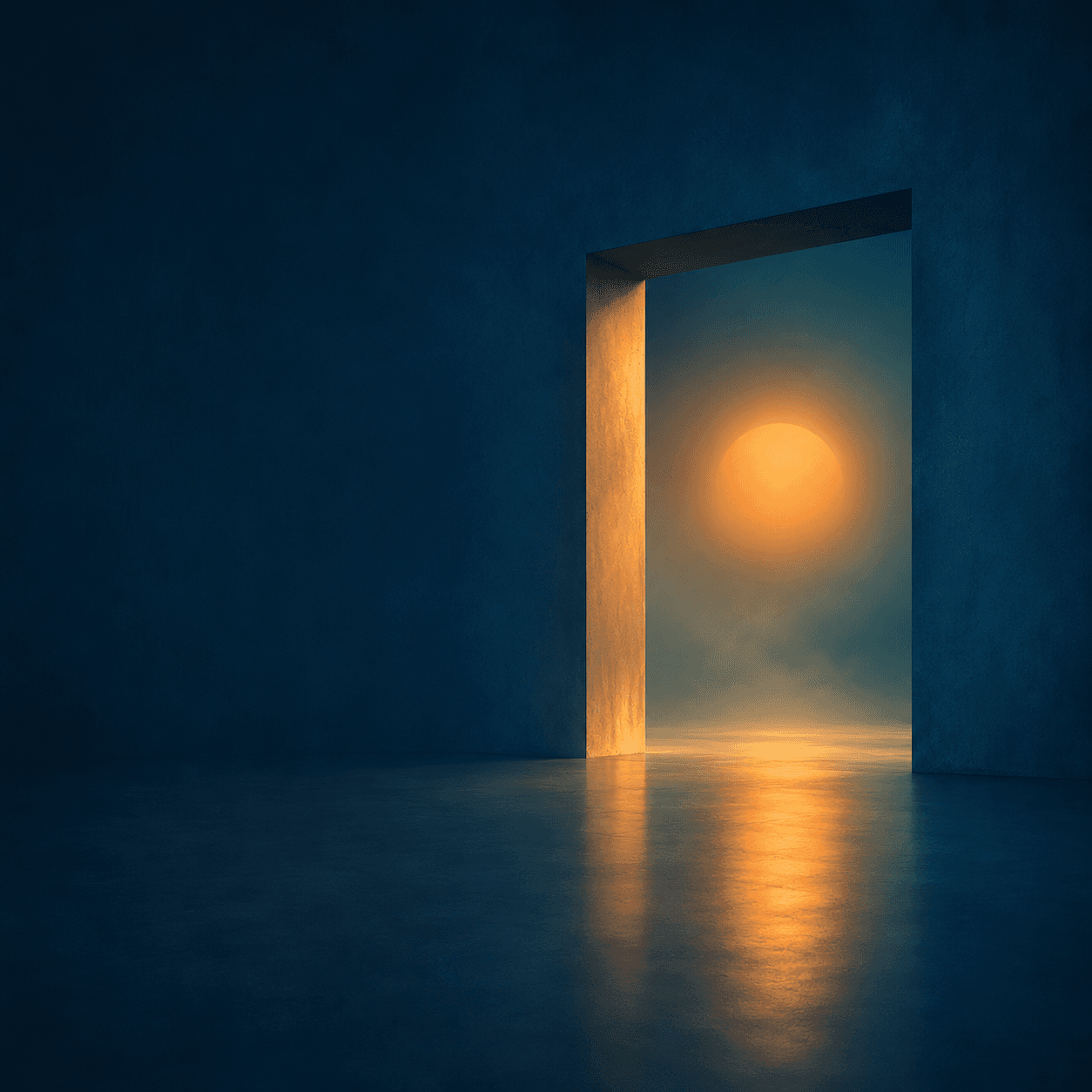
For a related release direction, make one new cover concept using the same indigo-and-amber palette and a restrained collage treatment. Compare it with the other artwork for visual coherence; consistent styling across separate images still needs review.
Create an image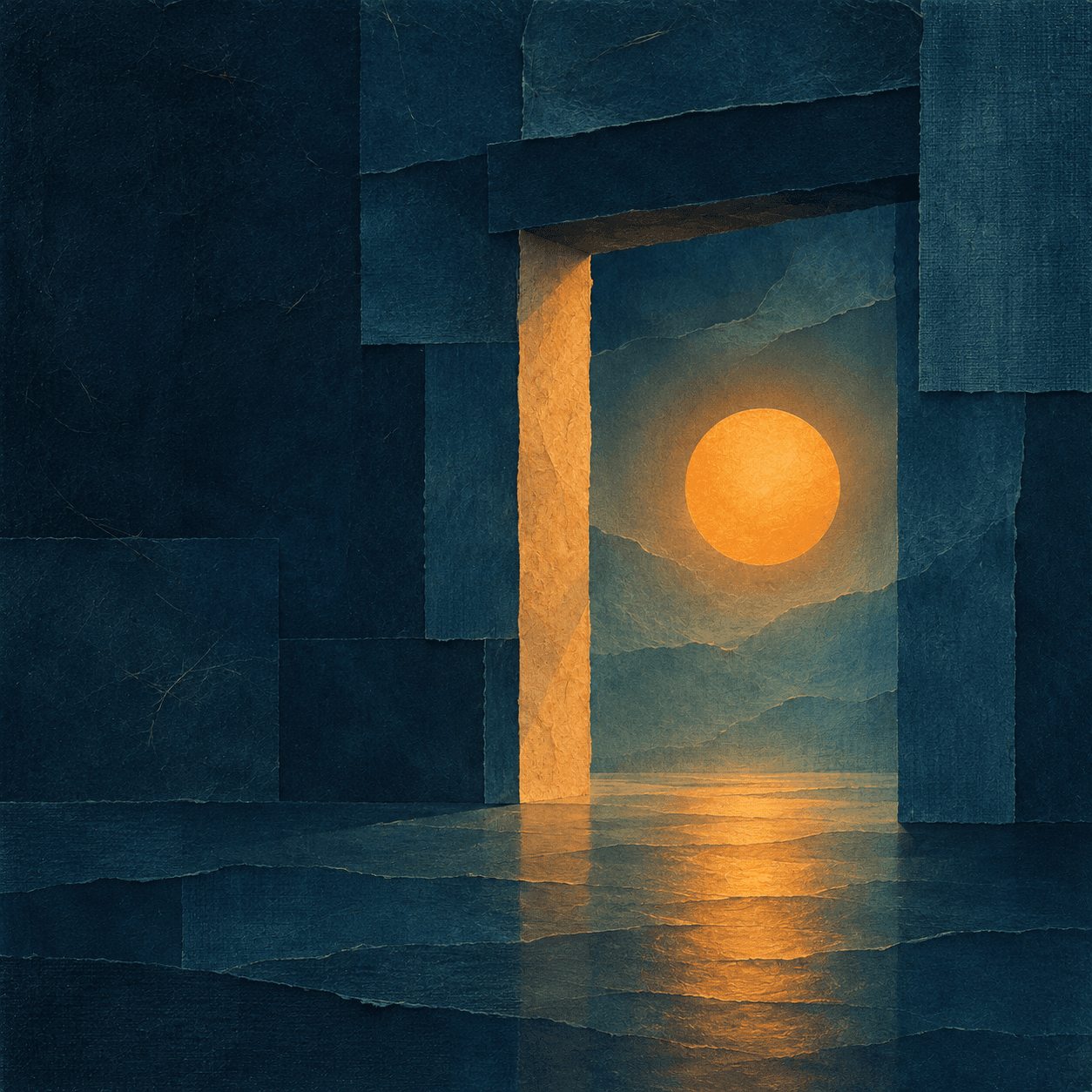
This form uses a reference image and an editable brief to generate a still image.
| Reference | Choose the sample or upload one clear authorized reference image. A reference is required. | |
|---|---|---|
| Controls | Three pictured starting directions and an editable prompt. Adapt the brief to your own reference. | |
| Result | A generated still image for a cover-art direction. The reference may be substantially reinterpreted. | |
| Typography | The sample prompts request no text. This form does not provide a separate typography or release-metadata editor. | |
| Release readiness | An image is not automatically distributor-ready. Confirm current dimensions, file requirements, rights and final text in your release workflow. | |
| Cost | Check the current credit quote and your account allowance before generating. | |
| Commercial use | Paid-plan generations have commercial rights subject to provider terms and input rights. Free-plan generations are for personal, non-commercial evaluation; upgrading applies to new generations. | |
| Upload data use | Default terms permit using uploads, prompts and outputs for training and improvement. Provider policies also apply. Enterprise opt-out requires a written agreement; learned or derived information may persist after source deletion. |
Explore another reference-image direction.
AI tool
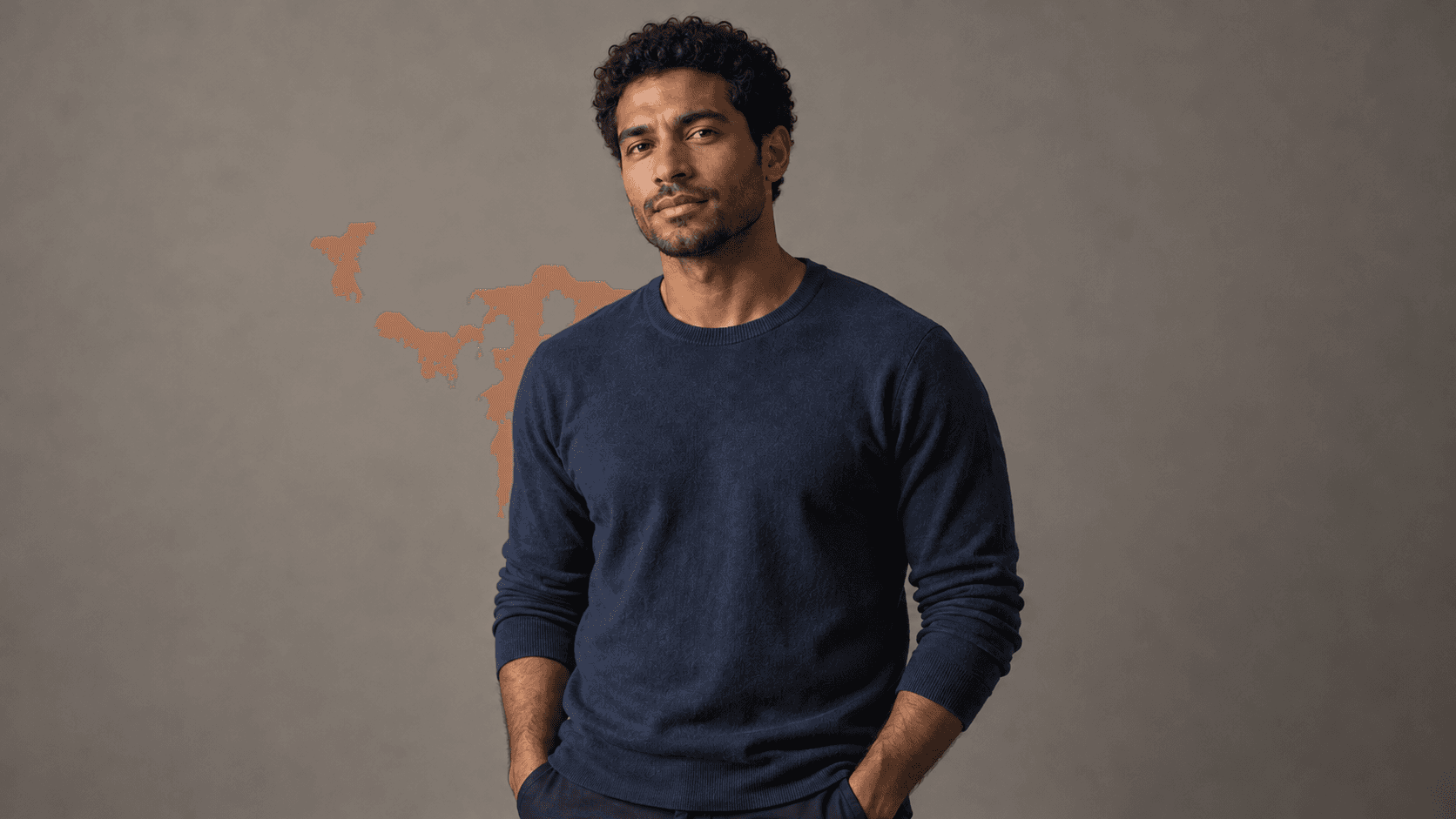
Explore new colors for a product, outfit or room with a reference-led image edit. Describe the surface to change, then compare the color and material detail.
AI tool
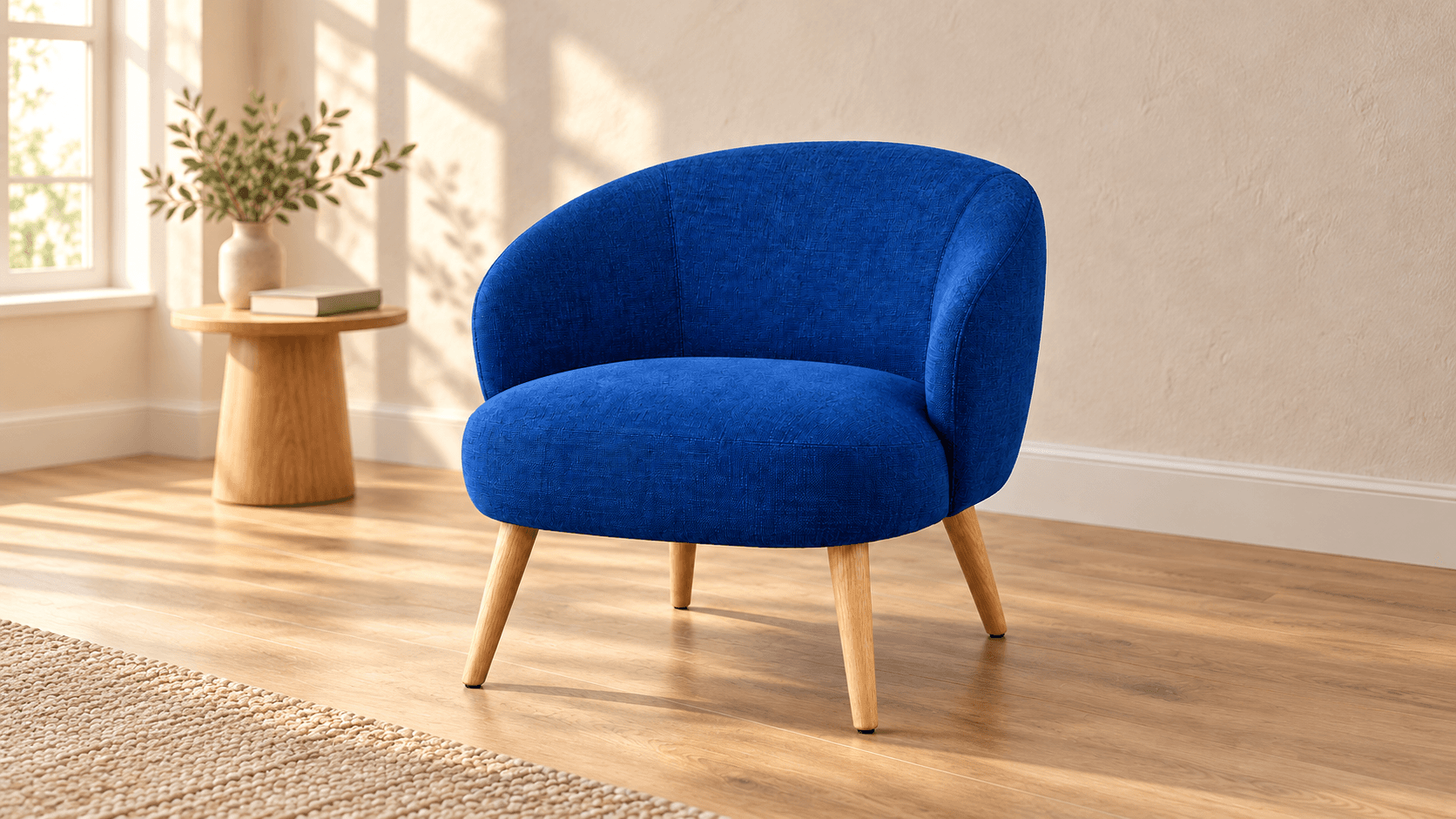
Create a brighter interpretation of a dim image with a reference and a lighting prompt. Explore lifted shadows, balanced light or soft daylight, then inspect the result.
AI tool
Use this AI image variation generator to explore a new background, lighting or visual style from one reference. Compare each candidate with the source. For a rendering closer to the original composition, try the AI image recreator.
Yes. Use the brief to describe the release mood and composition. Check the final requirements for the platform or distributor you intend to use.
You can request text in a prompt, but spelling and layout may need correction. The sample prompts omit text so final typography can be added and proofread separately.
That is not guaranteed. Check the actual downloaded file against your distributor’s current image, text and content requirements.
Use references you are authorized to use and develop an original direction. Do not assume generation gives you rights to another artist’s artwork, logos or likeness.
Generations created on paid plans have commercial rights subject to model-provider terms and your rights to the inputs. Review the final artwork and any added text or licensed elements before release.
Choose a reference and a clear mood, then build artwork you can refine into a finished cover.