

Tile and vanity combinations
Explore warm or cool tile with timber, painted or other vanity finishes. Confirm color, slip resistance and wet-area suitability using real product specifications.
Try the selected new reference and starter prompt, or replace the image with a reference you have permission to use.
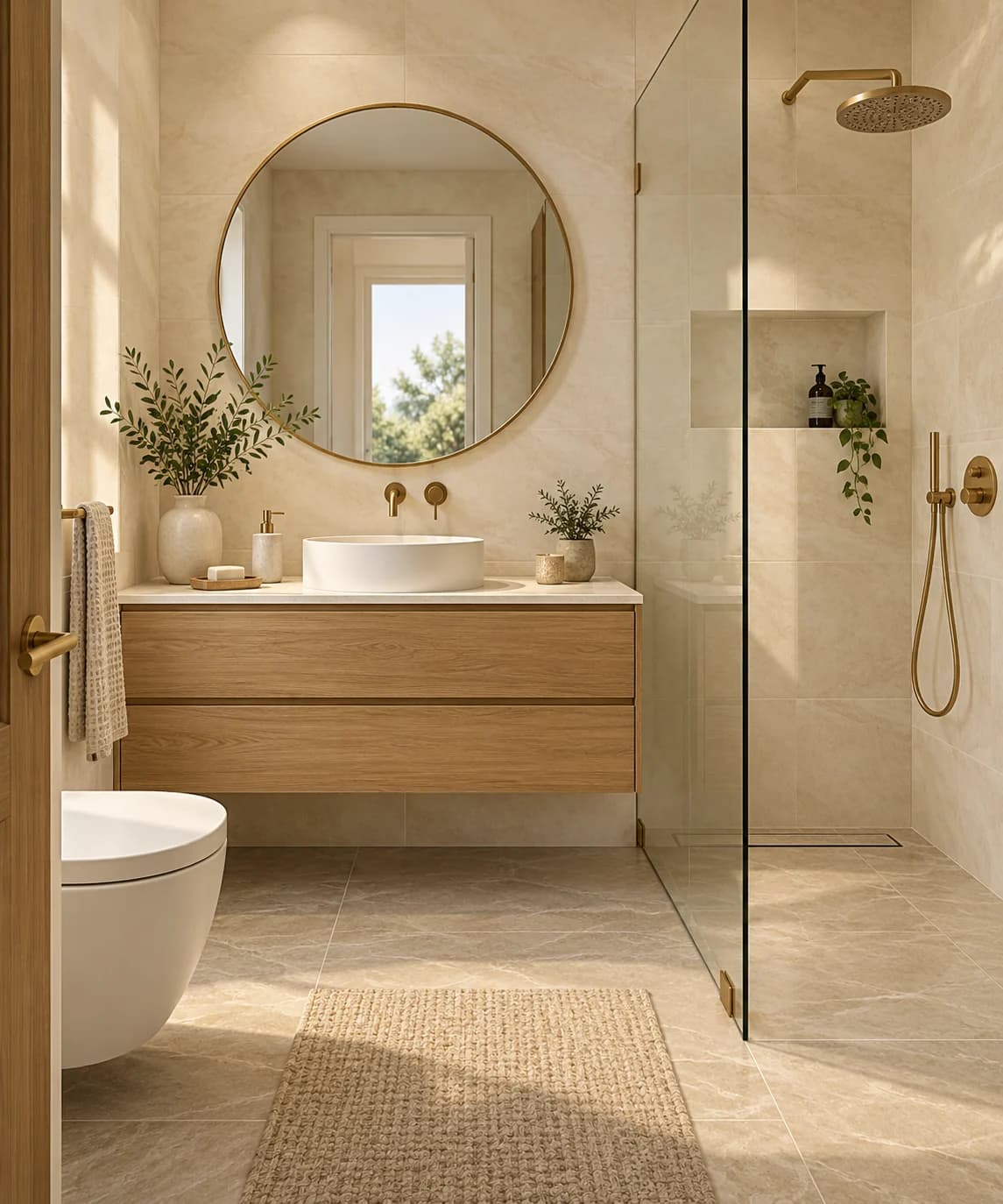
Use the selected bathroom or a permitted room photo. Describe the finishes and fixtures you want to compare and any features you hope to retain.
Choose Generate bathroom concept. Review the tile and fixture relationships, then compare openings, clearances and service positions with the original room.
Have qualified professionals measure the space and assess plumbing, ventilation, electrical requirements, waterproofing and surface suitability before purchasing or building.
Explore warm or cool tile with timber, painted or other vanity finishes. Confirm color, slip resistance and wet-area suitability using real product specifications.
Compare the appearance of a floating vanity, mirror or shower enclosure. Images cannot confirm usable clearances or that fixtures fit.
Review a cohesive metal finish and lighting mood. Electrical placement and required protection must be assessed for the actual bathroom.
Yes. Replace the selected reference with a photo you have permission to use. The result may change room geometry or fixtures, so compare it carefully with the source.
No. It provides a visual concept. Installation details, drainage, waterproofing and service checks require an appropriate professional workflow.
Find actual products separately and check dimensions, compatibility and installation instructions. A rendered fixture is not a verified product match.
Paid-plan outputs carry Astorie commercial rights, subject to model-provider terms and your rights to the inputs. Free-plan generations are for personal, non-commercial evaluation; upgrading covers new generations going forward. Check the current commercial-use policy before selling work.
Under standard consumer, free, pro and team terms, Astorie may use uploads, prompts and outputs for training and improvement. Providers have separate policies; enterprise training opt-out requires a written agreement. Deletion may not remove data already used in training. Review the current privacy policy before uploading sensitive work.
AI tool
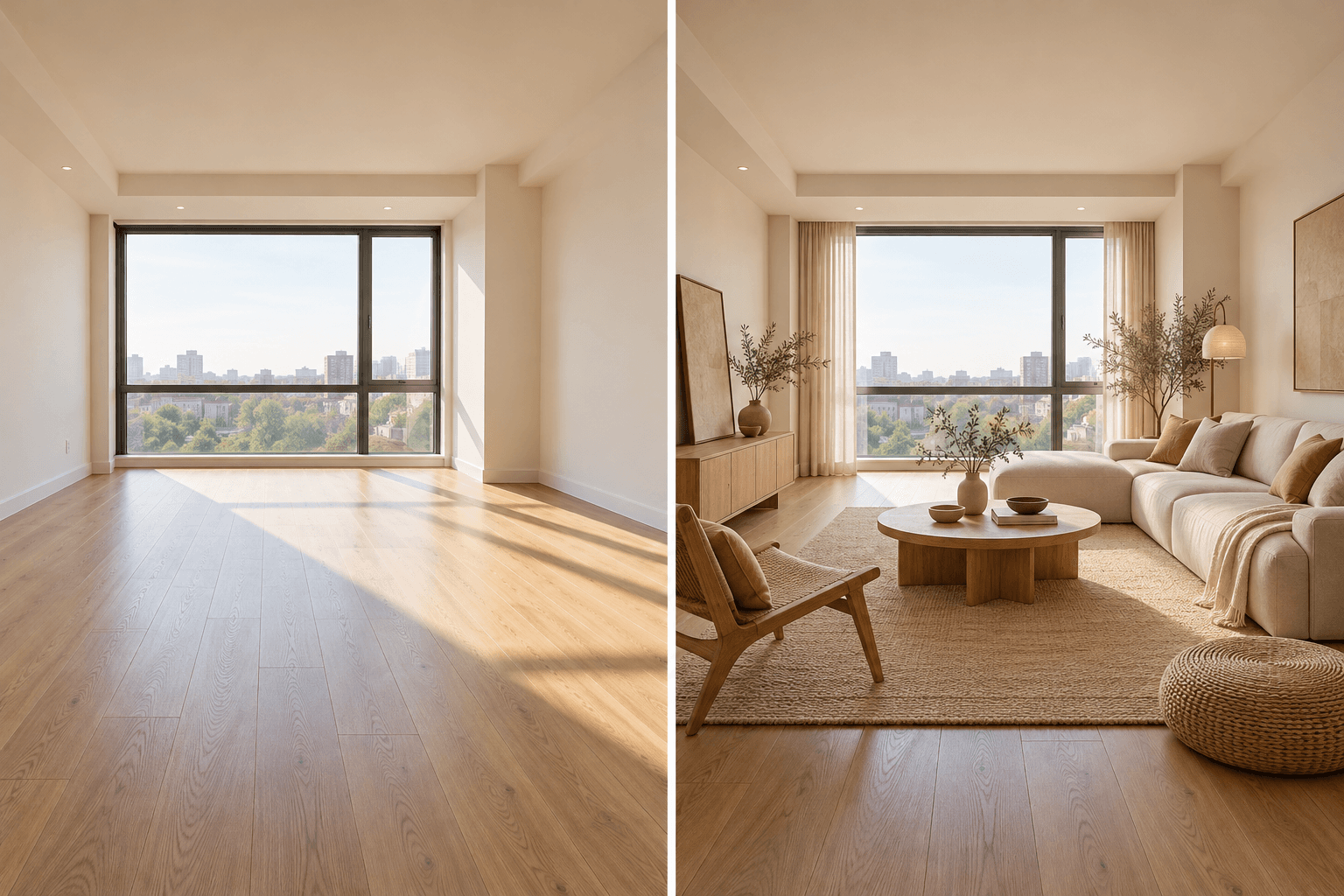
Upload a room photo and describe the style or furnishing direction you want to explore. Generate a visual concept, compare it with the source room, and verify dimensions and materials before making real changes.
AI tool
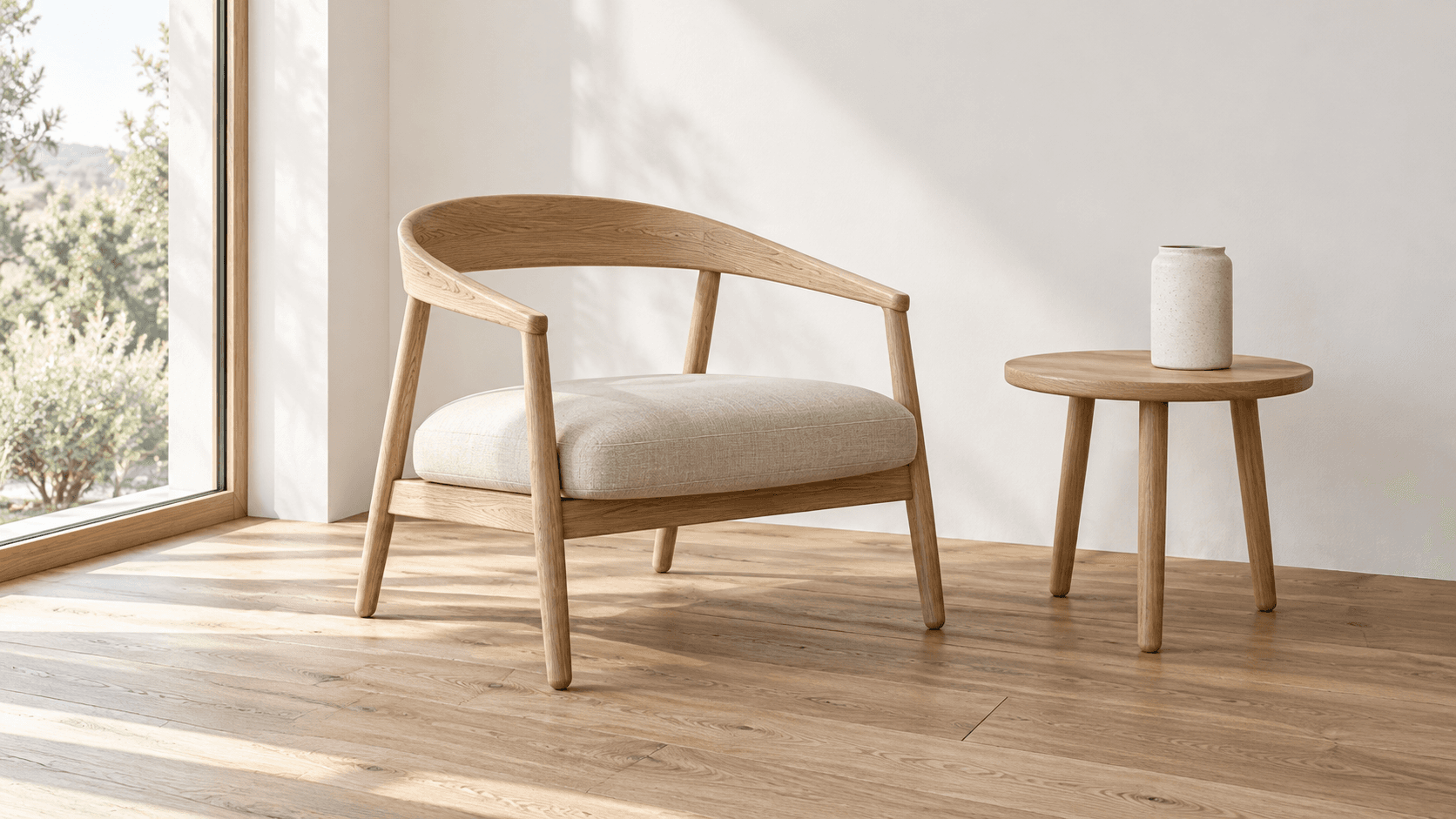
Turn a sketch into an image with a reference drawing and a written brief. Explore realistic photos, painted illustrations or 3D concept renders, then review the result against your original idea.
AI tool
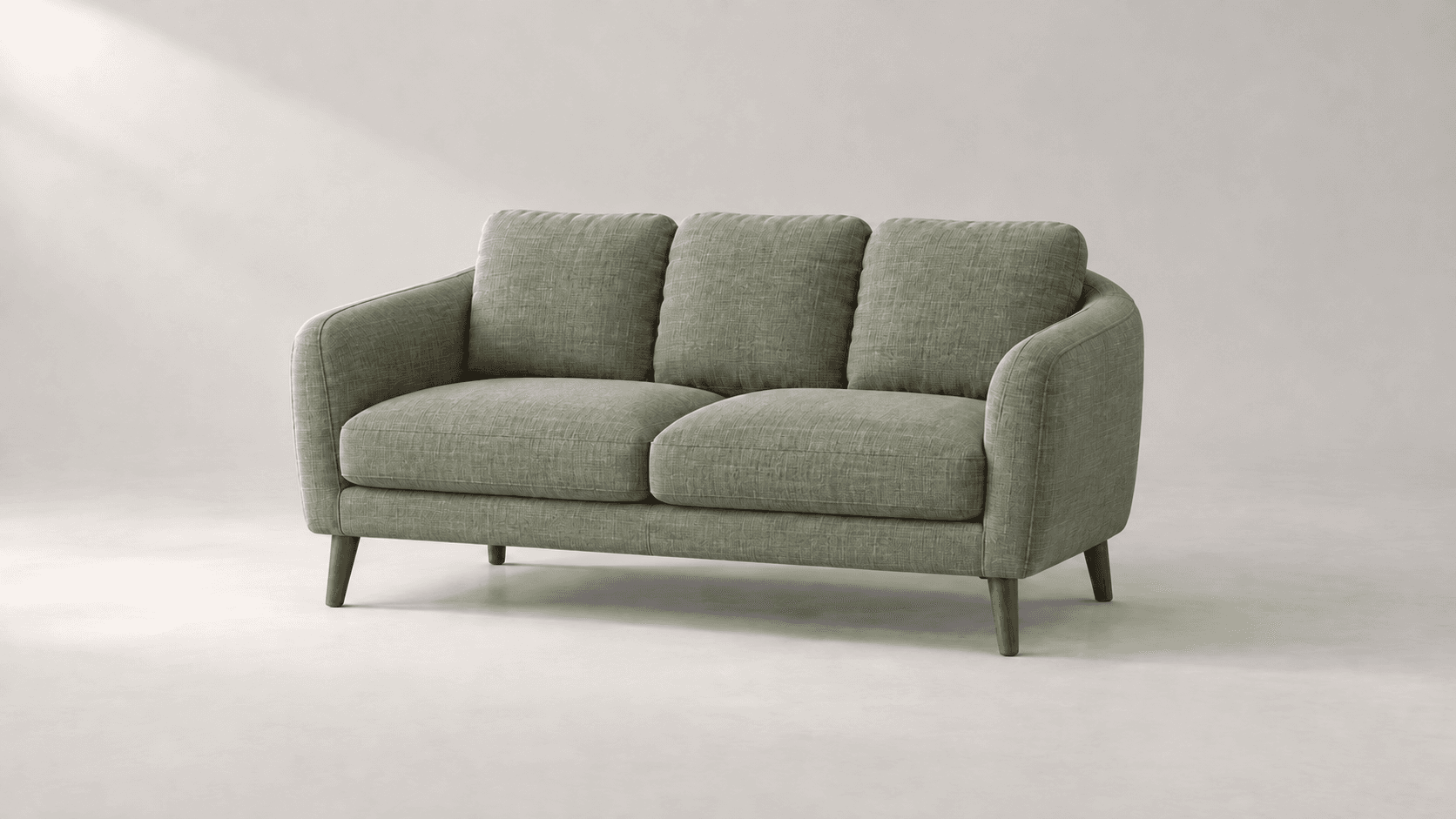
Explore new colors for a product, outfit or room with a reference-led image edit. Describe the surface to change, then compare the color and material detail.
Start with the reference, compare a visual direction and discuss a measured, site-specific plan before making real changes.