

A Board for Early Alignment
Use one image to discuss a visual direction with collaborators. It is a starting point for decisions, rather than a package of editable brand assets.
Start with the selected reference and starter prompt, or replace the reference with an image you have permission to use.
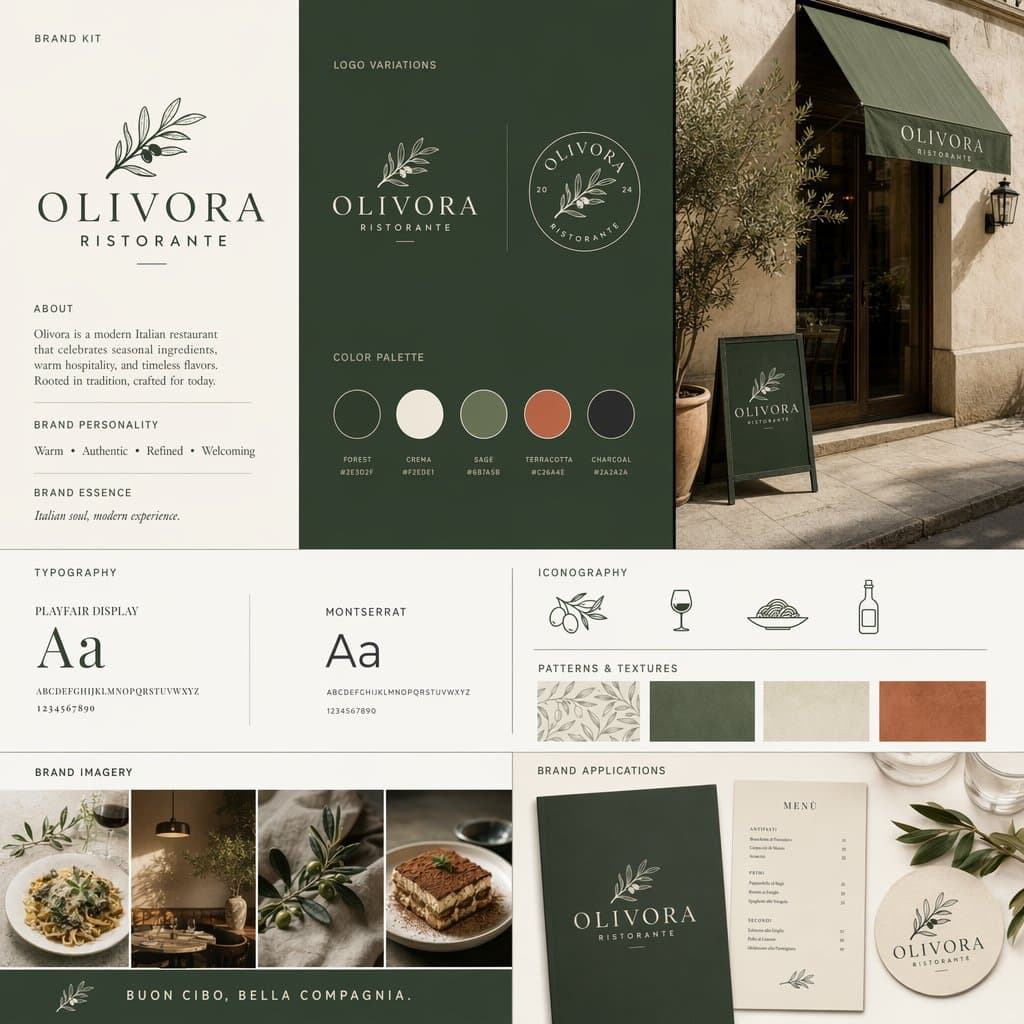
Describe the audience, purpose, personality and intended applications. Use the selected board as a layout reference, or replace it with material you have permission to use.
Choose Generate brand kit concept. Compare whether the mark, visual palette and applications feel coherent. Inspect small text and avoid treating generated codes as exact specifications.
Develop final marks, documented colors, licensed typefaces and usage rules in design tools. Check similarity to existing identities before adopting the system.
Use one image to discuss a visual direction with collaborators. It is a starting point for decisions, rather than a package of editable brand assets.
Explore the relationship between colors and lettering styles. Define verified color values and choose actual licensed fonts separately.
Include a menu, package or social graphic in the brief to test the idea visually. Production templates and usage rules still need to be prepared.
The result is a concept image. This page does not package editable logos, font files, design tokens or production templates into a brand kit.
They need verification. Select and document actual colors and licensed fonts in your design workflow instead of copying small generated labels without checking them.
The logo generator focuses on a mark. This page explores how marks, a visual palette, lettering styles and applications work together as a proposed identity.
Astorie grants commercial rights for outputs generated on paid plans, subject to the underlying model provider’s terms and your rights to the inputs. Free-plan outputs are for personal, non-commercial evaluation; upgrading applies to new generations going forward. Review the current commercial-use policy before selling or delivering work.
Under the default consumer, free, pro and team terms, Astorie may use uploads, prompts and outputs for training and improvement. Model providers have separate policies. Enterprise training opt-out requires a separate written agreement. Project files are retained for the workflow, and deletion may not remove data already used in training or derived datasets. Check the current policy before uploading sensitive material.
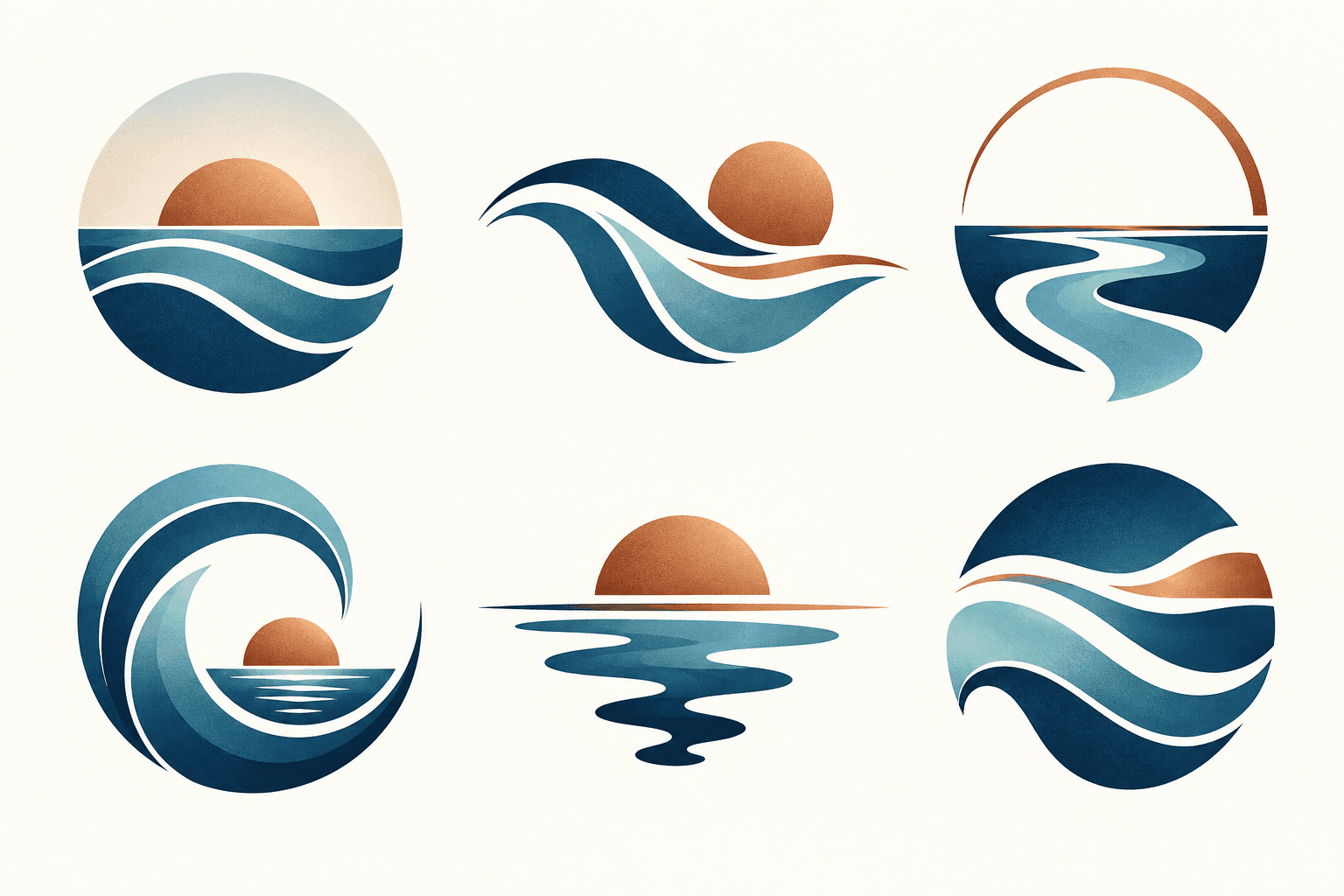
AI tool
Describe your brand and explore visual directions for a mark. Compare shape, color, and legibility, then take promising concepts through design refinement and trademark review before adoption.
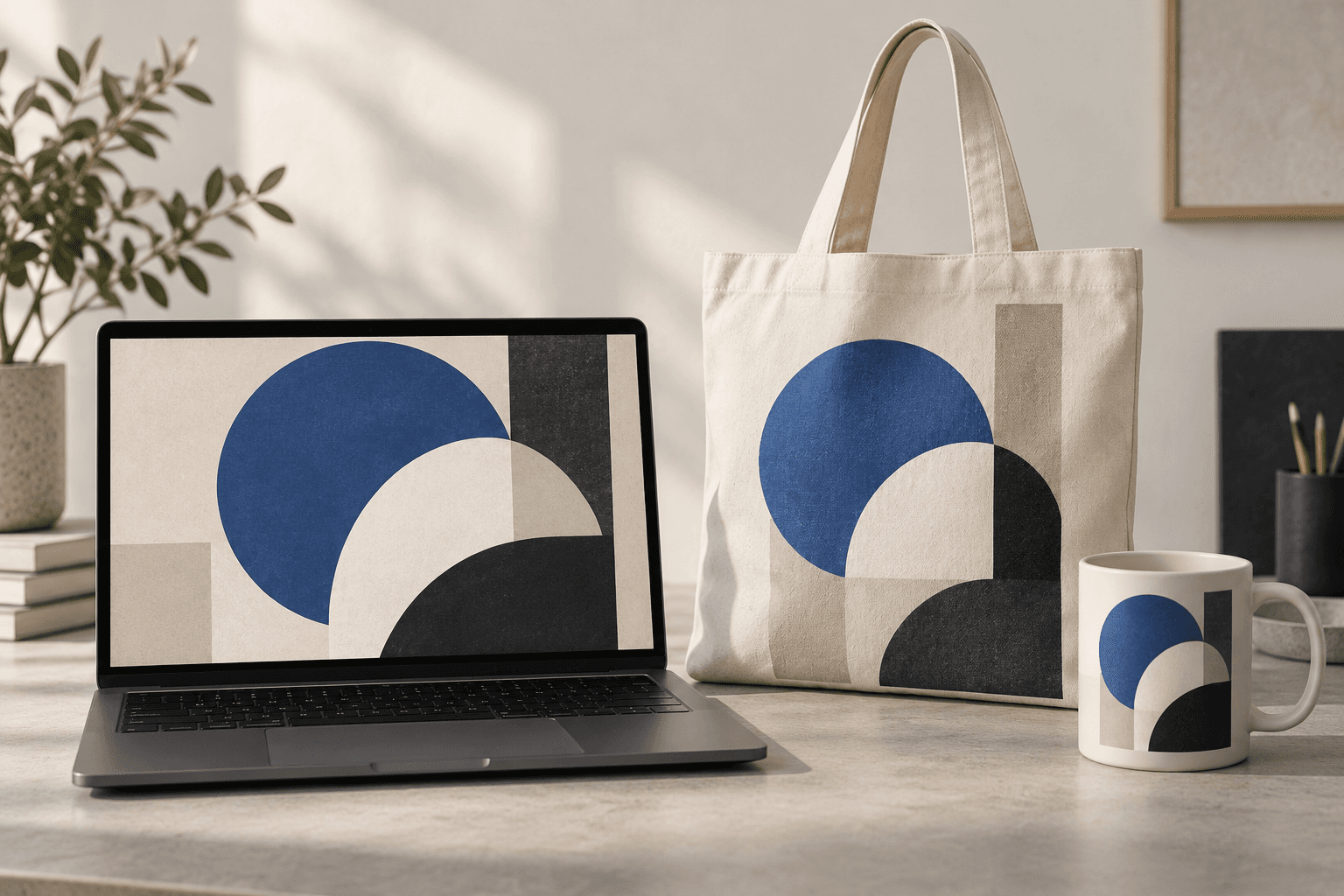
AI tool
Place a design idea on a product or device scene to preview how it might look in context. Start from your artwork or product reference, describe the surface, and inspect details before using the image in a presentation.
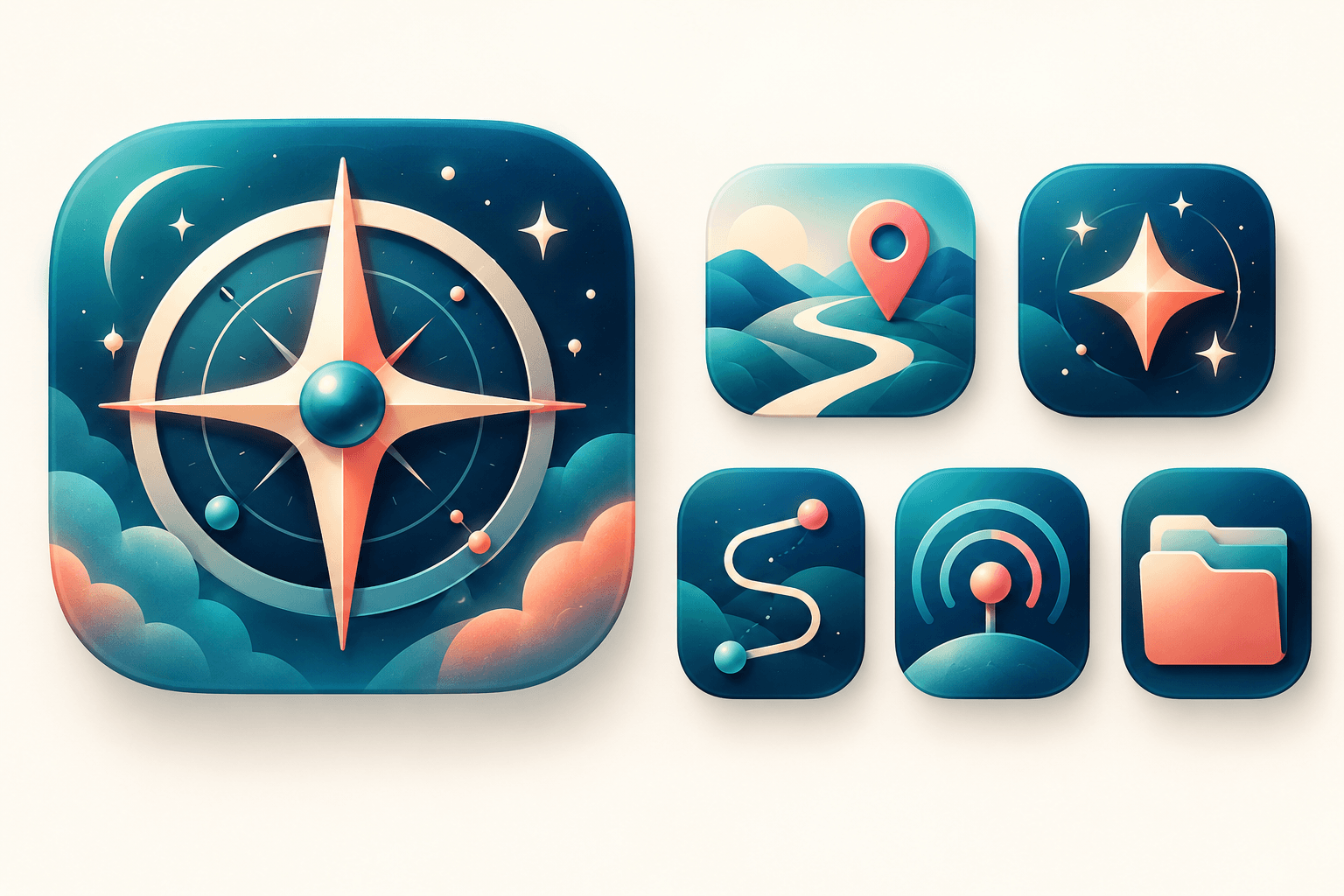
AI tool
Explore original app launcher and interface icon directions from a written visual brief with an AI icon generator. Compare silhouettes, color contrast, and small-size legibility across concepts before redrawing or polishing the mark in your vector design system.
Start with the reference, refine the brief and review the image before taking the idea into production.