

Silhouette and proportion studies
Explore a cropped jacket, relaxed shirt or wide-leg trouser as a visual direction. Illustrated drape and proportions do not establish actual fit.
Try the selected new reference and starter prompt, or replace the image with a reference you have permission to use.
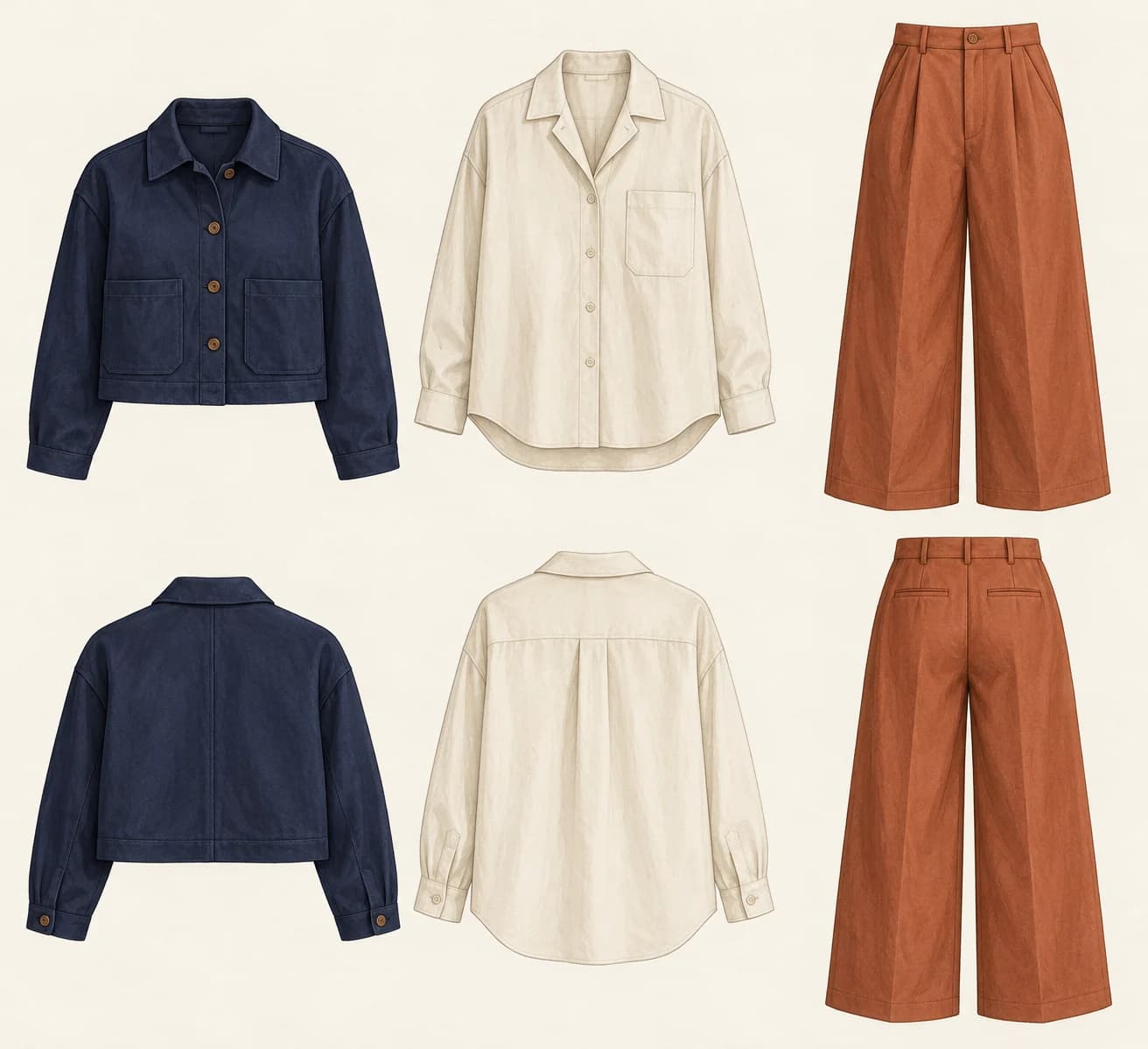
Try the selected capsule reference or a permitted sketch. Describe the intended wearer, garment types, silhouette and how the pieces should work together.
Choose Generate clothing concept. Compare proportions, color balance and visible garment details. Front and back views may disagree and need manual reconciliation.
Select actual fabrics, create patterns and prepare measurements and construction details with a garment professional. Review a toile or sample before production.
Explore a cropped jacket, relaxed shirt or wide-leg trouser as a visual direction. Illustrated drape and proportions do not establish actual fit.
Compare how a few pieces share colors and shapes. Use separate briefs when you need to inspect an individual garment in greater detail.
Bring the concept to a patternmaker or technical designer. Material behavior, seam placement, sizing and construction need testing beyond an image.
No. It creates image concepts. Drafting, seam allowances, size grading and fit validation require garment design tools and sampling.
This page explores clothing design images. It does not measure a body, predict fit or guarantee that a garment will look the same on a particular person.
The generated image is not a technical pack. Prepare measured flats, construction notes, fabric and trim information, and size specifications separately.
Paid-plan outputs carry Astorie commercial rights, subject to model-provider terms and your rights to the inputs. Free-plan generations are for personal, non-commercial evaluation; upgrading covers new generations going forward. Check the current commercial-use policy before selling work.
Under standard consumer, free, pro and team terms, Astorie may use uploads, prompts and outputs for training and improvement. Providers have separate policies; enterprise training opt-out requires a written agreement. Deletion may not remove data already used in training. Review the current privacy policy before uploading sensitive work.
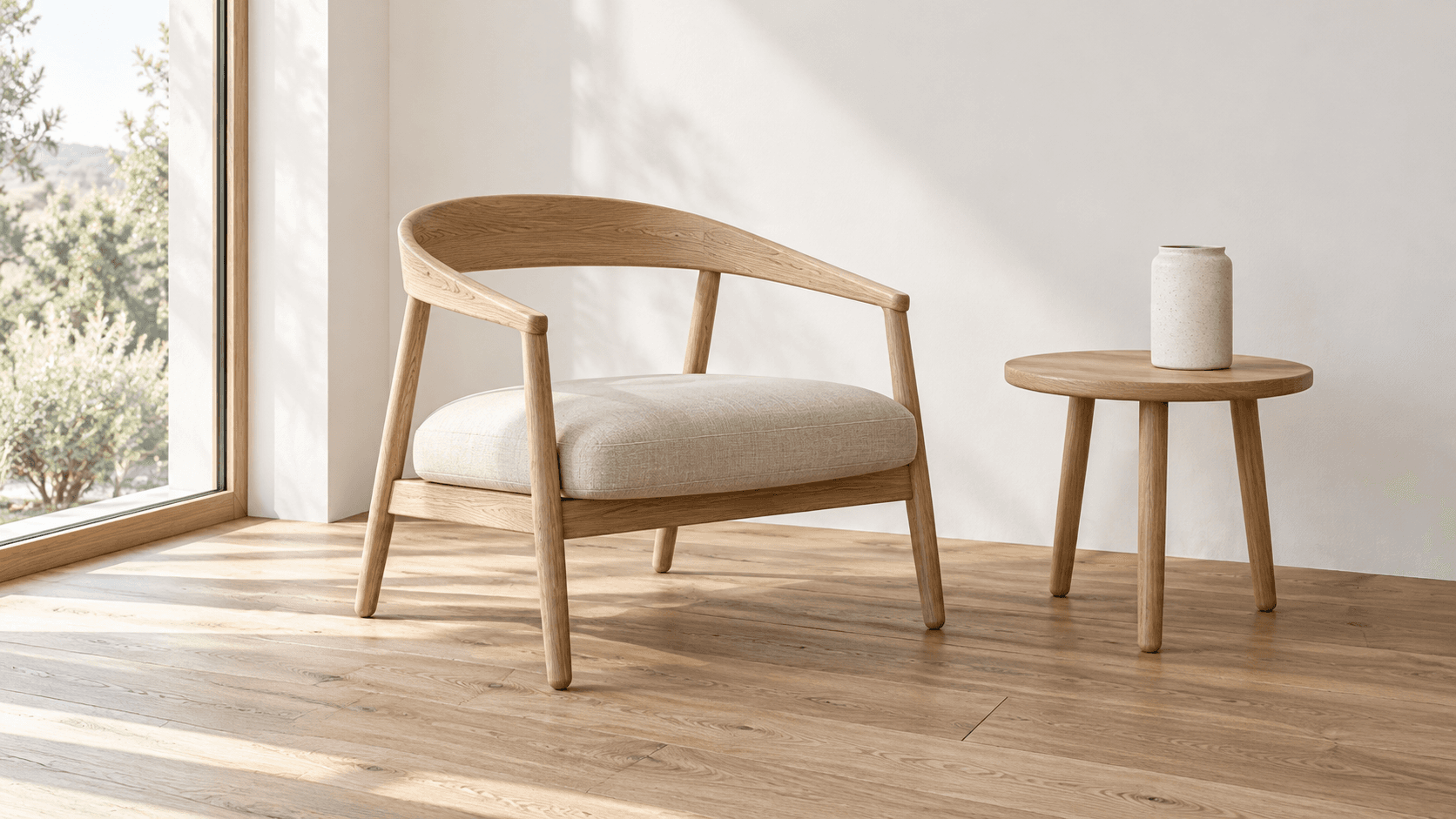
AI tool
Turn a sketch into an image with a reference drawing and a written brief. Explore realistic photos, painted illustrations or 3D concept renders, then review the result against your original idea.
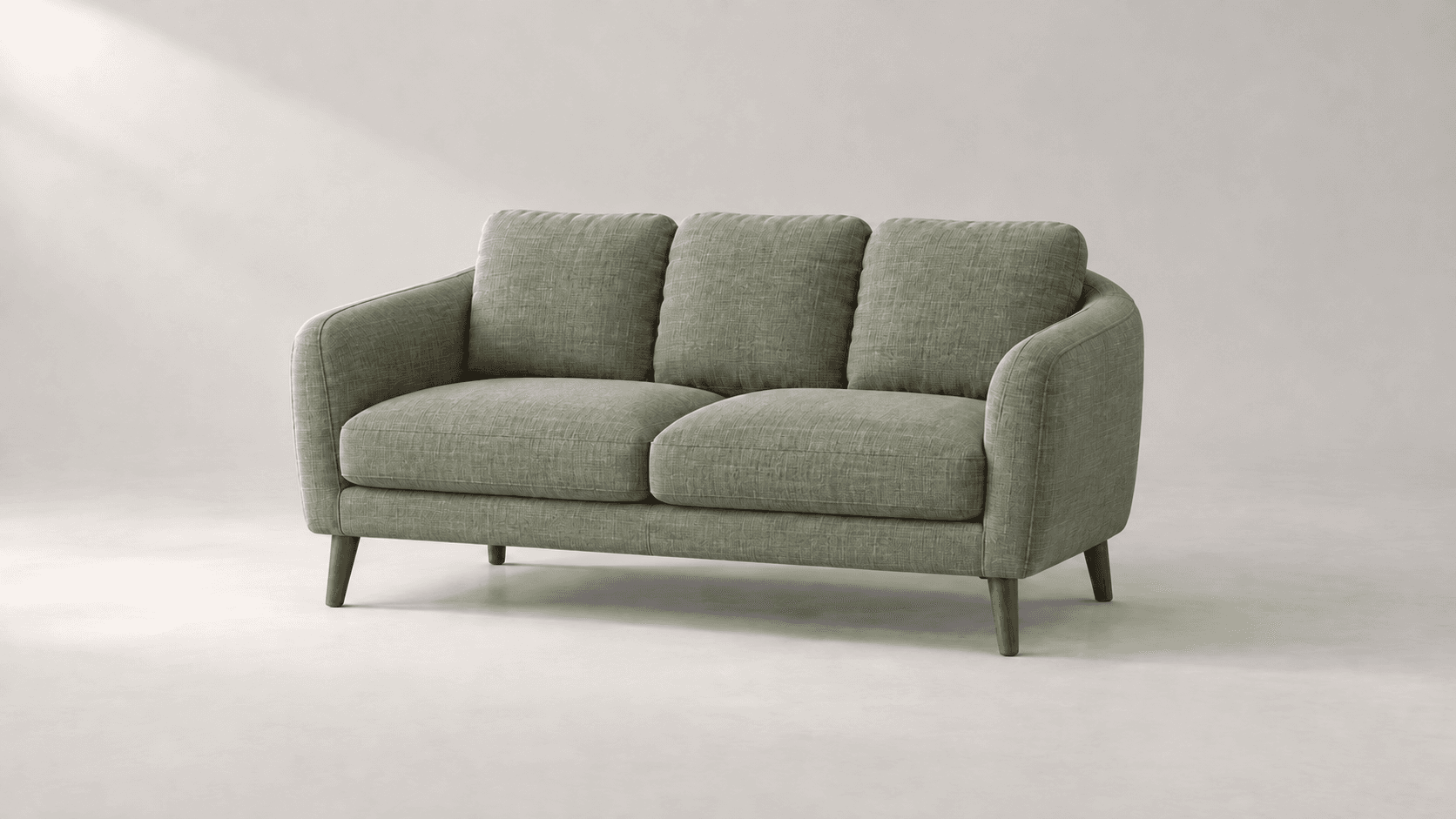
AI tool
Explore new colors for a product, outfit or room with a reference-led image edit. Describe the surface to change, then compare the color and material detail.
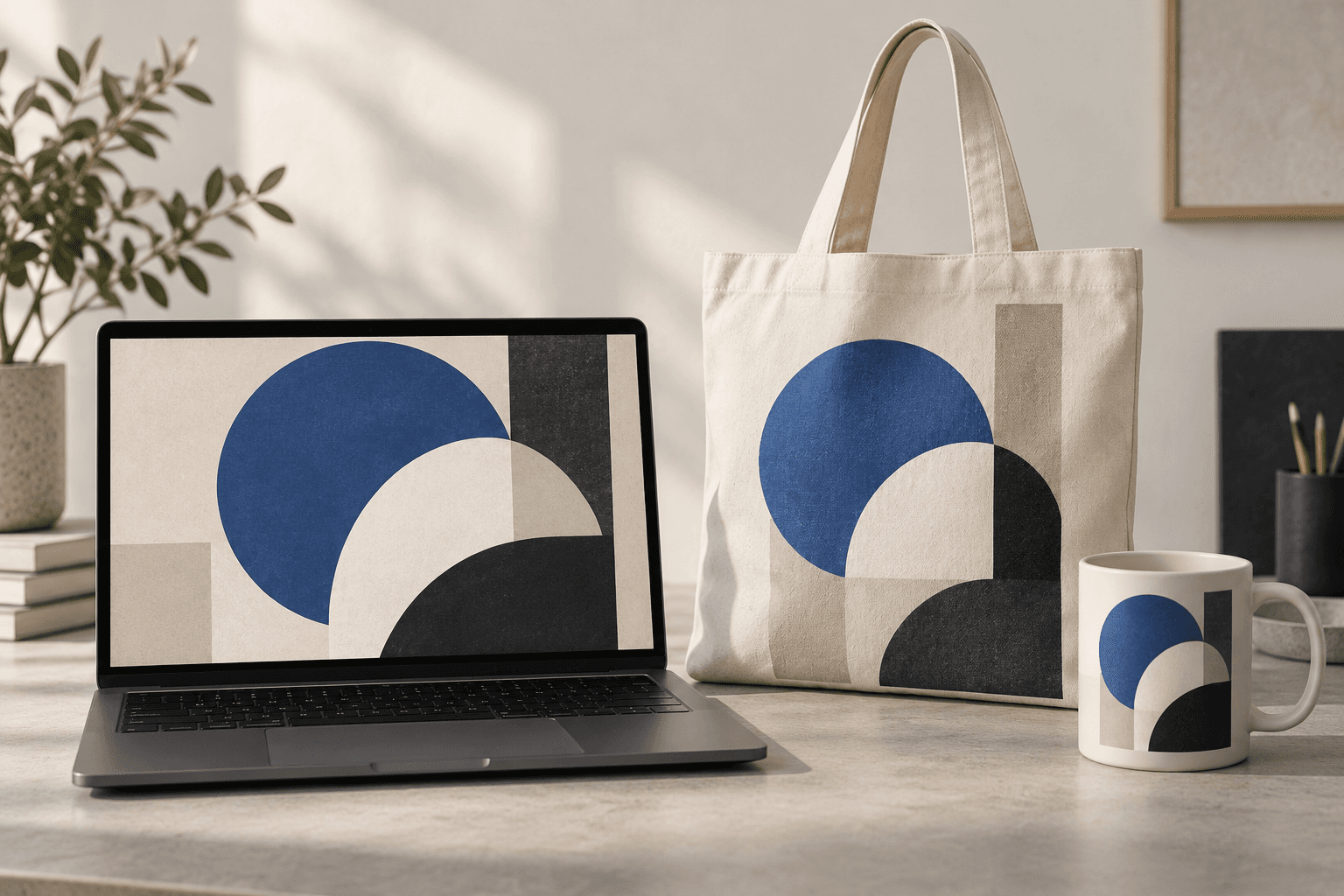
AI tool
Place a design idea on a product or device scene to preview how it might look in context. Start from your artwork or product reference, describe the surface, and inspect details before using the image in a presentation.
Start with the reference, refine the brief and review the image before taking the idea into production.