

Form and composition exploration
Use a short brief to compare a silhouette and overall visual direction.
Try the selected new reference and starter prompt, or replace the image with a reference you have permission to use.
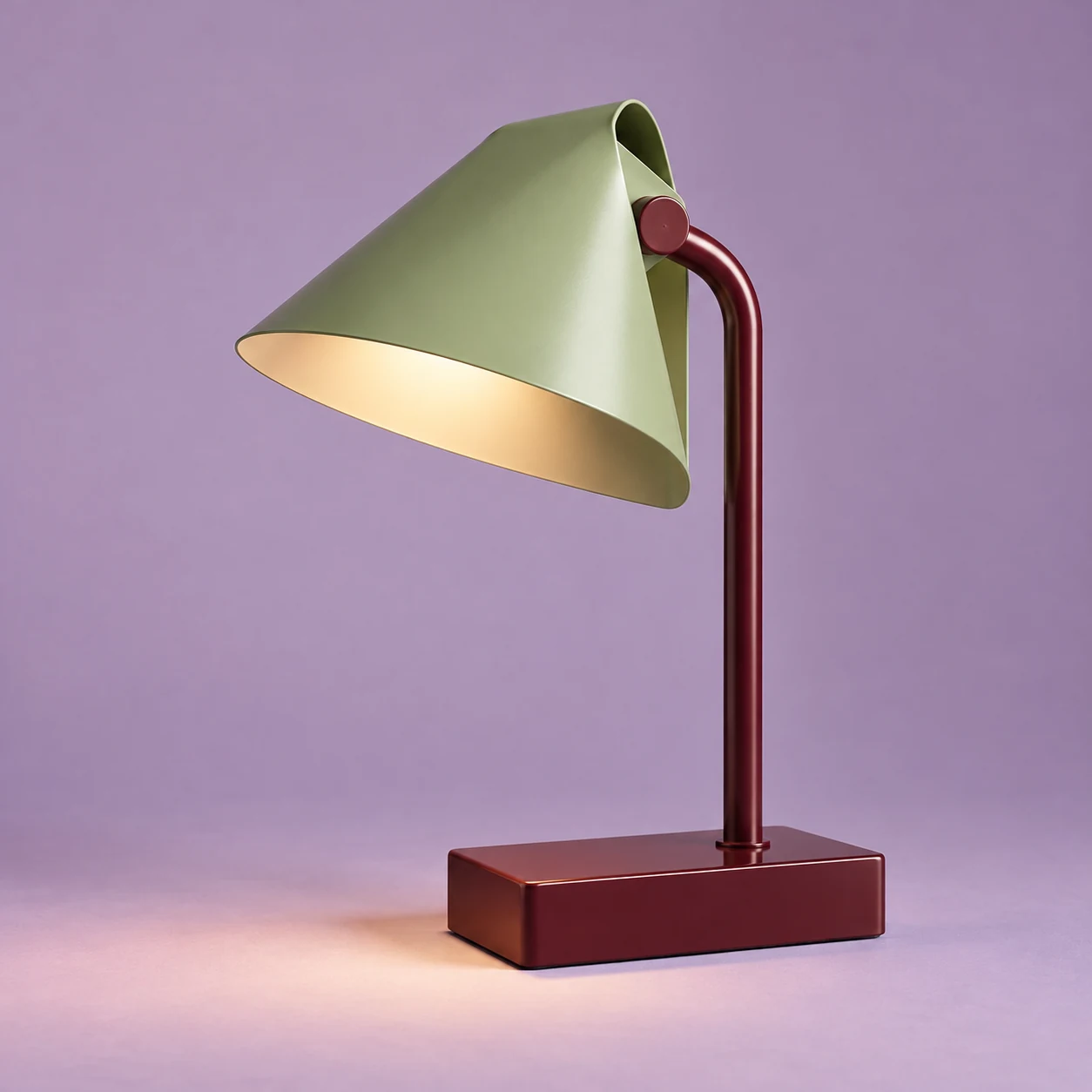
Try the selected lamp or a permitted reference. State the object, intended context, visual priorities and elements you want to explore.
Choose Generate design concept. Check the silhouette, material cues and apparent construction. Revise the brief when the image introduces unsupported details.
Use an image or vector editor, CAD software or a specialist workflow according to the project. Verify dimensions, function and production requirements separately.
Use a short brief to compare a silhouette and overall visual direction.
Explore the appearance of material combinations. The rendering does not prove their performance or feasibility.
Use the concept to brief a specialist rather than treating one generated image as a complete design solution.
It creates static concept images from a written brief and optional reference. It does not provide a general-purpose CAD, interface-layout or vector design editor.
No. A concept image does not verify dimensions, function, construction or production. Develop those requirements with suitable tools and specialists.
Choose a dedicated page for a focused task such as ring design, clothing concepts or logo exploration. This page helps when you are defining a broader visual brief.
Paid-plan generations can be used commercially, subject to model-provider terms and your rights to the inputs. Free-plan generations are intended for personal, non-commercial use; upgrading applies to new generations going forward. Check the current plan and commercial-rights guidance before using a concept for client or product work.
Under standard consumer and team terms, Astorie may use uploads, prompts and outputs to operate and improve the service and to train and evaluate AI models. A generation can also send data to a model provider under its own policy. Enterprise training opt-out requires a separate written agreement. Deleting a project does not necessarily remove information already incorporated into training or derived datasets.
AI tool
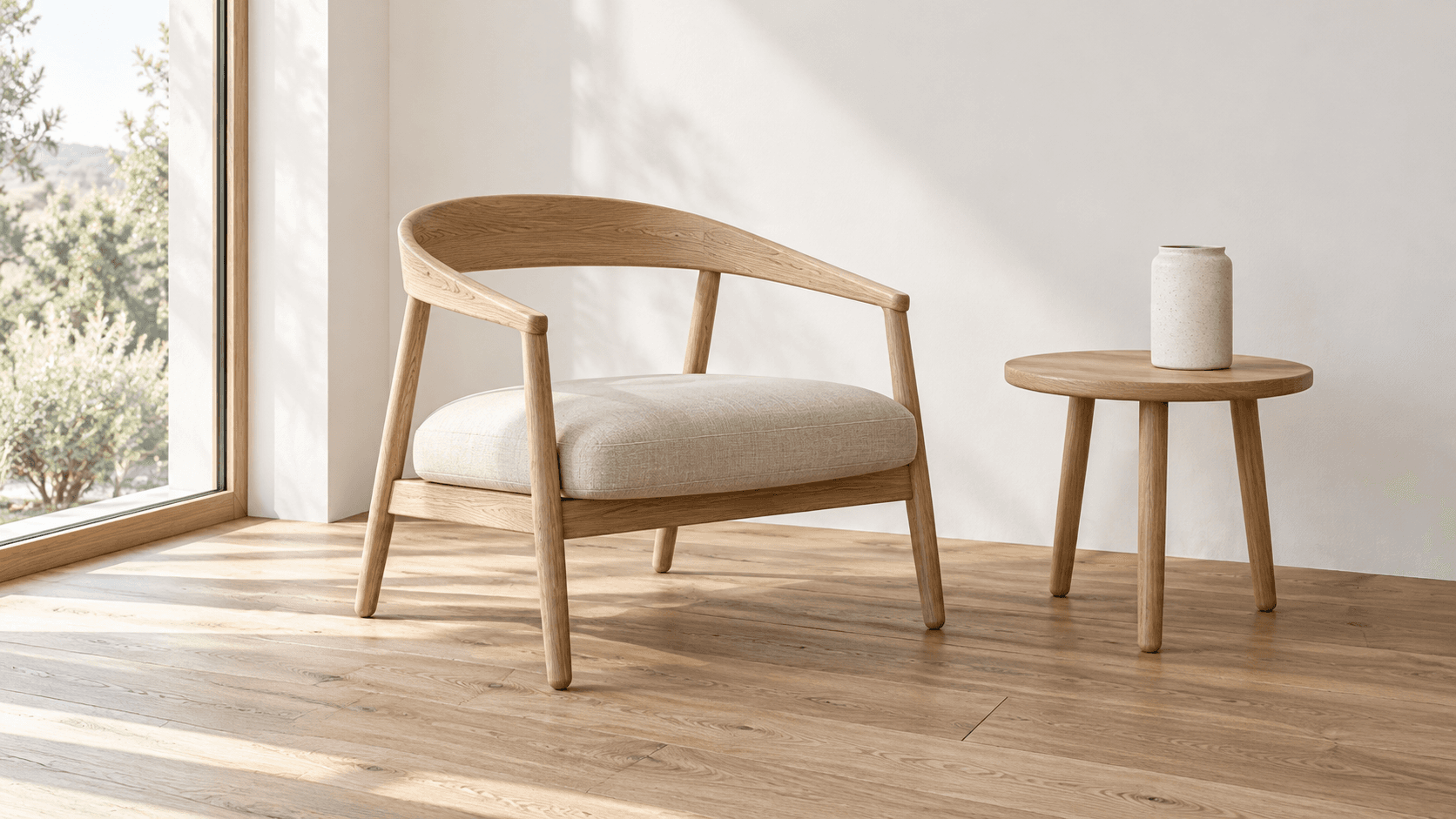
Turn a sketch into an image with a reference drawing and a written brief. Explore realistic photos, painted illustrations or 3D concept renders, then review the result against your original idea.
AI tool
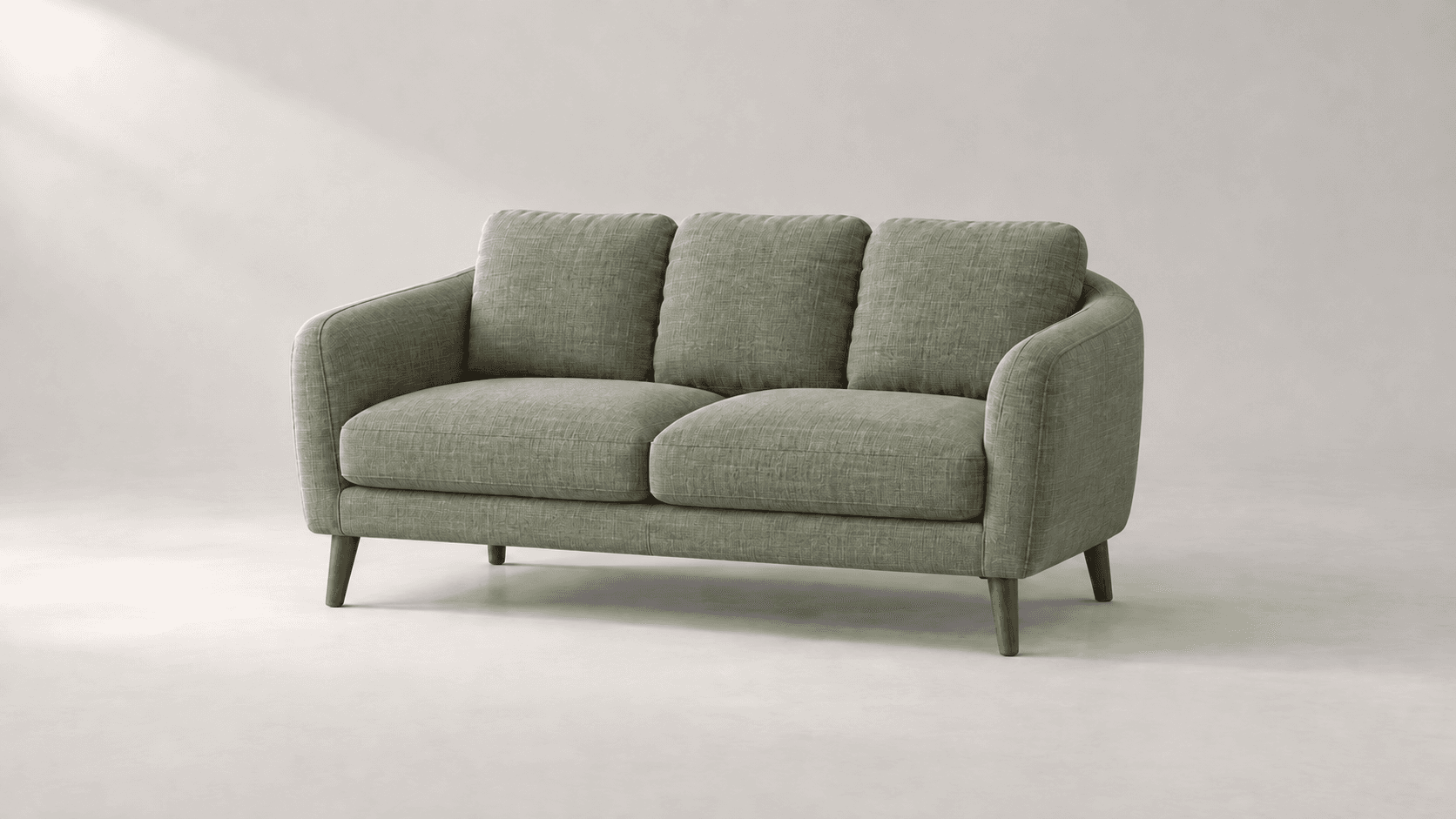
Explore new colors for a product, outfit or room with a reference-led image edit. Describe the surface to change, then compare the color and material detail.
AI tool
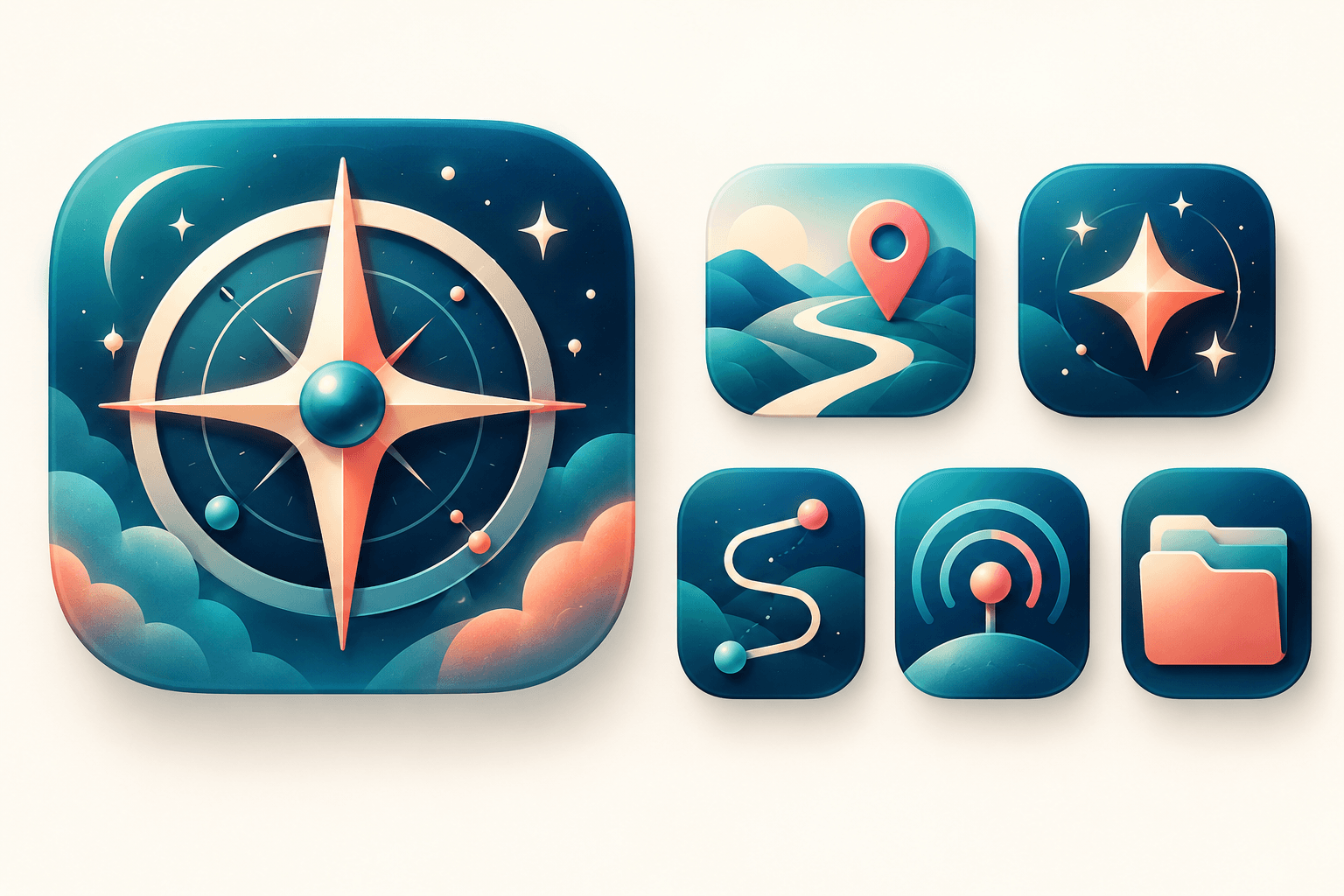
Explore original app launcher and interface icon directions from a written visual brief with an AI icon generator. Compare silhouettes, color contrast, and small-size legibility across concepts before redrawing or polishing the mark in your vector design system.
Start with the reference, refine the brief and review the image before taking the idea into production.