

Process layout exploration
Explore a visual arrangement for an approval flow, checklist or simple procedure. Keep the process short so its logic can be checked directly.
Try the selected new reference and starter prompt, or replace the image with a reference you have permission to use.
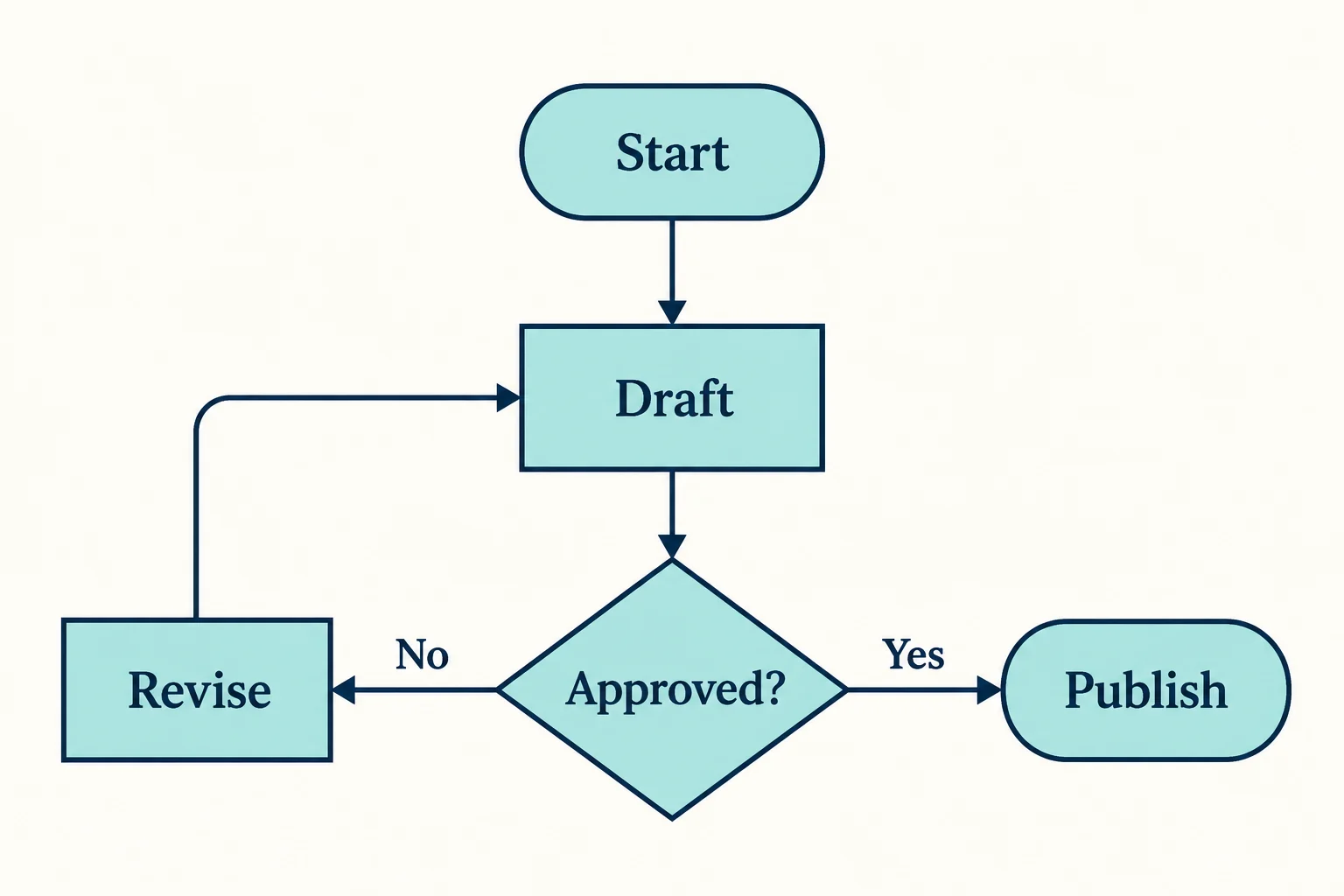
Use the starter example or replace it with a short process. List each step, every decision, branch labels and where loops should return. Keep confidential business details out of the example.
Choose Generate flowchart concept. Read the labels and follow each arrow from start to finish. Check branch direction, missing steps and loops against your written process.
Use a diagram editor for editable nodes and connectors. Correct labels, validate the logic with the process owner and export the final diagram using that editor.
Explore a visual arrangement for an approval flow, checklist or simple procedure. Keep the process short so its logic can be checked directly.
Specify the outcomes of each decision in writing. The generated image may misroute arrows or repeat labels; visual polish does not validate a process.
Use the concept as a layout reference. This page does not provide a node editor, automatic logic checking or native diagram-code export.
No. The output is an image. Use a diagram editor if you need movable nodes, connected arrows, collaboration or structured diagram data.
This image workflow does not create those structured formats. Build the verified process in an appropriate diagram tool for those outputs.
No. Trace every path and compare it with the source process. Have the relevant owner approve the logic before using it operationally.
Paid-plan outputs carry Astorie commercial rights, subject to model-provider terms and your rights to the inputs. Free-plan generations are for personal, non-commercial evaluation; upgrading covers new generations going forward. Check the current commercial-use policy before selling work.
Under standard consumer, free, pro and team terms, Astorie may use uploads, prompts and outputs for training and improvement. Providers have separate policies; enterprise training opt-out requires a written agreement. Deletion may not remove data already used in training. Review the current privacy policy before uploading sensitive work.

AI tool
Turn a sketch into an image with a reference drawing and a written brief. Explore realistic photos, painted illustrations or 3D concept renders, then review the result against your original idea.

AI tool
Explore original app launcher and interface icon directions from a written visual brief with an AI icon generator. Compare silhouettes, color contrast, and small-size legibility across concepts before redrawing or polishing the mark in your vector design system.
AI tool
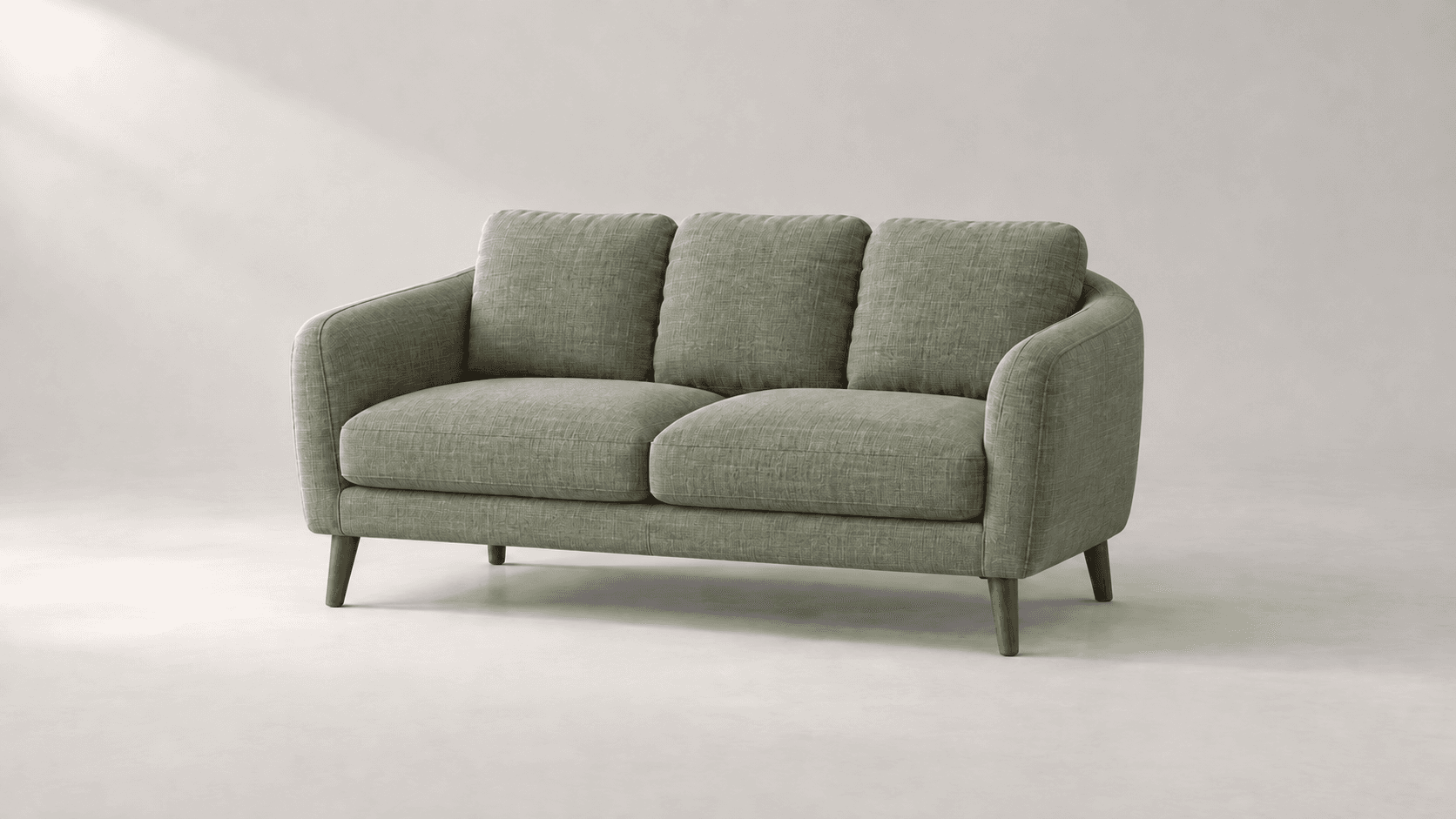
Explore new colors for a product, outfit or room with a reference-led image edit. Describe the surface to change, then compare the color and material detail.
Use the reference to explore a layout, then verify every branch and rebuild the diagram in an editor.