

A shared motif across pieces
Explore how one folded, sculptural or geometric motif could connect earrings, a pendant or a brooch.
Try the selected new reference and starter prompt, or replace the image with a reference you have permission to use.

Try the selected earrings and pendant, or use a reference you have permission to upload. Describe the pieces, shared motif, finish and intended visual mood.
Choose Generate jewelry concept. Check whether curves, edges, proportions and metal finishes look related across the pieces. Revise details that appear inconsistent.
Bring the selected image to a jewelry designer or maker. Establish dimensions, materials, findings, weight and construction in appropriate design tools and physical samples.
Explore how one folded, sculptural or geometric motif could connect earrings, a pendant or a brooch.
Compare the appearance of brushed, polished or textured finishes. A rendering does not establish alloy composition, durability or actual weight.
Use the image to communicate a direction before making separate drawings and specifications for each item.
No. It produces a concept image. A maker must develop accurate geometry, dimensions and manufacturing files separately.
Yes, you can describe a ring, but the dedicated AI ring designer focuses on a single band, setting and stone arrangement. This page focuses on coordinating multiple jewelry pieces.
No. The image suggests appearance. Confirm materials, attachments, comfort and physical properties with the maker.
Paid-plan generations can be used commercially, subject to model-provider terms and your rights to the inputs. Free-plan generations are intended for personal, non-commercial use; upgrading applies to new generations going forward. Check the current plan and commercial-rights guidance before using a concept for client or product work.
Under standard consumer and team terms, Astorie may use uploads, prompts and outputs to operate and improve the service and to train and evaluate AI models. A generation can also send data to a model provider under its own policy. Enterprise training opt-out requires a separate written agreement. Deleting a project does not necessarily remove information already incorporated into training or derived datasets.
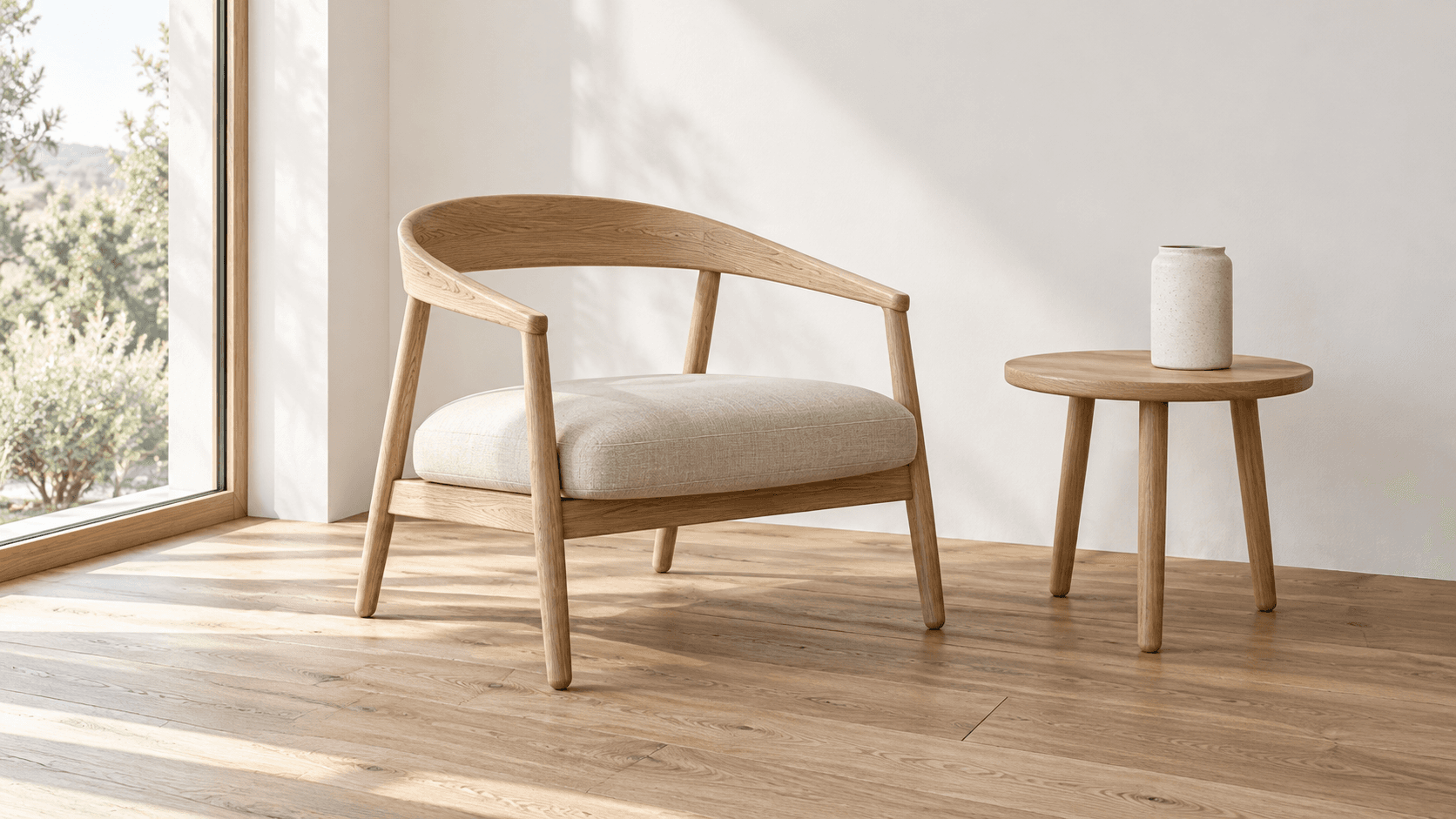
AI tool
Turn a sketch into an image with a reference drawing and a written brief. Explore realistic photos, painted illustrations or 3D concept renders, then review the result against your original idea.
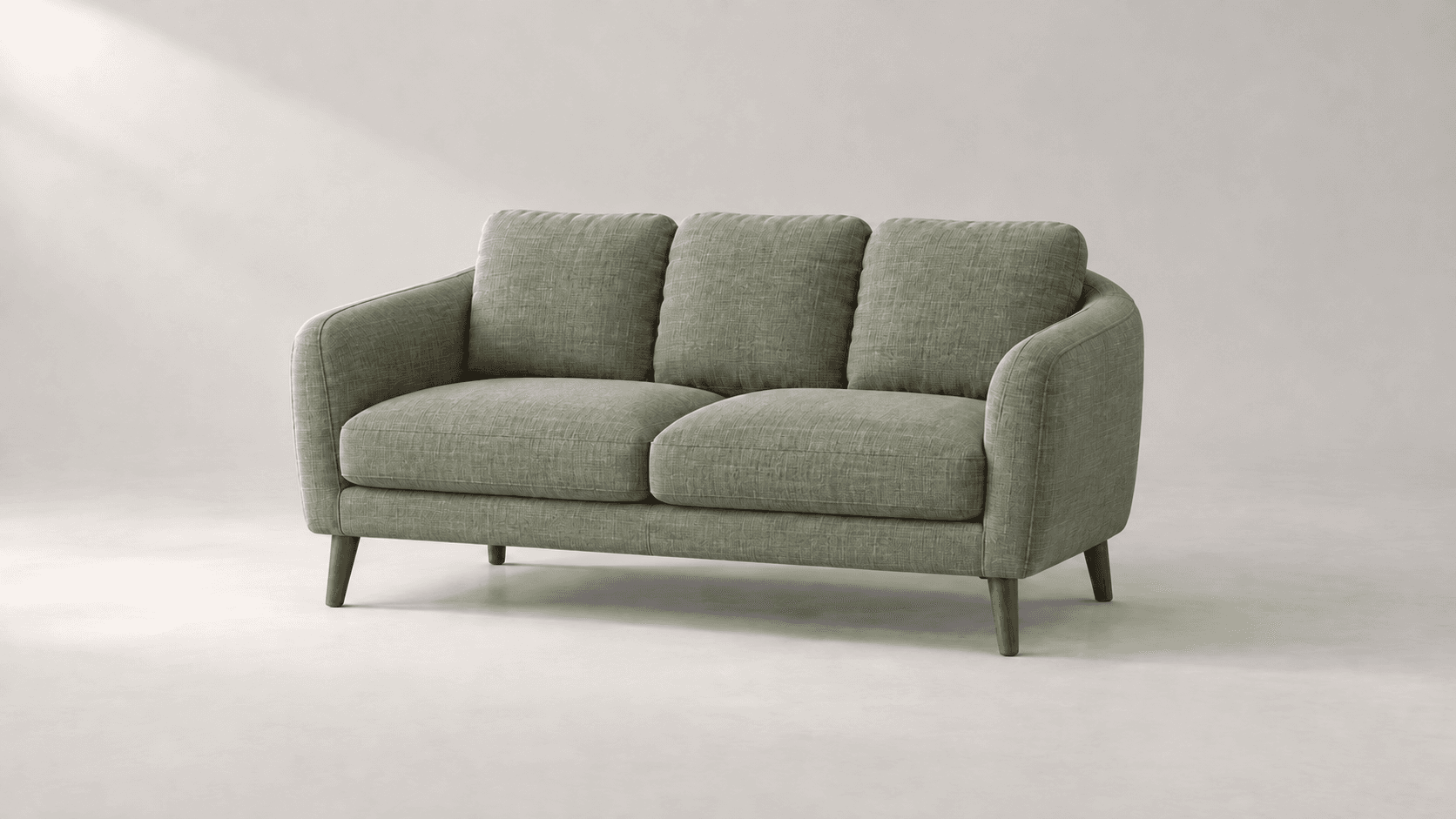
AI tool
Explore new colors for a product, outfit or room with a reference-led image edit. Describe the surface to change, then compare the color and material detail.
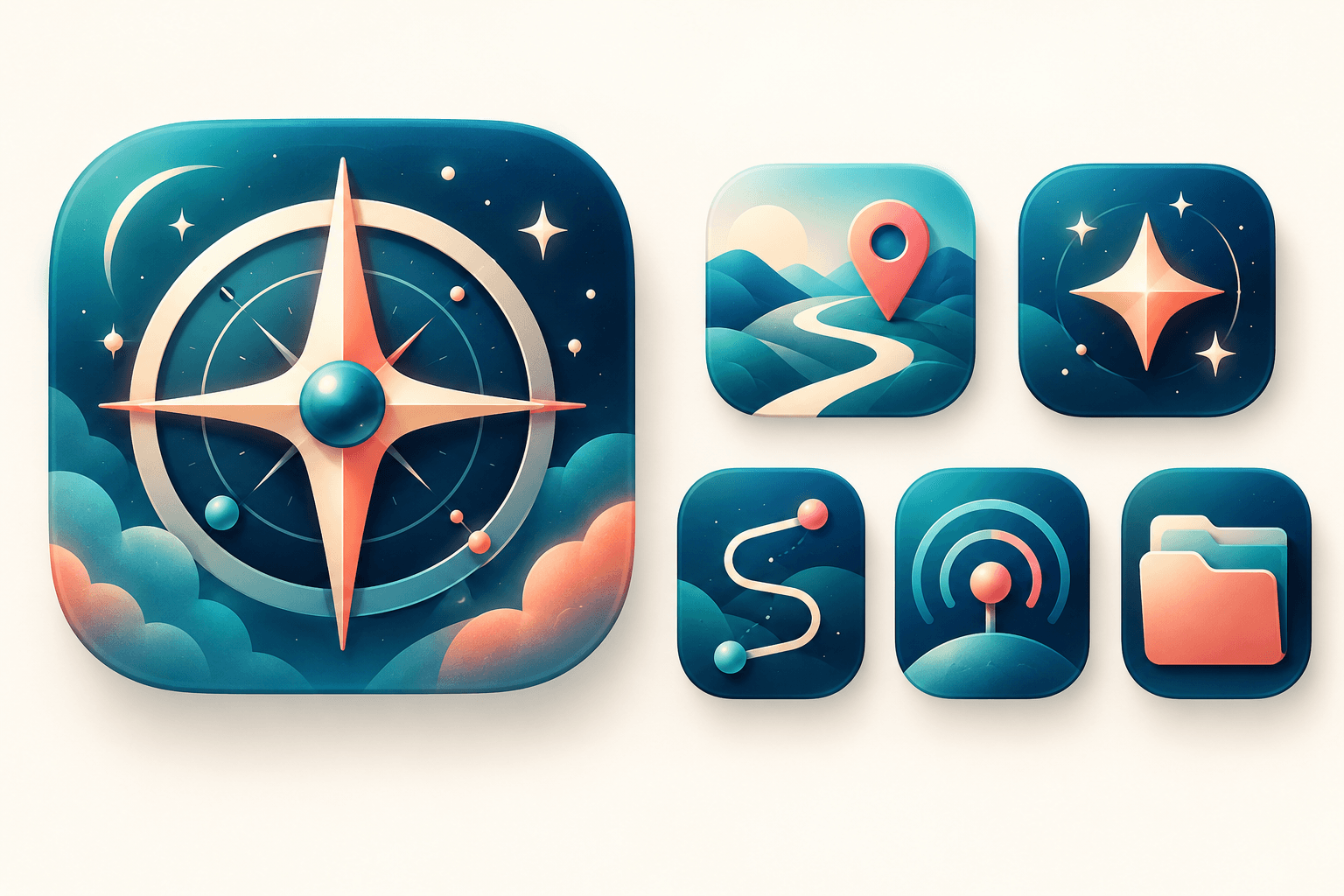
AI tool
Explore original app launcher and interface icon directions from a written visual brief with an AI icon generator. Compare silhouettes, color contrast, and small-size legibility across concepts before redrawing or polishing the mark in your vector design system.
Start with the reference, refine the brief and review the image before taking the idea into production.