

Cabinet and Worktop Combinations
Explore how a cabinet color relates to wood, stone-look surfaces and backsplash treatments. Confirm real material samples and maintenance needs separately.
Start with the selected reference and starter prompt, or replace the reference with an image you have permission to use.

Use the selected reference or a permitted photo of your kitchen. Describe cabinet finish, worktop, backsplash and lighting choices, and name any features you want to retain.
Choose Generate kitchen concept. Compare material relationships and visual contrast. Check all cabinet and appliance positions against the reference because the generated layout can change.
Have a kitchen professional measure the room and verify cabinet sizes, clearances, ventilation, appliance specifications and plumbing or electrical requirements before ordering or installation.
Explore how a cabinet color relates to wood, stone-look surfaces and backsplash treatments. Confirm real material samples and maintenance needs separately.
Compare the visual effect of under-cabinet lighting or a different storage style. The image does not verify light output, usable capacity or installation details.
Bring a selected visual direction to your kitchen designer. Technical layouts, service positions and accurate cabinet schedules require a separate planning process.
You can use a photo you have permission to upload and request specific visual changes. Geometry, appliance positions and openings may still change, so compare the result with the original.
This page creates an image concept. It does not produce dimensioned plans, a cabinet bill of materials or verified appliance and service clearances.
A visual suggestion does not establish feasibility. Ask qualified professionals to assess services, ventilation, safety and applicable requirements before changing those positions.
Astorie grants commercial rights for outputs generated on paid plans, subject to the underlying model provider’s terms and your rights to the inputs. Free-plan outputs are for personal, non-commercial evaluation; upgrading applies to new generations going forward. Review the current commercial-use policy before selling or delivering work.
Under the default consumer, free, pro and team terms, Astorie may use uploads, prompts and outputs for training and improvement. Model providers have separate policies. Enterprise training opt-out requires a separate written agreement. Project files are retained for the workflow, and deletion may not remove data already used in training or derived datasets. Check the current policy before uploading sensitive material.
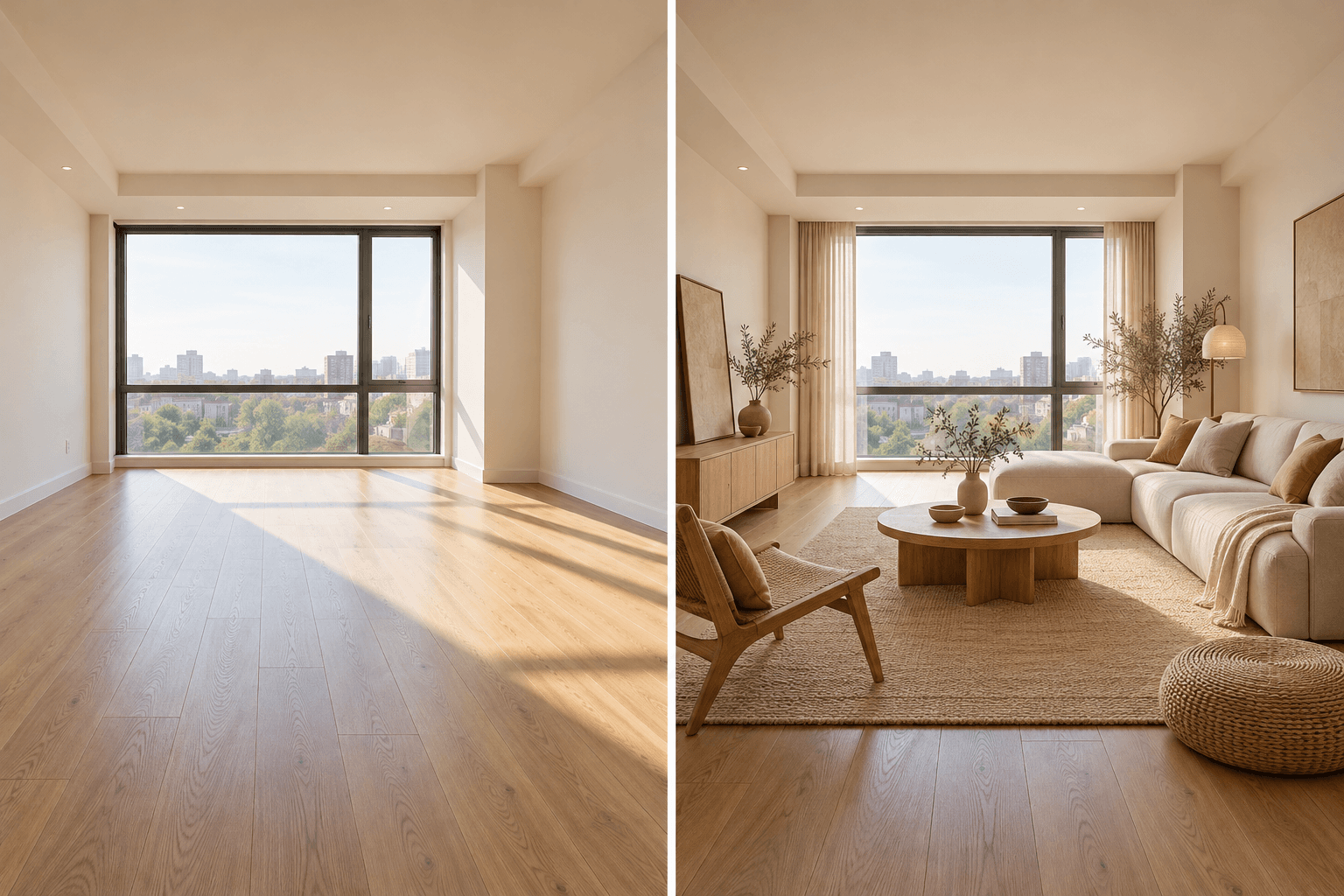
AI tool
Upload a room photo and describe the style or furnishing direction you want to explore. Generate a visual concept, compare it with the source room, and verify dimensions and materials before making real changes.

AI tool
Explore building forms, materials and lighting as still-image concepts. Describe an exterior or add an optional sketch or photo, then review the generated geometry against your design brief.
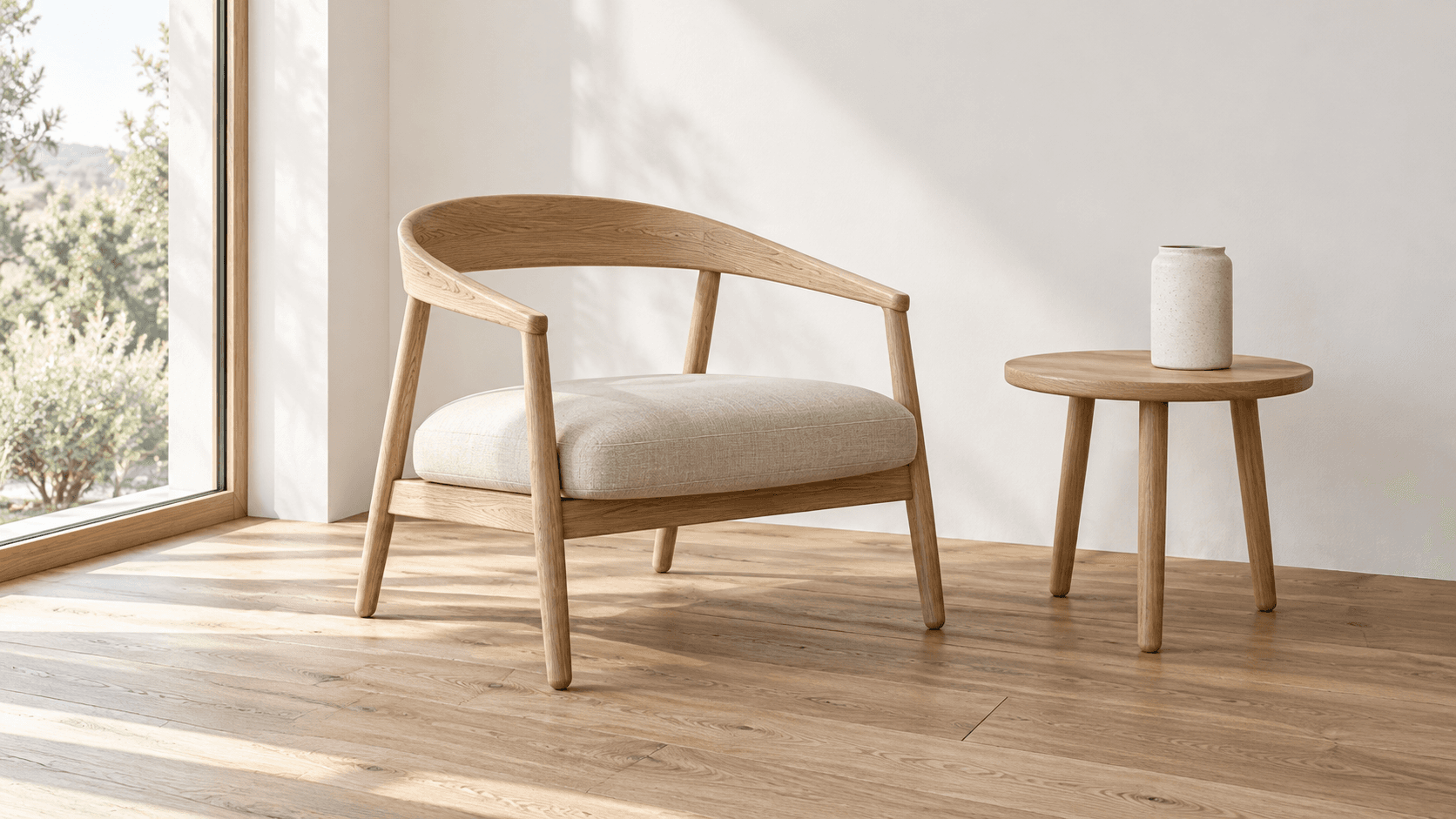
AI tool
Turn a sketch into an image with a reference drawing and a written brief. Explore realistic photos, painted illustrations or 3D concept renders, then review the result against your original idea.
Start with the reference, refine the brief and review the image before taking the idea into production.