

Small Garden and Backyard Ideas
Explore the balance between usable open space and planted borders. A clear brief helps focus the visual concept on your household’s priorities.
Start with the selected reference and starter prompt, or replace the reference with an image you have permission to use.
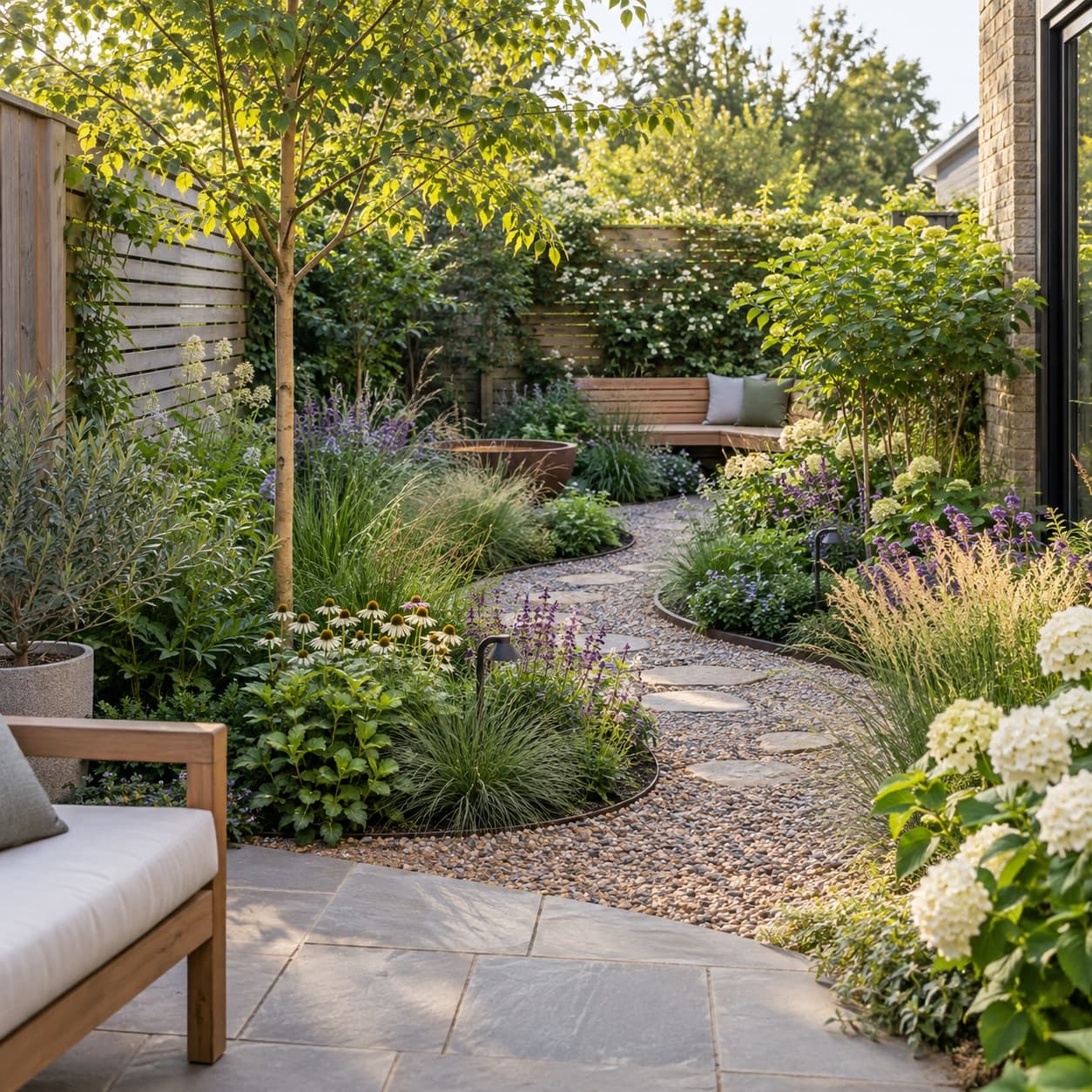
Use the selected garden reference or a permitted site photo. Include your priorities, such as seating, a path or more planting, and describe the look you want to explore.
Choose Generate garden concept. Look at how paths, seating and planting relate. If using your own photo, compare boundaries and access carefully because generated geometry may change.
Measure the space and check light, soil, drainage, climate and local requirements. Ask a qualified professional to turn the selected direction into a suitable plan before building.
Explore the balance between usable open space and planted borders. A clear brief helps focus the visual concept on your household’s priorities.
Compare a material palette or planting mood. Images do not establish exact levels, quantities, species suitability or drainage performance.
Use the concept to explain preferences to a landscape professional. Surveying, plant selection and construction details require site-specific work.
You can replace the selected reference with a photo you have permission to use and describe the proposed changes. The result may alter dimensions, boundaries or existing features, so compare it with the site.
This page generates visual concepts. Plant quantities, climate suitability, maintenance needs and project pricing must be established separately for your site.
Use it for discussion and inspiration. A measured plan and checks for drainage, access, utilities and local requirements are needed before construction.
Astorie grants commercial rights for outputs generated on paid plans, subject to the underlying model provider’s terms and your rights to the inputs. Free-plan outputs are for personal, non-commercial evaluation; upgrading applies to new generations going forward. Review the current commercial-use policy before selling or delivering work.
Under the default consumer, free, pro and team terms, Astorie may use uploads, prompts and outputs for training and improvement. Model providers have separate policies. Enterprise training opt-out requires a separate written agreement. Project files are retained for the workflow, and deletion may not remove data already used in training or derived datasets. Check the current policy before uploading sensitive material.

AI tool
Explore building forms, materials and lighting as still-image concepts. Describe an exterior or add an optional sketch or photo, then review the generated geometry against your design brief.
AI tool
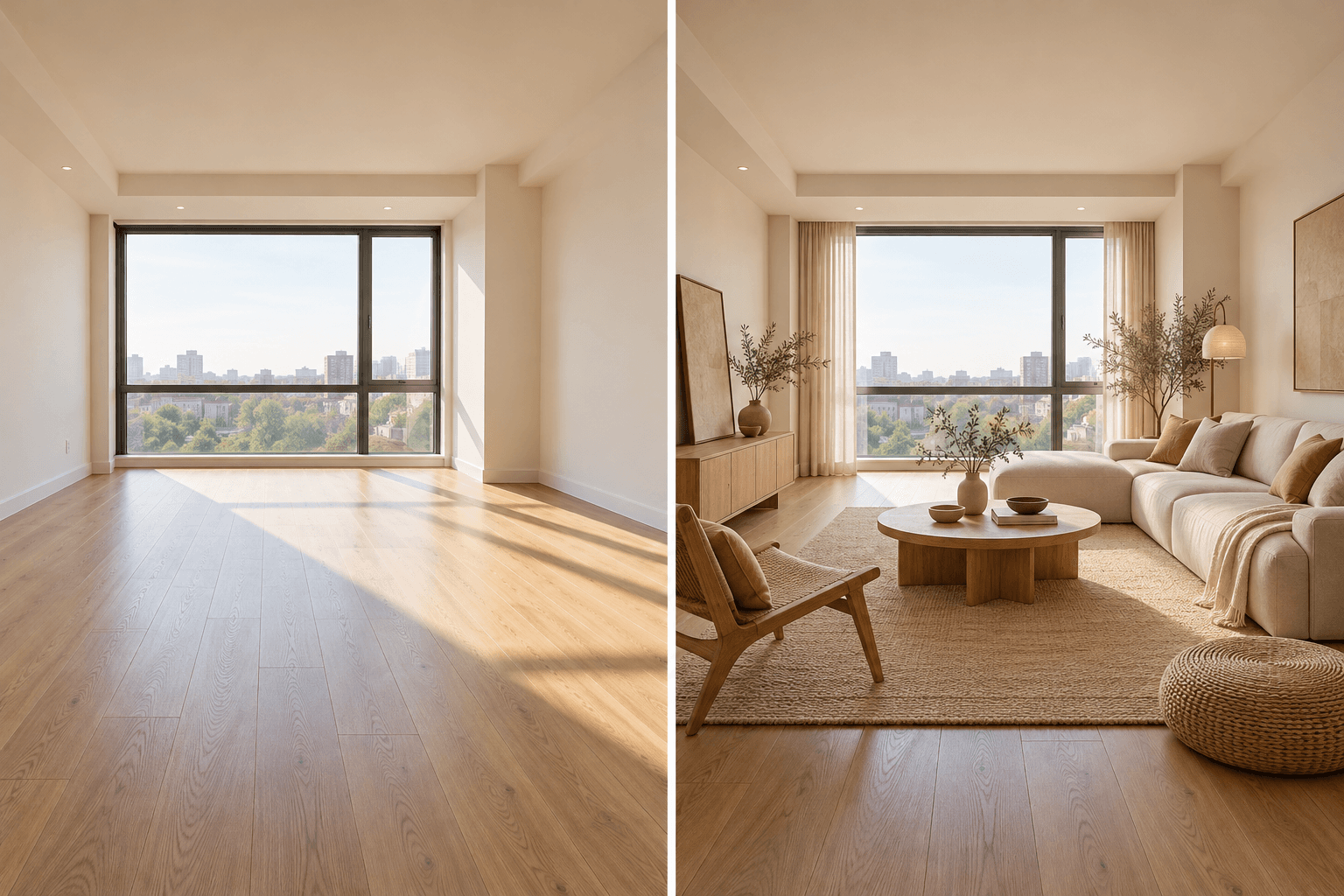
Upload a room photo and describe the style or furnishing direction you want to explore. Generate a visual concept, compare it with the source room, and verify dimensions and materials before making real changes.
AI tool
Turn a sketch into an image with a reference drawing and a written brief. Explore realistic photos, painted illustrations or 3D concept renders, then review the result against your original idea.
Start with the reference, refine the brief and review the image before taking the idea into production.