

Indigo loop mark
The selected starting reference
- A flat indigo loop emblem on an off-white background.
- Broad solid strokes define the original mark.
LOGO MOTION IDEAS
Create static visual concepts for a logo reveal or end card. Use your mark as a reference and compare outline, dimensional and storyboard image directions.
Try the indigo loop mark or upload a logo you can use. Choose an image direction, then describe the composition and finish.
These AI-created concept illustrations explore static keyframes and compositions using the same mark. Compare outline, dimensional and storyboard treatments as visual directions for review.
The selected starting reference
An illustrative still-image direction
Choose a clear reference, write a focused brief and compare the result with the source.
Use the sample or upload an authorized logo image. Choose Outline concept, Dimensional keyframe or Three-stage storyboard, then edit the visual brief.
Select Generate concept image. Inspect edges, overlaps, color and proportions against the source. Treat the result as a static direction to review before final brand production.
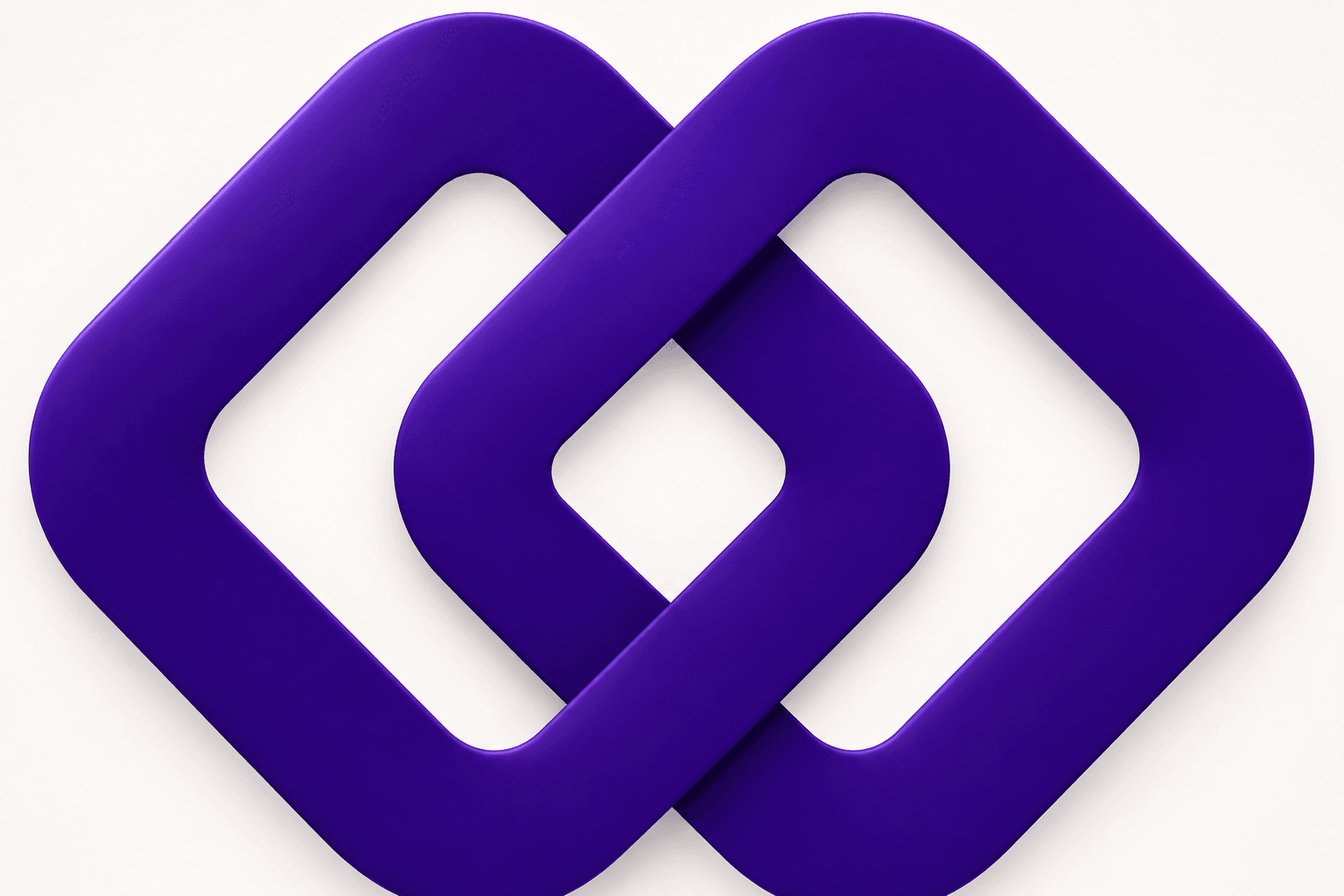
Use a focused brief to make the proposed image easier to assess.
Begin with a clean silhouette and enough space around it. Compare the openings, overlaps and proportions in the proposed image with the original logo. Small lettering and thin strokes need especially careful review.
Create an image
A simple end-card image can establish scale, background and negative space. Describe where the mark should sit and how quiet the finish should feel. Add any final brand lockup or typography separately after reviewing the image.
Create an image
Use a matching reference for each idea and adapt the prompt to the image you supply.
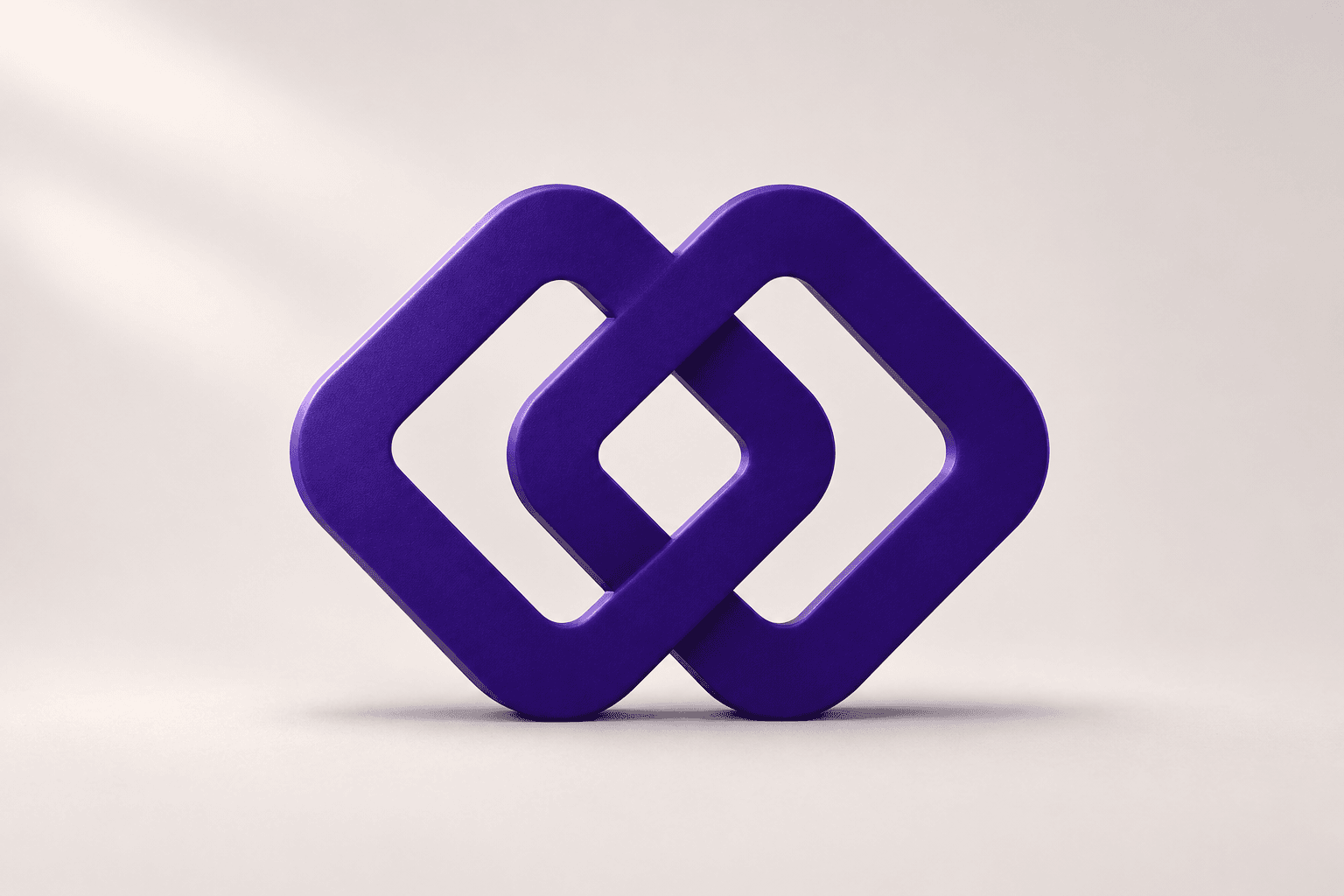

Match the reference and composition to the visual decision you are exploring.
For an opening-keyframe brief, request the source mark as a fine outline on a simple background. Use the static image to discuss stroke weight and scale; inspect the openings and overlaps before treating it as an approved direction.
Create an image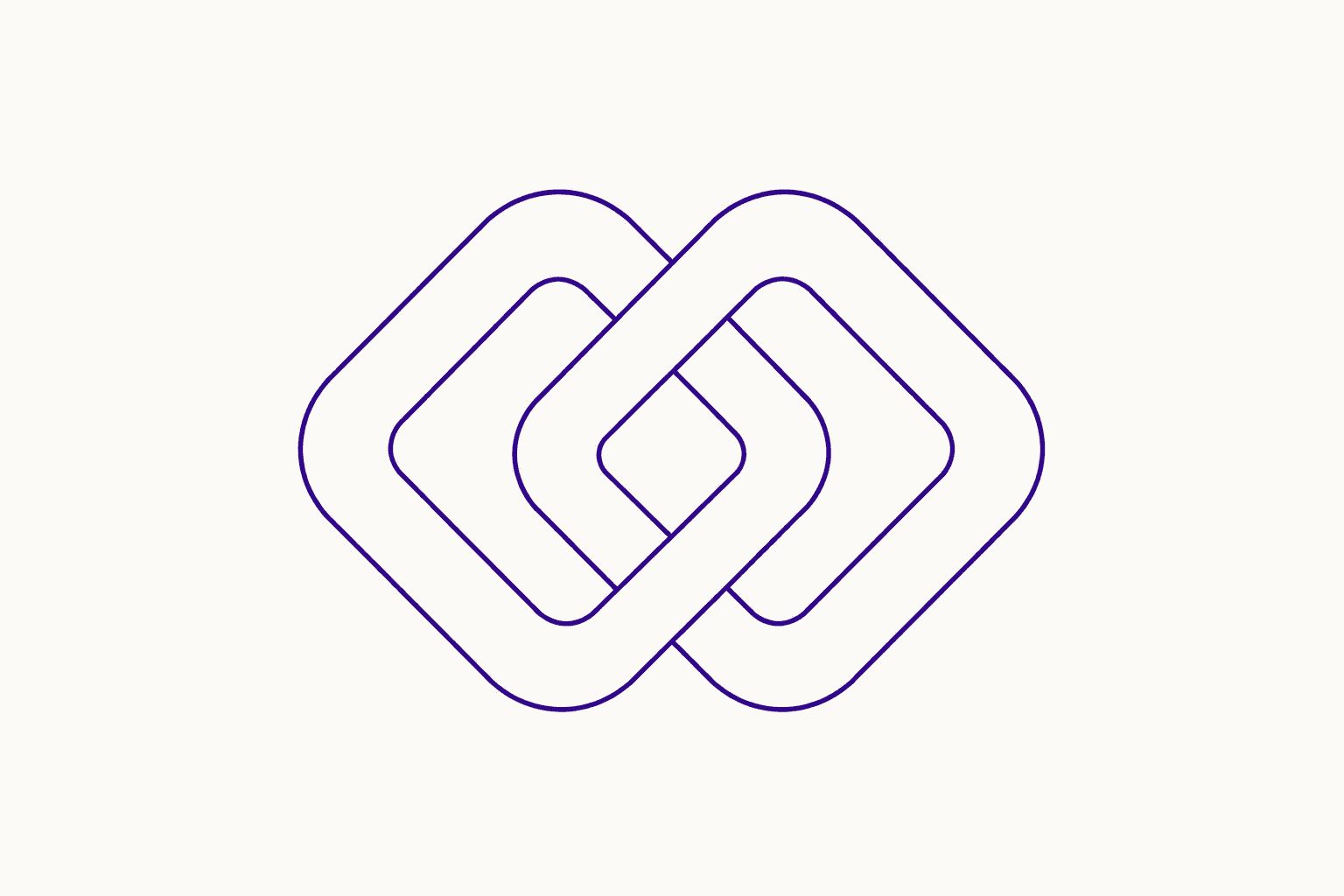
For a closing-card brief, ask for the solid mark with calm spacing and a clear resting composition. Check its scale and surrounding negative space, then add any final brand text separately after reviewing the symbol.
Create an image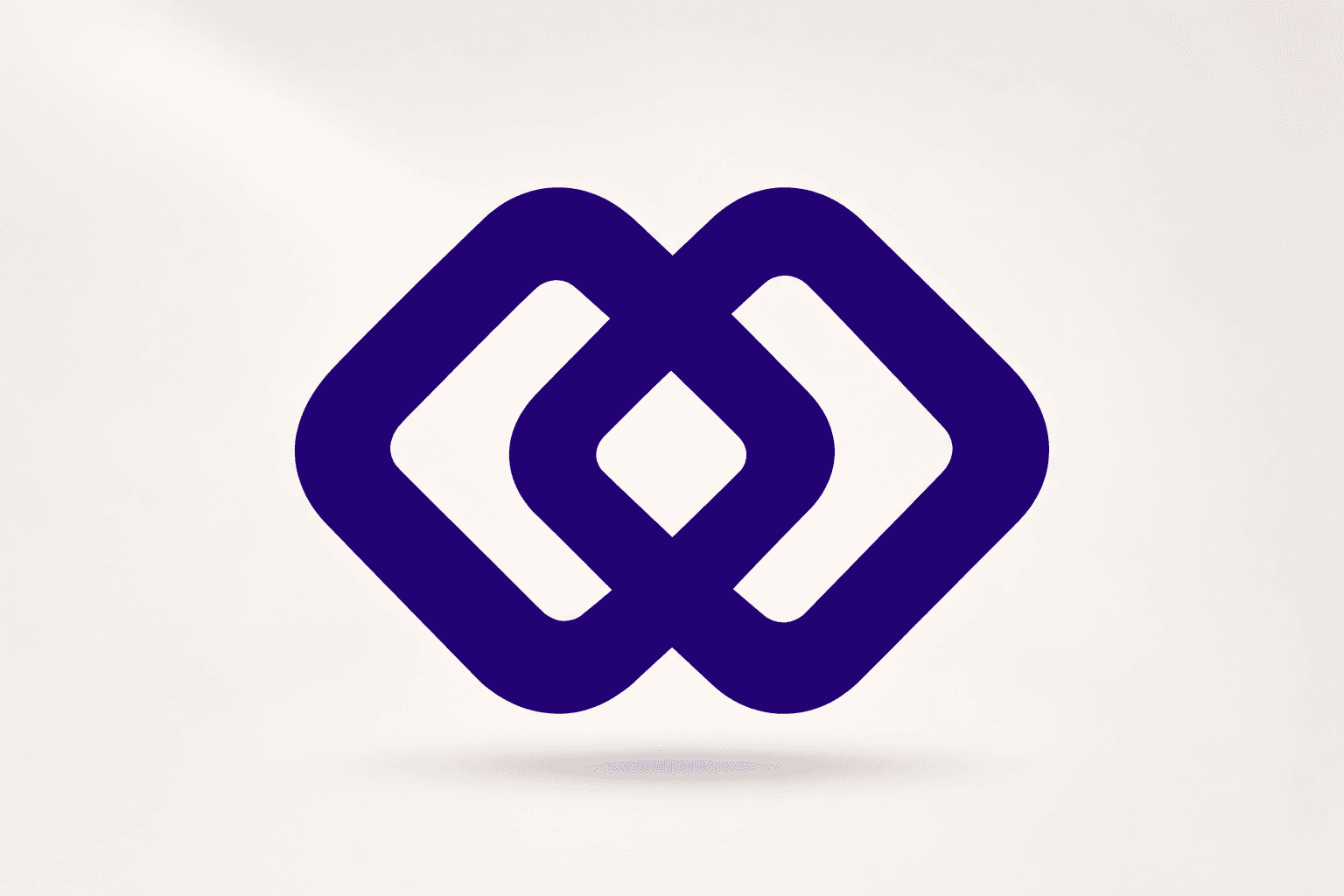
This form uses a reference image and an editable brief to generate a still image.
| Reference | Choose the sample or upload one clear authorized reference image. A reference is required. | |
|---|---|---|
| Controls | Three pictured starting directions and an editable prompt. Adapt the brief to your own reference. | |
| Result | A generated still image or a requested storyboard arranged within one image. | |
| Brand fidelity | Edges, colors, proportions and lettering can change. Review the concept against the approved mark. | |
| File scope | This form creates images; it does not return video, editable motion paths, vector artwork or an animation project. | |
| Cost | Check the current credit quote and your account allowance before generating. | |
| Commercial use | Paid-plan generations have commercial rights subject to provider terms and input rights. Free-plan generations are for personal, non-commercial evaluation; upgrading applies to new generations. | |
| Upload data use | Default terms permit using uploads, prompts and outputs for training and improvement. Provider policies also apply. Enterprise opt-out requires a written agreement; learned or derived information may persist after source deletion. |
Explore another reference-image direction.
AI tool
Explore new colors for a product, outfit or room with a reference-led image edit. Describe the surface to change, then compare the color and material detail.

AI tool
Create a brighter interpretation of a dim image with a reference and a lighting prompt. Explore lifted shadows, balanced light or soft daylight, then inspect the result.

AI tool
Use this AI image variation generator to explore a new background, lighting or visual style from one reference. Compare each candidate with the source. For a rendering closer to the original composition, try the AI image recreator.
It creates static images for exploring a logo reveal, keyframe or end-card direction.
Yes. Upload a logo you own or are authorized to use and describe the visual treatment you want.
No. This page generates still concept images. A storyboard prompt requests several stages arranged in a single image.
Exact preservation is not guaranteed. Check fine strokes, overlaps, lettering and color against the approved source.
Paid-plan generations have commercial rights subject to provider terms and your rights to the logo and other inputs.
Choose a clean logo reference and a still-image treatment, then review the concept against the original.