

Patios and terraces
Focus on an outdoor room: seating, tables, paving and planters. Front-yard access and curb appeal belong in the yard design brief.
Try the selected new reference and starter prompt, or replace the image with a reference you have permission to use.
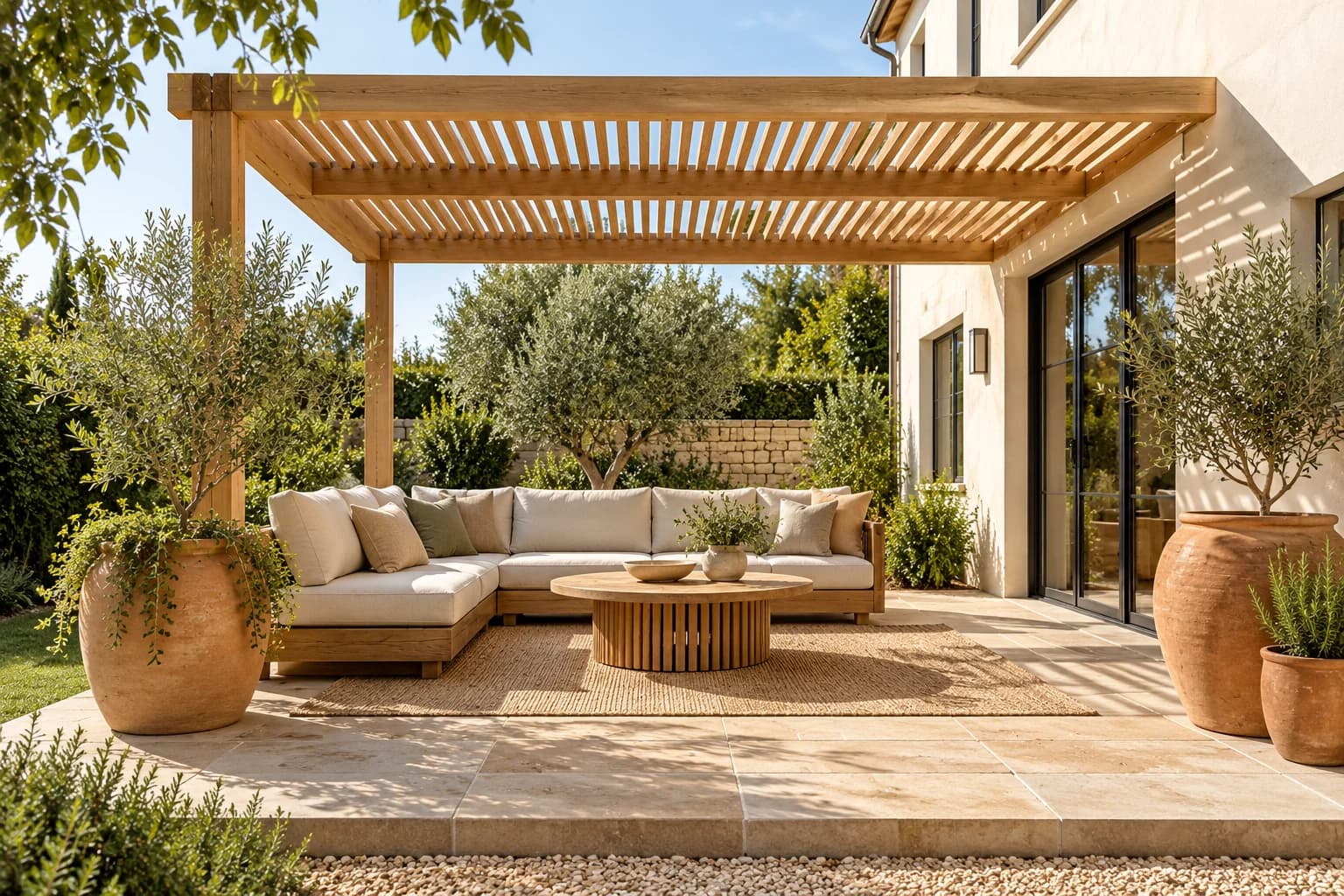
Try the patio reference or a permitted photo of your terrace. State whether the priority is dining, lounging or an uncluttered route through the space.
Choose Generate outdoor concept. Check the furniture grouping, relationship to doors and visual shade treatment. Generated objects may change size or position.
Measure the area, check door and circulation clearances, and select products rated for your conditions. Verify anchoring, structural work and local requirements separately.
Focus on an outdoor room: seating, tables, paving and planters. Front-yard access and curb appeal belong in the yard design brief.
Compare a pergola-like setting and the mood it creates. An image does not establish wind resistance, structural loading or actual shade coverage.
Explore material relationships, then verify weather resistance, maintenance and the way water drains across the real surface.
This page focuses on outdoor living areas. Site-specific planting, soil, levels and drainage planning need a landscape workflow.
It can illustrate a balcony styling idea. Load capacity, guarding, fixing methods and building rules require a competent assessment of the actual structure.
No. The image may alter proportions and access routes. Measure and check furniture specifications before making changes.
Paid-plan outputs carry Astorie commercial rights, subject to model-provider terms and your rights to the inputs. Free-plan generations are for personal, non-commercial evaluation; upgrading covers new generations going forward. Check the current commercial-use policy before selling work.
Under standard consumer, free, pro and team terms, Astorie may use uploads, prompts and outputs for training and improvement. Providers have separate policies; enterprise training opt-out requires a written agreement. Deletion may not remove data already used in training. Review the current privacy policy before uploading sensitive work.

AI tool
Explore building forms, materials and lighting as still-image concepts. Describe an exterior or add an optional sketch or photo, then review the generated geometry against your design brief.
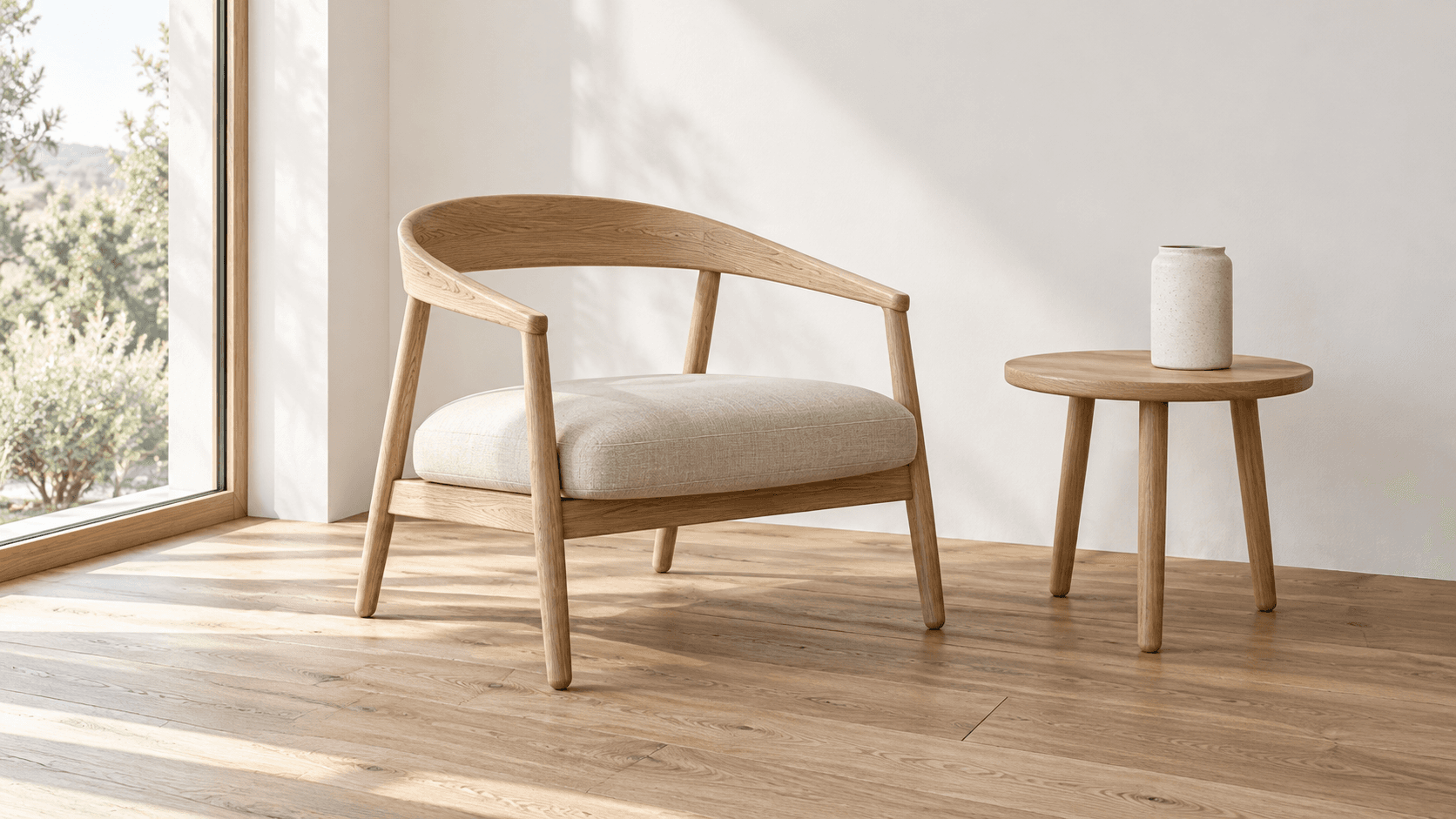
AI tool
Turn a sketch into an image with a reference drawing and a written brief. Explore realistic photos, painted illustrations or 3D concept renders, then review the result against your original idea.
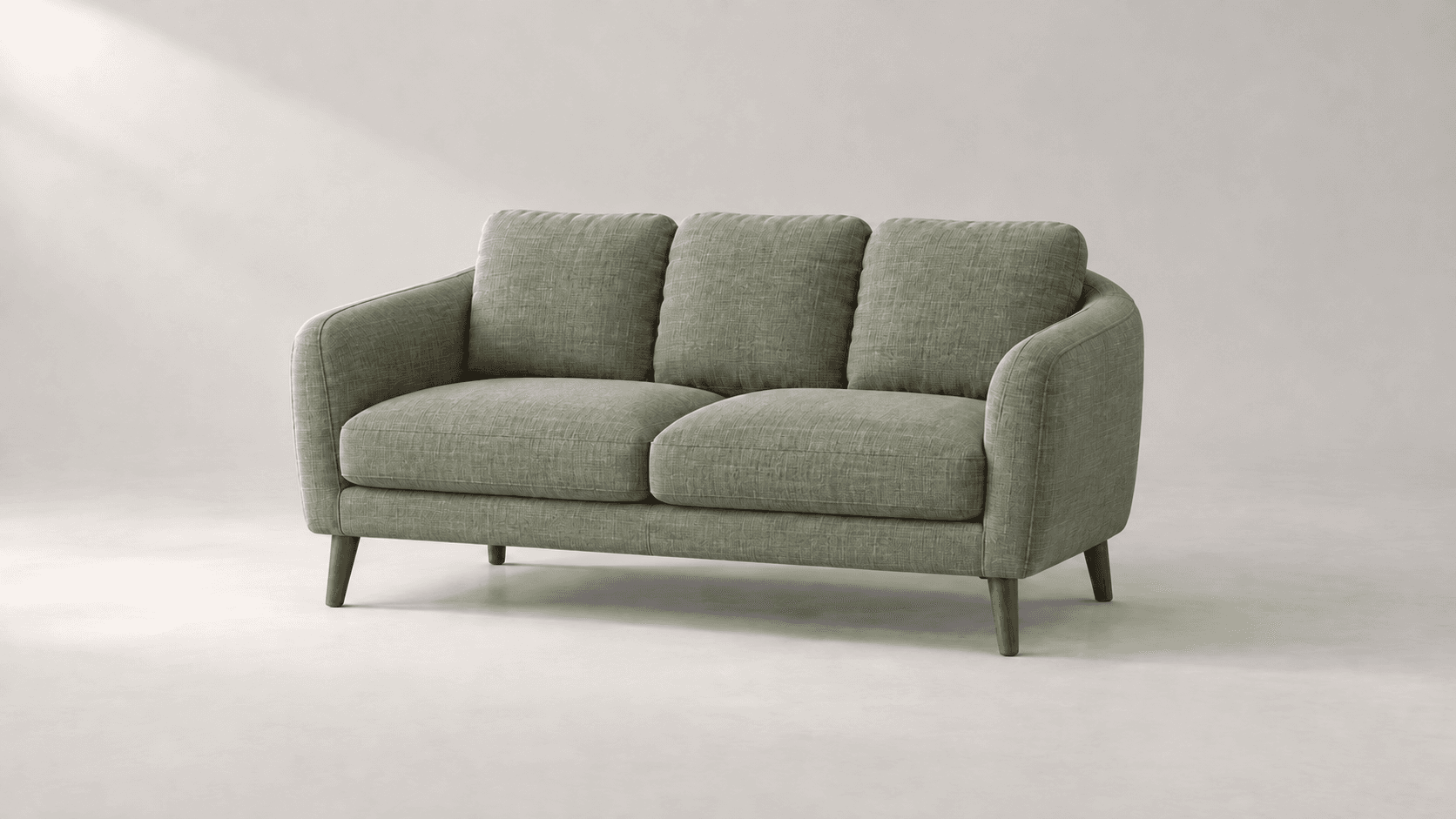
AI tool
Explore new colors for a product, outfit or room with a reference-led image edit. Describe the surface to change, then compare the color and material detail.
Start with the reference, compare a visual direction and discuss a measured, site-specific plan before making real changes.