

Cartons, jars and coordinated graphics
Explore how a visual identity might carry across packaging surfaces. The image is a discussion aid, not an automatically unfolded layout.
Try the selected new reference and starter prompt, or replace the image with a reference you have permission to use.

Start with the selected carton and jar or a permitted product reference. State the product type, package format, audience and visual style.
Choose Generate packaging concept. Compare graphic hierarchy, visible panels and material cues. Generated folds, proportions and text may need correction.
Ask a packaging supplier for validated dimensions, material specifications and dielines. Add approved copy and barcodes in a layout tool, then review prototypes and print proofs.
Explore how a visual identity might carry across packaging surfaces. The image is a discussion aid, not an automatically unfolded layout.
Compare a paperboard, matte or textured appearance. Rendered materials do not prove barrier properties, recyclability or food-contact suitability.
Use the visual to describe preferences. Your supplier still needs product fit, tolerances, structure and process-specific production files.
No. This page creates images. Cutting, folding, gluing and bleed geometry must come from a validated packaging template or specialist workflow.
Typeset and verify required copy and machine-readable codes separately. Generated small text and barcode-like marks are not reliable production data.
This page explores the whole package and its presentation. A label brief concentrates on the artwork area applied to an existing container.
Paid-plan outputs carry Astorie commercial rights, subject to model-provider terms and your rights to the inputs. Free-plan generations are for personal, non-commercial evaluation; upgrading covers new generations going forward. Check the current commercial-use policy before selling work.
Under standard consumer, free, pro and team terms, Astorie may use uploads, prompts and outputs for training and improvement. Providers have separate policies; enterprise training opt-out requires a written agreement. Deletion may not remove data already used in training. Review the current privacy policy before uploading sensitive work.
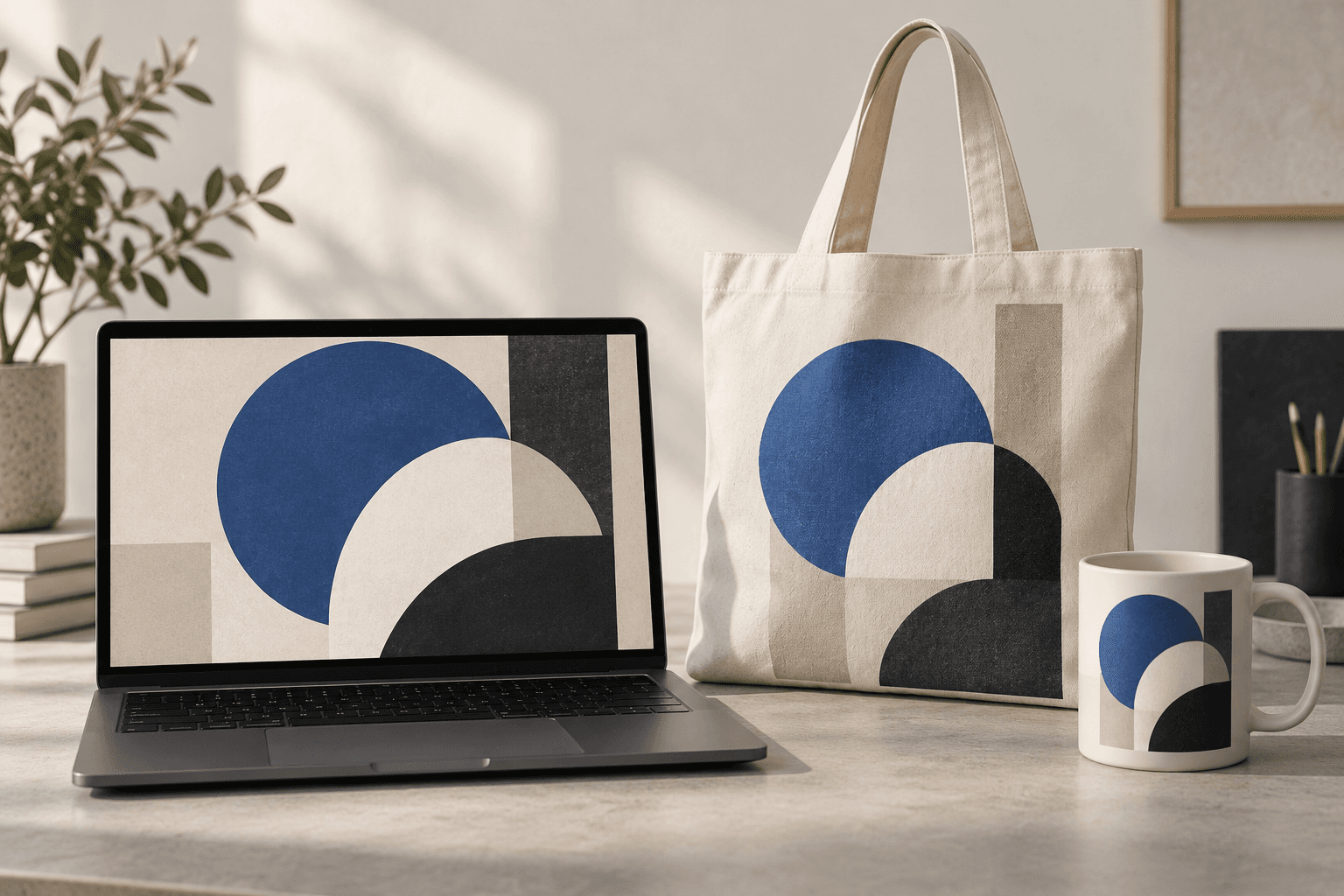
AI tool
Place a design idea on a product or device scene to preview how it might look in context. Start from your artwork or product reference, describe the surface, and inspect details before using the image in a presentation.
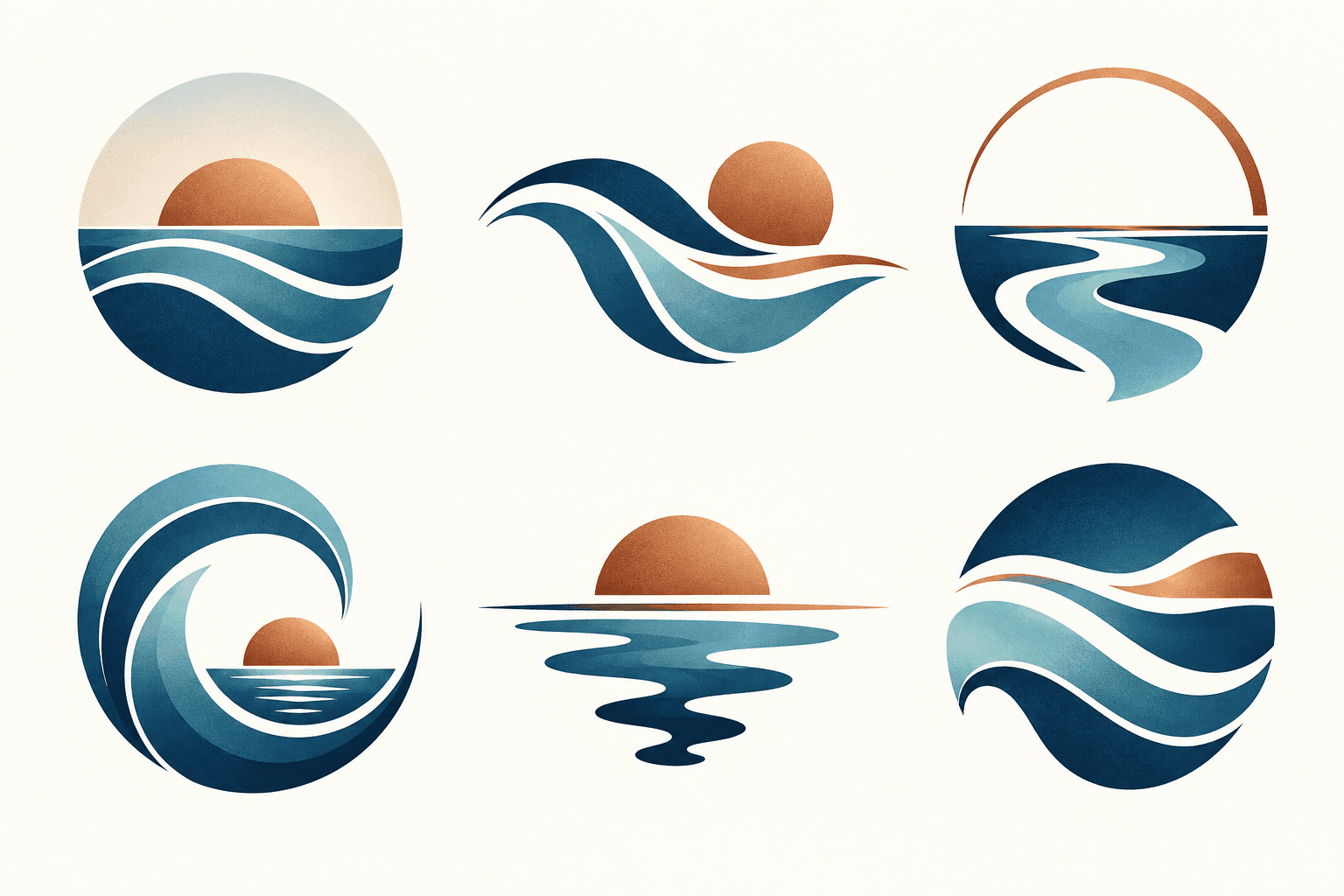
AI tool
Describe your brand and explore visual directions for a mark. Compare shape, color, and legibility, then take promising concepts through design refinement and trademark review before adoption.
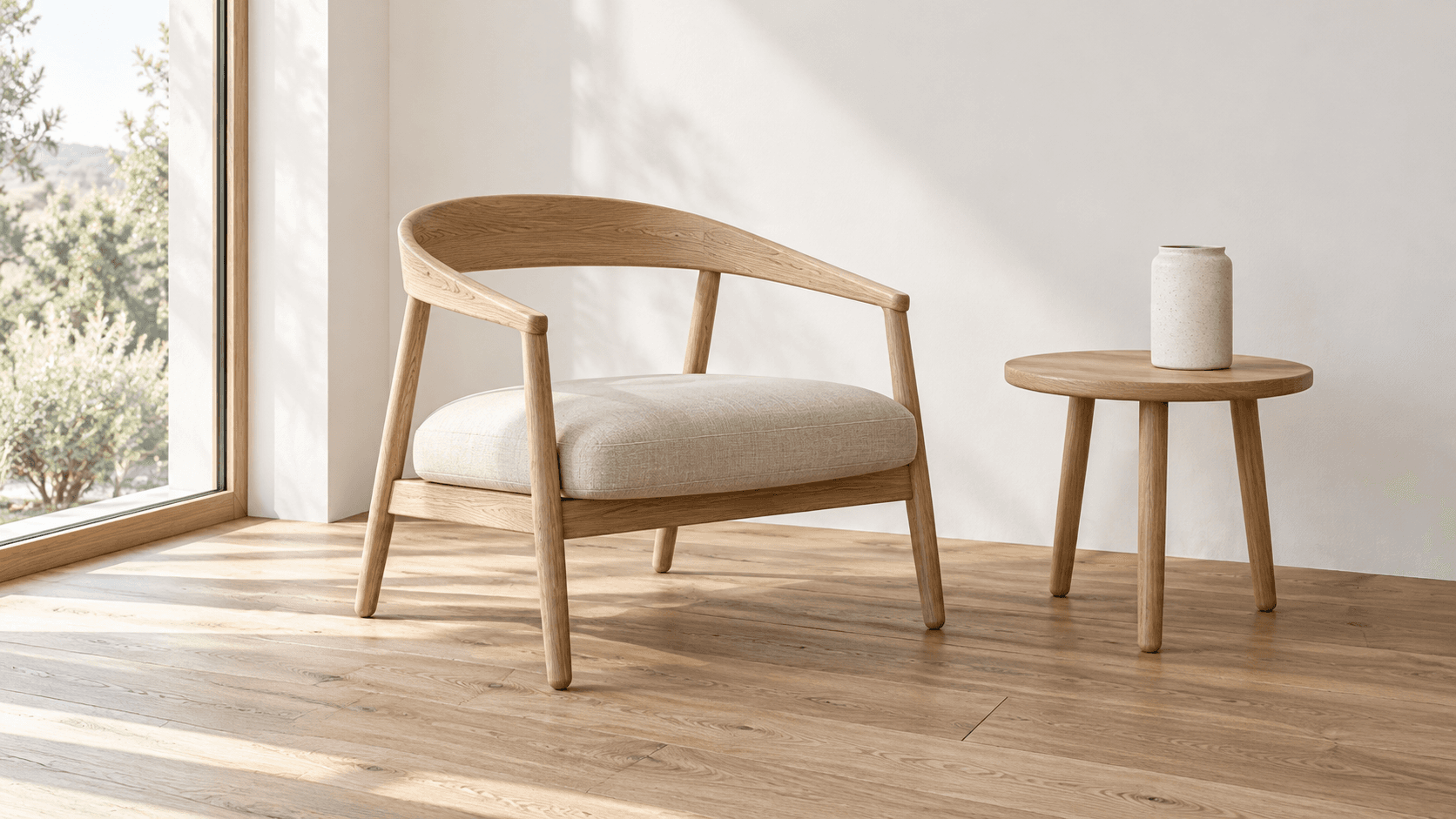
AI tool
Turn a sketch into an image with a reference drawing and a written brief. Explore realistic photos, painted illustrations or 3D concept renders, then review the result against your original idea.
Start with the reference, refine the brief and review the image before taking the idea into production.