

Walk Cycles and Action Studies
Plan a short walk, idle or attack sequence one action at a time. Compare pose progression before investing in frame-by-frame cleanup.
Start with the selected reference and starter prompt, or replace the reference with an image you have permission to use.

Use the selected character reference or replace it with an image you have permission to use. Describe the action, view, visual style and intended sequence in the prompt.
Choose Generate sprite concept. Check the silhouette, outfit, apparent scale and movement between poses. Revise the brief if limbs, spacing or character details drift.
Use a sprite editor to align cells, clean edges and create transparency where needed. Slice the image, set pivots and timing, then test the loop in your engine.
Plan a short walk, idle or attack sequence one action at a time. Compare pose progression before investing in frame-by-frame cleanup.
Describe a limited palette and a target pixel-art look. Inspect the result at the intended display size; a pixel-art appearance does not guarantee a precise pixel grid.
Specify distinguishing clothing, proportions and colors in each brief. Generated poses can still vary, so check every frame before reuse.
This page generates an image concept. Frame slicing, atlas metadata, pivots and engine import belong in a sprite editor or your game development tools.
The embedded generator does not provide a dedicated transparency control. Prepare and inspect the alpha channel in an image or sprite editor before importing frames.
A seamless loop is not guaranteed. Compare the first and last poses, align the character and adjust frames and timing in your animation workflow.
Astorie grants commercial rights for outputs generated on paid plans, subject to the underlying model provider’s terms and your rights to the inputs. Free-plan outputs are for personal, non-commercial evaluation; upgrading applies to new generations going forward. Review the current commercial-use policy before selling or delivering work.
Under the default consumer, free, pro and team terms, Astorie may use uploads, prompts and outputs for training and improvement. Model providers have separate policies. Enterprise training opt-out requires a separate written agreement. Project files are retained for the workflow, and deletion may not remove data already used in training or derived datasets. Check the current policy before uploading sensitive material.
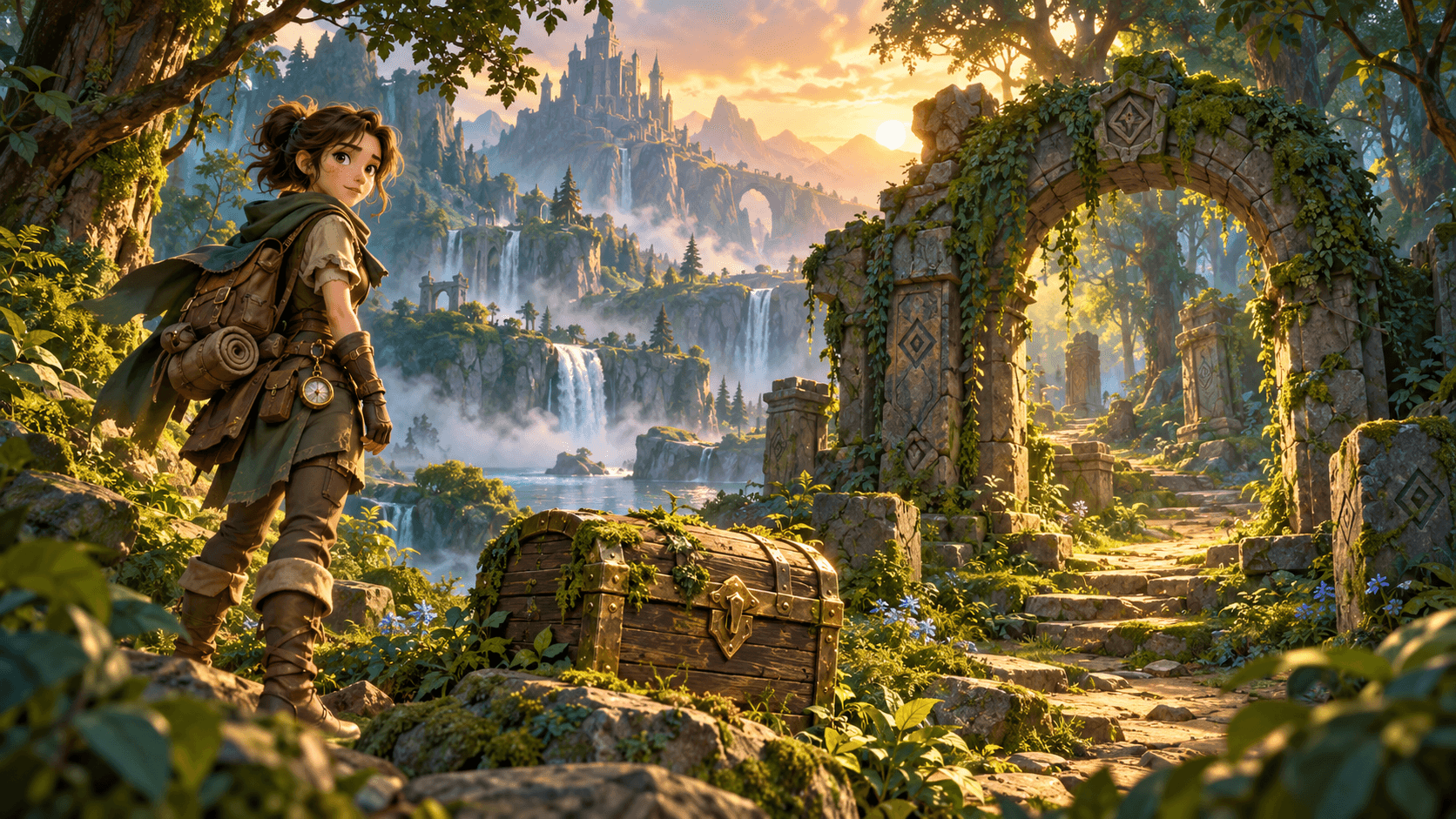
AI tool
Generate 2D concept art for game props, items, environments, and characters with an AI game asset generator. Start from a written brief or style reference, compare silhouettes and palettes across runs, and prepare selected stills for cleanup in your art pipeline.

AI tool
Turn a character brief into a still concept. Describe the silhouette, clothing and expression in the generator below, then refine the details that define the figure.
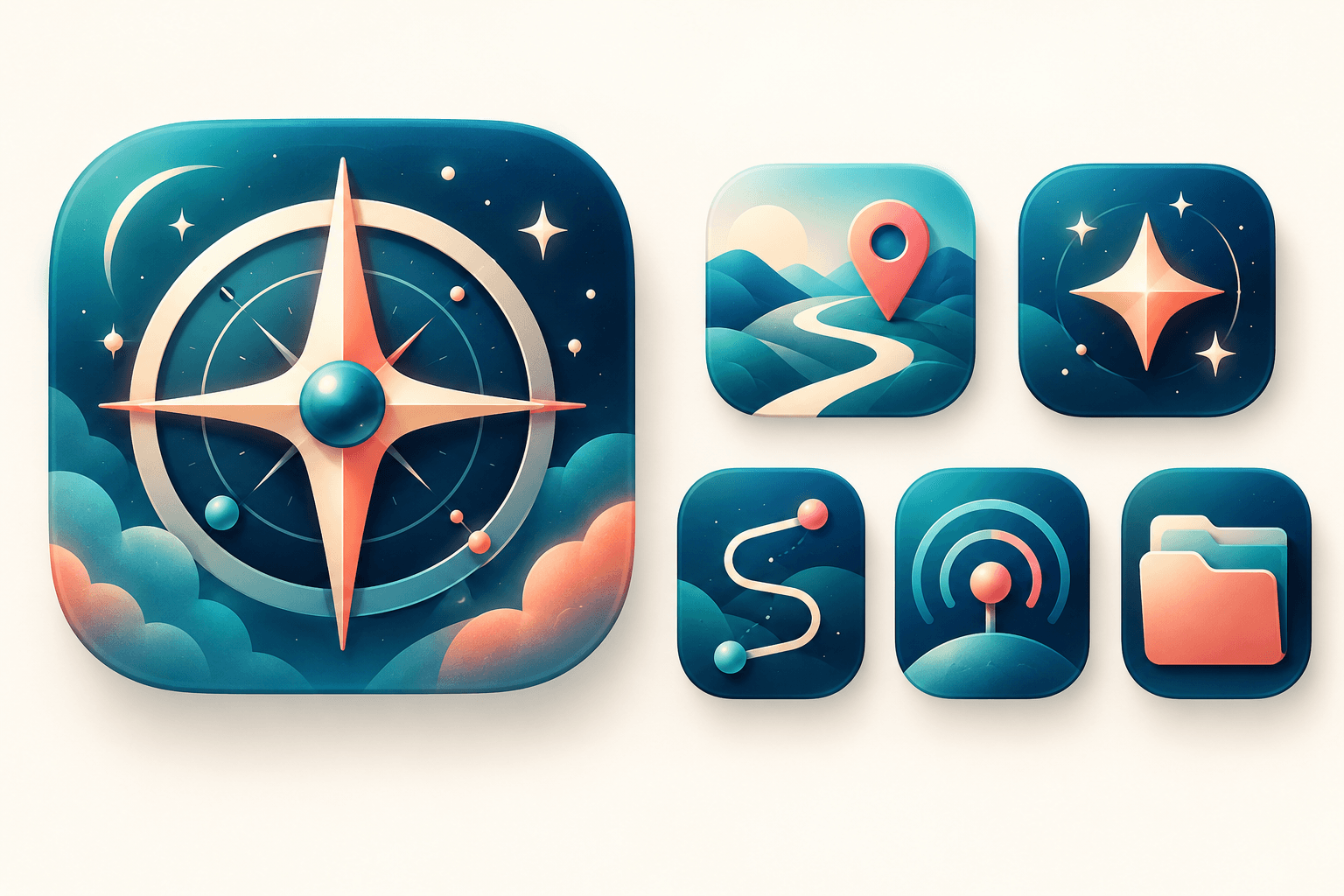
AI tool
Explore original app launcher and interface icon directions from a written visual brief with an AI icon generator. Compare silhouettes, color contrast, and small-size legibility across concepts before redrawing or polishing the mark in your vector design system.
Start with the reference, refine the brief and review the image before taking the idea into production.