

Chest Graphics and Visual Motifs
Test an emblem, illustration or abstract pattern against a garment color. Specify whether you want flat artwork or an on-shirt presentation in the prompt.
Start with the selected reference and starter prompt, or replace the reference with an image you have permission to use.

Use the selected shirt reference or a permitted reference of your own. Describe the graphic, garment color, number of visual colors and where the design should sit.
Choose Generate t-shirt concept. Review the composition and contrast against the shirt. Change one part of the brief at a time when comparing alternatives.
Separate or redraw the graphic in an image or vector editor. Confirm print dimensions, resolution, background handling and color requirements with your supplier before ordering a sample.
Test an emblem, illustration or abstract pattern against a garment color. Specify whether you want flat artwork or an on-shirt presentation in the prompt.
Short wording can be requested, but spelling and letter shapes can vary. Add exact typography in a design tool when accuracy is essential.
Screen printing, transfer printing and other processes have different artwork requirements. The supplier’s proof and a physical sample determine readiness.
This embedded tool produces an image. Background removal, clean vector artwork and separation from a garment mockup require appropriate design tools.
It can help explore concepts. Prepare files to the service’s specifications and review rights before uploading a design for sale. Generation does not confirm print suitability.
A screen preview is not a print color proof. Fabric, ink and printing method affect the result, so check your supplier’s proof and order a sample.
Astorie grants commercial rights for outputs generated on paid plans, subject to the underlying model provider’s terms and your rights to the inputs. Free-plan outputs are for personal, non-commercial evaluation; upgrading applies to new generations going forward. Review the current commercial-use policy before selling or delivering work.
Under the default consumer, free, pro and team terms, Astorie may use uploads, prompts and outputs for training and improvement. Model providers have separate policies. Enterprise training opt-out requires a separate written agreement. Project files are retained for the workflow, and deletion may not remove data already used in training or derived datasets. Check the current policy before uploading sensitive material.
AI tool
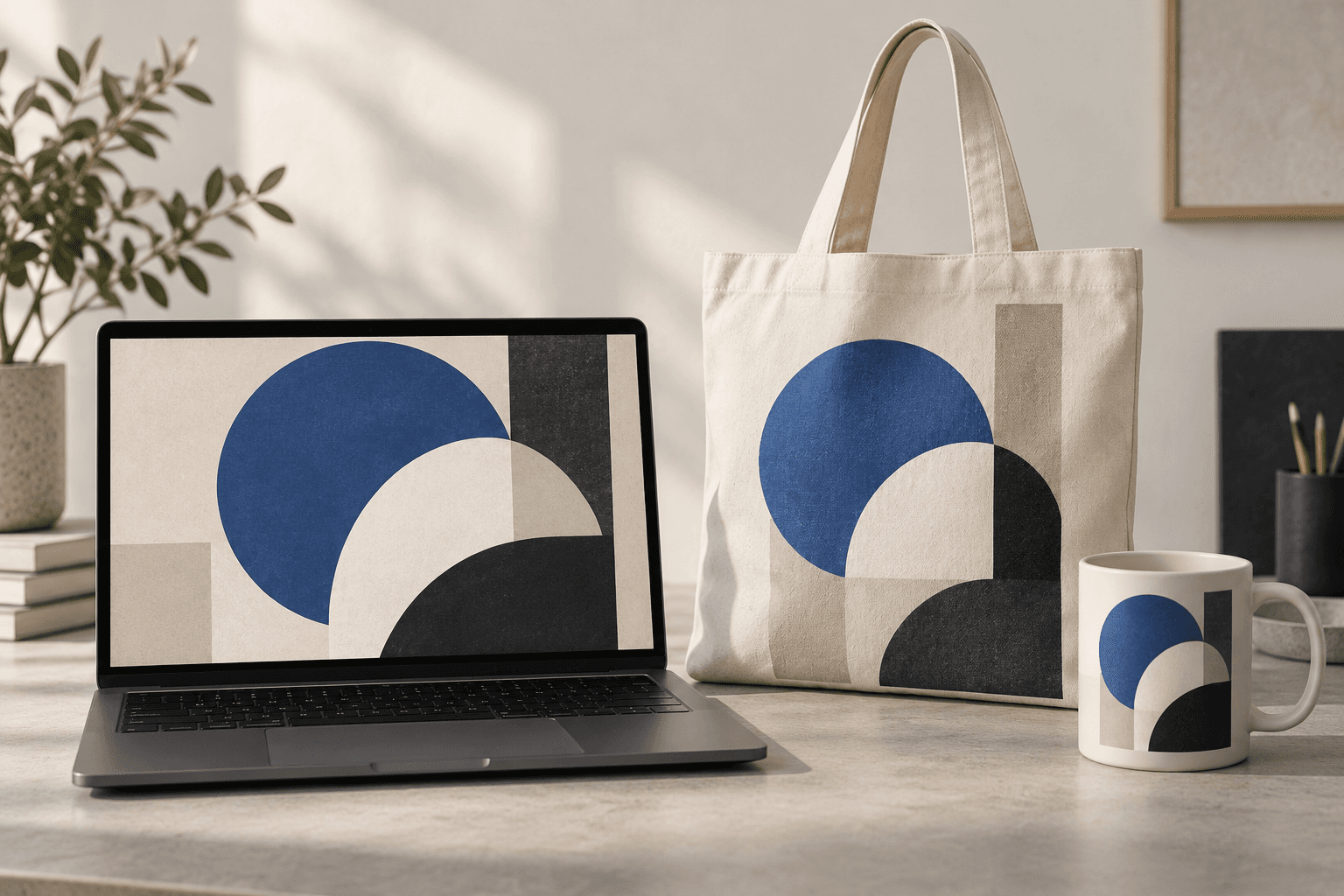
Place a design idea on a product or device scene to preview how it might look in context. Start from your artwork or product reference, describe the surface, and inspect details before using the image in a presentation.
AI tool
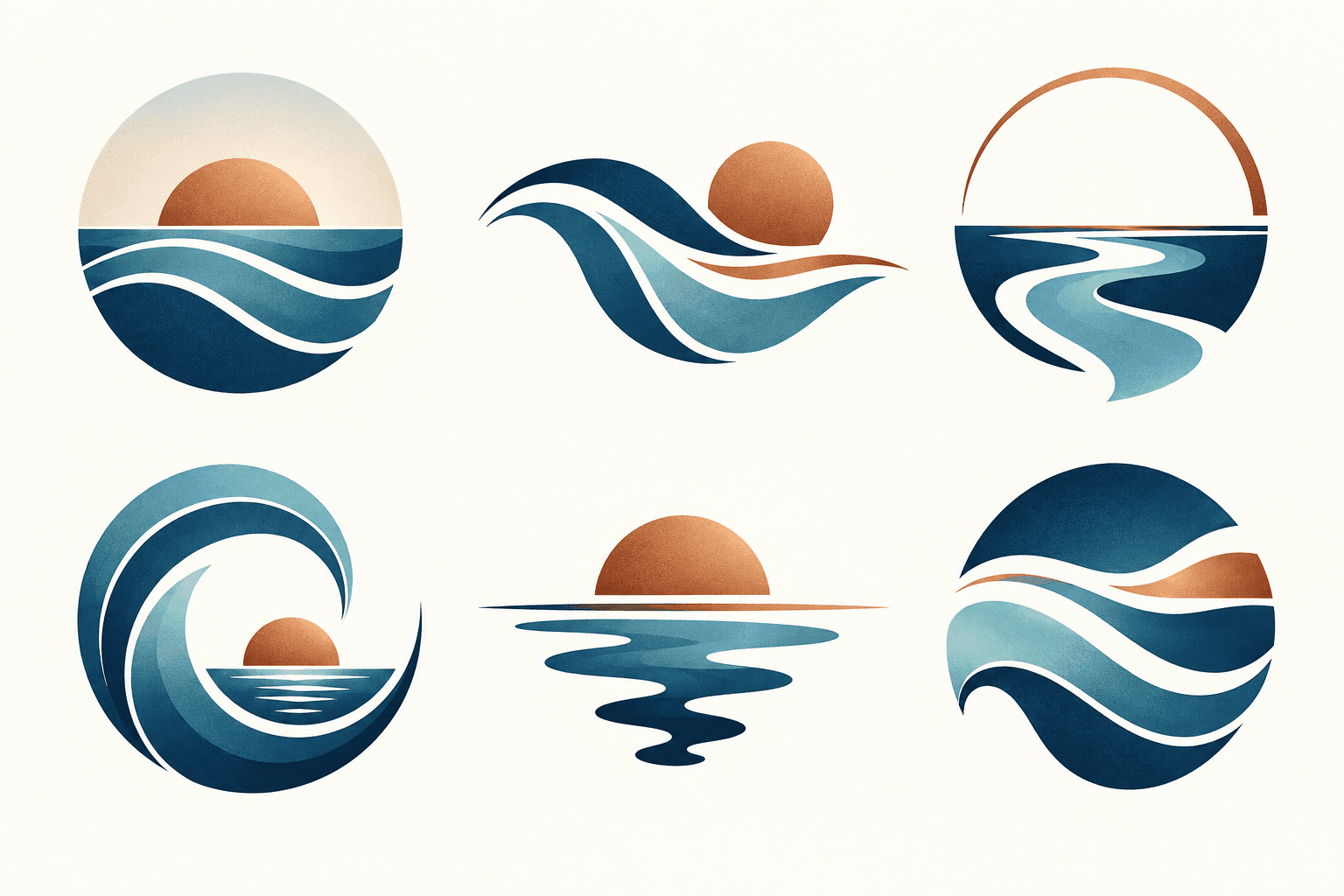
Describe your brand and explore visual directions for a mark. Compare shape, color, and legibility, then take promising concepts through design refinement and trademark review before adoption.

AI tool
Restyle a photo as a painting, sketch or another visual treatment. Choose a preset below or describe the medium, then compare the generated image with the source.
Start with the reference, refine the brief and review the image before taking the idea into production.