

Display Lettering and Posters
Explore a headline, a short word or an expressive poster treatment. Keep the wording concise when visual form matters as much as the text.
Start with the selected reference and starter prompt, or replace the reference with an image you have permission to use.
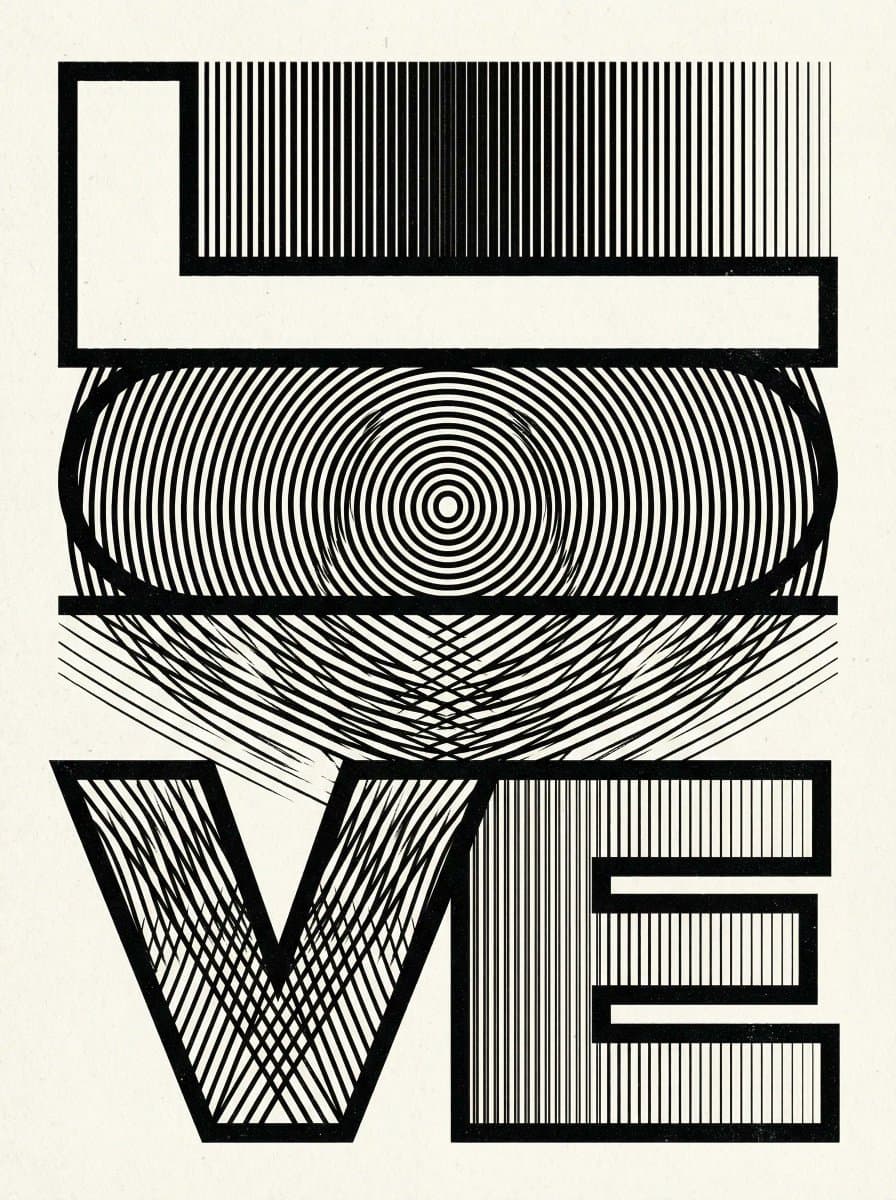
Use the selected optical lettering example or a permitted reference. Put a short phrase in the prompt and describe weight, texture, spacing and background.
Choose Generate typography concept. Read every letter, inspect spacing and compare the composition at its intended display size. Revise or shorten the wording if needed.
Use a typography or layout tool to set exact words with appropriately licensed fonts. Recreate custom letterforms and prepare vector or print files separately when required.
Explore a headline, a short word or an expressive poster treatment. Keep the wording concise when visual form matters as much as the text.
Describe an optical, dimensional, painted or minimal direction to compare visual treatments. The output is an image rather than editable text.
Review letter recognition, contrast and spacing at the actual use size. Decorative effects and longer wording can introduce errors that need manual correction.
No. This page explores lettering images. Creating OTF or TTF files, a full character set, kerning and font metrics requires font design software.
Exact spelling and readable letterforms are not guaranteed. Check every character and typeset essential wording separately in a design tool.
The generated result is an image rather than live text. Use an image editor for visual changes or recreate the composition as editable type or vector paths.
Astorie grants commercial rights for outputs generated on paid plans, subject to the underlying model provider’s terms and your rights to the inputs. Free-plan outputs are for personal, non-commercial evaluation; upgrading applies to new generations going forward. Review the current commercial-use policy before selling or delivering work.
Under the default consumer, free, pro and team terms, Astorie may use uploads, prompts and outputs for training and improvement. Model providers have separate policies. Enterprise training opt-out requires a separate written agreement. Project files are retained for the workflow, and deletion may not remove data already used in training or derived datasets. Check the current policy before uploading sensitive material.
AI tool
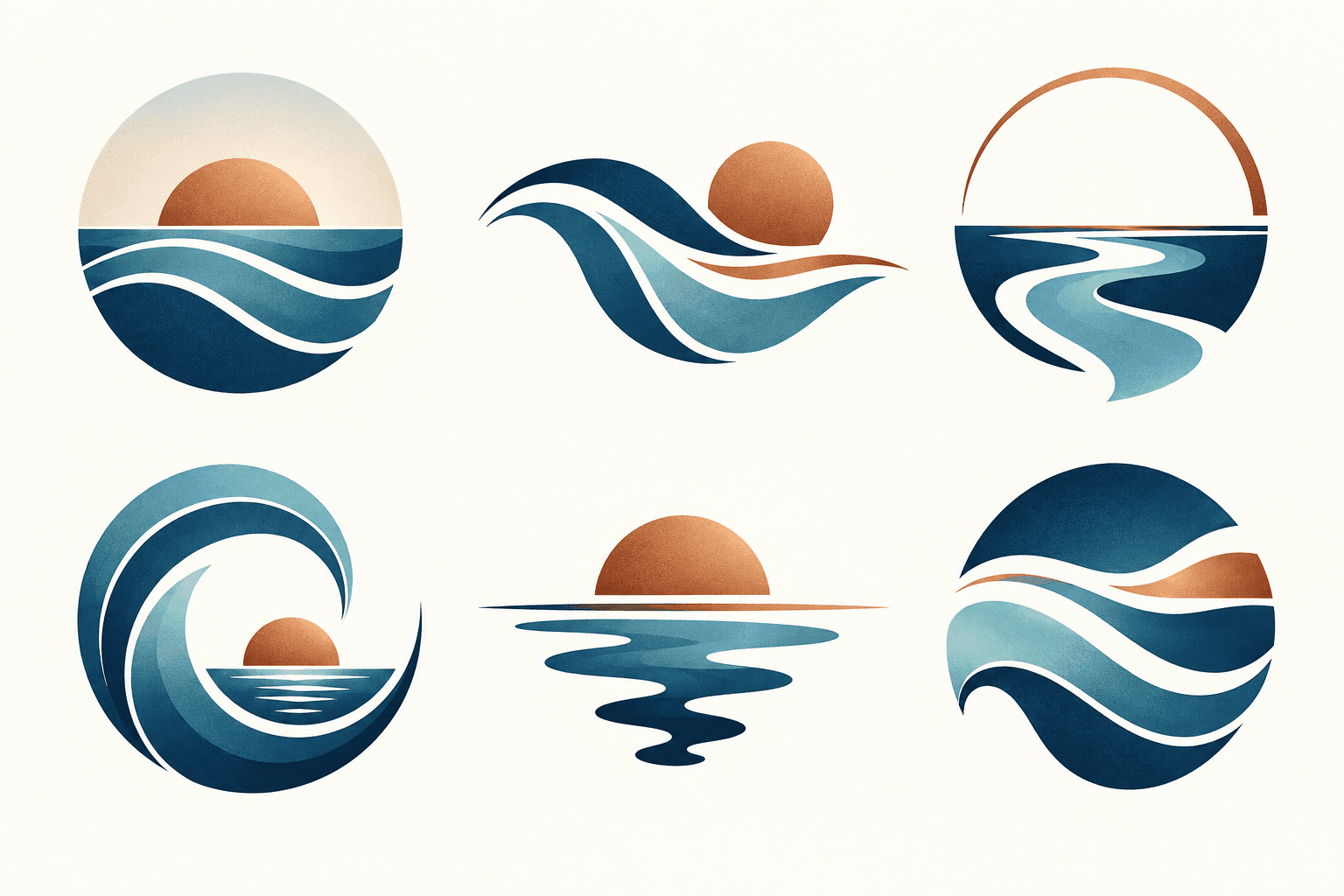
Describe your brand and explore visual directions for a mark. Compare shape, color, and legibility, then take promising concepts through design refinement and trademark review before adoption.
AI tool
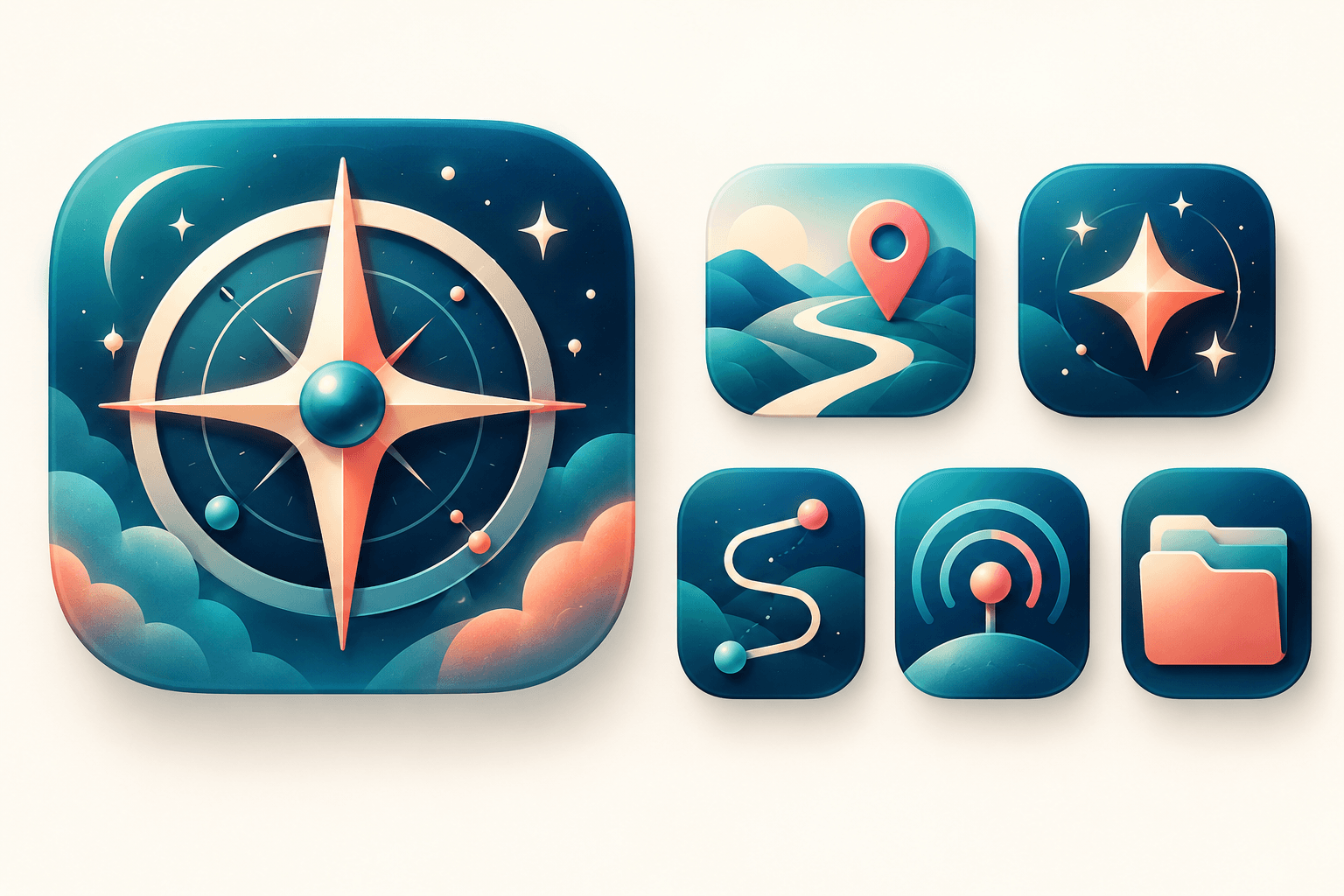
Explore original app launcher and interface icon directions from a written visual brief with an AI icon generator. Compare silhouettes, color contrast, and small-size legibility across concepts before redrawing or polishing the mark in your vector design system.
AI tool
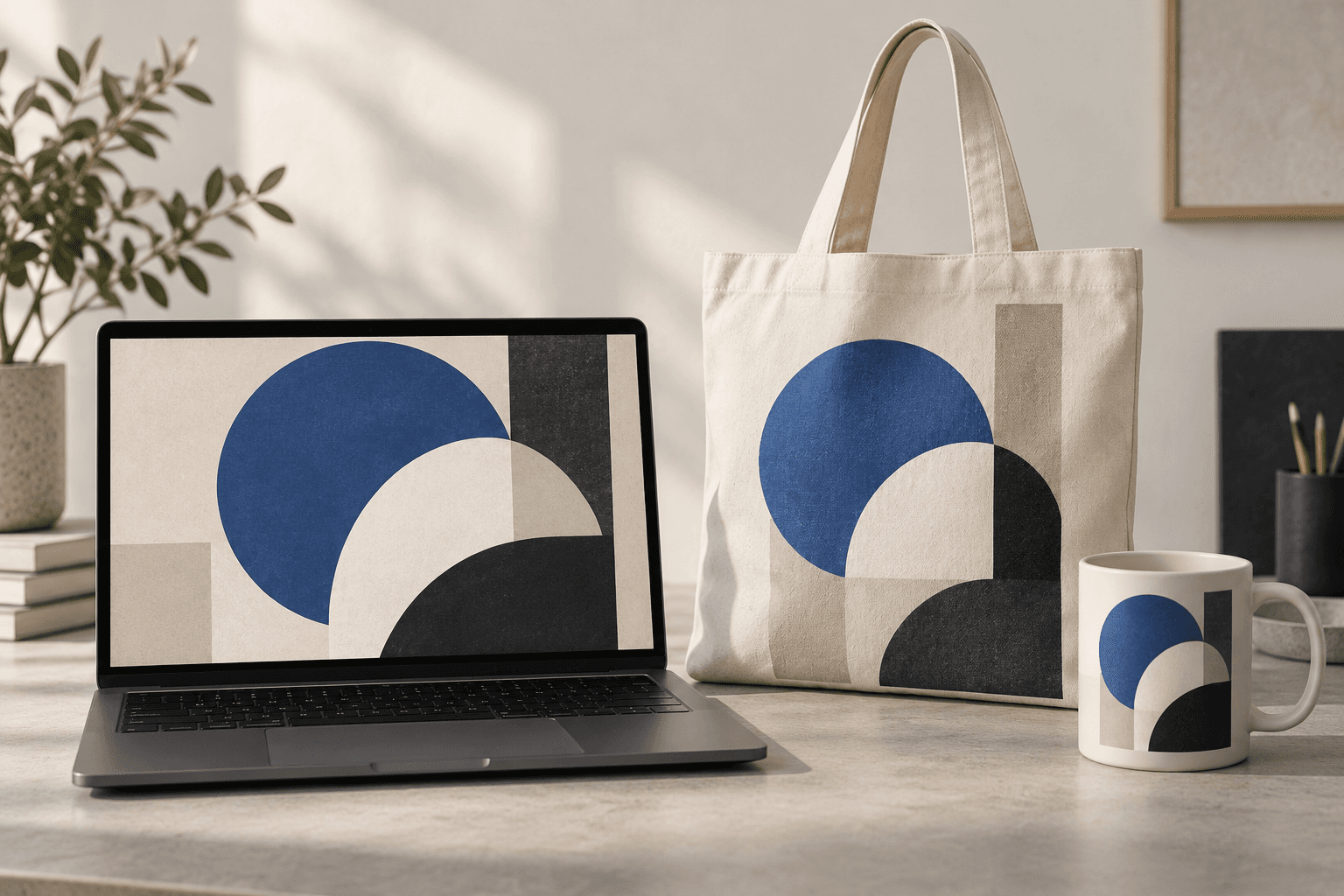
Place a design idea on a product or device scene to preview how it might look in context. Start from your artwork or product reference, describe the surface, and inspect details before using the image in a presentation.
Start with the reference, refine the brief and review the image before taking the idea into production.