
PRODUCT VIDEO IDEAS

AI UGC video generator

Turn one product photo into a short creator-style visual clip. Choose a close-up or everyday demonstration, describe one action and review the movement, product shape and framing.

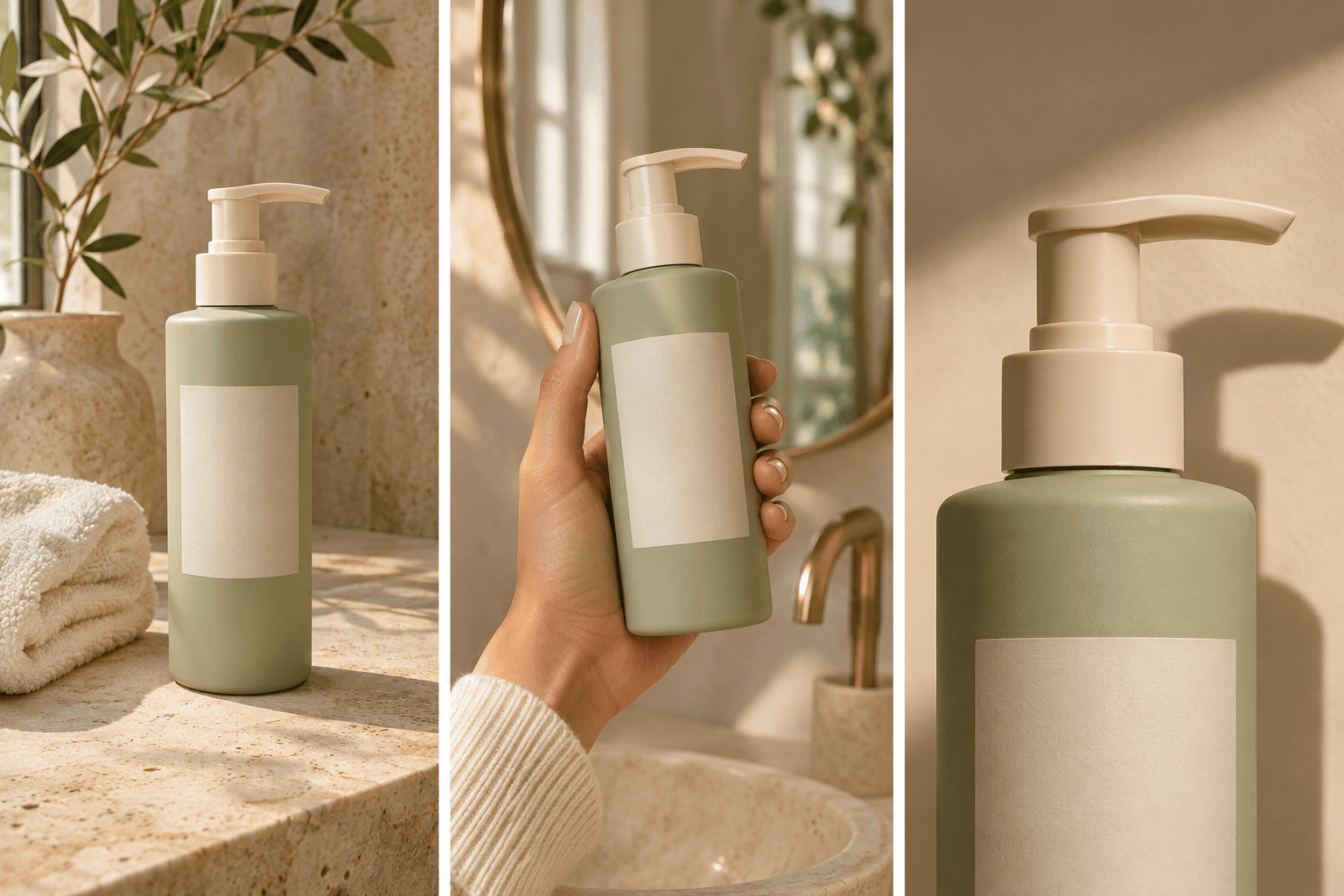
Illustrative three-frame UGC storyboard showing an unbranded sage skincare bottle on a counter, held in a hand and in close-up; not generated video.

Create a product clip from your image

Try the sage pump bottle or upload your own product image. Choose a video idea, then edit the action, setting and camera movement to match your reference.

From the product reference to a generated clip

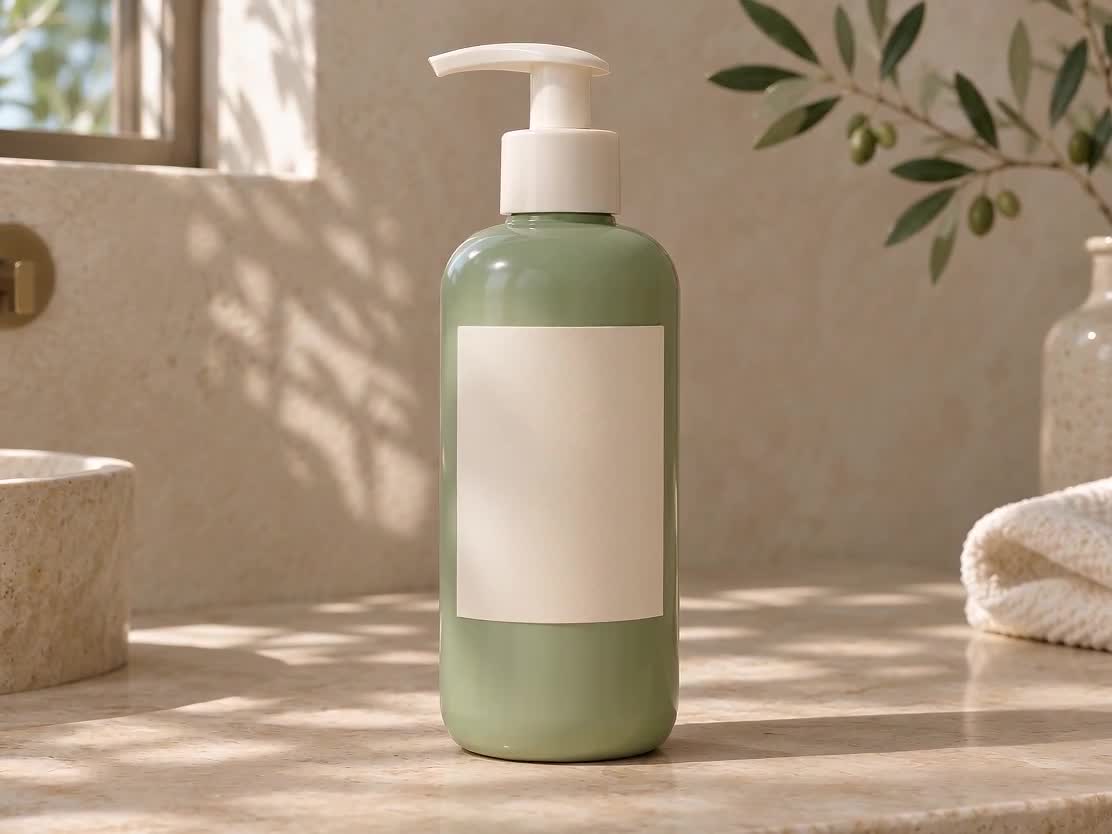
The same sage pump bottle links the sample input, shot ideas and video examples on this page. The frame shown here comes from a new clip generated with the Product close-up preset.

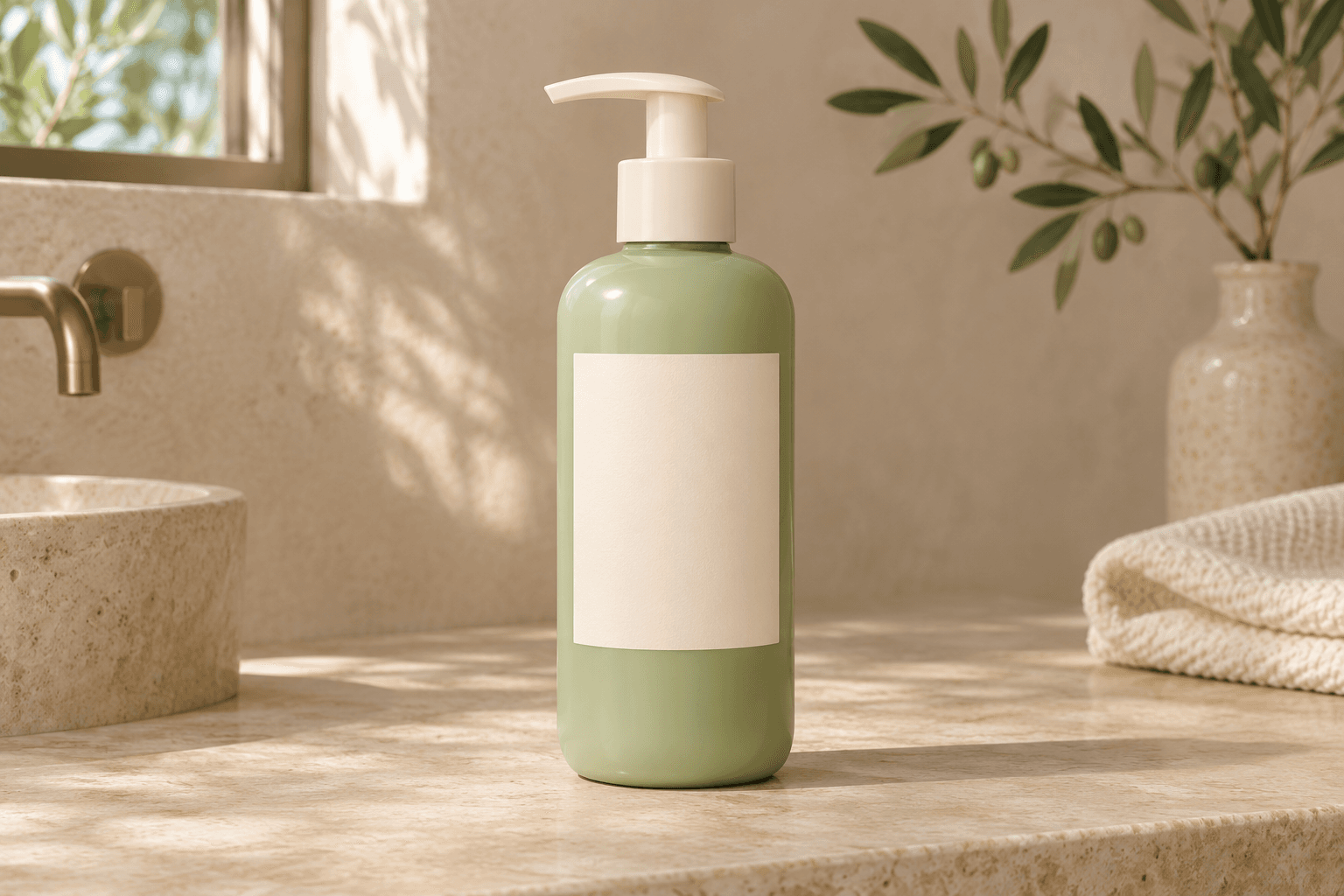
Concept reference photograph of an unbranded sage-green pump bottle on a sunlit limestone counter
Reference inputThe selected Sage pump bottle sample is the reference input. Start with a clear view of the full product, label area and pump.
Frame from the actual Product close-up video generated on this tool page using the Sage pump bottle sample.
Actual generated video frameA frame from the Product close-up video generated on this page. Compare the pump, bottle shape, label area and framing with the source.

Watch the Product close-up preset in motion

This short example was generated from the Sage pump bottle sample with the preset prompt shown in the form.

Actual result from this page’s image-to-video form. The prompt requests a gentle camera push and soft window light; review the full clip before using it.

Watch the Everyday demonstration preset

The same sample was used for a second run with the Everyday demonstration prompt. Here the model introduced a hand and a pump action.

Actual unedited result generated on this page. Inspect fingers, product contact and the pump action; a useful prompt does not guarantee a flawless interaction.

How to create a product clip from an image

Use the form above: a clear source image and one focused action make a practical starting point.

  1. 1

    Choose a clear reference

    Upload a product photo or lifestyle image with the main subject easy to see. Use imagery you own or have permission to use.

    Concept reference photograph of an unbranded sage-green pump bottle on a sunlit limestone counter
  2. 2

    Describe one action

    Choose a video idea or write your own prompt. Specify a simple product interaction, a setting and a camera movement, then select Generate video.

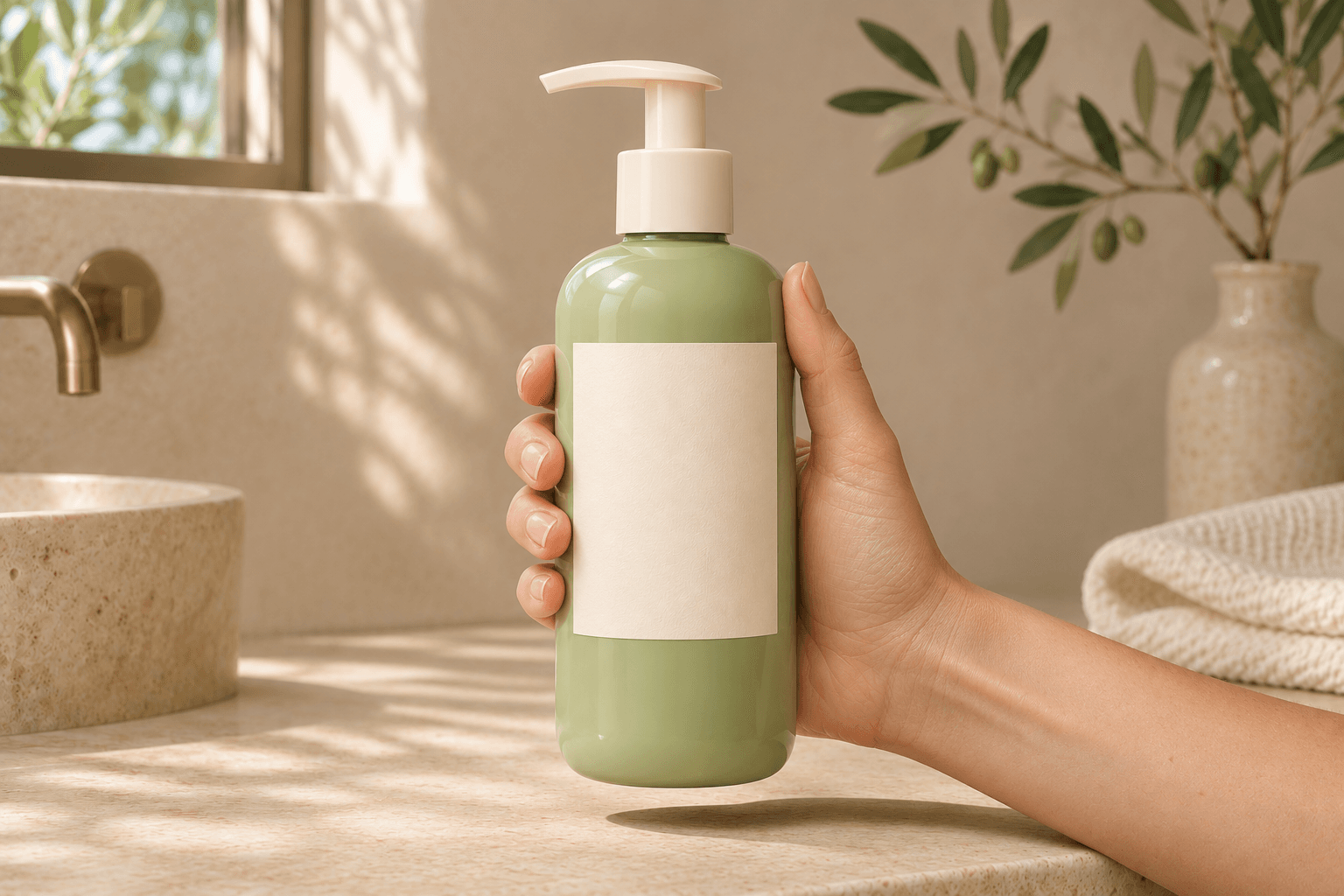
    AI-created everyday-demonstration concept of an adult hand holding the same sage-green pump bottle; not a generated video frame.
  3. 3

    Review and refine

    Check product details, hand movement and any visible branding. Adjust the prompt and generate another version if needed. Add final voiceover, captions and verified claims in your editing workflow.

    Frame from the actual Product close-up video generated on this tool page using the Sage pump bottle sample.

Two shot ideas for the same product

Match the prompt to the shot you need. These still-image illustrations show the intended close-up and handling directions; the playable clips are the real form-generated examples.

Product close-ups for a clearer view

Choose Product close-up when the bottle, pack or material is the focus. Ask for one gentle camera move and simple window light. Keep the product easy to read, then check whether reflections, label placement and proportions remain useful.
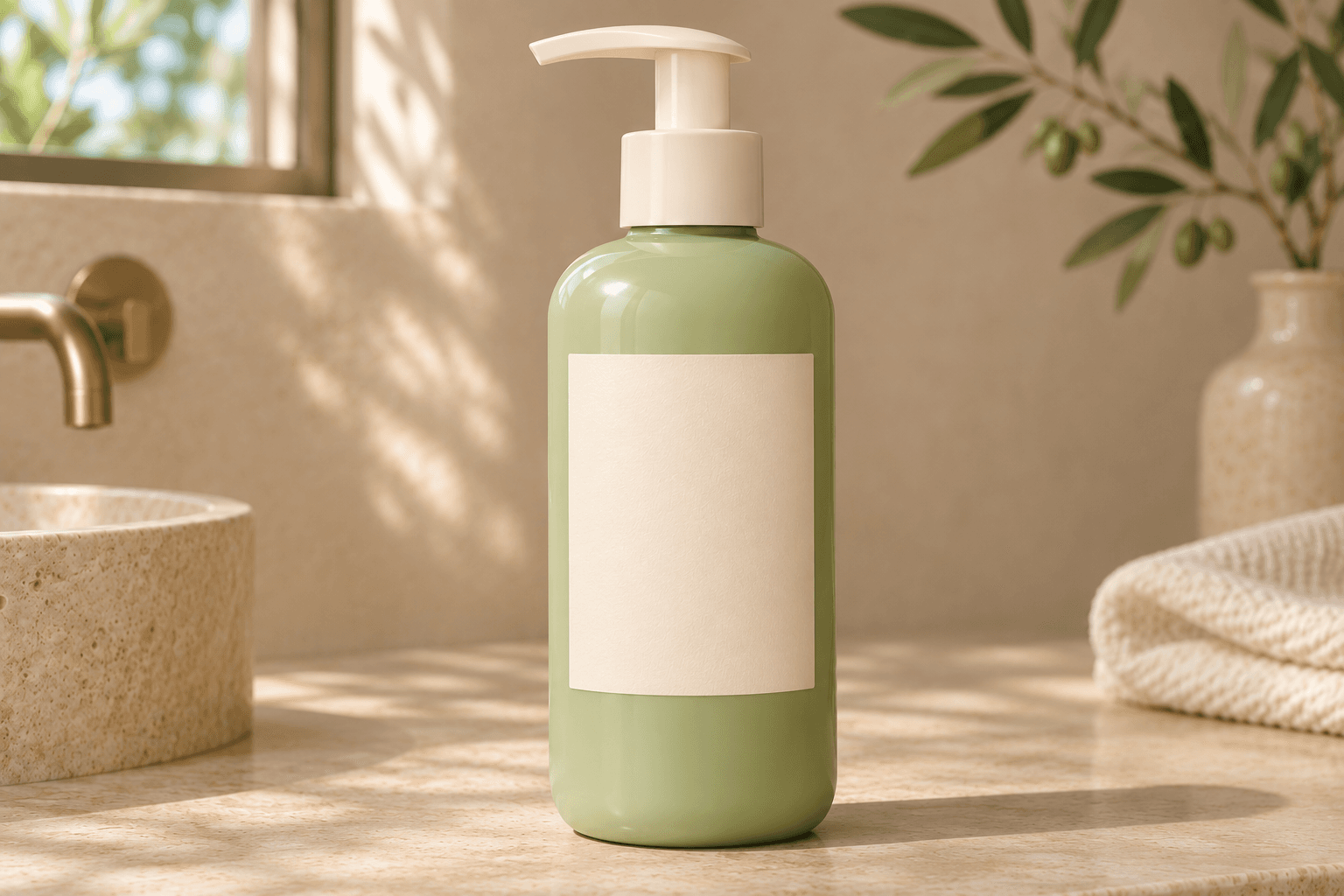
AI-created close-up shot concept using the same sage-green pump bottle and blank cream label as the page sample; not a video frame.
AI-created concept still using the same sage pump bottle reference.

Everyday product handling

Choose Everyday demonstration for one natural interaction, such as picking up a bottle. Describe where the hand enters and keep the setting uncluttered. Inspect fingers, contact points and product shape before adding the shot to a longer edit.

Try the demonstration preset
AI-created everyday-demonstration concept of an adult hand holding the same sage-green pump bottle; not a generated video frame.
AI-created handling concept using the same product reference.

Inputs, controls and clip limits

This page’s form turns a reference image and written prompt into a short visual clip.

Reference imageChoose the Sage pump bottle sample or upload one clear product image. A reference image is required.
ControlsChoose Product close-up or Everyday demonstration, then edit Describe your clip. The preset supplies a starting prompt.
OutputA short AI-generated visual clip based on the image and prompt. Check the live generation settings before starting.
Speech and presentersThis form does not expose a script editor, avatar picker or lip-sync control. Plan voiceover, captions and final editing separately.
Product consistencyLabels, shape, hands and surroundings can change. Compare the complete clip with the source; exact preservation is not guaranteed.
CostCheck the displayed credit quote and account balance before generating. Costs depend on the current settings and allowances.
Commercial usePaid-plan generations have commercial rights subject to provider terms and input rights. Free-plan generations are for personal, non-commercial evaluation; upgrading applies to new generations.
Upload data useDefault terms permit using uploads, prompts and outputs for training and improvement; provider policies also apply. Enterprise opt-out requires a written agreement. Learned or derived information may persist after source deletion.

AI UGC product clip questions

What does this UGC video generator create?

It generates an AI video from a reference image and your prompt. Use it to explore product close-ups, casual demonstrations and lifestyle scenes. The result is synthetic content, so do not present it as a real customer testimonial.

Can I generate a finished talking testimonial?

This page focuses on visual clips. It does not provide a script editor, avatar selection or a lip-sync control. Plan voiceover, captions and final editing separately, and use only statements you can substantiate.

Will the product look exactly the same?

Exact consistency is not guaranteed. AI can change labels, shapes, faces and hand movement. Use a clear source image and a focused prompt, then inspect the clip before using it in a campaign.

Can I use the video in paid ads?

Astorie grants commercial use for content generated on paid plans, subject to the underlying model provider’s terms and your rights to the inputs. Free-plan generations are for personal, non-commercial evaluation. Check the current commercial-rights policy before campaign use.

How much does a video cost?

Generation uses Astorie credits. Check the current generation interface and pricing page for the applicable cost and plan details. This page does not promise a fixed per-video price.

Give your product one clear action

Choose the sample or upload a product photo, select a shot idea and adapt the prompt to the image. Review the generated movement before using the clip.