

Subject and Setting
Choose the visual details that need to remain recognizable from the source image.
Create a Video Shot
Start with a reference image and a clear motion direction, then review the generated clip before editing. The balloon frames are an illustrative storyboard, not a playable video or verified Astorie result.
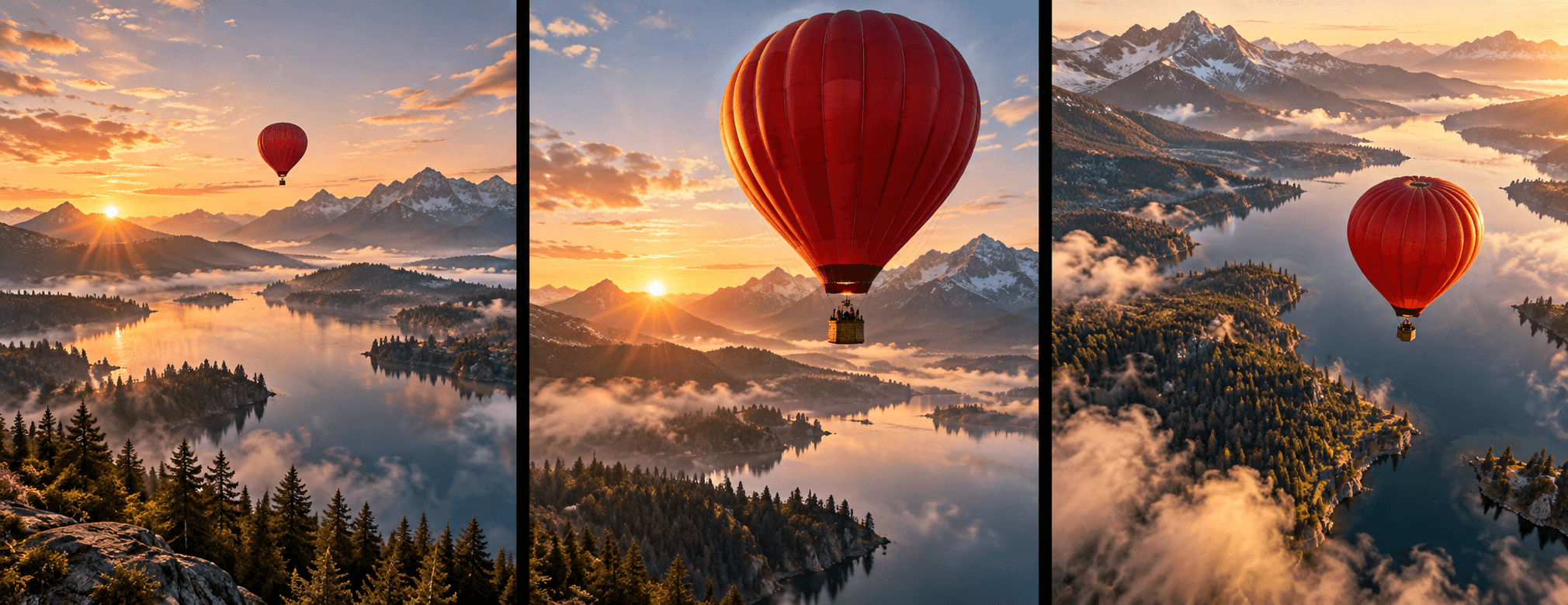
Upload an image you can use, describe one camera move or action, and check the resulting clip for changes to subjects, setting and motion.
List the action, framing and purpose of each shot before generation.
Use an image you have permission to use and describe a simple movement or camera direction.
Inspect subject details, temporal consistency and artifacts; put approved clips in order in your editing workflow.
Choose the visual details that need to remain recognizable from the source image.
A focused action or camera move is easier to assess than several unrelated events in one request.
Compare neighboring clips for differences in lighting, scale and direction before using them together.
| Input | A permitted reference image and a short motion brief for one shot. | |
|---|---|---|
| Output | A generated video concept to inspect; the page image is an illustrative storyboard. | |
| Review | Check subject drift, motion artifacts, continuity and rights before release. |
The inline tool on this page starts from a reference image. Explore other video workflows on the Astorie canvas for different inputs.
No exact match is guaranteed. Review the clip frame by frame for changes to important subjects and details.
No. The balloon sequence is an illustrative still image showing a possible shot progression.
Start from an approved image, ask for one motion, and review the clip before building a sequence.