

Entry paths and curb appeal
Explore how a front path and planting frame the entrance. Actual widths, gradients and accessibility must be checked for the site.
Try the selected new reference and starter prompt, or replace the image with a reference you have permission to use.

Try the selected yard or a permitted photo of your home. Name the front door, driveway and routes that must stay usable, then describe the desired balance of planting and open space.
Choose Generate yard concept. Compare the path, visible boundaries and driveway with the original. Generated scenes may move or invent site features.
Measure the frontage and check utilities, drainage, access rules and visibility. Choose plants for your climate and site with a qualified professional before construction or planting.
Explore how a front path and planting frame the entrance. Actual widths, gradients and accessibility must be checked for the site.
Compare open space with low planting as a visual direction. Plant species, mature size and maintenance needs require a separate site-specific selection.
Keep essential routes in the written brief. The image cannot establish property boundaries, vehicle clearances or utility locations.
This page focuses on the front yard, approach to the house and curb appeal. Outdoor design focuses on patios, seating and other outdoor living areas.
No. A visual planting style is not a verified plant schedule. Check climate, soil, light, mature size and local restrictions separately.
No. A photo can guide the concept, but the output does not establish distances, boundaries, levels or drainage performance.
Paid-plan outputs carry Astorie commercial rights, subject to model-provider terms and your rights to the inputs. Free-plan generations are for personal, non-commercial evaluation; upgrading covers new generations going forward. Check the current commercial-use policy before selling work.
Under standard consumer, free, pro and team terms, Astorie may use uploads, prompts and outputs for training and improvement. Providers have separate policies; enterprise training opt-out requires a written agreement. Deletion may not remove data already used in training. Review the current privacy policy before uploading sensitive work.

AI tool
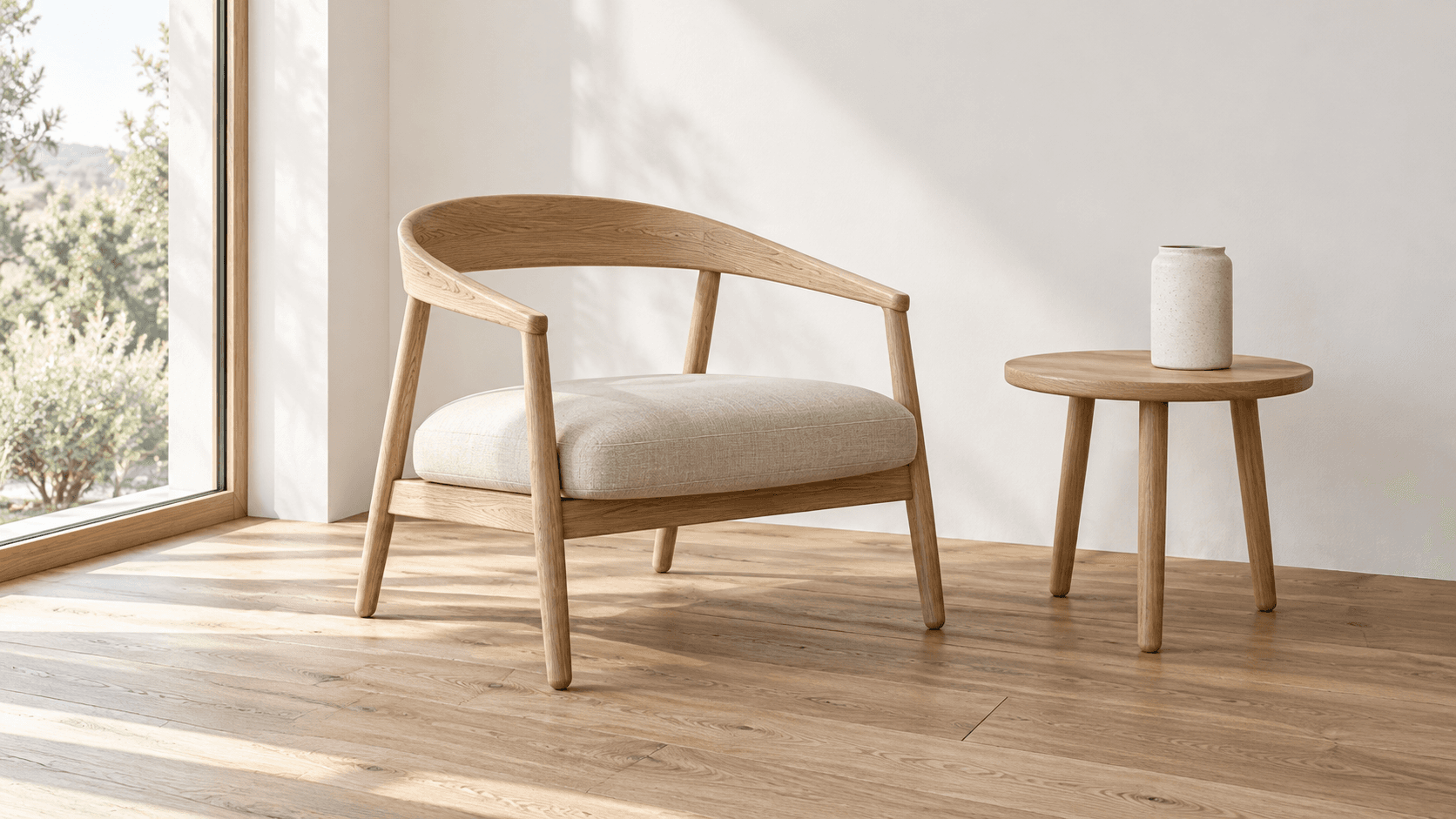
Explore building forms, materials and lighting as still-image concepts. Describe an exterior or add an optional sketch or photo, then review the generated geometry against your design brief.
AI tool
Turn a sketch into an image with a reference drawing and a written brief. Explore realistic photos, painted illustrations or 3D concept renders, then review the result against your original idea.
AI tool
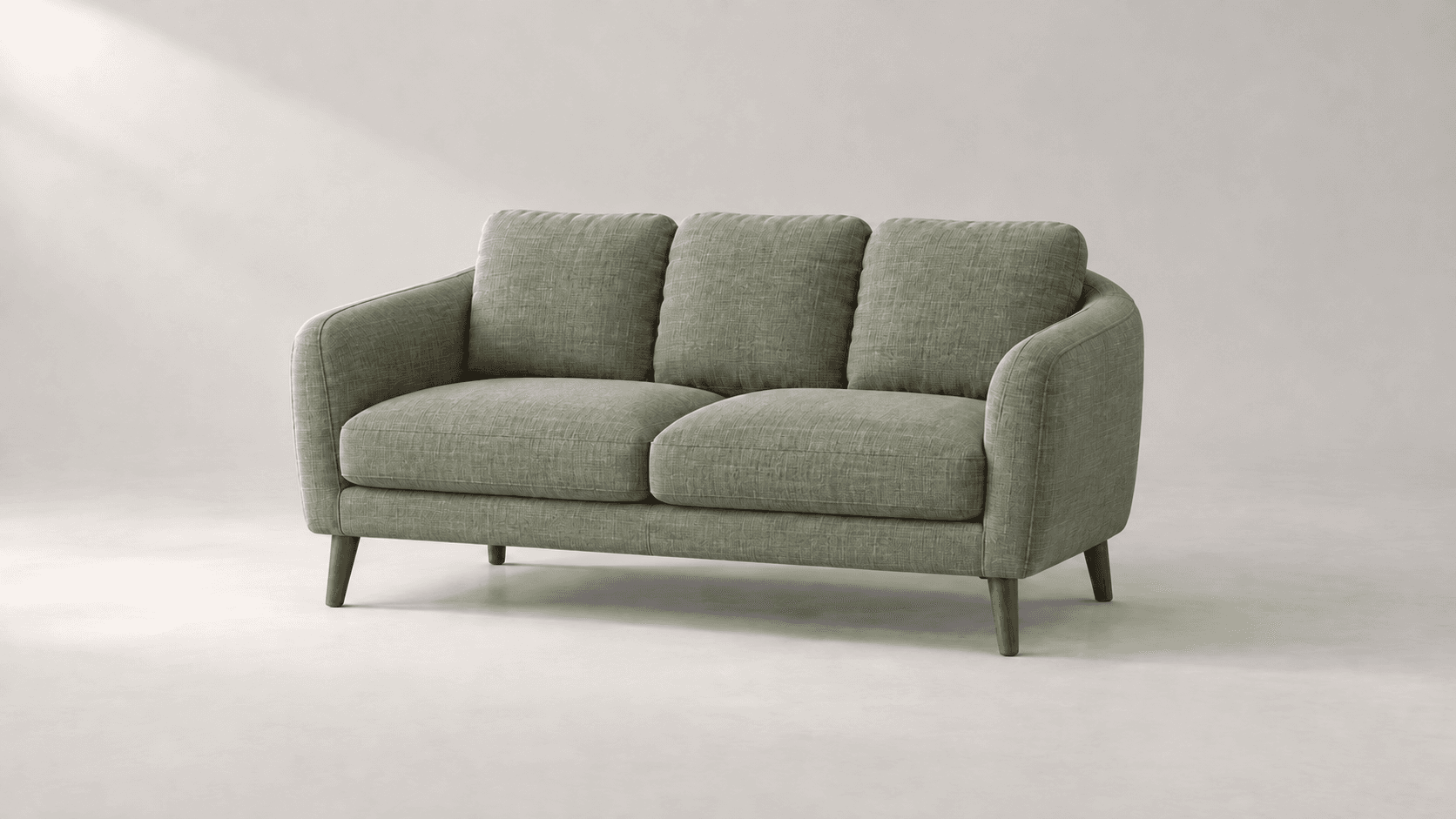
Explore new colors for a product, outfit or room with a reference-led image edit. Describe the surface to change, then compare the color and material detail.
Start with the reference, compare a visual direction and discuss a measured, site-specific plan before making real changes.