

Small Bedroom Inspiration
Explore lighter palettes, restrained furnishings or a different bed setting. A generated image cannot verify that a proposed arrangement fits.
Start with the selected reference and starter prompt, or replace the reference with an image you have permission to use.

Try the selected bedroom or replace it with a photo you have permission to use. Describe the style, room priorities and which visible elements you want to retain.
Choose Generate bedroom concept. Review bedding, furniture, material and lighting combinations. Check the result against the reference because windows, proportions and furniture placement may change.
Check room and furniture dimensions, circulation, door clearance and installation requirements. Use samples and actual product specifications to confirm the concept in your space.
Explore lighter palettes, restrained furnishings or a different bed setting. A generated image cannot verify that a proposed arrangement fits.
Compare wood tones, bedding textures and warm or cool lighting as a visual direction. Actual finishes and light levels depend on the products and room.
This page concentrates on bedrooms: the bed, nearby storage, soft furnishings and restful atmosphere. Use the broader interior design page for other room types.
Yes. The selected sample and starter prompt let you explore a bedroom direction before providing your own image.
Exact dimensions and unchanged architecture are not guaranteed. Compare the result with the original photo and measure the real room before deciding on a layout.
It produces an image concept, not verified product matches or a dimensioned shopping list. Find suitable products separately and check their specifications.
Astorie grants commercial rights for outputs generated on paid plans, subject to the underlying model provider’s terms and your rights to the inputs. Free-plan outputs are for personal, non-commercial evaluation; upgrading applies to new generations going forward. Review the current commercial-use policy before selling or delivering work.
Under the default consumer, free, pro and team terms, Astorie may use uploads, prompts and outputs for training and improvement. Model providers have separate policies. Enterprise training opt-out requires a separate written agreement. Project files are retained for the workflow, and deletion may not remove data already used in training or derived datasets. Check the current policy before uploading sensitive material.
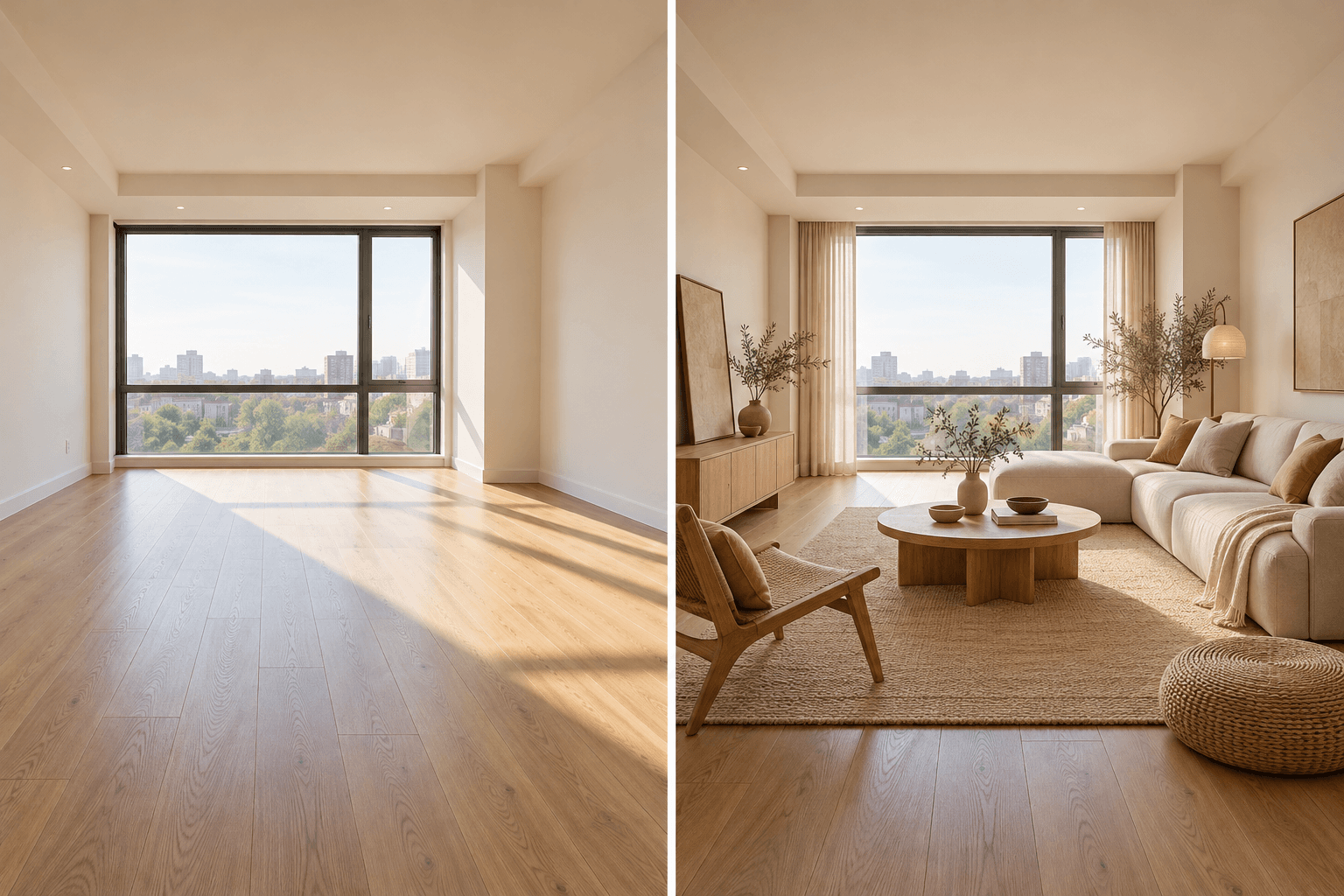
AI tool
Upload a room photo and describe the style or furnishing direction you want to explore. Generate a visual concept, compare it with the source room, and verify dimensions and materials before making real changes.

AI tool
Explore building forms, materials and lighting as still-image concepts. Describe an exterior or add an optional sketch or photo, then review the generated geometry against your design brief.
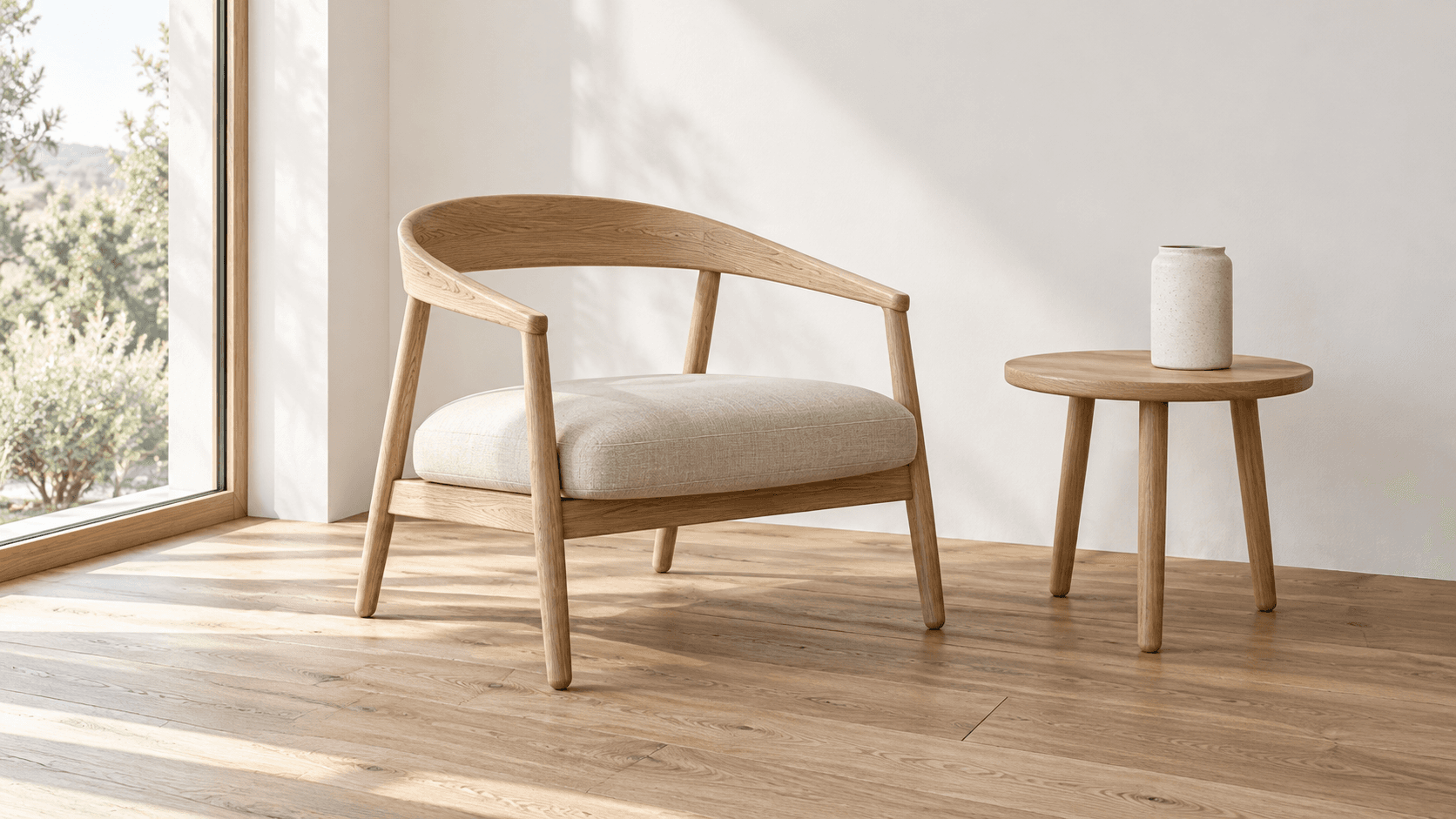
AI tool
Turn a sketch into an image with a reference drawing and a written brief. Explore realistic photos, painted illustrations or 3D concept renders, then review the result against your original idea.
Start with the reference, refine the brief and review the image before taking the idea into production.